Blog

Top 10 Best RFI Software and Tools for 2026: Features, Pricing & more

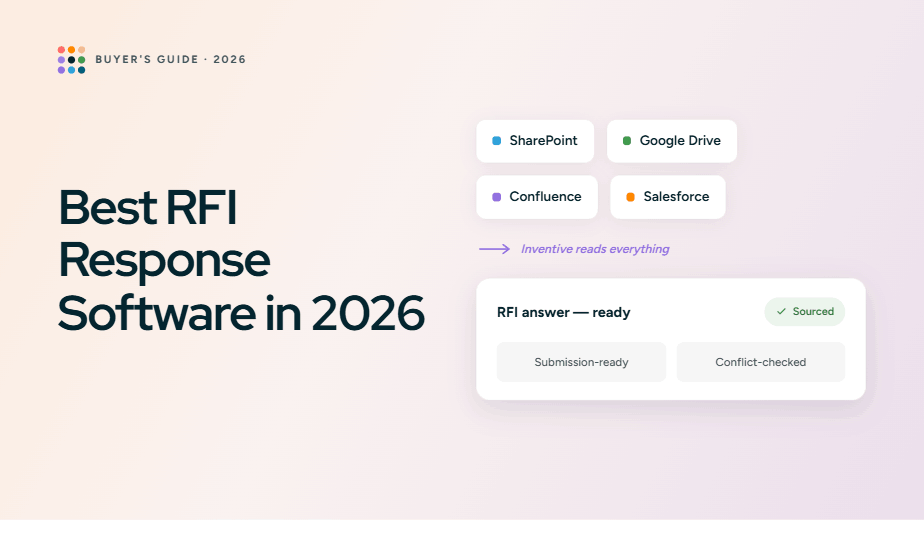
In this blog, we’ll explore the top 10 RFI software and tools for 2026, breaking down their features, pricing, and how they can help you respond to RFIs faster, collaborate more effectively, and ultimately boost your win rates.

Top 10 Best RFI Software and Tools for 2025: Features, Pricing & more

RFI (Request for Information) processes can be a significant drain on your team’s productivity. With each RFI requiring detailed responses, collaboration across departments, and careful management of deadlines, it's easy to see how valuable time can slip away. For many teams, this results in not just delayed responses but also missed opportunities, especially when the RFI process takes up such a large portion of a sales team’s workload.

In fact, recent studies show that the average sales professional spends over 30% of their time on non-revenue-generating activities like responding to RFIs and managing the paperwork associated with proposal processes. This inefficiency can quickly add up, leading to longer sales cycles and opportunities slipping through the cracks. 

Choosing the right RFI software is no longer just a “nice-to-have”; it’s important to improving efficiency and staying competitive. 

In this blog, we’ll explore the top 10 RFI software and tools for 2026, breaking down their features, pricing, and how they can help you respond to RFIs faster, collaborate more effectively, and ultimately boost your win rates. Whether you're a sales manager, proposal expert, or chief revenue officer, finding the best RFI tool will transform how your team handles RFIs and could make the difference between closing a deal or letting it slip away.

Key Takeaways

  • RFI software is important for simplifying and speeding up the RFI response process, improving accuracy, and saving valuable time for your team.
  • AI-powered RFI tools automate repetitive tasks, ensure consistency across responses, and help teams meet deadlines faster, ultimately boosting win rates.
  • Inventive AI stands out as the best RFI solution, offering 10× faster drafting, real-time collaboration, and a centralized knowledge hub to manage responses and content.
  • Traditional RFI software often struggles with manual workloads, inconsistent responses, and poor scalability, leading to missed opportunities and delays.
  • Choosing the right RFI tool can improve your team's efficiency, proposal quality, and success rates, with Inventive AI offering the most advanced features to achieve this.

What is RFI Software?

Request for Information (RFI) software is a powerful tool designed to simplify and optimize the entire process of responding to RFIs. In industries where RFIs are a core part of vendor selection, this software helps businesses collect essential data from vendors efficiently, reducing the time spent on manual work and enhancing the quality of responses.

Instead of sifting through emails, spreadsheets, and documents scattered across different platforms, RFI software centralizes all this information, enabling teams to access, manage, and update it quickly, ultimately speeding decision-making and improving proposal accuracy.

Key Features of RFI Software:

  • Centralized Document Management: Organize and access RFI content in a single location.
  • Collaboration: Share documents and receive real-time feedback from teams.
  • Reporting: Generate reports for decision-makers, helping them evaluate vendors efficiently.
  • Integration: Connect with other systems like SharePoint, CRM tools, and communication platforms (e.g., Slack, Teams).

By automating many of these manual tasks, RFI software improves efficiency and reduces the risk of errors, freeing your team to focus on refining proposals, customizing responses, and strategizing to win more business.

Also Read: CRM RFI Success Guide: Templates and Best Practices for Buyers and Vendors

The Role of AI in RFI Software

In the fast‑moving world of vendor evaluations and procurement, relying on manual processes for RFIs often means you’re racing against the clock. AI‑powered RFI tools are changing that. They bring a new level of automation and insight, helping your team draft responses faster, reduce repetitive work, and maintain a higher standard of quality.

The Role of AI in RFI Software

Here’s how AI makes a real difference:

1. Automated draft generation

AI can scan your library of past responses, questions you’ve seen before, and your approved content, then produce a first‑draft answer that is already tailored to the current RFI. According to one industry article, AI in RFI/RFP workflows can reduce preparation time by up to 50‑70%. 

2. Smart content suggestions

Instead of leaving your team to search for the right paragraph or document, the AI proposes content based on context. It analyzes the question, matches it with your knowledge base, and brings forward high‑confidence answers.

3. Consistency & message alignment

One of the biggest risks in manual RFI response is drift, different people giving different answers, different tones, and outdated content. AI systems track your approved library and flag stale or contradictory material, so every answer aligns with your brand’s voice and guardrails. 

4. Enhanced decision support

AI assesses patterns from past RFIs, flags common pitfalls, and identifies which content is frequently reused and which isn’t performing. When you know your response quality and content effectiveness, you can improve your win rates. 

By leaning on AI, you free up your team from repetitive and manual tasks, letting them focus on high‑value work, customizing responses, refining strategy, engaging SMEs, and building persuasive proposals. The end result? Faster turnaround, higher‑quality responses, and a stronger advantage.

Simplify Your RFI Process with Inventive AI
Ready to save time and make your RFI responses faster and more accurate? Let Inventive AI show you how.

Top 10 RFI Software for 2026

Tool

Features & Capabilities

Pricing

Gartner Rating

Inventive AI

The most advanced AI-powered RFI platform built for vendors. The only platform that delivers hyper-contextual, real-time insights and value-driven responses.

Usage-based pricing

5/5

Sifthub

Focuses on AI-generated proposals and modern UI, but lacks RFI-specific workflows and knowledge-hub management required for scaling vendors.

Contact for pricing

4.5/5

Loopio

Good collaboration and content-library tools, but lacks the deep AI drafting and real-time contextual awareness that large vendor teams need.

Starts at $20,000/ year

4.4/5

Responsive (RFPIO)

Well-known for global RFP/RFI workflows, but slower when it comes to first-draft automation and customization for complex RFIs.

Subscription-based pricing

4.3/5

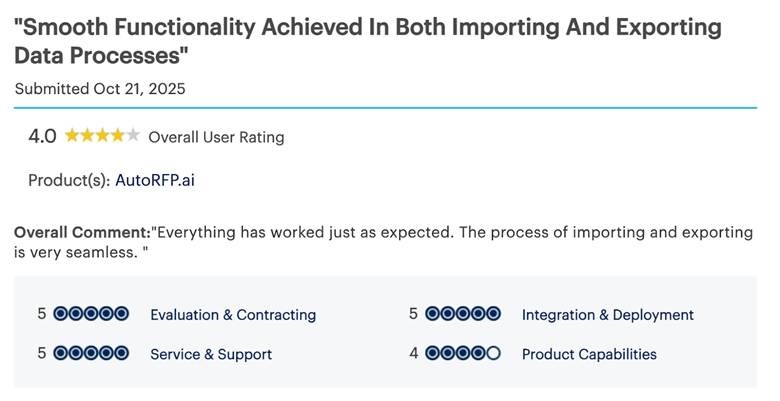
AutoRFP AI

A focused RFI/RFP automation tool offering AI-powered first drafts and specific workflow management for vendors, but lacks deep contextual responses.

Starts at $899/month

4.9/5

DeepStream

Provides solid document management and collaboration, but doesn’t offer advanced AI or hyper-contextual response generation for complex RFIs.

Not Listed

4.7/5

QorusDocs

Great for proposal creation and content reuse, but not optimized for vendor-side RFI response accuracy or multi-team automation.

Subscription-based pricing

4.4/5

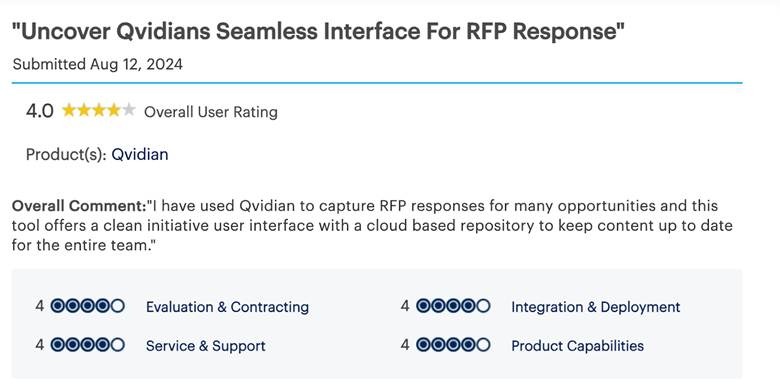
Qvidian (Upland)

Reliable for large enterprises, but aging technology and limited AI enhancements make it less agile for today’s fast-paced RFI cycles.

Custom pricing

4.7/5

Procore

Good for construction-industry RFIs, but lacks flexibility for cross-industry vendor response or AI-driven automation.

Custom pricing

4/5

Expedience Software

Simple Word-based automation for RFPs/RFIs, but no advanced AI, limited scalability, and outdated workflows for modern enterprises.

Contact for pricing

4/5

Inventive AI 

Inventive AI

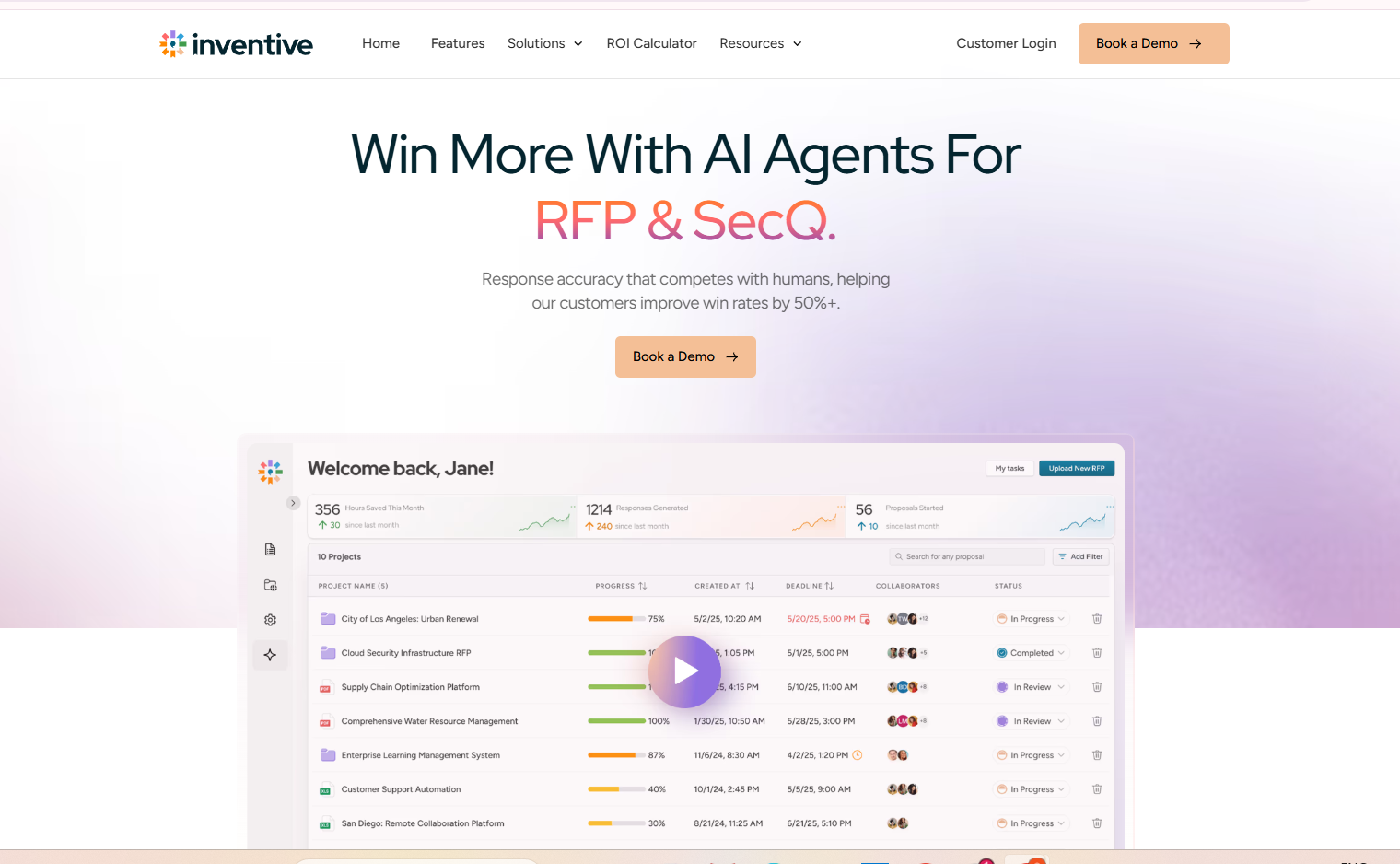
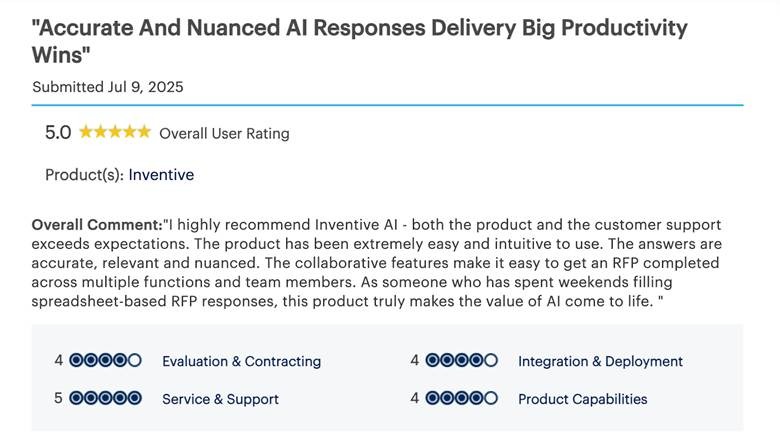
When it comes to RFI management, Inventive AI sets the standard. Built specifically for vendors, it combines hyper-contextual insights, real-time drafting, and intelligent content management to make RFI responses faster, sharper, and more accurate. If you want to move from reactive, manual processes to proactive, AI-driven efficiency, Inventive AI is the platform to trust.

Features

  • 2× Better Response Quality
    Inventive AI generates structured, clear, and complete RFI responses by understanding the intent behind each question. This leads to stronger answers that require fewer edits and build trust with security and procurement teams.
  • Context Engine for Accurate, Tailored Responses
    Each question is interpreted in full context, including the customer, industry, and compliance requirements. This ensures responses are tailored rather than generic, reducing follow-ups and clarification requests.
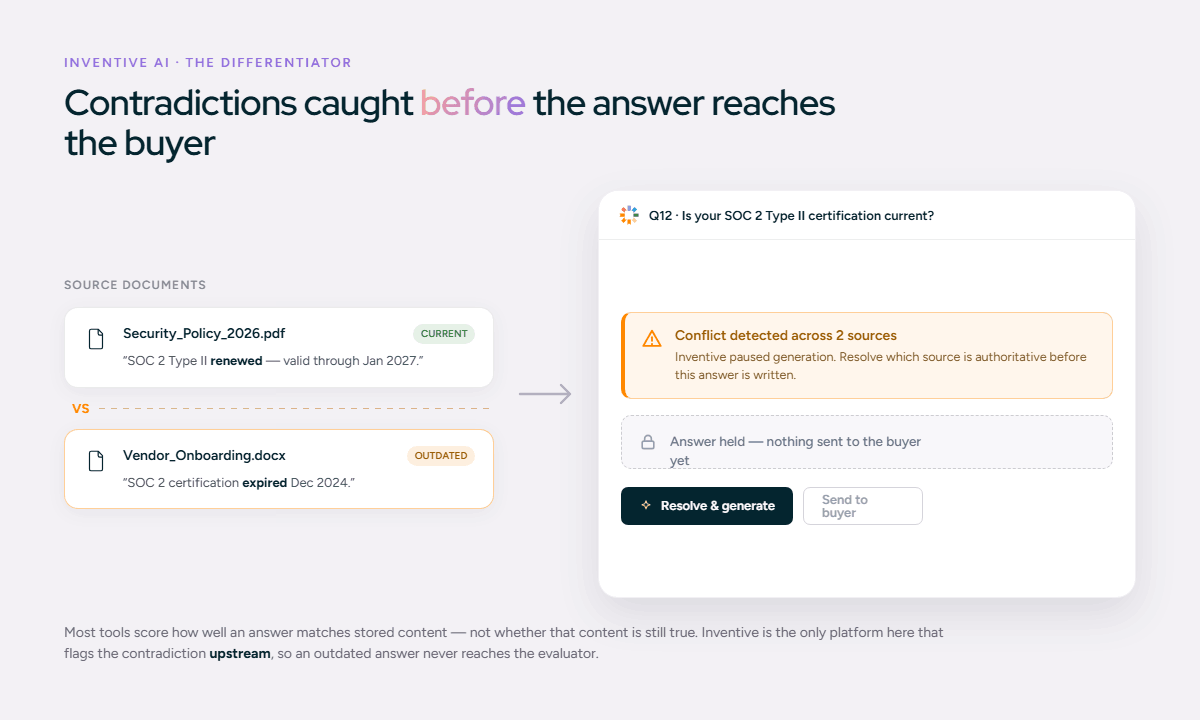
  • Instant Conflict Detection
    Inventive AI automatically identifies conflicting or inconsistent answers across your responses, helping you avoid errors that could slow down security reviews or raise red flags with buyers.
  • Real-Time Outdated Content Detection
    When policies, certifications, or controls change, Inventive AI flags outdated responses before submission. This keeps every RFI aligned with your current security and compliance posture.
  • Quality Benchmarking for High-Standard Responses
    Each response is checked against defined quality benchmarks to ensure completeness, clarity, and accuracy, so your team maintains a consistent standard across all RFIs.
  • Generate Narrative-Style Proposals
    Beyond standard Q&A, Inventive AI helps you create security summaries, executive overviews, and narrative compliance documents that support RFIs with clear, well-structured context.

What Makes Inventive AI Stand Out:

  • AI-powered response generation: Draft RFI answers quickly using AI that focuses on accuracy and relevance, helping teams move faster without sacrificing quality.
  • Integration with internal knowledge systems: Connect your existing documents, policies, and repositories so approved information is always available in one place.
  • Built-in project management and collaboration: Assign questions, track progress, manage reviews, and collaborate across teams without relying on email or spreadsheets.
  • AI agents for workflow efficiency: AI agents handle repetitive tasks across the RFI workflow, reducing manual effort and helping teams focus on high-value work.

The Limitations of Inventive AI:

  • Slightly limited analytics compared with legacy BI platforms.

Pricing

Plan Type

Pricing

Usage-based pricing

Pricing scales based on usage and volume

Best For

Inventive AI is ideal for vendors responding to RFIs from security-focused and regulated buyers who expect fast, accurate, and consistent answers. It works well for companies of all sizes, from growing startups to large enterprises, and supports proposal teams, sales engineering, security and compliance teams, legal reviewers, and revenue leaders who want shorter deal cycles without added risk.

Rating: 5/5

Inventive AI is the most advanced, vendor-focused RFI software available, designed to help you create high-quality responses in a fraction of the time.

Sifthub

Sifthub

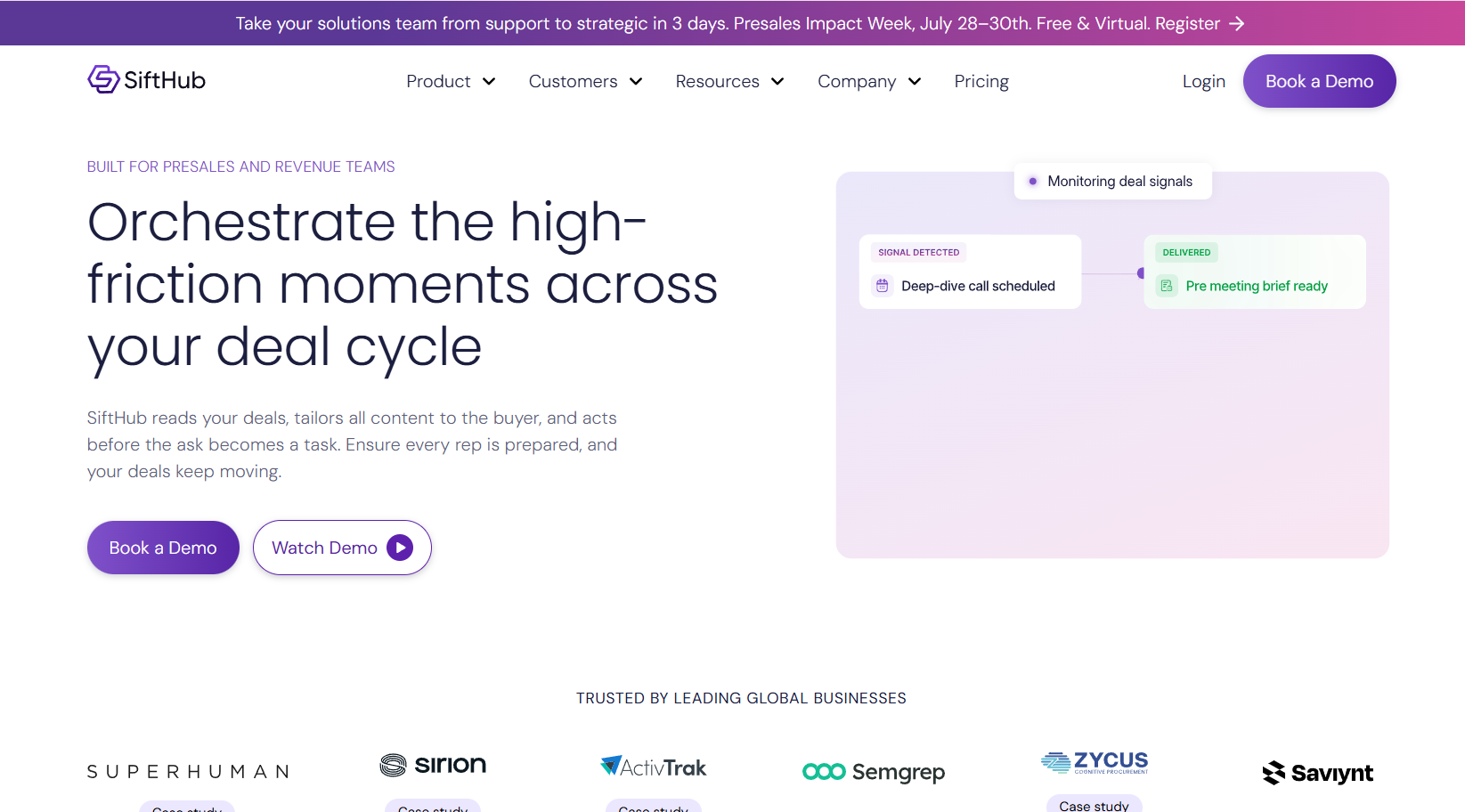
Sifthub offers AI-driven proposal generation with a sleek UI, designed for teams needing fast automation. But, it’s primarily focused on proposals rather than specialized RFI workflows, meaning it lacks advanced content governance and RFI-specific features.

Features

  • AI-Based Response Creation
    Sifthub uses AI to generate draft content by analyzing past responses or uploaded documents. The AI attempts to assemble relevant text fragments into a cohesive answer, giving you a first draft that you can refine. However, its intelligence is more general than RFI-specific, it does not deeply interpret question context or compliance requirements.
  • Real-Time Collaboration
    The platform supports real-time editing and collaboration, allowing multiple users to work together on the same RFI response. Teams can comment, tag contributors, and see changes as they happen, which is useful when proposals are time-sensitive.
  • Custom Workflow Setup
    Sifthub lets you define basic review workflows by assigning sections to team members. You can implement simple approval steps before submission, helping ensure accountability and avoid last-minute errors.
  • Modern UI and Dashboard
    Sifthub’s interface is designed for ease of use, with clean dashboards that highlight pending tasks, active responses, and assigned reviewers. For smaller teams, this reduces friction compared to older, more complex systems.

What Makes Sifthub Stand Out:

  • Attractive, intuitive user interface: The UI is easy to navigate, reducing onboarding time for new users. This is particularly helpful for teams without dedicated proposal specialists.
    Decent automation for small teams: The AI can speed up creation of draft text for straightforward RFI responses, reducing the amount of time spent copying and pasting.

The Limitations of Sifthub:

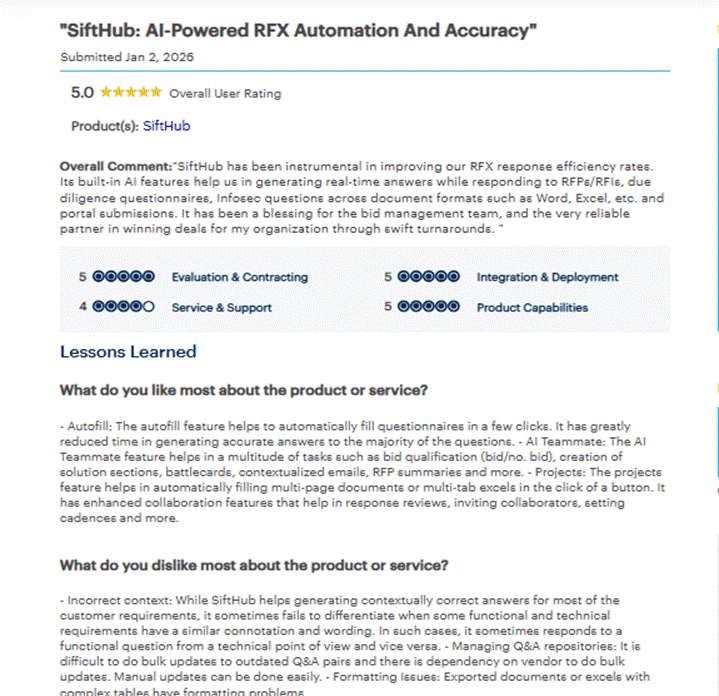
  • Weak integration ecosystem: Sifthub lacks deep integrations with CRM systems (like Salesforce), content repositories (like SharePoint), and messaging platforms, which means teams still spend time switching between tools to gather references.
  • Minimal library governance: While you can store content, there is no robust mechanism to flag outdated responses, manage version history effectively, or enforce approved language, which increases the risk of inconsistent or stale answers.
  • Limited analytics and insights: The platform doesn’t offer granular analytics on response performance, content reuse trends, or quality tracking. Teams seeking actionable insights into RFI outcomes have to export data and analyze it externally.

Pricing

Plan Type

Pricing

Subscription / Enterprise

Contact for pricing

Best for

Smaller vendor teams or startups with infrequent RFI cycles that need a user-friendly AI tool for basic draft creation and simple collaboration.

Rating: 4.5/5

A modern proposal tool, but not specialized enough for complex RFI environments that depend on robust automation and content intelligence.

Loopio

Loopio

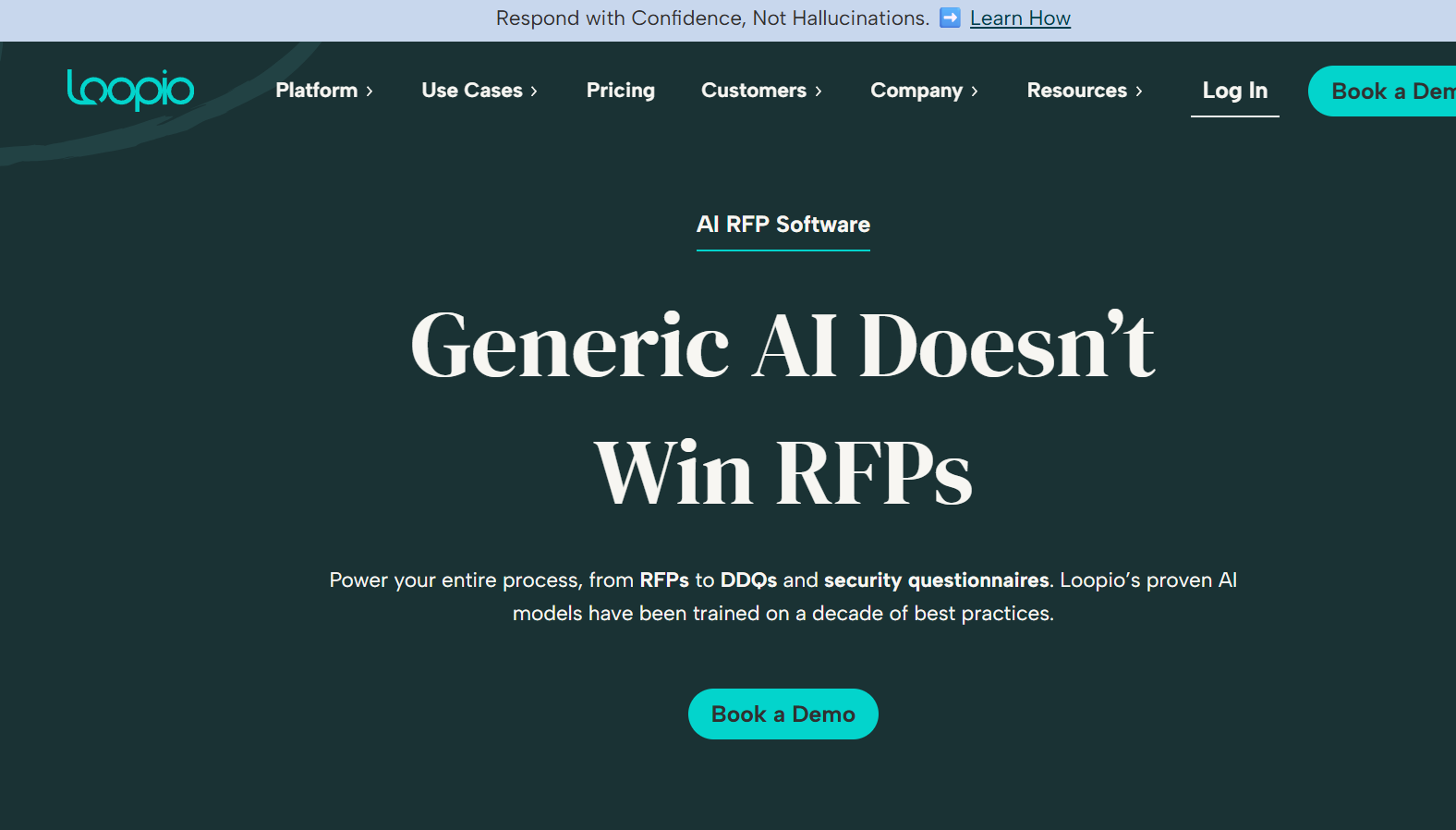
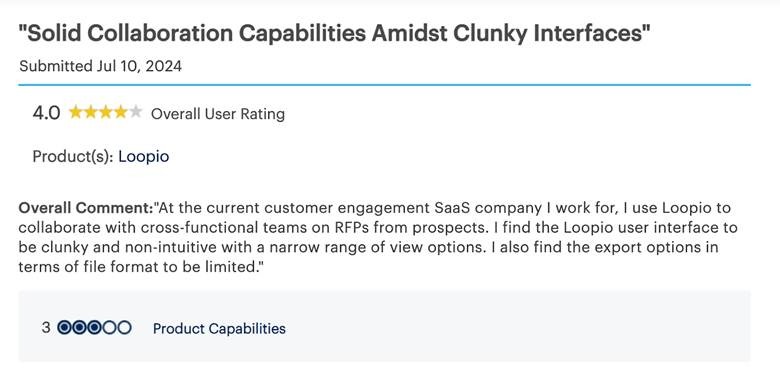
Loopio is a solid tool for managing RFI responses, especially useful for smaller to mid-sized teams looking to improve collaboration and content reuse. But, its lack of AI-driven drafting and advanced customization means that larger teams or those with complex RFIs might find it lacking.

Features

  • Centralized Content Library
    Loopio stores approved answers, templates, and reference material in a structured library. This makes it easier to find and reuse past responses rather than recreating content from scratch for each RFI. Users can tag, categorize, and filter content to improve retrieval.
  • Collaboration and Workflow Tools
    The platform supports assignment of sections, user tagging, and status tracking. Teams can indicate who owns which questions, view progress, and see comments from reviewers. These features help keep multiple contributors aligned throughout the response cycle.
  • Basic System Integrations
    Loopio integrates with common enterprise tools such as Microsoft Office, Google Drive, and CRM systems. This lets users pull source documents and content more easily, helping reduce manual assembly of answers.

What Makes Loopio Stand Out:

  • Organized content for reuse: Loopio’s library helps maintain a single source of truth for responses, reducing duplication and ensuring that approved language is reused across RFIs.
  • Reliable support and documentation: Loopio has an active user community, good product documentation, and responsive customer support that helps teams onboard and troubleshoot effectively.

The Limitations of Loopio:

  • AI suggestions lack deep context: Loopio’s answer suggestions rely on keyword matching, which means responses often require significant editing to make them accurate and relevant. This limits true automation and increases review time.
  • Scalability challenges for large enterprises:  As RFI volumes grow, manual tagging, searching, and library updates become more cumbersome and time-intensive. This slows response cycles for high-volume teams.
  • Export and formatting work remains: While Loopio helps assemble content, the final formatting and tuning to match customer RFI templates often require additional manual steps.

Pricing

Plan Type

Pricing

Subscription 

Starts at $20,000/ year

Best for

Small to mid-sized vendor teams that have an established content library and need structured collaboration tools, but do not rely heavily on contextual AI drafting or rapid first-draft automation.

Rating: 4.4/5

Loopio is dependable for small to mid-size teams but may not provide the automation or AI-driven precision that complex vendor workflows demand.

Responsive (formerly RFPIO)

Responsive (formerly RFPIO)

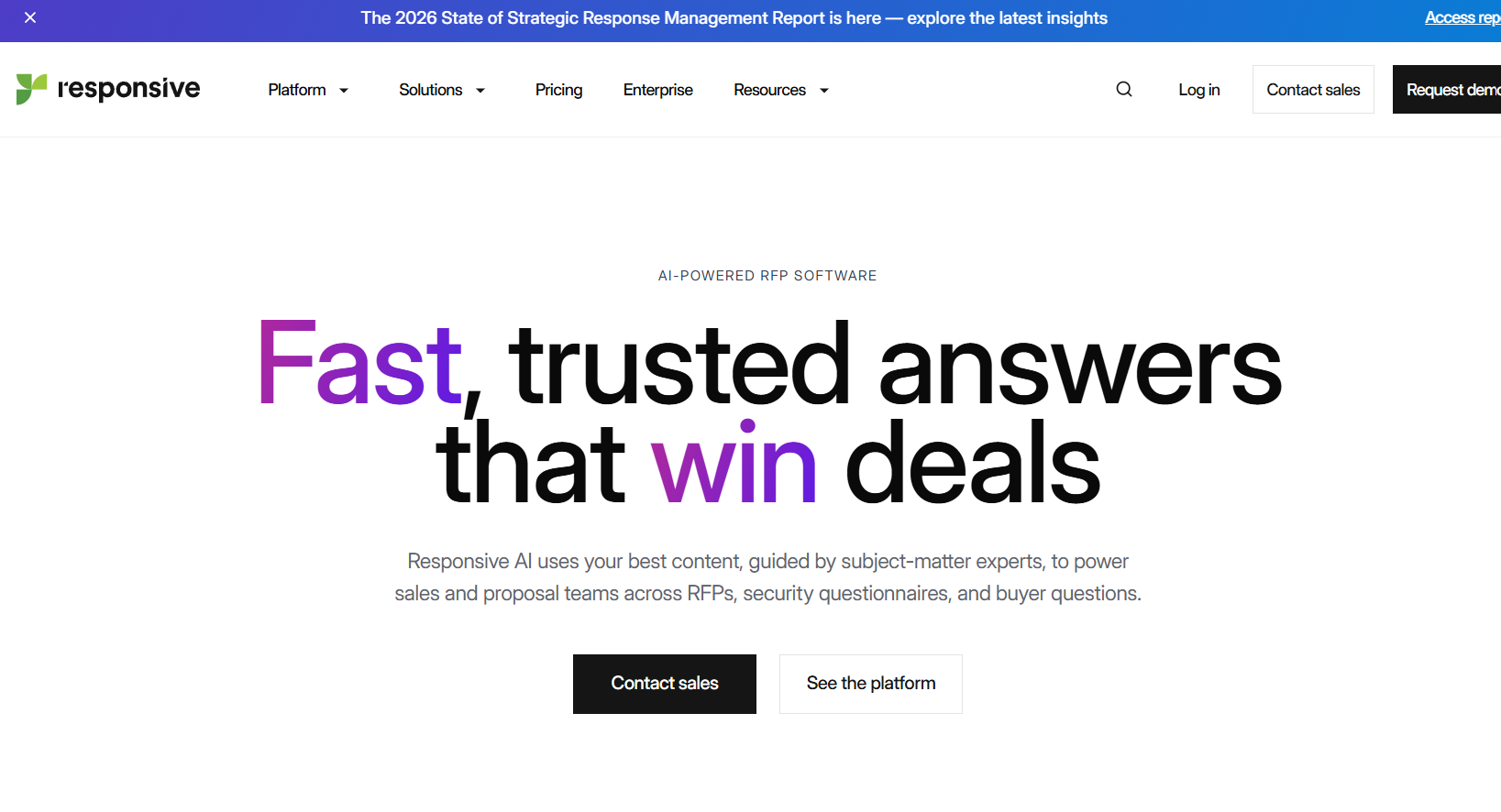
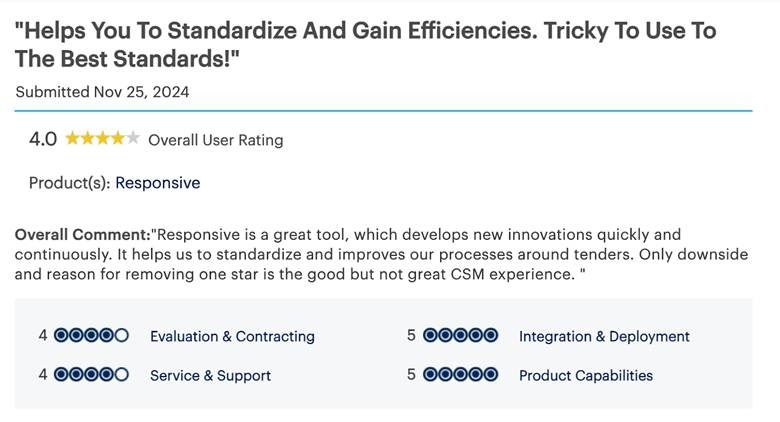
Responsive offers strong RFI workflow management with content libraries and integrations. But, its AI lacks depth, especially when it comes to generating nuanced or complex RFI responses quickly.

Features

  • Centralized Answer Library
    Responsive provides a central repository for previously answered questions, approved language, and templates. This allows teams to store key RFI responses and related content in a searchable library, helping to avoid repetitive rewriting.
  • AI-Based Answer Suggestions
    The platform uses AI to make answer recommendations based on keyword and phrase matches from the content library. While this lowers some manual effort, its suggestions often require editing to ensure accuracy and alignment with the specific context of the current RFI.
  • Integrations with Collaboration Tools
    Responsive connects with CRM systems (e.g., Salesforce), communication platforms (e.g., Slack, Microsoft Teams), and document repositories (e.g., SharePoint, Google Drive). These integrations reduce the need for manual copying of content between systems.

What Makes Responsive Stand Out:

  • Structured enterprise workflow support: Responsive’s workflow features help larger teams coordinate RFI responses across departments, which is valuable when many stakeholders contribute to complex answers.
  • Reliable content library and reuse: A well-maintained repository helps ensure that approved answers are reused, reducing the risk of inconsistent responses and accelerating drafting over time.

The Limitations of Responsive:

  • AI suggestions lack contextual depth: While AI recommendations can assist with matching past answers, they often miss nuanced meaning or fail to tailor responses to the specific intent behind a question. This means teams still spend considerable time editing.
  • Advanced AI functions often require additional costs: Some of the deeper analytics or enhanced automation features may be available only as add-ons, increasing total cost and complicating licensing.
  • Slower first-draft generation compared to newer tools: The platform’s drafting assistance is not as fast or accurate as modern, context-aware AI engines, which delays turnaround for time-sensitive RFIs.

Pricing

Plan Type

Pricing

Subscription 

Custom pricing (not publicly listed)

Best for

Mid-sized to large vendor teams that need structured workflow automation and integration support, and that maintain a well-organized content library but do not require deeply contextual AI drafting. 

Rating: 4.3/5

Responsive is great for RFP-heavy organizations but less suited for vendors that rely on fast, tailored RFI responses.

AutoRFP AI

AutoRFP AI

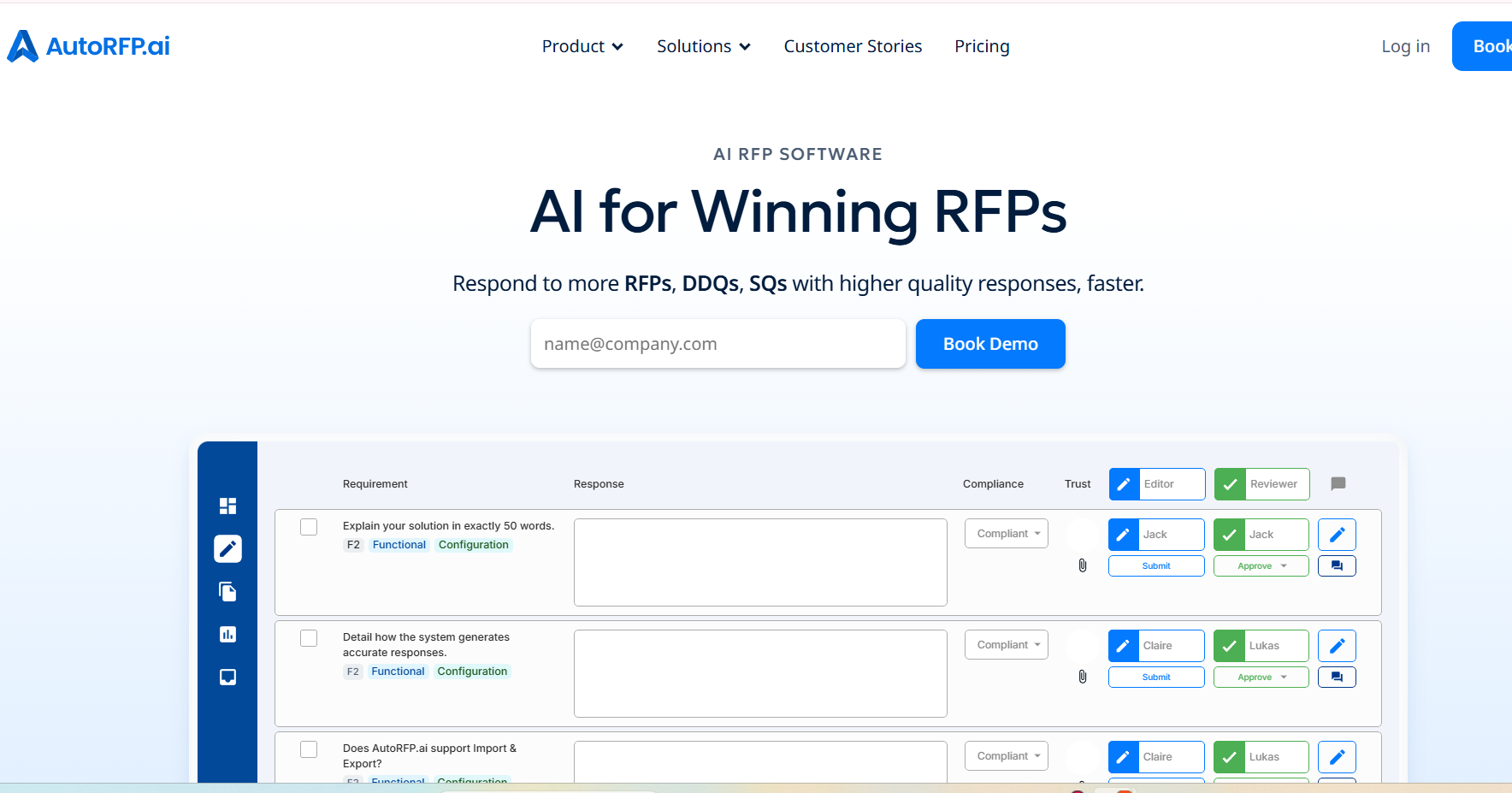
AutoRFP AI offers AI-powered response generation for RFIs and RFPs, providing fast, AI-driven drafts. But, it still lacks the depth of content management, governance, and enterprise-level features needed for complex RFI workflows.

Features

  • AI-Generated Drafts
    It uses artificial intelligence to create initial drafts of RFI responses based on meaning and context from your existing library or document imports. This helps reduce manual writing time and gives your team a starting point that can be refined.
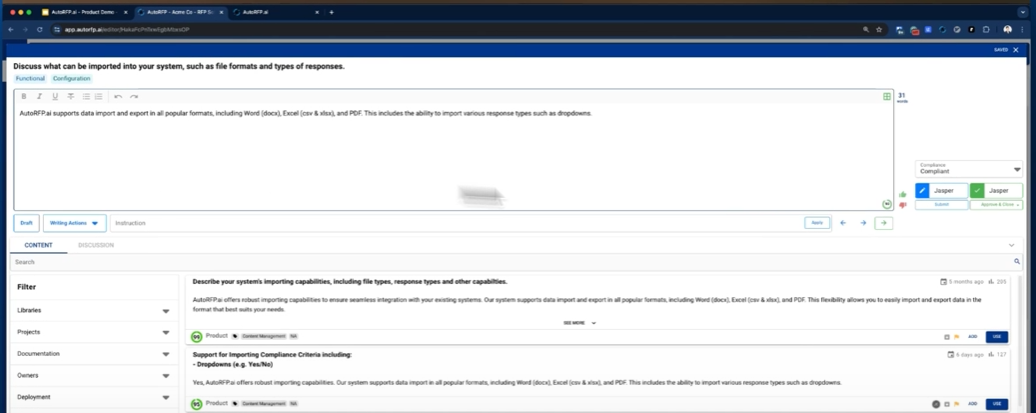
  • Document Import (Excel, Word, PDF)
    You can import RFI question files and related documents directly in common formats like Excel, Word, or PDF. This lets your team bring in client questions and supporting content without manual entry.
  • Automated Trust Scoring
    The platform calculates a basic trust or relevance score for suggested answers, giving teams quick visibility into how strong the AI’s draft may be and whether further refinement is needed.

What Makes AutoRFP AI Stand Out:

  • Unlimited user access: Many plans allow unlimited users, meaning your entire team can access the platform without additional per-seat costs.
  • Built-in data security standards: AutoRFP AI supports foundational security frameworks such as SOC2 and ISO 27001, giving confidence for teams handling sensitive responses.

The Limitations of AutoRFP AI:

  • Limited content governance: While the platform can store reusable answers, it lacks robust mechanisms to track stale content, enforce review approvals, or manage version history in a centralized way. Over time, this can increase the risk of sending outdated or inconsistent responses.
  • Few enterprise integrations: AutoRFP AI currently supports basic integrations but does not connect deeply with CRM systems, knowledge bases, or compliance tools. This means teams often need to manually pull reference materials, slowing workflow.
  • Short track record with large vendors: The platform has fewer enterprise customers than mature RFI tools, which means less extensive large-scale deployment learnings and support frameworks.

Pricing

Plan Type

Pricing

Subscription 

Starts at $899/month

Best for

Small to mid-sized vendor teams that need a straightforward AI tool to assist with quick first drafts for standard RFIs but do not require deep content governance or enterprise integrations.

Rating: 4.9/5

AutoRFP AI helps reduce initial writing effort for routine questions, but teams with complex compliance requirements or high response volumes may find its features limited.

DeepStream

DeepStream

DeepStream offers basic RFI and proposal management with document sharing and collaboration features. But, its AI capabilities and ability to handle large-scale, complex RFI workflows are underdeveloped compared to newer platforms like Inventive AI.

Features

  • Real-Time Document Collaboration
    DeepStream allows multiple contributors to work on the same RFI or proposal document simultaneously. Teams can edit content, add comments, and review changes in real time, reducing delays caused by version control issues or email-based collaboration.
  • Proposal and RFI Tracking
    The platform provides visibility into active RFIs, assigned owners, and completion status. Managers can track progress across multiple responses and identify bottlenecks before deadlines are missed.
  • Reporting Dashboards
    Basic reporting dashboards show workload distribution, response timelines, and completion metrics. These insights help managers understand how time is spent across RFI and proposal activities.

What Makes DeepStream Stand Out:

  • Strong collaboration capabilities: DeepStream works well for teams that rely heavily on cross-functional collaboration, especially when multiple contributors need to review and edit responses in parallel.
  • Clear visibility into response progress: Managers can quickly see which RFIs are on track and which need attention, improving deadline management and accountability.

The Limitations of DeepStream:

  • Weak AI drafting capabilities: DeepStream does not offer advanced AI-powered first-draft generation. Most RFI responses still require manual writing or heavy editing, which slows turnaround time.
  • Limited automation: The platform focuses more on coordination than automation. Tasks like content reuse, contextual suggestions, and quality checks require manual effort.
  • Frequent manual content updates: Without strong content governance or AI-driven freshness checks, teams must regularly review and update stored responses to avoid outdated information.

Pricing

Plan Type

Pricing

Subscription 

Not publicly listed

Best for

Vendor teams that prioritize document collaboration and visibility over AI-driven drafting, and handle moderate RFI volumes with relatively standardized requirements. 

Rating: 4.7/5

This tool is effective for coordinating responses and managing documents, but teams looking for faster drafting, contextual automation, and scalable RFI workflows may find it limiting.

QorusDocs

QorusDocs

QorusDocs is known for proposal creation and AI-driven content reuse, but it struggles to meet the needs of teams focused specifically on RFI responses. But, it still remains a solid choice for smaller teams looking to automate basic document creation.

Features

  • AI Content Personalization
    QorusDocs uses AI to personalize proposal content by adapting language based on deal context or customer information. This is useful for tailoring sales narratives, but the personalization is lighter when applied to structured RFI questions that require precise, compliance-ready answers.
  • Proposal and Document Creation
    The platform is designed to assemble proposals using templates and reusable content blocks. Teams can generate polished documents that follow brand guidelines, which works well for customer-facing proposals.
  • Collaboration Tools
    Teams can collaborate on documents, review changes, and manage approvals. This supports basic coordination during proposal creation but is less optimized for fast, multi-stakeholder RFI responses.

What Makes QorusDocs Stand Out:

  • Strong proposal formatting and branding control: QorusDocs excels at producing well-formatted, brand-consistent documents, which is valuable for customer-facing proposals and sales collateral.
  • Useful for sales and marketing alignment: The platform works well when sales and marketing teams collaborate on proposals that need consistent messaging and presentation.

The Limitations of QorusDocs:

  • Not optimized for vendor-side RFI workflows: QorusDocs is built around proposal documents rather than question-by-question RFI responses. Teams often need to adapt workflows manually to handle structured RFI formats.
  • Limited security and compliance integrations: The platform does not deeply integrate with compliance systems or support advanced governance for security-centric answers, which increases review overhead for regulated industries.
  • Basic content governance: While content can be reused, there are limited safeguards to detect outdated or conflicting answers, making ongoing maintenance a manual task.

Pricing

Plan Type

Pricing

Subscription 

Not publicly listed

Best for

Vendor teams that are proposal-heavy and prioritize polished document creation, but handle RFIs infrequently or with relatively simple requirements.

Rating: 4.4/5

It is a solid proposal automation tool, but for teams that treat RFIs as a core revenue workflow, its lack of RFI-specific automation and deep contextual intelligence can limit efficiency.

Qvidian (Upland)

Qvidian (Upland)

Qvidian (now part of Upland) has been a staple in proposal management, with a strong content library and workflow management. But, its older technology stack means it lacks the AI-driven insights and rapid first-draft generation that newer tools offer.

Features

  • Answer Reuse and Content Library
    Qvidian maintains a centralized library where teams store approved RFI and RFP answers, boilerplate language, and compliance content. This allows vendors to reuse existing responses instead of rewriting them for every new RFI.
  • RFI/RFP Workflow Management
    The platform supports structured workflows for assigning questions, managing reviews, and approving content before submission. This is useful in environments where governance and formal approval steps are required.
  • Compliance and Review Controls
    Qvidian includes role-based permissions, audit trails, and approval checkpoints. These controls help teams ensure that sensitive or regulated responses are reviewed before being shared externally.

What Makes Qvidian Stand Out:

  • Trusted by large enterprises: Qvidian has a long history with enterprise customers, especially in regulated industries where strict process control matters.
  • Strong formatting and document control: The platform excels at producing well-structured, compliant documents with consistent formatting across submissions.

The Limitations of Qvidian:

  • Outdated user interface and experience: The UI feels dated and can slow day-to-day work, especially for users handling RFIs under tight deadlines.
  • Limited AI advancement: Qvidian’s AI capabilities lag behind modern platforms. It does not generate strong first drafts or adapt responses contextually, which increases manual effort.
  • Slower response cycles: Heavy workflows and manual content management can slow turnaround times when RFI volumes increase.
  • Less flexible customization: Adapting responses to nuanced or customer-specific questions often requires manual rewriting, reducing efficiency.

Pricing

Plan Type

Pricing

Subscription 

Not publicly listed

Best for

Enterprises with highly standardized RFI processes that prioritize governance, approvals, and document control over speed and AI-driven drafting.

Rating: 4.7/5

It is a dependable legacy platform, but vendors looking to respond faster and with greater contextual accuracy may find it less agile than modern AI-powered RFI tools.

Procore

Procore

Procore excels in managing RFIs within the construction industry, integrating project management with vendor tracking. But, it’s tailored specifically for the construction sector, lacking the features required for other industries dealing with high-volume RFIs.

Features

  • Construction RFI Management
    Procore supports RFIs as part of construction project workflows, allowing teams to log, track, and respond to clarification requests related to drawings, scope, or site conditions. RFIs are tied directly to projects rather than sales or vendor evaluation processes.
  • Project and Document Tracking
    All RFIs, documents, drawings, and related communication are stored within the project environment. This ensures that teams working on construction projects have a single place to reference updates and decisions.
  • Team Collaboration Tools
    Procore enables communication between project stakeholders, including contractors, engineers, and owners. Users can comment on RFIs, assign responsibility, and track response timelines within the project context.

What Makes Procore Stand Out:

  • Excellent for construction-specific RFIs: Procore is well-suited for handling RFIs related to construction execution, design clarifications, and field issues.
  • Strong project documentation workflows: RFIs are tightly integrated with drawings, change orders, and project documentation, improving traceability.

The Limitations of Procore:

  • Industry-specific by design: Procore is built exclusively for construction workflows and cannot be adapted for vendor-side RFIs in technology, healthcare, finance, or government sectors.
  • No AI drafting or response automation: RFIs must be written manually. There is no AI support for generating drafts, reusing content, or maintaining consistency across responses.
  • Not suitable for sales or vendor evaluation RFIs: Procore does not support RFIs used during procurement, sales cycles, or vendor due diligence.

Pricing

Plan Type

Pricing

Subscription 

Not publicly listed

Best for

Construction firms managing project-level RFIs related to design clarifications and execution, not vendors responding to RFIs as part of sales or procurement cycles.

Rating: 4/5

It is a strong construction project management tool, but it is not built for vendor-side RFI automation or AI-driven response workflows.

Expedience Software

Expedience Software

Expedience Software is a simple solution for RFP and RFI response management, tightly integrated with Microsoft Word. But it lacks the AI-driven automation, content updates, and governance features that more modern platforms offer.

Features

  • Microsoft Word and Office Integration
    Expedience works directly within Microsoft Word, allowing users to build RFI and RFP responses using predefined templates and content blocks. This reduces the need to learn a new interface and keeps document formatting consistent.
  • Template-Driven Automation
    Teams can create structured templates for RFIs and proposals, enabling faster assembly of documents by inserting pre-approved content into the correct sections.
  • Workflow Tracking
    Basic workflow features allow teams to assign sections, track completion status, and manage reviews. This helps coordinate contributions across multiple stakeholders.

What Makes Expedience Software Stand Out:

  • Familiar environment for Office users: Teams already comfortable with Microsoft Word can adopt Expedience quickly without major changes to daily workflows.
  • Strong formatting and branding control: Since responses are built directly in Word, maintaining consistent formatting, styles, and branding is straightforward.

The Limitations of Expedience Software:

  • No AI-driven drafting or intelligence: Expedience does not generate contextual first drafts or adapt responses based on question intent. Most content still requires manual writing or selection.
  • Manual content updates and maintenance: Keeping responses accurate and current depends entirely on manual updates, increasing the risk of outdated or inconsistent answers over time.
  • Limited scalability for growing teams: As RFI volume increases, Word-based workflows become harder to manage, slowing turnaround and increasing coordination effort.

Pricing

Plan Type

Pricing

Subscription 

Not publicly listed

Best for

Vendor teams that rely heavily on Microsoft Word, handle low to moderate RFI volumes, and prioritize formatting control over AI-driven speed and scalability.

Gartner Rating: 4/5

It is practical for document-focused workflows, but it is not designed for vendors that need fast, intelligent, and scalable RFI response automation.

After evaluating all the tools, it’s clear that Inventive AI stands out as the top choice for RFI management, offering unmatched speed, accuracy, and customization, making it the ideal solution for teams looking to simplify their RFI response process and win more business.

Master Compliance Questionnaires with AI

Struggling with compliance questionnaires? Learn how top teams are using AI to automate, simplify, and win more with less effort.

Download the Full Ebook Here

How to Choose the Right RFI Software for Your Team

Selecting the right RFI software can feel overwhelming with so many options available. But when you break it down, it comes down to matching the tool’s features with your team's specific needs. Here’s a step‑by‑step guide to help you make the right choice:

How to Choose the Right RFI Software for Your Team

1. Assess Your Team’s Pain Points

Start by identifying the areas where your team spends the most time or faces the most frustration. Are they spending hours drafting responses from scratch? Is there confusion around inconsistent answers or outdated content? Maybe the team struggles with collaborating efficiently across different platforms. Pinpointing these pain points helps you prioritize the features that will have the biggest impact.

2. Match Features to Needs

Once you’ve identified the challenges, look for software that directly addresses those issues. Key features to consider include:

  • Content Management: Ensure the tool allows easy storage, organization, and retrieval of content. This will save your team from constantly reinventing the wheel.
  • AI-driven Automation: Look for tools that automate repetitive tasks, like generating first drafts or suggesting content based on previous responses, so your team can focus on high‑value work.
  • Integrations: Does the software integrate smoothly with the tools your team already uses, like your CRM, SharePoint, or communication platforms (e.g., Slack or Teams)? Smooth integration can save time and avoid confusion.

3. Consider Ease of Use

The best software is one that your team can easily adopt without a steep learning curve. A tool that is intuitive and user-friendly reduces the time spent on training and implementation, allowing your team to hit the ground running. Make sure the interface is simple to understand, with easy access to the features your team will use most.

4. Evaluate Scalability

Your team’s needs will grow as your company scales, so choose software that can grow with you. Make sure it can handle increasing volumes of RFIs without compromising on performance. Whether it’s supporting more users, more complex proposals, or additional integrations, scalability is important for long‑term success.

5. Pricing vs. ROI

While pricing is an important factor, it should be viewed in terms of the return on investment (ROI). The right software should save your team time and help them create higher‑quality proposals, ultimately boosting your win rate. 

So, look at the cost in relation to the time savings, improved proposal quality, and the potential increase in deals won. A tool that improves efficiency and proposal outcomes can quickly pay for itself.

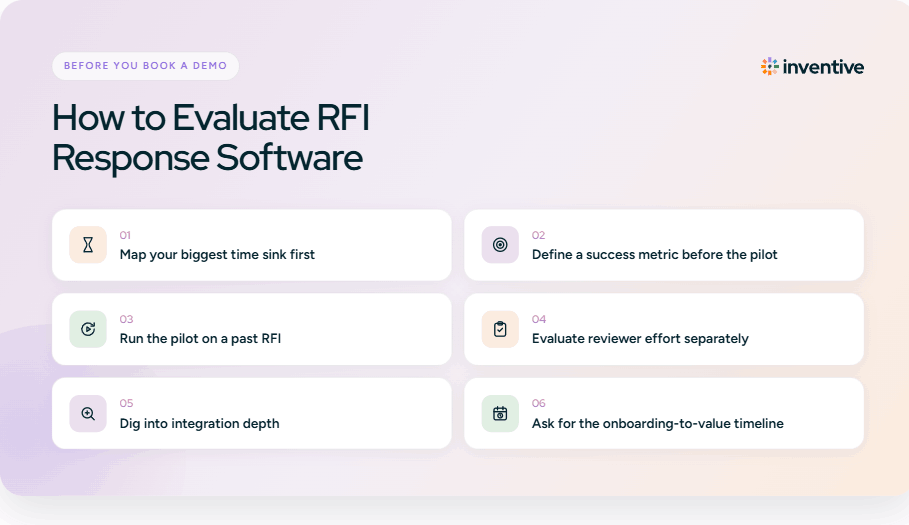
Pro Tip: Before making a final decision, run a pilot test with your top two RFI tools. This gives you a chance to evaluate their performance in real‑world scenarios, helping you choose the one that best fits your team’s needs in terms of response time, quality, and overall impact.

Choosing the right RFI software is an important step toward improving your team’s efficiency, proposal quality, and ultimately, your win rates. By selecting a tool that aligns with your team’s needs, you can simplify the RFI process, reduce manual work, and set your team up for long‑term success.

Why Teams Using Traditional RFI Software Lose Out

Relying on outdated RFI software or manual processes can seriously hinder your team’s ability to stay competitive. Here’s why traditional systems often cause businesses to miss opportunities:

1. Manual Workloads

Without automation, your team spends excessive time drafting responses from scratch, gathering data across multiple systems, and reworking old content. This not only slows down the process but also keeps your team from focusing on higher-value tasks.

2. Inconsistent Responses

When responses aren’t automated or standardized, you risk varying quality across proposals. Inconsistent answers can damage your credibility and leave buyers questioning whether your company is the right fit.

3. Lack of Real-Time Collaboration

Teams working on separate platforms or struggling with poor communication tools often find themselves bogged down by delays. Without real-time collaboration, important updates or feedback can be missed, leading to errors and missed deadlines.

4. Missed Opportunities

Slow response times and inconsistent proposal quality can result in lost deals. In a competitive market, this delay can make the difference between winning and losing business, especially when buyers are looking for fast, reliable solutions.

Relying on traditional RFI software can slow down your processes, compromise the quality of your responses, and ultimately cost you valuable business opportunities, making it clear that upgrading to more efficient, AI-powered solutions is important for staying ahead.

Also Read: How RFP Template Automation Software Can Create Faster Responses

Why Inventive AI Is the Ultimate Choice for RFI Management

RFIs are often the first real test of how well your team can respond to buyer questions. As RFIs become more detailed and time-sensitive, manual workflows make it harder to stay consistent, accurate, and fast.

The right RFI software does more than generate answers. It helps you maintain a single source of truth, avoid contradictory responses, and keep every submission aligned with your latest product, security, and compliance information.

Inventive AI stands out by combining context-aware AI responses, quality checks, and structured collaboration in one platform built specifically for vendors. It removes repetitive work, reduces risk, and helps teams respond to RFIs at scale without adding operational overhead.

Inventive AI brings all of this together with measurable impact. Teams using Inventive AI see:

  • 90% faster RFI responses, helping teams meet tight buyer deadlines
  • 2× higher response quality compared to top RFP tools
  • 95% accuracy across RFI submissions
  • 70% higher efficiency across proposal and review workflows
  • 60% of responses require no edits before submission
  • 50% higher win rate driven by faster, more consistent responses

Inventive AI helps your team work smarter, respond faster, and win more deals, making the entire RFI process smoother and more effective.

Ready to see how Inventive AI can transform your RFI response workflow?  

Discover how our AI-powered software can help you respond faster, win more, and improve your proposal quality.

Book a demo today 

Frequently Asked Questions (FAQs)

1. What is RFI software?

RFI software is designed to simplify and accelerate the process of responding to Requests for Information (RFIs). It helps teams gather data from vendors more efficiently, ensuring that the information is accurate, organized, and easy to access. This simplifies the entire RFI process, saving time and reducing the risk of errors.

2. What are the key benefits of AI in RFI software?

AI-powered RFI software offers numerous advantages, including faster response times, improved consistency across all submissions, and enhanced accuracy. By automating tasks like content generation and data management, AI tools make it easier for teams to meet deadlines, reduce manual errors, and improve overall proposal quality, which ultimately leads to higher win rates.

3. How does Inventive AI improve response times?

Inventive AI automates key aspects of the RFI process, such as content generation and document management, enabling your team to create responses 10x faster than manual processes. This gives your team more time to focus on strategic tasks, like refining proposals and aligning responses with client needs, rather than spending hours on repetitive, low-value work.

4. What industries can benefit from RFI software?

RFI software is beneficial in industries where gathering and evaluating vendor information is critical. This includes sectors like healthcare, finance, government contracting, and technology. In these industries, using RFI software can streamline procurement processes, reduce delays, and improve decision-making by centralizing and organizing critical data.

5. How do I know if Inventive AI is the right tool for my team?

The best way to find out if Inventive AI is the right fit for your team is to schedule a demo. During the demo, you’ll see firsthand how our AI-powered platform can automate your RFI process, speed up response times, and improve the quality of your proposals, ultimately making your team more efficient and helping you win more business.

90% Faster RFPs. 50% More Wins. Watch a 2-Minute Demo.

Get Started
✅ We’ve sent the eBook to your email. Please check your inbox & spam

About the Author & Reviewer

Gaurav Nemade

After witnessing the gap between generic AI models and the high precision required for business proposals, Gaurav co-founded Inventive AI to bring true intelligence to the RFP process. An IIT Roorkee graduate with deep expertise in building Large Language Models (LLMs), he focuses on ensuring product teams spend less time on repetitive technical questionnaires and more time on innovation.

Hardi Hindocha

Knowing that complex B2B software often gets lost in jargon, Hardi focuses on translating the technical power of Inventive AI into clear, human stories. As a Sr. Content Writer, she turns intricate RFP workflows into practical guides, believing that the best content educates first and earns trust by helping real buyers solve real problems.