15 Best RFP Software and Tools in 2026: Ranked and Reviewed
Review 15 RFP software on AI accuracy, response quality, and ease of use. Find the right fit for your team before you shortlist.
The best RFP software in 2026 is Inventive AI for teams that want AI to run the full response workflow, from intake to a cited first draft. For specific needs, Loopio and Responsive suit enterprise teams with mature content libraries, Conveyor fits security questionnaires, AutogenAI fits government bids, and DeepRFP fits small teams on a budget.
RFP software helps companies respond to requests for proposals faster and more accurately. Instead of searching old documents, copying past answers, and chasing subject-matter experts, it organizes your knowledge, generates AI-drafted responses, and manages review in one place.
How we ranked these RFP software tools
Every tool, including ours, is scored on the same five weighted criteria below, and each section shows its scores so you can check the math. We're Inventive AI, so yes, we put ourselves first on this list.
Overall = AI response × 0.5 + governance × 0.25 + knowledge hub × 0.1 + workflow × 0.1 + deployment × 0.05.
15 Best RFP software tools in 2026 at a glance
The 15 best RFP software tools in 2026: ranked and compared
Not all RFP tools are built the same, and the difference shows up when you're mid-deal. Here's a close look at each one so you can find the right fit without the guesswork.
1. Best for end-to-end AI automation for RFP: Inventive AI
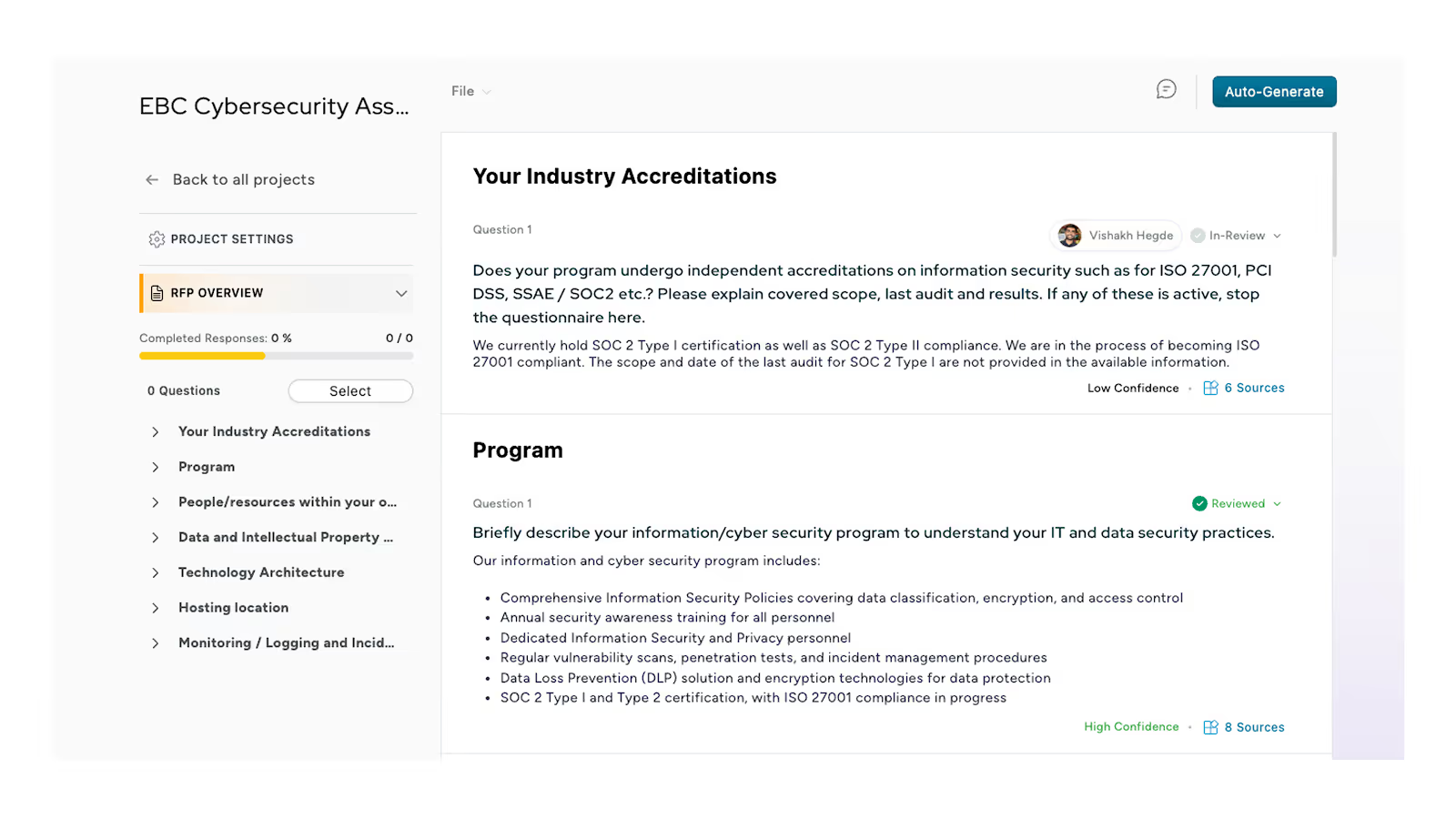
Inventive AI parses an incoming RFP in any format, identifies every question and requirement, maps them to sections, and sets up the project automatically, so the team reviews rather than assembles. Before any drafting starts, its Go/No-Go agent scores how well the RFP fits your business and flags risks, so the team only commits time to bids worth pursuing.
Scores
Features and capabilities
- First-draft generation: Drafts a full response in minutes using a 20-step pipeline across five models, filling Excel questionnaires row by row and writing long-form prose for narrative proposals. Every sentence carries an inline citation, so reviewers can trace any answer to its source document.
- Live integrations: Connects to SharePoint, Google Drive, Confluence, Salesforce, Notion, Zendesk, and more, synced so answers draw from current content.
- Content governance: Teams control which sources feed which sections, and every response logs the document version it used, with no Q&A library to maintain.
- AI agents: A context engine pulls from the RFP, notes, and connected sources before drafting, strategic agents show how a competitor might answer, and an analyzer agent checks every requirement is addressed and flags contradictions.
- Conflict detection: Flags inline when two sources answer the same question differently, and leaves a field empty rather than fabricating an answer when sources fall short.
- Chrome extension: Brings Inventive AI into the browser, so teams can draft and fill answers in web-based questionnaires and procurement portals without switching tools.
Ease of use and setup
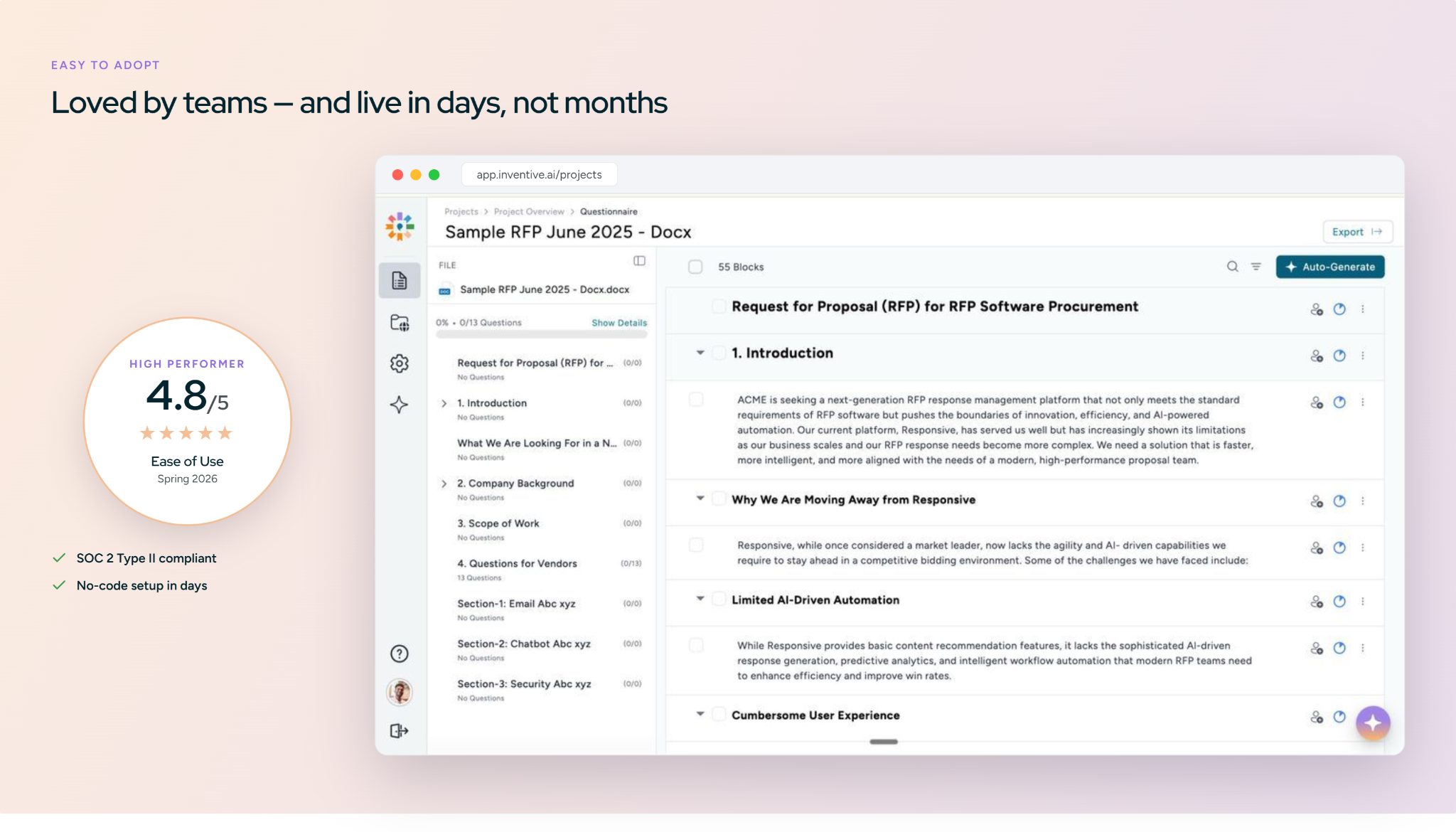
Inventive AI holds the #1 spot on G2 for easiest-to-use interface in the RFP category. Setup, question assignment, bulk review, and export follow standard proposal workflows, and most new users finish their first project within a day.
Where it falls short
- The reporting and analytics dashboard is early-stage.
- No native jira integration
Customer reviews
G2: 4.9/5
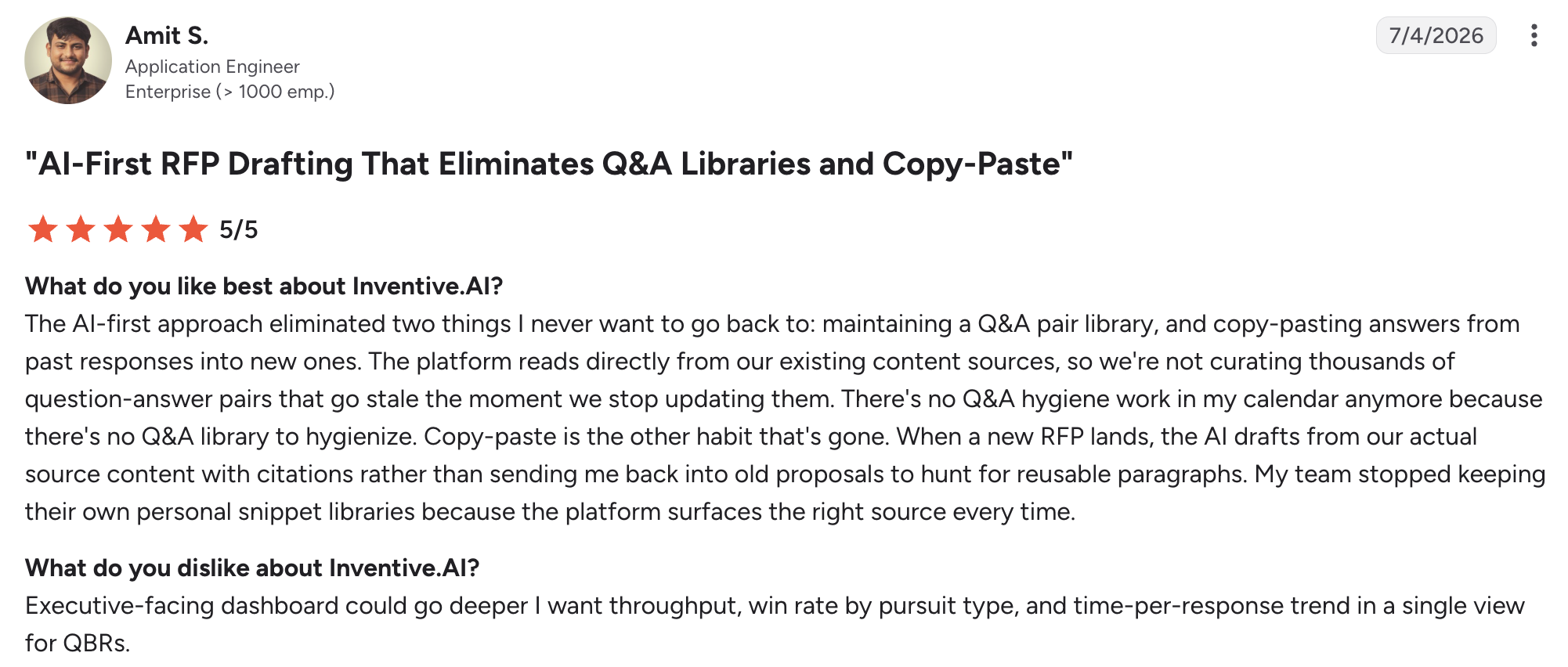
A G2 user review says:
Pricing
- $830/month. You pay per RFP, with unlimited users and all features included. No seat licenses or tiers.
Security
SOC 2 Type 2 certified. Customer data is never used to train models.
2. Best for sales and presales teams: 1up

1up is an AI-native knowledge automation tool that answers structured RFP questions by indexing content from websites, Google Drive, Confluence, and similar sources. Answers are delivered through Slack, Microsoft Teams, Google Chat, Salesforce, or a browser plugin, and reviewer approvals improve future accuracy without manual library updates.
Scores
Pros
- It answers from your existing sources inside Slack, Teams, and Salesforce, so reps get answers mid-deal without a separate library.
Limitations
- Not a full RFP project tool: approval workflows, multi-gate reviews, and document assembly are out of scope.
- No deal-specific context engine or conflict detection.
Teams that outgrow it as a point tool usually look at the 1up alternatives built for full RFP workflows.
Pricing
- Free tier available. Starter at $300/month, Plus at $900/month, Enterprise custom.
Customer review
- G2: 4.9/5
What are real users saying about 1up?
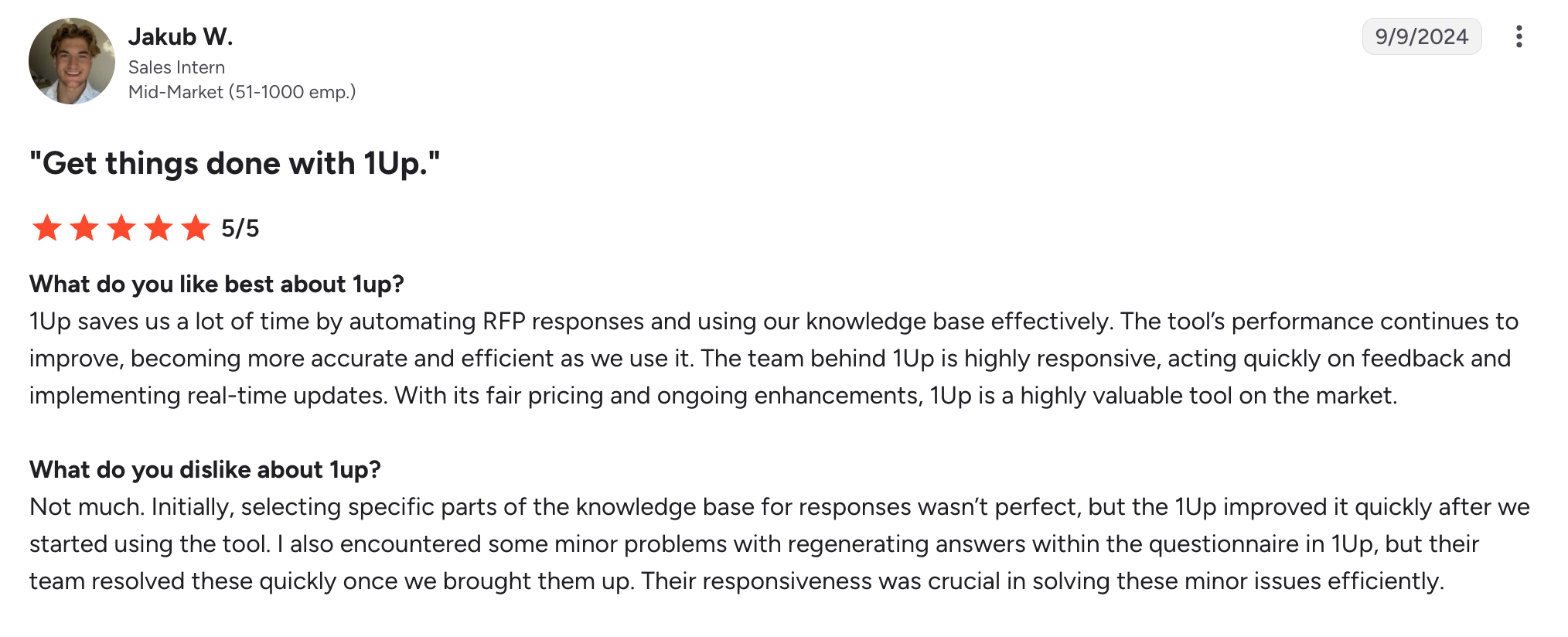
A G2 user review says:
3. Best for presales teams that need source citations: Arphie

Arphie is an AI-native RFP platform that connects to live source documents in Google Workspace and SharePoint and generates first-draft responses with source citations. Each answer carries a confidence signal, and the platform flags when source material is insufficient instead of generating an unverified answer.
Scores
Pros
Live source connections keep answers current as documents change, with no Q&A library to maintain.
Limitations
- Excel is the main import and export format, and Word and PDF support is still developing.
- Reporting and the Salesforce integration are still maturing.
Pricing
Contact for pricing. Project-based model with unlimited users.
Customer review
- G2: 4.9/5
What are real users saying about Arphie?
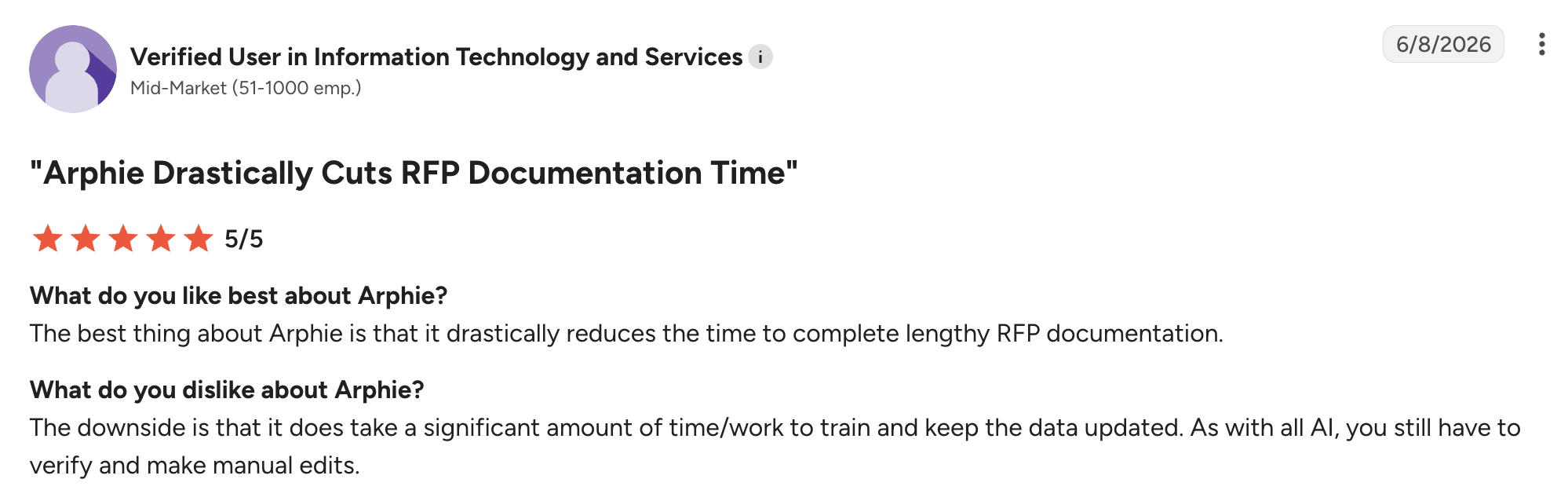
A G2 user review says:
4. Best for security questionnaires: Conveyor
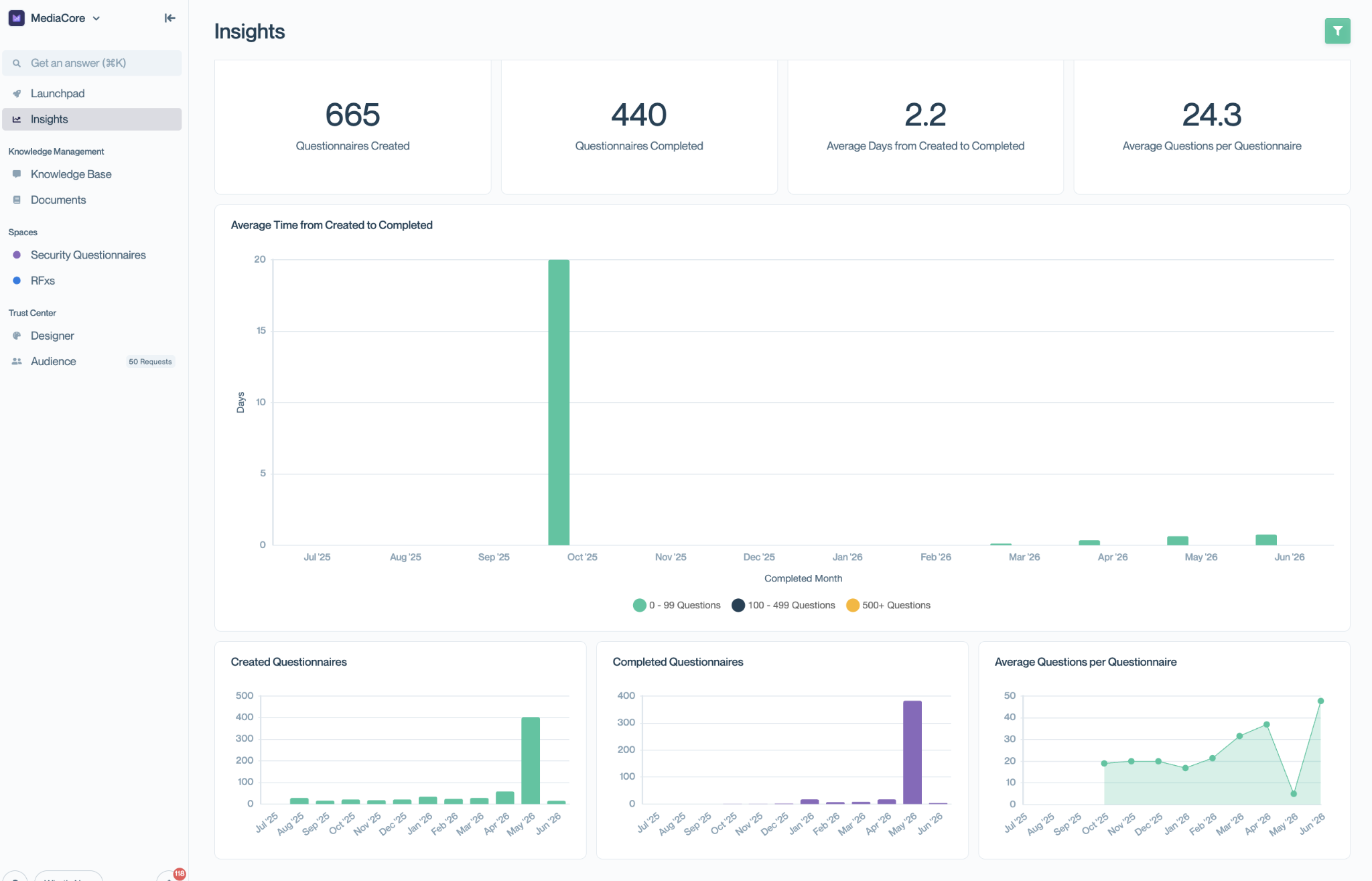
Conveyor is an AI-native platform built for security questionnaire automation and trust documentation. Its SmartForm Responder auto-fills security questionnaires from a knowledge model connected to live sources such as SharePoint, Google Drive, and SOC 2 reports. Its Trust Center is a customer-facing page where prospects get sourced answers behind an NDA gate, which deflects repetitive documentation requests.
Teams that also need narrative RFP drafting tend to compare the Conveyor alternatives that cover both.
Scores
Pros
Security and presales teams where security questionnaires and trust documentation are the bulk of response work get the most from it.
Limitations
- Not built for narrative RFPs such as executive summaries and business cases.
- Narrower integration coverage than full-suite RFP platforms.
- No deal-specific context engine.
Pricing
- Contact for pricing.
Customer review
- G2: 4.6/5
What are real users saying about Conveyor?
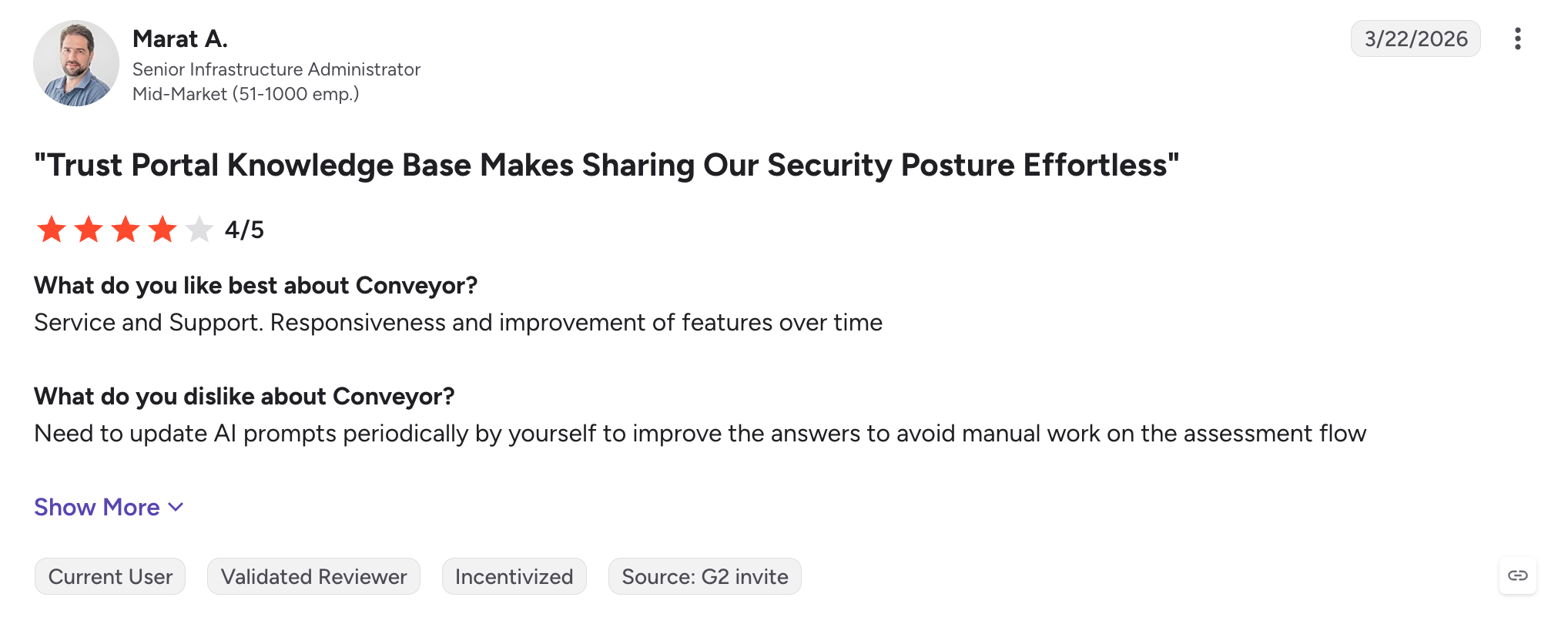
A G2 reviewer said:
Also read: Conveyor vs Inventive AI comparison
5. Best for high-volume structured RFPs: AutoRFP.ai
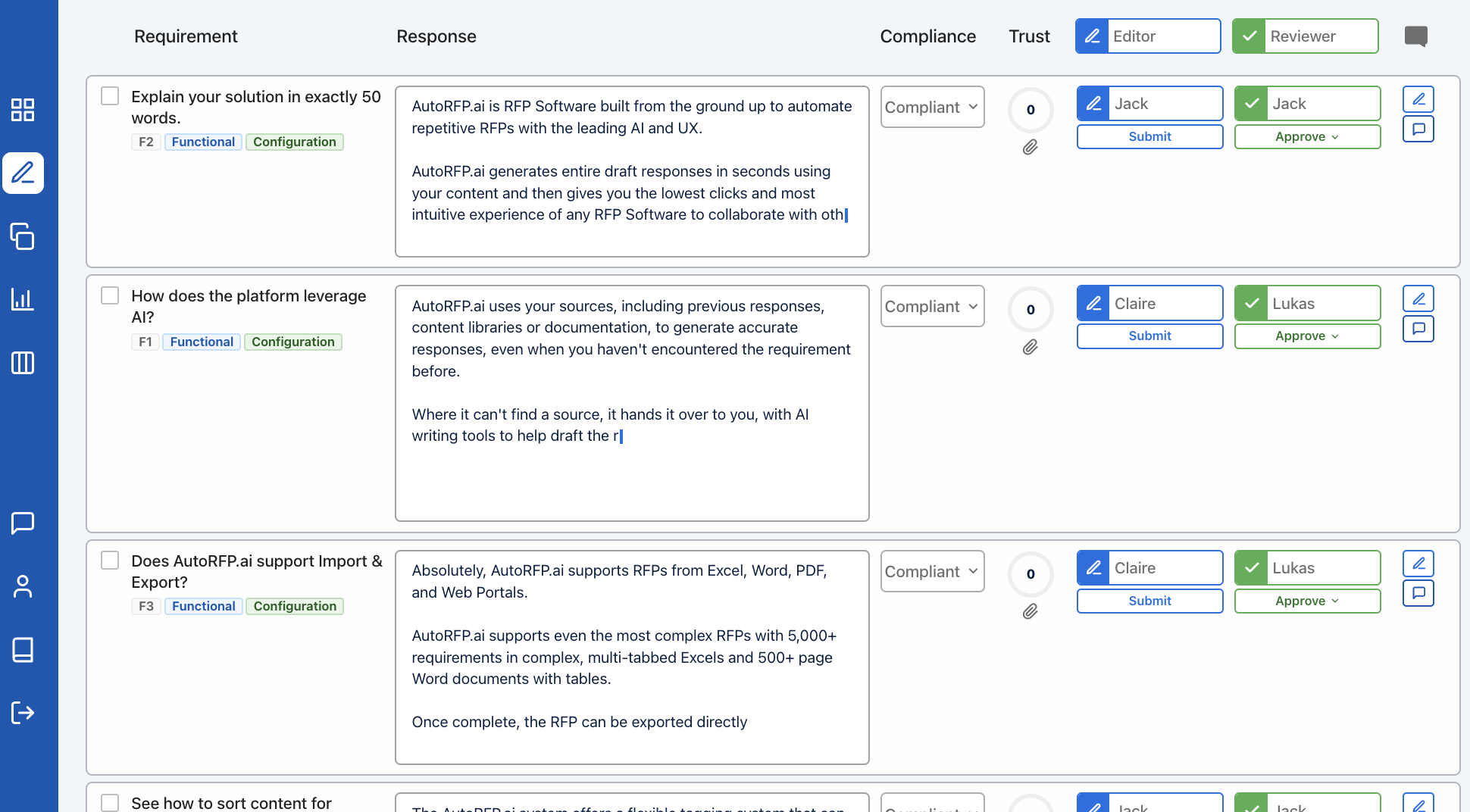
AutoRFP.ai is an AI-native RFP response platform built on Azure AI. It matches incoming questions to content from a connected knowledge base and generates first drafts for structured RFPs.
Its Go/No-Go screening evaluates an incoming RFP against qualification criteria covering legal, compliance, integration, deployment, and timeline before the team commits time. Approved responses are tagged and stored automatically for reuse.
Scores
Pros
Fast first drafts and ROI reporting (automation rates, edit percentages, cost savings) for teams running regular RFP cycles.
Limitations
- Built for repeatable RFPs, so bids that need mostly original content see limited reuse.
- Narrow integrations: Slack is the only connector verified in customer reviews.
- No conflict detection, and G2 reviewers call the interface poorly designed and unintuitive.
Teams that need conflict detection usually weigh the AutoRFP alternatives before renewing.
Pricing
- Scale: $899/month (billed annually) for 24 projects/year, with unlimited users, AI, integrations, and support.
- Accelerate: $1,299/month (billed annually) for 50 projects/year.
- Enterprise pricing is available for higher project volumes.
Customer review
- G2: 4.8/5
What are real users saying about AutoRFP.ai?
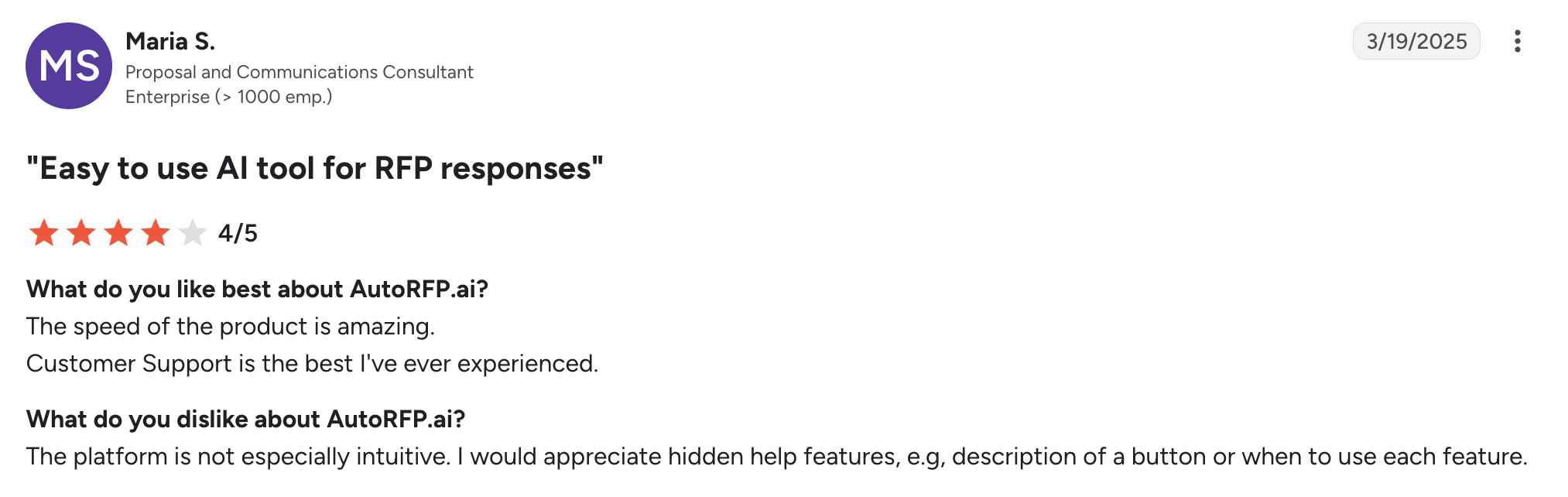
A G2 user review says:
6. Best for enterprise content libraries: Loopio
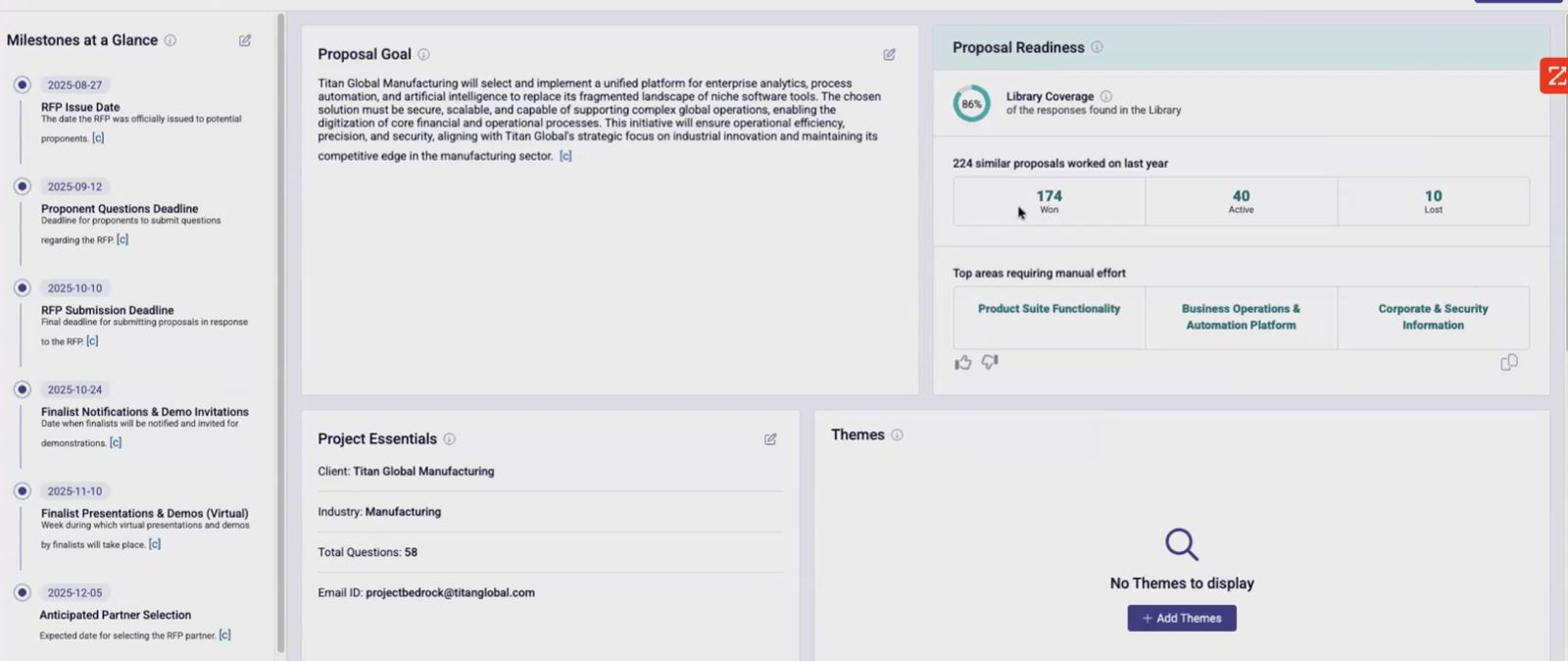
Loopio is a library-first RFP response platform. It organizes approved Q&A content into a three-tier taxonomy (Stacks, Categories, Subcategories), with freshness scoring and scheduled review cycles to track how current each entry is.
A browser extension imports RFPs from procurement portals such as Ariba, Jaggaer, and UpGuard, so users complete and submit responses without leaving Loopio. Verified integrations include Salesforce, HubSpot, Microsoft 365, SharePoint, Teams, and Slack.
Scores
Pros
- Library management: freshness scoring, review cycles, approval workflows for updates, and usage analytics for teams with a dedicated content manager.
Limitations
- Every product, policy, or certification change must be added to the library manually, or the AI can't use it.
- Freshness scoring shows an entry's age, not its accuracy, and contradictory entries aren't flagged.
- Not AI-native: built in 2014 as a library tool, with AI bolted on around recently.
Teams weighing a move off a library-first tool can also check Loopio vs Inventive AI
Pricing
- According to third party sources, starts at $20,000/year for 10 seats, with Enhanced and Enterprise packages by custom quote.
Customer review
G2: 4.6/5
What are real users saying about Loopio?
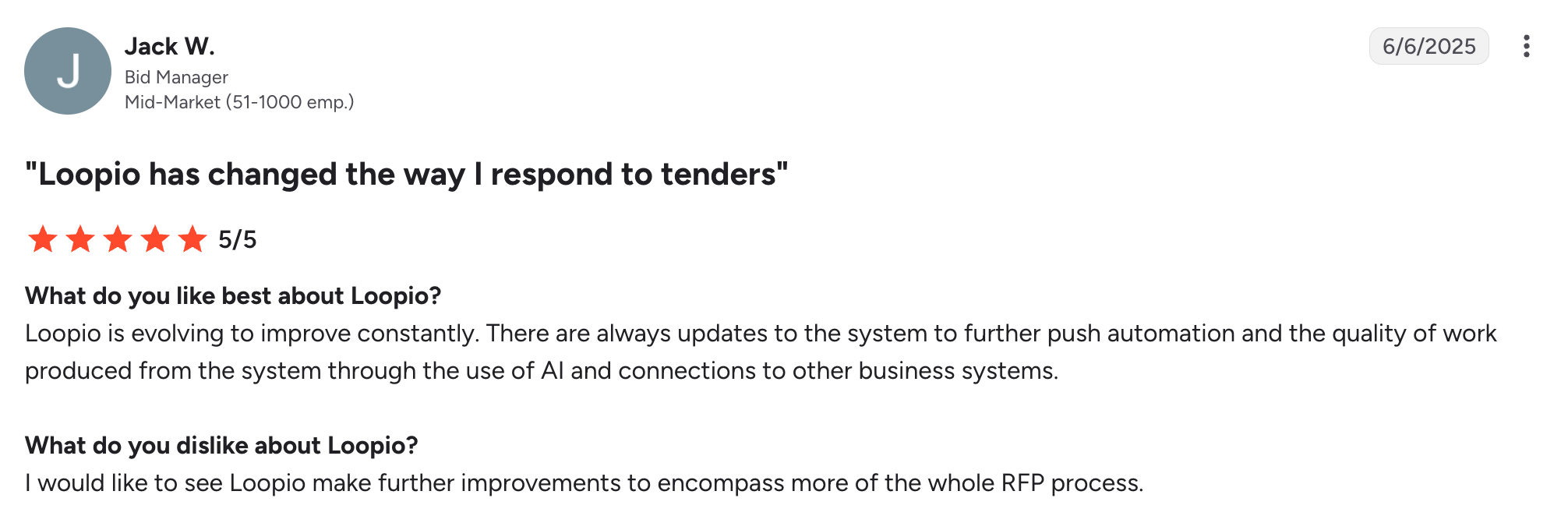
A G2 reviewer said:
7. Best for Slack-based collaboration: Tribble
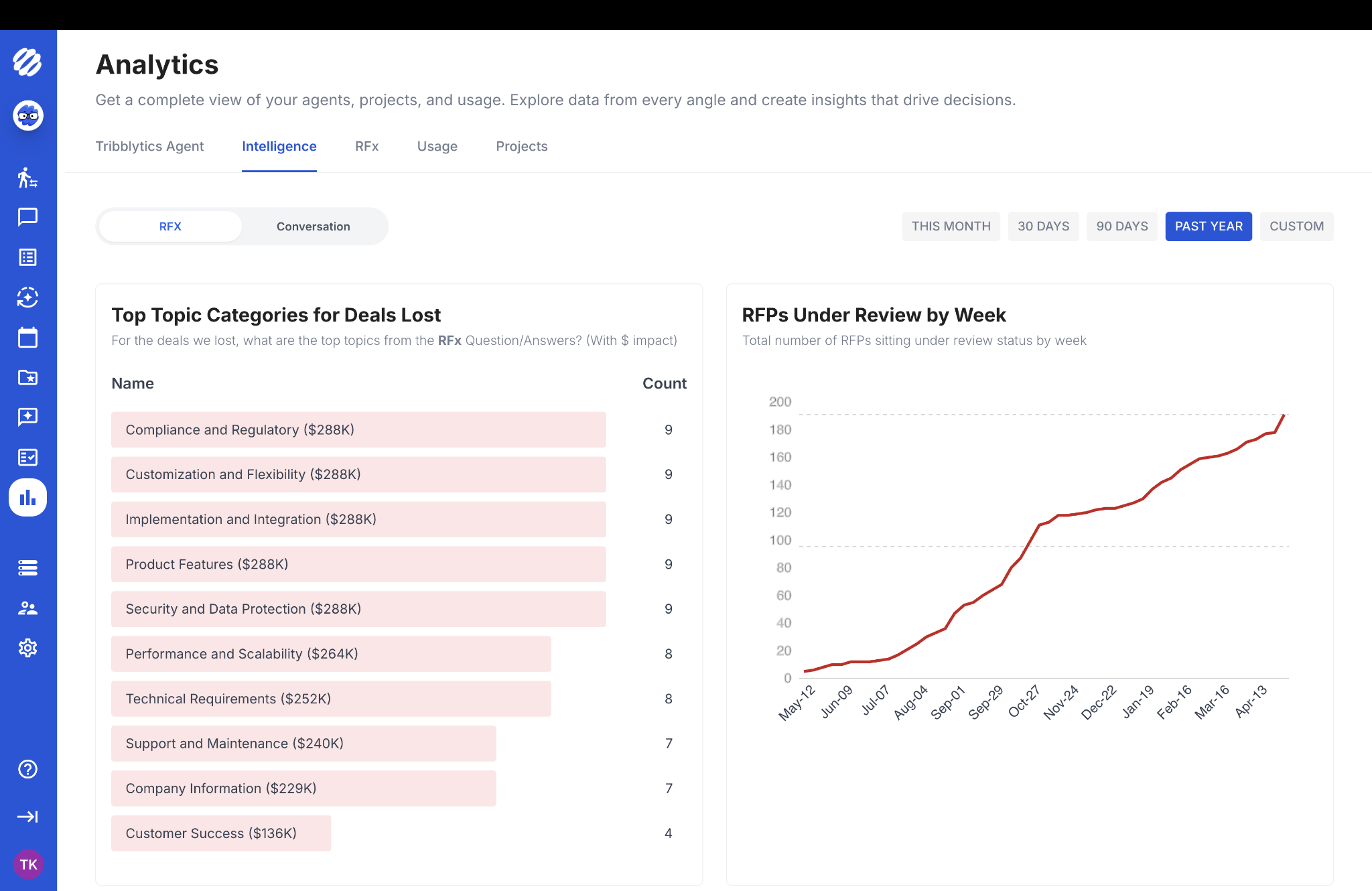
Tribble is an AI-native platform that builds a knowledge graph from connected sources such as Google Drive, Slack, and internal wikis, and uses it to generate RFP responses. A Chrome extension lets contributors answer questions inside Slack or Google Docs, and reviewer edits feed back into future suggestions. Teams typically go live within 2 to 3 days of connecting their sources.
Scores
Pros
- SMEs contribute on time because they answer, edit, and approve inside Slack or Google Docs instead of another platform.
Limitations
- No conflict detection, and enterprise approval chains aren't fully built out.
- Inaccurate AI responses that require cross-checking against other sources.
- Limited features, including missing project management tools and formatting options.
- Outdated information and vague answers that reduce response reliability.
- Heavy reliance on careful prompting to generate accurate, relevant responses.
Pricing
- Credit-based pricing. Contact sales for a quote.
Customer review
- G2: 4.7/5
What are real users saying about Tribble?
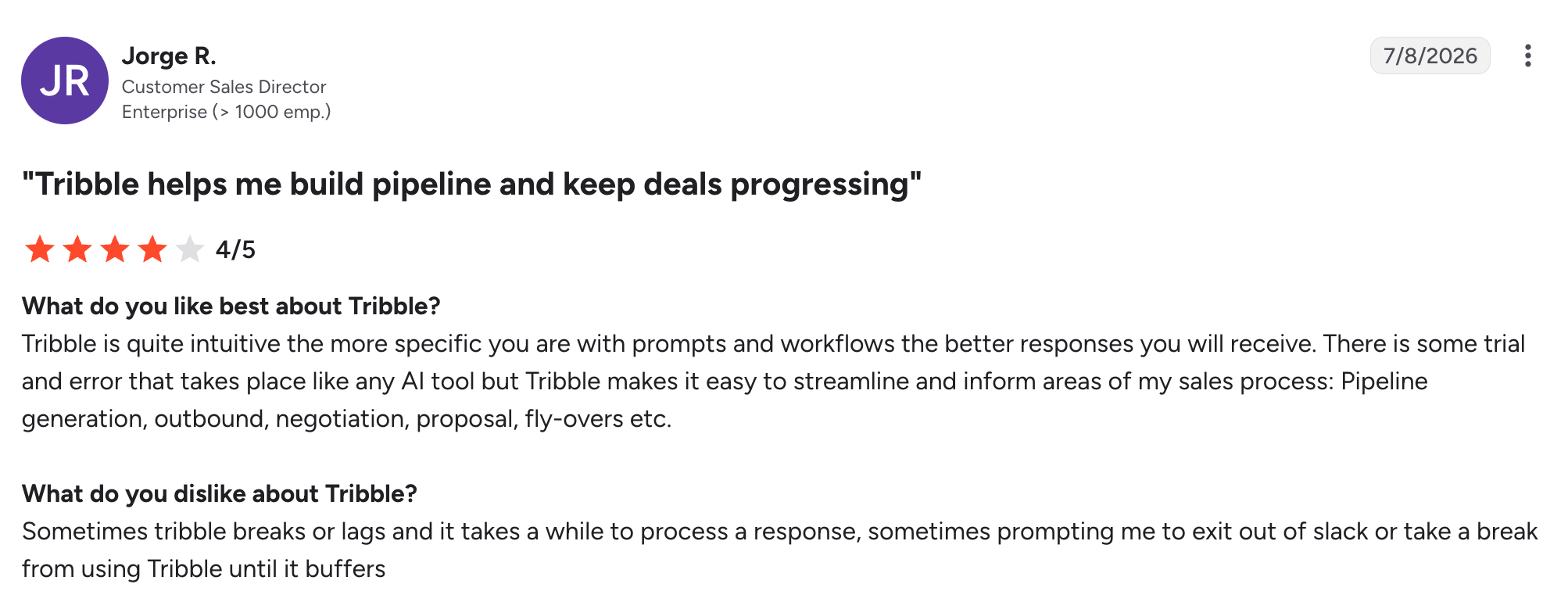
A G2 reviewer said:
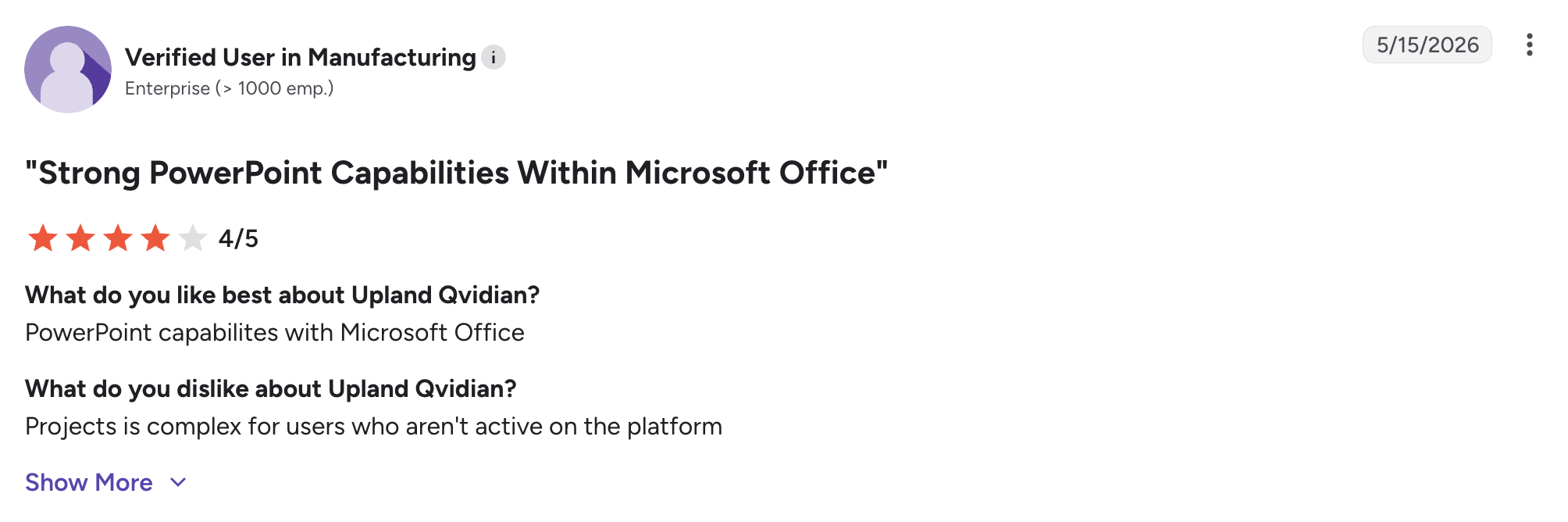
8. Best for proposal reporting: Qvidian
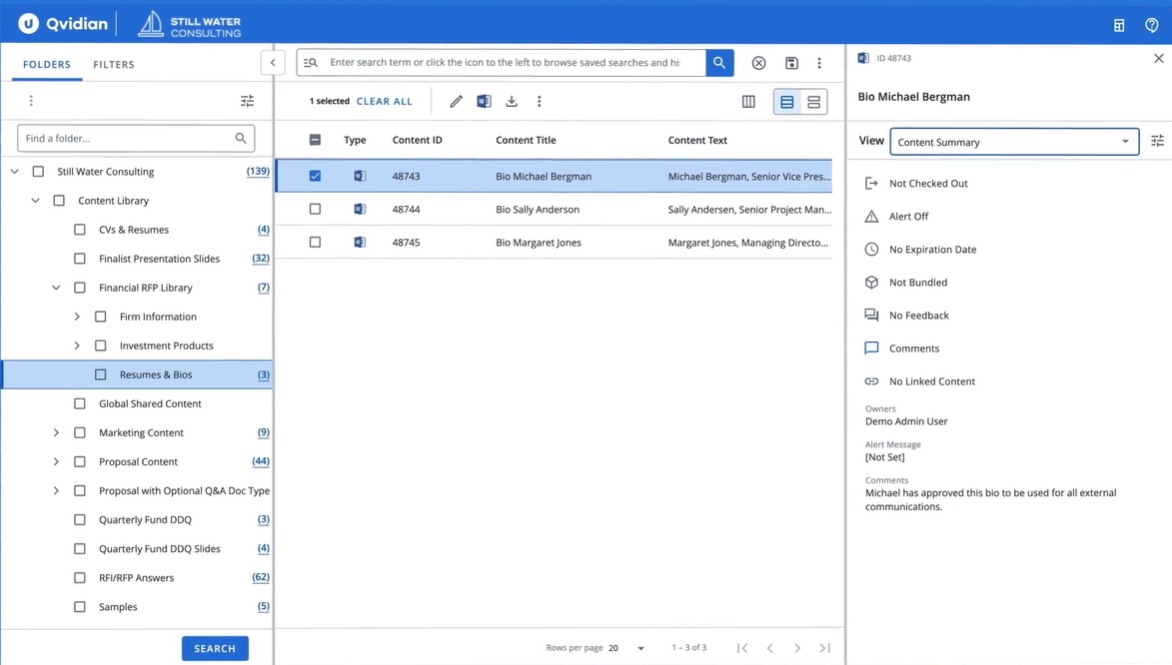
Qvidian is a legacy library-first RFP platform in the Upland Software portfolio. It manages proposal content through a structured Q&A library and template system, with verified integrations for Salesforce, Microsoft 365, Word, Excel, and PowerPoint.
Teams ready to move to AI-first drafting typically shortlist from the Qvidian alternatives.
Scores
Pros
- Reporting depth: built-in dashboards and a custom report builder track content usage, team productivity, and bottlenecks.
Limitations
- Cumbersome uploads and content management make adding questions, organizing content, and tracking versions difficult.
- Complex navigation and a non-intuitive interface create a learning curve for new users.
- Weak search functionality returns irrelevant results, making it harder to find relevant answers.
Pricing
- Quote-based and not publicly listed.
Customer review
- G2: 4.3/5
What are real users saying about Qvidian?
A G2 user review says:
9. Best for Microsoft Office teams: QorusDocs
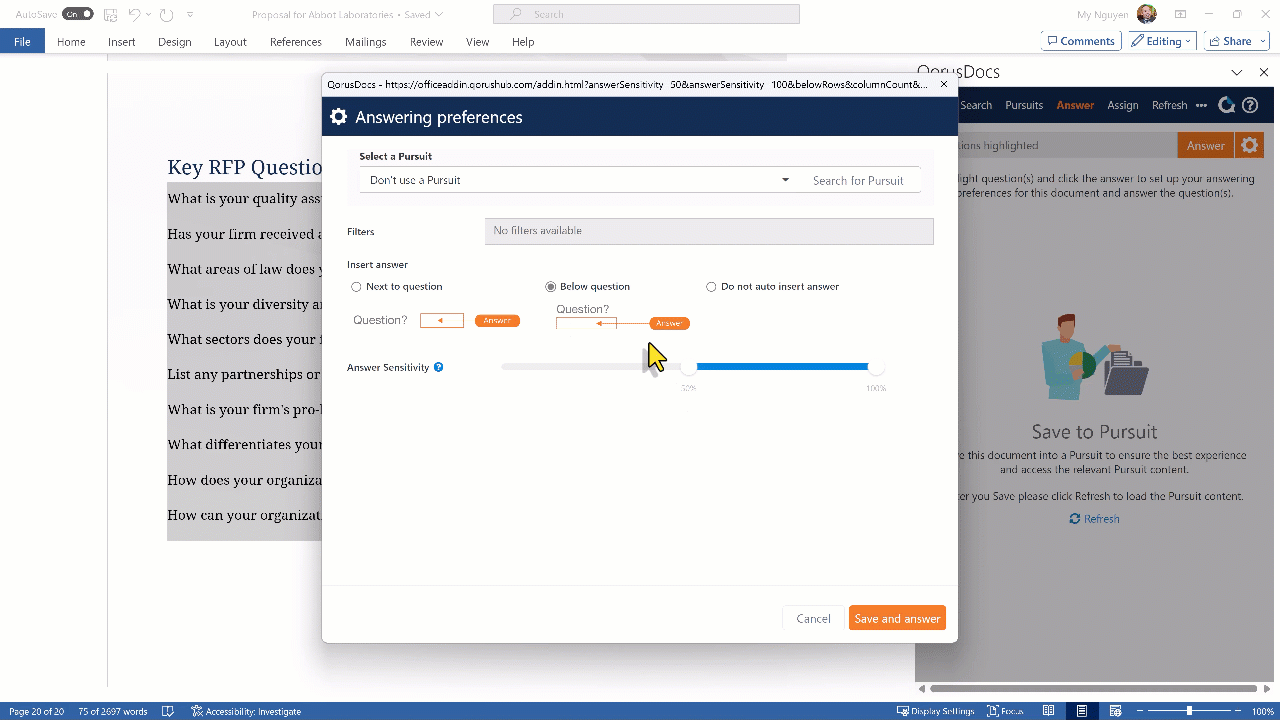
QorusDocs is a content management tool that runs inside Microsoft Word, PowerPoint, Excel, and Outlook. Teams insert approved content and manage proposals without leaving Office, and Salesforce and HubSpot integrations tie documents to opportunities.
Teams that want stronger AI inside the same workflow often review the QorusDocs alternatives.
Scores
Pros
- Approved content stays locked inside Word, so partners, legal, and delivery teams editing one document don't overwrite work or pull old versions.
Limitations
- Limited AI generation for complex technical or compliance questions.
- Built for Microsoft, with limited Google Workspace support.
- No context engine or conflict detection, so quality depends on library upkeep.
Pricing
- QorusDocs offers quote-based pricing and does not publish rates on its website.
Customer review
- G2: 4.4/5
What are real users saying about QorusDocs?
A G2 user review says:

Read more: Top QorusDocs Competitors & Alternatives for Modern RFP Teams
10. Best for RFPs, DDQs, and security questionnaires in one workspace: HeyIris
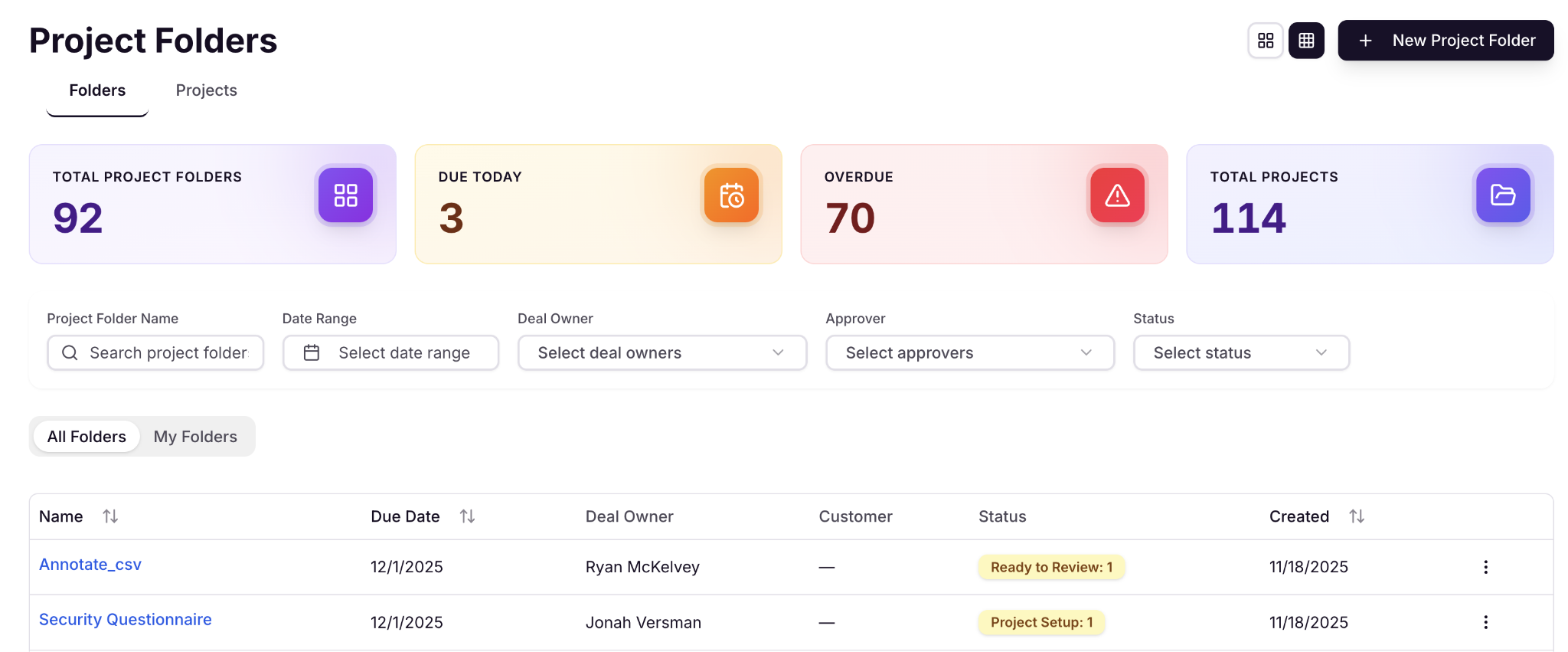
HeyIris is an AI-native response workspace for RFPs, RFQs, DDQs, and security questionnaires. Teams manage intake, AI-assisted drafting, review, and submission without switching tools, and a style control feature sets tone and structure standards by questionnaire type.
Scores
Pros
- One workspace for drafting, assigning, and approving every questionnaire type, in place of email and spreadsheets.
Limitations
- Limited mobile functionality restricts collaboration and review capabilities.
- Inaccurate, robotic AI responses affect answer quality and reliability.
- Minor bugs occasionally require support or workarounds.
- Integration limitations affect functionality and workflow efficiency.
Pricing
- Custom, user-based pricing. Contact sales.
Customer review
- G2: 4.9/5
What are real users saying about HeyIris??
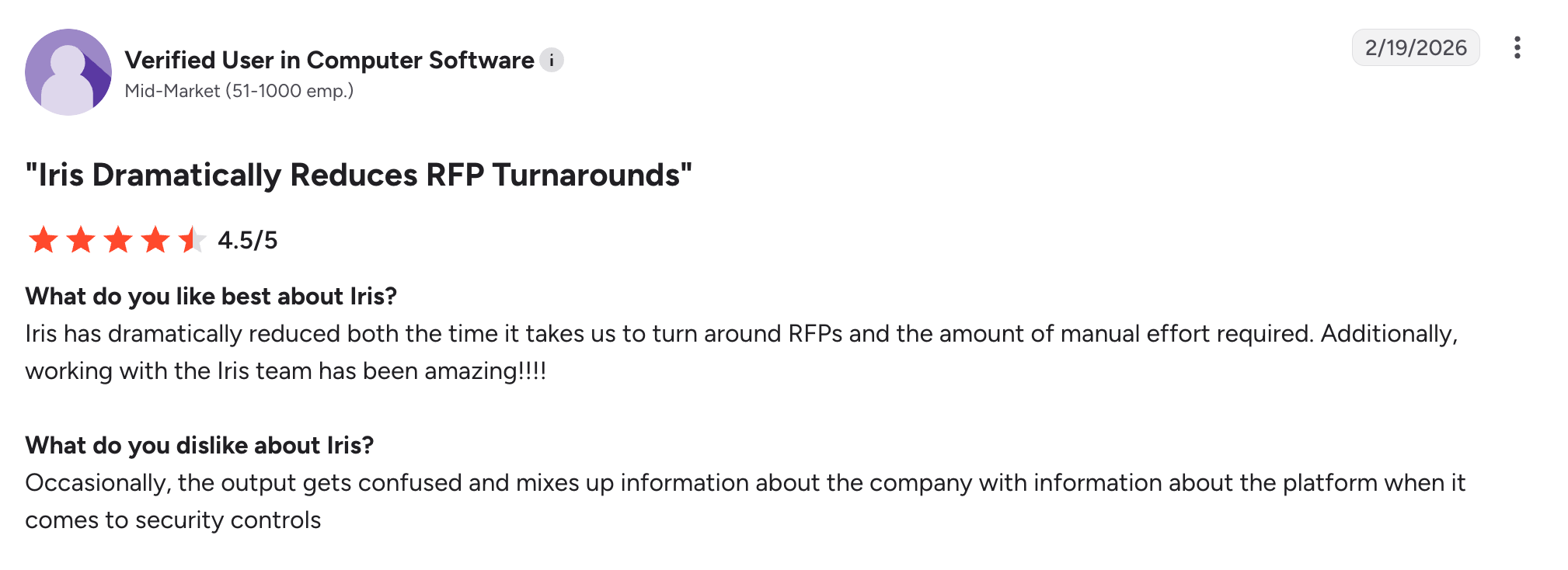
A G2 user says:
11. Best for large multi-department enterprises: Responsive
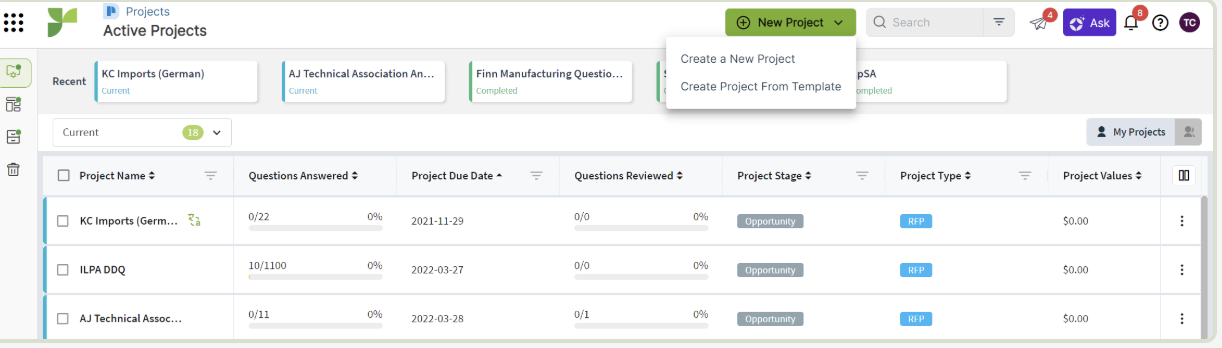
Responsive (formerly RFPIO) is a library-first enterprise RFP platform. It manages Q&A content in a centralized library and routes responses across teams through configurable workflow steps. Its TRACE Score (Transparency, Relevance, Accuracy, Completeness, Ethics) applies a quality check to AI-generated responses.
Scores
Pros
- Configurable cross-department review and approval, with analytics on team activity, content usage, and progress across projects.
Limitations
- Not AI-native, and every response uses the same library retrieval regardless of buyer.
- The TRACE Score checks tone and completeness, not accuracy or contradictions between entries.
- Named-user licensing adds a seat for every legal, IT, or product reviewer, pushing costs past the base tier.
Pricing
- Starts at $10,000/year (Emerging plan), with higher tiers for growing and enterprise teams.
- Mid and enterprise plans are custom-priced based on users, features, and deployment needs.
- Overall pricing is quote-based with per-user licensing and add-ons, so costs vary by scale.
Customer review
- G2: 4.5/5
What are real users saying about Responsive?
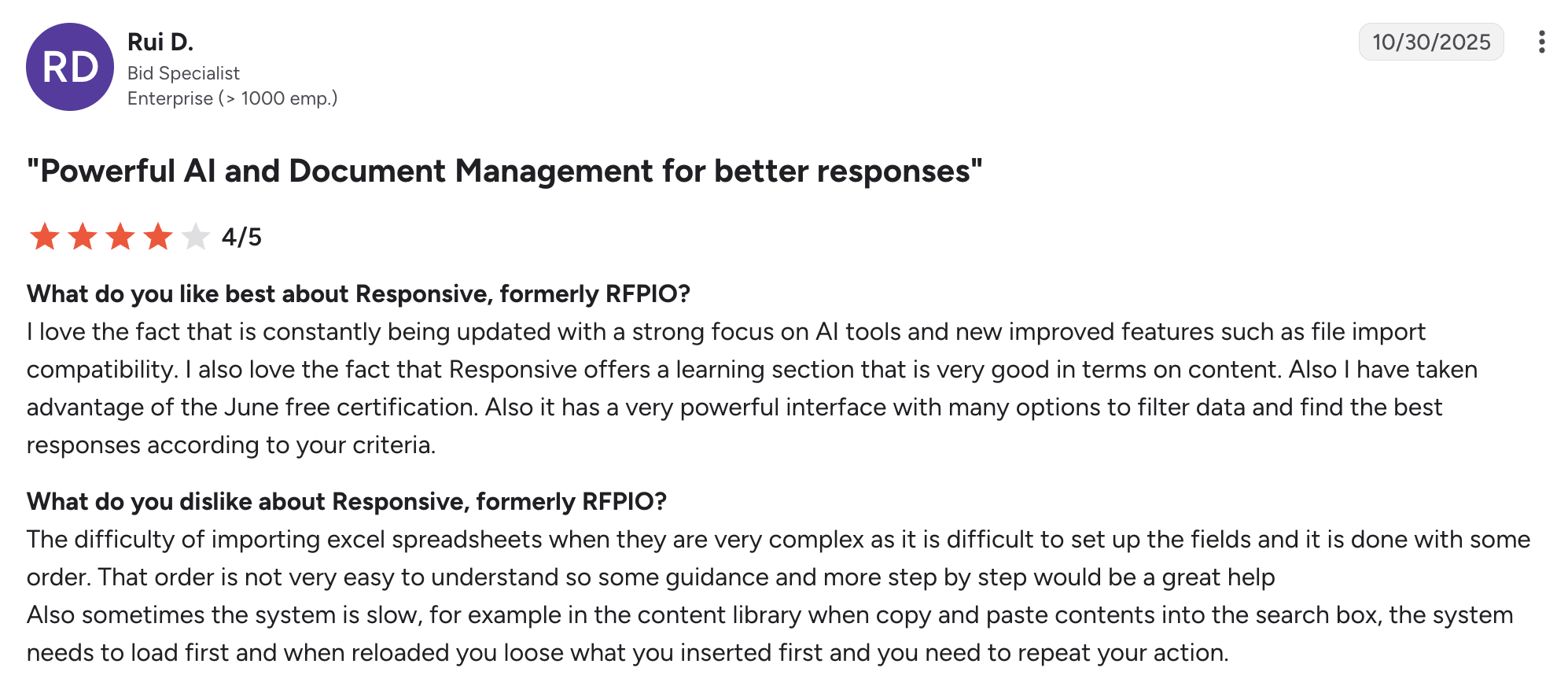
A G2 user review says:

12. Best for government tenders and bids: AutogenAI
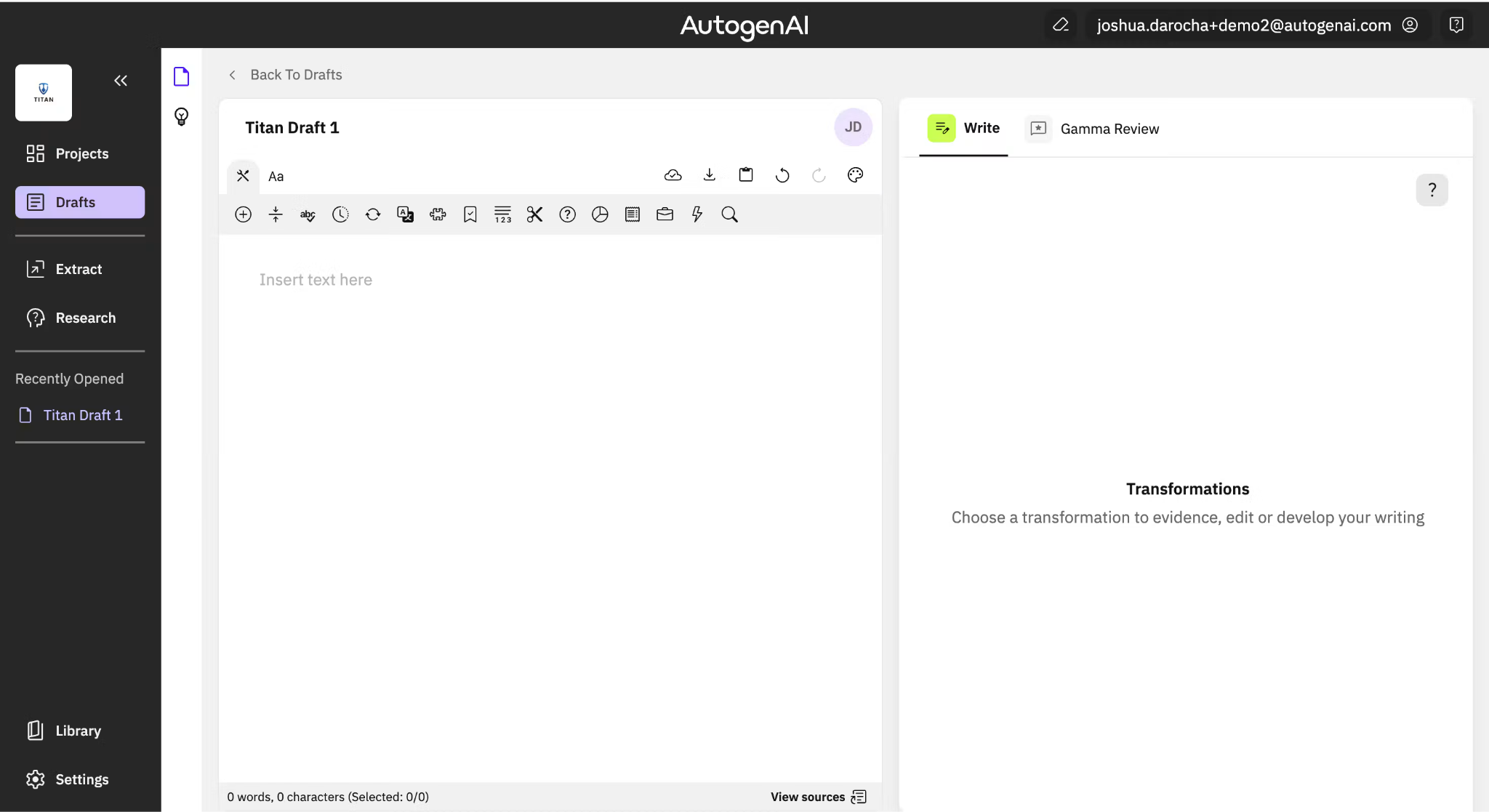
AutogenAI is an AI-native platform that generates proposal content using models trained on an organization's past proposals and source documents. It's designed for original narrative work such as government tenders, grant applications, and professional services bids, and teams typically use it for first drafts of complex, multi-section bids.
Scores
Pros
- Fuller first drafts for multi-section bids that need original writing in your organization's voice.
Limitations
- No citation grounding, so hallucination risk is higher than with source-backed tools.
- Needs thorough human review for regulated or compliance-sensitive submissions.
- Limited integrations and a poor fit for structured Q&A RFPs.
Pricing
- Custom.
Customer review
- G2: 4.3/5.
What users say about AutogenAI?
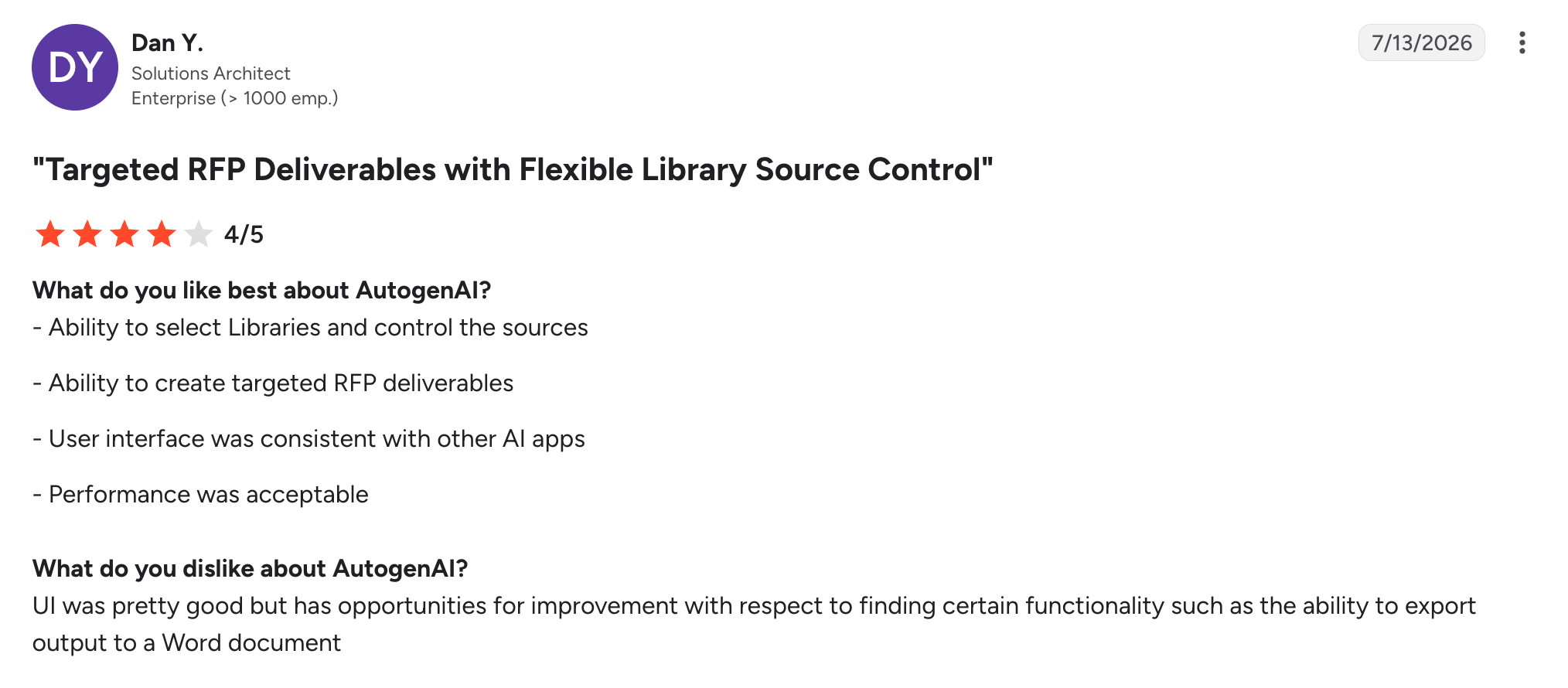
A G2 user review says:
13. Best for small teams and consultants: DeepRFP
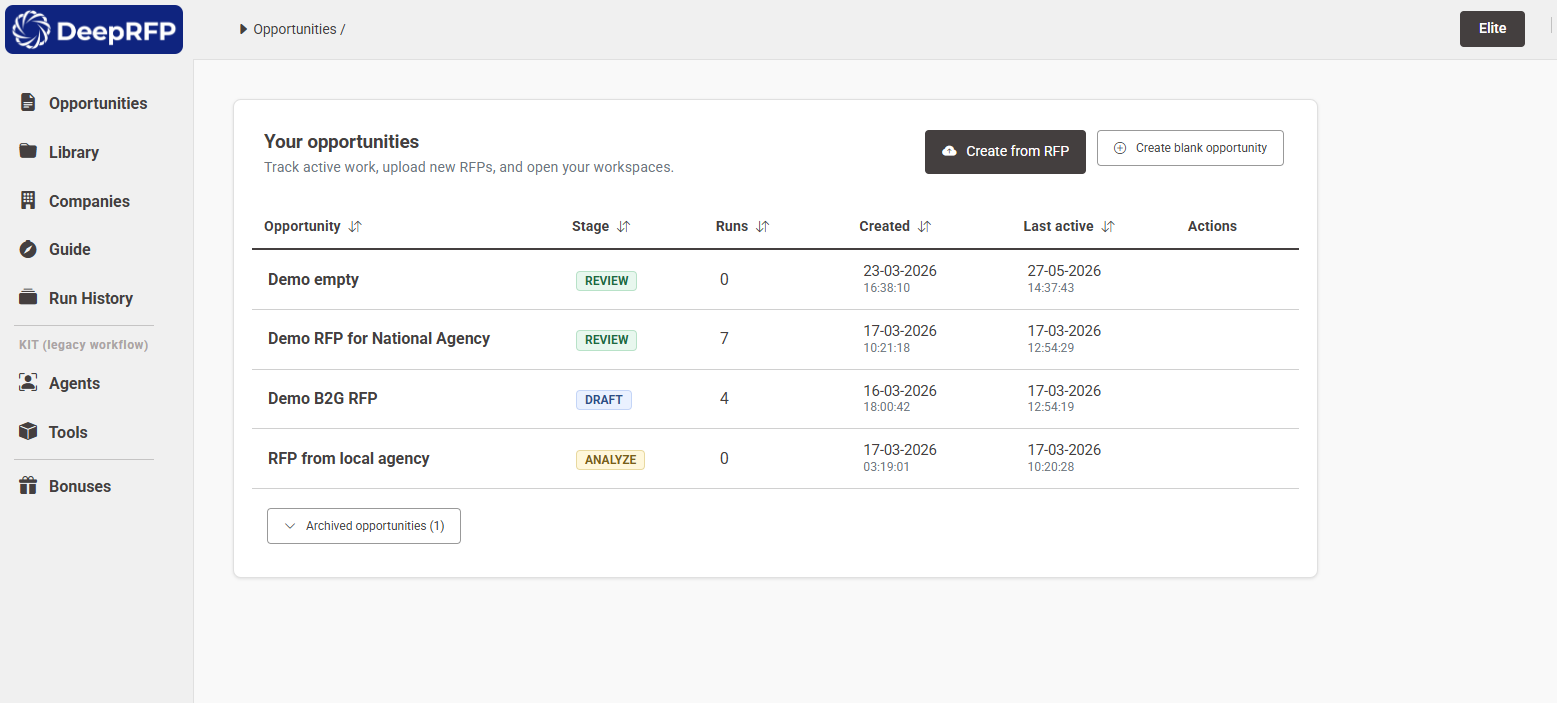
DeepRFP is a self-serve, AI-native RFP tool that supports AI drafting, compliance matrix generation, and document analysis.
Scores
Pros
- No seat minimum, no annual commitment at entry level, and no implementation project before the first draft.
Limitations
- No approval workflows, audit trails, or admin access controls.
- No deep CRM, project management, or content system integrations.
- Built for small teams, so larger operations will outgrow it.
Pricing
- Pro at $75/user/month, Elite at $125/user/month. 7-day free trial.
Customer review
- Capterra: 5/5
What are real users saying about DeepRFP?
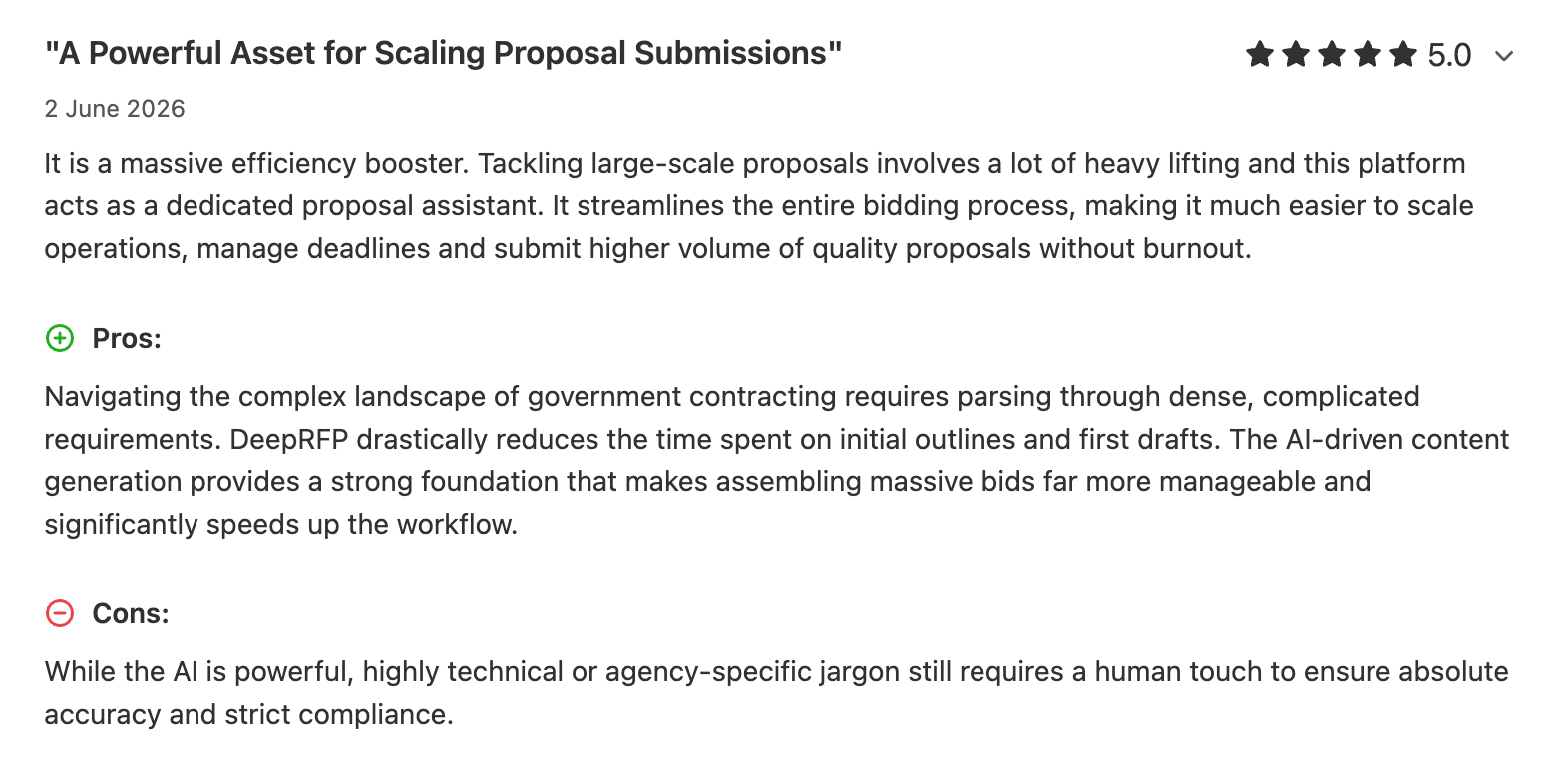
A Capterra review says:
14. Best for financial services DDQs: RocketDocs
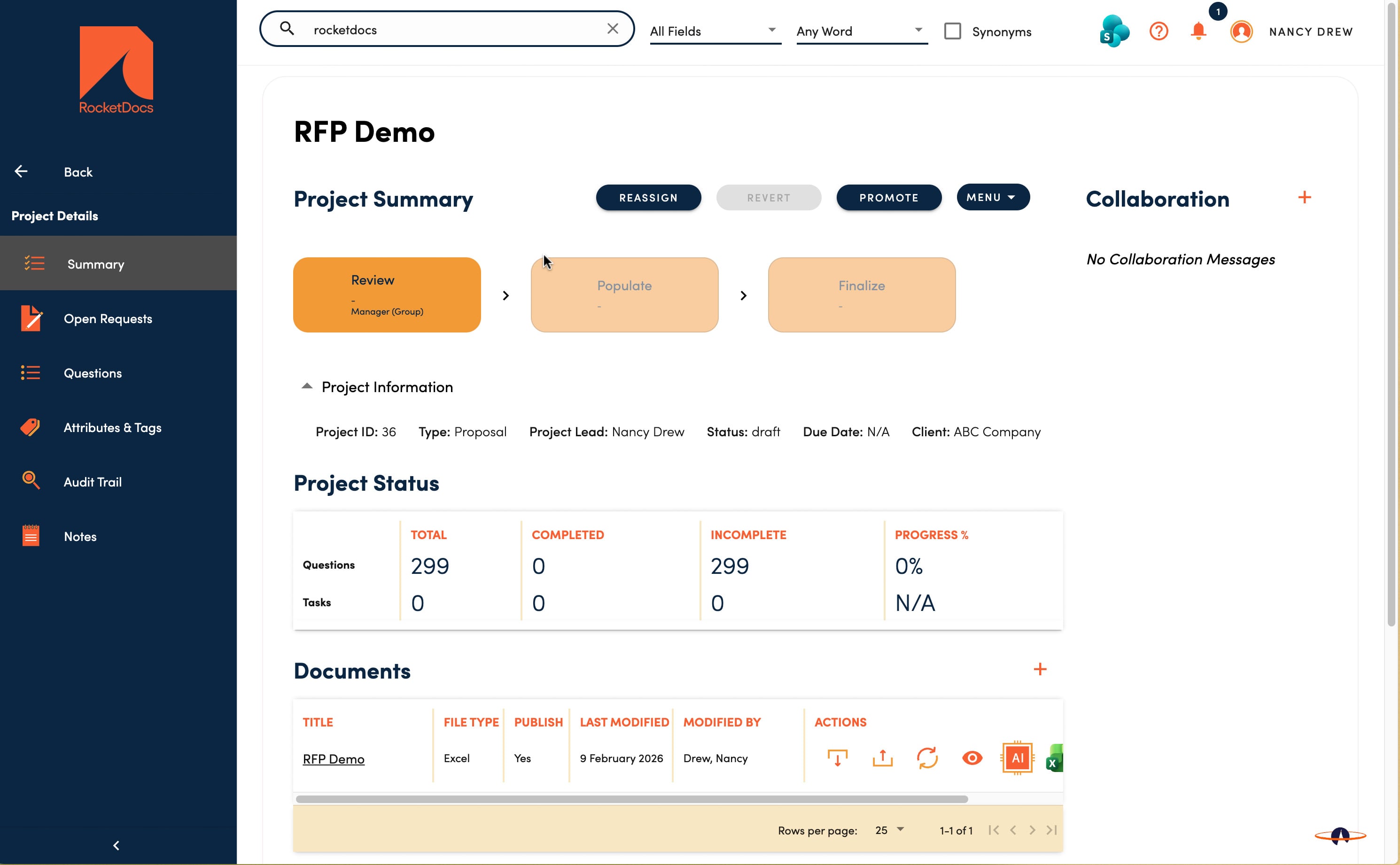
RocketDocs, formerly PMAPS, is a legacy library-first platform designed for financial services RFP and DDQ workflows. Its Private AI model keeps customer data inside a controlled environment, which addresses data residency requirements in investment management and banking. It also supports document assembly for DDQs where consistent formatting is required.
Scores
Pros
- Version history and an audit trail show which version was submitted, by whom, and when, which matters under regulatory review.
Limitations
- Inefficient search and filtering make it difficult to find relevant documents in large databases.
- Manual upload and attachment processes slow down workflows.
- Formatting issues complicate document generation and exports, leading to inconsistent results.
Pricing
- RocketDocs offers quote-based pricing based on your team's size and requirements and does not list its pricing publicly.
Customer review
- G2: 4.2/5
What are real users saying about RocketDocs?
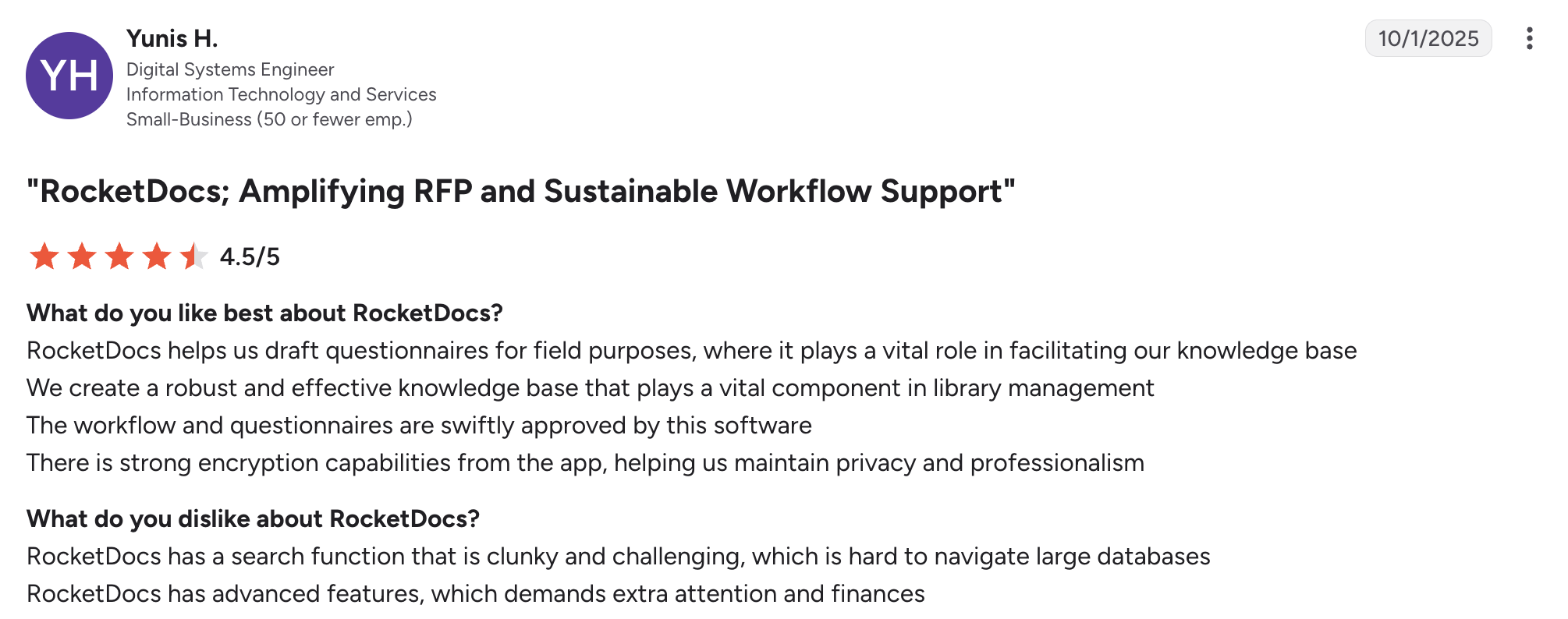
A G2 user review says:
15. Best for Word-only and offline work: Expedience
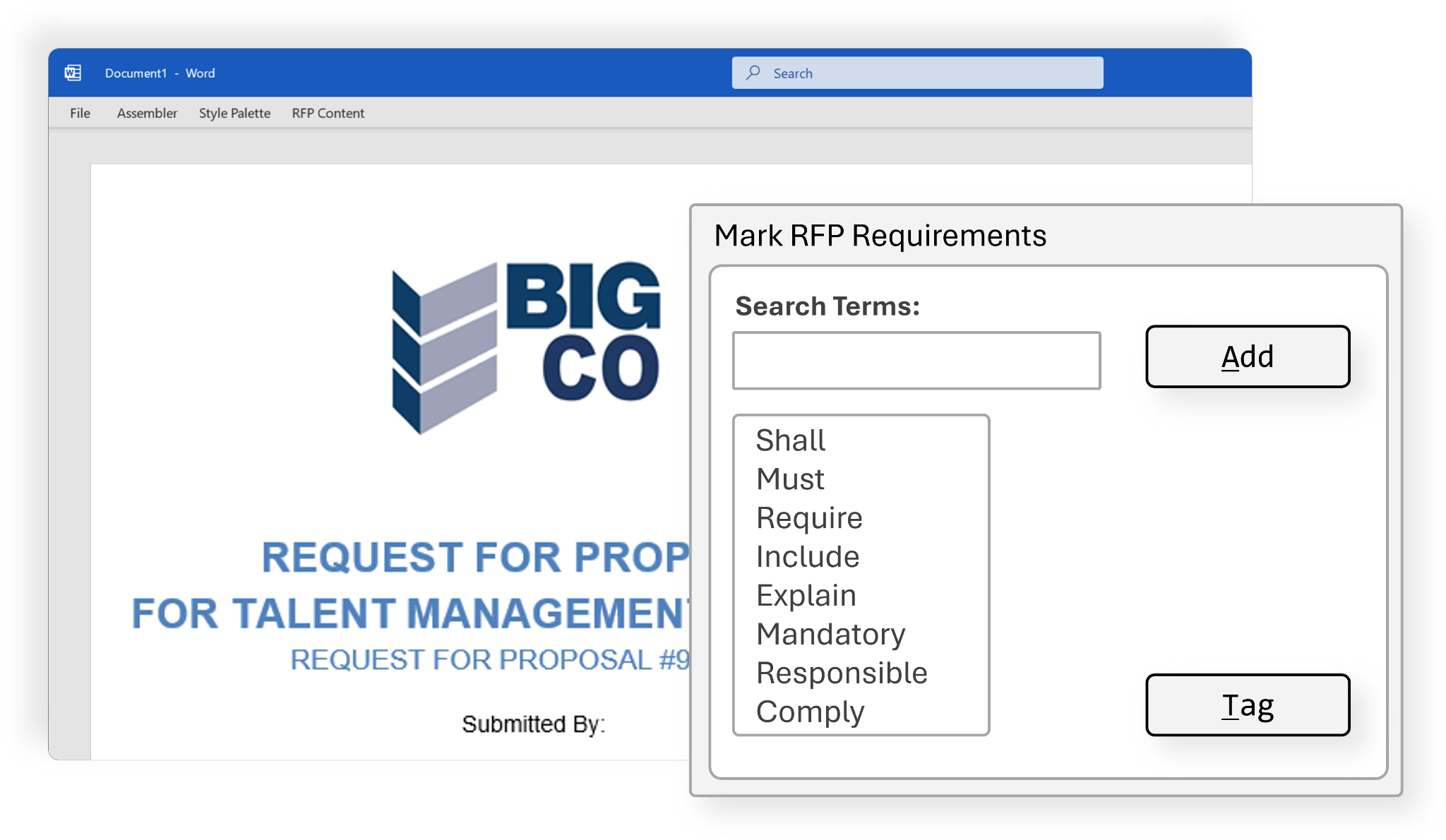
Expedience is a Word add-in that provides content library access inside Microsoft Word. Teams browse and insert approved sections, build proposals from structured templates, and work offline when required. It has no AI generation.
Scores
Pros
- Word-native work. SMEs and content managers stay in the document format they already use, including in air-gapped or offline environments.
Limitations
- No AI generation layer. Response quality depends entirely on the maintained library and templates.
- Limited to Microsoft Word, with no web app, Slack integration, or procurement portal connectivity.
- The offline-first design limits real-time collaboration across distributed teams.
Pricing
- Custom, role-based pricing.
Customer review
- G2: 4/5
What are real users saying about Expedience?
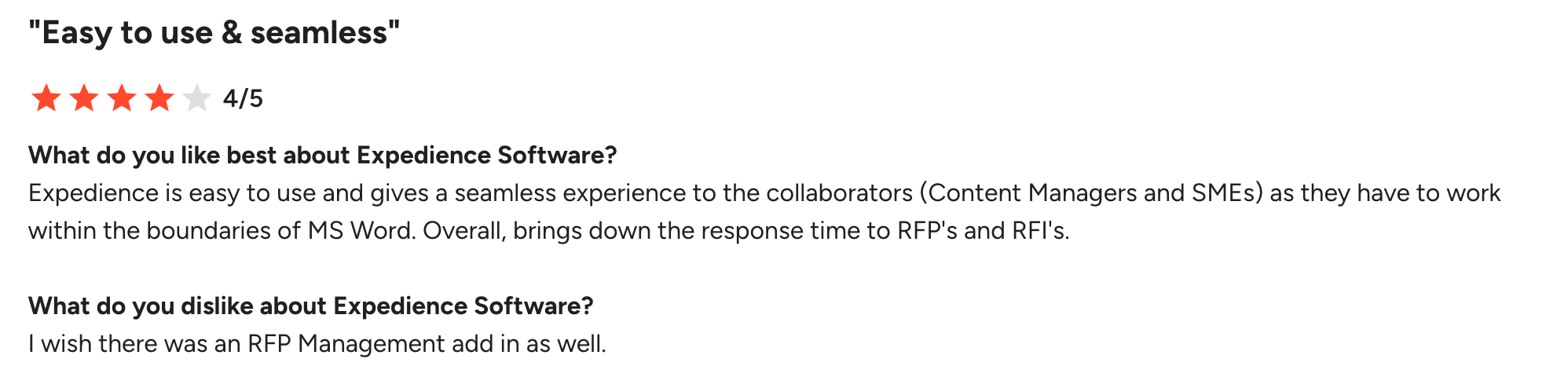
A G2 user says:
How to pick the right RFP software for your team
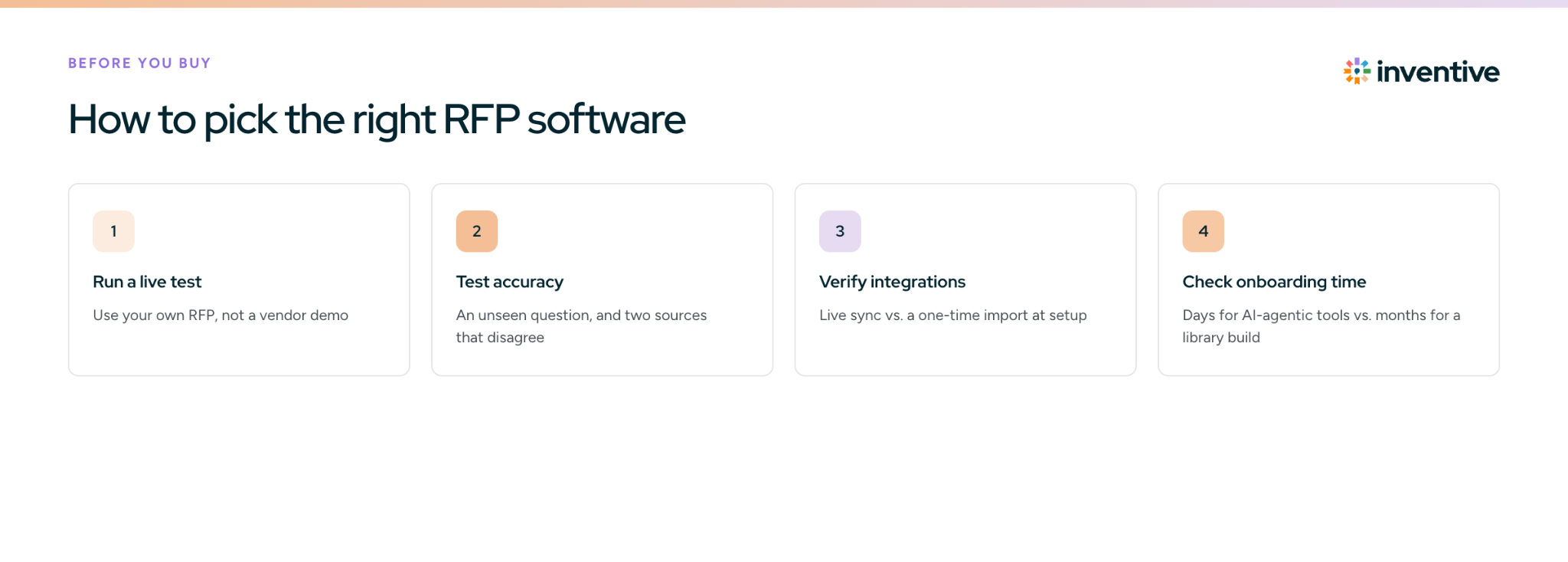
Pick RFP software by testing it on your own RFPs, not on the vendor's demo. Most RFP software buying decisions go wrong because teams judge demo performance instead of what daily use looks like three months after onboarding.
Run a live test with your own RFP before you commit
Ask to run a recent RFP through the platform before the sales cycle ends, ideally one you already submitted, so you can compare the AI's output with what your team actually wrote. Focus on:
- Questions that needed SME input or were hard to answer quickly
- Sections where your team rewrote or heavily edited earlier AI drafts
- Compliance or security questions with strict language requirements
The gap between the AI draft and your real submission shows how much editing remains after the platform does its part.
Test accuracy before you sign
Two tests show whether a platform will put wrong answers into live submissions:
- A question it has never seen: Ask something far outside your content. A good platform says it doesn't know and flags it for review; a weak one invents a confident answer.
- Two documents that disagree: Feed it a product sheet with last year's pricing and a deck with this year's, then ask a pricing question. A good platform flags the conflict; a weak one silently picks one.
Also confirm you can require approval before new answers go live and see who changed what, so outdated commitments don't reach a submission.
Verify what each integration actually does
When a vendor says it integrates with Salesforce or Google Drive, ask whether it pulls in updates automatically when those documents change, or imports content once at setup.
Check onboarding time before you sign
Read G2 and Gartner reviews for comments on how long it took from contract to the first live RFP. That number varies widely:
- AI-native platforms: Connected to your existing documents, they typically go live within days.
- Library-first platforms: Building a content library from scratch can take two to three months.
Ask for a full pricing breakdown
Some platforms charge per user, others cap RFP volume, and some charge extra for integrations you assumed were included. Before signing, get clear answers on:
- What happens if you exceed your usage limit
- What adding one more user costs
- Whether every integration you need is in your plan
These are the questions most likely to surface as surprise charges at renewal. Larger organizations with more stakeholders in the decision can go deeper with our comparison of enterprise RFP software.
Write accurate RFP responses with Inventive AI
The right RFP software stays accurate when your sources disagree, so test conflict handling before you sign. Bring a real RFP to a 20-minute call with Inventive AI and see what your team would actually review.