Customer Support RFPs Explained: A Practical Guide for Vendors
This guide breaks down how customer support RFPs work from the response side, what makes them hard to manage, and how AI-powered tools can reduce manual work without sacrificing accuracy or control.

If customer support RFPs are part of your sales motion, you already know the problem. These responses don’t fail because vendors lack capability. They fail because the process eats up time, pulls in too many people, and slows deals before real selling even begins.
Sales leaders often feel this pressure most. According to Salesforce’s State of Sales report, sales teams spend less than one-third of their time actually selling, with the rest consumed by internal tasks, documentation, and coordination work. That includes RFP responses that drag on longer than planned and stall revenue conversations.
You know your team can deliver strong customer support. The real challenge is showing that clearly and on time, without pulling your best people away from active deals.
This guide breaks down how customer support RFPs work from the response side, what makes them hard to manage, and how AI-powered tools can reduce manual work without sacrificing accuracy or control. The goal is simple: help you respond faster, stay consistent, and protect your win rate.
Key Takeaways
- Customer support RFPs take significant time because they require input from multiple teams, detailed documentation, and careful reviews, which often slows deals before selling even begins.
- Buyers use these RFPs to assess service reliability, SLAs, security, and operational maturity, making response quality just as important as speed.
- Manual RFP processes lead to common issues such as inconsistent answers, outdated content, heavy SME dependency, and poor visibility into progress.
- AI-powered RFP response tools help vendors respond faster while keeping answers accurate, consistent, and aligned across teams.
- Inventive AI enables vendors to respond 10x faster, maintain 95% accuracy, avoid conflicting or outdated responses, and improve win rates by over 50%.
What Customer Support RFPs Mean for You?
Customer support RFPs are more than just another proposal request. They’re a formal way for organizations to evaluate how well your support services match their needs.
These RFPs usually cover details such as service levels, technology stack, response times, reporting, and ongoing support capabilities. Responding well means proving you can deliver what buyers ask for, not just claim it.
Here’s what you need to understand as a vendor:
- They test your delivery capabilities: Buyers aren’t just checking features; they want evidence you can deliver consistent support. That includes documentation of service processes, response timelines, and escalation handling.
- They expose your internal coordination: A support RFP response typically requires input from multiple teams, sales, operations, support leadership, security, and finance. How smoothly you gather and consolidate this information reflects on your professional execution.
- They influence long-term revenue: In many industries, customer service isn’t an add-on; it’s a high-impact part of total contract value. A well-written response that aligns with the buyer’s expectations can be the difference between winning and losing a high-value deal.
Even though they might look like just another document request, these RFPs are often yardsticks of your operational strength.
If your response isn’t structured, accurate, and timely, your competitors, especially those investing in response tools, can win that contract instead.
Why Customer Support RFPs Matter More Than Most Sales Requests?
Customer support RFPs are high-stakes, high-visibility opportunities that influence buyer decisions in some of the largest deals you pursue.
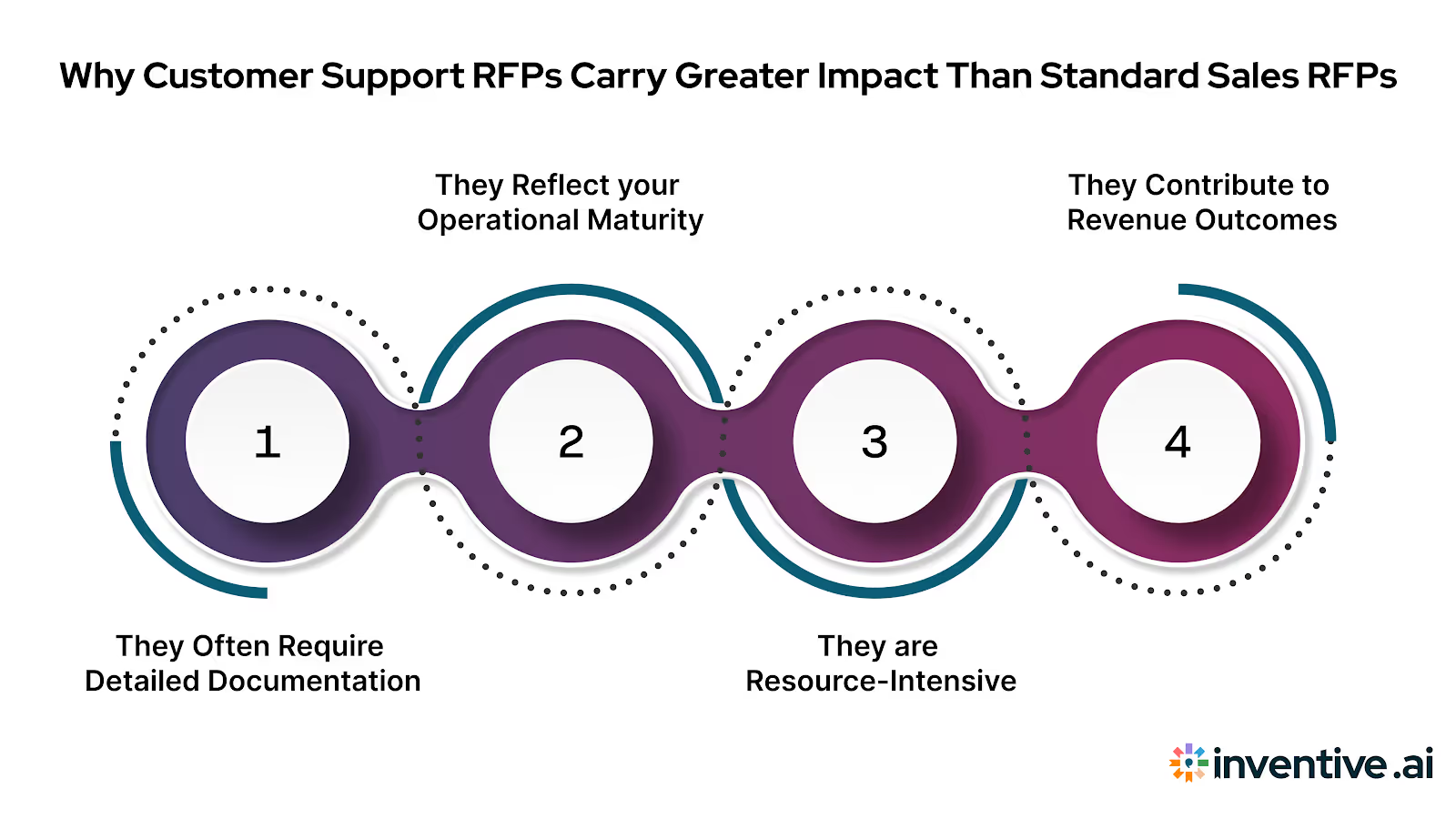
Here’s how they impact your business:
- They often require detailed documentation: Support RFPs usually ask for specifics on service level agreements (SLAs), escalation procedures, reporting, and tools. This goes beyond simple product features and demands clarity and proof.
- They reflect your operational maturity: Buyers see your proposal as a preview of future support interactions. Incomplete or inconsistent responses raise questions about your ability to deliver reliable service.
- They are resource-intensive: Teams spend dozens of hours on each RFP. A single vendor could average around 23.8 hours per response, time that your sales and support leads could otherwise spend on closing deals or retaining customers.
- They contribute to revenue outcomes: Industry reports show average RFP win rates hover around 45% across companies, meaning nearly half of the effort invested in responses leads to awarded contracts. This makes it critical that every submission is not just complete but compelling.
Understanding this impact helps you decide where to invest your effort. When customer support RFPs are handled thoughtfully, with accurate evidence and clear value, you increase your chances of being shortlisted and eventually winning the business.
What Buyers Ask for in Customer Support RFPs (And Why It’s Hard to Answer Well)?
Customer support RFPs tend to look straightforward at first glance. But once you start responding, the volume and depth of questions quickly add up.
Buyers aren’t asking these questions to fill pages. They’re trying to understand how reliable your support operation will be once a contract is signed.
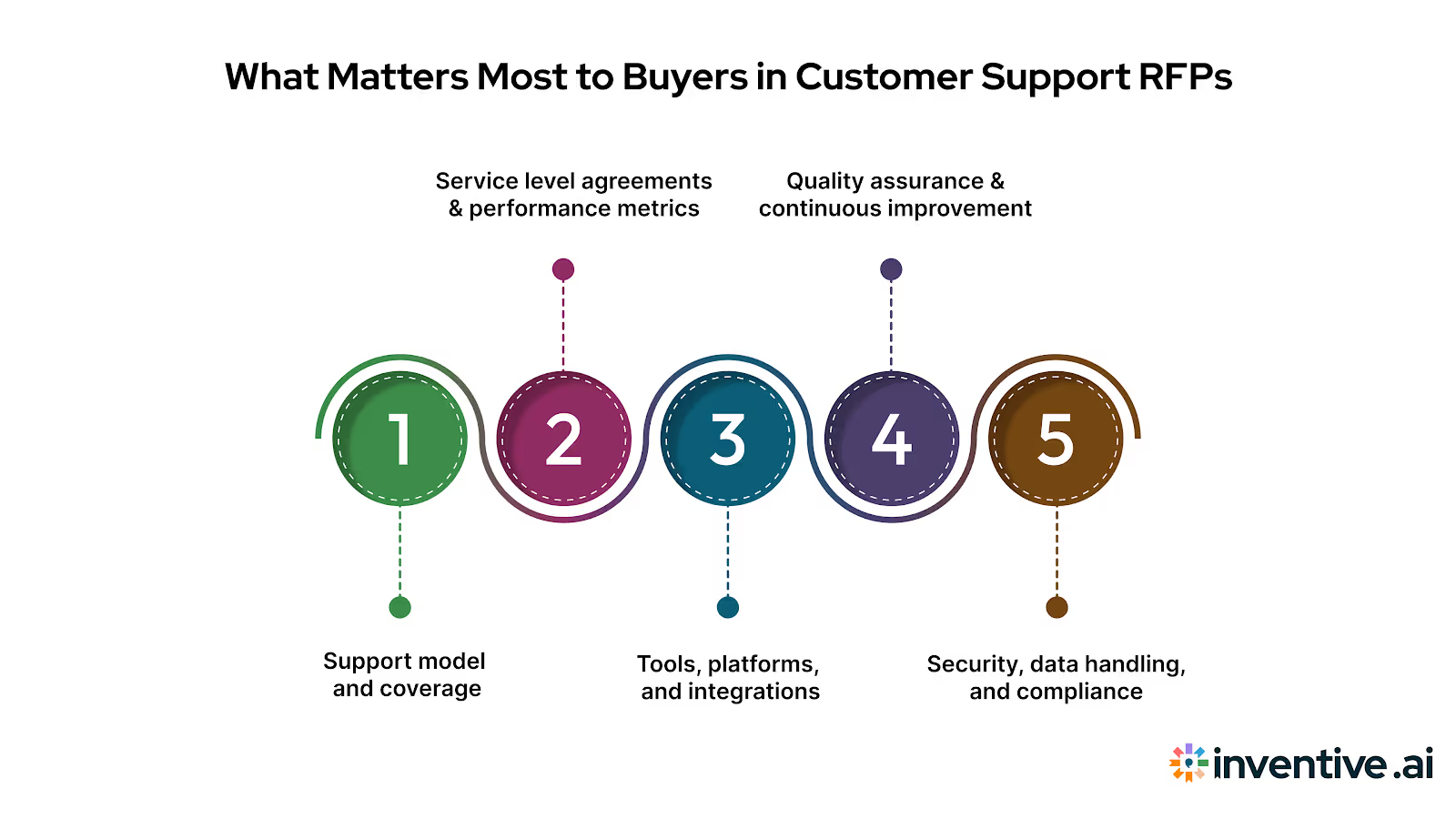
Below are the areas that appear most often and where vendors usually struggle to respond clearly.
1. Support model and coverage
Buyers want to know how your support team is structured. This includes operating hours, channels supported (email, chat, phone), escalation paths, and how coverage scales during peak periods. The difficulty comes from aligning these answers with what sales has promised and what operations can actually deliver.
2. Service level agreements (SLAs) and performance metrics
This section goes deep into response times, resolution targets, uptime commitments, and reporting frequency. Vendors often struggle here because metrics live in different systems, and past performance data isn’t always easy to summarize in a clean, buyer-friendly way.
3. Tools, platforms, and integrations
Buyers ask about ticketing systems, CRM tools, knowledge bases, and how your stack integrates with theirs. The challenge is keeping these answers current. Tooling changes often, and outdated responses can raise red flags during evaluation.
4. Quality assurance and continuous improvement
RFPs commonly ask how you monitor support quality, handle customer feedback, and improve over time. These answers usually require input from support leadership and documented processes, which can take time to gather and review.
5. Security, data handling, and compliance
Customer support RFPs frequently include security questionnaires or reference compliance standards. Vendors lose time here because legal, IT, and security teams must review responses carefully, and small inconsistencies across answers can delay approvals.
Each of these sections makes sense on its own. The real problem starts when you have to pull accurate information from multiple teams, format it correctly, and make sure it aligns across the entire proposal.
Without a structured way to manage responses, even experienced teams end up rewriting answers or fixing last-minute issues.
Understanding these core sections prepares you for the next step, figuring out how to respond efficiently without pulling your sales and support teams away from revenue-generating work.
Also Read: RFP Content Library: The Complete Guide to AI Automation
7 Steps to Respond Effectively to Customer Support RFPs
Responding to customer support RFPs requires careful planning, coordination, and a structured approach to ensure you meet the buyer’s needs while maintaining efficiency.
Here are the essential steps to follow:
1. Understand the Buyer’s Needs
Review the RFP to identify key requirements such as service levels, response times, and security protocols. Understanding these details helps you tailor your response to what the buyer values most.
2. Go/No-Go Decision
Assess whether your organization can meet the buyer’s needs. If your team lacks the resources or capability, it's better to decline early to avoid wasting time.
3. Assign Ownership and Gather Input
Assign internal owners for each section of the RFP (sales, operations, security, finance). Ensure all necessary teams contribute their expertise to the response.
4. Reuse Approved Responses
Use existing, approved answers from your content library for commonly asked questions. This reduces drafting time and ensures consistency.
5. Write Clear, Relevant Responses
Ensure each answer directly addresses the question, using simple language and focusing on the buyer’s goals. Avoid jargon and ensure clarity.
6. Review and Collaborate
Conduct a thorough review of the responses with relevant teams. Verify accuracy, consistency, and alignment with the buyer’s needs.
7. Final Approval and Submission
After reviewing, obtain final approval from stakeholders, and submit the proposal on time in the required format.
Following these steps ensures a structured, efficient process that maximizes your chances of winning the deal by delivering accurate, tailored responses on time.
Also Read: How to Develop Effective RFP Win Themes for Proposal Success
How to Respond to Customer Support RFPs Without Slowing Down Your Sales Team? 5 Steps You Need to Know!
Once you understand what buyers ask for, the next challenge is execution. Customer support RFPs demand detailed answers, but responding to them shouldn’t bring your sales motion to a halt.
The goal is to stay thorough without pulling your revenue team into weeks of back-and-forth.
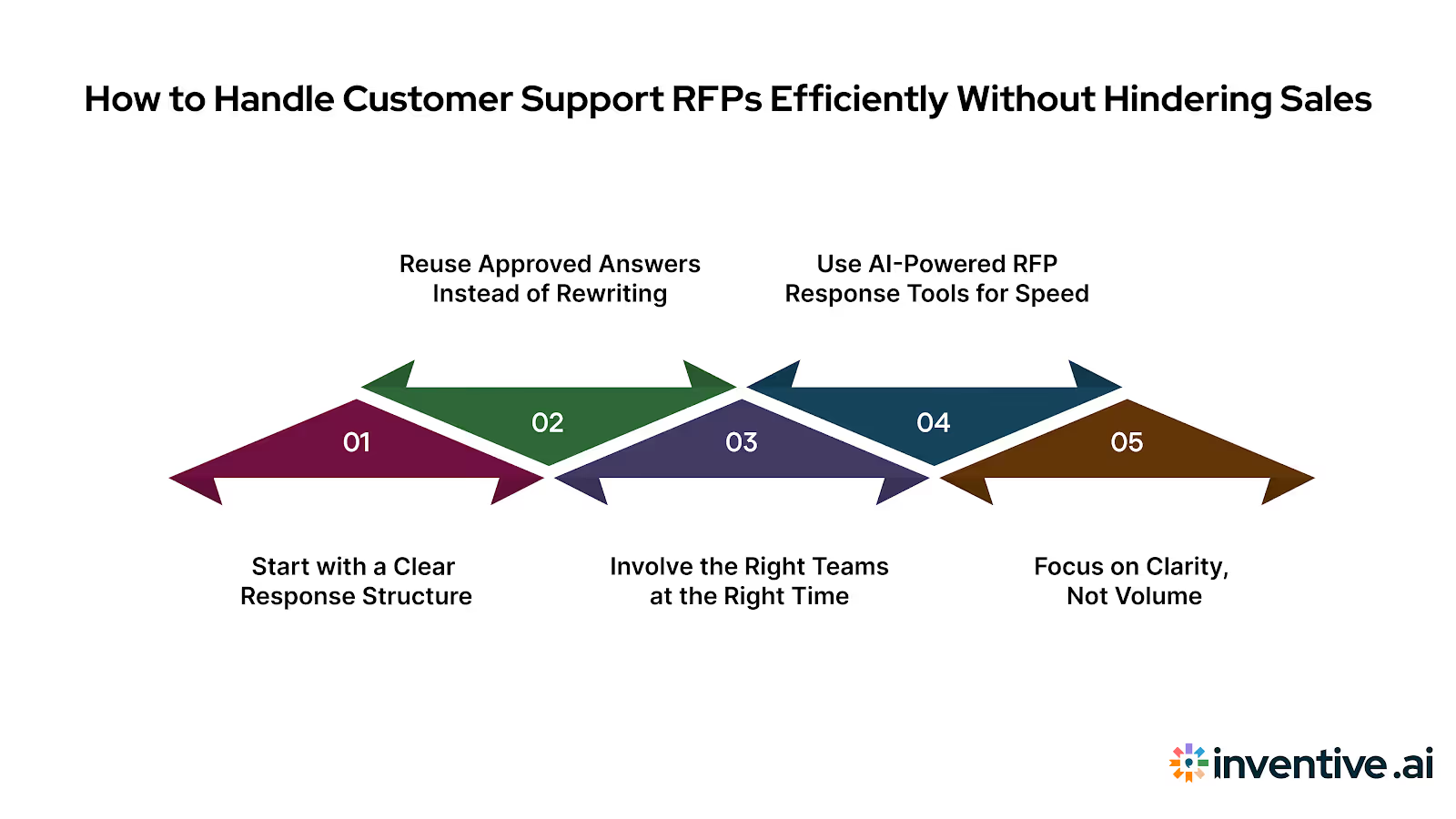
Here’s how strong vendors approach this stage.
1. Start with a clear response structure
Before writing a single answer, you need structure. That means:
- Mapping RFP sections to internal owners early
- Knowing which answers are standard and which need customization
- Setting clear review timelines so responses don’t sit idle
Without this upfront clarity, teams end up reacting instead of responding.
2. Reuse approved answers instead of rewriting
Many customer support RFP questions repeat across deals. Support hours, escalation paths, tooling, and security practices rarely change from one buyer to another.
- Reusing approved responses keeps language consistent
- It reduces the risk of errors or conflicting claims
- It shortens review cycles for proposal managers
Rewriting familiar answers every time only increases workload without improving quality.
3. Involve the right teams at the right time
Support RFPs often touch multiple departments, but not everyone needs to be involved from the start.
- Pull in subject matter experts only for gaps or updates
- Avoid full rewrites by sharing context, not just questions
- Keep final approval centralized to avoid version confusion
This approach respects everyone’s time while keeping responses accurate.
4. Use AI-powered RFP response tools for speed and accuracy
As RFP volumes grow, manual processes start to break down. AI-powered RFP response tools help by:
- Creating faster first drafts using approved content
- Reducing repetitive writing across similar questions
- Maintaining consistent language across sections and proposals
When used correctly, these tools support your team’s expertise rather than replacing it. Proposal managers stay in control, while response timelines shrink.
5. Focus on clarity, not volume
Buyers reviewing customer support RFPs read dozens of responses. Clear, direct answers stand out more than long explanations.
- Use simple language to explain how your support works
- Tie answers back to outcomes, not internal jargon
- Avoid adding information the buyer didn’t ask for
Responding well to customer support RFPs isn’t about working longer hours. It’s about building a repeatable approach that protects response quality while keeping sales moving.
That leads into the next challenge most vendors face, the hidden friction points that slow customer support RFP responses, even when teams have experience.
Here’s a downloadable customer support RFP response template you can use to structure, review, and submit responses with confidence.
6 Biggest Challenges Vendors Face When Responding to Support RFPs
Customer support RFPs don’t become difficult because of the questions alone. They become difficult because of how many people, systems, and approvals are involved in answering them. Even well-run teams feel the strain when several RFPs arrive at once.
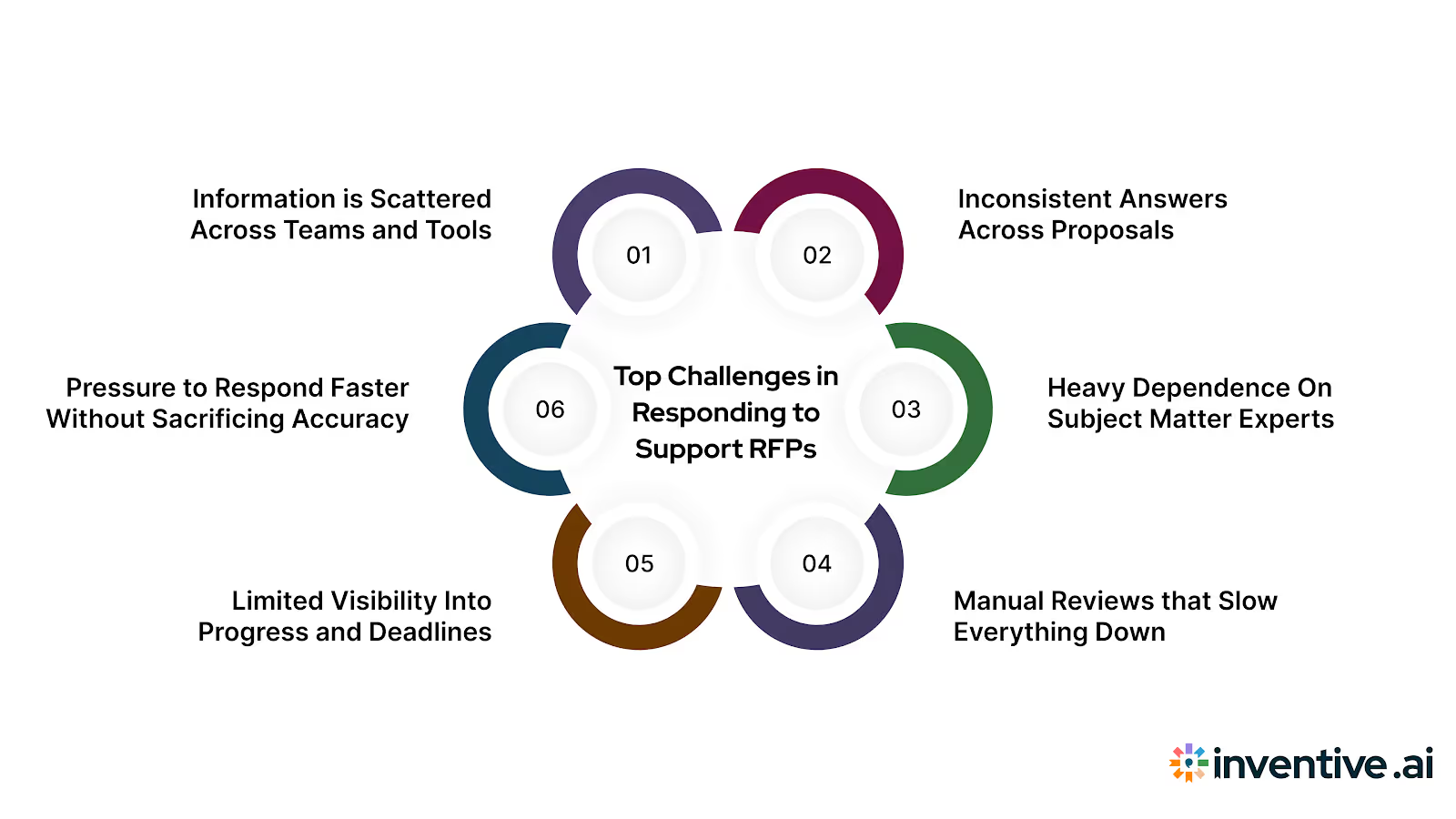
Below are the challenges vendors run into most often.
1. Information is scattered across teams and tools
Support processes live with operations, security answers sit with IT, pricing comes from finance, and sales owns the relationship. Pulling everything together into one response takes time and repeated follow-ups.
2. Inconsistent answers across proposals
When different people answer similar questions across RFPs, responses start to drift. One proposal mentions a different SLA, another describes a slightly different escalation path. These inconsistencies create doubt for evaluators.
3. Heavy dependence on subject matter experts
Security, compliance, and support leadership are asked the same questions again and again. When they’re unavailable, responses stall. When they respond quickly, sales still need time to review and align language.
4. Manual reviews that slow everything down
Most teams still rely on document sharing, comments, and email threads to review RFP responses. This leads to version confusion, missed edits, and last-minute corrections right before submission.
5. Limited visibility into progress and deadlines
Without a clear view of what’s complete and what’s pending, proposal managers spend more time chasing updates than improving response quality. Missed sections and rushed answers often appear at the end.
6. Pressure to respond faster without sacrificing accuracy
Buyers expect quick turnarounds. At the same time, inaccurate or vague answers hurt trust. Balancing speed and quality becomes harder as RFP volume increases.
When vendors face these challenges, they often reach a turning point. To respond faster without lowering accuracy, teams need a better way to manage RFP responses. That shift often starts with AI-powered RFP response tools like Inventive AI, built specifically for vendor workflows.
Here’s how Inventive AI makes that difference.
How Inventive AI Raises Response Quality Without Adding More Review Cycles?
When responding to customer support RFPs, speed matters, but quality is what ultimately gets you shortlisted. Many vendors can respond quickly, yet still lose deals because their answers feel generic, inconsistent, or off in key areas.
This is where response quality becomes the deciding factor, especially when buyers are comparing multiple vendors side by side.
By focusing on improving response quality at every stage of the RFP workflow, Inventive AI helps teams get better results without increasing the review workload.
Here's how that works in practice:
1. 2x response quality across support RFP submissions
Inventive AI helps teams move beyond copy-paste responses. By grounding answers in verified content and past approvals, proposals read clearer, more confident, and better aligned with buyer expectations, without increasing review effort.
2. Context Engine that understands the question, not just the keywords
Customer support RFP questions are often layered and nuanced. Inventive AI’s Context Engine understands intent, allowing responses to stay relevant to the buyer’s actual concern instead of repeating surface-level statements.
3. Instant conflict detection before proposals go out
Conflicting answers around SLAs, escalation paths, or support coverage can quietly cost you deals. Inventive AI flags contradictions across responses so proposal managers can fix issues early, not during last-minute reviews.
4. Outdated content detection to keep answers current
Support processes, tools, and metrics change over time. Inventive AI detects outdated responses and prompts teams to update them, reducing the risk of submitting inaccurate or obsolete information.
5. Quality benchmarking across responses
Proposal managers can compare responses against internal benchmarks to ensure clarity, completeness, and consistency. This helps maintain a standard across all customer support RFPs, even when different teams contribute.
6. Generate narrative-style proposals, not fragmented answers
Instead of disconnected question-by-question replies, Inventive AI helps generate narrative-style proposals that tell a cohesive story about your support model, service maturity, and delivery approach, something evaluators value when reviewing multiple vendors.
With Inventive AI RFP Automation, teams respond 10x faster, maintain 95% accuracy, and eliminate risks caused by outdated or conflicting answers, all while improving response quality and confidence. For CROs and VPs of Sales, this means protecting pipeline momentum and improving forecast reliability. For proposal teams, it means fewer last-minute scrambles and stronger submissions.
Frequently Asked Questions (FAQs)
1. What does an RFP mean in customer support services?
In customer support, an RFP is a formal request from a company looking to evaluate vendors that can deliver support services. These RFPs focus on how you handle customer inquiries, manage response times, meet service levels, and support users over time. For vendors, it’s a structured opportunity to explain how your support model works and why it’s reliable.
2. Where do vendors typically find customer support RFP opportunities?
Customer support RFPs are commonly shared through direct outreach, procurement portals, and industry-specific platforms. Many enterprise buyers send RFPs directly to shortlisted vendors based on prior conversations, referrals, or past performance. Some public-sector and large enterprises also publish RFPs on official procurement websites.
3. How are call center RFPs different from general customer support RFPs?
Call center RFPs focus more heavily on voice support operations. They often include detailed questions about agent staffing, call handling capacity, average handle time, escalation processes, quality monitoring, and reporting. Vendors responding to call center RFPs must clearly explain how they manage high volumes while maintaining consistent service quality.
4. Why do customer support RFP responses take so long to prepare?
These RFPs require input from multiple teams, including sales, support operations, security, and finance. Without a structured system to reuse approved answers and manage reviews, teams spend significant time collecting information, resolving inconsistencies, and preparing final responses.
5. How can vendors improve accuracy in customer support RFP responses?
Accuracy improves when teams rely on verified, up-to-date content instead of rewriting answers for each RFP. AI-powered RFP response tools help maintain consistency, flag outdated information, and reduce errors across proposals, making responses easier to review and submit with confidence.