POS RFP Template: Best Response Guide for POS Vendors

Is the retail tech market accelerating faster than most vendors can respond to? As retailers invest in new systems, vendors often face detailed procurement documents like a POS RFP template that demand clear, structured answers.
For proposal and sales teams, responding to POS RFPs can quickly become a lengthy process. Questions arrive from multiple departments, such as product, security, and finance. Answers are often scattered across old proposals, documents, and spreadsheets, making it difficult to keep responses accurate while meeting tight submission deadlines.
In this guide, we’ll explore how vendors can structure a POS RFP response template, common mistakes teams make when answering POS RFPs, a practical response checklist to stay organized, and how AI helps teams prepare stronger proposals in less time.
POS RFP Template for Buyers: What Retailers Usually Include?
Retailers often rely on an RFP to compare point-of-sale systems before selecting a vendor. A POS RFP template provides a structured way for them to ask vendors about product capabilities, system requirements, pricing, and support. For vendors, this means responding to detailed questions while clearly and consistently presenting their solution.
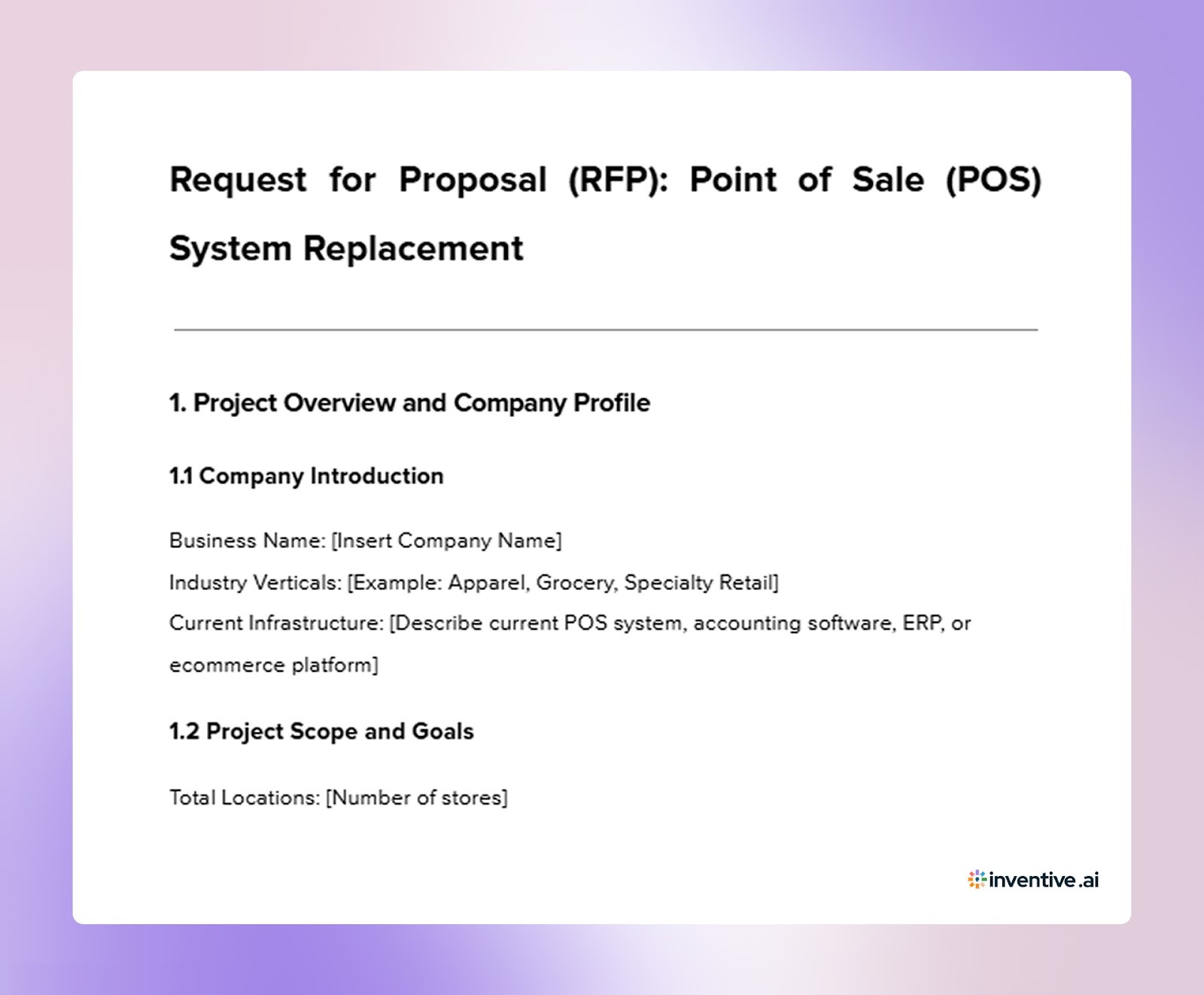

Once you understand how retailers structure a POS RFP template, you should review how vendors organize responses when replying to these procurement requests.
POS RFP Response Template Vendors Can Use to Win Deals
Vendors responding to these requests must present their product capabilities, technical architecture, and operational support in a clear structure so procurement teams can review and compare proposals easily.
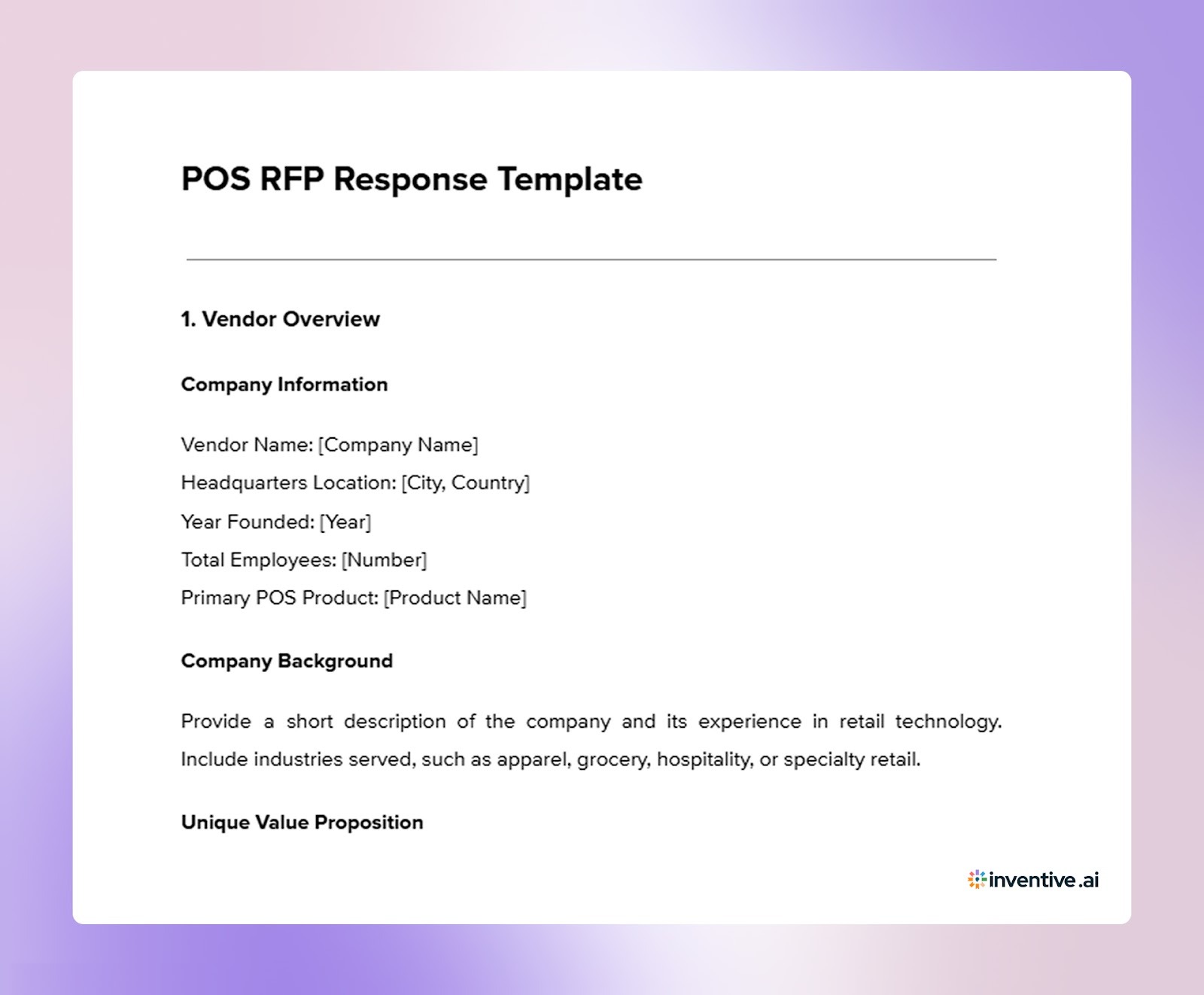

The template below outlines how vendors can organize their response when replying to a POS RFP issued by a retailer.
1. Vendor Overview
Company Information
Vendor Name: [Company Name]
Headquarters Location: [City, Country]
Year Founded: [Year]
Total Employees: [Number]
Primary POS Product: [Product Name]
Company Background
Provide a short description of the company and its experience in retail technology. Include industries served, such as apparel, grocery, hospitality, or specialty retail.
Unique Value Proposition
Explain what distinguishes the POS system from other platforms in areas such as multi-location operations, reporting capabilities, and customer engagement tools.
2. POS Product Overview
System Description
Provide a summary of the POS platform and its primary capabilities, including checkout workflows, inventory visibility, and reporting functions.
Supported Retail Environments
Explain whether the system supports:
- single store operations
- multi-location retail chains
- franchise operations
Device Support
Describe compatibility with fixed terminals, mobile POS devices, and tablets used by store associates.
3. Functional Capabilities
3.1 Checkout and Sales Operations
Customer Transactions
Explain how the system handles returns, exchanges, partial refunds, and order adjustments.
3.2 Inventory Management
Product Catalog Management
Explain how retailers manage product catalogs, including product attributes, pricing rules, and product variants.
3.3 Omnichannel Capabilities
3.4 Promotions and Loyalty Programs
4. Technical Architecture
Deployment Model
Describe the system architecture.
Provide details about whether the platform operates through:
- cloud-based infrastructure
- local servers
- hybrid deployment
Include uptime commitments and uptime history for the past twelve months.
Offline Capabilities
Explain how the POS system functions when internet connectivity is unavailable.
Provide details about:
- ability to process transactions offline
- payment handling during outages
- synchronization of data once connectivity returns
Integration Ecosystem
Provide a list of available integrations and connectors.
Include integrations with:
- ecommerce platforms such as Shopify or BigCommerce
- ERP systems such as NetSuite or SAP
- accounting tools such as QuickBooks or Xero
- marketing platforms such as Mailchimp or Klaviyo
Provide documentation links for available APIs.
5. Hardware Compatibility
Supported Hardware
List certified hardware, including:
- barcode scanners
- receipt printers
- payment terminals
- tablets or handheld devices
Operating System Support
Explain compatibility with operating systems such as:
- iOS
- Android
- Windows
6. Security and Compliance
Payment Security
Describe compliance with payment security standards, including:
- PCI DSS compliance
- Point-to-Point Encryption
- Tokenization
Data Privacy
Explain compliance with data privacy regulations, such as:
- GDPR
- CCPA
Describe how customer and transaction data are stored and protected.
Security Certifications
Indicate whether the organization maintains certifications such as:
SOC 2 Type II
Other relevant security audits or certifications.
7. Reporting and Analytics
Standard Reporting
Dashboard Access
Explain the availability of dashboards through web or mobile applications.
Custom Reporting
Describe whether users can create custom reports or export data for external analysis.
Audit Logs
Explain how the system tracks refunds, voids, and register activity for audit purposes.
8. Workforce Management
Employee Time Tracking
Role-Based Permissions
Explain how user access levels are managed for cashiers, managers, and administrators.
9. Deployment and Training
Rollout Timeline
Provide a typical project timeline including system setup, store configuration, training, and go-live preparation.
Project Team
Describe the team assigned to the project.
Include roles such as:
Project manager
Customer success manager
Technical support contacts
Training Programs
Explain available training methods, including in-person training sessions, documentation, and online training resources.
10. Support Services
Customer Support Availability
Describe support availability, including hours of operation and support channels.
Incident Response
Explain the response time for critical incidents such as system outages.
Escalation Process
Describe how issues are escalated if initial support cannot resolve the problem.
11. Pricing Overview
Licensing Model
Describe pricing structure, such as:
- subscription pricing per terminal
- pricing per store location
Setup and Configuration Costs
Provide estimated setup costs, including system configuration and onboarding services.
Hardware Costs
Provide estimated pricing for POS hardware if offered.
Three-Year Cost Estimate
Provide a three-year total cost estimate, including:
software licensing
setup costs
hardware costs
payment processing fees
data migration costs
API or connector fees
support service costs
12. Product Roadmap
Upcoming Features
Describe planned product features expected within the next twelve to eighteen months.
Artificial Intelligence Capabilities
Explain any current AI capabilities, such as demand forecasting, fraud detection, or automated product recommendations.
13. Customer References
Provide at least three customer references.
Include:
Customer company name
Industry sector
Number of store locations
Contact information for reference checks.
While the response template provides structure, proposal teams often encounter common pitfalls that can weaken their responses during the evaluation process.
7 Common Mistakes Vendors Make in POS RFP Responses
Responding to a POS RFP requires clear answers across product capabilities, technical architecture, pricing, and security practices. Many vendors lose credibility when responses are incomplete, vague, or inconsistent with the buyer’s requirements. Even strong POS platforms can appear less reliable if proposal responses fail to address the details buyers expect.
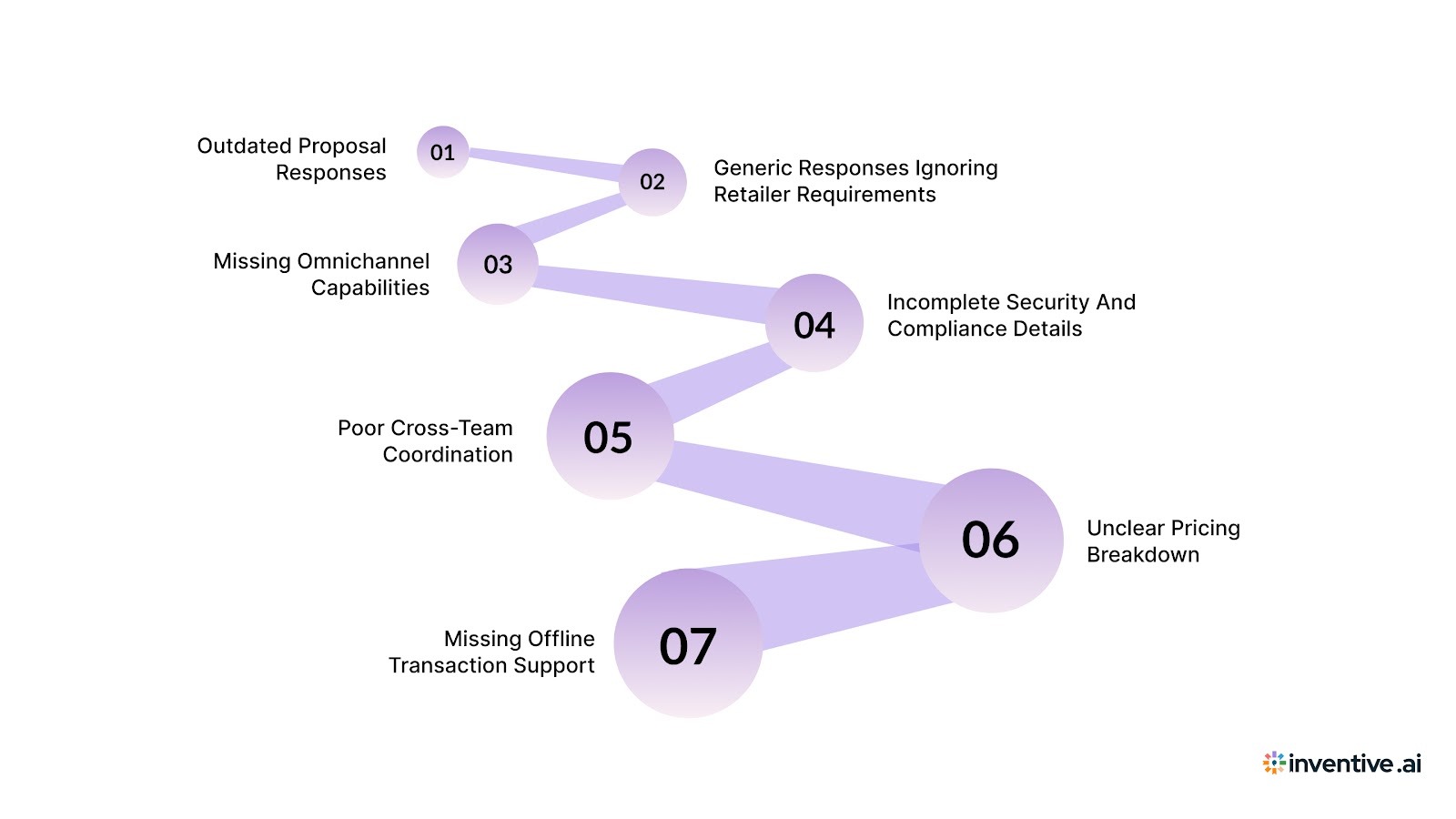
Below are some common mistakes vendors make when preparing POS RFP responses.
- Reusing outdated answers: Vendors often copy responses from older proposals without checking whether product details, features, or pricing have changed. This can lead to inaccurate information in the final submission.
- Generic responses that ignore the retailer’s requirements: Some proposals include broad product descriptions instead of addressing the specific questions listed in the RFP. Buyers usually look for direct answers tied to their operational needs.
- Missing omnichannel capabilities: Retail buyers frequently ask about workflows such as Buy Online Pick Up In Store, endless aisle ordering, and cross-channel returns. Responses that skip these details may raise concerns about platform capabilities.
- Incomplete security and compliance details: Retailers expect clear information about payment security, data protection, and regulatory compliance. Vague answers in these areas can slow down the evaluation process.
- Lack of coordination across teams: POS RFP responses often require input from product, security, sales, and technical teams. Without coordination, answers may conflict or miss key information.
- Unclear pricing breakdown: Buyers expect a full view of costs, including licensing, setup, hardware, and payment processing fees. Proposals that provide only partial pricing can create confusion during evaluation.
- Ignoring offline capabilities: Retail environments occasionally face connectivity issues. If vendors fail to explain how the system processes transactions during internet outages, buyers may question system reliability.
Responding to complex POS RFPs requires coordination among product, security, and sales teams, which can slow proposal preparation without the right tools, such as AI automation.
How Inventive AI Helps Vendors Respond to POS RFPs Faster and Better?
Preparing POS RFP responses often requires pulling answers from past proposals, documents, and internal knowledge sources. This process can take significant time as teams review answers, check accuracy, and update outdated information before submission.
Inventive AI helps proposal teams draft and review responses with greater consistency and clarity.
Context Engine for Accurate Responses
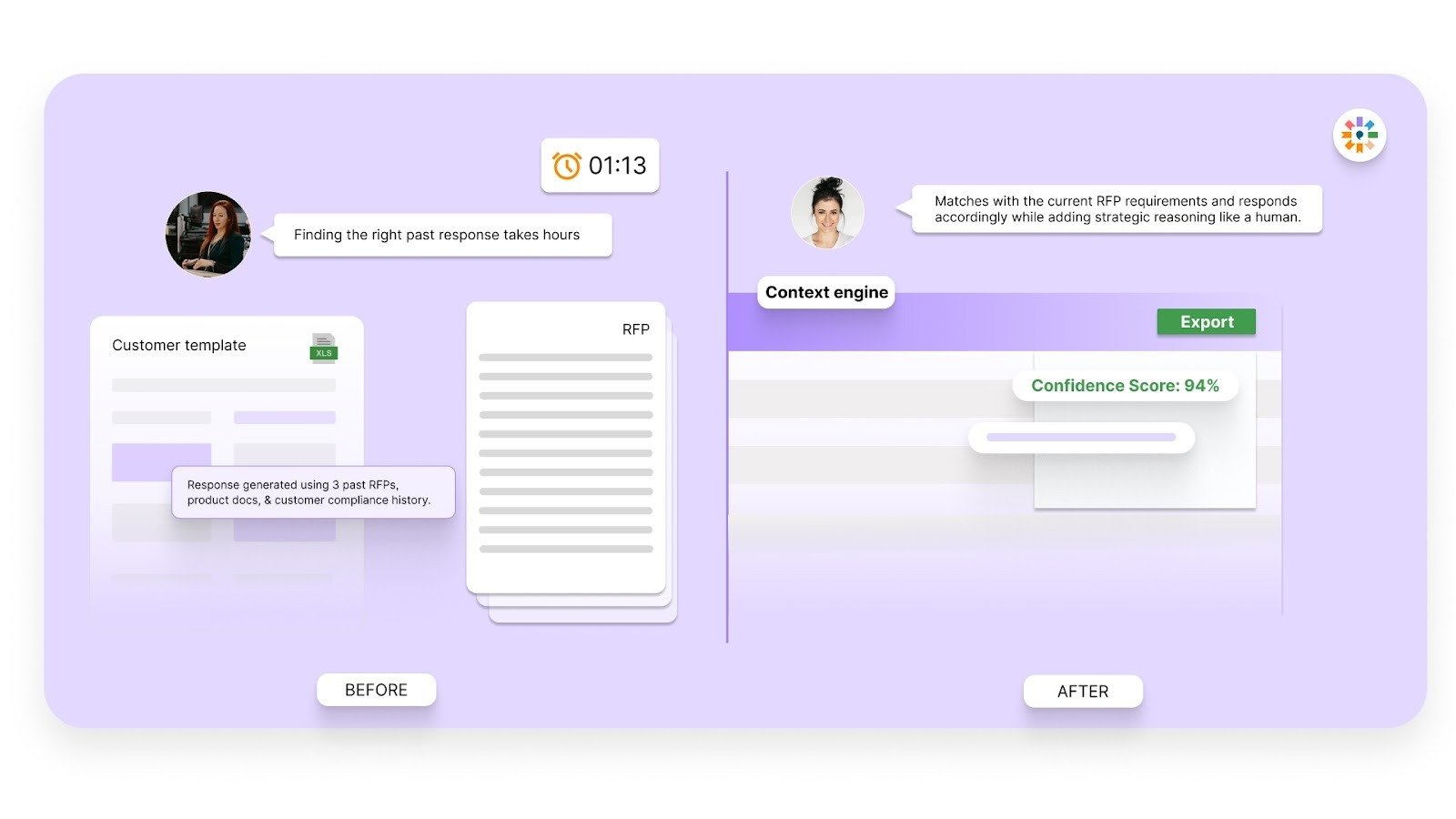
Many RFP tools rely on simple knowledge retrieval, which often produces generic answers. Inventive AI uses a context engine that reads the full RFP question and analyzes related documents and knowledge sources. This approach helps generate responses that reflect the intent of the question and the vendor’s product capabilities.
Conflict Detection Across Responses
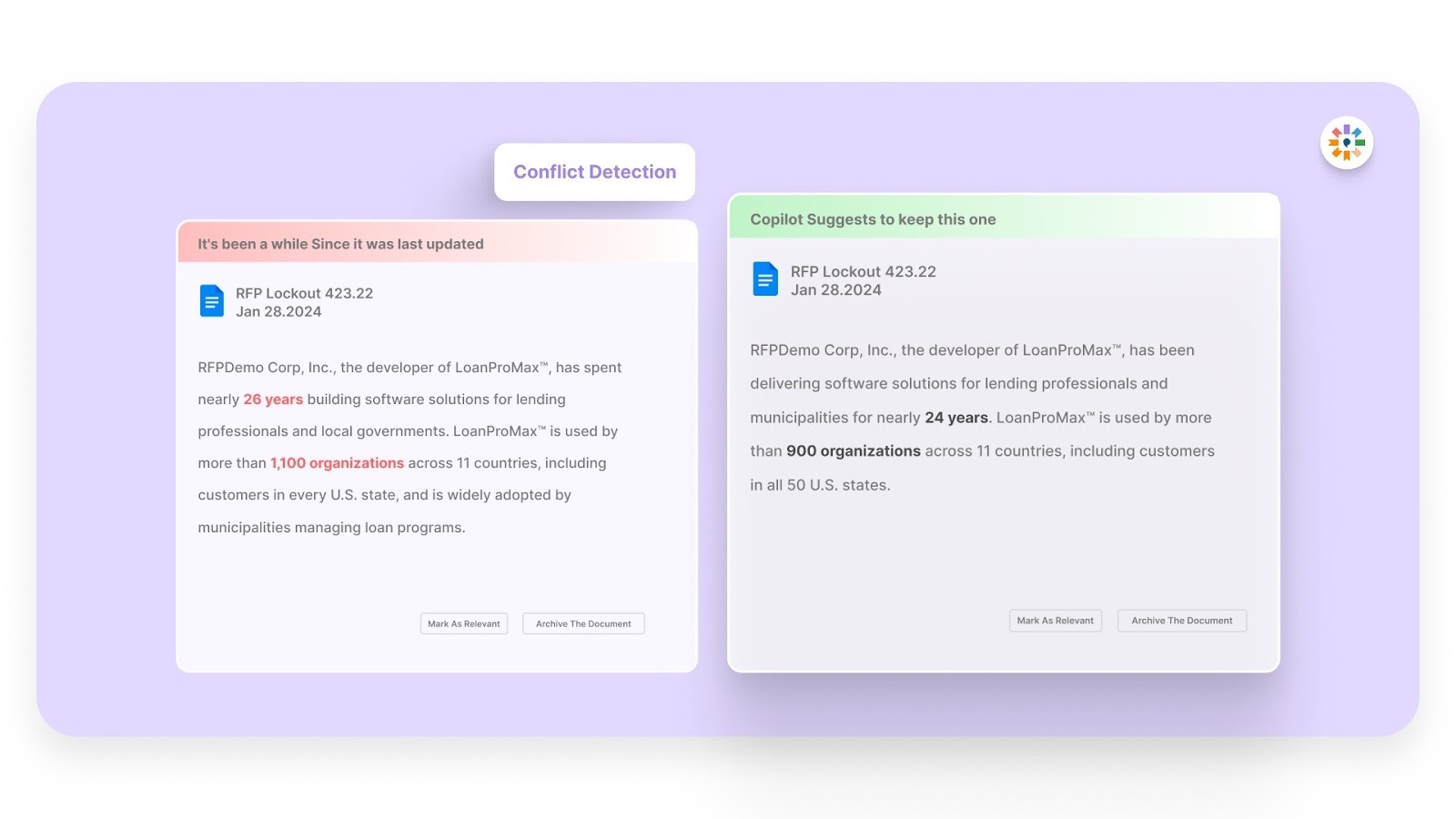
RFP responses often involve contributions from multiple teams. When answers are written separately, contradictions can appear across sections. Inventive AI scans responses and highlights conflicting statements so proposal teams can correct them before submission.
Outdated Content Detection
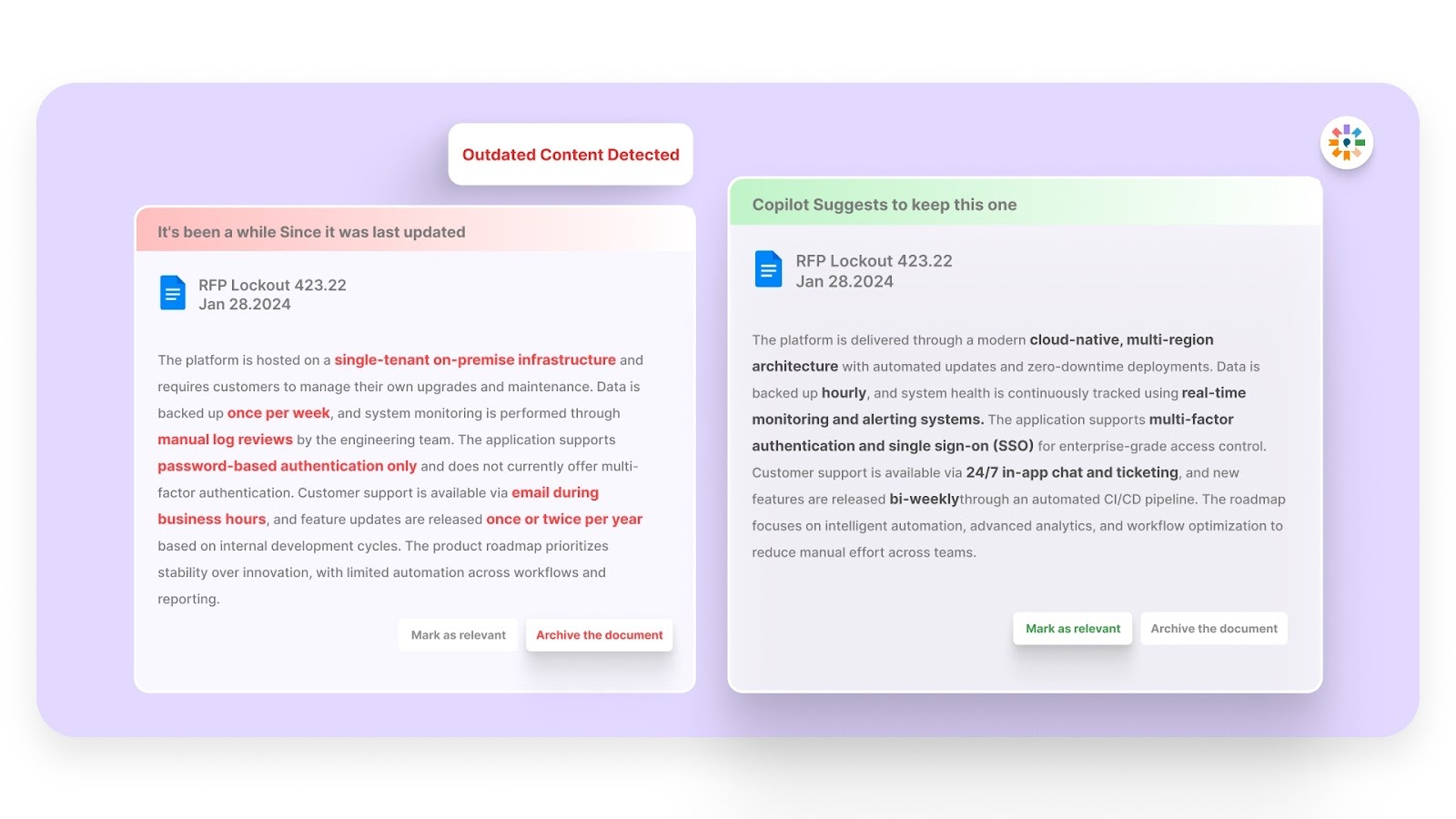
Proposal libraries often contain older answers that may no longer reflect current product capabilities or policies. Inventive AI identifies outdated or non-compliant content during the drafting process, helping teams update responses quickly.
2x Higher Quality Responses With Multi-Agent AI
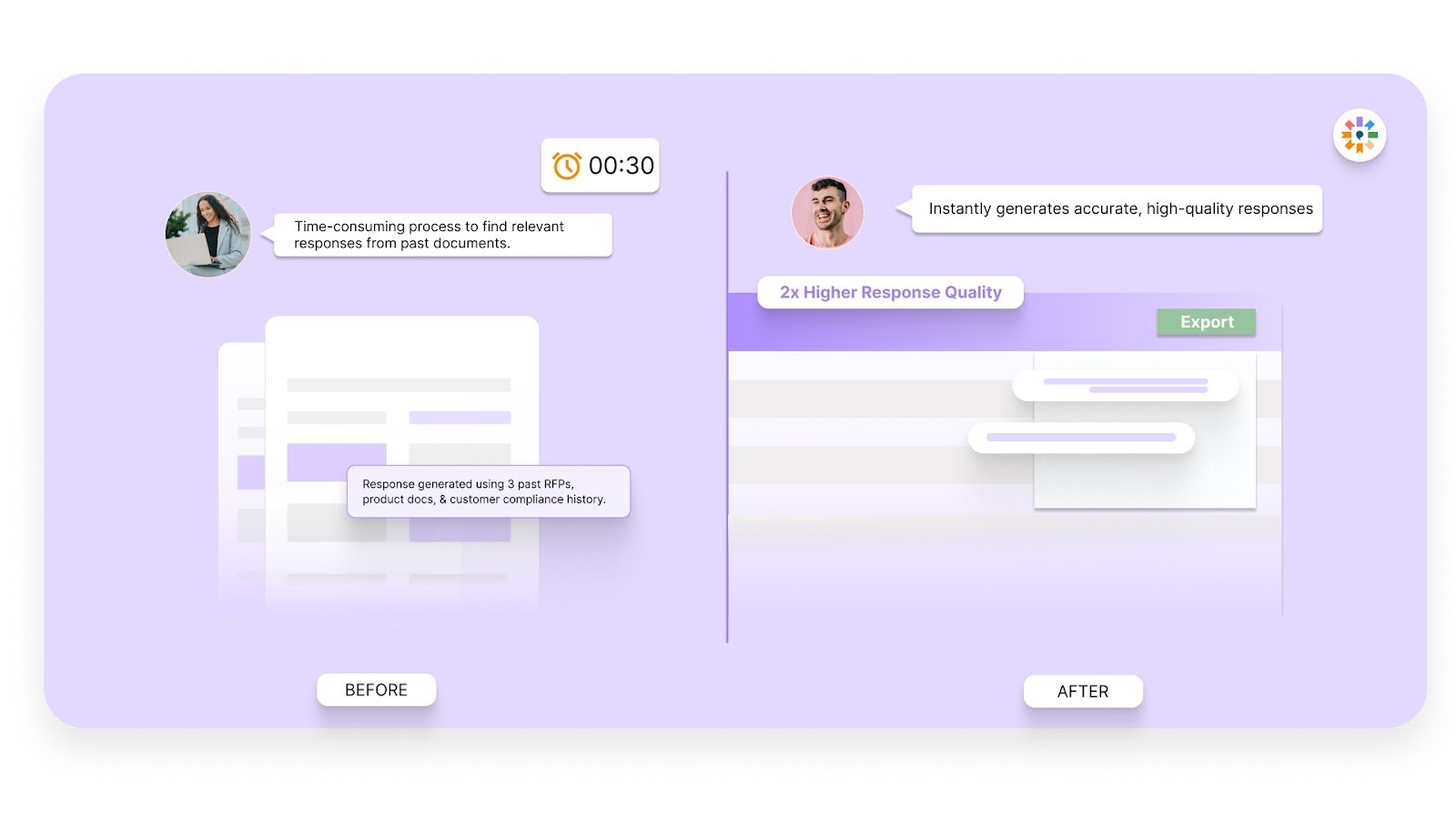
Inventive AI uses multiple AI agents that work together when drafting RFP responses. These agents analyze the question, review available knowledge sources, and generate structured answers. This approach helps produce responses that reflect the intent of the question while maintaining clarity and completeness across the entire proposal.
Simple Interface for Proposal Teams
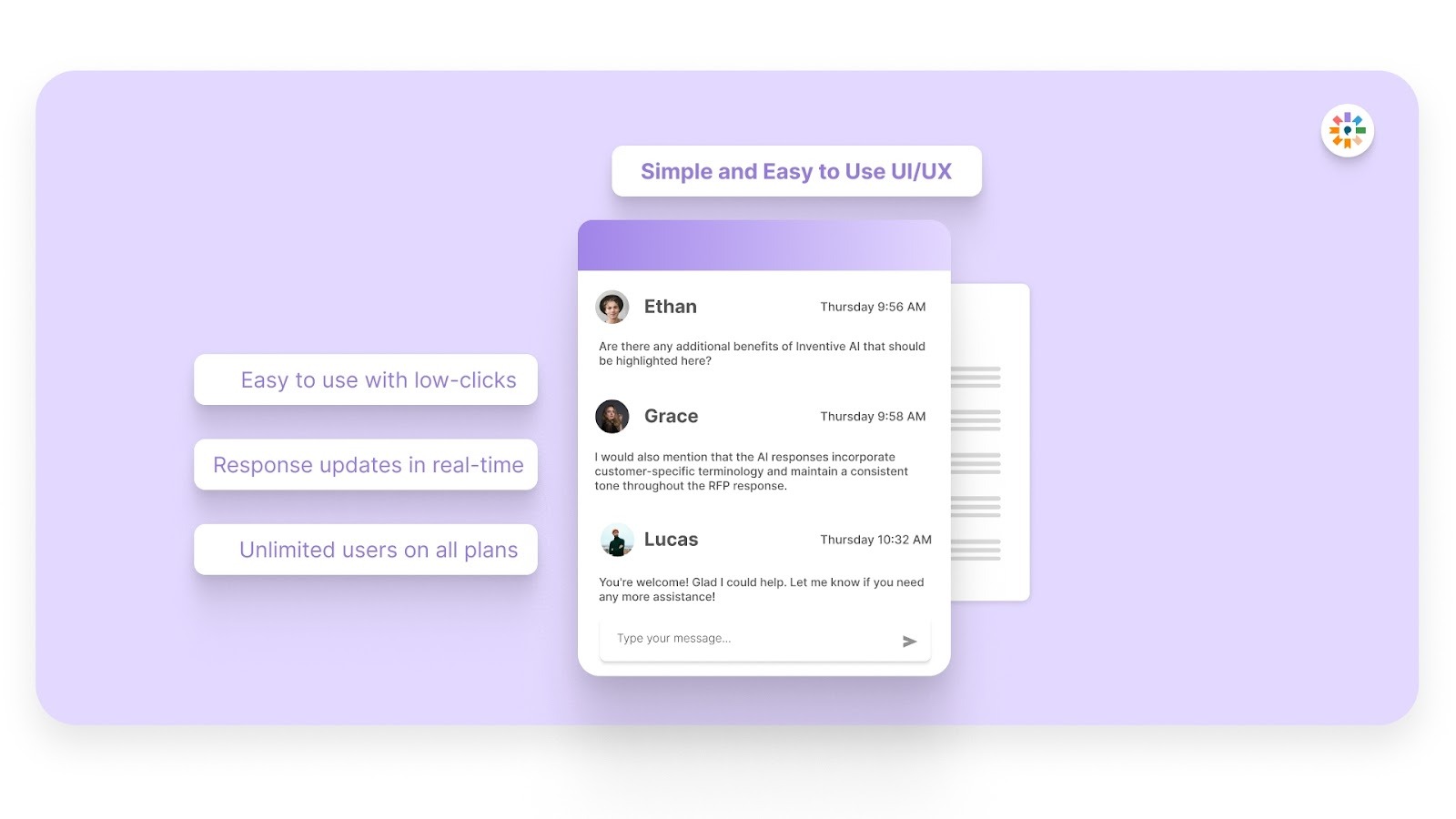
Adopting new software can be challenging for teams that already manage complex RFP workflows. Inventive AI focuses on a clean interface designed for proposal teams, sales teams, and subject matter experts who collaborate on responses.
If your team regularly handles complex RFP responses and wants a faster way to draft accurate proposals, consider seeing how Inventive AI works in practice.
FAQs
1. How should vendors answer roadmap questions if a feature is still in development?
Be transparent about the status of the feature. Instead of confirming availability, share an expected release timeline, such as a planned quarter or release window. Buyers usually appreciate clarity about product direction. Including a short explanation of the design goals behind the feature can also help buyers understand how it supports their future growth plans.
2. How should vendors present customization requests in an RFP response?
Separate configuration from customization. Configuration refers to adjusting existing settings within the product, while customization refers to new development work. If a request requires additional development, describe it as an extension delivered through professional services and explain the expected timeline and cost.
3. How should vendors address potential hidden costs in POS proposals?
Transparency helps build trust with procurement teams. Clearly describe any limits related to API usage, cloud storage, or data processing. If the pricing model includes usage tiers, explain when additional charges may apply so buyers understand future costs.
4. Should vendors include product screenshots or hardware images in the response?
Visuals can help buyers understand the product quickly. Screenshots of the mobile POS interface or manager dashboards can illustrate how the system works during daily operations. Images should display clear and realistic examples that match the retailer’s industry, such as product catalogs relevant to apparel or grocery.
5. How can vendors demonstrate that offline POS capabilities actually work?
Offline functionality is a critical concern for many retailers. In addition to describing the feature in the response document, vendors can provide demonstration videos or case studies showing how the system processes transactions during a network outage and synchronizes data once connectivity returns.

.avif)


%20(10).avif)


%20That%20Gets%20Shortlisted.png)