Best AI Tools for Sales Engineers in 2026
This article breaks down how AI tools are changing that. You’ll learn why modern sales engineering tools matter, explore the best AI platforms for 2026
Sales engineers carry the technical weight of every deal. They run discovery, build and deliver tailored demos, manage proofs of concept, and answer deep technical and security questions, often across several deals at once.
Much of that work repeats. Rebuilding demos, retyping the same technical answers, and filling out RFPs and security questionnaires pull sales engineers out of live selling. AI tools now handle the repeatable parts, so SEs spend more time in front of prospects and less on documentation.
This guide compares the best AI tools for sales engineers in 2026, grouped by the work they speed up, from interactive demos and POCs to technical Q&A and security questionnaires, with features, pros, cons, and the teams they fit.
Key Takeaways
The right AI tool depends on which part of the sales engineer's job you want to speed up:
- Interactive demos and demo automation: Consensus, Reprise, Saleo, Demostack, Navattic
- POC and technical validation tracking: Vivun
- Technical Q&A, RFPs, and security questionnaires: Inventive AI
- Call notes and discovery capture: Gong, Otter.ai
When you evaluate, weigh four things: how the tool drafts from your verified technical content, how it supports demos and POCs, how it connects to your CRM and demo environment, and how it keeps technical and security answers accurate.
What to Evaluate in AI Tools for Sales Engineers
The right tool should fit how sales engineers work across the whole deal, not just one task. Weigh these areas, each tied to a different part of the SE's job.
- Technical discovery. SEs open deals by understanding a prospect's stack, use cases, and requirements. Look for AI that captures and summarizes discovery calls and turns them into clear technical requirements, so nothing is lost between the call and the solution.
- Demo creation and delivery. Building and tailoring demos takes much of an SE's week. Look for interactive demo creation, reusable demo environments, and demo data that stays current as the product changes.
- POC and technical validation. Proofs of concept decide technical wins. Look for tools that scope a POC, track success criteria, and keep stakeholders aligned to a clear outcome and date.
- Solution design and collateral. SEs produce architecture diagrams, tailored decks, and follow-up recaps for every deal. Look for AI that assembles these from proven pieces instead of rebuilding them each time.
- Technical and security answers. SEs own the technical and security responses, from live prospect questions to RFPs and security questionnaires. The tool should draft responses within minutes from your verified documentation, cite the source, and flag anything unsupported, so a wrong detail never reaches a buyer.
- Deal visibility and prioritization. SEs support many deals at once. Look for a clear view of active technical opportunities, POC status, and where their time is best spent.
- Integrations and impact. SE context lives across systems. Look for connections to your CRM, demo environment, and knowledge tools, plus reporting on technical win rates, POC outcomes, and time saved, so you can see the tool's effect.
According to Gartner, nearly 73% of sales operations professionals spend most of their time on administrative or support tasks rather than selling. That same trend affects sales engineers, who often get stuck managing content instead of crafting technical value.
Top AI Tools for Sales Engineers in 2026
The best AI tools for sales engineers in 2026 span interactive demos, POC management, call intelligence, and technical and security responses, compared below so you can match each to your workflow.
| Tool | What it does for sales engineers | G2 rating (reviews) | Pricing | Best for |
|---|---|---|---|---|
| Consensus | Automated, interactive video demos that qualify buyers before live calls | 4.7 | Custom (contact sales) | Scaling repeatable demos across many deals |
| Gong | Records and transcribes calls and surfaces technical requirements and deal signals | 4.7 | Custom (contact sales) | Capturing technical requirements from discovery |
| Inventive AI | Drafts RFPs, RFIs, and security questionnaires from your verified content, and helps you improve win rates | 5.0 | Usage-based, transparent, unlimited users | SEs who own technical and security responses |
| Hero by Vivun | Presales and POC management with technical deal tracking and metrics | 5.0 | Custom (contact sales) | SE teams managing POCs and technical pipeline |
| Navattic | No-code, self-guided interactive product tours with analytics | 4.8 (1,057) | Free tier; paid plans quote-based | Self-serve product demos |
| Storylane | Interactive demo creation for sales and presales, with personalization | 4.7 | Free tier; paid from about $40/mo | Building tailored interactive demos quickly |
| Saleo | Injects controlled data into live product demos so demos never break | 4.9 | Custom (contact sales) | Reliable, data-tailored live demos |
| Reprise | Demo platform for both guided tours and live sandbox demos | 4.4 | Custom (contact sales) | Teams needing guided and live demo formats |
| Otter.ai | Real-time transcription, summaries, and action items from technical calls | 4.4 | Free; Pro $8.33 and Business $19.99 per user/mo, billed annually | Automatic notes on technical calls |
| Walnut | Codeless, personalized interactive product demos with analytics | 4.5 | Custom (contact sales) | Customized interactive demos |
Consensus
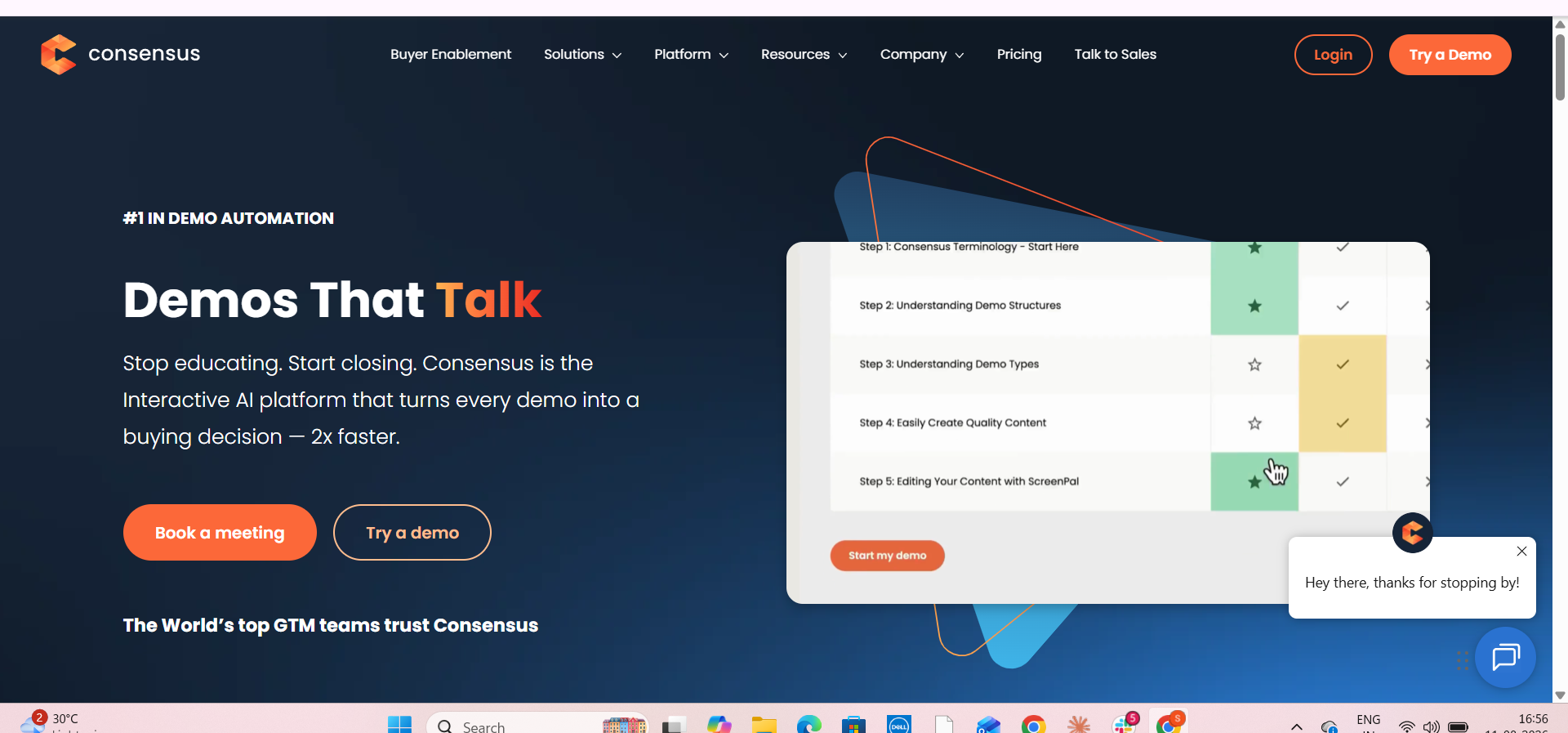
A sales engineer gives the same intro demo across dozens of deals. Consensus lets SEs record interactive, on-demand demos that buyers explore on their own, so SEs reserve their live time for the technical deep-dives only they can run.
Key Features
- Interactive video demos that answer common product questions once and reuse them across deals.
- Demolytics that show which features a technical buyer watched, so SEs prep the live call around real interest.
- Sharing that spreads one demo to every stakeholder in a technical evaluation.
Pros
- SEs find it simple to send a demo instead of scheduling another repeat call.
- It removes low-value first demos so SEs focus on complex, tailored ones.
- Engagement data shows exactly which segments a buyer watched.
Cons
- Building each demo can take many clicks, which adds to an SE's workload.
- The demo library gets hard to search as an SE's catalog grows.
- The interface can be confusing to navigate day to day.
What customers say about Consensus: It holds 4.7 out of 5 across more than 1,804 G2 reviews, with users praising ease of use and engagement analytics while noting that demo setup can be tedious.
Gong
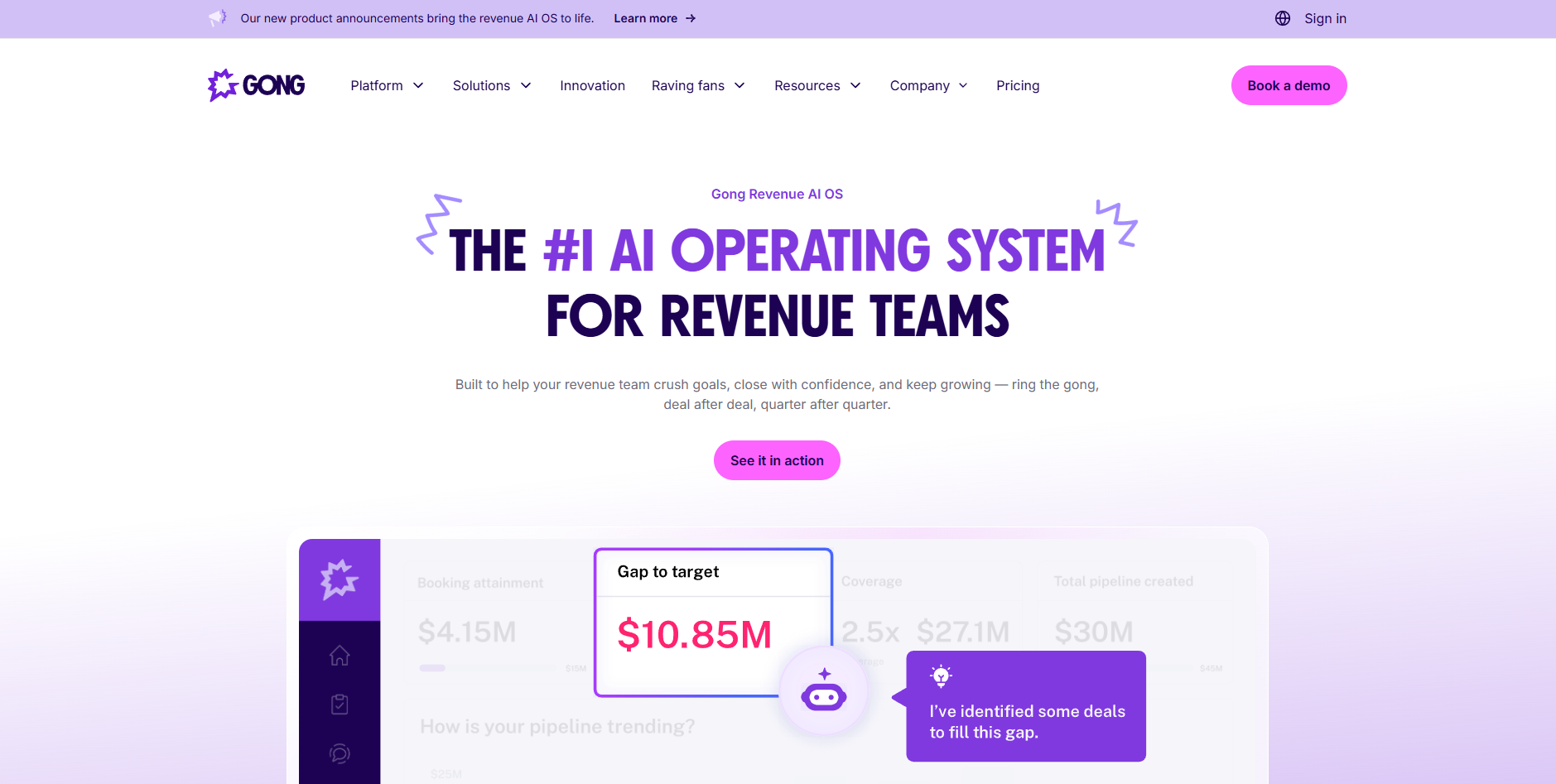
Sales engineers lose technical detail when they jump between back-to-back discovery calls. Gong records and transcribes every call and surfaces the technical requirements, objections, and buying signals, so an SE can design the right solution without rewatching an hour of video.
Key Features
- Automatic recording and transcription of technical discovery calls.
- AI insights that surface requirements, risks, and next steps in a deal.
- A searchable library for pulling up exactly what a buyer said about a technical need.
Pros
- SEs get full visibility into conversations for prep and handoff.
- Recording and transcription remove manual note-taking during technical calls.
- The AI insights help SEs act on what was said faster.
Cons
- Users report delays accessing calls and difficulty finding past recordings.
- Transcription can make mistakes on audio.
- The AI can misread context, which matters when the detail is technical.
What customers say about Gong: It holds 4.7 out of 5 across more than 6,678 G2 reviews, with users praising conversation visibility and coaching while noting call-access delays and occasional transcription errors.
Inventive AI
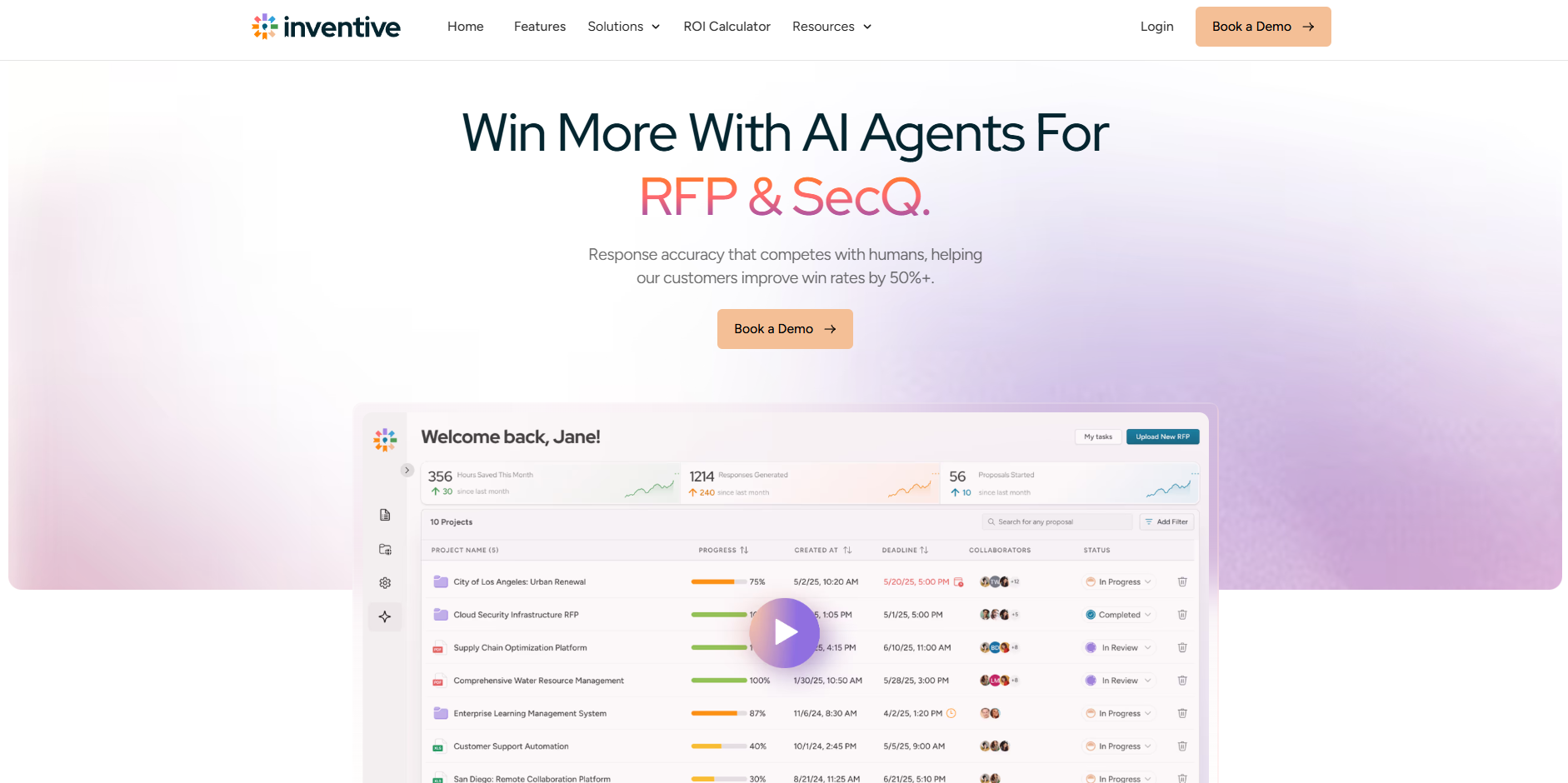
The technical and security sections of an RFP almost always land on the sales engineer, and they eat hours that should go to demos and POCs. Inventive AI drafts those responses from your verified content, with a citation on every answer, so SEs review instead of writing from scratch.
Key Features
- AI agents read the RFP or questionnaire and draft each answer with its source and a confidence score.
- A compliance checker maps every requirement and flags missing or contradictory items before submission.
- A connected knowledge hub pulls from Salesforce, SharePoint, and Google Drive, with content governance that keeps technical answers current.
Pros
- SEs find it easy to use and quick to adopt.
- Every answer is grounded in the team's own content, with a citation an SE can verify.
- Teams report large time savings on technical and security responses.
Cons
- Reviewers say analytics and reporting lack depth.
- There is no native mobile app for reviewing on the go.
- Notifications can get noisy across several active deals.
What customers say about Inventive AI: It holds 5.0 out of 5 across 26 G2 reviews, with users highlighting ease of use, time savings, and cited answers, while asking for deeper analytics and a mobile app.
Spend Less Time on RFPs and Security Questionnaires, and More in Demos and POCs.
See how Inventive AI drafts technical responses from your own content.
Book a DemoHero by Vivun
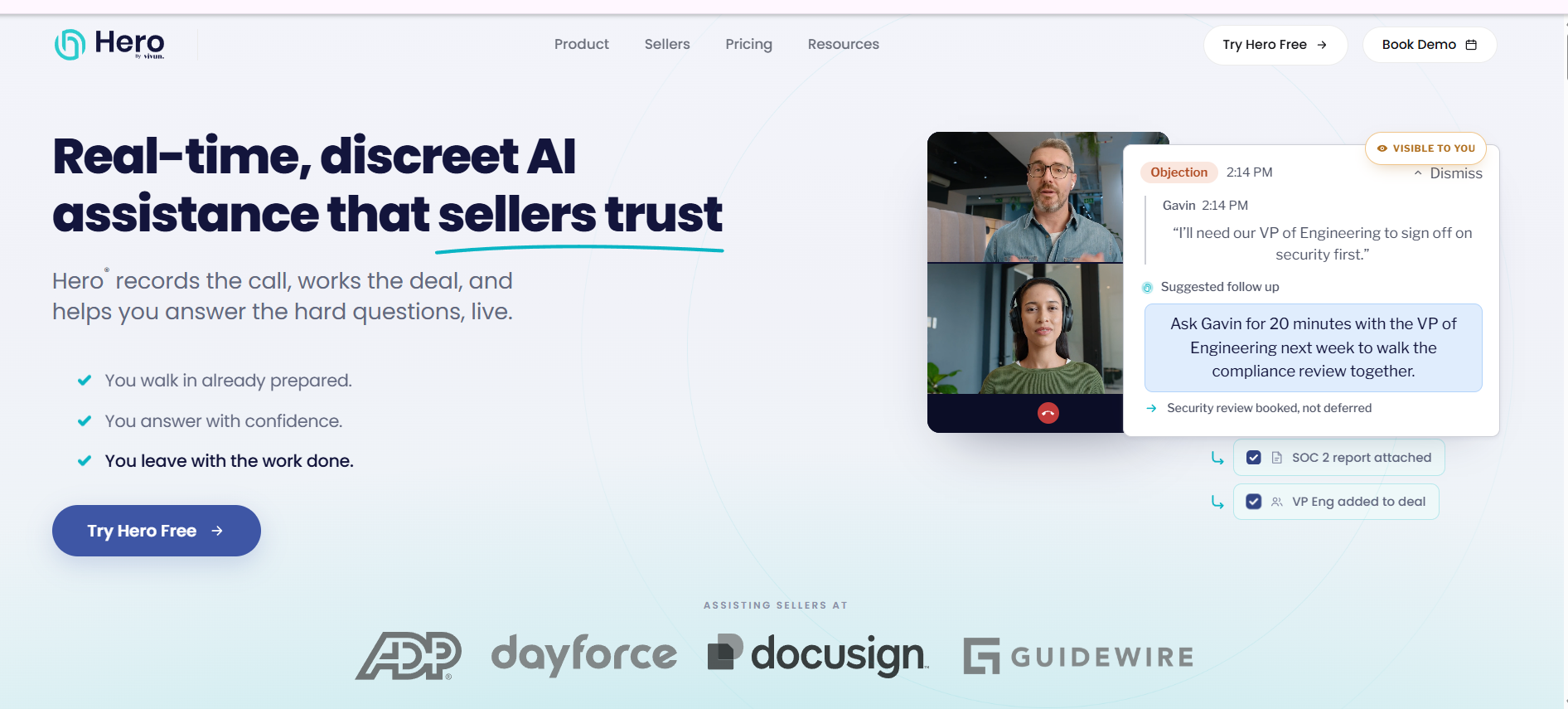
Sales engineers juggle many technical deals and POCs at once, and context slips between them. Hero by Vivun helps SEs prepare for conversations, track technical opportunities and POCs, and pull product answers with AI, so nothing stalls for lack of follow-up.
Key Features
- Presales and POC tracking tied to technical deal stages.
- AI call summaries and research that cut an SE's prep time.
- Integrations with Salesforce and Gong that keep deal context in one place.
Pros
- SEs save time through call summaries and research automation.
- It sets up fast and connects quickly to Salesforce and Gong.
- Its AI gives quick access to product and competitive answers before a call.
Cons
- Filtering and customization options can feel rigid.
- Document management relies on manual uploads.
- Some users report product answers that are incorrect, and occasional timeouts.
What customers say about Hero by Vivun: It holds 5.0 out of 5 across a small base of 8 G2 reviews, with users praising fast setup and time savings while noting rigid customization and manual document handling.
Navattic
When a prospect wants to see the product before booking an SE's time, a static deck falls flat. Navattic lets sales engineers build no-code, self-guided product tours that buyers explore on their own, qualifying interest before a live technical call.
Key Features
- A no-code builder SEs can use without engineering help.
- Embedding for websites and outbound so buyers self-serve a demo.
- Engagement analytics on how a prospect moved through the tour.
Pros
- SEs find it easy to create product tours quickly.
- Support is responsive and helps with setup.
- The design is intuitive to pick up.
Cons
- There is a learning curve for new users.
- Updating demos as the product changes takes manual effort.
- Analytics can be limited for deeper engagement insight.
What customers say about Navattic: It holds 4.8 out of 5 across more than 1,057 G2 reviews, with users praising ease of use and support while noting demo upkeep and limited analytics.
Storylane
Every technical buyer wants a demo tailored to their use case, and rebuilding each one by hand is slow. Storylane lets sales engineers create tailored, interactive demos fast, without video editing or engineering help.
Key Features
- HTML and screenshot demos with guided, interactive steps.
- Personalization so an SE can tailor a demo to a specific account.
- Analytics on how prospects engage with the demo.
Pros
- SEs find it easy to use and quick to integrate.
- Demos are fast to build compared with video tools.
- Interactive demos hold buyer attention better than static content.
Cons
- Costs can climb as an SE builds many demos or moves up tiers.
- Mobile optimization can be weak, with jittery recordings.
- Customization can feel limited for complex, technical demos.
What customers say about Storylane: It holds 4.7 out of 5 across more than 1,545 G2 reviews, with users praising fast, easy demo creation while noting cost at scale and mobile issues.
Saleo
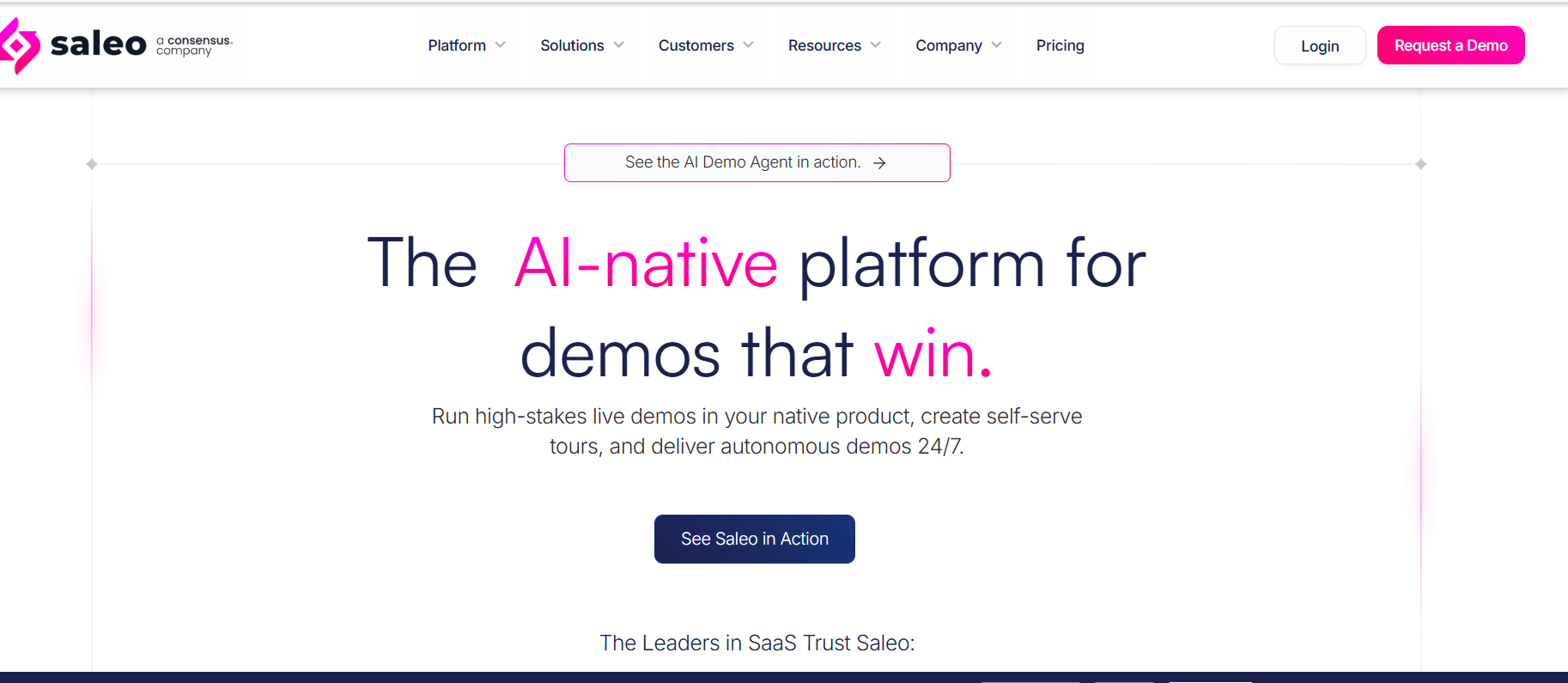
A live demo breaks the moment the data looks wrong for the buyer's industry. Saleo lets sales engineers inject controlled, realistic data into the live product, so every demo looks tailored and nothing falls apart on screen.
Key Features
- Data injection into the live product for realistic, on-point demos.
- Personalization of demo data by prospect, industry, or use case.
- Support for consistent, repeatable live demos across an SE team.
Pros
- SEs create tailored demos quickly and save prep time.
- Customization and personalization of demo data are strong.
- Support is responsive and helpful.
Cons
- There is a steep learning curve at first.
- Setup can be difficult and time-consuming.
- The browser extension can limit some integrations.
What customers say about Saleo: It holds 4.9 out of 5 across more than 222 G2 reviews, with users praising customization and support while noting setup effort and a learning curve.
Reprise
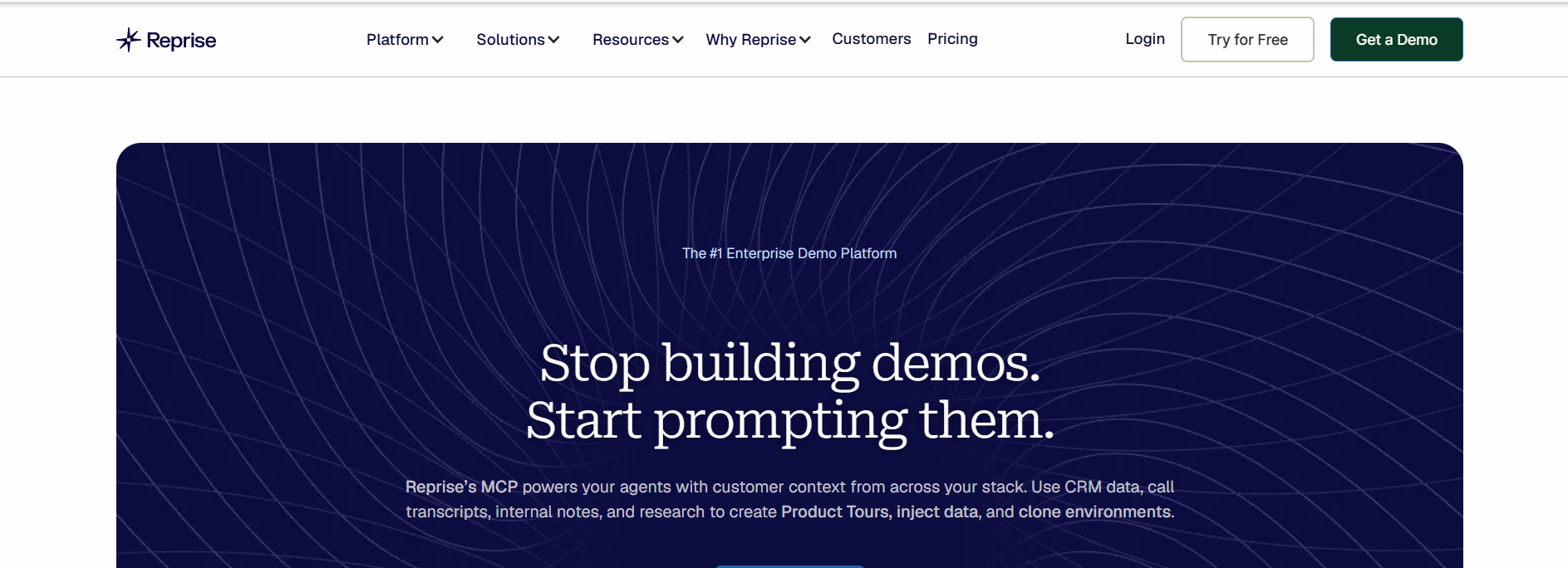
Some deals need a guided tour, others need a hands-on sandbox, and a sales engineer often needs both. Reprise lets SEs build guided product tours and live sandbox demos in one place, customized for each stage of a technical evaluation.
Key Features
- Guided tours and live demo capture in a single platform.
- Customization of demo flows and data for each account.
- Sharing and analytics on how buyers engage.
Pros
- SEs find the interface easy for building demos quickly.
- Demos are interactive and lift engagement on calls.
- Support gives helpful guidance and best practices.
Cons
- There is a steep learning curve, especially for non-technical users.
- Some users report bugs, glitchy rendering, and slow performance.
- It can be hard to handle spontaneous technical questions inside a demo.
What customers say about Reprise: It holds 4.4 out of 5 across more than 175 G2 reviews, with users praising demo quality and support while noting a learning curve and performance bugs.
Otter.ai
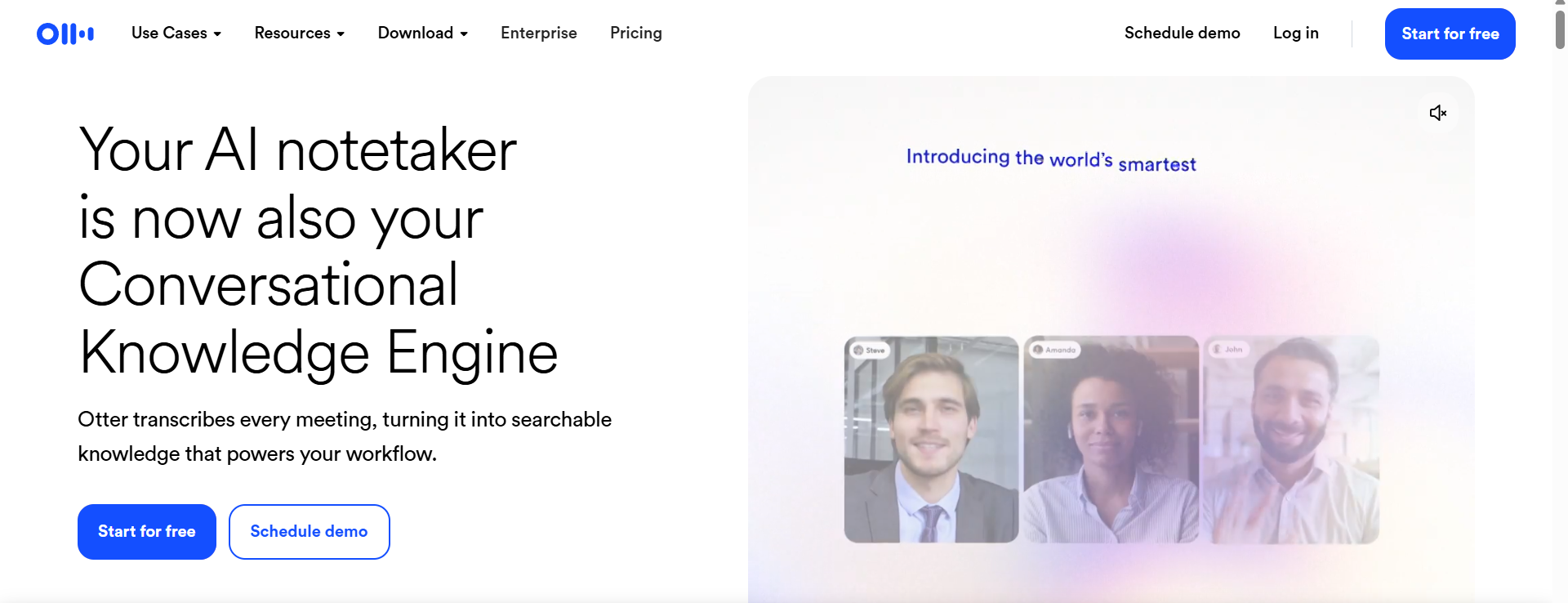
A sales engineer cannot run a technical discovery and take accurate notes at the same time. Otter.ai transcribes the call in real time and captures action items, so the SE stays focused on the buyer's requirements.
Key Features
- Real-time transcription of technical calls and meetings.
- Automated summaries and action items after the call.
- Speaker recognition and searchable transcripts.
Pros
- SEs find it easy to use for transcription and summaries.
- It saves time and lets SEs stay engaged in the conversation.
- Transcription and speaker recognition are strong on clear audio.
Cons
- Accuracy drops with accents, background noise, or overlapping speakers.
- It can mislabel speakers in multi-stakeholder technical calls.
- It can struggle with technical terminology, which matters for SEs.
What customers say about Otter.ai: It holds 4.4 out of 5 across more than 502 G2 reviews, with users praising easy, time-saving notes while noting accuracy issues on accents and technical terms.
Walnut.io
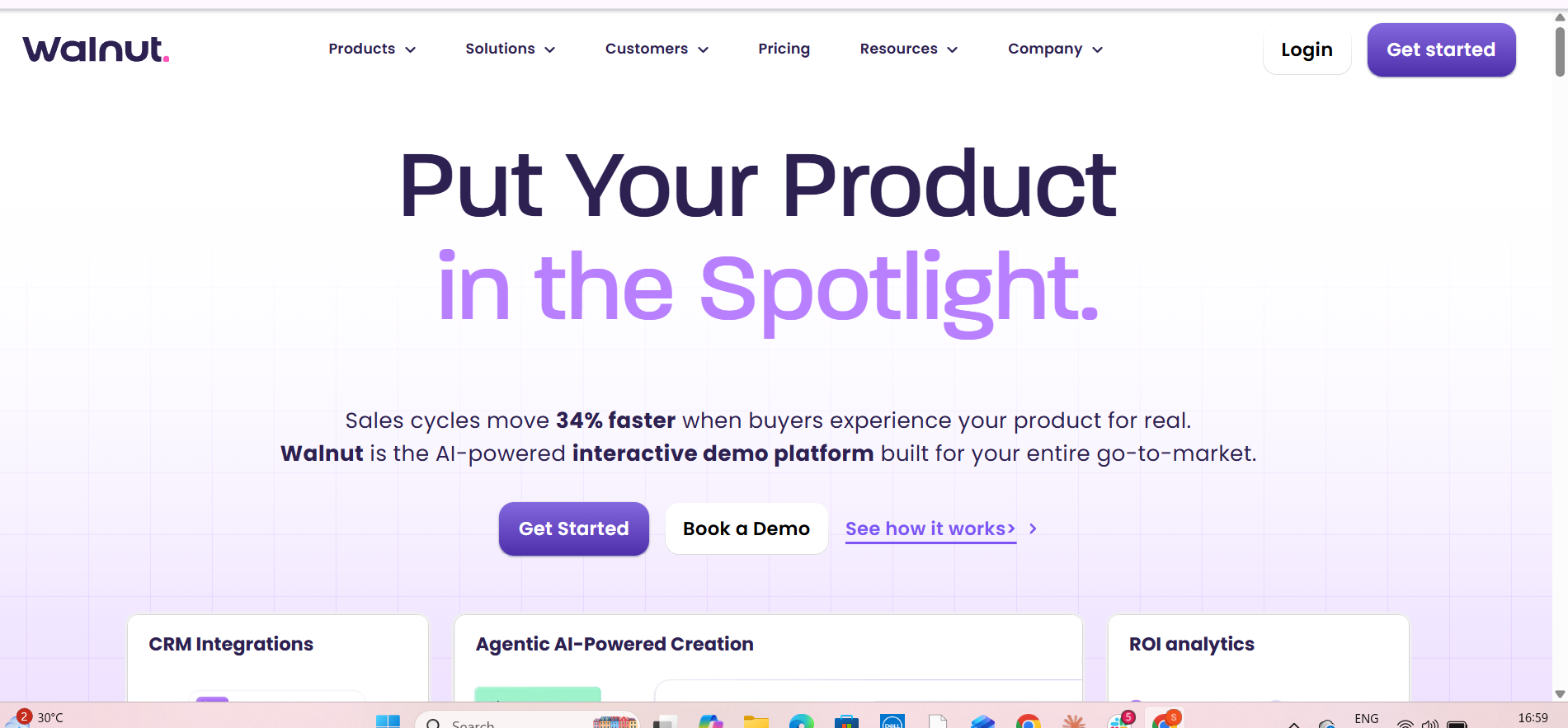
When a sales engineer needs a personalized demo for a specific account and has no time to wait on engineering, Walnut lets them build codeless, interactive demos themselves and tailor each one to the buyer.
Key Features
- Codeless demo creation, and SE controls end-to-end.
- Personalization for each prospect or account.
- Analytics on how buyers engage with a demo.
Pros
- SEs find it easy to create and share interactive demos.
- It saves time and needs no technical build.
- Demo delivery is straightforward and supports the technical sale.
Cons
- Keeping demo flows current takes ongoing maintenance as the product changes.
- Loading can be slow on long or complex demos.
- Editing can be difficult, with many clicks for formatting.
What customers say about Walnut: It holds 4.5 out of 5 across more than 151 G2 reviews, with users praising easy demo creation while noting maintenance burden and editing friction.
Features to Consider While Choosing Sales Engineering Tools
Selecting the right tool isn’t just about picking the latest brand, it’s about matching capabilities to the needs of your sales engineering workflow. Here are five key features you should evaluate.
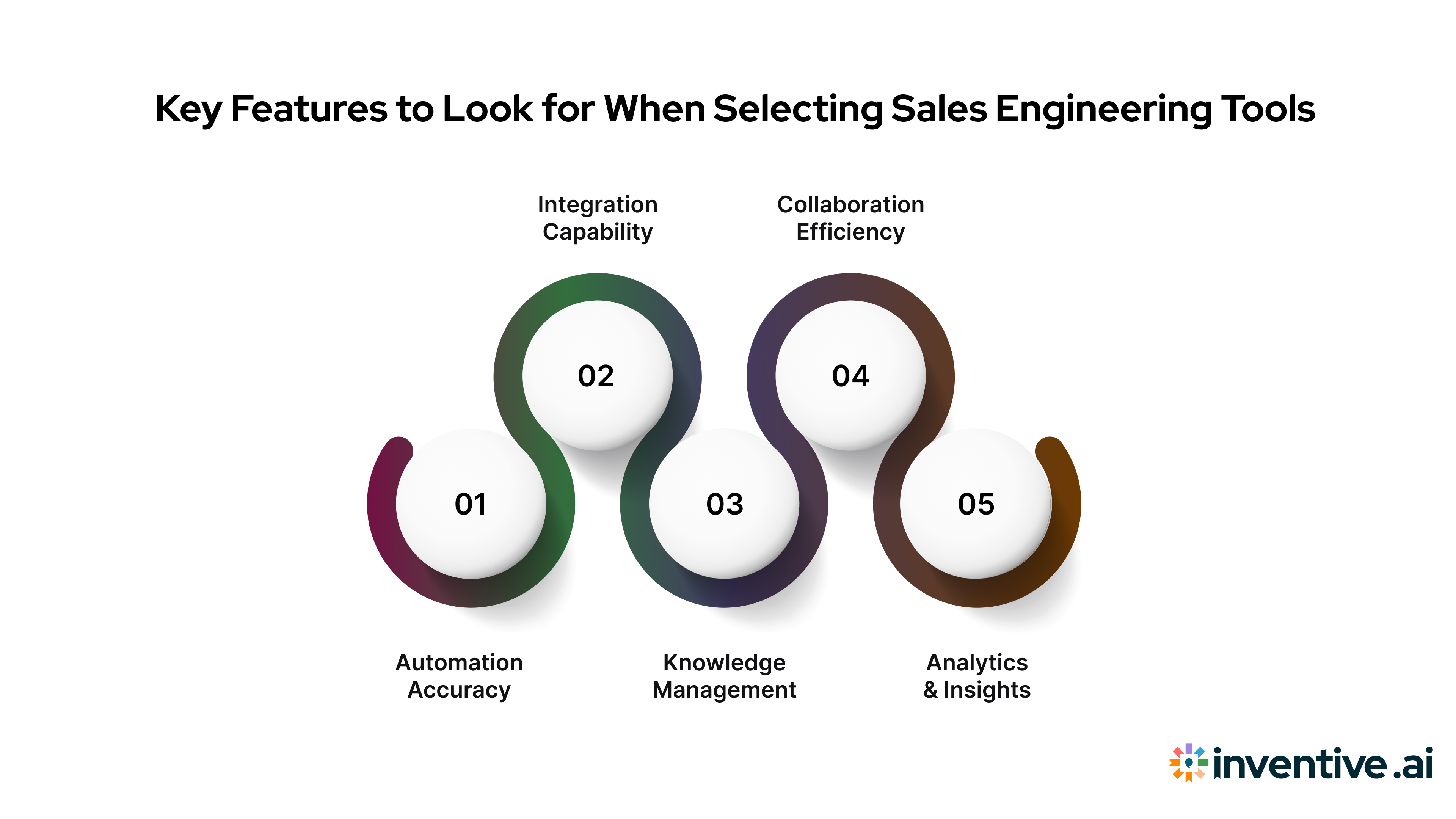
1. Automation Accuracy
Accuracy is everything in sales engineering. The right tool should generate precise, error-free responses that you can trust. A system that delivers consistent, high-quality outputs not only reduces time spent editing but also reinforces your team’s credibility with prospects. When clients see accurate, relevant answers in every proposal, it builds confidence in your technical expertise and reliability.
2. Integration Capability
Your AI tool should fit naturally into your existing workflow. It must integrate smoothly with your CRM, document repositories, and collaboration platforms like Google Drive or SharePoint. This ensures your team can access real-time information without switching between tools or manually uploading data. The fewer barriers between your systems, the faster your sales engineers can work and respond to opportunities.
3. Kowledge Management
A centralized knowledge base is the backbone of efficient proposal creation. Your tool should be able to store and manage all your past RFPs, answers, and internal documentation in one organized hub. This helps prevent duplicate efforts, eliminates outdated content, and ensures every response pulls from the most accurate and approved information available.
4. Collaboration Efficiency
Sales engineering is a team effort that involves proposal managers, SMEs, and solution architects. The ideal tool allows everyone to collaborate in real time, through shared editing, commenting, version control, and instant notifications. This level of collaboration minimizes delays, prevents miscommunication, and helps your team deliver proposals faster with higher quality.
5. Analytics & Insights
Beyond automation, your tool should help you understand what’s working and what isn’t. Advanced analytics can show which responses drive wins, how much time your team saves, and how often certain content is reused. Tracking performance over time gives you a clear view of your efficiency and helps you refine your future responses based on data, not guesswork.
If the tool you choose checks most of these boxes, you’ll be far better positioned to improve productivity, accuracy, and ultimately your win rates.
Challenges in Sales Engineering Automation (and How to Solve Them)
Even with the best intentions, deploying AI-powered tools in sales engineering brings obstacles. Let’s run through five common challenges and pragmatic solutions.
.png)
1. Data Silos
Information often lives in too many places, spreadsheets, shared drives, and old email threads. This makes it hard for your team to find accurate data when building proposals.
Choose a platform that brings everything together by connecting past proposals, documents, and internal systems into one shared repository. It saves time and ensures everyone works with the same updated information.
2. Training and Adoption
Teams can hesitate to use new tools, especially if they don’t see value right away. Without early buy-in, adoption can lag.
Start small with a pilot. Involve your sales engineers from day one and demonstrate quick wins, like hours saved or faster proposal drafts, to build confidence and adoption.
3. Poor Implementation Costs
Even advanced tools fail if they’re not set up correctly. A weak rollout wastes both time and money.
Define measurable goals such as reduced turnaround time or improved win rates. Track performance after launch to make sure the tool delivers real impact.
4. Content Accuracy and Hallucination Risks
AI-generated responses can sometimes include outdated or incorrect data, which hurts credibility.
Use tools that validate content and guarantee accuracy. Look for platforms that ensure 0% hallucination and automatically flag outdated information.
5. Change Management
Adopting new workflows can be uncomfortable for teams used to traditional processes.
Provide hands-on training, appoint internal champions, and roll out automation in phases. Gradual change makes adoption smoother and long-lasting.
If you proactively address these pain points, you’ll accelerate adoption and drive meaningful outcomes from your AI investments.
How AI Automates Sales Engineering Tools
You know that your sales engineering team deserves more time creating value instead of managing the process. Here’s how AI changes the math for you.
.png)
1. Time Saved on Manual Work: Research shows that sellers often spend only ~25% of their time actually selling because the rest is eaten up by supporting tasks.
2. Revenue Growth Impact: Studies indicate that sales teams using AI are 25% more likely to see revenue growth than those who aren’t.
3. Error Reduction & Consistency: AI tools reduce response variability, enforce knowledge-base integrity, and flag conflicts within content, meaning higher accuracy across responses.
4. Faster First Drafts: Instead of reinventing answers each time, AI draws on existing content to generate high-quality drafts quickly, enabling your team to focus on refinement and strategy rather than starting from blank.
5. Proactive Insights & Win Themes: AI can analyze past wins and losses, surface patterns (win themes), and suggest content areas for future responses, making your team smarter over time.
When you apply AI to your sales engineering workflows correctly, you transform your team from being defenders of repetitive tasks to drivers of performance and revenue. Inventive AI makes that transformation real, automating first drafts, ensuring 95% response accuracy, and turning every RFP into a faster, smarter path to winning deals.
Also Read: RFP Content Library: The Complete Guide to AI Automation
Frequently Asked Questions (FAQs)
1. What are the best AI tools for sales engineers in 2026?
The best tools range across proposal automation (Inventive AI), conversation intelligence (Gong), CRM and revenue forecasting (Clari, HubSpot), email optimization (Lavender), outreach platforms (Outreach), workflow automation (Zapier), pre-sales management (Vivun), meeting transcription (Otter ai), and presentation generation (Gamma). The right selection depends on your workflow gaps.
2. How does Inventive AI help sales engineers close more deals?
Inventive AI’s AI RFP Agent accelerates response time, centralizes your knowledge sources, ensures high accuracy, identifies win-themes and gaps, and empowers your team to send higher-quality proposals faster. The outcome: higher win rates and lower cost per response.
3. Are AI tools replacing sales engineers?
No. While AI handles repetitive tasks and enhances productivity, sales engineers still play the key role of crafting technical solutions, engaging stakeholders, handling unique requirements, and driving relationships. AI supports you, it doesn’t replace you.
4. What should I look for when choosing AI-powered sales software for engineering teams?
Focus on accuracy, integration with your knowledge base and systems, collaboration features for cross-functional teams (SMEs, sales, engineering), automation of repetitive tasks, and analytics that track win themes and efficiency. Avoid tools that only scratch the surface.
5. How much do AI sales engineering tools typically cost in 2026?
Pricing can vary widely, from per-user subscriptions for smaller tools to enterprise contracts for full suite platforms. Costs will depend on the number of users, volume of content processed (e.g., RFPs), level of customization, and integrations required. Always evaluate ROI based on time savings, improved win rates, and reduced manual effort.