Top RFP Software for Small-Sized Companies & Startups to Win More Deals
This guide explores the top RFP software for small businesses and startups, comparing leading tools to help you identify which options are built for short-term savings and which platforms are designed to grow alongside your business.

Finding the best RFP software for small business isn’t about buying the most powerful platform — it’s about buying the right amount of tool for the number of proposals you actually respond to. Sales teams lose a meaningful share of every week to non-selling admin work, and for a lean team, RFPs are one of the biggest culprits: the same questions, re-answered by hand, under a deadline, by people who’d rather be closing.
Software can take most of that off your plate. But it can also be an expensive subscription you barely use. This guide is written for small teams, SMBs, and startups deciding whether RFP software is worth it yet — and if so, which tools fit a small-business budget and workflow. We’ll start with an honest gut-check on when you actually need it, walk through the buying criteria that matter most at your size, then compare ten tools on equal footing.
Do you actually need RFP software yet?
Plenty of small businesses buy RFP software before they need it, then let the seats sit idle. So before comparing tools, run this gut-check.
A practical rule of thumb: dedicated RFP software tends to pay for itself once most of these are true.
- You respond to roughly 10 or more RFPs a year (not one or two).
- Those documents are substantial — think 30-plus pages, or 50-plus questions each — rather than a one-page form.
- More than one person touches a response (sales, a subject-matter expert, leadership sign-off).
- You keep re-answering the same questions across deals and copying from old proposals.
- Answers are starting to drift — different reps give different numbers, and nobody’s sure which version is current.
If that’s you, the manual process is already costing you more in hours and inconsistency than a tool would. The hidden cost of not automating RFPs is rarely the software you didn’t buy — it’s the deadlines you missed and the deals that slipped because a response went out late or off-message.
If you’re below that threshold — a couple of short RFPs a year, handled start-to-finish by one person — a well-organized shared drive, a templated doc, and a simple answer library will usually do the job. There’s no shame in waiting; buying too early just means paying for capacity you’re not using.
One more thing worth naming: the proposal management software market is growing quickly (Fortune Business Insights projects it rising from roughly USD 2.59 billion in 2023 to USD 5.81 billion by 2030), which means a flood of vendors now all describe themselves as “startup-friendly.” The label is cheap. The criteria below are how you tell them apart.
What small businesses should look for in RFP software
Enterprise buyers weigh procurement, SSO, and admin governance. At small-business scale, a different, shorter list tends to decide whether a tool actually gets used.
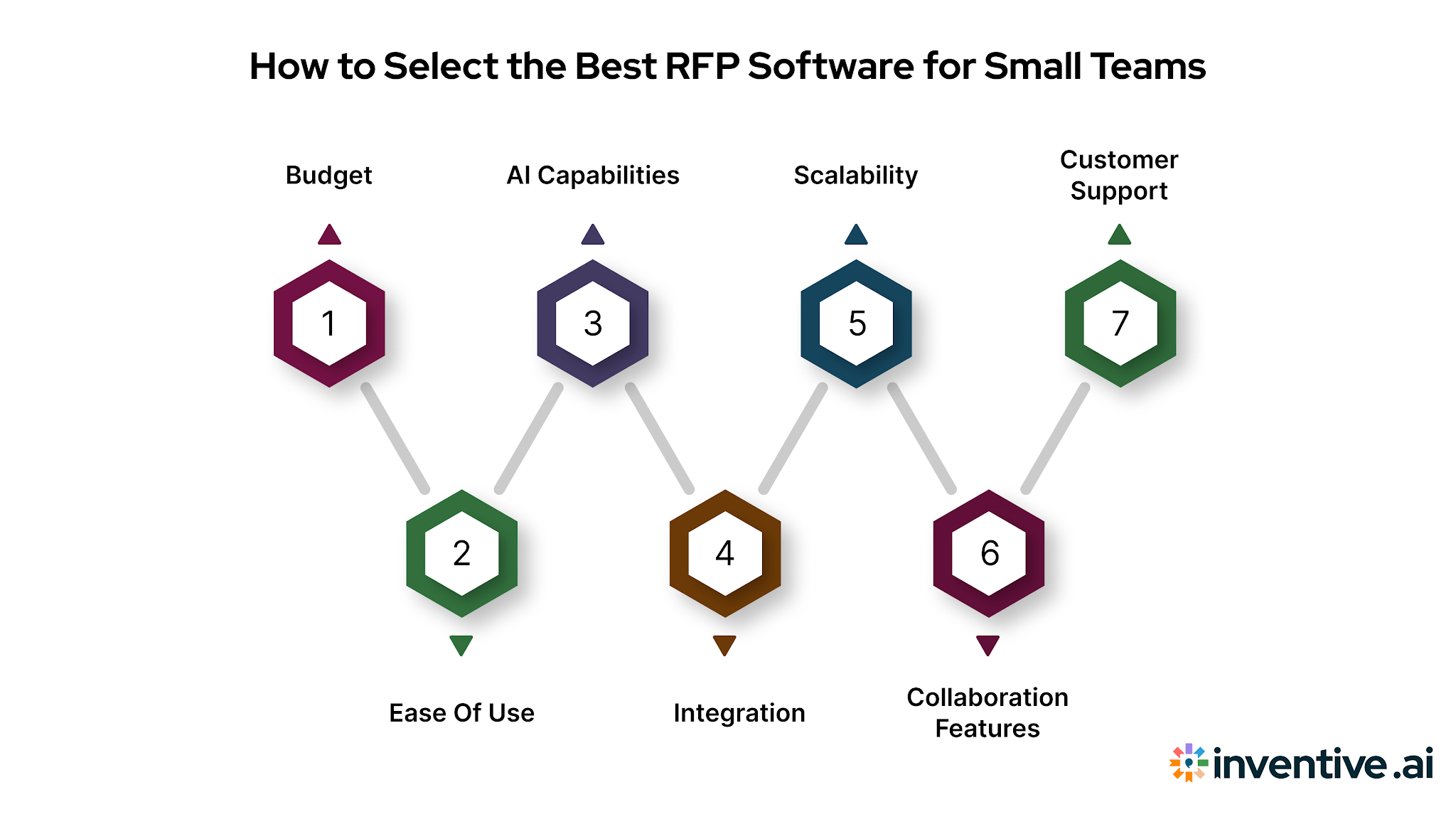
How to select the best RFP software for a small team: budget, ease of use, AI capabilities, integration, scalability, collaboration, and support
Price — and, more importantly, the pricing model. Sticker price matters, but the model matters more for a small team. Broadly, RFP tools price in one of a few ways: per seat (you pay for each user, which punishes you for adding an occasional SME reviewer), usage-based (you pay for what you process, which suits spiky, low-volume RFP activity), tiered/project-based (flat monthly bands), and freemium/self-serve (start free or cheap, upgrade later). Watch for costs that don’t show up on the pricing page — implementation fees, content-migration effort, and the ongoing admin time to keep a library clean. A tool that’s cheap to license but expensive to maintain isn’t cheap.
Ease of use and time-to-value. You probably don’t have a dedicated proposal manager or an admin to run onboarding. Favor tools you can set up in days, not a quarter, and that a non-specialist can drive without training.
AI quality and hallucination control. Most tools now generate first drafts. The differences are in whether the output is genuinely usable or just reorganized boilerplate, and whether the tool shows its sources and flags low-confidence answers instead of confidently inventing them. For a small team submitting directly to buyers, an AI that says “I’m not sure” is safer than one that guesses.
Where your content lives. Some tools require you to build and maintain a separate answer library; others connect to the systems you already use (Google Drive, SharePoint, Slack, your CRM). For a lean team, “no new repository to babysit” is a real advantage.
Collaboration and review. Assigning questions, tracking who owns what, and getting sign-off without a dozen email threads.
Security. Even small vendors get sent security questionnaires by their prospects. SOC 2 and sensible data handling matter, especially if you sell to larger companies.
Room to grow. The most expensive mistake at this stage isn’t picking an imperfect tool — it’s picking one you’ll have to rip out in a year. Switching mid-growth is disruptive and usually happens right when deal volume is spiking. Favor tools that handle today’s volume without falling over at 3x.
For a deeper checklist, Inventive’s 7-step buying guide for AI-driven RFP software and this rundown of must-have features in a proposal management tool are useful companions.
The 10 best RFP software for small business in 2026
The tools below all serve small teams, but they trade off differently on price transparency, AI depth, and how much setup they need. The table gives you the shape at a glance; the write-ups that follow cover each on the same terms — what it is, who it fits, notable features, trade-offs, and pricing. Inventive AI is listed first as the publisher of this guide; the ordering isn’t a ranking.
Pricing reflects publicly available information as of 2026 and changes often — confirm current numbers with each vendor.
Inventive AI
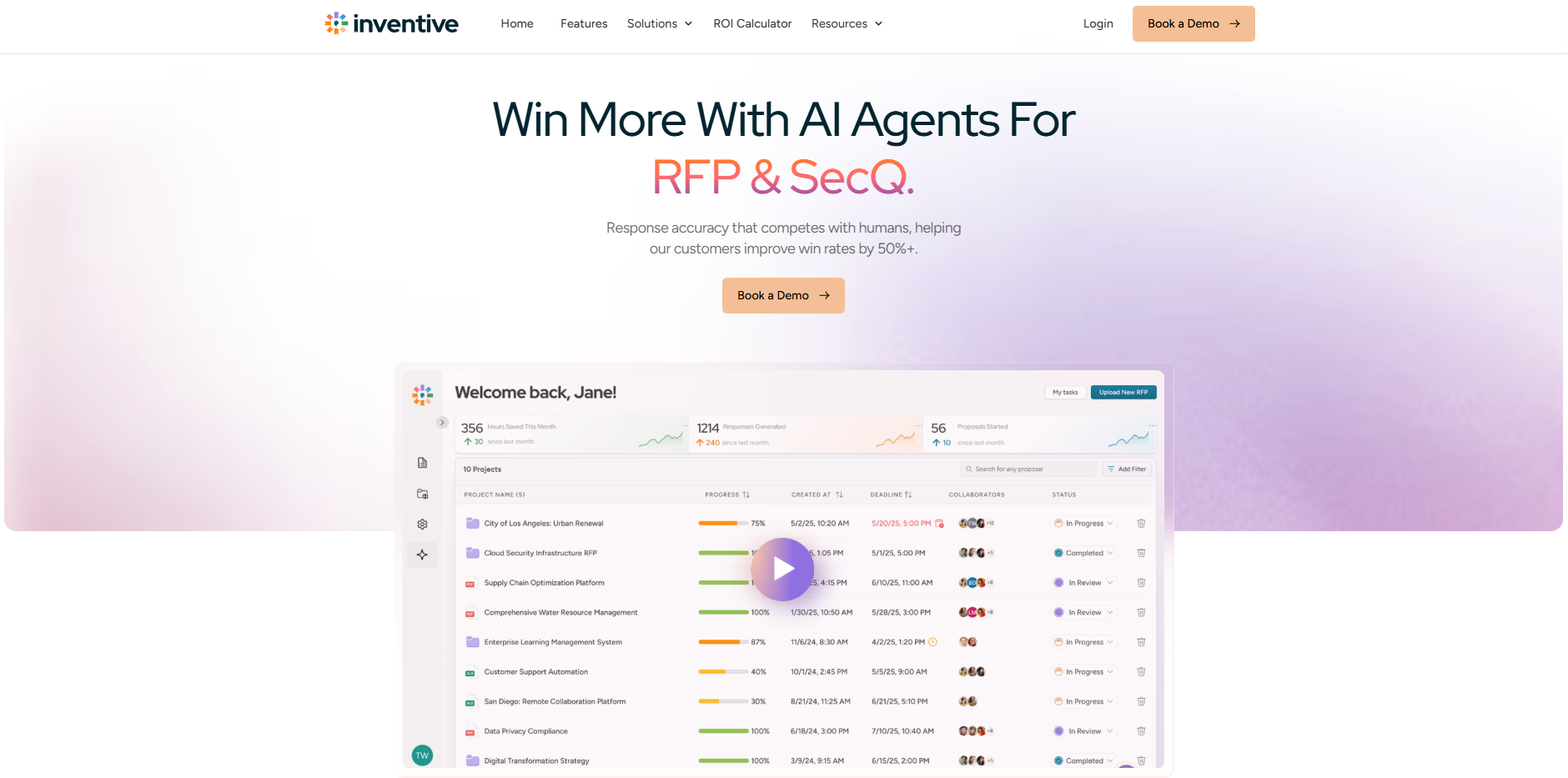
What it is: Inventive AI is an AI-native RFP response platform built around autonomous agents that draft, check, and keep answers current, with humans in the loop for approvals. Rather than storing answers in a new library you maintain, it connects to your existing knowledge sources and drafts responses using a context engine that pulls in deal and customer specifics.
Best for: Small sales, revenue, and solutions teams that want enterprise-grade drafting without dedicated proposal headcount, and expect their RFP volume to grow.
Notable features:
- Context Engine that tailors answers per opportunity, plus a Content Governance Agent that flags conflicting, outdated, or duplicate content automatically.
- Source citations and a confidence score on every answer, flagging “information unavailable” instead of guessing.
- Connects to SharePoint, Google Drive, Salesforce, Confluence, Notion, Zendesk, HubSpot, and company sites; SOC 2 Type II compliant.
Considerations: Analytics are lighter than some legacy platforms. Pricing isn’t published — you’ll need a demo to get a number.
Reported outcomes (customer case studies): Insider cut RFP response time ~90% and improved win rate from 30% to 50%;
MaxVal reported a 90% reduction in turnaround with zero weekend hours lost. As with any vendor’s case studies, treat these as illustrative of what’s possible for teams with a similar profile, not as guaranteed results.
Pricing: Usage-based.
DeepRFP
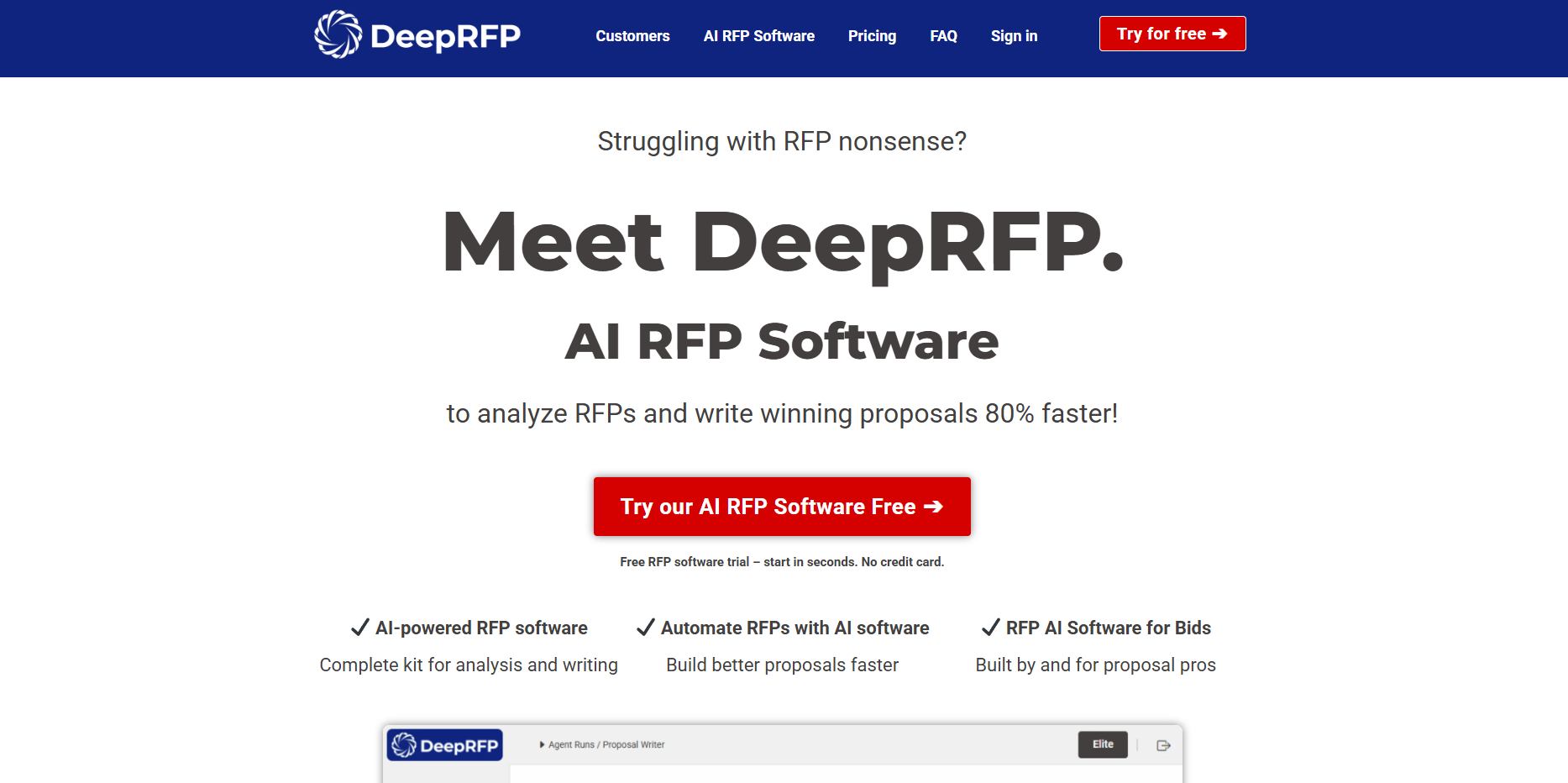
What it is: DeepRFP is an AI RFP and proposal-writing tool aimed squarely at lean teams — it’s one of the few in this category with transparent, self-serve pricing and a trial you can start without a sales call.
Best for: Freelance proposal writers, bidding consultants, contractors, and small businesses that want to move fast without enterprise bloat.
Notable features:
- AI drafting and review tools geared to proposal writing.
- Content suggestions based on your prior responses.
- Self-serve onboarding — useful when there’s no admin to run a rollout.
Considerations: Lighter on deep integrations, advanced analytics, and complex-workflow support than larger platforms; best when your RFPs are relatively straightforward.
Pricing: Published, per user — roughly $75/user/month for the Pro plan, up to about $125/user/month for higher tiers (see the full DeepRFP pricing and feature breakdown).
SiftHub
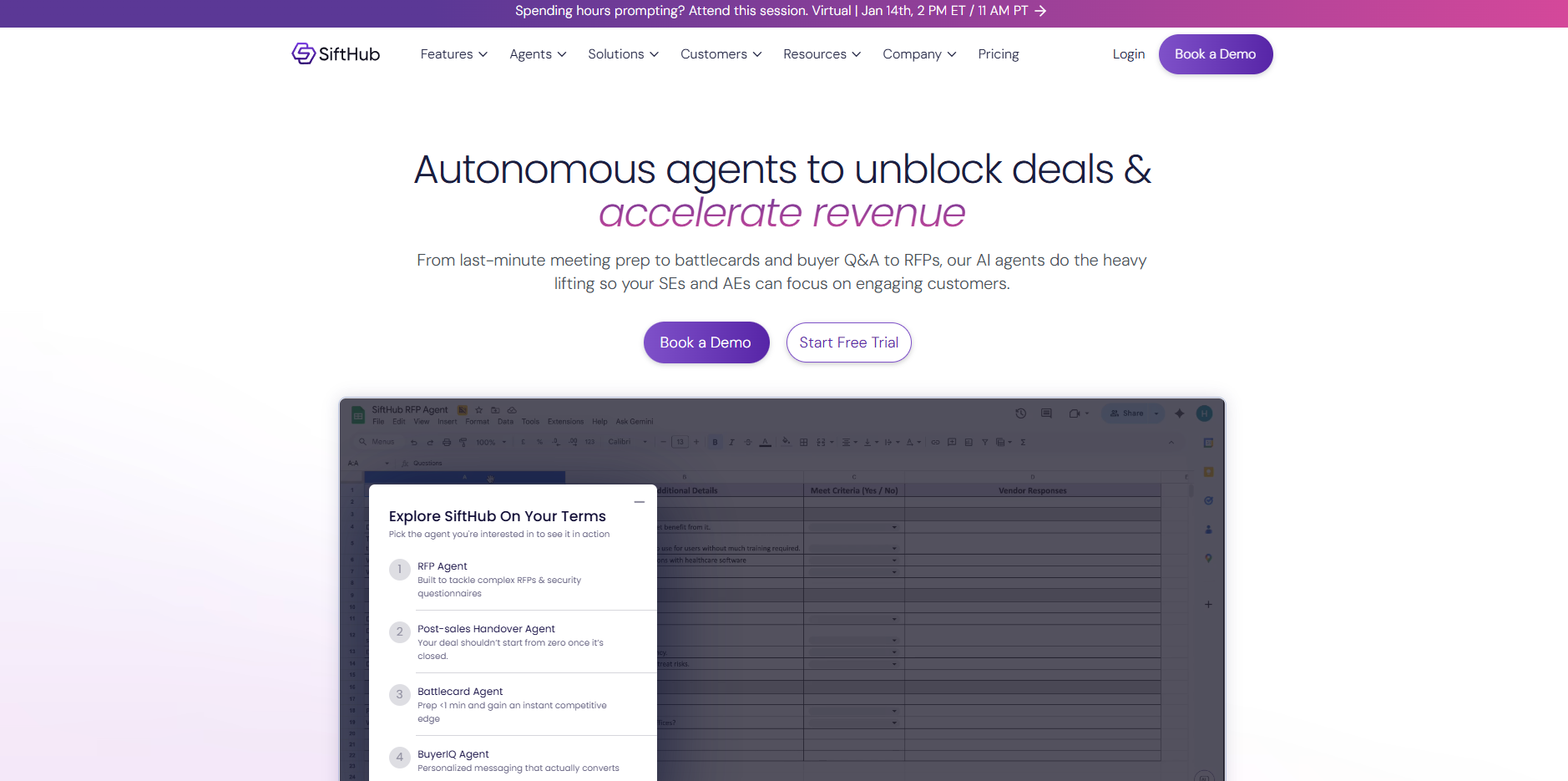
SiftHub AI RFP response and sales enablement platform
What it is: SiftHub is an AI-driven RFP response and sales-enablement platform that automates answers to RFPs, RFIs, and security questionnaires and centralizes content discovery.
Best for: Teams that think about RFPs as part of a broader sales-enablement motion and want strong integrations.
Notable features:
- AI response generation across RFPs, RFIs, and security questionnaires.
- Unified content hub with integrations across Slack, Salesforce, HubSpot, Google Drive, SharePoint, and more.
- Collaboration and project tracking with task assignment.
Considerations: Prioritizes general enablement workflows over deep RFP-specific reasoning, so highly nuanced responses may need more editing; some users report occasional inaccuracies. See the SiftHub pricing and features breakdown for details.
Pricing: Custom (contact sales).
Tribble
Tribble AI RFP tool for small teams in Slack and Teams
What it is: Tribble is an AI RFP and InfoSec-questionnaire tool focused on speed and simplicity, designed to work inside collaboration tools like Slack and Microsoft Teams.
Best for: Small teams that want quick onboarding and prefer to work where they already chat rather than in a separate app.
Notable features:
- Automated RFP and InfoSec questionnaire completion.
- Content library and knowledge management.
- Collaboration and task tracking inside Slack/Teams.
Considerations: A lighter feature set than full RFP suites, with a smaller integration and analytics ecosystem; some users report occasional inaccurate responses and thinner document-formatting support.
Pricing: Custom (contact sales).
BreezeDocs
(Product screenshot needed — no image on file.)
What it is: BreezeDocs is a newer, SMB-first RFP tool that leans on generative AI to speed up the whole response process, and markets itself on being fast and easy for very small teams.
Best for: Solo operators and very small teams that want the shortest possible path from “RFP received” to “draft ready.”
Notable features:
- Generative-AI drafting aimed at non-specialists.
- Self-serve setup with minimal configuration.
- Positioning built specifically around small-business and solo use.
Considerations: As a younger product, its integration library and advanced-workflow depth are still maturing; validate it against your specific RFP types during a trial. Confirm current pricing directly, as published tiers change frequently.
Pricing: Self-serve sign-up.
Arphie
(Product screenshot needed — no image on file.)
What it is: Arphie is an AI-native RFP platform that connects to live source documents and generates first-draft responses with source citations and confidence signals.
Best for: Teams that want modern AI drafting with traceable answers and connections to Google Workspace and SharePoint.
Notable features:
- AI-generated first drafts with citations back to source content.
- Confidence signals to flag answers that need review.
- Live connections to existing document stores rather than a static library.
Considerations: Pricing is quote-based with no public tiers, so it’s harder to budget against sight-unseen; ask how pricing scales with concurrent projects.
Pricing: Custom (contact sales).
Responsive (formerly RFPIO)
Responsive RFPIO RFP and proposal management platform
What it is: Responsive is an established, cloud-based RFP and proposal management platform built for structured workflows, approvals, and integrations, widely used by mid-market and enterprise teams.
Best for: Teams that already have formal proposal processes, or small teams confident they’ll grow into enterprise workflows and want to avoid switching later.
Notable features:
- Central content library with approved-answer management.
- Workflow management with approvals and role-based access.
- Broad CRM/ERP integrations for larger environments.
Considerations: Pricing and licensing can exceed small-team budgets, and onboarding takes longer without a dedicated admin; AI output is generally seen as more generic than newer AI-first tools and can need cleanup. See the Responsive pricing and features breakdown.
Pricing: Custom (contact sales).
Loopio
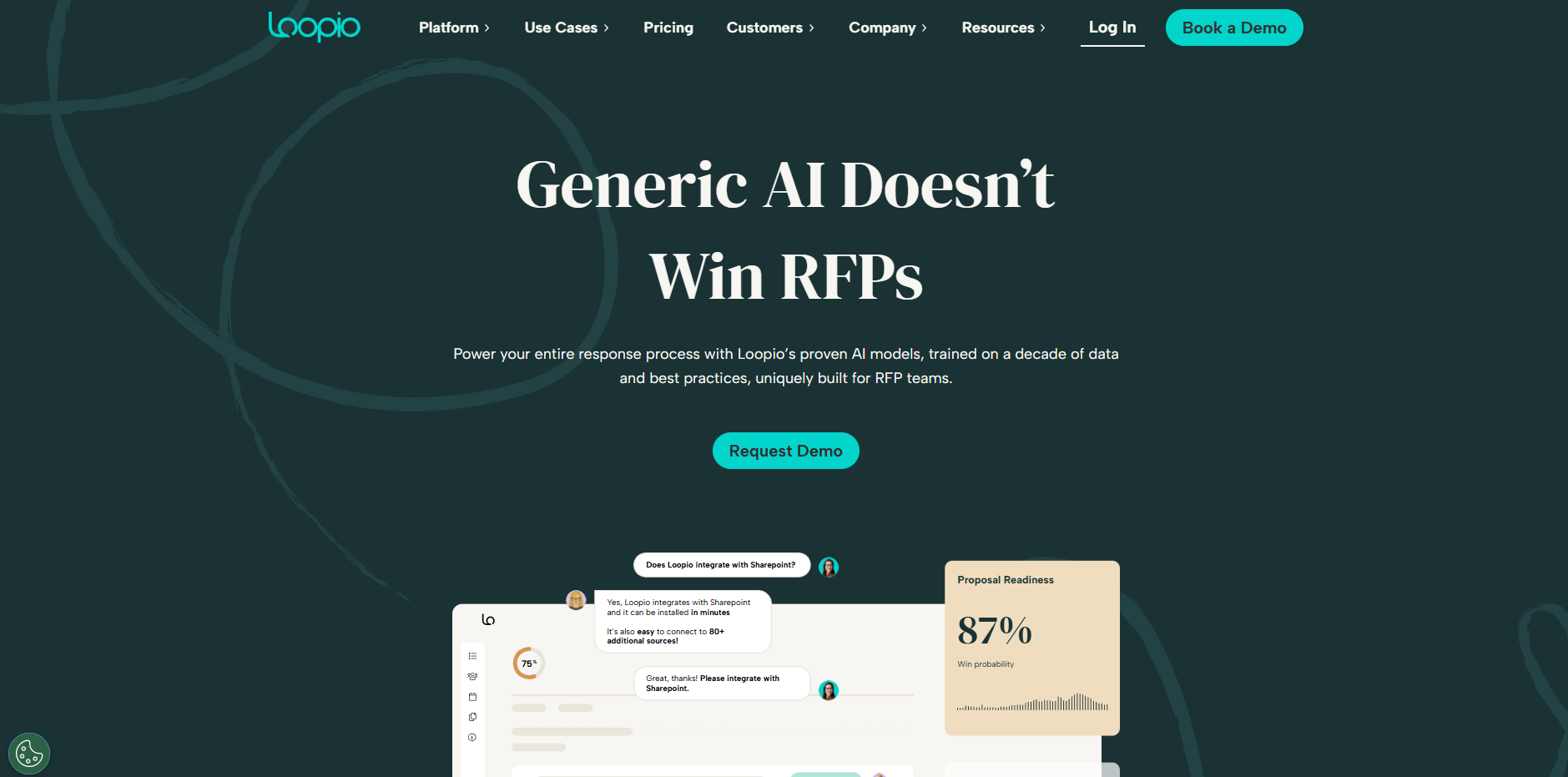
Loopio RFP content library and response management platform
What it is: Loopio is a response-management platform centered on organizing and reusing a large library of pre-approved answers, with collaboration and workflow tooling on top.
Best for: Teams whose main pain is content organization and who are ready to invest in building and maintaining a structured answer library.
Notable features:
- Central content repository with tagging and search.
- Collaboration and review workflows.
- AI-assisted suggestions drawn from your library.
Considerations: The library needs ongoing upkeep, and pricing can be steep for small teams — reported starting around $20,000/year, before the maintenance time the model assumes. This “library tax” is worth modeling before you commit; see Loopio’s true cost.
Pricing: Custom (reported starting ~$20,000/year).
AutoRFP AI
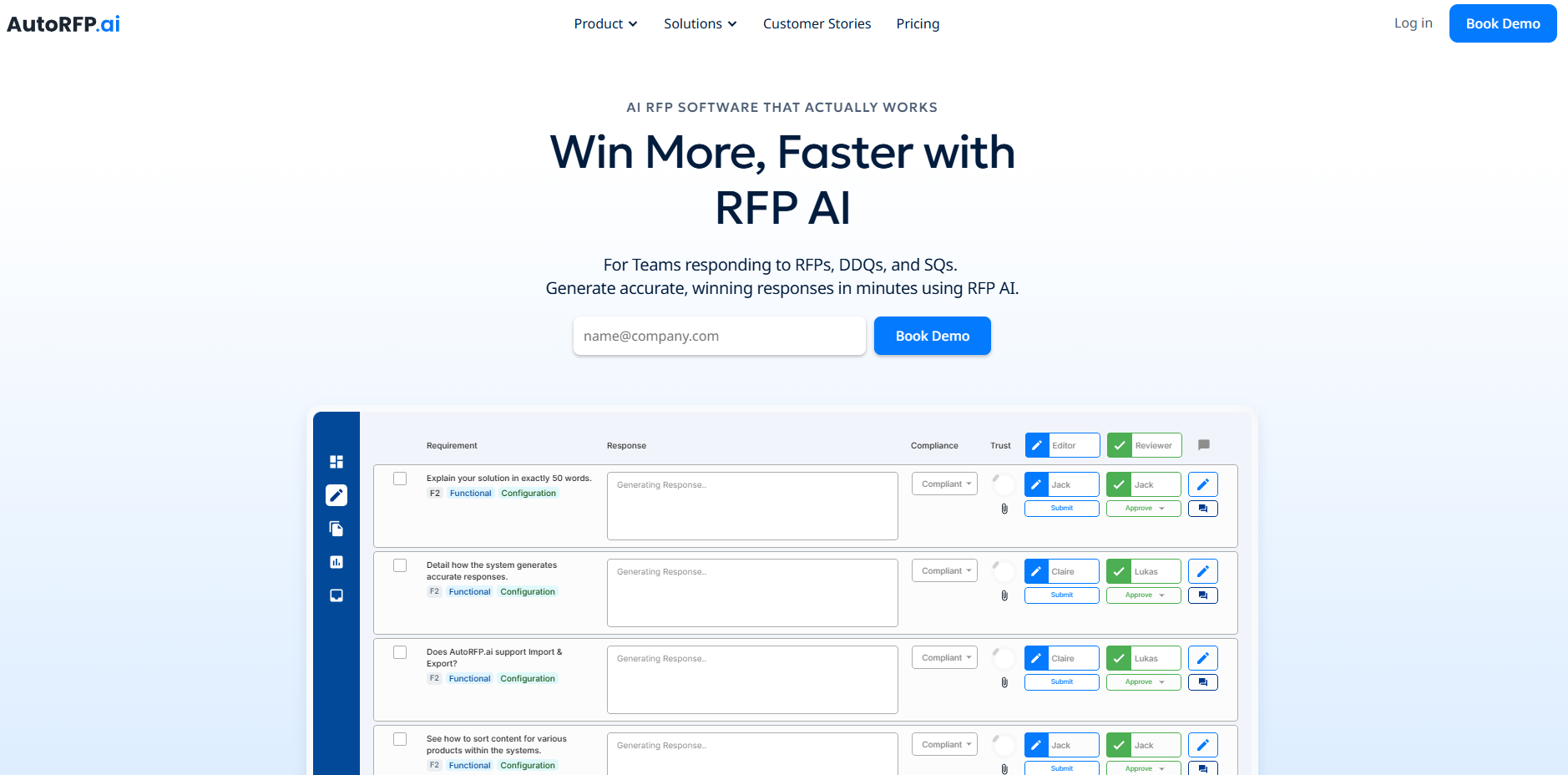
AutoRFP AI RFP response automation software
What it is: AutoRFP AI automates repetitive RFPs and questionnaires using generative AI and semantic search over your existing content, with support for importing from Excel, Word, PDF, and portals.
Best for: Teams with spreadsheet-heavy, repetitive questionnaires who want fast first drafts — and enough volume to justify a higher entry price.
Notable features:
- Semantic search that matches on meaning, not just keywords.
- AI-assisted draft generation from prior responses.
- Multi-format RFP import.
Considerations: Navigation and feature discovery have a learning curve, and contextual reasoning on nuanced questions is a step behind. The starting price is high for the smallest teams; see the AutoRFP AI pricing breakdown.
Pricing: Published — Scale from ~$899/month, Accelerate ~$1,299/month, Enterprise custom.
Steerlab
(Product screenshot needed — no image on file.)
What it is: Steerlab is an AI-first RFP automation tool with human-in-the-loop review, built for teams handling both RFPs and security questionnaires without dedicated proposal staff.
Best for: Small teams where the same people juggle sales responses and InfoSec questionnaires and want one tool for both.
Notable features:
- AI drafting with a human review step built in.
- Coverage of RFPs and security questionnaires in one place.
- Aimed at teams without a proposal specialist.
Considerations: Pricing is quote-based with no public tiers; as a newer entrant, pressure-test integrations and edge cases in a trial.
Pricing: Custom (contact sales).
Also worth a look
If your need is more “polished proposals and e-signatures” than “answer a 200-question RFP,” a couple of adjacent tools fit small budgets well: PandaDoc (free tier, paid plans from ~$19/month) and Proposify (from ~$29/month) both do templated proposals, tracking, and e-sign, though neither is built for deep RFP response quality. QorusDocs, Qvidian (Upland), and RocketDocs are more content-library-and-workflow platforms (all quote-based), and AutogenAI targets larger, bid-heavy teams with sales-led, typically enterprise pricing — usually a stretch for a genuinely small business. For the complete field, see our full ranking of the best RFP software and, if you’re scaling up, the best enterprise RFP software comparison.
How to choose and how to run a one-week trial
Shortlist two or three tools that match your volume and budget, then test them on your own work rather than a vendor demo. A simple, time-boxed trial tells you more than any feature grid.
- Bring a real RFP. Use a recent one you’ve already answered so you can compare the tool’s draft against your known-good version.
- Measure time-to-first-usable-draft. Not “time to a draft” — time to something you’d actually send after light edits. That’s the number that determines ROI.
- Check the sources. Do generated answers cite where they came from, and does the tool flag what it’s unsure about? Guessing is worse than a gap.
- Add a second person. Have an SME or reviewer log in. Small-team tools live or die on whether a non-specialist can use them without training.
- Model the all-in cost. Licenses plus implementation plus the hours to maintain content. Compare that to the hours you spend on RFPs today.
For more on scoring vendors and responses, see how to evaluate proposals and this AI-enhanced RFP guide for small businesses.
Frequently asked questions
What is RFP software, and does a small business really need it?
RFP software helps you create, manage, and respond to Requests for Proposals (and often RFIs and security questionnaires) by centralizing your content, automating repetitive drafting, and coordinating reviews. A small business needs it once RFPs become frequent or complex enough that the manual process costs real time and creates inconsistency — as a rough guide, around 10 or more substantial RFPs a year, or whenever multiple people are copying from old proposals. Below that, an organized template and shared drive often suffice.
What is the best RFP software for SMBs or small sales teams?
There’s no single winner — the best fit depends on your volume, budget, and whether you want self-serve or a guided rollout. For SMBs and small sales teams that want AI-native drafting with minimal admin, tools like Inventive AI, Arphie, and SiftHub are designed for that profile. Teams that prefer transparent, self-serve pricing often start with DeepRFP or BreezeDocs. Shortlist two or three and trial them on a real RFP before deciding.
What is the most affordable RFP management software for SMBs?
Affordability depends on the pricing model, not just the headline price. The most budget-predictable options are the ones with published, self-serve pricing: DeepRFP (from roughly $75/user/month) and BreezeDocs (self-serve sign-up) are common starting points for cost-conscious SMBs, and PandaDoc offers a free tier if you mainly need proposals and e-signatures. Quote-based platforms like Responsive and Loopio tend to carry higher entry costs and are usually less economical for very small teams. Always factor in implementation and content-maintenance time, not just the license.
What is the best RFP software for small business contractors?
Contractors and independent bidders usually value transparent pricing, quick setup, and proposal-writing help over heavy enterprise workflows. Self-serve tools such as DeepRFP and BreezeDocs are popular for that reason, and pairing them with an industry-specific template (for example, a construction RFP response template) speeds things up further. If you also respond to public or highly structured bids, test how well the tool handles long, question-heavy documents during a trial.
How much does RFP software cost for a small team?
It ranges widely. Self-serve tools commonly start around $19–$125 per user per month (for example, PandaDoc, DeepRFP). Tiered platforms like AutoRFP AI publish plans starting near $899/month. Library-centric and enterprise platforms such as Loopio and Responsive are quote-based and can run into the tens of thousands per year. Beyond the license, budget for implementation and the ongoing time to keep your content accurate.
When is RFP software worth it for a small business?
It’s usually worth it once the manual process is visibly costing you — missed or rushed deadlines, inconsistent answers across team members, or hours spent re-answering the same questions. A practical trigger is roughly 10+ RFPs a year, documents of 30+ pages or 50+ questions, and more than one contributor per response. If you’re well below that, waiting is a reasonable choice.
Can RFP software integrate with the tools a small team already uses?
Most modern tools integrate with common systems — CRMs like Salesforce and HubSpot, file stores like Google Drive and SharePoint, and collaboration tools like Slack and Teams. For a lean team, prioritize tools that connect to where your content already lives so you don’t have to build and maintain a separate library. Confirm the specific integrations you need are supported before you buy.
Should startups pick the cheapest RFP tool or one that scales?
Weigh both. The cheapest tool wins on day one, but switching platforms mid-growth is disruptive and tends to happen exactly when deal volume is climbing. If you expect RFP volume and complexity to rise, favor a tool that handles today’s work affordably and still holds up at several times the volume, so you’re not forced into a costly migration a year from now.
Move faster on your next RFP
If you’ve decided software is worth it, the fastest way to judge fit is to run your next real RFP through a shortlist and compare drafts. To see how AI-native drafting handles yours, you can explore Inventive AI’s RFP response software or book a walkthrough — then put it side by side with a self-serve option and pick what fits your team and budget.




%20(11).avif)