Top RFx Software in 2026: Features, Pricing & Reviews
Compare the top RFx response software for 2026, features, pricing, and reviews of 10 tools that help teams respond to RFPs, RFIs, and RFQs faster and more accurately.
RFx responses win real revenue, but they're slow, with answers scattered across spreadsheets, inboxes, and old proposals, then stalled by compliance checks and edits.
The stakes are rising. Gartner found 67% of B2B buyers now prefer a rep-free experience, so the written response often decides the deal, not the sales call.
RFx response software helps vendors answer RFPs, RFIs, RFQs, and security questionnaires from connected company knowledge. In 2026, it's shifting from static content libraries to autonomous AI agents that draft cited answers and flag outdated content before submission.
Strategic Insights to Remember
- RFx responses define revenue outcomes. Teams that manage them well capture more business, while inefficient workflows drag down win rates.
- AI delivers measurable improvements. Faster drafts, fewer errors, and stronger collaboration are no longer optional but essential in competitive markets.
- Platform fit is critical. The best solution depends on your compliance needs, team size, and growth trajectory.
- Collaboration drives success. The most effective tools break down silos between sales, compliance, and solutions teams.
- Early adopters gain an edge. Vendors that modernize RFx management now are better positioned to win consistently against slower competitors.
What to Look for in RFx Response Software in 2026
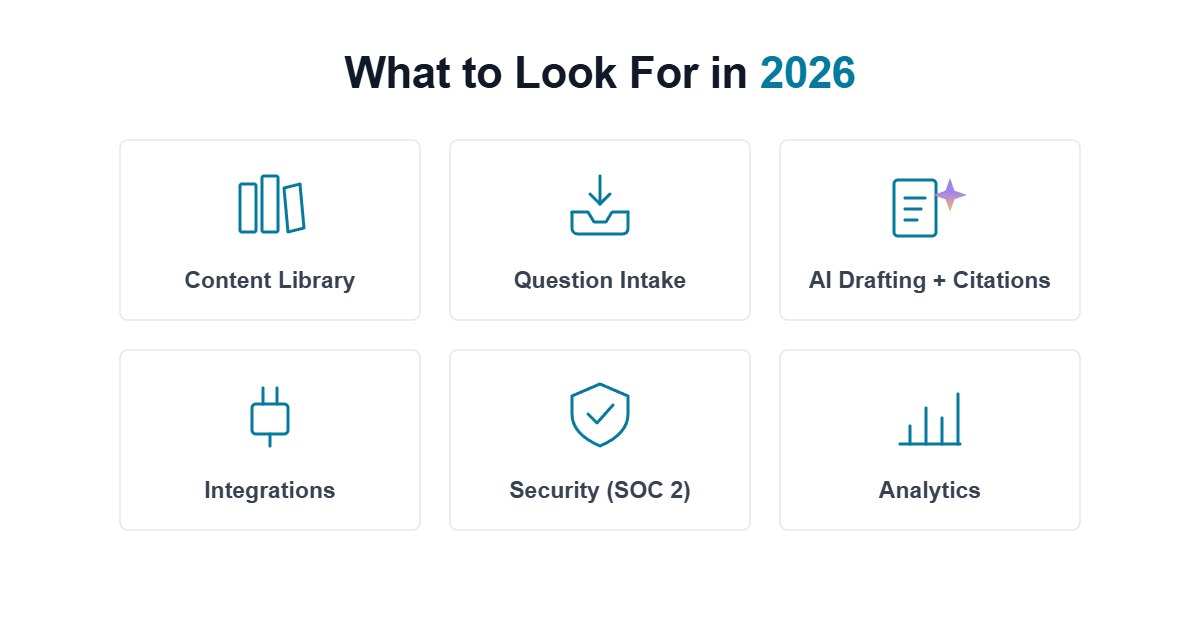
The best 2026 RFx tools cover the basic features such as a content library, intake, and workflows, plus use AI to read, draft, and check accuracy on its own. Evaluate any shortlist in that order:
Must-haves
- Central content library: store and reuse approved answers so teams aren't rewriting from scratch.
- Fast search: find the right approved answer quickly across past responses.
- Question intake: import RFPs, RFIs, DDQs, and security questionnaires in any format (PDF, Word, Excel, PPT).
- Collaboration and workflows: assignments, role-based permissions, and review/approval tracking.
- Formatting and export: keep brand-consistent formatting and export cleanly to Word, Excel, and PDF.
- Integrations: connect with your CRM (Salesforce, HubSpot), cloud storage (SharePoint, Google Drive, Box), and communication tools (Slack, Microsoft Teams).
- Security and compliance: SOC 2 Type II, and your data is never used to train public models.
- Analytics and reporting: progress, content usage, and win/loss.
Advanced 2026 capabilities
- Connected knowledge: pulls from systems you already use and updates automatically, no separate library to maintain.
- Grounded AI drafting: builds first drafts from your approved content, so reviewers edit instead of rewrite.
- Citations and confidence scores: shows each answer's source and flags "information unavailable" instead of guessing.
- AI Content governance: catches outdated, duplicate, or conflicting answers automatically before an evaluator sees them.
- Deal context: tailors responses to the specific opportunity using CRM and sales notes.
- Autonomous agents: run intake, drafting, and validation on trigger, with people approving the output.
Comparing the Top 10 RFx Response Software in 2026
The demand for faster and more accurate RFx responses has prompted vendors to adopt platforms that combine automation, AI, and centralized knowledge. The best solutions strike a balance between speed and compliance, providing teams with visibility across departments and scalability as proposal volumes increase.
| Tool | What it does | Pricing | Best for |
|---|---|---|---|
| Inventive AI | AI-first autonomous software that auto-drafts RFP, RFI, and security questionnaire responses from connected company knowledge | Usage-based, transparent; unlimited users | Mid-market/enterprise response teams |
| Arphie | AI-native platform that drafts responses to RFPs and security questionnaires | Custom | AI-first drafting for lean teams |
| AutoRFP AI | AI tool that auto-drafts and reviews high-volume questionnaire responses | From $899/mo (billed annually); Enterprise custom | High-volume questionnaire automation |
| AutogenAI | Generative AI for writing RFP, bid, and proposal responses | Custom | Enterprise bid/proposal teams |
| Loopio | Content-library platform for reusing approved answers across responses | Custom | Enterprises standardizing on a library |
| Ombud | Response management for RFPs, RFIs, and security questionnaires | Custom | Enterprise teams needing response governance |
| Tribble | AI proposal automation for RFPs, DDQs, and security questionnaires | Custom | Enterprise response teams |
| QorusDocs | Response automation with Microsoft 365 integration | Custom | Microsoft 365-centric organizations |
| Qvidian (Upland) | RFP response tool with template and content management | Custom | Large enterprises needing mature content management |
| Responsive (formerly RFPIO) | Enterprise RFP platform with a shared content library and search | Lite from $5,000/yr (5 users); higher tiers custom | Large enterprises with high RFP volume |
1. Inventive AI
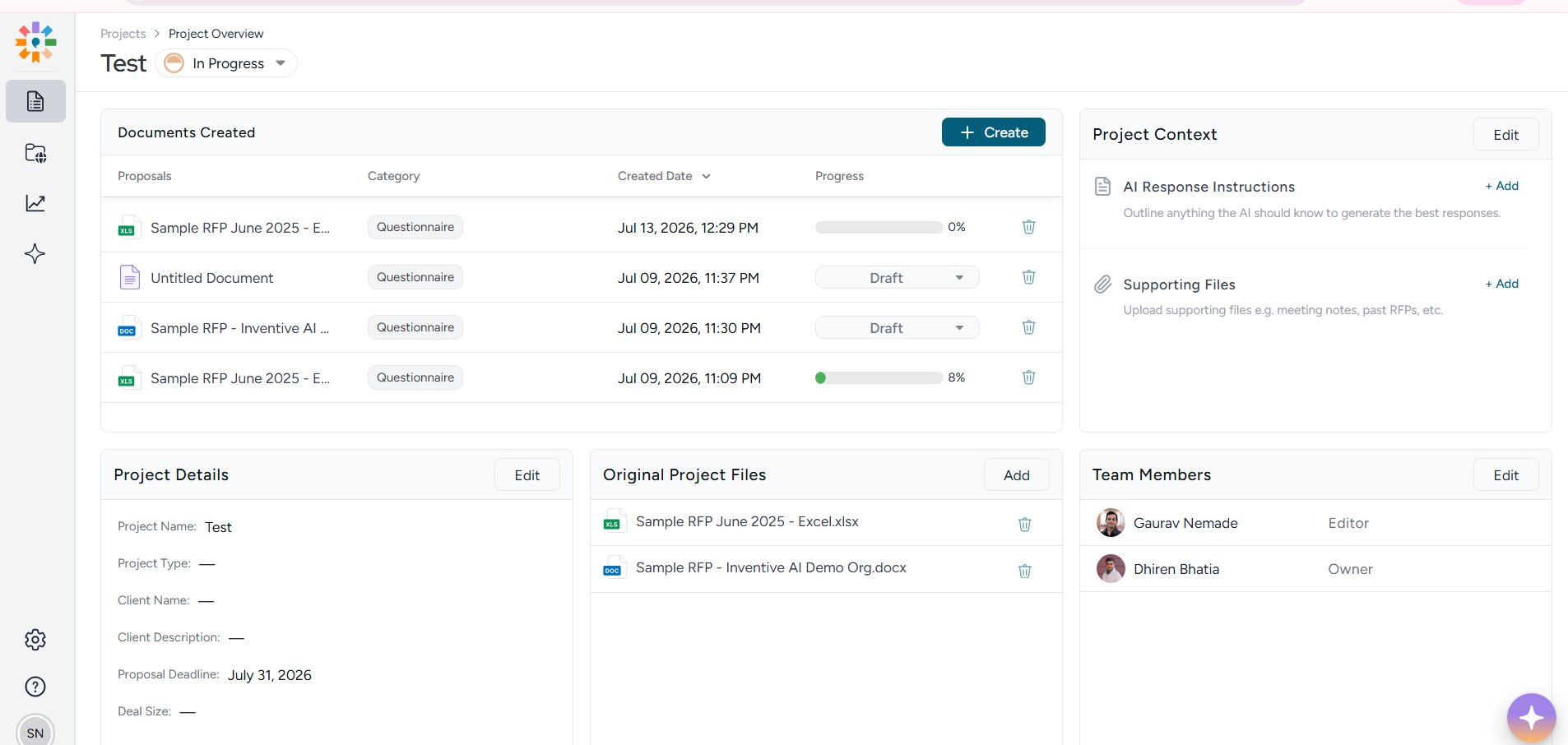
Rating: 5.0/5 on G2 (26 reviews) · 5.0/5 on Gartner Peer Insights (36 ratings)
Pricing: Usage-based, transparent pricing and custom plans are also available; unlimited users.
Best for: Mid-market and enterprise teams responding to RFPs, RFIs, DDQs, and security questionnaires
Inventive AI is an AI agentic platform for RFP, RFI, DDQ, and security questionnaire responses, with people approving the output. It covers the capabilities most response teams evaluate: knowledge integration, question intake, AI responses, source citations, review workflow, and AI content governance.
- Connects to SharePoint, Google Drive, Salesforce, Confluence, Notion, Zendesk, and your website, no separate content repository, and updates sync automatically when a source changes.
- Reads each incoming RFx and tags questions, sections, and requirements for your team to validate.
- Drafts every answer on trigger, complete with source citations and a confidence score.
- Flags "information unavailable" instead of guessing when it can't support an answer.
- Layers in deal-specific context, CRM data, sales notes, customer prioritiesthrough the Context Engine.
- Surfaces outdated, duplicate, or conflicting content automatically through Content Governance Agent.
- SOC 2 Type II compliant, and your data is never used to train public models.
Pros (from G2 reviews)
- Easy to navigate and quick to adopt
- Saves significant time on responses
- Improves response quality and consistency of messaging
- Flags outdated and conflicting content to keep content accurate
Considerations
- Analytics could go deeper for strategic planning
- Reporting customization is limited, which makes tracking harder
- No Jira integrations as of now.
Tired of Missed Deadlines and Inconsistent RFx Responses?
See how Inventive AI helped Insider achieve a 50% higher win rate and 90% faster submissions.
Download the Case Study2. Arphie
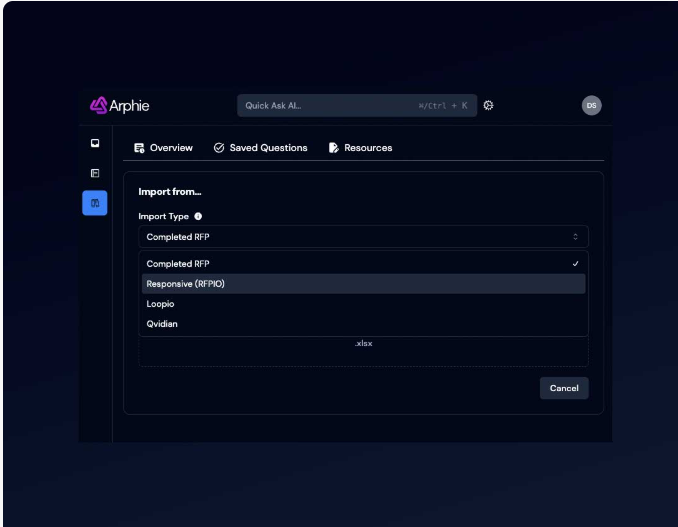
Rating: 5.0/5 on G2 (21 reviews) · 5.0/5 on Gartner Peer Insights (5 ratings)
Pricing: Custom (contact sales)
Best for: AI-first drafting for lean teams
An AI-native platform that drafts responses to RFPs, RFIs/RFQs, DDQs, and security questionnaires.
Key features:
- Reads incoming documents and generates first-draft answers from a connected knowledge base and live data.
- Grounds answers in approved content to reduce hallucination.
- Supports RFPs, RFIs/RFQs, DDQs, and security questionnaires.
- Collaboration and review workflows for the response team.
- Integrations with existing content sources.
Pros (from G2 reviews): large time savings; easy to learn; accurate, knowledge-grounded drafts; responsive support.
Cons (from G2 reviews): limited export/import options; some reporting still maturing; occasional formatting issues.
Also Read: Arphie Price, Features, Review & Ratings 2026
3. AutoRFP AI
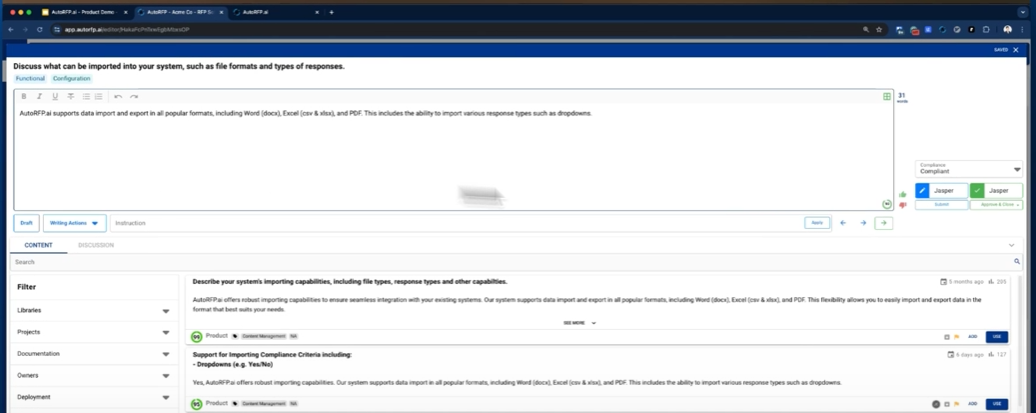
Rating: 4.9/5 on G2 (56 reviews) · 4.8/5 on Gartner Peer Insights (20 ratings)
Pricing: Scale $899/mo (billed annually, 24 projects/yr); Accelerate $1,299/mo (50 projects/yr); Enterprise custom
Best for: High-volume questionnaire automation
AutoRFP is an AI platform that auto-drafts RFP, RFI, DDQ, and security-questionnaire answers from approved content.
Key features:
- Auto-drafts answers from a company's approved content in seconds.
- Confidence scoring routes low-confidence answers for review.
- Unlimited users on all plans.
- Integrations, SSO, and ISO 27001:2022 security.
- Collaboration and project workflows.
Pros (from G2 reviews): large time savings; intuitive; accurate answers from approved sources; strong collaboration and support.
Cons (from G2 reviews): navigation not always intuitive; initial learning curve; limited template flexibility.
Also Read: AutoRFP AI Price, Features, Reviews & Ratings for 2026
4. Loopio
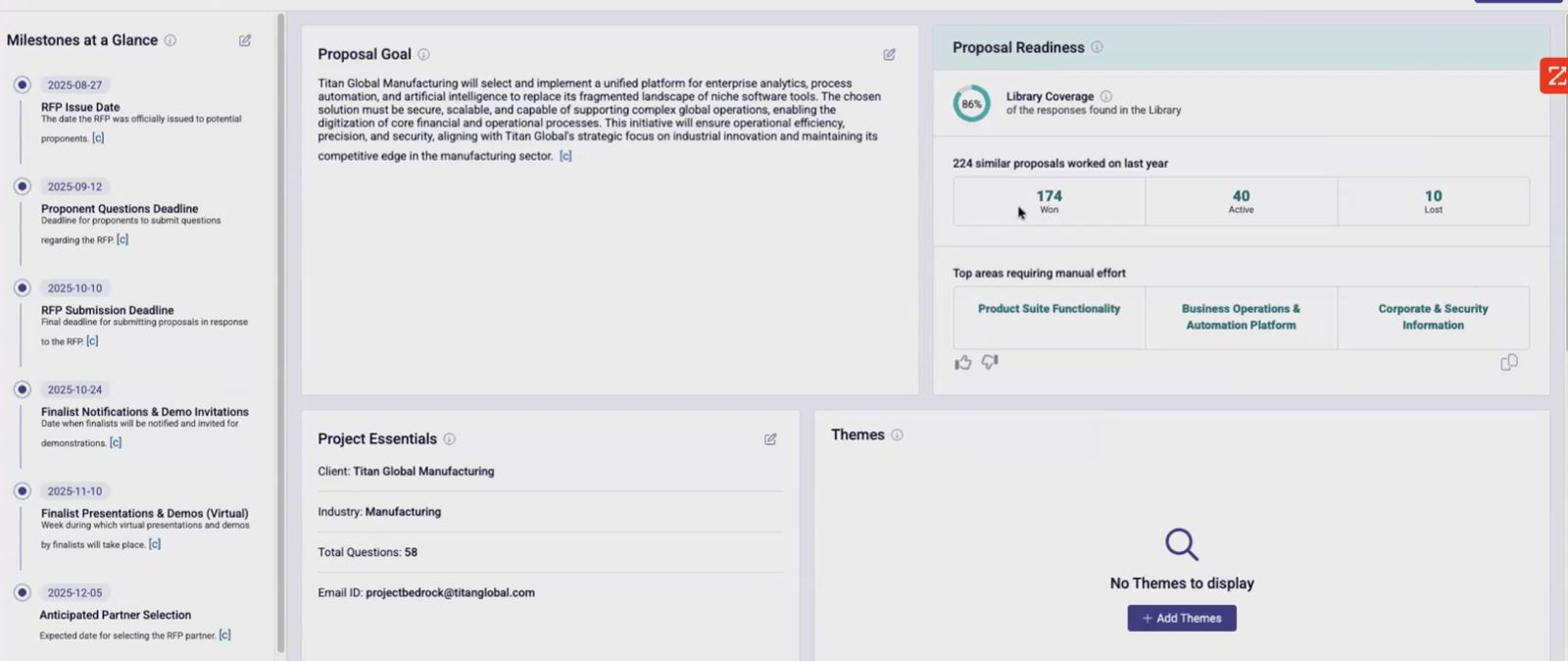
Rating: 4.6/5 on G2 (812 reviews) · 4.3/5 on Gartner Peer Insights (16 ratings)
Pricing: Custom (Foundations / Enhanced / Enterprise tiers)
Best for: Enterprises standardizing on a library
A response-management platform built around a shared content library for RFPs, RFIs, DDQs, and security questionnaires.
Key features:
- Central content library of approved answers for reuse.
- AI-assisted response generation and search.
- Question import and project workflows.
- Collaboration with task assignment and review.
- Content maintenance and library governance tools.
Pros (from G2 reviews): easy to use; big time savings on first drafts; central library and search; collaboration and task assignment.
Cons (from G2 reviews): formatting can break on Word/PDF export; AI sometimes surfaces outdated answers; library upkeep is manual.
Also Read: Loopio Pricing, Features, and Reviews (2026 Guide)
5. QorusDocs
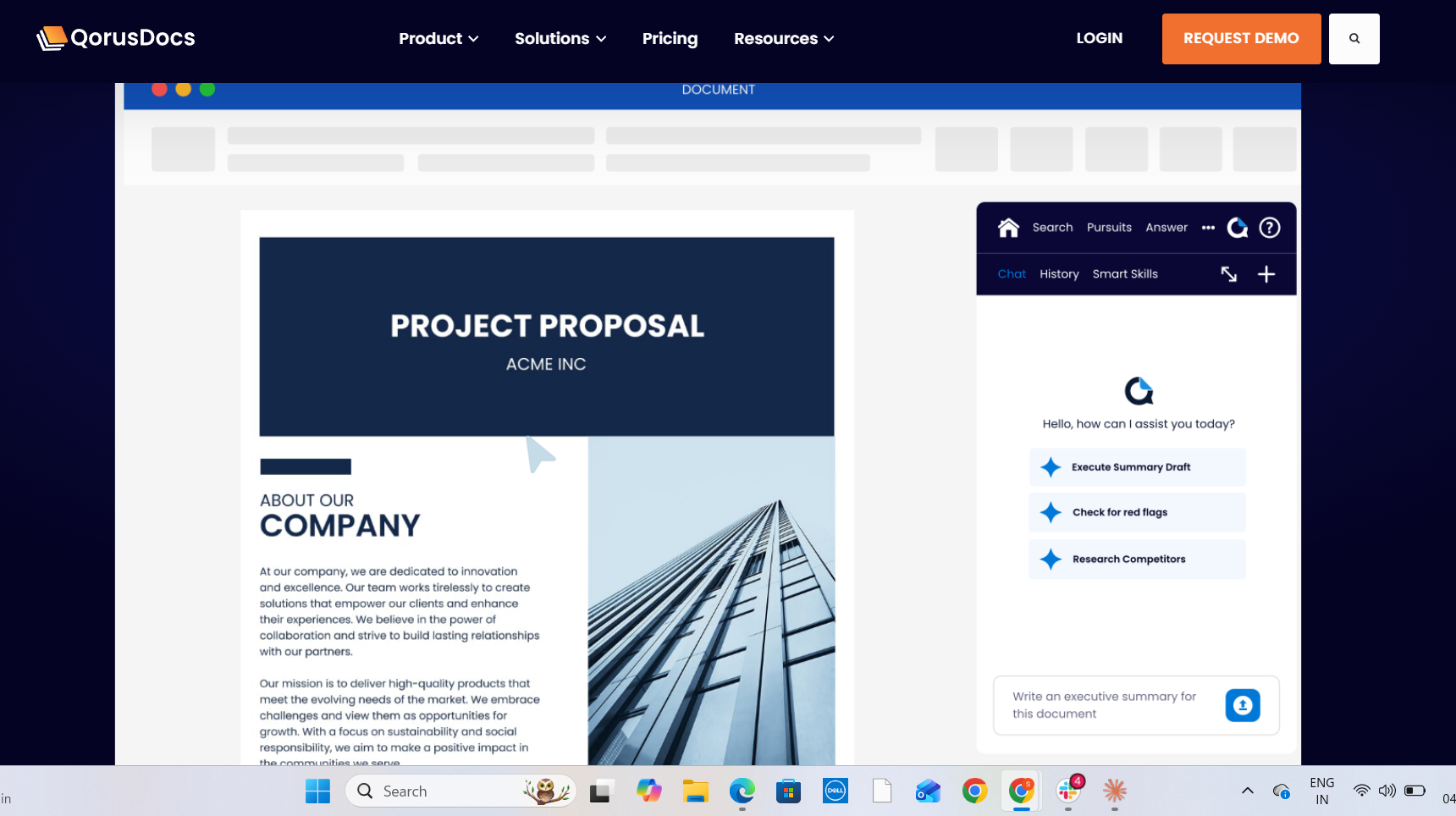
Rating: 4.4/5 on G2 (168 reviews) · Not yet rated on Gartner Peer Insights
Pricing: Custom (ValueHub / ProposalHub / PitchHub packages)
Best for: Microsoft 365-centric organizations
RFP and proposal response automation with deep Microsoft 365 integration.
Key features:
- Works inside Word, PowerPoint, and SharePoint.
- AI-assisted drafting and content assembly.
- Centralized content repository with reuse.
- Collaboration and review workflows.
- Analytics on content usage.
Pros (from G2 reviews): easy to use; large time savings; strong Microsoft 365/SharePoint integration; responsive support; centralized content.
Cons (from G2 reviews): setup can be complex with a learning curve; performance issues on large content; occasional bugs after updates.
Also Read: QorusDocs Pricing in 2026: Real Costs, Tiers & Hidden Fees
6. Qvidian (Upland)
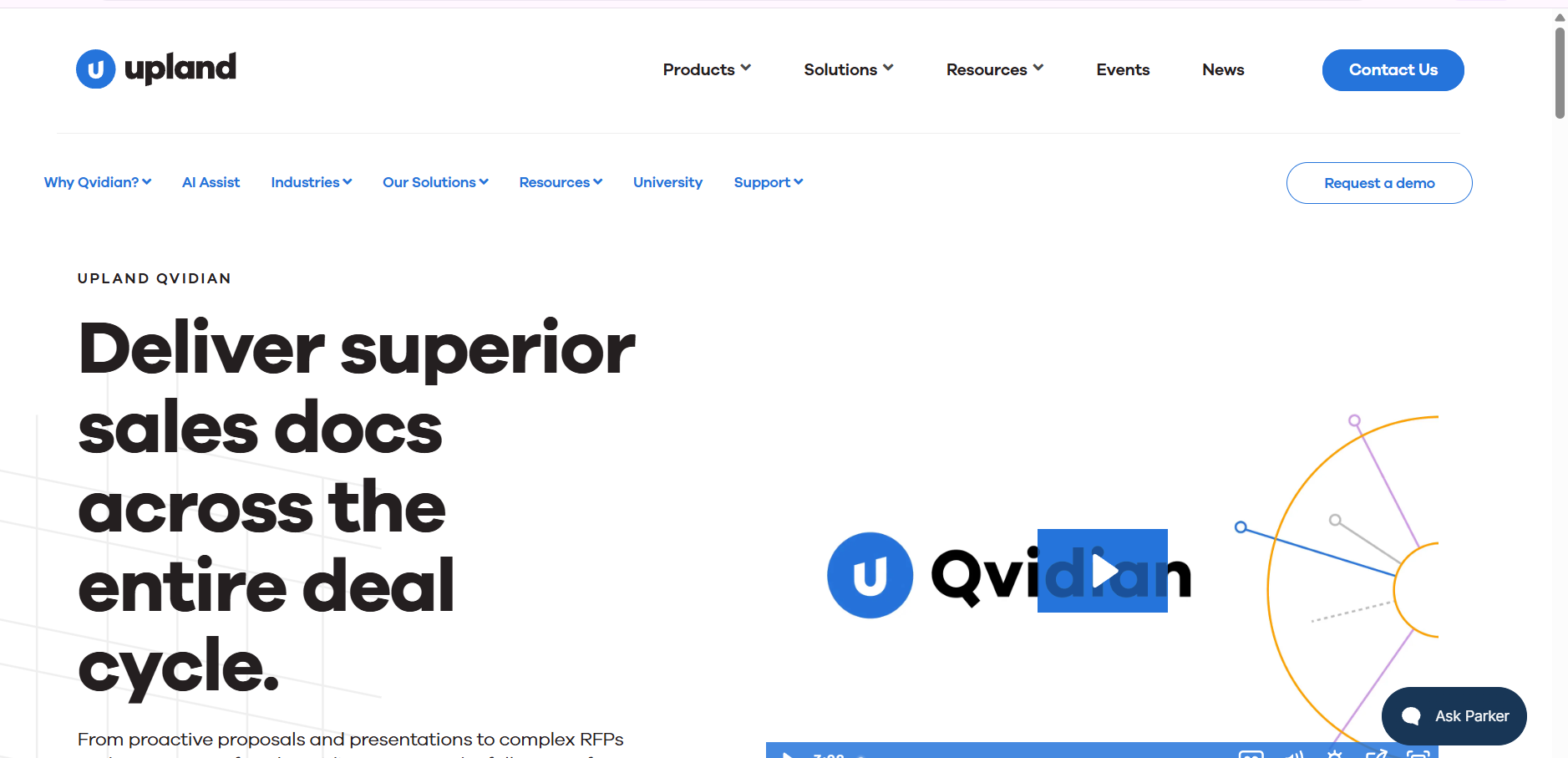
Rating: 4.3/5 on G2 (166 reviews) · 4.6/5 on Gartner Peer Insights (8 ratings)
Pricing: Custom (contact sales)
Best for: Large enterprises needing mature content management
An established RFP/proposal response tool, now part of Upland Software, built around template and content management at scale.
Key features:
- Template and content management at scale.
- Auto-fill responses from a maintained content library.
- Microsoft Office integration (Word, Excel, PowerPoint).
- Review and approval workflows with version control.
- Generative-AI drafting available as an add-on.
Pros (from G2 reviews): strong centralized content library; time savings via auto-fill; Microsoft Office integration; responsive support.
Cons (from G2 reviews): dated interface and click-heavy navigation; content upload is cumbersome; search could be more semantic, and cost can feel high for smaller teams.
Also Read: Qvidian Price, Features, Review and Ratings 2026
7. Tribble
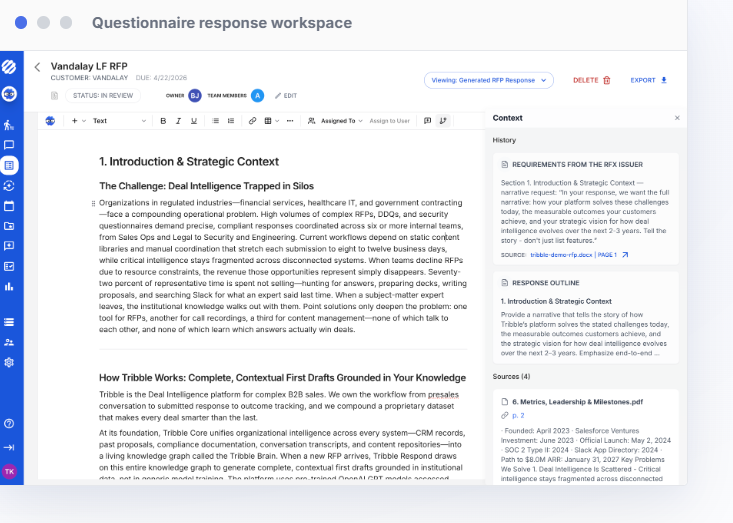
Rating: 4.7/5 on G2 (158 reviews)
Pricing: Custom (contact sales)
Best for: Enterprise response teams
A governed AI platform that drafts sourced, reviewed answers to RFPs, RFIs, DDQs, and security questionnaires.
Key features:
- Governed AI agent drafts sourced answers for RFPs, DDQs, and security questionnaires.
- Connects to company knowledge for accuracy.
- Slack integration to answer questions without switching tools.
- Review workflows to keep responses consistent.
- Enterprise controls and governance.
Pros (from G2 reviews): fast retrieval and time savings; Slack integration; much faster first drafts; accurate when well-trained on company content.
Cons (from G2 reviews): AI can need double-checking; slower than general LLMs at times; setup and learning curve.
Also Read: Tribble AI Pricing, Features, Reviews, and Ratings for 2026
8. Responsive
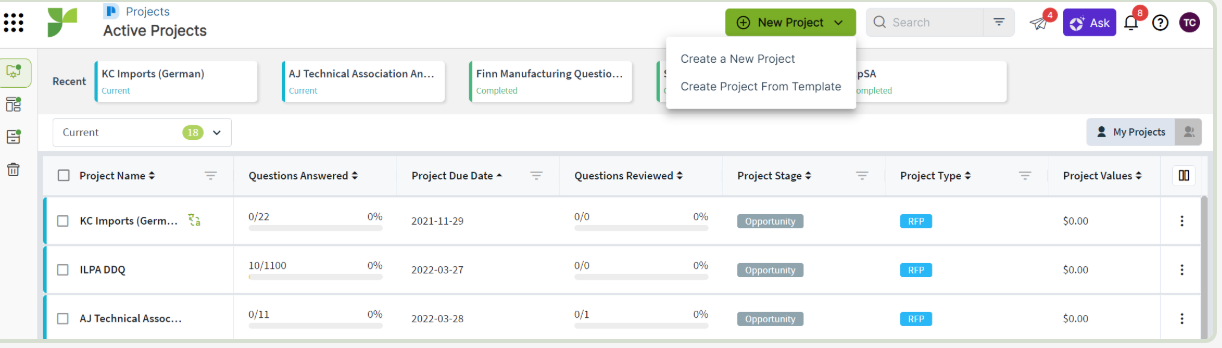
Rating: 4.5/5 on G2 (1,310 reviews) · 4.2/5 on Gartner Peer Insights (55 ratings) Pricing: Lite from $5,000/year (5 users); Emerging / Growth / Enterprise custom
Best for: Large enterprises with high RFP volume
An enterprise response platform for RFPs, RFIs, DDQs, and security questionnaires.
Key features:
- Central content library ("golden record") with AI search.
- AI-generated draft responses from approved content.
- Question import and project management across RFx types.
- Collaboration, task delegation, and review workflows.
- Integrations across CRM, cloud storage, and communication tools, with analytics.
Pros (from G2 reviews): clean, intuitive interface; big time savings on repeat questions; AI content-based drafts; central library and task delegation.
Cons (from G2 reviews): learning curve for advanced features; content-library maintenance is burdensome; AI relevance sometimes needs refinement.
Also Read: Responsive AI Price, Features, Reviews & Ratings 2026
9. AutogenAI
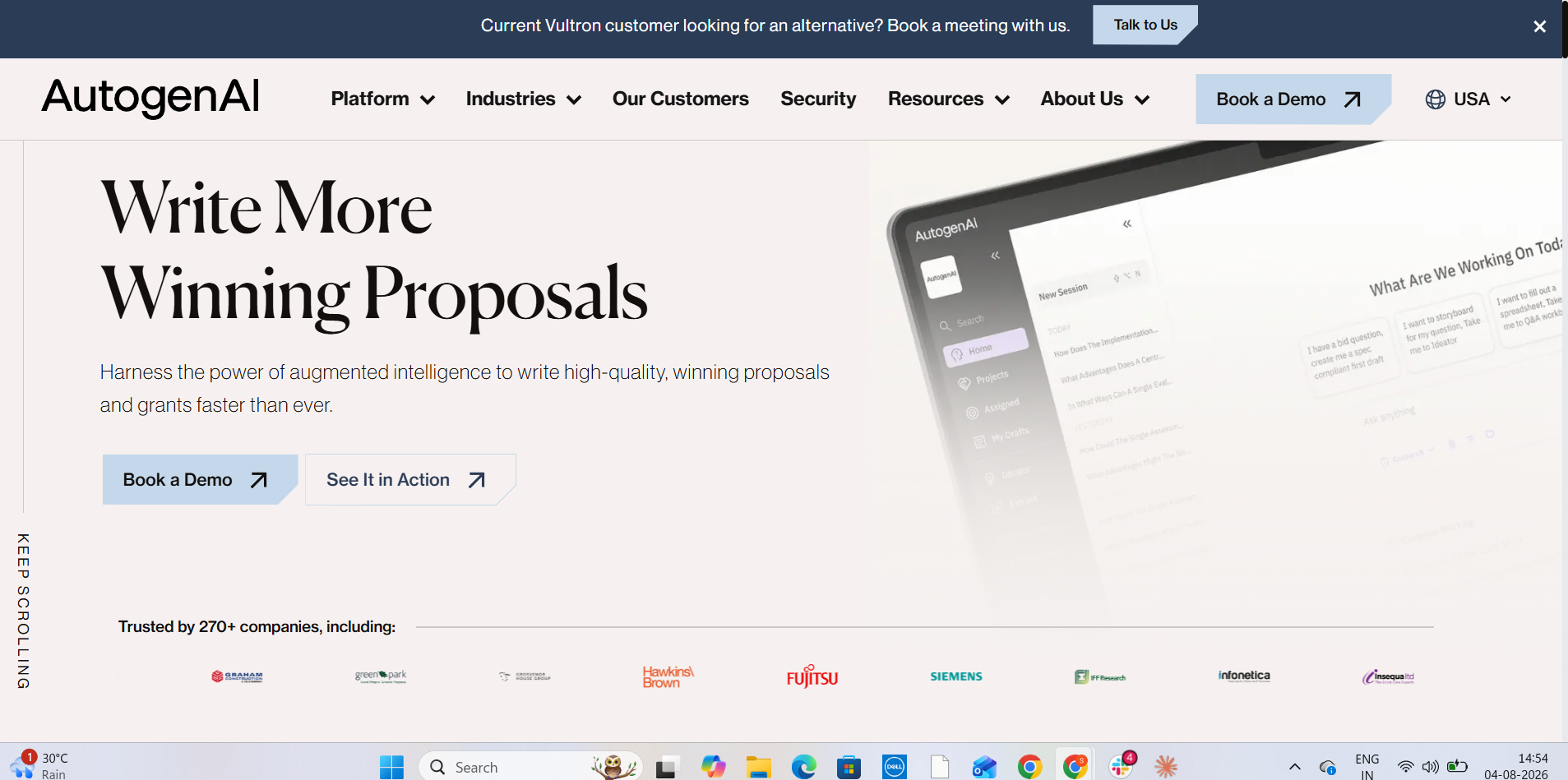
Rating: 4.3/5 on G2 (162 reviews) · Not yet rated on Gartner Peer Insights
Pricing: Custom (contact sales)
Best for: Enterprise & public-sector bid teams
A generative-AI platform for writing RFP, bid, tender, and grant responses, focused on long-form proposals.
Key features:
- Generative AI drafts long-form RFP, bid, tender, and grant narratives.
- Company-specific language engines built on past winning content.
- Content library to reuse and adapt prior bids.
- Compliance and requirement checking against the brief.
- Research assistance for evidence and proof points.
Pros (from G2 reviews): strong time savings; good first drafts; content reuse from past bids; responsive onboarding.
Cons (from G2 reviews): learning curve; UI can feel clunky; drafts still need substantial human review.
Also Read: AutogenAI Pricing, Features, Reviews, and Ratings for 2026
10. Ombud
Rating: 4.7/5 on G2 (26 reviews)
Pricing: Custom (contact sales)
Best for: Enterprise teams needing response governance
A response-management platform for RFPs and security/InfoSec questionnaires, built for larger teams.
Key features:
- Content library with AI answer suggestions.
- Response workflows for sales engineering and proposal teams.
- Collaboration and governance controls for larger teams.
- Fast onboarding with an intuitive interface.
- Integrations with existing systems.
Pros (from G2 reviews): cuts RFP admin work substantially; content reuse and AI suggestions; intuitive UI with ~30-min onboarding; strong support.
Cons (from G2 reviews): formatting doesn't always carry to Word/Excel exports, and simultaneous editing is clunky; search depends on good tagging; no native translation.
Also Read: Ombud Pricing and Features Overview 2026
How AI is Transforming RFx Responses?
Managing RFx cycles has always been one of the most resource-intensive parts of the sales process. Large volumes of technical questions, compliance checks, and cross-department contributions often stretch teams to their limits.
AI is now changing how these challenges are approached by embedding automation and intelligence directly into the response process.
Where does AI make the most significant difference?
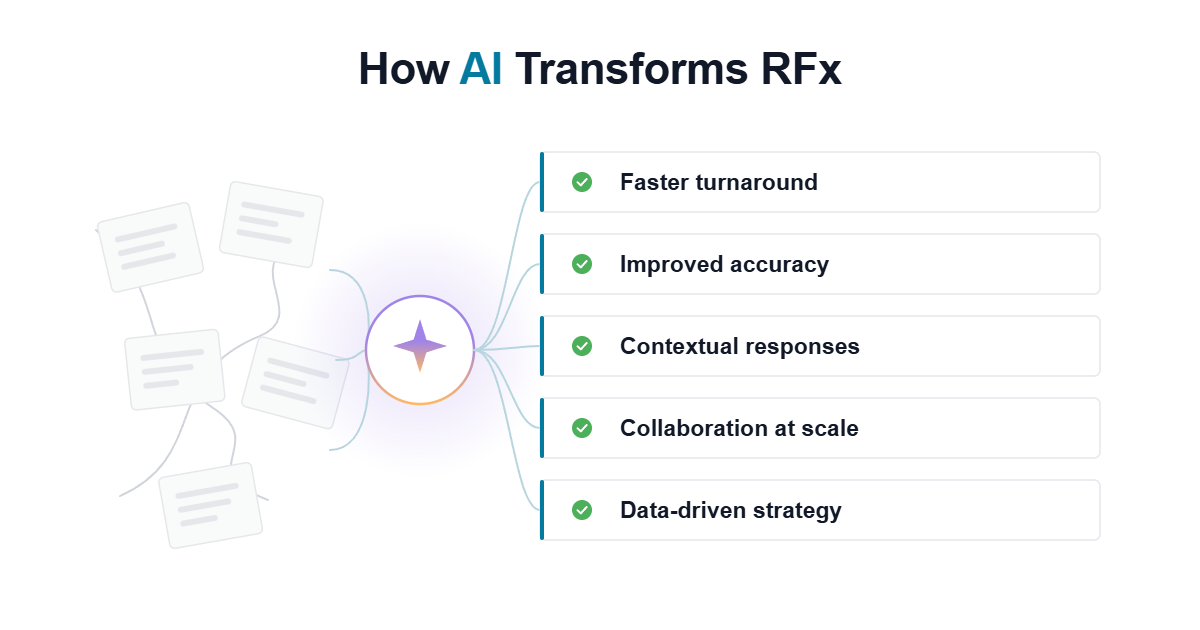
- Faster Turnaround: Automated drafting reduces the time spent creating first responses from days to hours, allowing teams to meet aggressive deadlines more consistently.
- Improved Accuracy: AI tools identify outdated or conflicting content before it reaches evaluators, helping vendors maintain compliance and credibility.
- Contextual Responses: Modern engines factor in data from CRMs, meeting notes, and opportunity details to generate answers tailored to the buyer’s priorities.
- Collaboration at Scale: AI-enabled workspaces simplify contributions from sales, compliance, IT, and legal, reducing friction and version-control issues.
- Data-Driven Strategy: Built-in analytics highlight trends in evaluator scoring and response performance, giving leaders clearer visibility into what drives wins.
AI in RFx response management is less about replacing human expertise and more about removing bottlenecks that slow teams down. The result is a process that is faster, more consistent, and better aligned with what evaluators use to make decisions.
Also Read: How to Use AI for Proposal Writing
How to Choose the Right RFx Solution for Your Team?
With so many platforms available, selecting the right RFx solution comes down to understanding your team’s priorities, workload, and compliance needs. A good fit balances automation with usability, while ensuring the platform integrates into existing workflows.
Factors to consider when evaluating RFx tools:
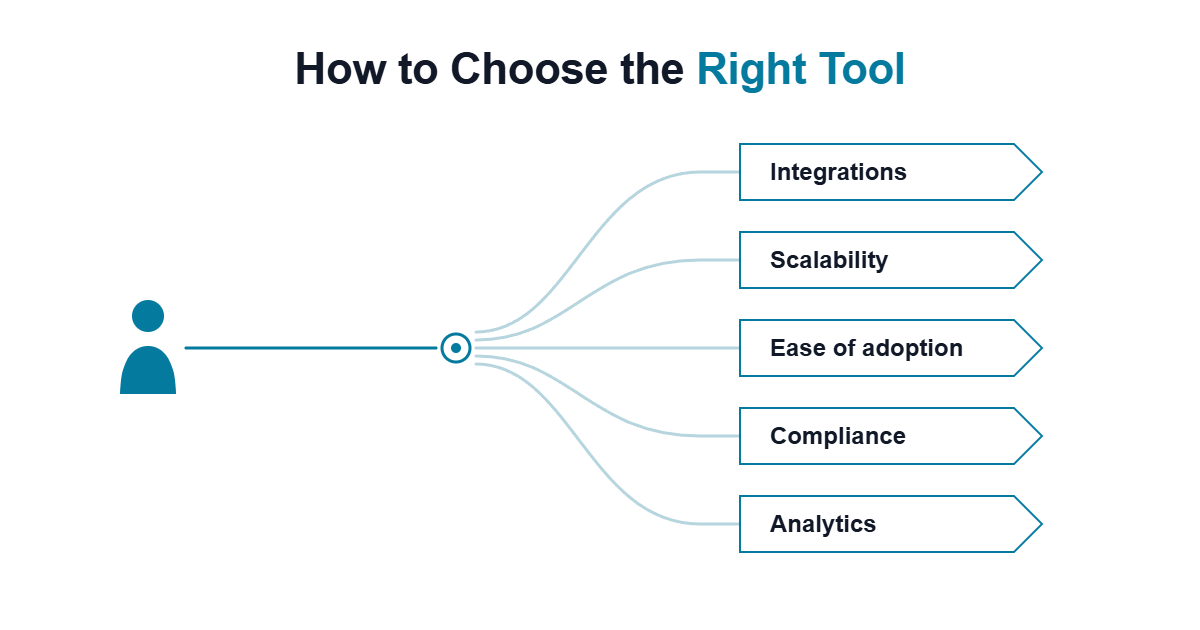
- Integration with Existing Systems: Look for platforms that connect with CRMs, content repositories, and document systems your teams already use. Smooth integration reduces disruption and accelerates adoption.
- Scalability: Consider whether the solution can handle your current volume of RFx responses and scale as the number of bids grows.
- Ease of Adoption: The best tools are those your teams will actually use. Intuitive interfaces, in-app guidance, and low training requirements are critical.
- Compliance Support: For industries with strict regulations, features like version control, content governance, and audit-ready reporting are essential.
- Analytics and Insights: Beyond drafting, strong solutions provide visibility into response performance, deadlines, and evaluator alignment.
For CROs, VPs of Sales, and proposal leaders, the right RFx platform is one that not only speeds up responses but also strengthens consistency and increases win rates. The decision should focus on long-term business impact rather than short-term convenience.
Struggling With Slow, Error-Prone RFx Responses?
See how Inventive AI helps vendors respond 90% faster with higher accuracy and consistency.
Book a Demo TodayTurn RFx Responses into a Win-Rate Advantage
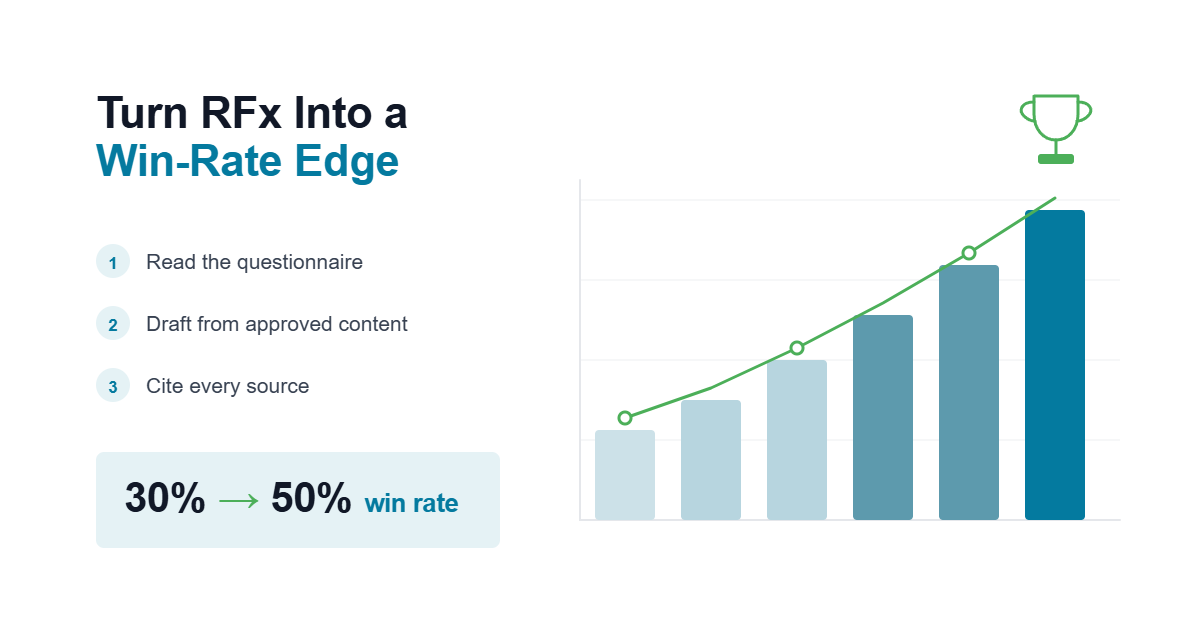
For proposal, bid, and security teams, evaluators score what you submit, so response quality decides whether you win. A content library is now the baseline. The advantage comes from tools that read the questionnaire, draft from your approved content, and cite every source. On a 150-question security section, accuracy matters more than speed, because one unsupported answer can lower your score or disqualify the bid.
Start with your highest-volume, most repetitive work, like security questionnaires and DDQs, and choose tools that connect to the systems your SMEs already maintain, so your team reviews answers instead of searching for them.
Inventive AI does this: autonomous agents draft cited answers from connected knowledge, flag outdated content, and route only judgment calls to reviewers. Insider cut response time by 90% and raised its win rate from 30% to 50%.
Inventive AI helps vendors respond faster, improve accuracy, and win more high-value deals
Book a Demo TodayMore Reads
- Loopio vs Inventive AI: Better RFP Software?
- 15 Best RFP Software in 2026: Features, Prices and Reviews
- Best 8 Responsive Alternatives & Competitors in 2026
Frequently Asked Questions
1. Why are RFx responses so resource-intensive?
Because they combine technical depth, compliance requirements, and contributions from multiple departments, RFx responses demand more time and coordination than typical sales activities. Manual processes often make this worse.
2. How does AI improve the RFx process?
AI reduces manual drafting, flags outdated or conflicting answers, centralizes knowledge, and helps teams generate evaluator-ready responses in a fraction of the time.
3. Are these platforms only useful for large enterprises?
No. While some tools are enterprise-focused, many platforms support small and mid-sized vendors that need faster, more accurate responses without building a large proposal team.
4. What features matter most when choosing an RFx solution?
Integration with existing systems, compliance support, scalability, ease of adoption, and analytics should guide your decision. The right mix depends on your industry and team size.
5. How do RFx tools impact win rates?
Teams that use proposal automation and AI-driven platforms see measurable improvements. High-performing teams win more than half of their bids, often because their responses are consistent, compliant, and closely aligned with evaluator priorities.