UCaaS RFP Template + Industry Use-Case Proposal Examples

Modern companies rely on Unified Communications as a Service (UCaaS) to power voice, video, and messaging across their teams. However, many IT departments still use outdated request forms designed for old-fashioned landline phone systems. These old formats ignore modern requirements like internet-based calling, app integrations, and team collaboration tools.
When these forms lack detail, vendors are forced to guess about your needs, leading to confused bids that are difficult to compare. This guide provides a clear UCaaS request template for buyers and a matching response framework for vendors. By using the same structure, both sides can ensure they are aligned on technical needs, performance goals, and project expectations.
UCaaS RFP Template: Structure Your Needs (for Buyers)
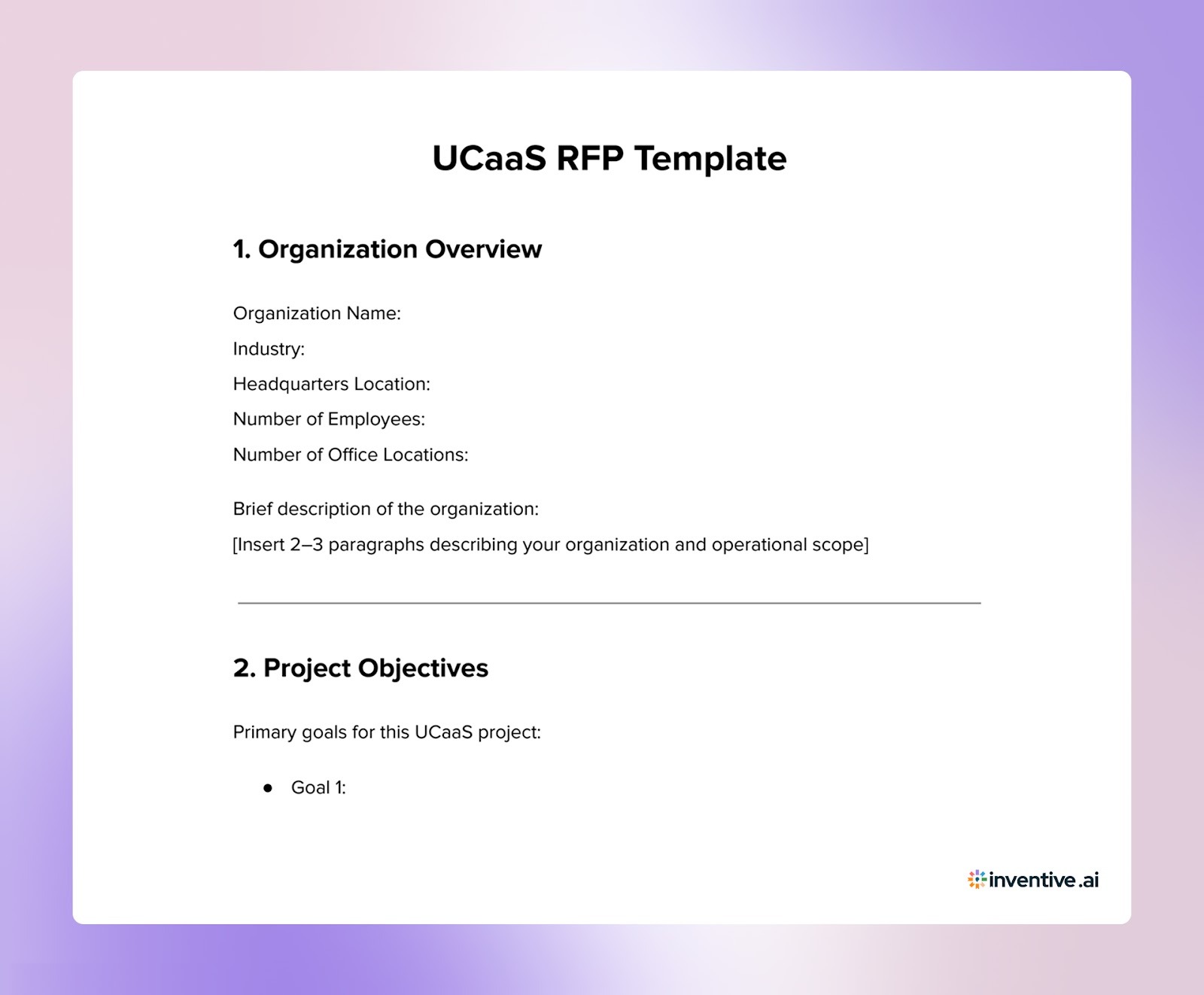
Before sending a UCaaS RFP to vendors, define your communication environment and decision criteria. Vendors cannot design accurate proposals unless they understand your current telephony setup, network constraints, and user requirements.

Use the steps below to prepare the information vendors need to design the right UCaaS deployment.
1. Shortlist UCaaS Vendors
Do not start the RFP with 10–15 vendors. Identify 3–5 providers that already meet your core requirements.
When creating your shortlist, verify:
- Geographic PSTN coverage in your operating regions
- Integrations with your existing tools (Microsoft 365, Salesforce, Zendesk, etc.)
- Support for your call routing requirements (IVR, call queues, call recording)
- Deployment experience in organizations with similar user volumes
Vendors that cannot meet these baseline requirements should be removed before the RFP stage.
2. Identify the Teams That Will Use UCaaS
UCaaS platforms support different workflows across departments. If these workflows are not defined early, vendors will design solutions that do not match how employees actually communicate.
Document the communication needs of each group:
3. Define the Communication Workflows You Need
Many RFPs fail because they ask vendors for features instead of workflows. Instead of asking for “call routing capabilities,” describe how calls should move through your organization.
Examples:
- Inbound support calls are routed to regional call queues
- Sales calls are automatically logged in CRM
- Voicemail messages transcribed and delivered to email
- Internal calls routed through desktop and mobile apps
Documenting these workflows ensures vendors configure the system around real communication patterns, not generic features.
4. Define the Metrics Vendors Must Meet
UCaaS vendors will present different reliability and performance claims. Define the minimum thresholds required for your deployment.
Examples:
- Minimum uptime SLA (e.g., 99.99%)
- Acceptable voice latency and jitter levels
- Maximum call setup time
- Support response time for outages
These metrics allow you to compare vendor proposals objectively.
5. Provide Vendors With Technical Context
UCaaS deployments depend heavily on network conditions and existing systems. Vendors need this information to estimate implementation complexity.
Build UCaaS RFP Responses That Win Enterprise Evaluations (for Vendors)
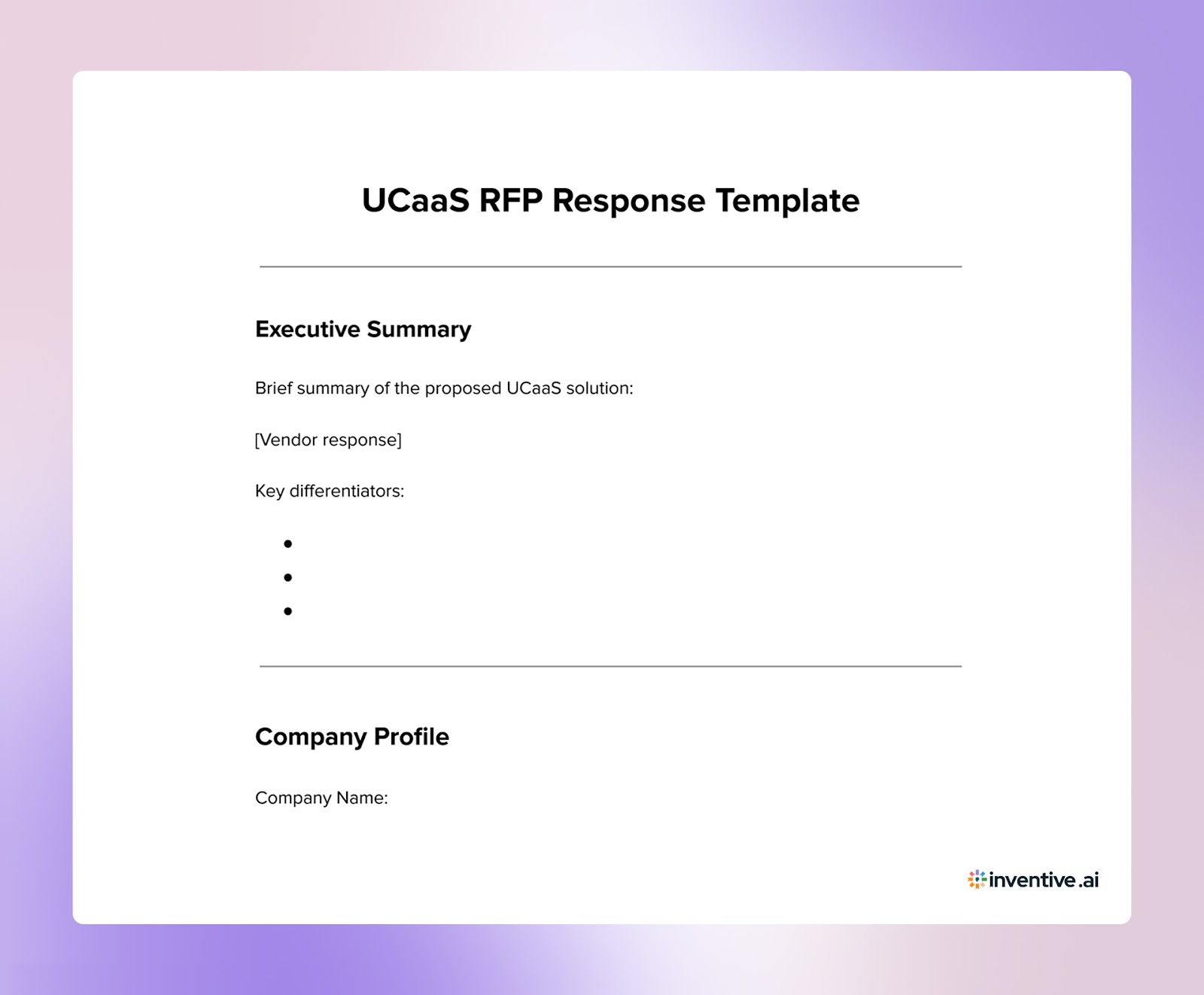
UCaaS RFPs are evaluated by IT teams, procurement leaders, and business stakeholders. Vendors that win these deals typically structure their proposals around the buyer’s communication environment rather than generic platform descriptions.

Use the steps below to make your UCaaS proposal easier for buyers to evaluate.
1. Map Your Solution to the Buyer’s Communication Environment
Before writing the proposal, identify how the buyer currently handles voice and collaboration.
In your response:
- Reference the buyer’s current PBX or telephony setup
- Explain how phone numbers and call routing will migrate
- Show how your platform connects with their existing collaboration tools
- Highlight integrations with CRM or support systems mentioned in the RFP
2. Quantify Voice Reliability and Service Guarantees
UCaaS vendors often claim “enterprise-grade reliability,” but buyers compare measurable service guarantees.
Include specific metrics such as:
- Uptime SLA (for example, 99.99%)
- Supported voice latency thresholds
- Redundancy architecture across regions
- Failover strategy for network outages
Providing clear metrics helps evaluators compare vendors objectively.
3. Outline the Migration and Rollout Plan
UCaaS deployments often involve migrating hundreds or thousands of users from legacy systems.
Your proposal should clearly explain:
- How phone numbers will be ported
- How users will be onboarded in phases
- How call routing and IVR structures will be recreated
- How employee training will be delivered
4. Show How Integrations Support Daily Workflows
Instead of listing integrations, explain how they will be used in real workflows.
Examples:
- Sales calls are automatically logged in CRM
- Support calls are routed through helpdesk ticket systems
- Voicemail messages transcribed and sent to email
- Call analytics integrated with reporting dashboards
This demonstrates how the platform supports department-level operations.
5. Present Pricing in a Way Buyers Can Compare
UCaaS pricing models vary widely, making proposals difficult to evaluate.
Structure pricing so buyers can easily compare options:
- List base per-user licensing tiers
- Separate optional features such as call recording or analytics
- Include implementation and migration costs
- Specify support and maintenance pricing
Clear pricing structures reduce confusion during procurement reviews.
Respond to Different UCaaS RFP Scenarios With the Right RFP Template
Organizations issue UCaaS RFPs for different operational needs. Each scenario requires vendors to emphasize different capabilities in their proposals.
The examples below illustrate common UCaaS procurement scenarios and how vendors can structure their responses accordingly.
1. Legacy PBX Migration Proposal
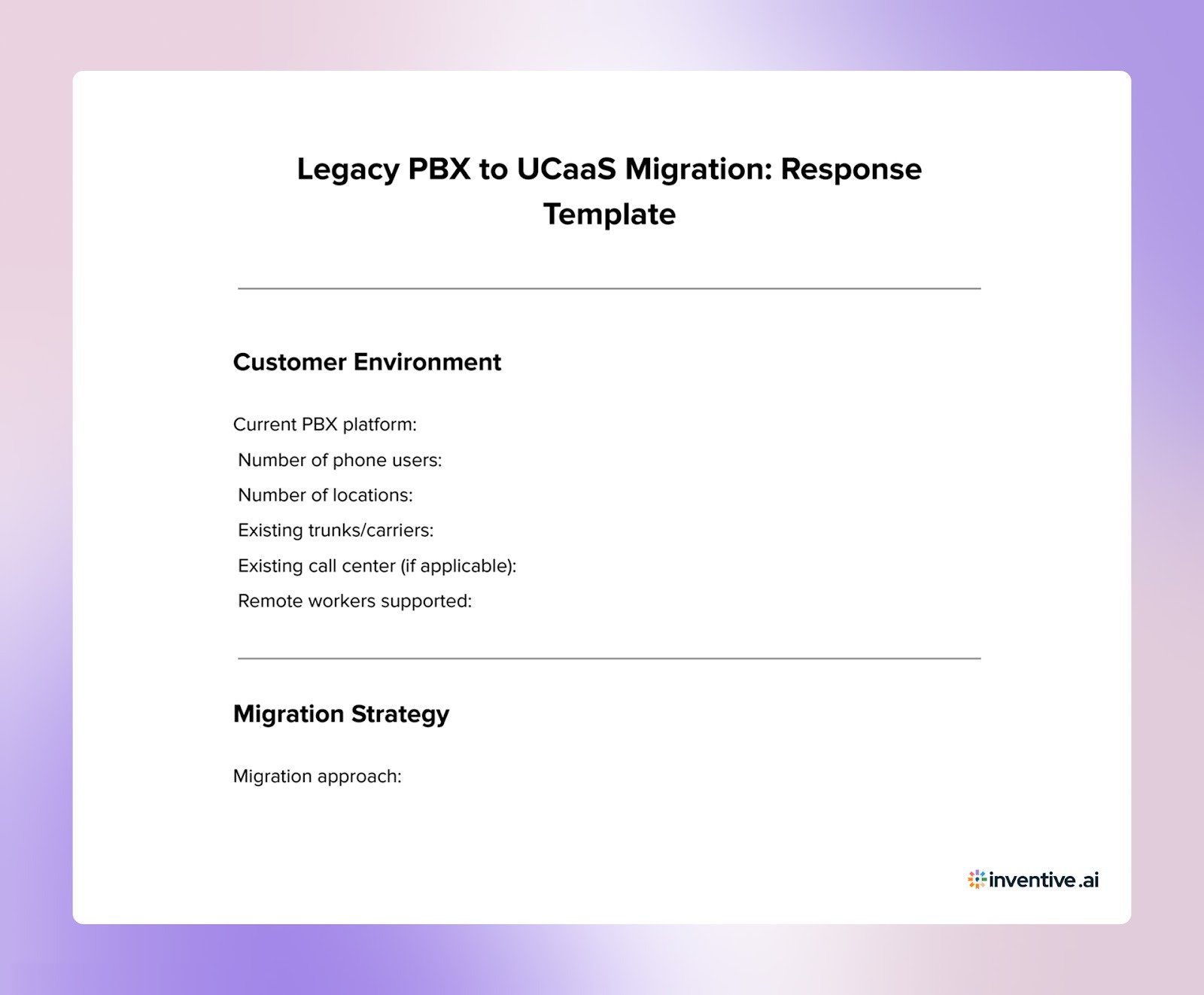
Many organizations issue UCaaS RFPs when replacing on-premise telephony systems that are difficult to scale or maintain.
These projects typically focus on migration strategy, number portability, call routing configuration, and user adoption across departments.

2. Distributed Workforce Communication Proposal
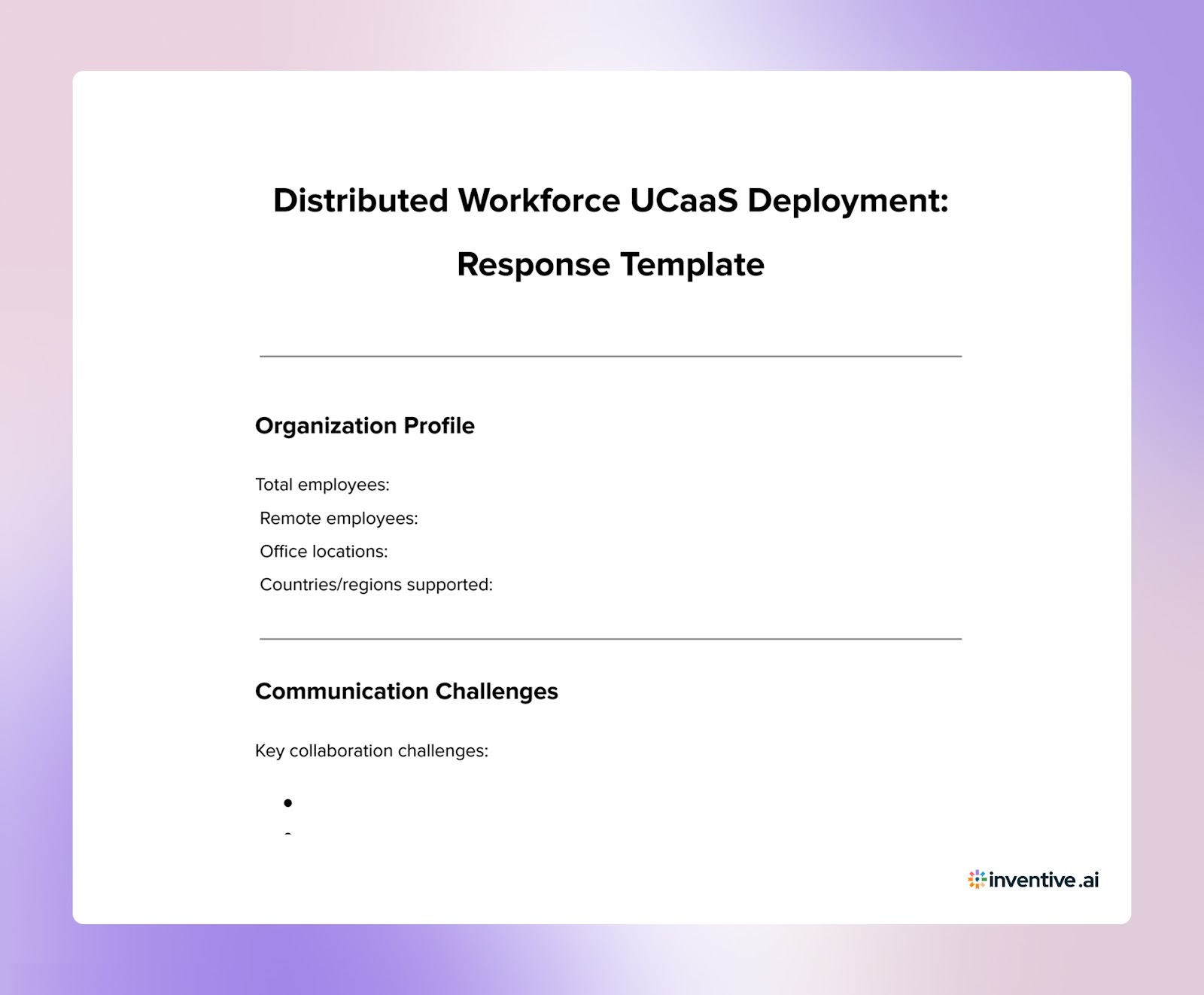
Companies with remote or hybrid teams often evaluate UCaaS platforms to unify communication across locations.
These projects prioritize collaboration features, mobile access, and performance across distributed networks.
3. UCaaS with Contact Center Integration Proposal
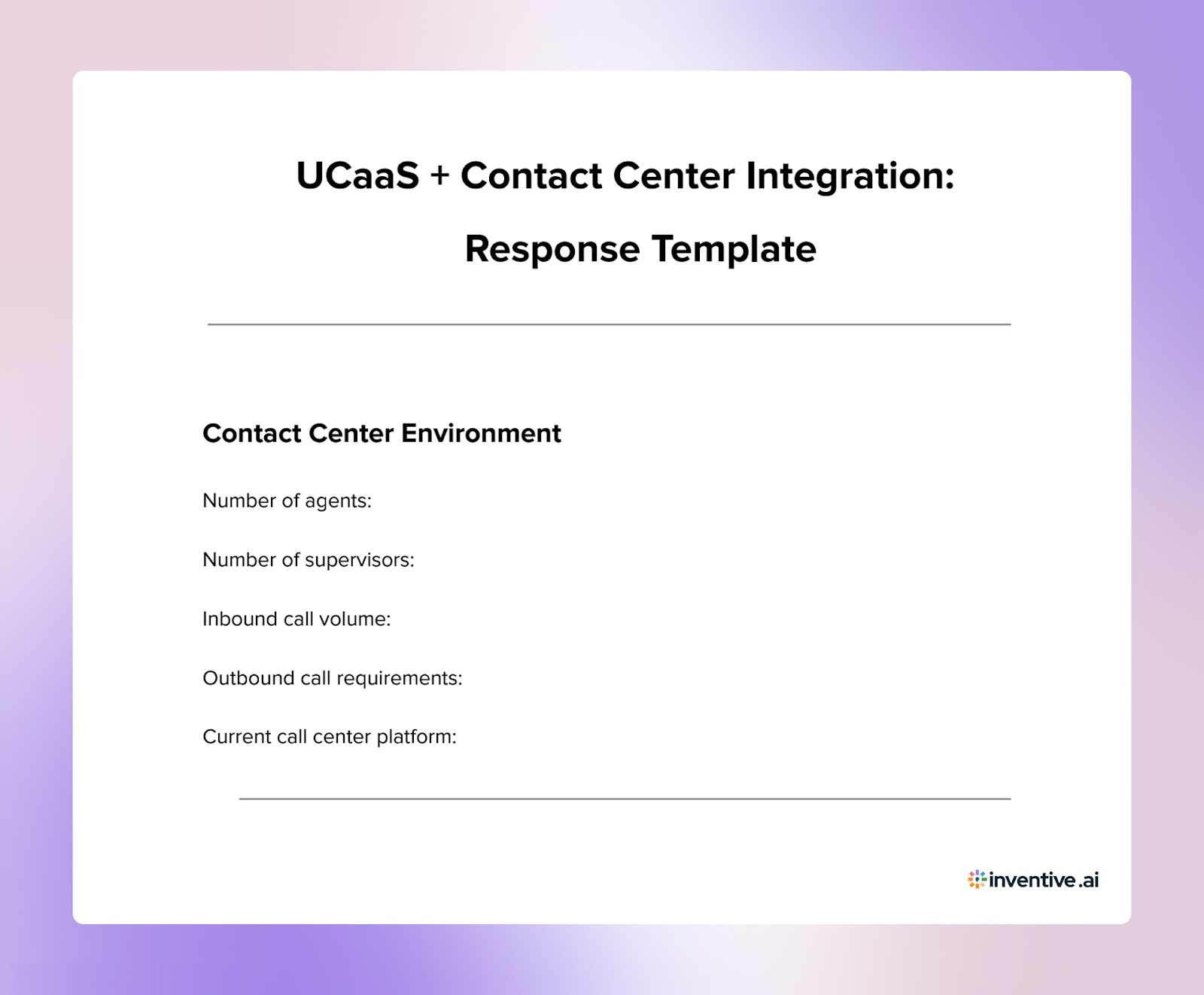
Some RFPs focus on combining UCaaS capabilities with customer support platforms. Evaluation typically centers on call routing, agent collaboration tools, CRM integration, and reporting capabilities.

4. Global UCaaS Deployment Proposal
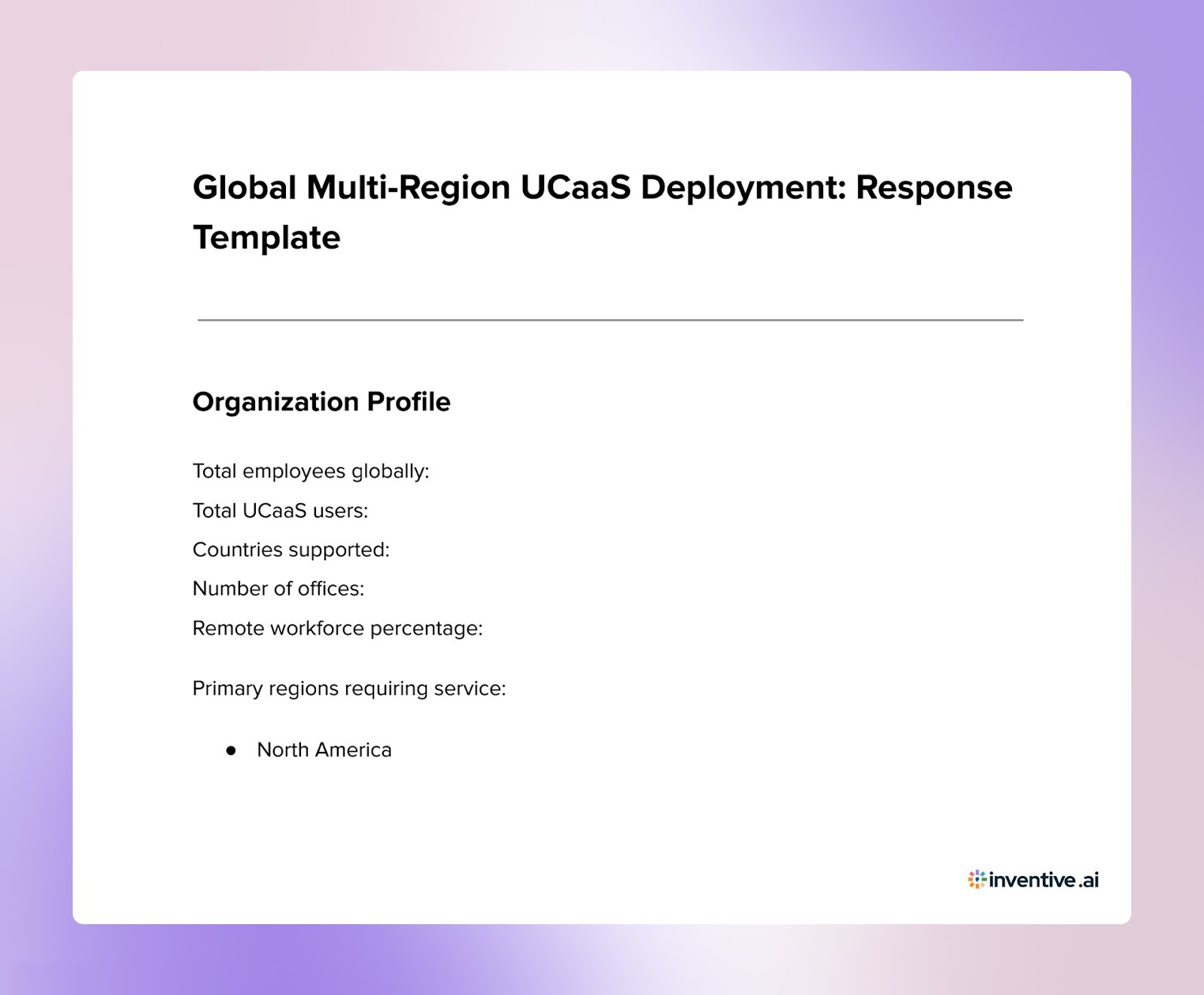
Multinational organizations may issue RFPs for platforms that support communication across multiple regions.
These projects prioritize global PSTN coverage, regulatory compliance, and centralized communication management.

Generate Evaluator-Ready UCaaS RFP Responses Faster with Inventive AI
Vendors responding to UCaaS RFPs must clearly document platform architecture, deployment strategies, integration capabilities, and pricing models. Preparing these responses manually often requires assembling information from previous proposals, network documentation, and product specifications.
This process slows proposal cycles and increases the risk of inconsistent or outdated answers across the submission.
Inventive AI solves this challenge with AI-powered RFP response software built for vendor teams. Instead of manually drafting answers, teams generate structured responses aligned with the buyer’s UCaaS requirements and evaluation criteria.
Below are the capabilities that improve UCaaS RFP responses.
1. Context Engine
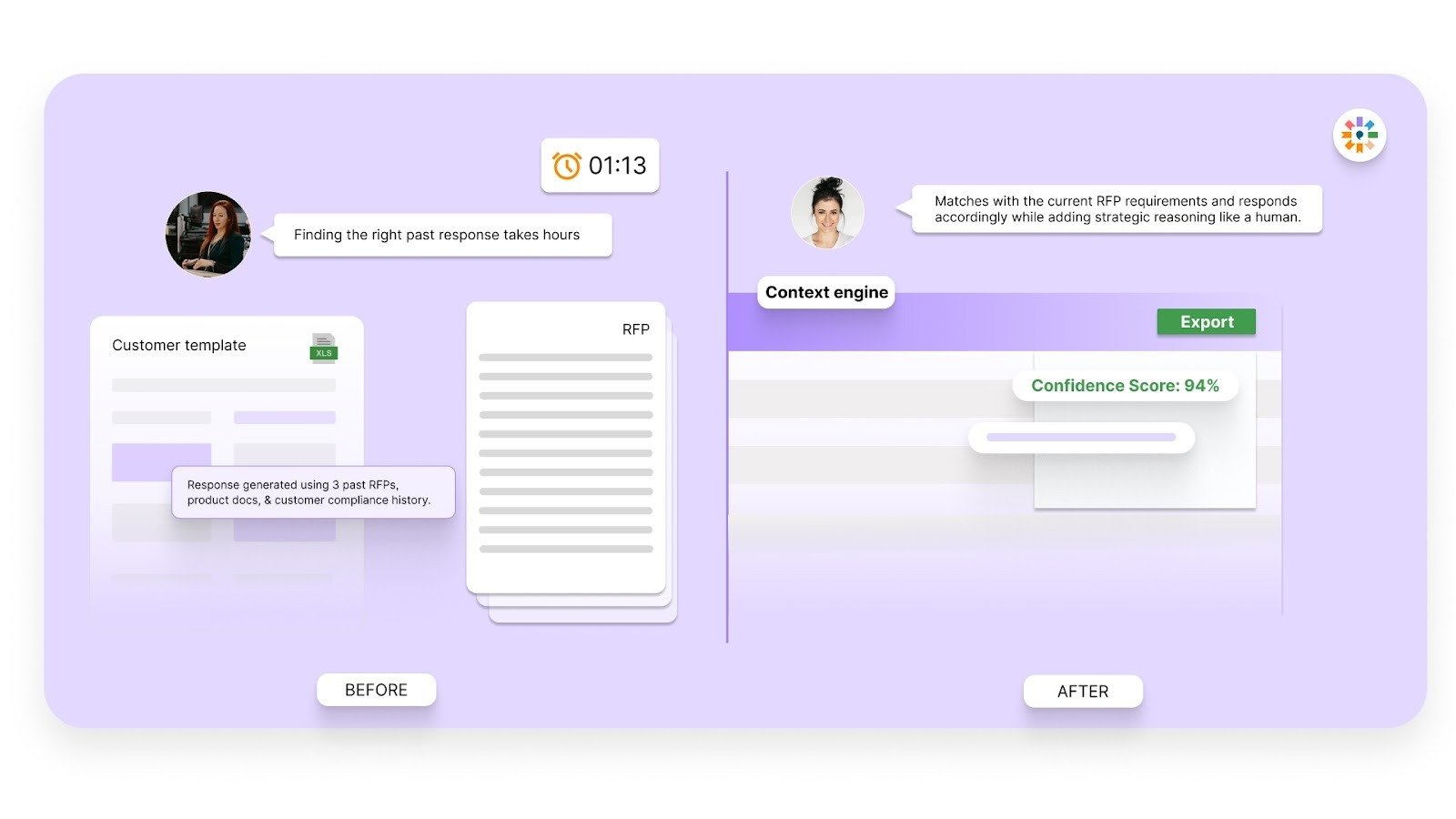
Most proposal tools rely on basic keyword retrieval or standard language models to generate answers. This often produces generic responses that fail to reflect the buyer’s actual requirements.
Inventive AI uses a multi-layer reasoning engine that analyzes the full RFP context — including deployment scope, communication infrastructure, and integration requirements.
This allows the platform to generate responses that align directly with the buyer’s UCaaS environment instead of producing generic product descriptions.
2. Conflict Detection
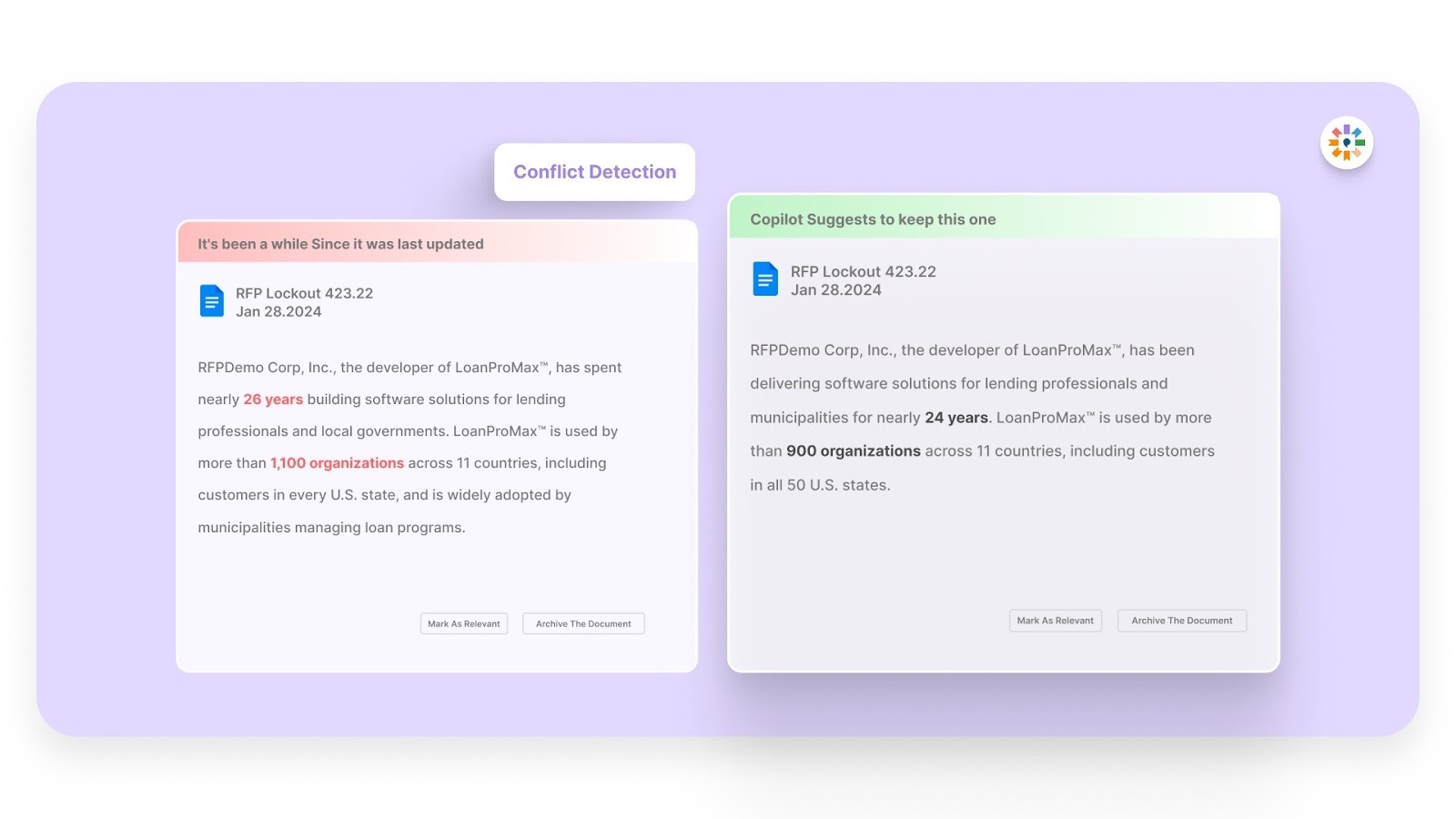
UCaaS proposals often include overlapping sections covering platform architecture, network reliability, deployment timelines, and security controls. When responses are assembled manually, these sections frequently contain conflicting information.
Inventive AI automatically identifies contradictions across proposal answers and flags them before submission. This helps proposal teams maintain consistent messaging across the entire RFP response.
3. Outdated Content Detection
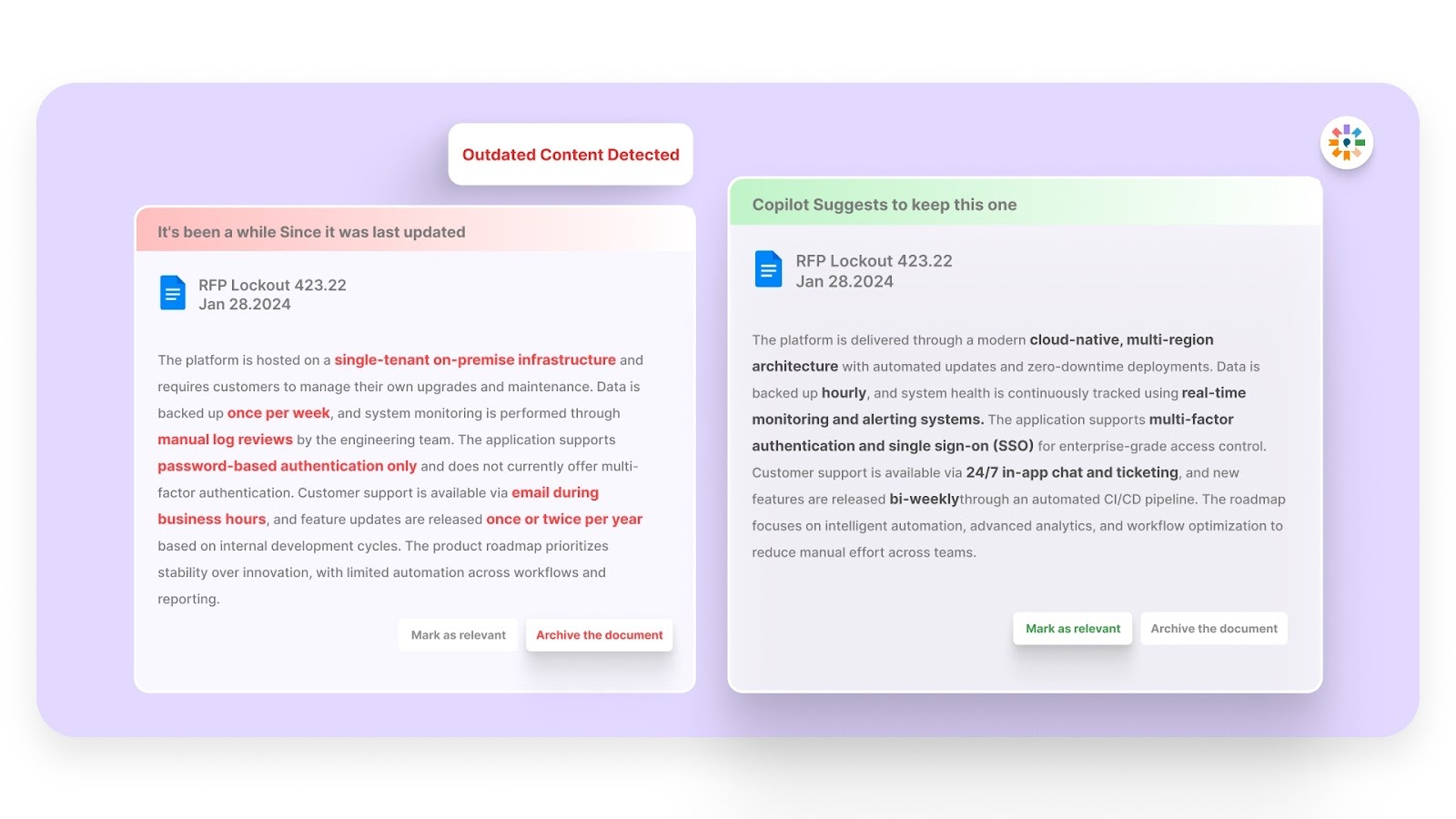
Many vendors rely on large proposal libraries that contain outdated technical descriptions, compliance documentation, or pricing structures.
Inventive AI automatically identifies outdated or non-compliant content before it appears in a proposal. This reduces manual review time and ensures that responses reflect current platform capabilities and documentation.
4. 2X Higher Quality Responses
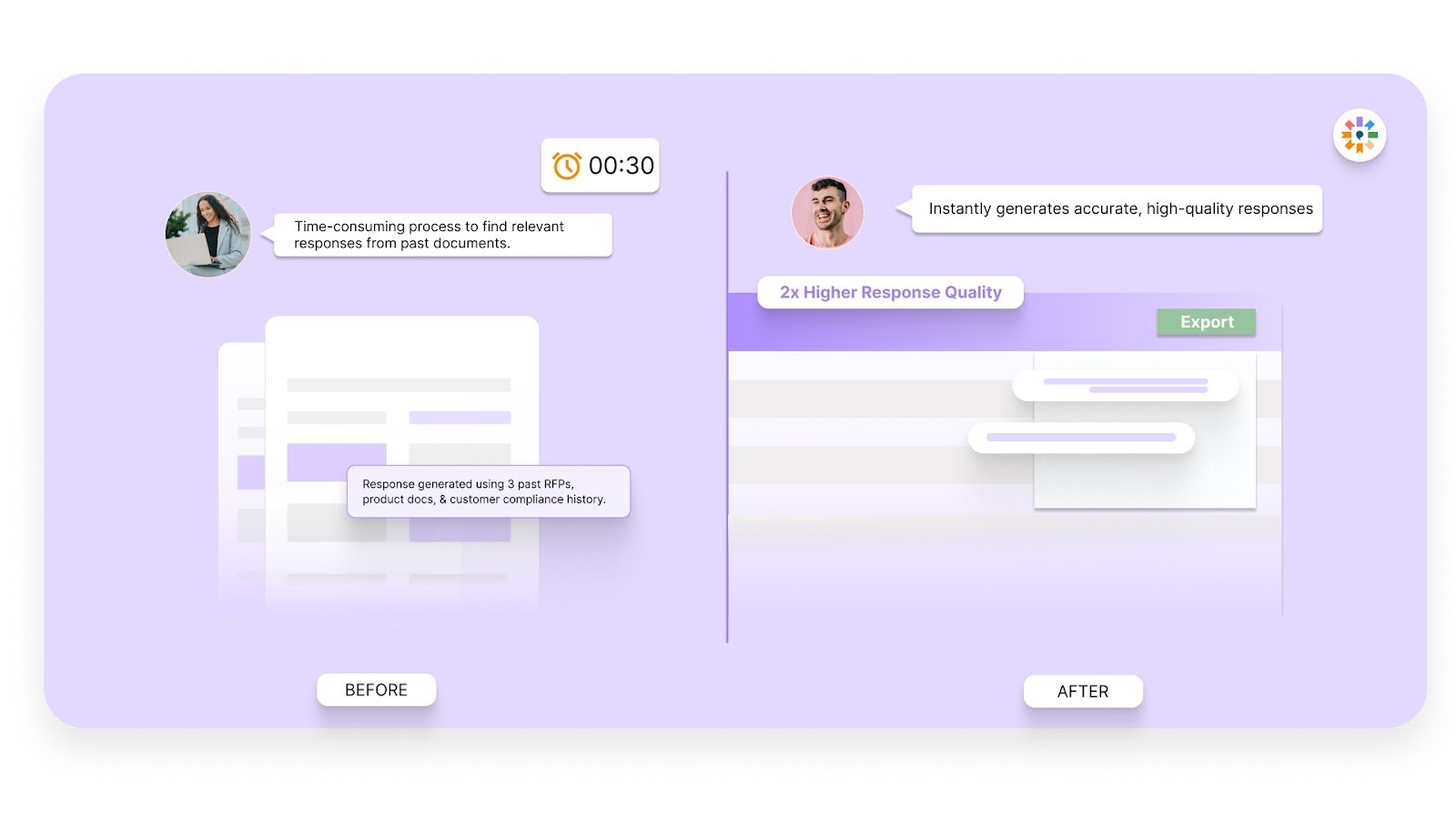
Inventive AI uses a multi-agent architecture that analyzes both the question and the broader RFP context before generating a response.
The platform produces answers that address the intent of each question while providing clear explanations of platform capabilities, deployment methods, and execution plans. This results in responses that are more accurate, complete, and easier for evaluators to review.
5. Narrative Proposal Generation
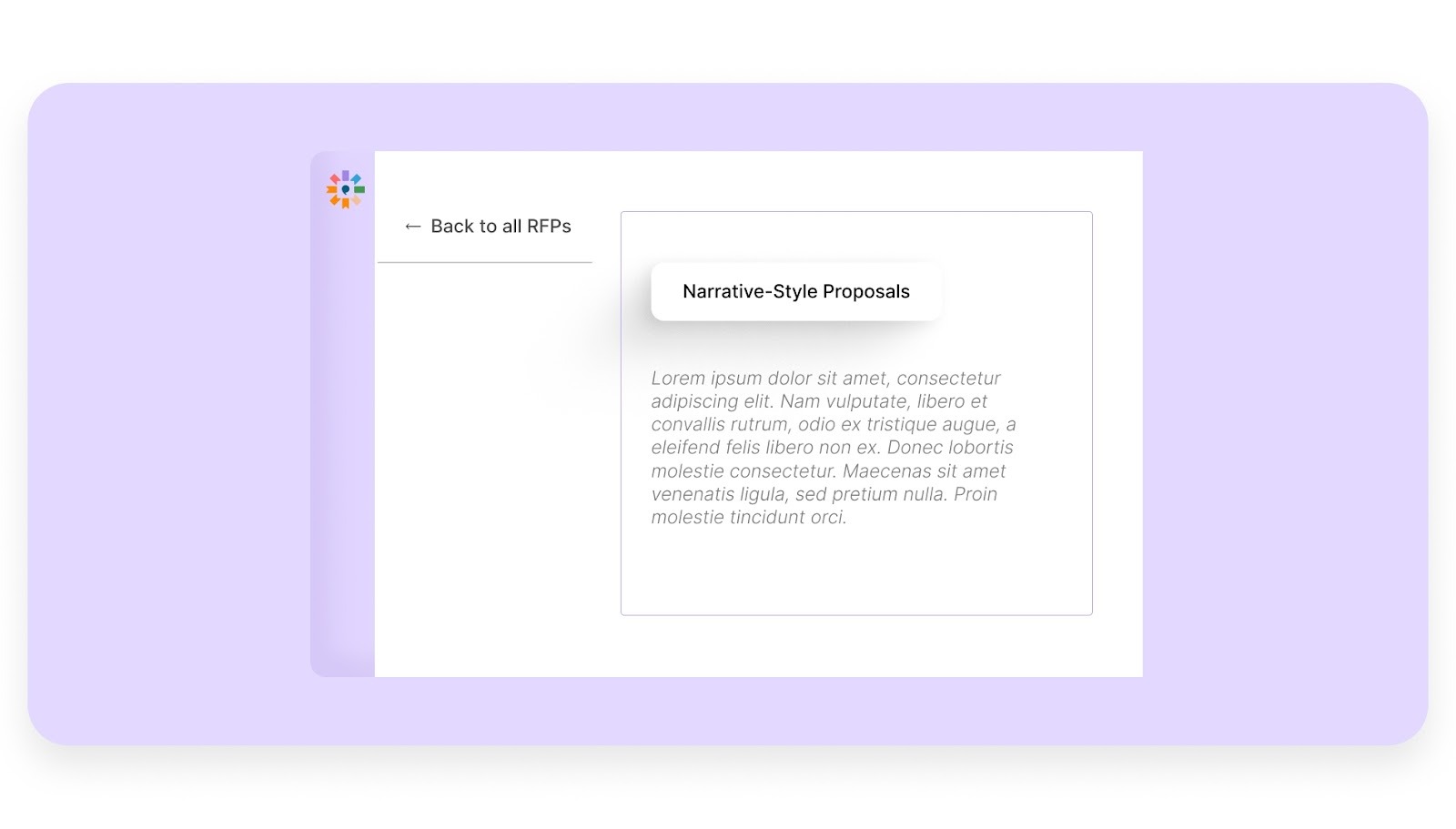
Inventive AI can generate structured narrative content such as executive summaries, technical solution descriptions, implementation strategies, and proposal summaries. This allows proposal teams to produce complete, well-structured narratives that clearly explain the value of their UCaaS solution.
6. Simple and Easy-to-Use Interface
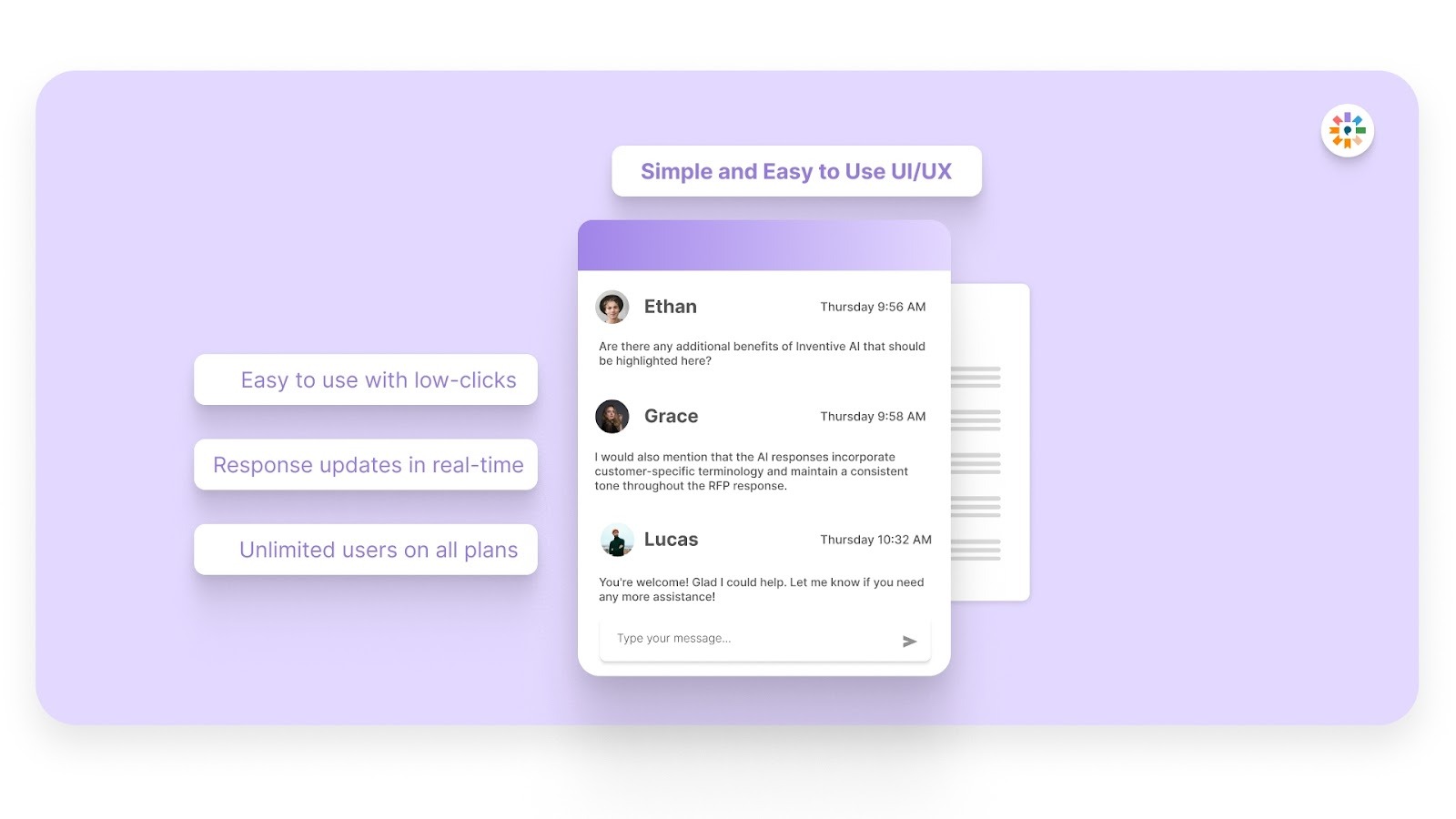
Proposal teams often work under tight deadlines while coordinating with sales, engineering, and product teams. Inventive AI provides a simple interface that allows teams to generate, review, and refine RFP responses quickly without complex setup.
The platform is designed for rapid adoption, enabling teams to start generating structured responses immediately.
FAQs About UCcaas RFP Template
1. Should UCaaS RFPs include mandatory and optional requirements?
Yes. Many buyers categorize requirements as mandatory, preferred, or optional. This helps vendors understand which capabilities are critical for vendor selection and which features provide additional value.
2. How can buyers ensure vendor responses are easy to compare?
Buyers often require vendors to answer questions in a standardized format, such as yes/no responses, short explanations, and defined word limits. This prevents proposals from becoming long marketing documents and makes evaluation more consistent.
3. What documents should vendors include with a UCaaS RFP response?
In addition to the proposal itself, vendors are often required to submit security certifications, architecture diagrams, customer references, pricing breakdowns, and implementation timelines to support their response.
4. What happens after UCaaS vendors submit their RFP responses?
After proposals are submitted, buyers typically shortlist vendors for product demonstrations, technical workshops, or pilot deployments before making a final selection.
.avif)




%20That%20Gets%20Shortlisted.png)