
Web Development Proposal Template That Prevents Scope Creep

A vague agreement is where most web projects start going wrong. The client thinks a feature is included, you assume it is extra, and the discussion begins after work has already started. A clear web development proposal template prevents those disputes before they appear.
You also spend hours rewriting similar project descriptions, pricing explanations, and revision terms for every prospect. Each version becomes slightly different, and sooner or later, something important gets missed or misinterpreted.
This guide gives you a client-ready proposal format you can send immediately, while protecting scope, timelines, and payment expectations.
Copy-Ready Web Development Proposal Template (Free Download)
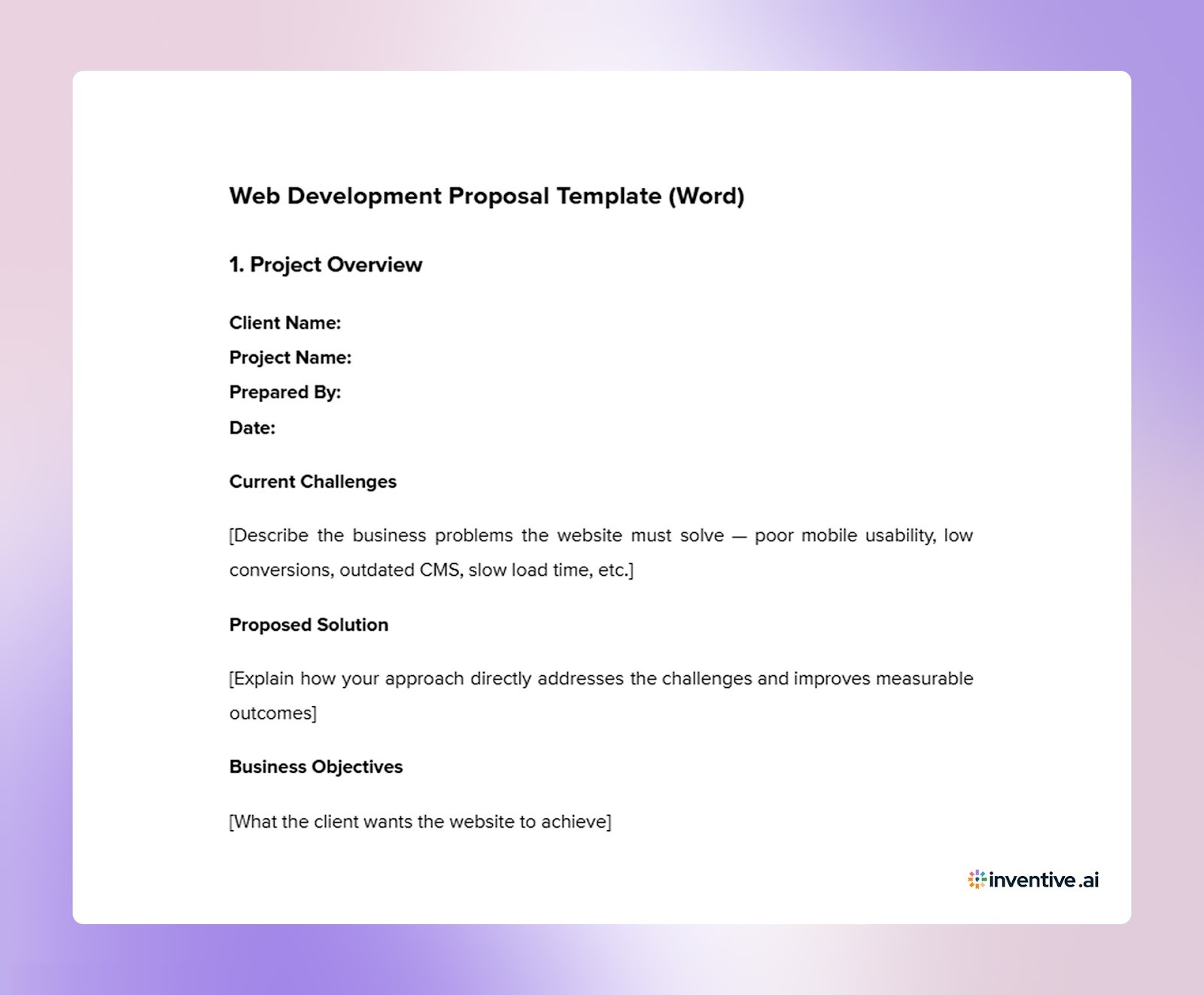

Before drafting a custom proposal from scratch, start with a clear baseline structure. The template below gives you a ready format you can adapt to each client while keeping scope, responsibilities, and expectations defined from the beginning.
1. Project Overview
Client Name:
Project Name:
Prepared By:
Date:
Current Challenges
[Describe the business problems the website must solve: poor mobile usability, low conversions, outdated CMS, slow load time, etc.]
Proposed Solution
[Explain how your approach directly addresses the challenges and improves measurable outcomes]
Business Objectives
[What the client wants the website to achieve]
Target Audience
[Primary users and their goals]
Success Criteria
[Examples: increase inquiries by X%, reduce bounce rate by X%, improve booking rate]
*While the project is designed to facilitate these goals, final outcomes depend on market factors and client-side marketing efforts.
2. Scope of Work
Pages Included
- Home
- About
- Services
- Contact
- [Additional pages]
Features Included
- Responsive layout
- CMS setup
- Contact forms
- Analytics setup
- XML sitemap
- Meta titles & descriptions for primary pages
- Google Search Console submission
Integrations
[List payment gateway, CRM, booking systems, APIs]
Accessibility & Privacy
[Included/Not included — ADA/WCAG accessibility, GDPR/CCPA policy setup]
Content Responsibility
Client provides all text and images unless stated otherwise.
The project timeline begins only after 100% of the initial content is received.
If content is delayed beyond [Date], placeholder text will be used to complete development, and the client may update content later via CMS.
Out of Scope
- Logo design
- Email server setup
- Paid stock images
- Third-party subscription fees
- Ongoing SEO campaigns
- Hosting & domain purchase
3. Design & Development Process
- Discovery & planning
- Wireframes
- Visual design
- Development
- Testing
- Launch
Includes up to 2 revision rounds per phase. Additional revisions billed at [hourly rate].
Formal approvals must be recorded inside the project management tool: [Trello / Asana / Basecamp].
4. Timeline & Milestones
Delays in feedback or content shift the timeline.
5. Deliverables
- Fully functional website
- CMS administrator access
- Source files
- Deployment to hosting
- One (1) 60-minute remote training session
Additional training billed at [hourly rate].
6. Pricing & Payment Terms
Total Project Investment: $[Amount]
Payment Schedule
- 30% — Project start
- 40% — Design approval
- 30% — Before launch
Deployment to the live domain occurs after the final payment is received.
Change Requests
Work outside the defined scope billed at [hourly rate].
Ongoing Third-Party Costs
Client is responsible for recurring services, including hosting, domain, premium plugins, and external APIs, unless covered by a maintenance plan.
Restart Fee
If the project is stalled by the client for more than 30 days, a fee (e.g., 5-10% of the total) is required to reschedule the work into your current queue.
7. Technical Assumptions & Client Responsibilities
Client must provide:
- Logo (vector format)
- Brand assets
- Hosting credentials (14 days before launch)
- Content and images
- Single point of contact
Browser Compatibility
The latest two versions of Chrome, Safari, and Edge.
Device Testing Coverage
Current stable iOS and Android devices (e.g., iPhone 13+ and similar Samsung Galaxy models). Legacy devices are not supported.
Hosting & Security
Client maintains a compatible hosting environment and an active SSL certificate. Migration fees may apply if the environment is incompatible.
Third-Party APIs
Not responsible for pricing or functionality changes by external platforms.
8. Support & Maintenance
Bug Fix Period: 14 days post-launch
A bug is defined as the website not performing according to the approved scope.
Design edits or content updates after launch are treated as change requests.
Optional monthly maintenance available: $[Amount]
9. Legal Terms
- Ownership transfers after final payment
- Third-party licenses paid by the client
- Work is paused if invoices are overdue
10. Acceptance & Sign-Off
Client approval confirms scope, pricing, and timeline.
Client Signature: __________________
Date: _____________
Provider Signature: ________________
Date: _____________
Having a template helps, but results depend on how carefully you customize it to the client’s specific situation.
How to Turn This Web Development Proposal Template into a Signed Project?
A template gives you structure, but clients decide based on relevance. The difference between a generic proposal and a signed project usually comes from how well the document reflects the client’s situation, priorities, and risks.
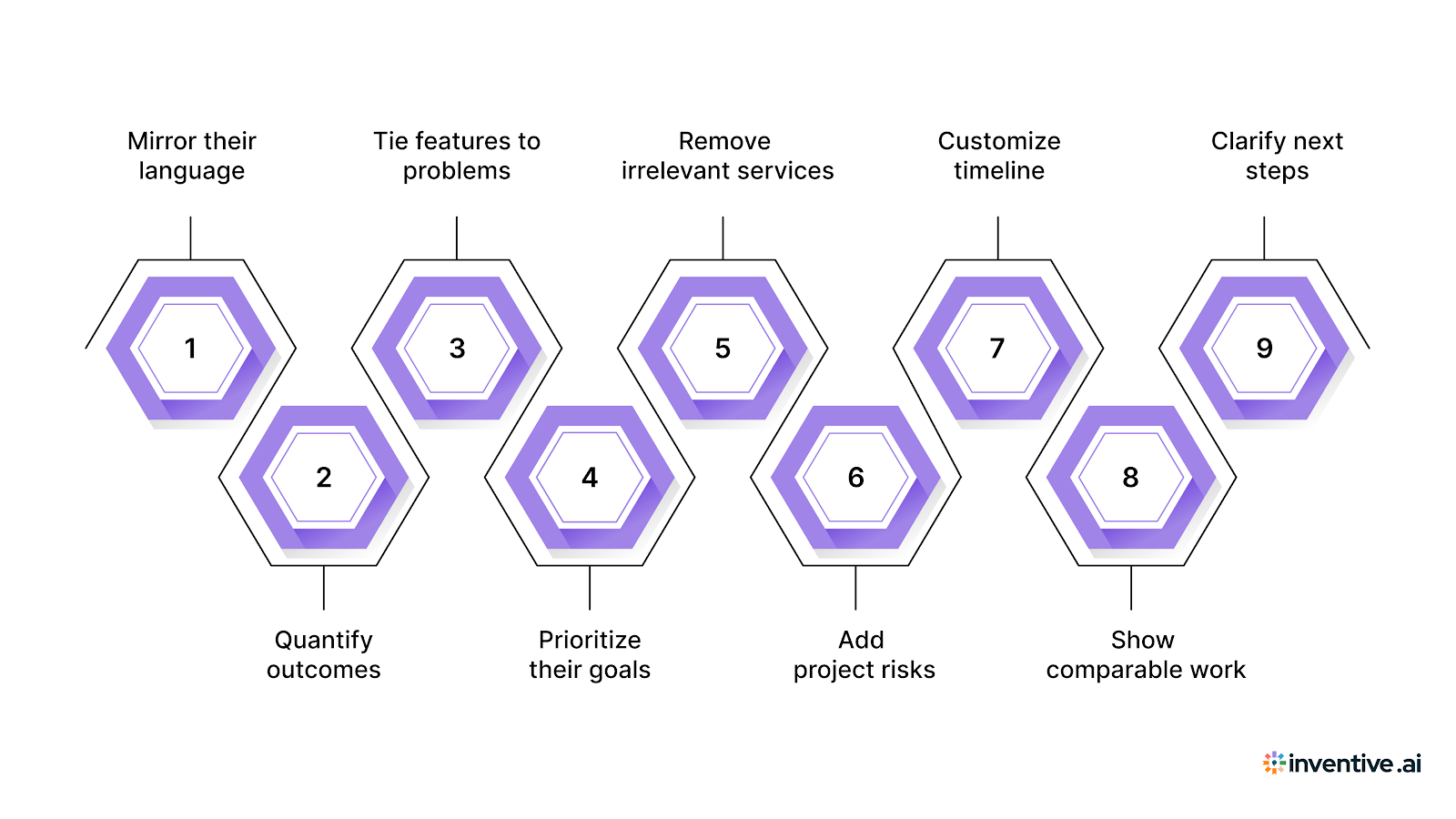
Before sending your proposal, refine it using the checks below.
Focus on these areas before you share the document:
- Mirror their language: Repeat the client’s terminology from emails or discovery calls so the proposal feels written specifically for their project.
- Quantify outcomes: Replace vague benefits with numbers such as lead increase, booking growth, or page speed improvement targets.
- Tie features to problems: For every feature listed, explain which client challenge it resolves and why it matters to their business.
- Prioritize their goals: Move sections related to revenue or conversions higher if those were emphasized during discussions.
- Remove irrelevant services: Delete offerings that were never discussed to prevent pricing objections or confusion during review.
- Add project risks: Mention possible delays like content readiness or third-party approvals, and explain how you will handle them.
- Customize timeline: Adjust milestone names to match the client’s internal process rather than keeping generic phase labels.
- Show comparable work: Replace generic portfolio items with examples closest to the client’s industry or website type.
- Clarify next steps: End with a clear action, such as approval method, kickoff scheduling, and payment initiation process.
As proposal volume increases, maintaining this level of customization becomes difficult without structured internal support.
Improve Web Development RFP Turnaround with Inventive AI
Creating web development proposals repeatedly often leads to reused text, inconsistent scope descriptions, and long review cycles before sending the document. A response system helps you prepare faster while keeping proposals clear and consistent across projects.
Here’s what the platform helps you handle:
90% Faster Drafting With Context Engine
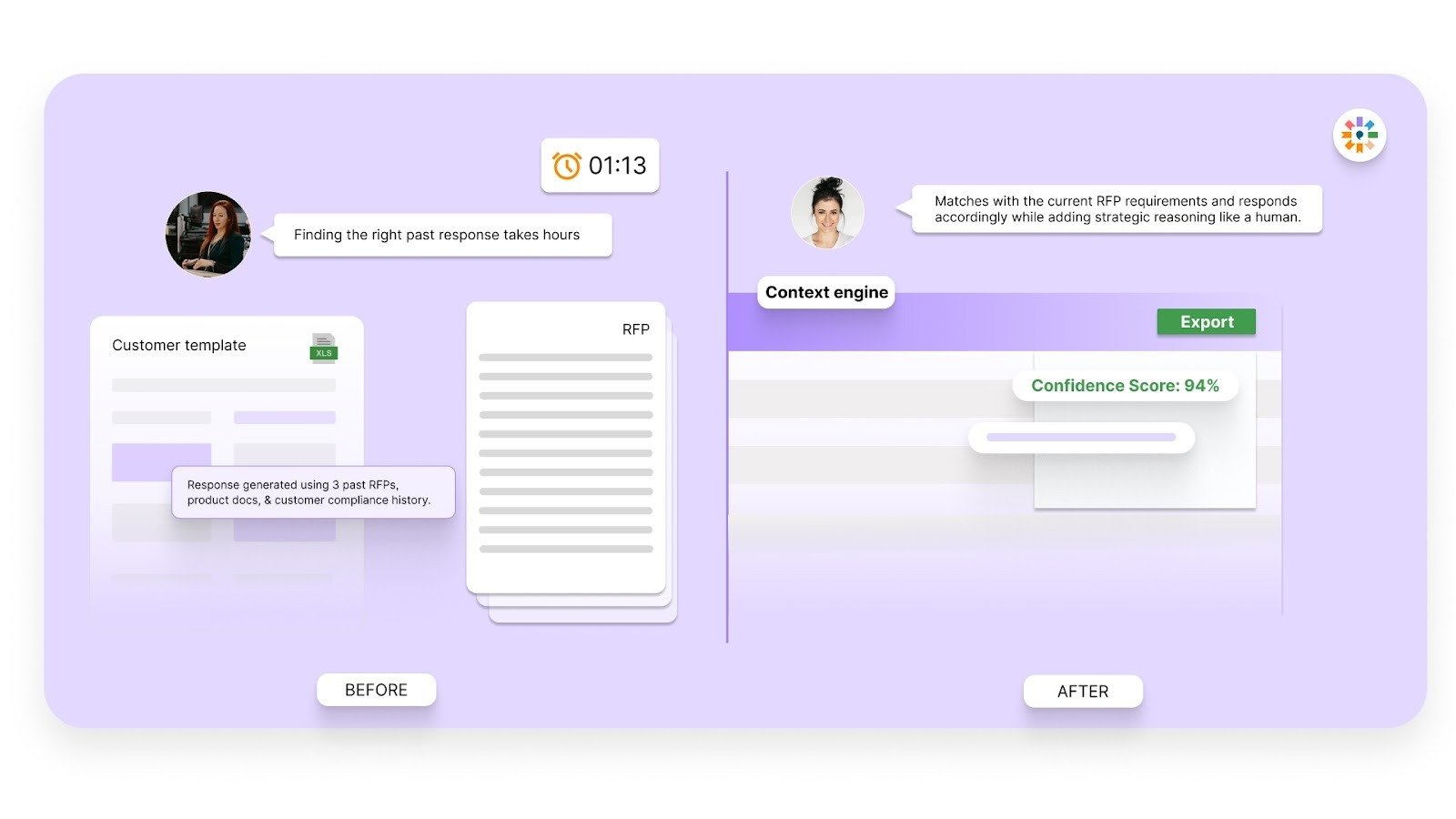
Instead of rewriting similar sections for each client, Inventive reviews the full project brief and generates a structured draft using approved past content. Scope definitions, payment terms, and technical assumptions stay consistent while still reflecting the specific client situation.
2× Response Quality
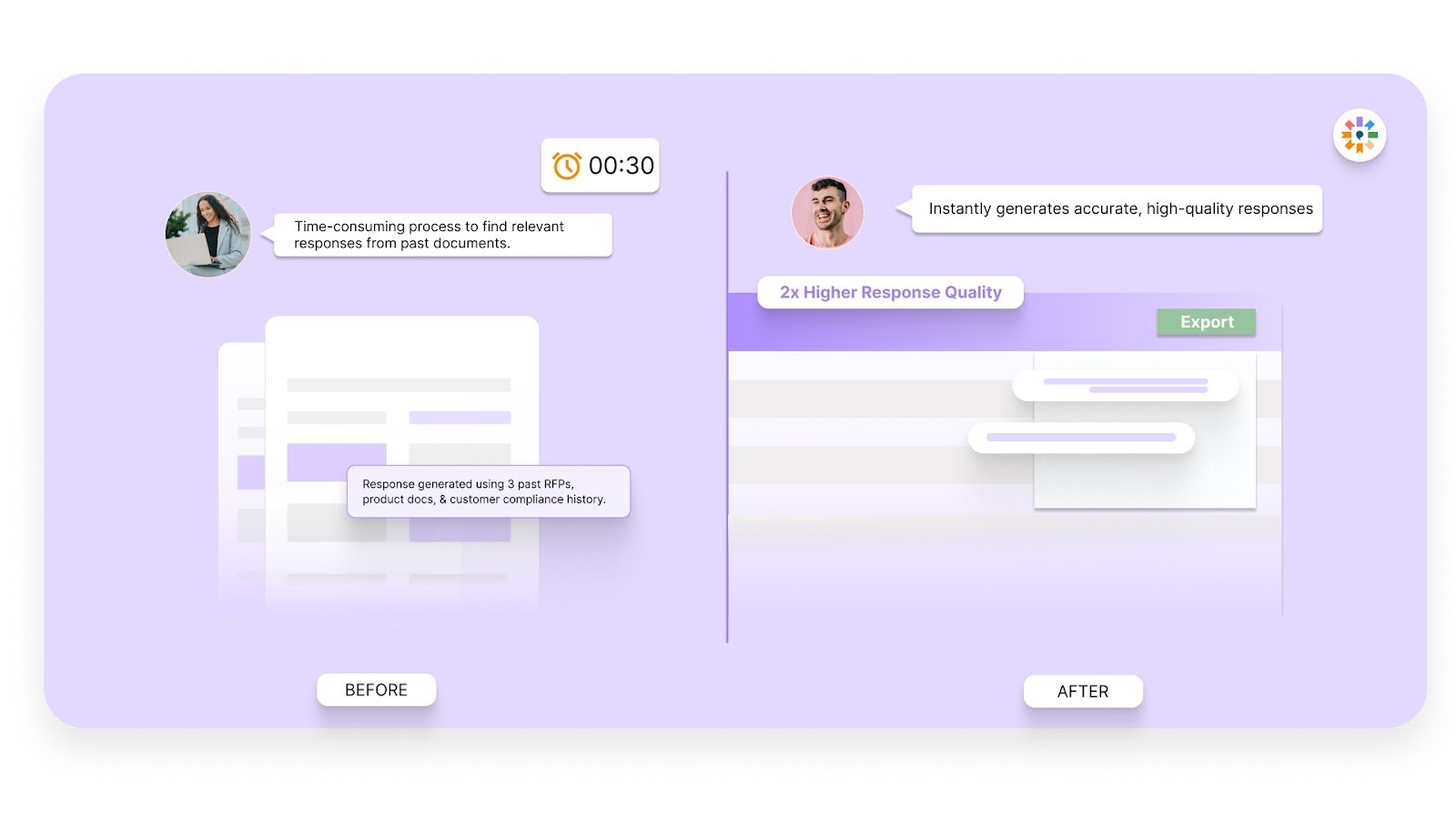
Generic drafting often creates vague feature explanations that later cause disagreements. Inventive interprets the intent behind project requirements and produces clearer, more complete descriptions. This reduces ambiguity in deliverables and change request boundaries.
Conflict Detection Across Sections
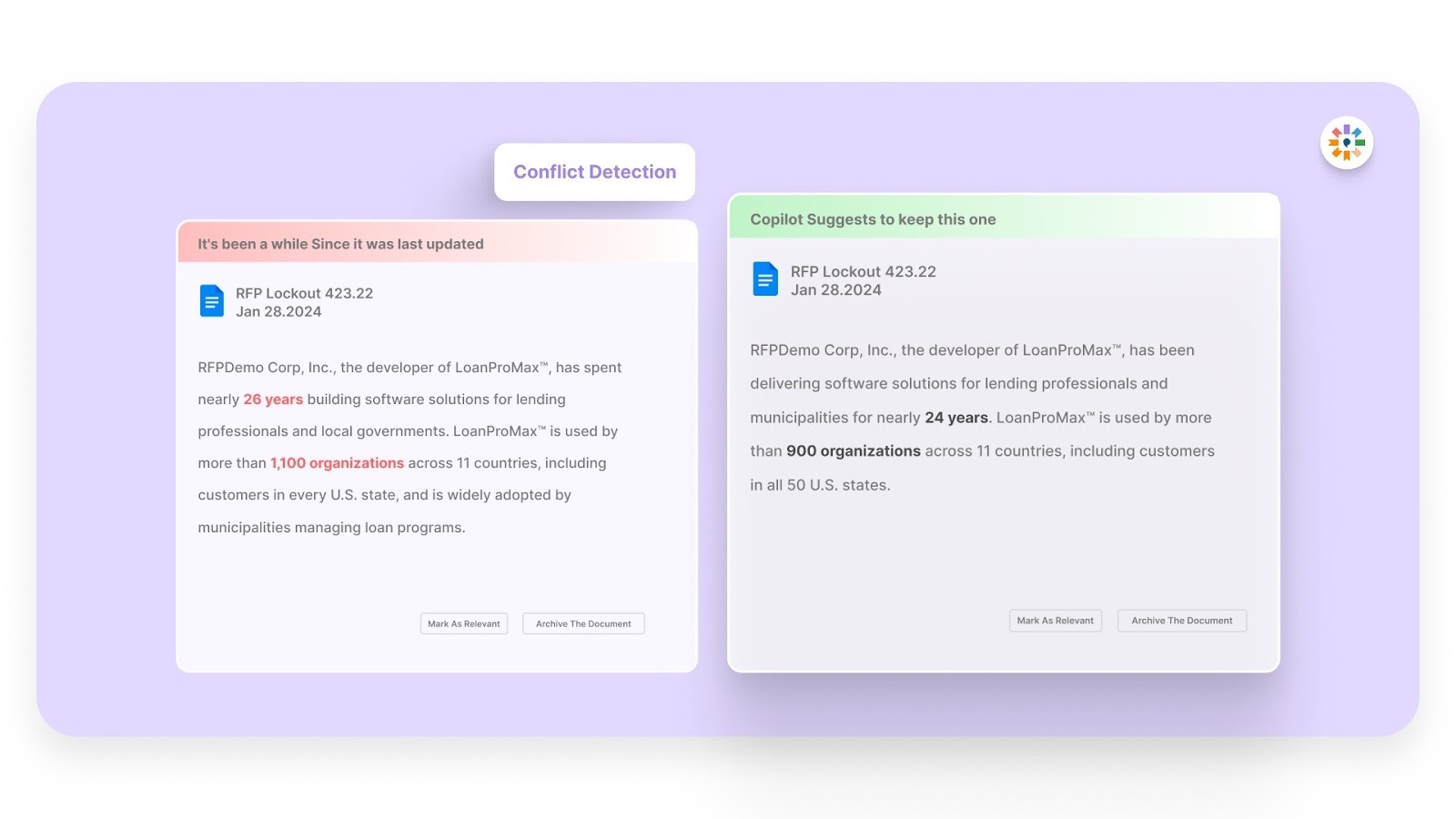
Pricing, timelines, scope, and revision limits must remain consistent throughout the proposal. Inventive flags contradictory statements before sending the document, lowering the risk of misinterpretation or pricing disputes.
Outdated Content Control:
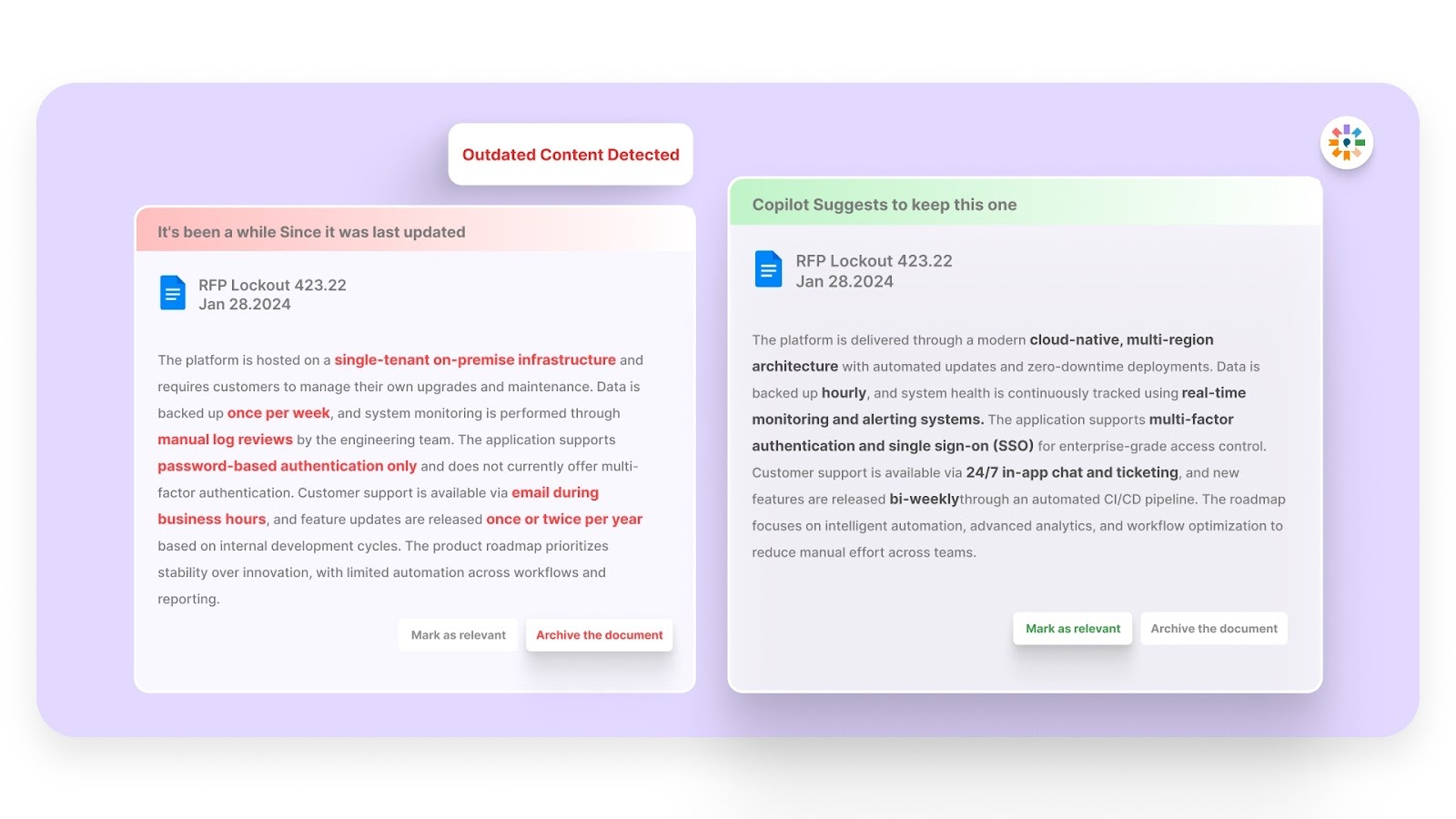
Technical stacks, plugin policies, browser support notes, and pricing terms change over time. Inventive detects stale or non-compliant content inside drafts so proposals reflect current standards and service terms.
Simple and Easy to Use UI and UX
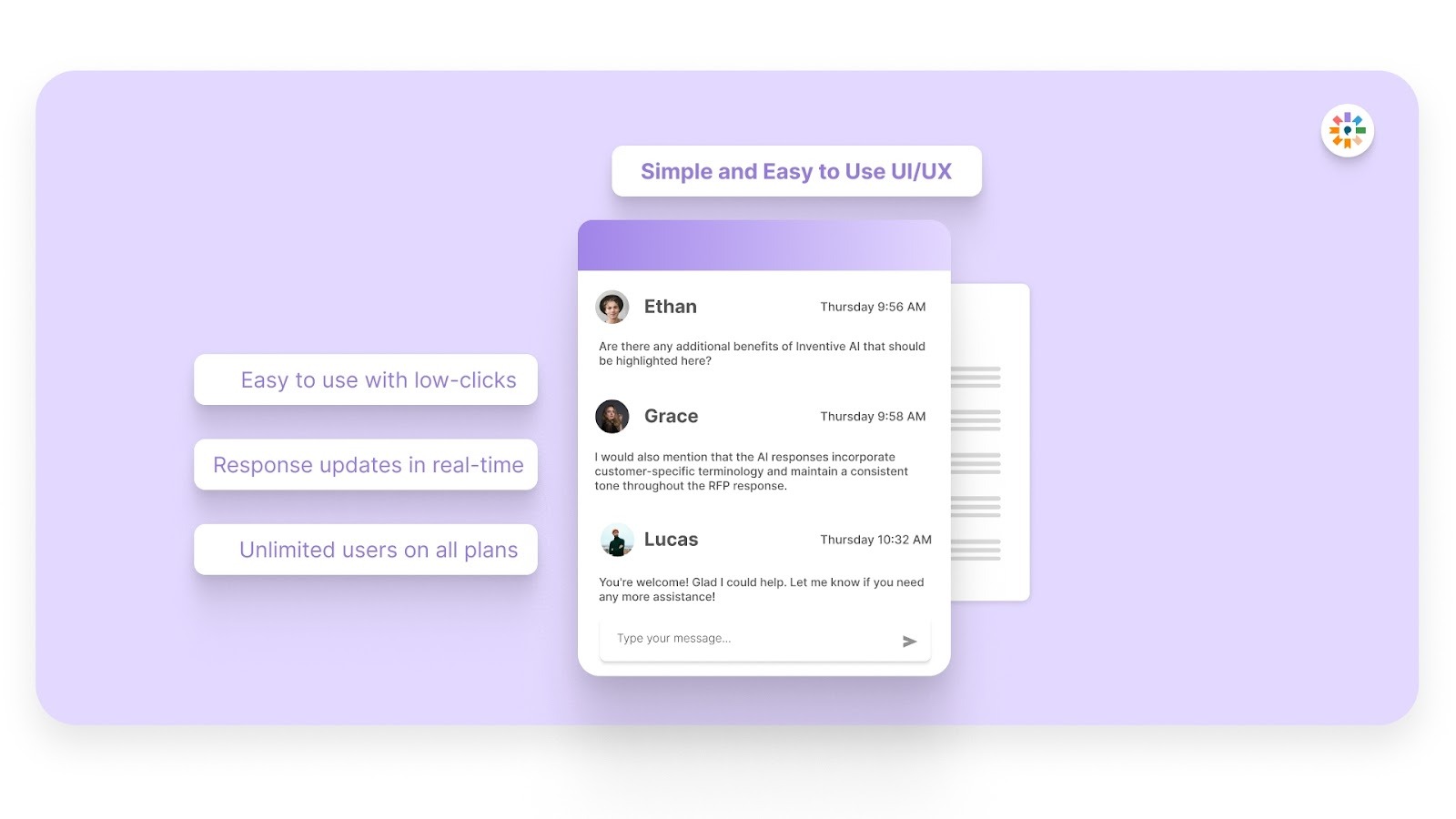
Inventive maintains a 100 percent adoption rate across its current customer base and is ranked the easiest-to-use RFP software on G2. Agencies can adopt the platform quickly, even if they are new to AI-based proposal tools, and begin producing consistent, client-ready proposals without disruption.
FAQs
1. Should a web development proposal include a contract or stay separate?
Many agencies combine them. A single document works well for small and mid-size projects because scope and payment terms stay tied together. Larger engagements often keep the proposal and legal agreement separate for negotiation flexibility.
2. How detailed should the feature list be in a web development proposal template?
List only features that affect pricing, timelines, or responsibility. Avoid describing minor UI behavior unless it impacts effort. The goal is clarity without turning the proposal into technical documentation.
3. Do I need different proposals for redesign vs. new website projects?
Yes. A redesign should reference migration risks, existing content handling, and SEO preservation. A new build focuses more on structure planning and content creation responsibilities.
4. When should change requests be introduced during a project?
Introduce the process inside the proposal before work begins. Clients accept scope control more easily at signing than after development has started.
5. Should discovery workshops be free or paid?
For simple projects, include discovery inside the project cost. For complex builds, a paid discovery phase protects both sides by validating requirements before committing to full development.

90% Faster RFPs. 50% More Wins. Watch a 2-Minute Demo.

Gaurav Nemade
After witnessing the gap between generic AI models and the high precision required for business proposals, Gaurav co-founded Inventive AI to bring true intelligence to the RFP process. An IIT Roorkee graduate with deep expertise in building Large Language Models (LLMs), he focuses on ensuring product teams spend less time on repetitive technical questionnaires and more time on innovation.
.avif)
Mukund Kumar
Understanding that sales leaders struggle to cut through the hype of generic AI, Mukund focuses on connecting enterprises with the specialized RFP automation they actually need at Inventive AI. An IIT Jodhpur graduate with 3+ years in growth marketing, he uses data-driven strategies to help teams discover the solution to their proposal headaches and scale their revenue operations.