Healthcare Security Questionnaire Template for Vendors in 2026

Did you know that in healthcare, most cybersecurity incidents are linked to third-party relationships? This explains why buyers closely evaluate every partner’s security practices.
Because of this risk exposure, healthcare organizations rarely evaluate a single vendor in isolation. Healthcare buyers often send the same assessment to multiple vendors, and every company claims strong security practices. The difference is not effort. It’s how clearly, quickly, and consistently you present your security posture.
Security reviews now function as a competitive filter. With the right template, you can ensure that your answers are not only consistent but also tailored to meet the buyer’s exact needs, speeding up the review process and minimizing delays.
In this guide, we’ll walk you through the essential components of a security questionnaire template, explain how the healthcare review process works, and show you how using a template can strengthen trust with buyers and keep your deal moving forward.
A Practical Healthcare Security Questionnaire Template
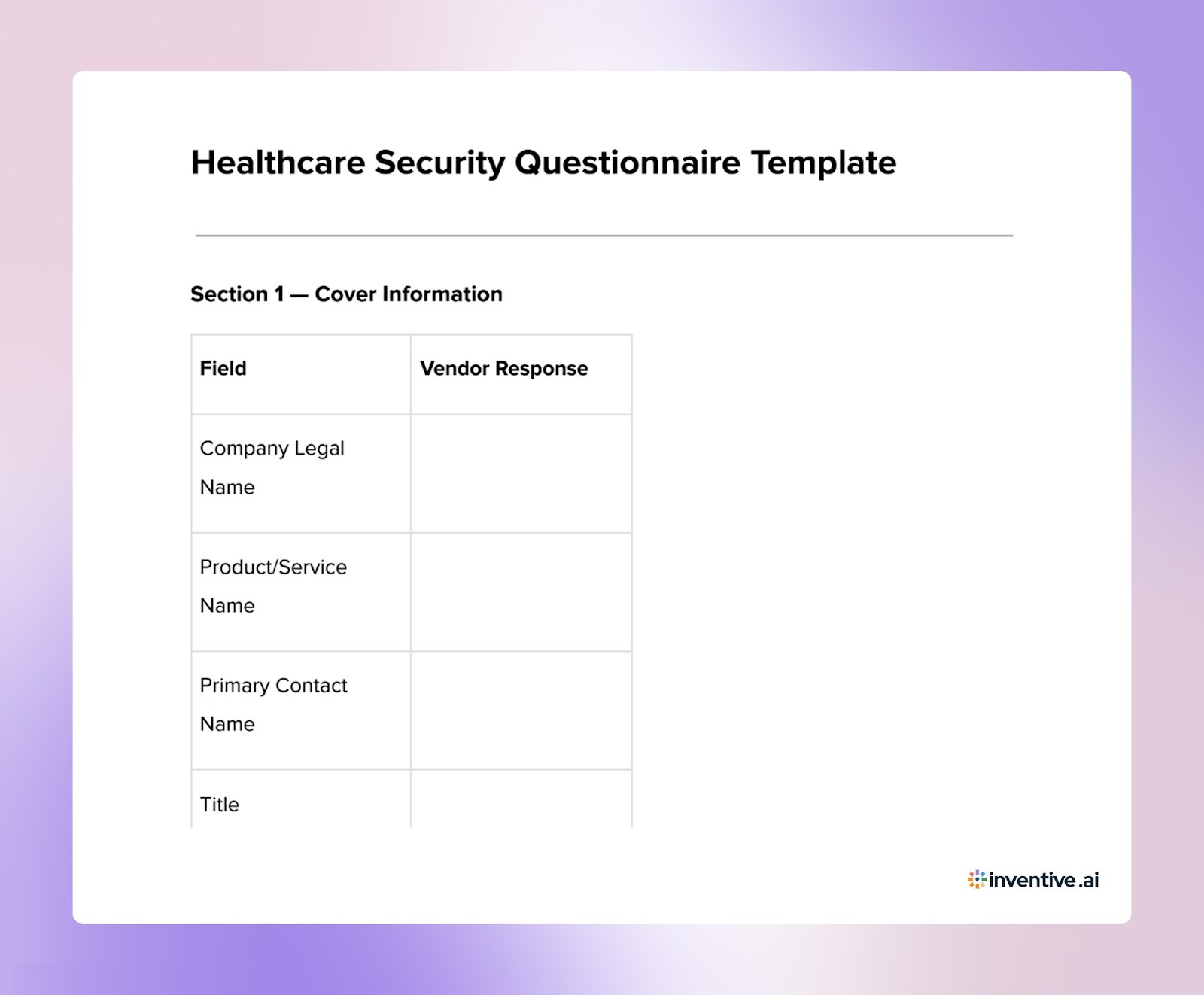

This template mirrors how healthcare organizations structure security assessments. You can use it internally to prepare responses before buyers ask.
About the Healthcare Security Questionnaire Template
A healthcare security questionnaire template helps vendors understand what healthcare organizations expect when evaluating security practices. Hospitals, healthcare networks, and digital health companies rely on structured assessments to verify how vendors protect sensitive patient data and maintain compliance with healthcare regulations.
Preparing responses using a structured template allows your team to organize key security information in advance. This ensures you are ready to respond quickly and accurately when healthcare buyers initiate a security review.
What’s included in this security questionnaire template for healthcare?
The template includes these key sections:
- Company Overview: Basic details about your organization, security leadership, and governance structure.
- Data Protection Practices: How sensitive healthcare data is protected, including encryption standards, access controls, and data storage practices.
- Compliance Standards: Information about regulatory and security compliance such as HIPAA, SOC 2, GDPR, and other relevant frameworks.
- Risk Management and Incident Response: Your approach to identifying security risks, managing vulnerabilities, and responding to incidents.
- Vendor and Third-Party Risk Management: How you evaluate and manage third-party vendors that may access sensitive healthcare data.
- Security Controls and Monitoring: Details on monitoring systems, access logging, threat detection, and security control implementation.
Why Use a security questionnaire template for healthcare Template?
- Clarifies Healthcare Buyer Expectations: A structured template helps you understand the security controls healthcare organizations expect vendors to demonstrate.
- Improves Response Preparation: Planning answers in advance ensures your responses address key healthcare security and compliance requirements.
- Maintains Consistency Across Assessments: Healthcare vendors often receive similar questionnaires from multiple organizations. A template helps keep responses consistent.
- Speeds Up Security Reviews: Prepared answers reduce the time required to complete questionnaires and respond to buyer assessments.
- Strengthens Buyer Confidence: Clear, well-structured responses show healthcare organizations that your company takes data protection and compliance seriously.
Using a structured template makes healthcare security questionnaire responses easier to manage, helping your team deliver accurate and well-organized answers during vendor security reviews.
A Practical Healthcare Security Questionnaire Response Template: Free Download
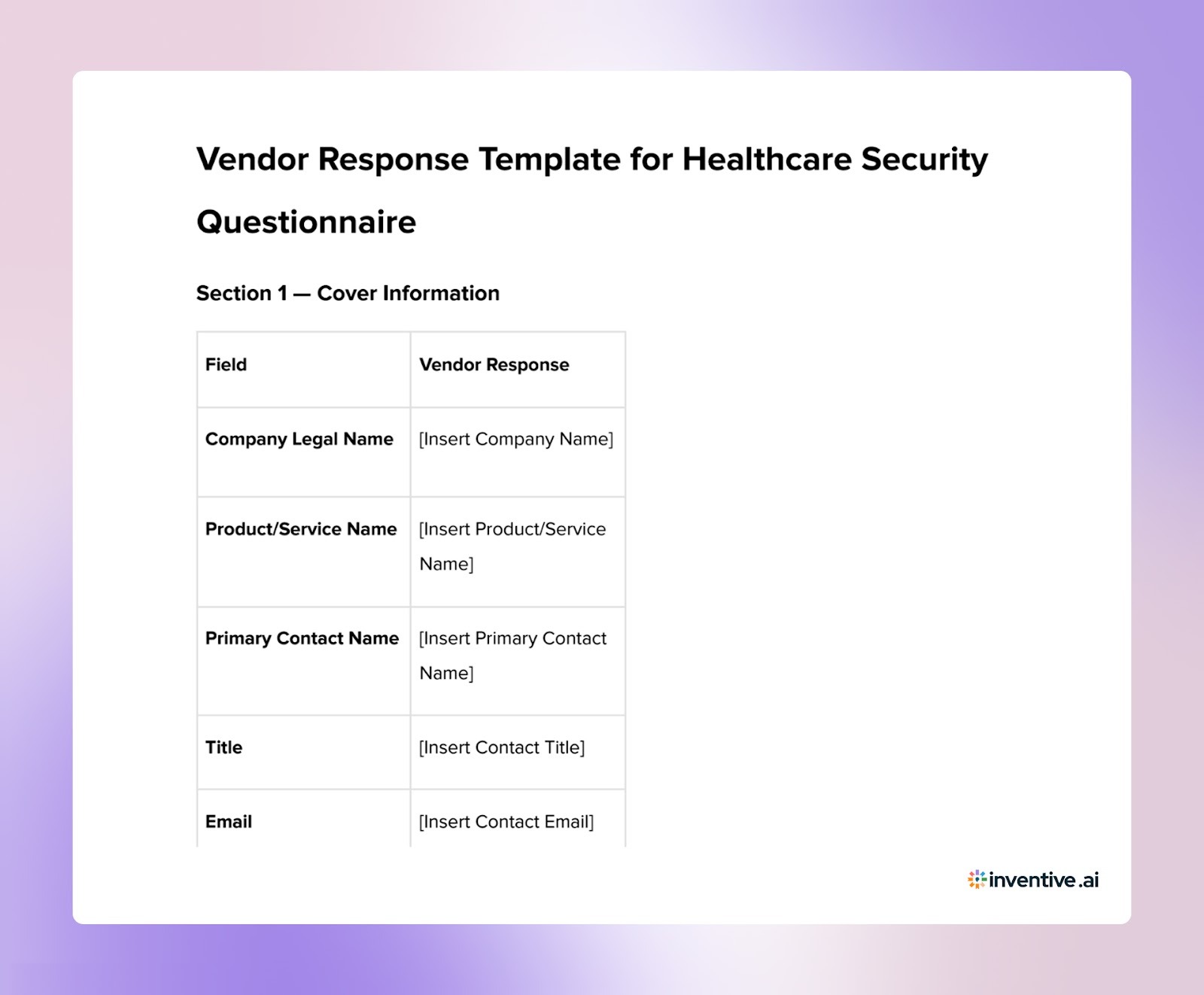
This template serves as a structured way for vendors to respond to each section of the healthcare security questionnaire. It ensures that responses are well-organized, consistent, and tailored to the buyer’s requirements.
7 Proven Ways to Customize Your Security Questionnaire Responses Template for Better Impact
Customizing your responses to the security questionnaire is crucial to ensure that they align with the buyer’s specific needs and expectations.
Here are 7 ways to optimize your responses for better results:
1. Personalize the Responses to Reflect the Buyer’s Priorities
Tailor your responses to directly address the buyer’s primary concerns, such as compliance, data protection, or risk mitigation. Start by acknowledging their security priorities, showing that you understand their needs.
2. Emphasize the Most Relevant Security Solutions
Focus your responses on the solutions that matter most to the buyer. If they are concerned with encryption, access controls, or data integrity, be sure to address these areas in detail and explain how your solution solves these issues.
3. Align Your Response Based on the Buyer’s Timeline
If the buyer has an urgent timeline, make sure your responses emphasize your ability to meet deadlines. Highlight your capacity to act swiftly, particularly in areas related to incident response, system updates, or data protection.
4. Highlight Your Unique Security Strengths Based on Buyer Needs
Focus on what sets you apart. Whether it’s advanced security measures, unique risk mitigation strategies, or superior compliance protocols, make sure to underscore the features or strengths that are most relevant to the buyer’s needs.
5. Customize Pricing Based on the Buyer’s Budget and Expectations
When appropriate, adjust your response to show how your security solution fits within the buyer's budget. You can offer scalable options, discounts for long-term partnerships, or emphasize the value your solution brings relative to the cost.
6. Ensure Clarity and Precision in Your Responses
Respond clearly and avoid jargon. Buyers appreciate concise, direct answers that get straight to the point. Keeping responses simple and to the point helps the buyer quickly evaluate your proposal without confusion.
7. Structure Your Response for Easy Navigation and Comparison
Make it easy for the buyer to navigate your responses by using bullet points, headings, and tables. Ensure that your answers are organized logically so they can easily compare your solutions with other vendors.
Customizing your answers will help build trust, improve the buyer's perception of your security practices, and keep the evaluation process on track.
How This Security Questionnaire Template Helps You Respond Effectively?
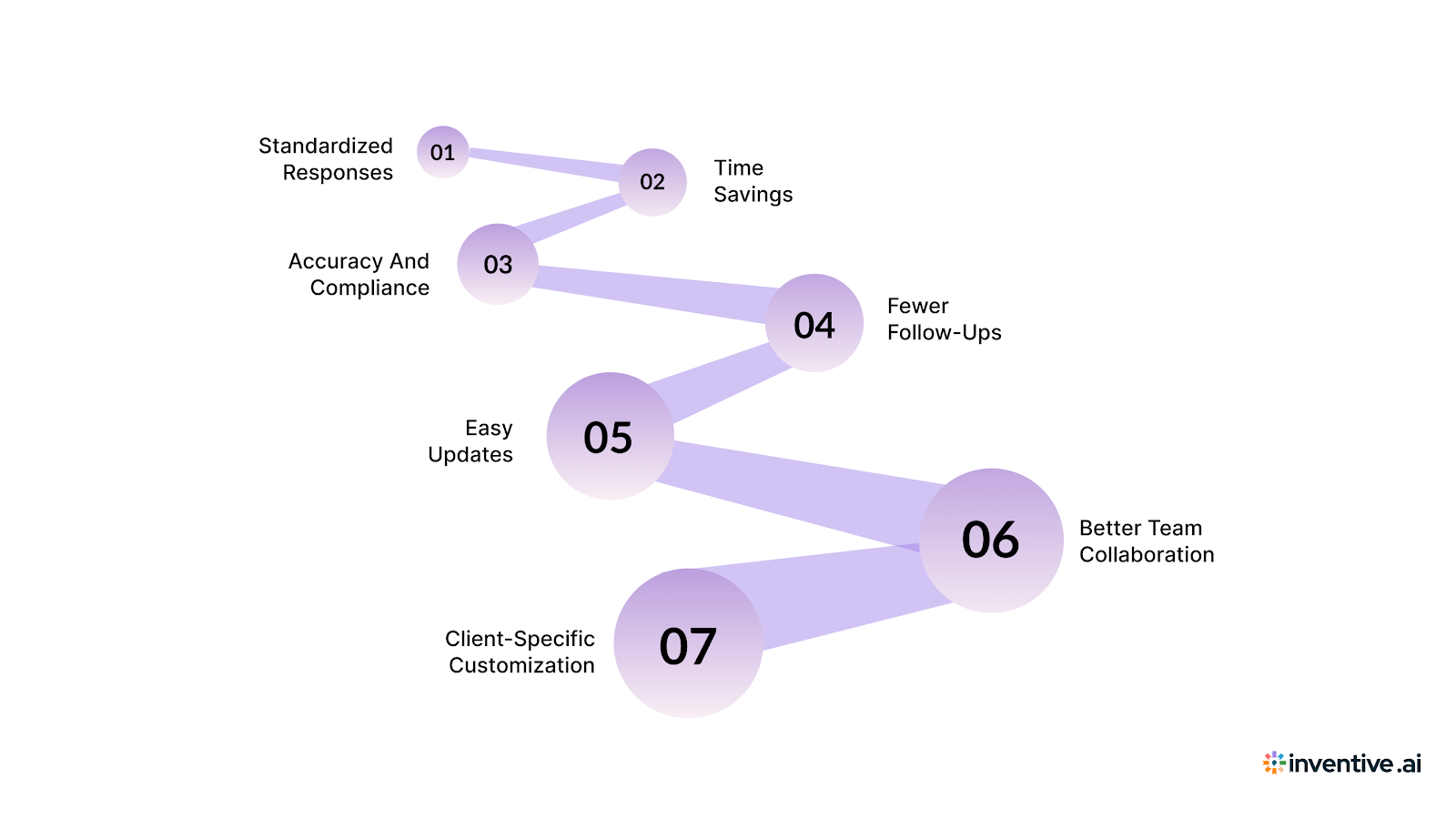
Using a structured security questionnaire template makes responding to complex security assessments much easier and more efficient. Here’s how this template helps you simplify your responses and ensures you’re answering with clarity and precision:
1. Standardizes Your Responses: The template ensures all key areas are covered in a clear and consistent format, making it easier to provide complete answers every time.
2. Saves Time: With pre-filled sections, you don’t need to start from scratch. You can quickly update the template with tailored responses, speeding up your workflow.
3. Ensures Accuracy and Compliance: The template helps you stay on track with industry standards like GDPR and HIPAA, ensuring your answers are correct and up to date.
4. Reduces Follow-ups: A clear, well-organized response means there’s less chance for the client to request clarifications, saving both parties time and effort.
5. Easy Updates: By using a template, you can store and update your answers easily, keeping your responses current and relevant.
6. Improves Team Collaboration: The template lets different teams (security, legal, compliance) collaborate effectively, ensuring accurate and comprehensive answers.
7. Customization for Specific Clients: The template is flexible, allowing you to adjust responses to address the client’s specific concerns while keeping the format consistent.
This template simplifies the security questionnaire response process by making your answers clear, consistent, and quick to customize.
Also Read: A Practical Guide for High-Quality Cybersecurity RFP Responses
How Inventive AI Helps You Handle Healthcare Security Questionnaires Faster?
Healthcare security questionnaires demand accuracy, consistency, and speed. Handling them manually makes that difficult. This is where Inventive AI RFP Automation changes how you respond.
Inventive AI is designed to simplify your RFP response process. It centralizes your security knowledge and turns scattered information into structured, reliable answers.
Here’s how it supports your team:
2× Higher Quality Responses
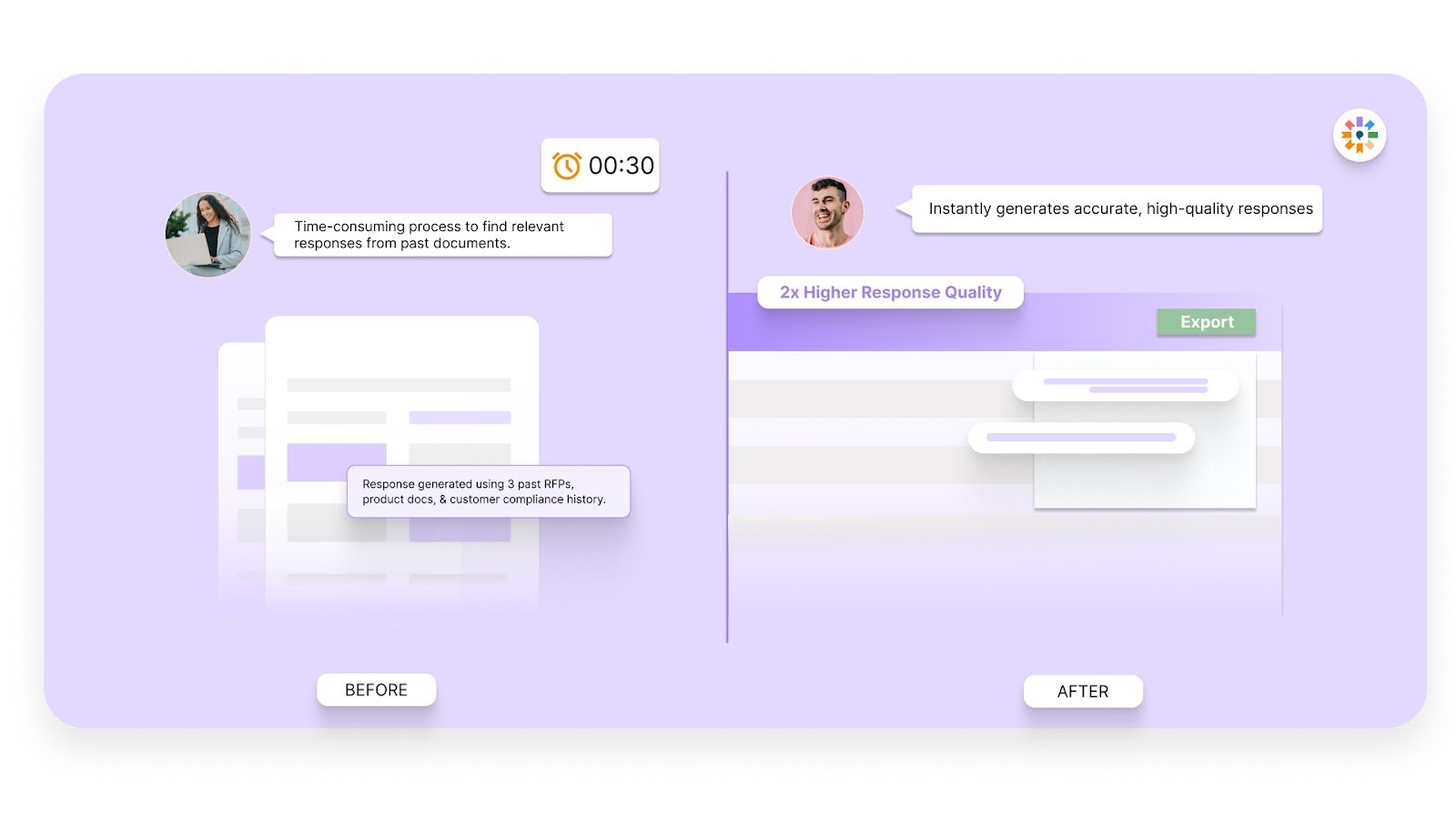
You produce more complete and structured answers. This reduces buyer clarifications and strengthens reviewer confidence.
Context Engine
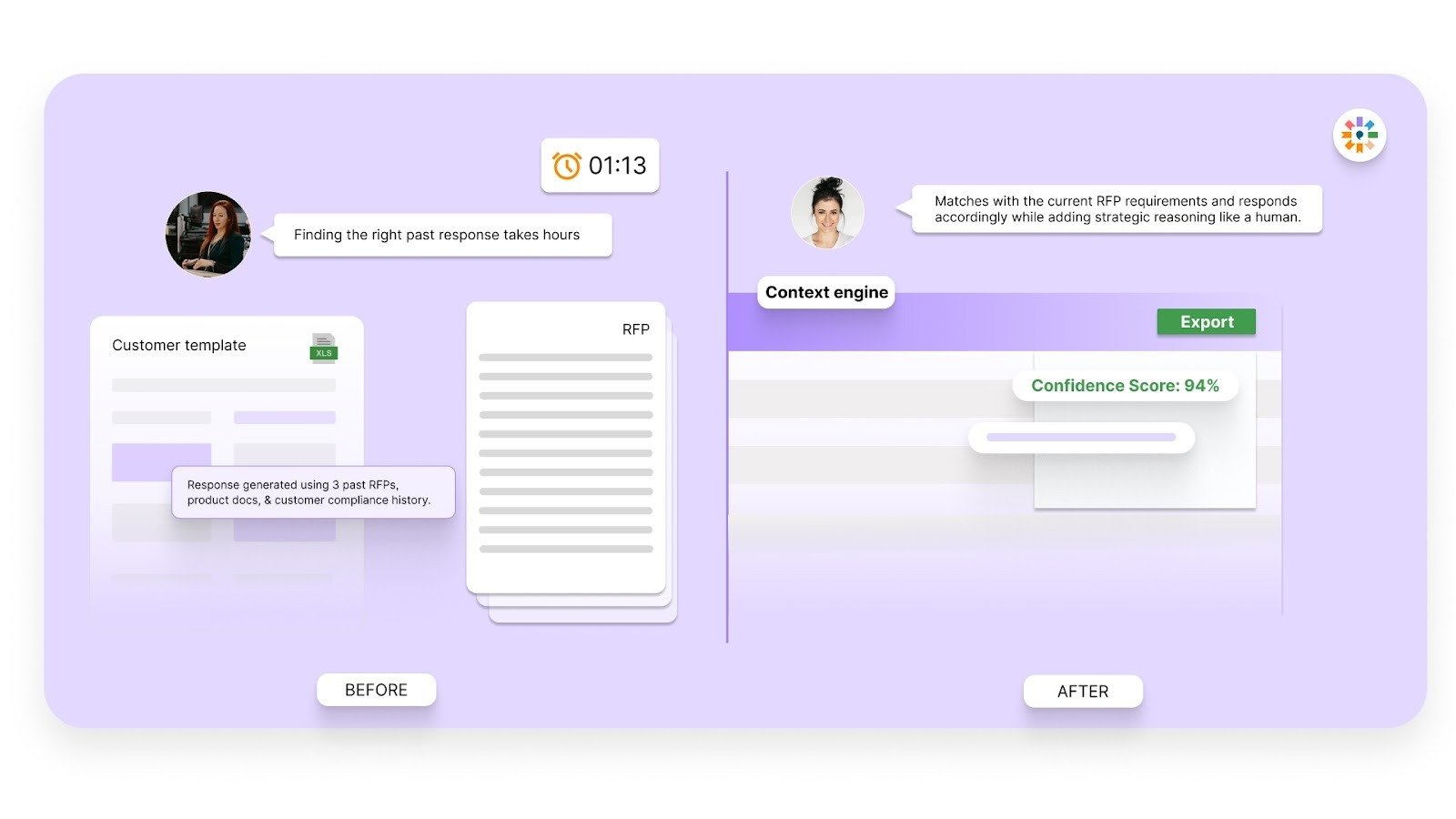
The system understands the meaning behind questions. It pulls the most relevant approved content instead of surface-level matches.
Conflict Detection
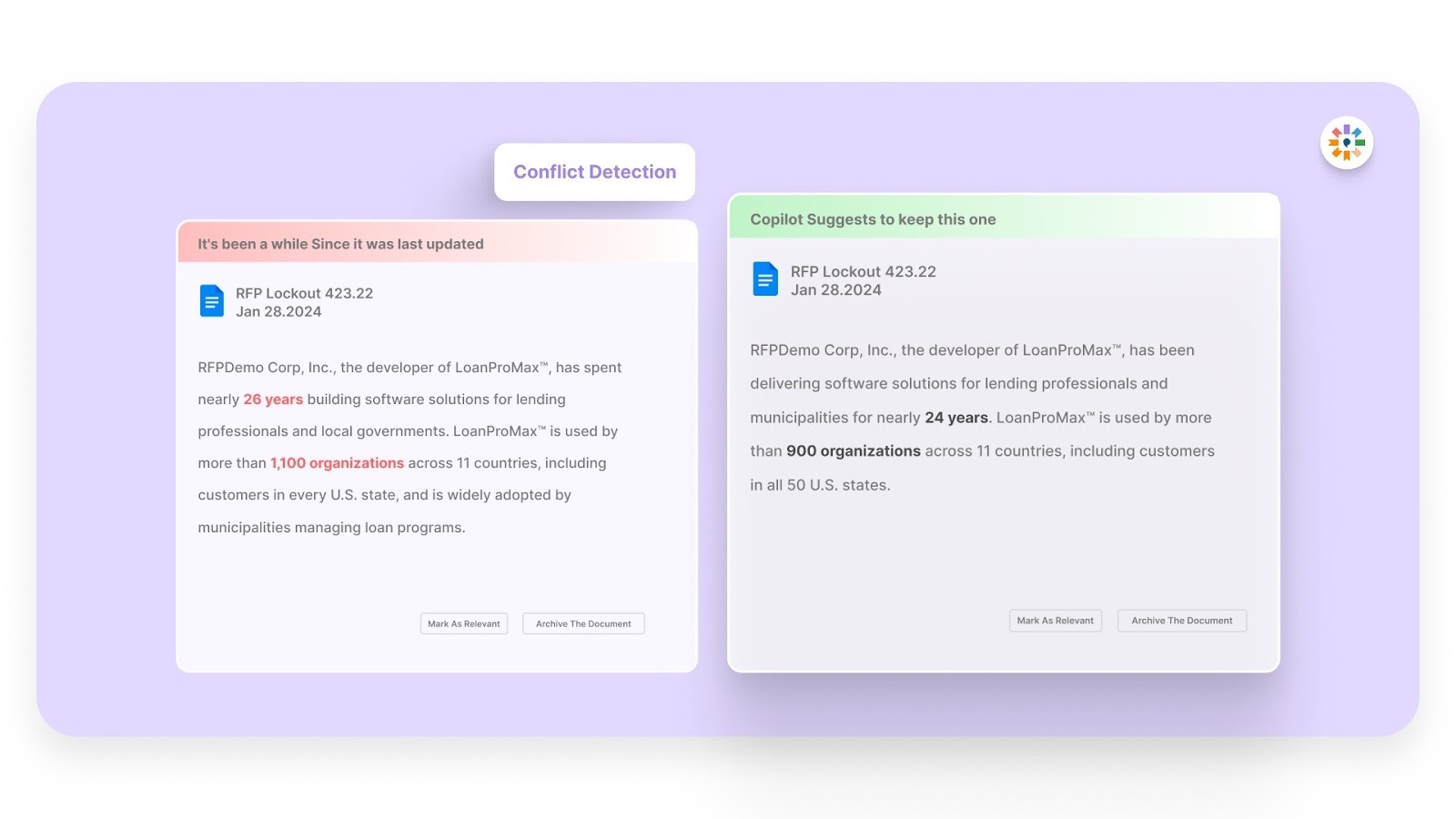
It flags inconsistent answers across responses. This helps you avoid contradictions that raise red flags during security reviews.
Outdated Content Detection
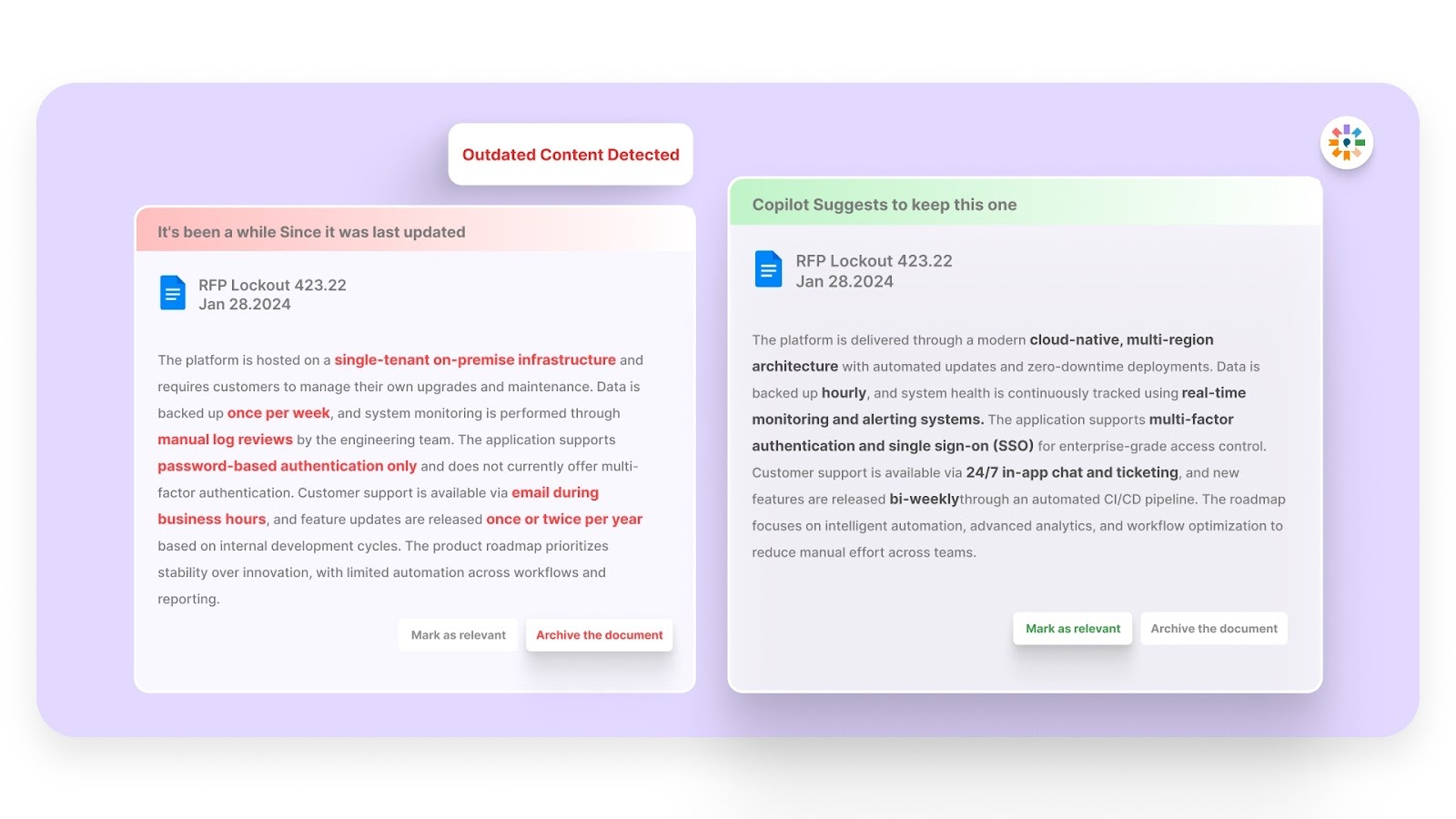
You get alerts when content no longer reflects current practices. This prevents reuse of old or inaccurate security details.
Simple, Easy-to-Use Interface
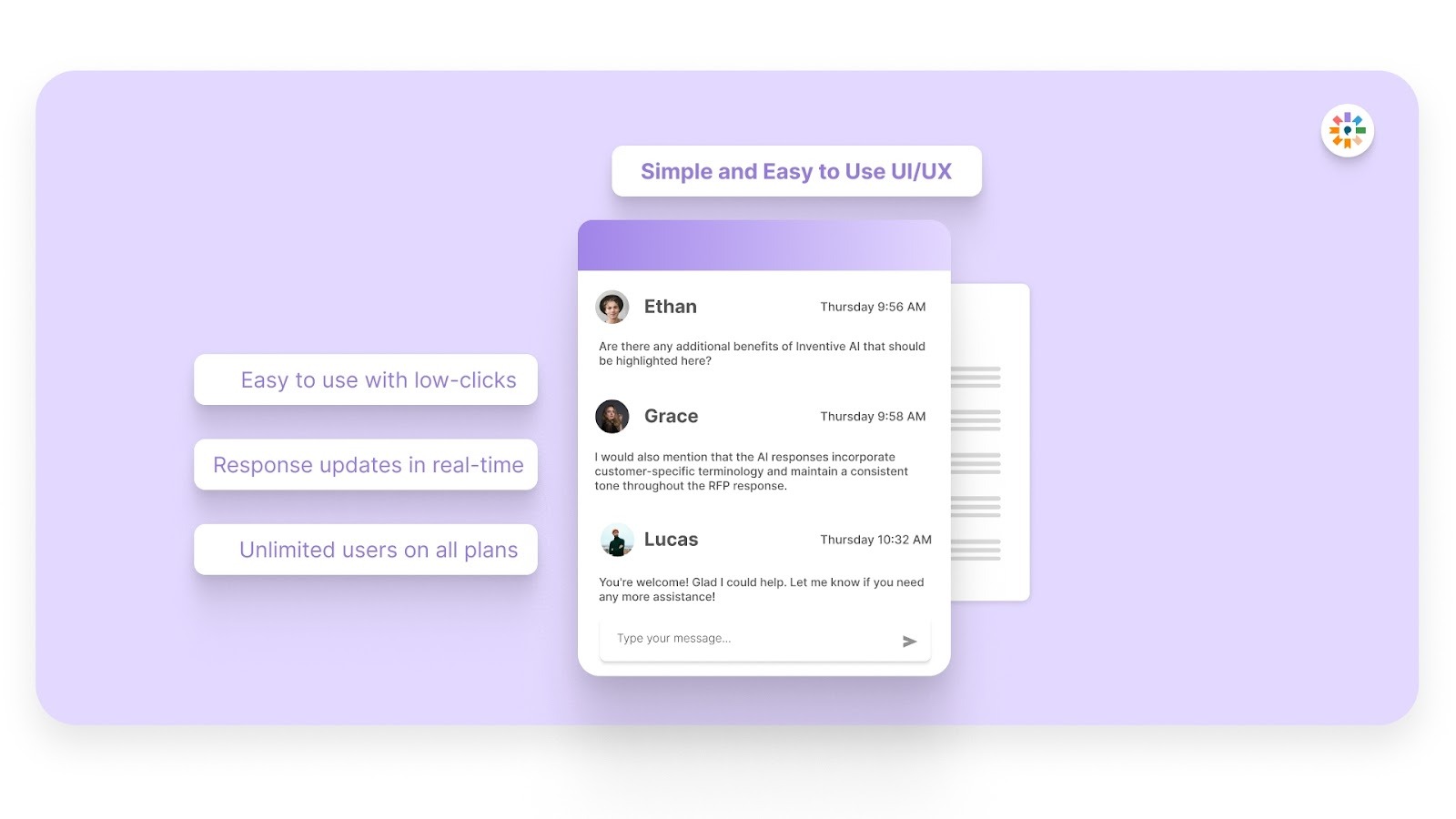
Your team works inside an intuitive system. This reduces training time and keeps SMEs focused on their core work.
Together, these capabilities reduce rewrite effort and help your team respond with 95% accuracy while maintaining consistency.
Security questionnaires stop being reactive work and become a structured, repeatable process.
Frequently Asked Questions (FAQs)
1. How long does a healthcare security review usually take after submission?
Review timelines vary, but many healthcare organizations take two to six weeks, depending on questionnaire complexity and follow-up needs. Faster responses with complete documentation can shorten review cycles.
2. Do smaller healthcare organizations use lighter security questionnaires?
Sometimes they do, but even smaller providers follow strict data protection expectations due to HIPAA obligations. The depth may differ, but core security controls are still evaluated.
3. Can you reuse one healthcare security questionnaire response for all buyers?
Not entirely. Core answers can stay consistent, but buyers often customize questions or ask for environment-specific details. You still need controlled tailoring for each deal.
4. What supporting documents do healthcare buyers often request beyond the questionnaire?
Buyers may request security policies, audit summaries, incident response plans, or penetration test reports. Having these ready prevents review delays.
5. Who inside a vendor organization should own healthcare security questionnaire responses?
Ownership usually sits with proposal, security, or compliance teams, with input from engineering and legal. A clear owner prevents delays and conflicting answers.