
The Ultimate Microsoft Word Proposal Template in 2026: Your Key to Securing More Deals

Proposal writing can be a complex and time-consuming task, often leading to mistakes that could cost you the deal. Do you find yourself spending hours drafting proposals, only to realize your structure is inconsistent or your key points aren’t clear enough? You’re not alone; many vendors struggle to create proposals that hit the mark every time.
But what if you could save hours of work, reduce errors, and create professional, polished proposals every time? That’s where a solid proposal template comes in. With the right template, you can focus on the content that matters most, ensuring that your proposal is well-structured, consistent, and aligned with the buyer’s needs.
In this article, we’ll walk you through the importance of a proposal template, how to create one that stands out, and how to customize it for different RFPs to maximize your chances of success.
The Ultimate Microsoft Word Proposal Template (Free Download)
An RFP proposal template is a pre-designed structure that helps vendors quickly create a professional-looking response. It typically includes placeholders for all the critical sections, such as the executive summary, solution description, pricing, and compliance details. By using a template, vendors can maintain consistency across proposals and save significant time spent on formatting.
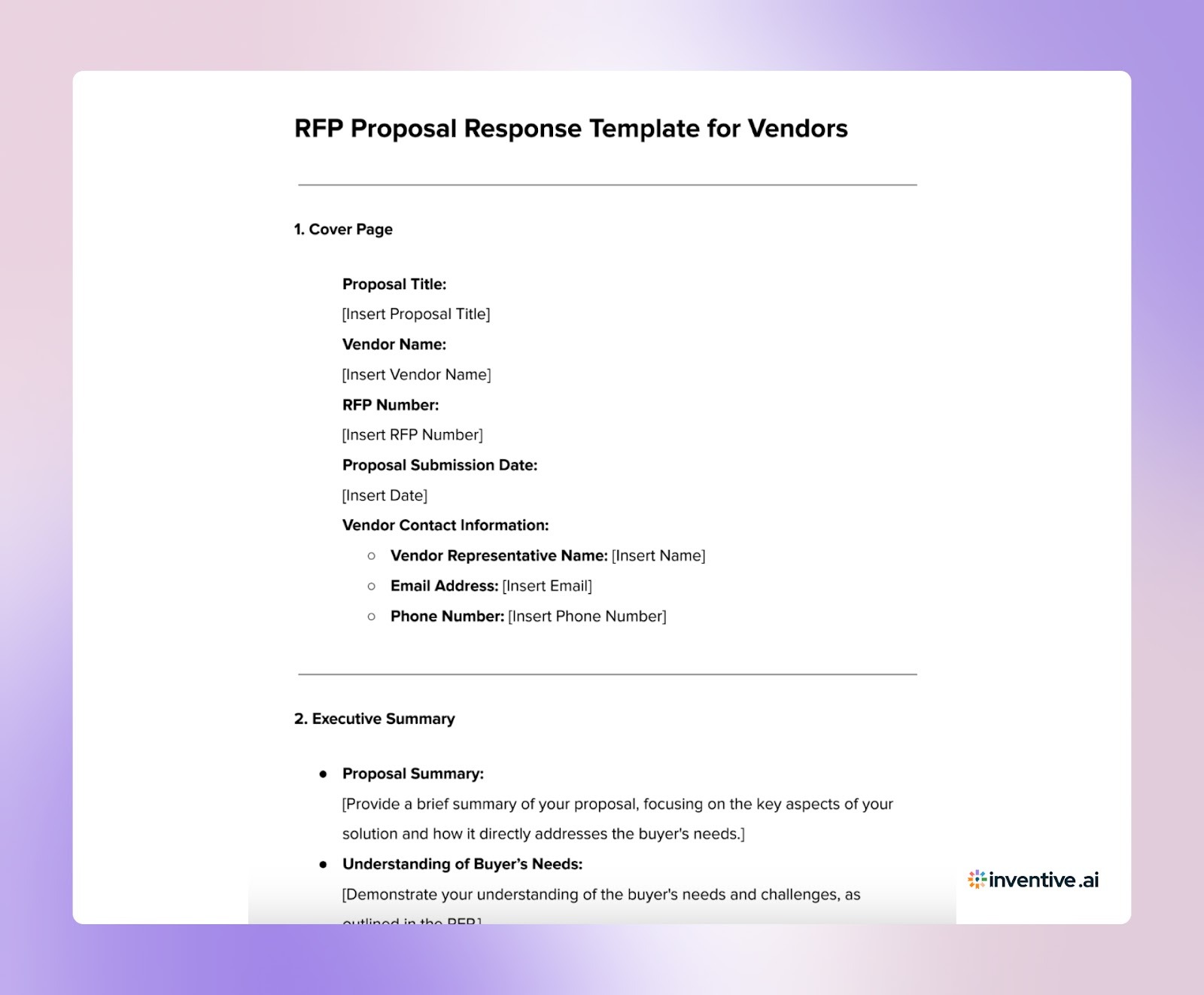

9 Key Components to Keep in Mind While Using a Proposal Template (This Drives Real Results)
It’s important to understand the key components that buyers typically look for. While every RFP is unique and may include additional sections depending on the specific requirements, the following are the most common components included in a proposal template:
1. Cover Letter/Introduction: A brief introduction to your company and your understanding of the buyer's needs. This sets the tone and makes the first impression.
2. Executive Summary: A concise overview of your proposed solution and how it aligns with the buyer’s goals, highlighting the value you bring.
3. Solution Overview: A detailed description of the solution, including technical specifications, features, and value propositions. This answers the "What’s in it for me?" question.
4. Timeline/Implementation Plan: A roadmap of how your solution will be implemented, including key milestones and deadlines.
5. Pricing Breakdown: A clear, detailed pricing structure, including any discounts or additional services.
6. Terms and Conditions: Any legal terms, such as payment terms, intellectual property rights, and confidentiality agreements.
7. Case Studies or References: Proof of your company’s ability to deliver similar solutions successfully, building trust and credibility.
8. Risk Management Plan: How potential risks will be identified and mitigated throughout the project’s lifecycle.
9. Support and Maintenance Plan: Post-sale support and ongoing maintenance services, ensuring long-term success and client satisfaction.
While these sections are commonly found in RFP responses, they can vary depending on the project or industry. Some RFPs may also include additional requirements, such as technical specifications or compliance checks.
Customizing your proposal template to meet these specific requirements will help ensure all expectations are addressed.
Also Read: Top 5 RFP Software in 2026: Which to Use?
Maximize Your Microsoft Word Proposal Template Impact with These Seven Customization Tips
Templates are a great starting point, but customizing them for each RFP will make your proposal stand out.
Here are some simple tips to help you get the most out of your proposal template:
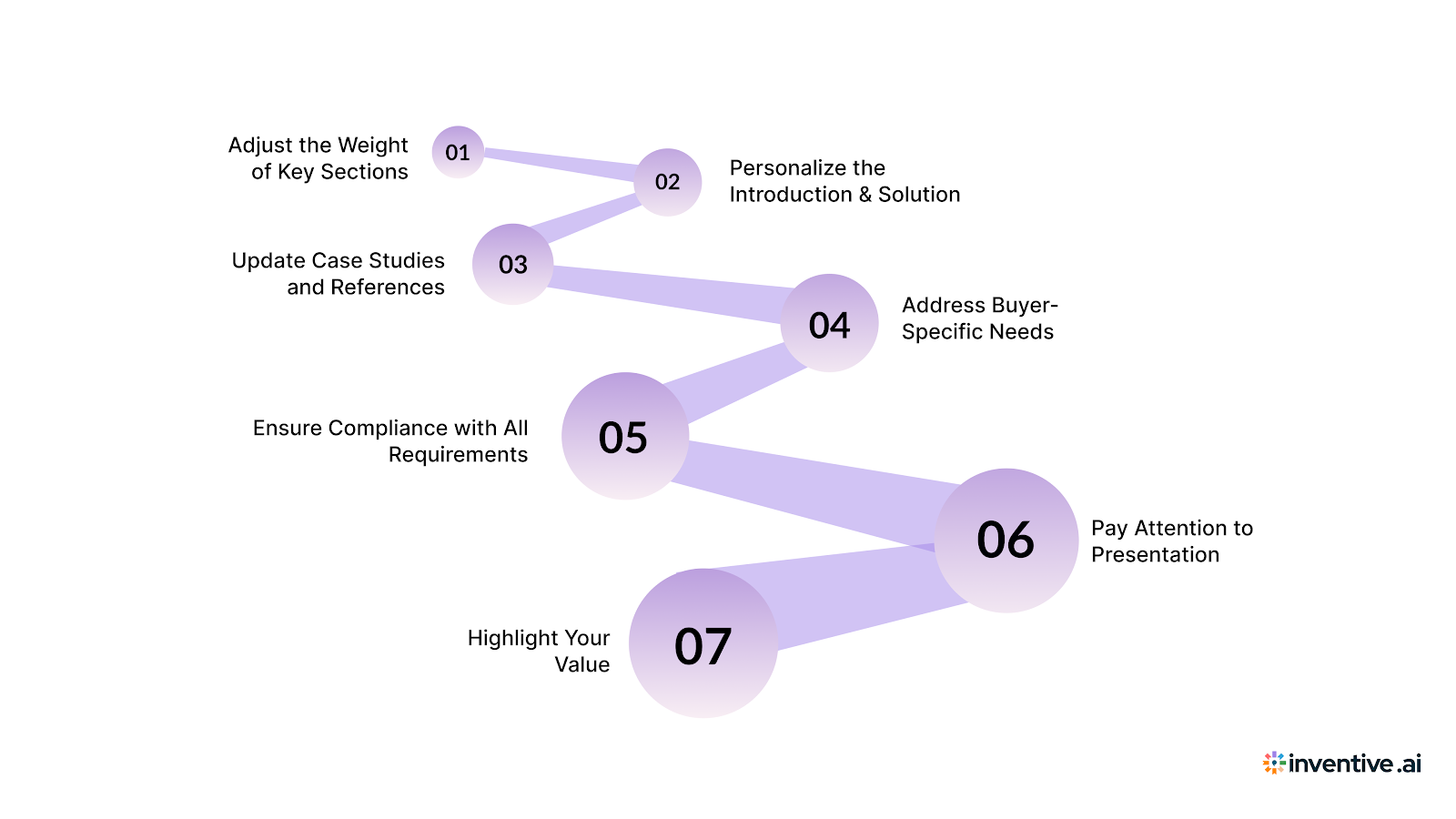
1. Adjust the Weight of Key Sections: Focus on what matters most to the buyer. If they value technical expertise, highlight that. If pricing is key, emphasize your competitive rates or flexible payment options.
2. Personalize the Introduction and Solution: Use the buyer’s information to tailor your introduction and solution. Show that you understand their needs and explain why your solution is the best fit.
3. Update Case Studies and References: Include relevant case studies that demonstrate your experience with similar projects, helping the buyer see you’ve handled comparable challenges.
4. Address Buyer-Specific Needs: Identify the buyer’s pain points and directly address them in your proposal, showing how your solution solves their problems.
5. Ensure Compliance with All Requirements: Carefully review the RFP for compliance with legal requirements and ensure your proposal meets those standards, whether it’s certifications, data protection, or industry regulations.
6. Pay Attention to Presentation: Ensure your proposal is easy to read and professionally formatted according to the RFP’s guidelines.
7. Highlight Your Value: Demonstrate how your solution benefits the buyer, such as cost savings or improved performance. Make a compelling case for why they should choose you.
By customizing your proposal template for each RFP, you’ll ensure that your responses are always relevant, focused, and more likely to win the deal.
How a Well-Designed Microsoft Word Proposal Template Can Transform Your Responses?
Using a proposal template in Microsoft Word provides multiple advantages that can make your RFP response more efficient and effective. Here are the key benefits:
1. Saves Time: Templates allow you to reuse sections of your proposals, so you don't have to start from scratch each time.
2. Consistency: Templates ensure your proposals are consistently formatted and structured, making them easier for evaluators to read and review.
3. Improved Professionalism: With a polished, professional template, your proposal will stand out as well-organized and thoughtfully prepared.
4. Reduces Errors: Templates reduce the chance of missing important sections or making formatting mistakes, which can hurt your credibility.
5. Customization: Templates are flexible, allowing you to tailor each proposal to meet the specific needs of the buyer.
By using a proposal template, you can create high-quality, targeted responses more quickly and with greater accuracy.
Also Read: The Ultimate Guide to Crafting Data Management RFP Responses
Perfect Your Proposals With Inventive AI: Achieve More Wins in Less Time
Responding to RFPs can be challenging. But Inventive AI simplifies the process with powerful AI-powered features that improve both the quality and speed of your responses.
1. 2× Higher Quality Responses
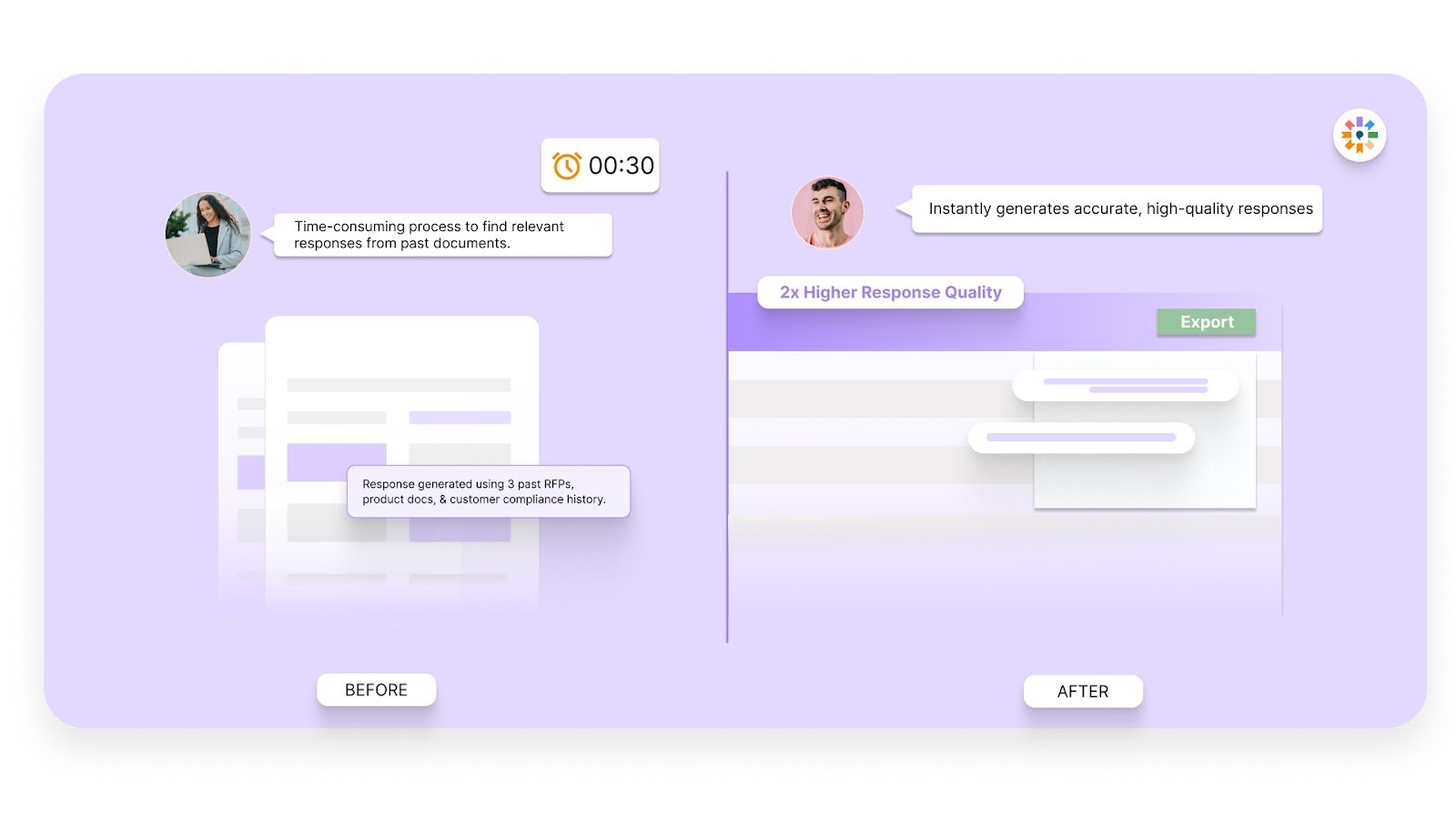
With AI-generated first drafts, your team can focus on refining high-quality content instead of starting from scratch, ensuring a polished proposal template every time.
2. Context Engine
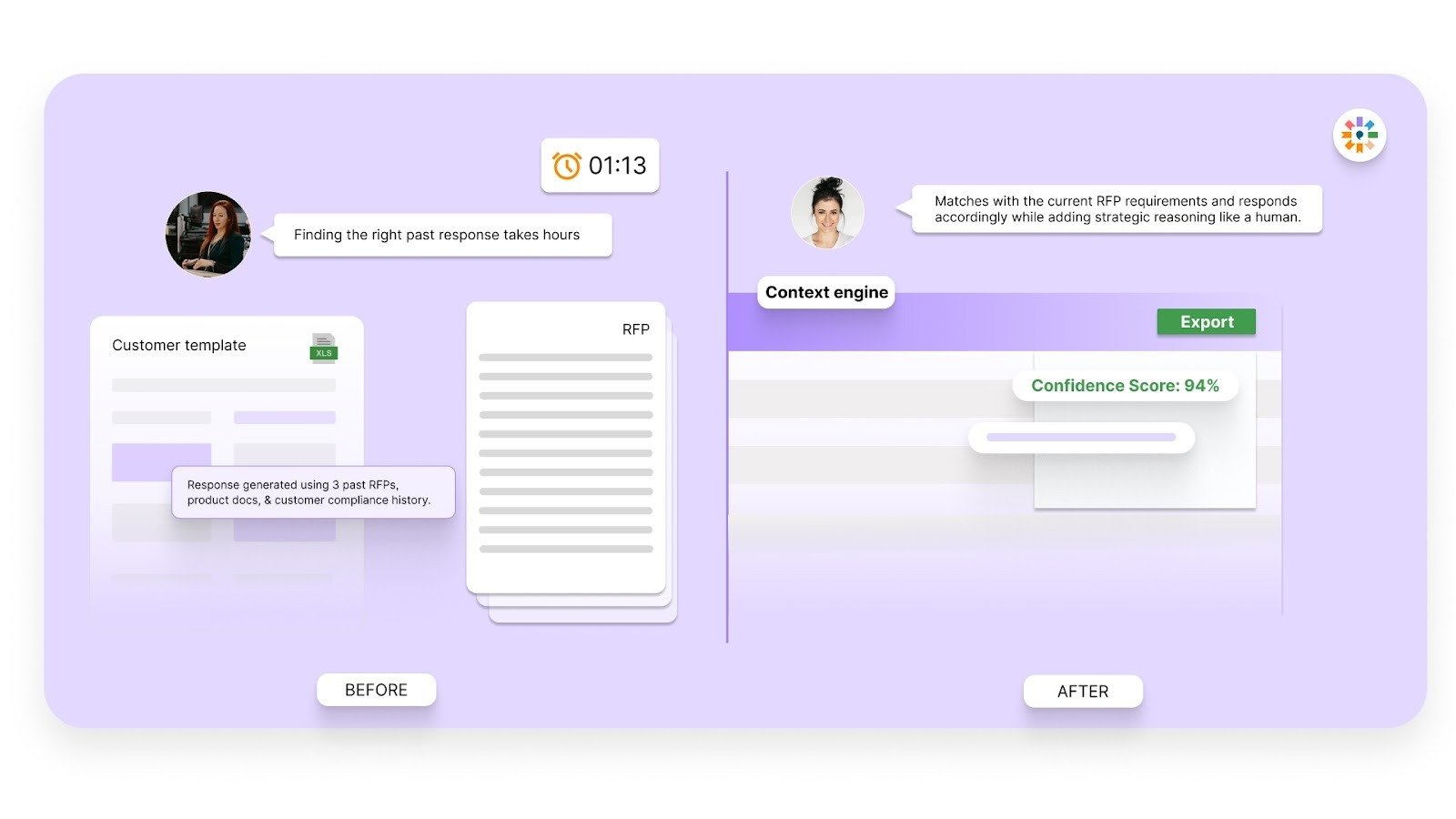
Our context engine ensures that responses are always aligned with buyer needs, taking past responses and feedback into account. This helps you tailor each proposal using the template more effectively.
3. Conflict Detection
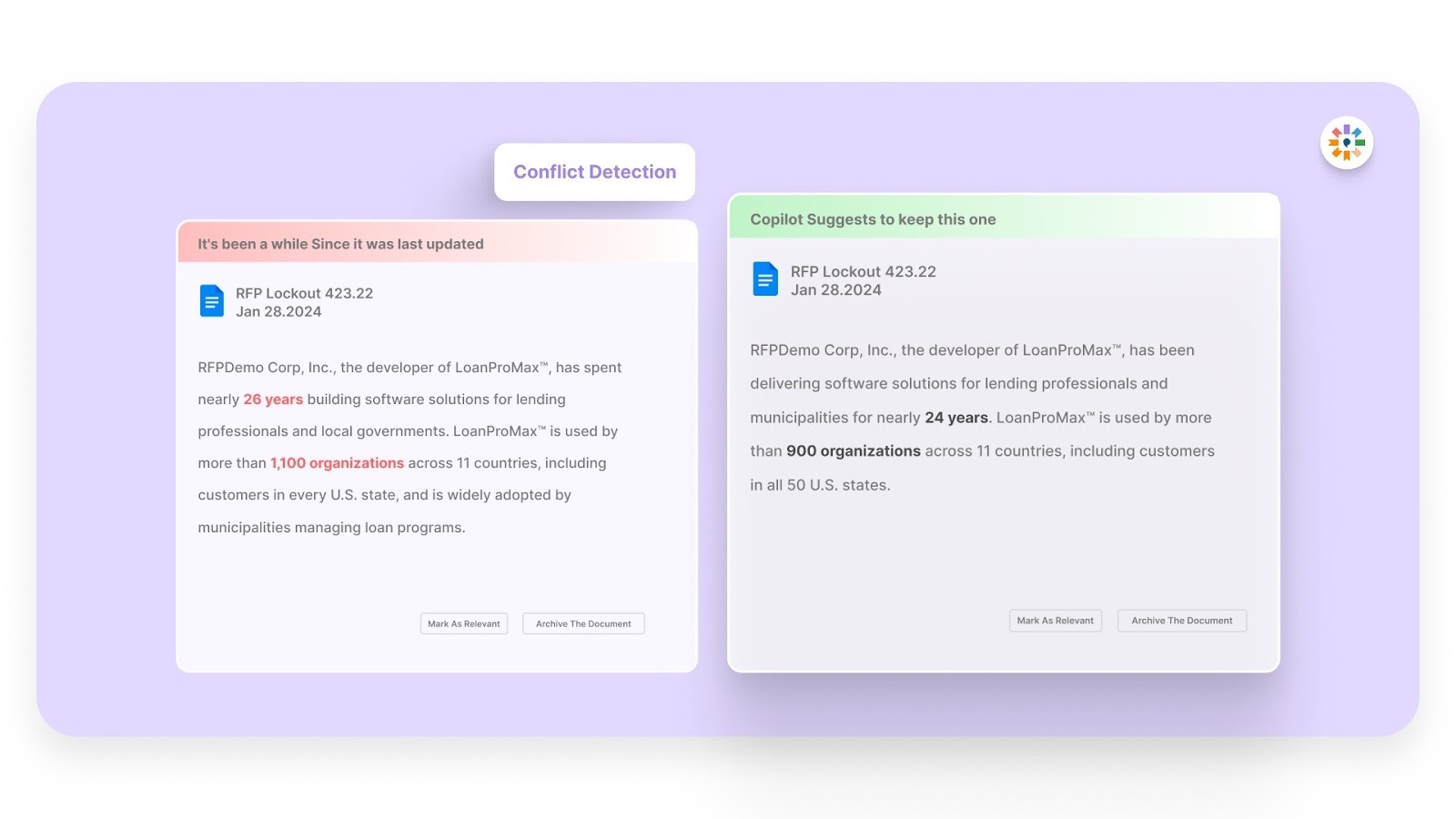
Avoid inconsistencies in your responses with AI-powered conflict detection, which flags conflicting information, ensuring the proposal template remains accurate and cohesive.
4. Outdated Content Detection
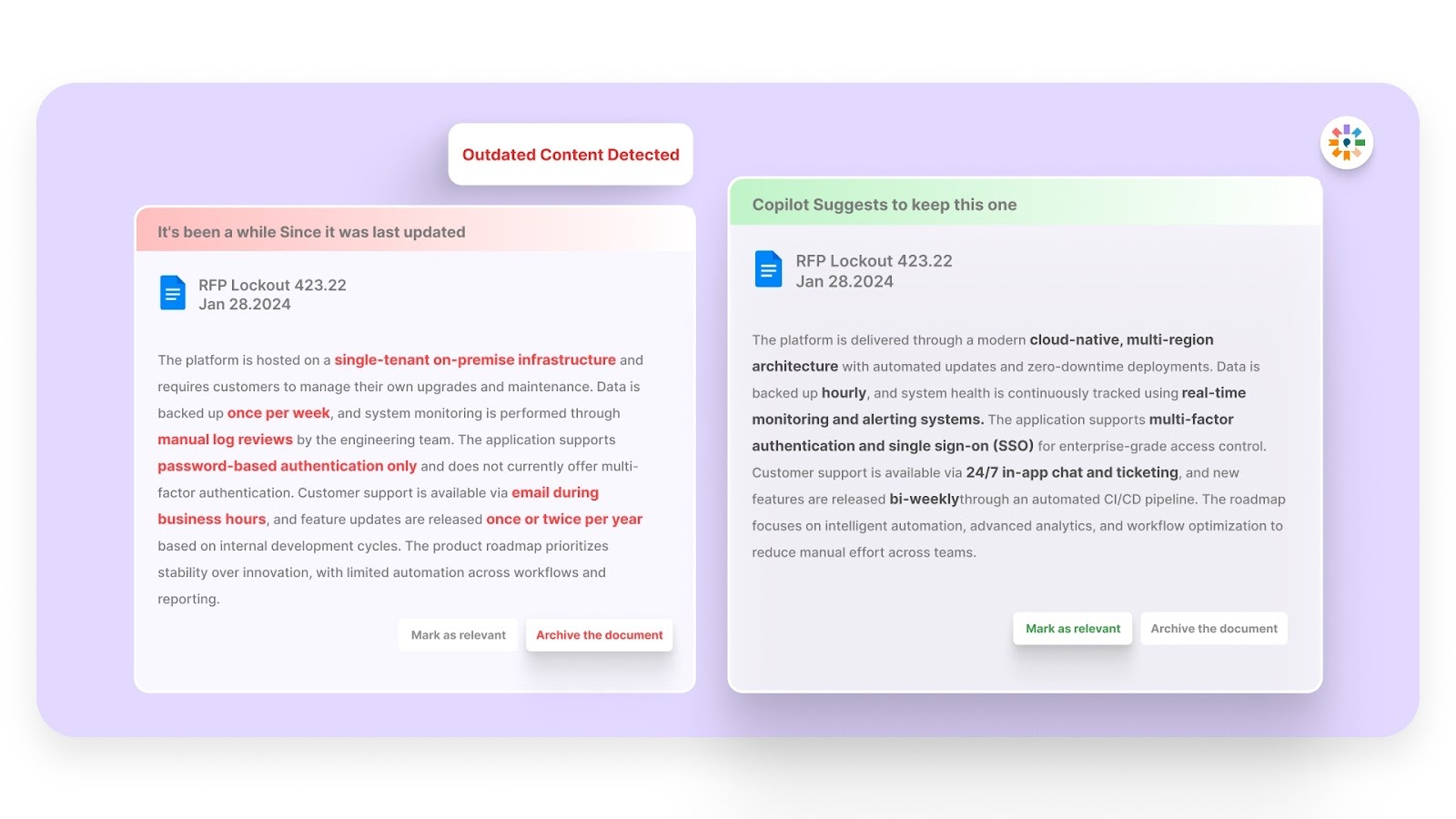
Stay current with our AI-driven content manager that proactively detects and updates stale content, so your proposals always reflect the most up-to-date information.
5. Simple, Easy-to-Use Interface
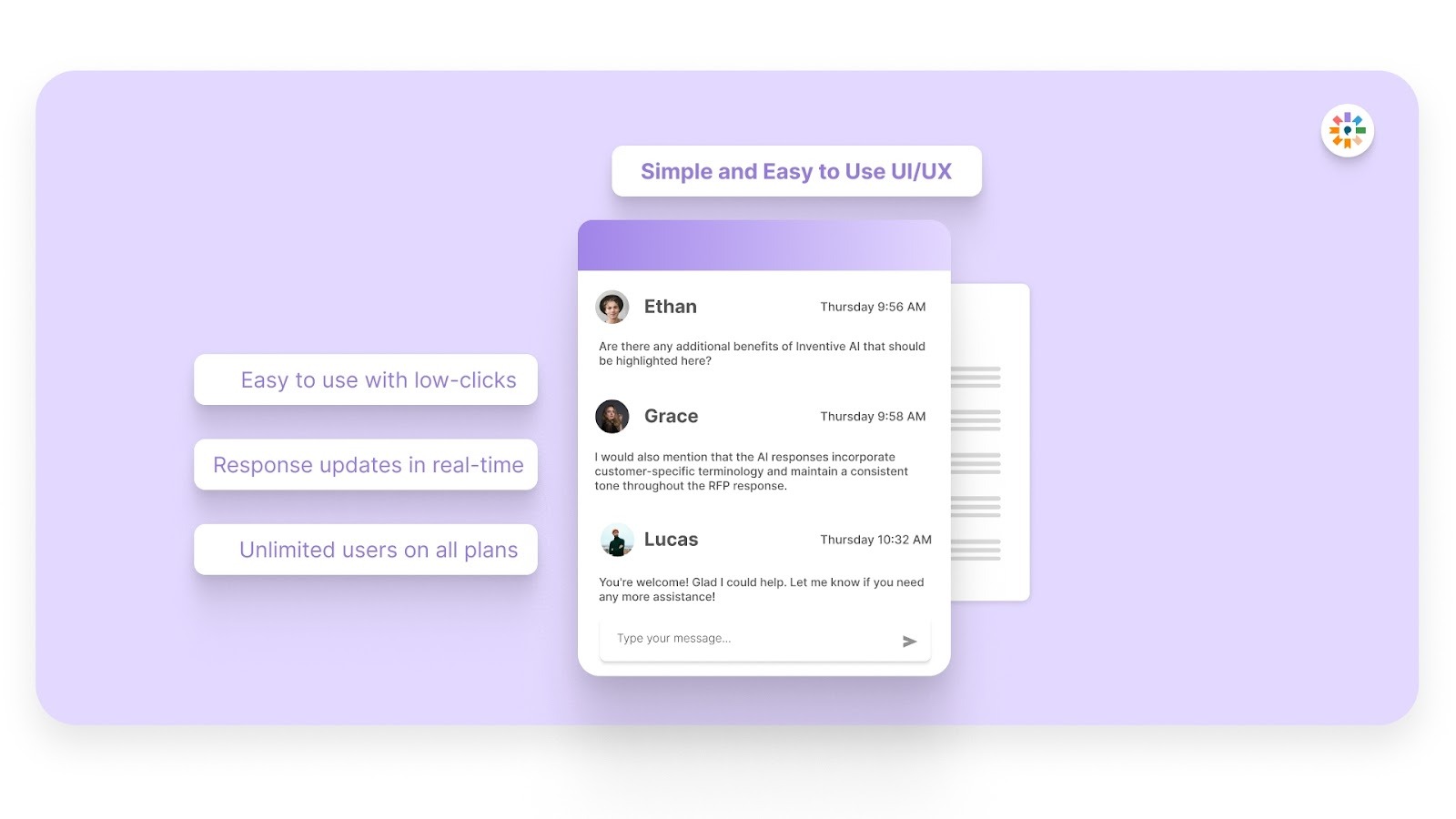
Inventive AI makes it easy for your team to use, even if they’re not tech-savvy. It seamlessly integrates with your existing proposal templates, saving time and improving the quality of each response.
By integrating Inventive AI into your proposal process, you’re transforming the way you create RFP responses, making them aligned with buyer expectations.
Frequently Asked Questions (FAQs)
1. How can I ensure my Microsoft Word proposal template is compatible with different RFPs?
To ensure compatibility with different RFPs, make sure your template is flexible. Use placeholders for key sections like pricing, solution overview, and timeline, and adjust formatting to fit the buyer’s specific guidelines. Regularly update your template to accommodate new requirements or feedback from previous RFP responses.
2. How do I make my RFP stand out using a template?
To make your RFP stand out, personalize the introduction and solution sections, add relevant case studies, and address the buyer’s specific pain points. A well-tailored, compelling proposal will make a stronger impression than a generic one.
3. How can Inventive AI improve my RFP responses?
Inventive AI can enhance your RFP responses by automating the drafting process, ensuring consistency, detecting outdated content, and helping you refine your proposals faster. This allows your team to focus on high-impact areas and increase your win rate.
4. Can I use a Microsoft Word proposal template for both small and large-scale RFPs?
Yes, a Microsoft Word proposal template can be used for both small and large-scale RFPs. The key is to customize it according to the complexity of the project. For larger RFPs, ensure that the template includes more detailed sections such as project management plans, risk assessments, and compliance documentation, while keeping it concise for smaller projects.

90% Faster RFPs. 50% More Wins. Watch a 2-Minute Demo.
.avif)
Mukund Kumar
Understanding that sales leaders struggle to cut through the hype of generic AI, Mukund focuses on connecting enterprises with the specialized RFP automation they actually need at Inventive AI. An IIT Jodhpur graduate with 3+ years in growth marketing, he uses data-driven strategies to help teams discover the solution to their proposal headaches and scale their revenue operations.

Hardi Hindocha
Knowing that complex B2B software often gets lost in jargon, Hardi focuses on translating the technical power of Inventive AI into clear, human stories. As a Sr. Content Writer, she turns intricate RFP workflows into practical guides, believing that the best content educates first and earns trust by helping real buyers solve real problems.