How to Automate RFP Responses for Faster, Accurate Proposals in 2026

How many hours did your team spend on the last RFP you responded to? If the answer makes you uncomfortable, you're not alone. The average response takes around 23.8 hours to complete, and for enterprise teams, that number can be more.
You already know this is not sustainable. That is why more teams are moving toward automation. In fact, according to McKinsey & Company, 88% of organizations now use AI regularly across their operations, especially for structured, repeatable work.
The question is no longer if you should automate RFP responses. It is how to do it right.
This guide walks you through exactly that: what RFP automation looks like in 2026, how to implement it, and what to look for in the right platform.
Key Takeaways
- RFP responses still take 25–30 hours on average, mainly due to manual work, scattered content, and repeated rework across teams.
- RFP automation uses AI to draft responses, organize content, assign tasks, and manage workflows, turning a fragmented process into a structured system.
- The impact is measurable: 10x faster responses, up to 95% accuracy, and 50% higher win rates, while reducing dependency on manual coordination.
- Successful automation depends on the right setup: clean content library, clear workflows, and a platform that supports end-to-end execution, not just drafting.
- Tools like Inventive AI go beyond basic automation by improving response quality, detecting inconsistencies, and ensuring every proposal is accurate, aligned, and submission-ready.
What Does It Mean to Automate Your RFP Responses?
RFP response automation is the use of technology, specifically AI, to handle the repetitive, time-consuming parts of responding to an RFP. Instead of your team searching through past proposals, copying answers, and chasing inputs, the system takes over most of that work.
At a practical level, it works like a smart assistant that supports your team throughout the response process.
What automation actually covers:
- Drafting responses using past content and context
- Organizing knowledge into a centralized repository
- Assigning questions to SMEs automatically
- Tracking deadlines and response progress
- Formatting proposals based on requirements
The shift is simple. Instead of building every response from scratch, you start with a structured, intelligent foundation.
That foundation becomes stronger with each RFP you complete.
Also Read: Document Management System RFP Template to Win More Deals (2026)
The Real Impact of RFP Automation Explained
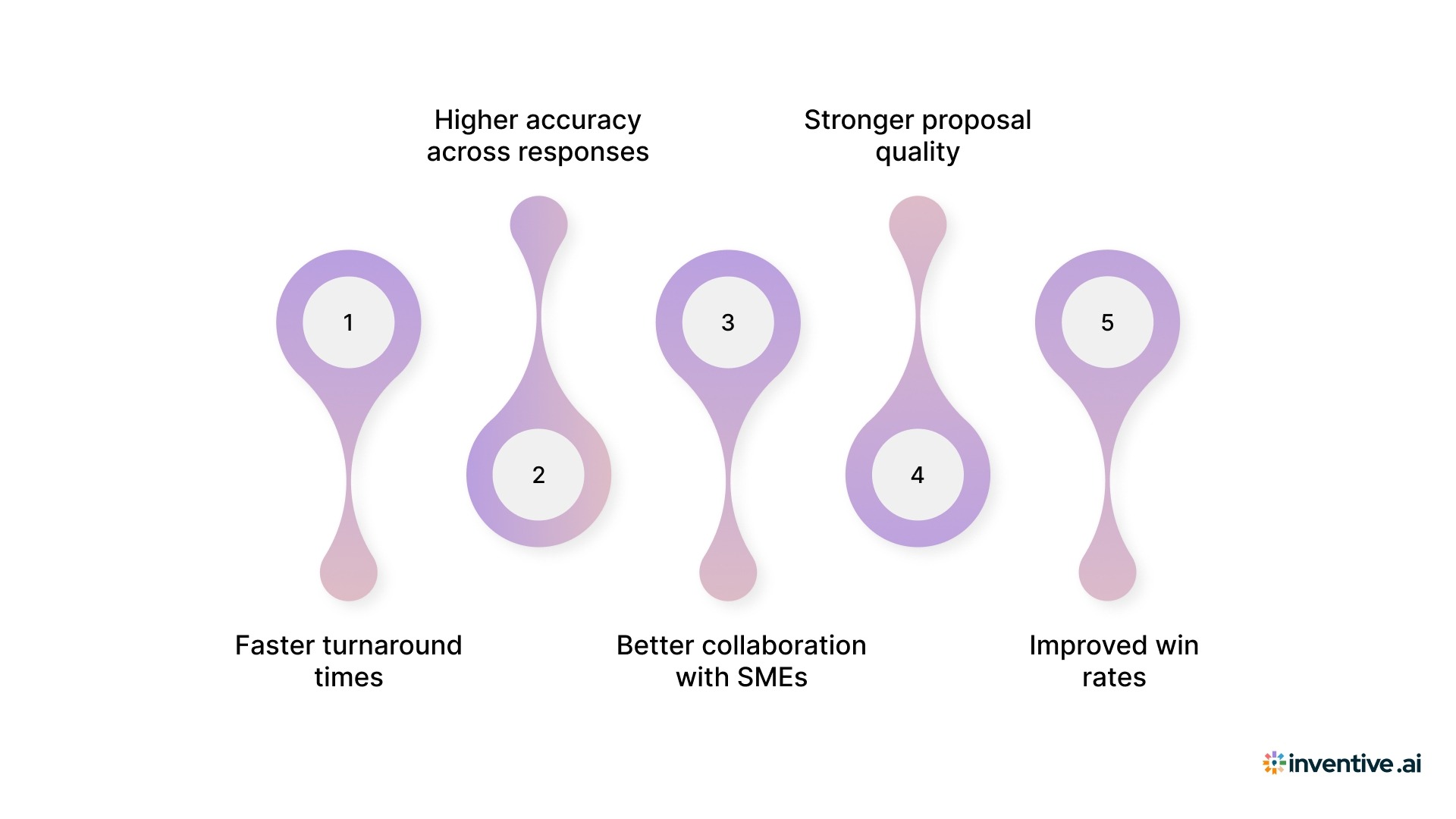
Automation changes how your team performs when timelines are tight and expectations are high. When the process becomes structured and predictable, your team spends less time reacting and more time improving the response.
Key benefits you will notice:
1. Faster turnaround times
You reduce time spent rewriting standard answers, formatting documents, and coordinating inputs. With AI RFP automation, teams report up to 10x faster response creation, which directly increases your capacity to handle more RFPs without adding headcount.
2. Higher accuracy across responses
Manual workflows often lead to version mismatches and outdated answers slipping through. Automation ensures every response pulls from a verified source, delivering up to 95% accuracy and reducing last-minute corrections.
3. Better collaboration with SMEs
Instead of sending multiple follow-ups, the system assigns questions, tracks progress, and sends reminders. SMEs contribute only where needed, which improves response quality without slowing down the process.
4. Stronger proposal quality
When your team is not stuck fixing drafts, they can focus on positioning, differentiation, and clarity. This leads to responses that feel more aligned with the buyer’s expectations, not just technically complete.
5. Improved win rates
Consistency across answers, better alignment, and fewer errors all contribute to stronger submissions. Many teams see over 50% improvement in win rates when they move from manual workflows to AI-driven automation.
Automation reduces the operational friction that slows your team down. Over time, that translates into better responses, faster execution, and more confident submissions.
Still Skeptical? These 5 Myths Might Be Holding You Back
There is still a lot of confusion around AI in RFP workflows. Before you move forward, it helps to clear a few assumptions that often slow teams down.
Myth #1: “Automation will replace our proposal team.”
It will not. Automation handles repetitive work like document parsing, content retrieval, and formatting. Your team still owns strategy, positioning, and storytelling. In reality, automation gives your team more time to focus on what actually improves outcomes.
Myth #2: “AI-generated responses will sound generic.”
This was true a few years ago. Today’s platforms work differently. They use your existing content, follow your tone, and adapt responses to the specific RFP. The output reflects your voice, just without the manual effort.
Myth #3: “Our content library is not ready for automation.”
Most teams think this. In practice, even a basic library is enough to get started. The system improves as you use it. You do not need a perfect setup on day one; you need a structured starting point.
Myth #4: “Automation is only useful for large teams.”
Smaller teams often see faster results. When resources are limited, automation helps you handle more RFPs without increasing workload. It allows a lean team to operate with the efficiency of a larger one.
Myth #5: “Implementation takes too long.”
That was true with older systems. Modern AI platforms are built for quick adoption. Many teams start generating usable drafts within a few days of setup.
Once you move past these myths, it becomes easier to evaluate automation based on actual impact, not assumptions.
How to Choose an RFP Automation Tool That Actually Delivers?
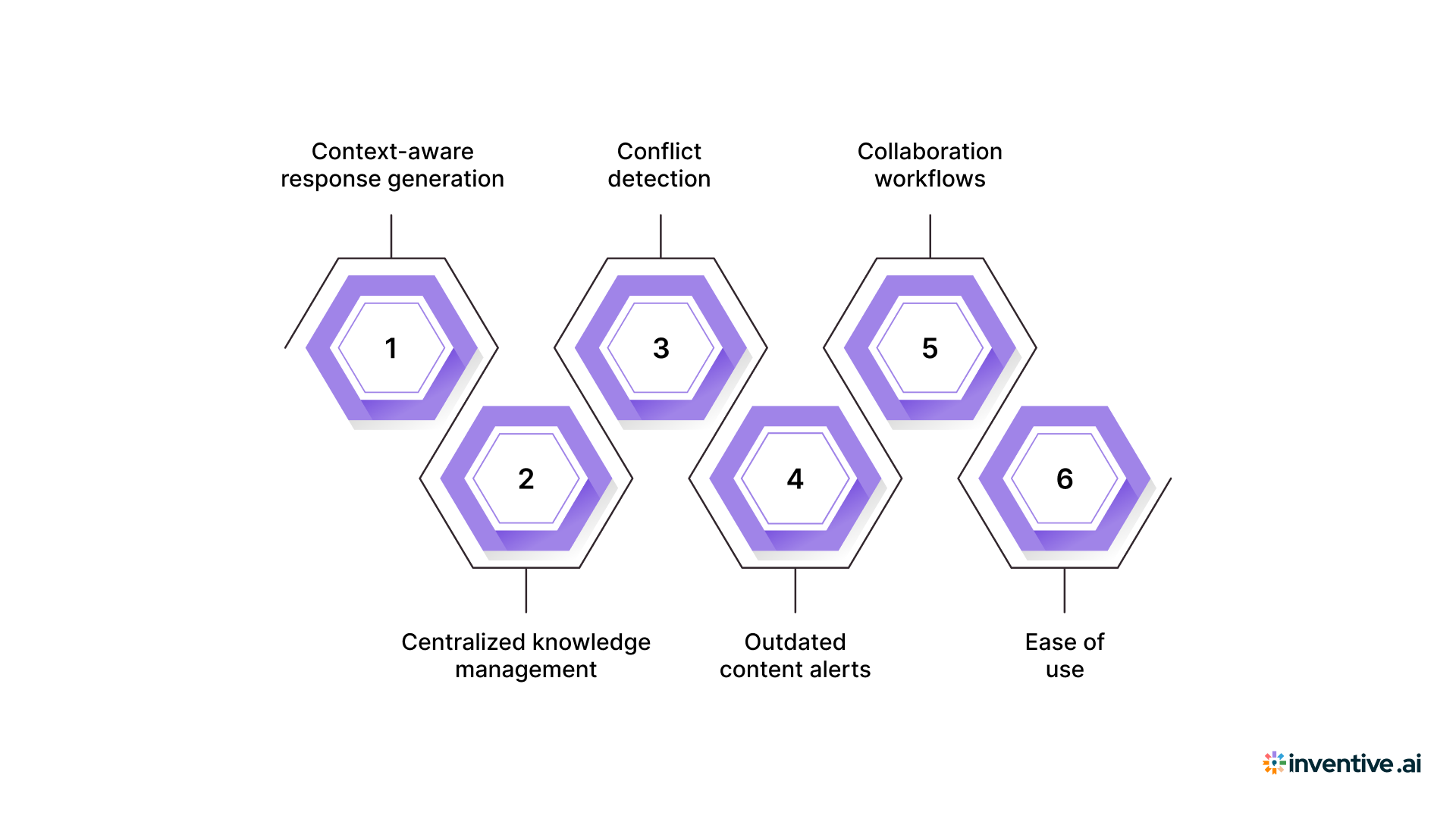
Not every tool will improve how your team works. Some only help you draft faster. Others improve how you manage the entire response from start to submission. The difference shows up when deadlines are tight and multiple stakeholders are involved.
Key features to look for:
1. Context-aware response generation
The system should understand what the buyer is asking, not just match keywords. This helps you generate responses that are relevant, complete, and aligned with the intent behind each question.
2. Centralized knowledge management
Your past responses, documents, and data should live in one structured place. This removes the need to search across folders and ensures your team always works with the latest, approved content.
3. Conflict detection
Inconsistent answers across sections can hurt credibility. The software should identify these conflicts before submission, so you do not catch them at the last minute.
4. Outdated content alerts
RFP responses often reuse past content. Without visibility, outdated information can slip through. The system should flag stale responses so your team can update them in time.
5. Collaboration workflows
RFPs involve multiple contributors. Assigning questions, tracking progress, and reviewing inputs should be clear and easy to manage. This reduces delays and keeps everyone aligned.
6. Ease of use
Even the best features fail if your team does not use the tool. The platform should be intuitive so adoption happens naturally across sales, proposal, and SME teams.
When these features work together, automation does more than save time. It brings structure, consistency, and control to your entire response process.
6 Common RFP Response Automation Use Cases
Automation isn't a one-size-fits-all tool. Here's where teams are seeing the biggest returns.
1. Security Questionnaires
Security questionnaires are among the most repetitive, high-stakes documents your team faces. The questions are often similar across buyers, but the consequences of a wrong answer are serious. Automation platforms can store and reuse pre-approved security responses with precision, reducing both time and risk.
2. Large-Scale Enterprise RFPs
When a 200-question RFP lands with a two-week deadline, manual processes simply can't keep up. Automation handles the initial population of known answers, so your team can focus their review time on the complex, strategy-dependent sections.
3. Government and Compliance-Heavy Bids
These bids have strict formatting requirements, mandatory content sections, and compliance checklists that need to be verified every time. Automation tracks these requirements and ensures nothing is missed.
4. High-Volume SMB Proposals
If your team is responding to many smaller RFPs, the bottleneck is often capacity, not complexity. Automation allows you to handle higher volume without compromising quality or your team's sanity.
5. Renewal and Expansion Proposals
When existing clients issue formal renewal RFPs, you already have most of the content. Automation makes it fast to pull relevant past responses, update them with current information, and turn around a professional response in a fraction of the usual time.
6. Cross-Language and International RFPs
For teams responding to RFPs in multiple languages or across regional markets, AI platforms with multilingual support eliminate translation delays and ensure consistent quality across markets.
Automation delivers value across different use cases because the core challenge remains the same. Repetitive work, tight deadlines, and high expectations. Once you apply automation in these areas, the impact becomes visible quickly in both speed and response quality.
Also Read: RFI vs RFP vs RFQ Templates + Vendor Response Formats
6 Steps to Get Your RFP Automation Up and Running
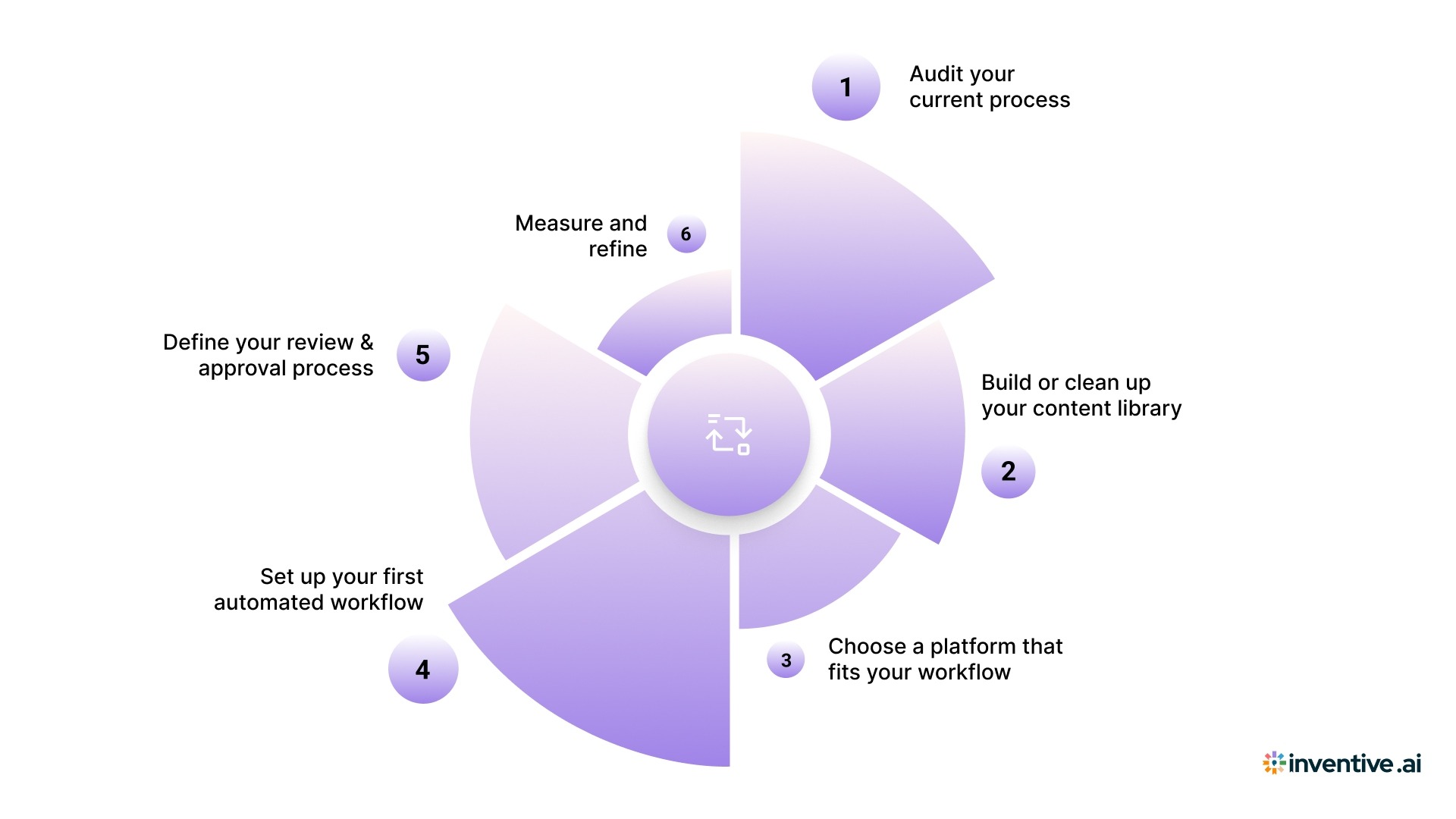
Ready to move from manual work to automation? You do not need to rebuild everything overnight. The goal is to improve how your team works without disrupting what already functions well.
Here is how you automate your RFP responses:
Step 1: Audit your current process
Start by looking at how an RFP actually moves through your team today.
- Who gets involved at each stage?
- Where do handoffs happen?
- Where do delays or drop-offs occur?
This step often reveals more than expected. You will quickly see which parts are repetitive and where most of your time goes. That clarity helps you decide what to automate first.
Step 2: Build or clean up your content library
Your automation will only be as good as the content it uses.
- Collect your best past proposals and commonly used answers.
- Include approved product, security, and company information.
- Focus on making it usable, not perfect.
Most tools will help you organize and tag content as you go. You just need a solid starting point.
Step 3: Choose a platform that fits your workflow
The right tool should support how your team already works, not force a complete shift.
- Test it using a real RFP, not a sample.
- Check how easy it is for your team to use.
- Look at how well it fits into your existing systems.
This step matters more than it seems. If your team does not adopt the tool, nothing else will work.
Step 4: Set up your first automated workflow
Start small. Pick a use case where the time savings are obvious.
- Use a common RFP type your team handles often.
- Enable auto-population for known answers.
- Route the draft to the right reviewers.
This builds early confidence and makes the transition smoother for everyone involved.
Step 5: Define your review and approval process
Automation gives you a strong first draft. Your team turns it into a winning response.
- Decide who reviews each section.
- Set clear standards for what is ready to submit.
- Define how to handle questions that need escalation.
A clear review process keeps quality high without slowing things down.
Step 6: Measure and refine
Once you start using automation, take time to review how it performs.
- How much time did you actually save?
- Where did the system struggle?
- What content needs improvement?
Use these insights to refine your setup. The system gets better as your content and workflows improve.
Pro Tip: Do not try to automate everything at once. Start with content population and first drafts. Once your team trusts the output, expand into workflows, compliance checks, and deeper automation.
Also Read: The Ultimate Professional Services RFP Template And Response Guide
The Right Way to Bring AI Into Your RFP Workflow
Adopting AI is not about installing a tool and expecting instant results. It works when your teams, processes, and expectations are aligned from the start. Teams that see real impact treat AI as part of their workflow, not an add-on.
Here’s what successful teams focus on:
1. Clear objectives
Start with a specific goal. Do you want faster turnaround, better accuracy, or higher win rates? Clear goals help you measure success and keep teams aligned.
2. Stakeholder alignment
RFP responses involve sales, proposal teams, and SMEs. Everyone should understand how AI fits into the process and what is expected of them.
3. Content quality
AI depends on the quality of your inputs. Clean, structured, and approved content leads to better outputs. If your content is scattered or outdated, results will suffer.
4. Defined ownership
Set clear roles for who reviews, edits, and approves responses. This avoids confusion and keeps the process moving without delays.
5. Continuous improvement
AI improves with feedback. Review outputs regularly, update your content library, and refine workflows based on what works and what does not.
When these elements are in place, AI becomes a natural part of how your team operates. It supports your process instead of disrupting it.
The Top 5 RFP Automation Tools in 2026
There are several tools available in 2026, but they differ in how deeply they automate the RFP process. Some focus on content storage and collaboration, while others bring real AI-driven execution into the workflow.
Here is a clear breakdown to help you compare:
If your goal is to move beyond basic automation and improve both speed and accuracy, Inventive AI stands out as the most complete solution across team sizes. It brings execution, control, and reliability into one system, which is where most tools fall short.
Inventive AI: Automation Built for Vendors Who Are Serious About Winning RFPs
Most tools help you generate a draft faster. The real challenge starts after that. You still need to check accuracy, fix inconsistencies, and align responses before submission.
With AI-powered RFP response software, Inventive AI focuses on improving the outcome, not just the speed.
What makes it different:
1. 2× higher quality responses
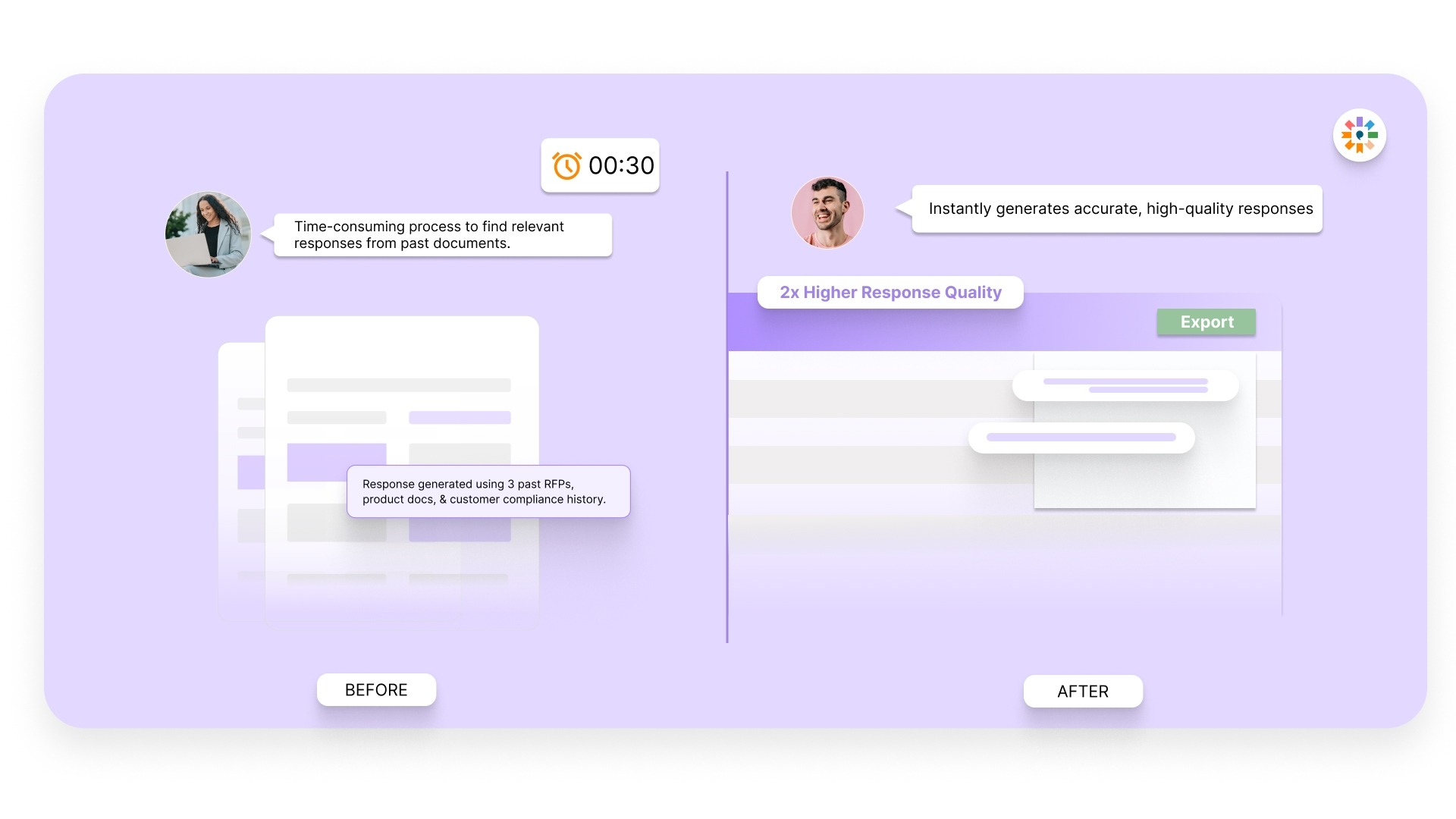
Inventive AI improves both clarity and alignment in your responses. Instead of spending hours editing tone, fixing gaps, or reworking sections, your team starts with a strong draft that already reflects buyer expectations. This shifts effort from fixing content to strengthening positioning.
2. Context Engine
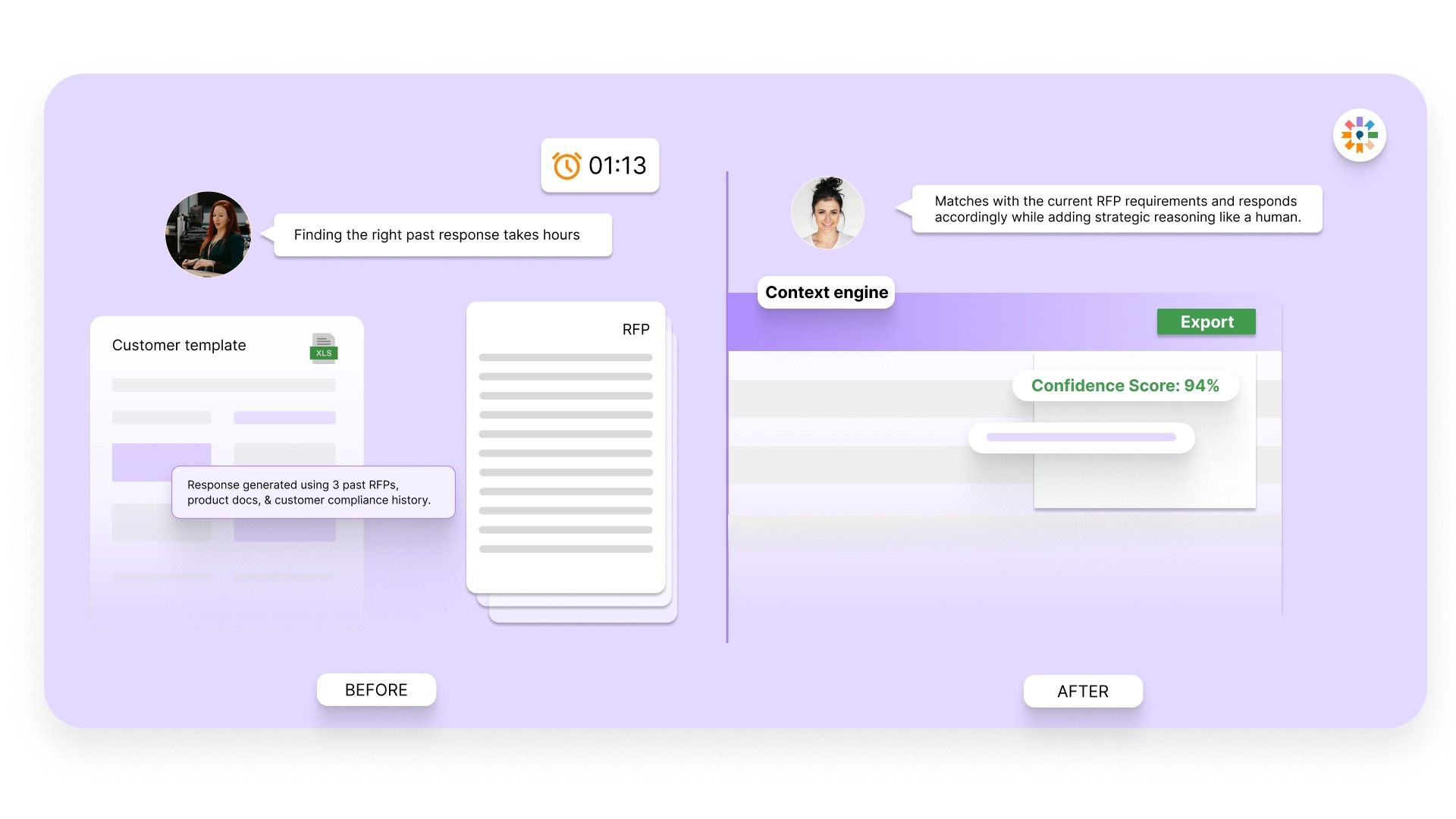
The platform reads the entire RFP, not just isolated questions. It understands how sections connect and what the buyer is actually asking for. This ensures responses are complete, relevant, and consistent across the document, rather than pieced together from unrelated answers.
3. Conflict detection
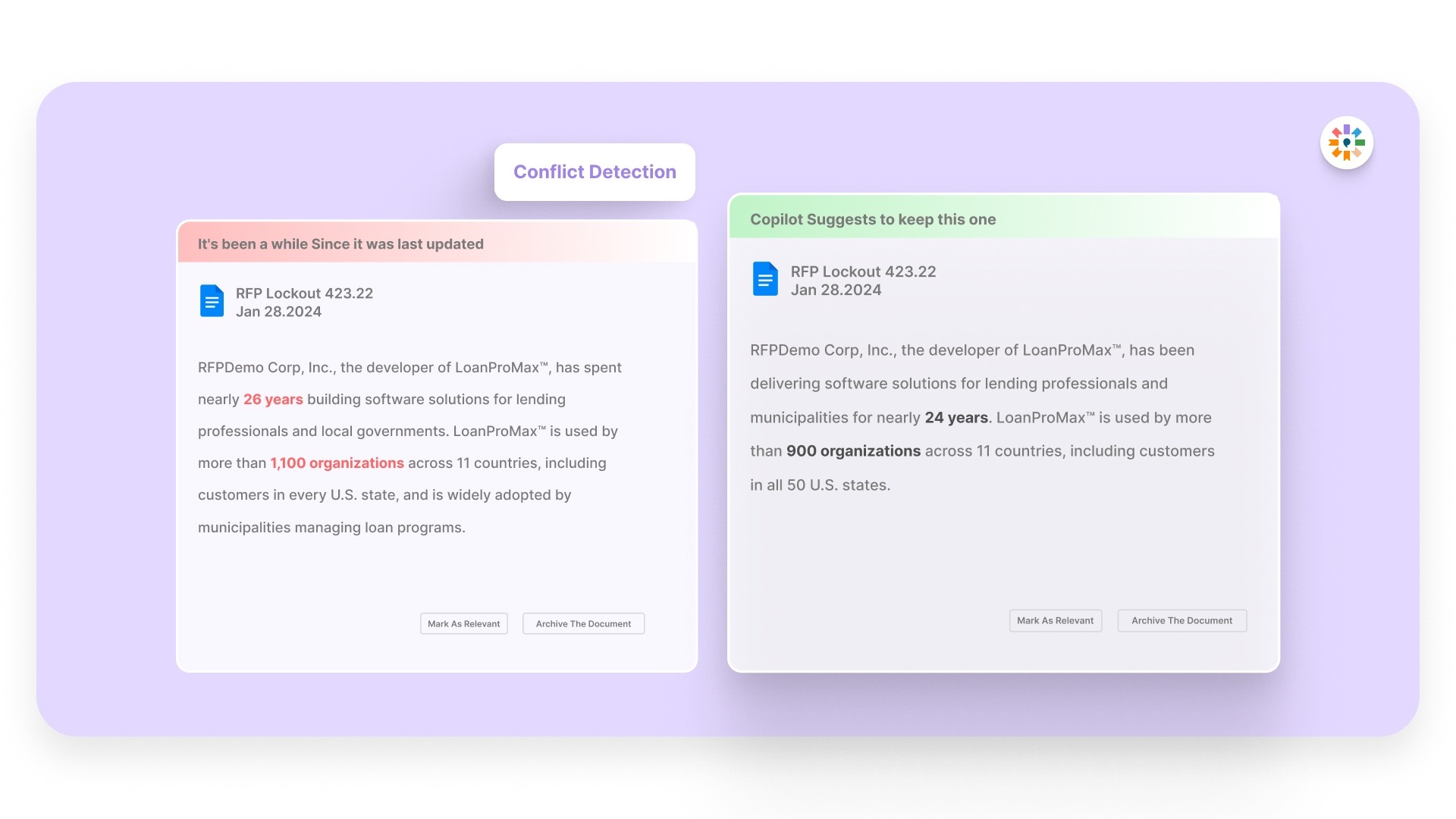
Inventive AI reviews your full response and identifies inconsistencies across sections before submission. This removes the need for manual cross-checking and helps avoid situations where different answers contradict each other.
4. Outdated content detection
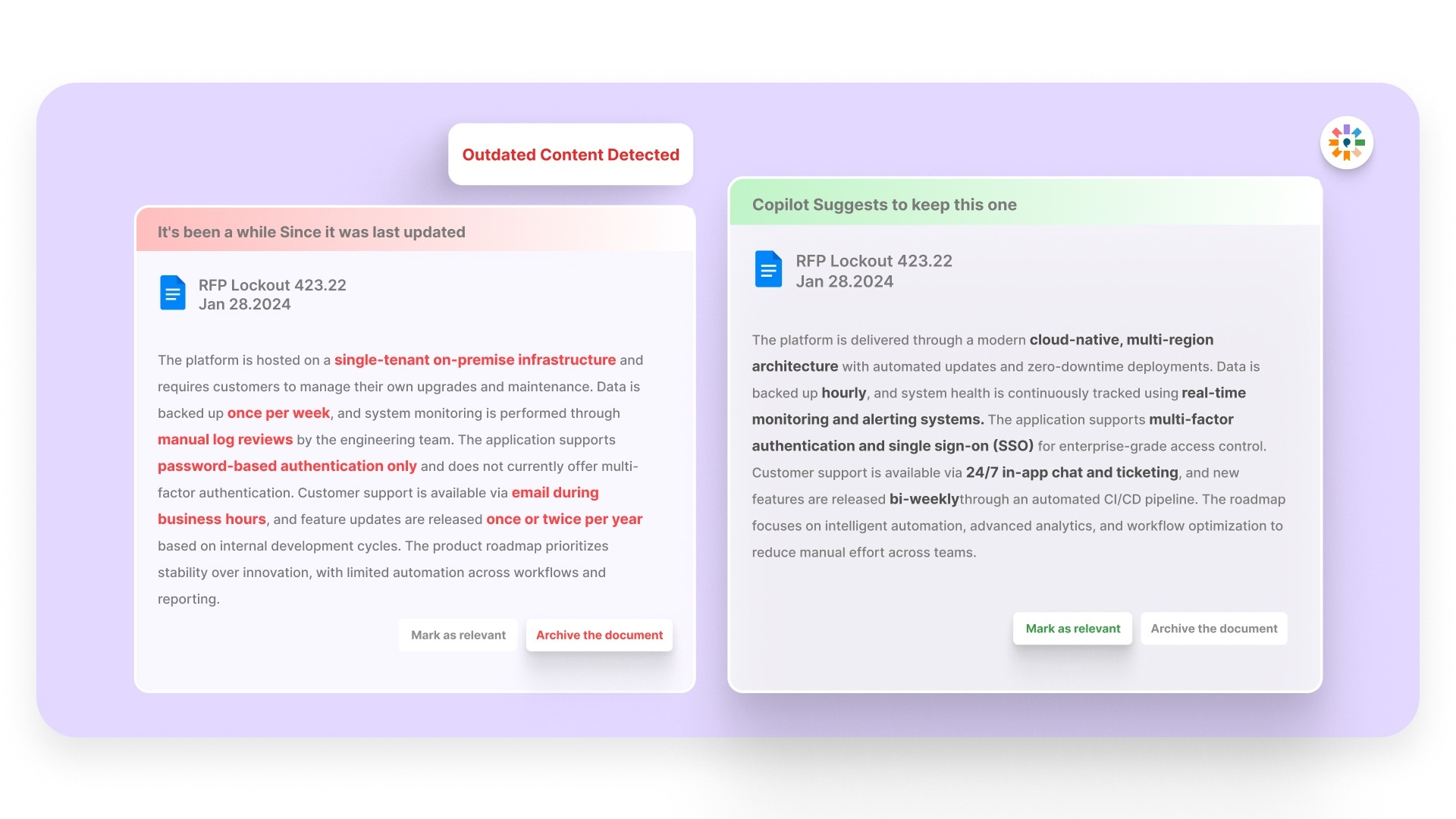
The system flags stale or outdated responses as you build your proposal. Your team works with current, approved information even when reusing past content, which reduces the risk of sending incorrect or outdated details.
5. Narrative-style proposals
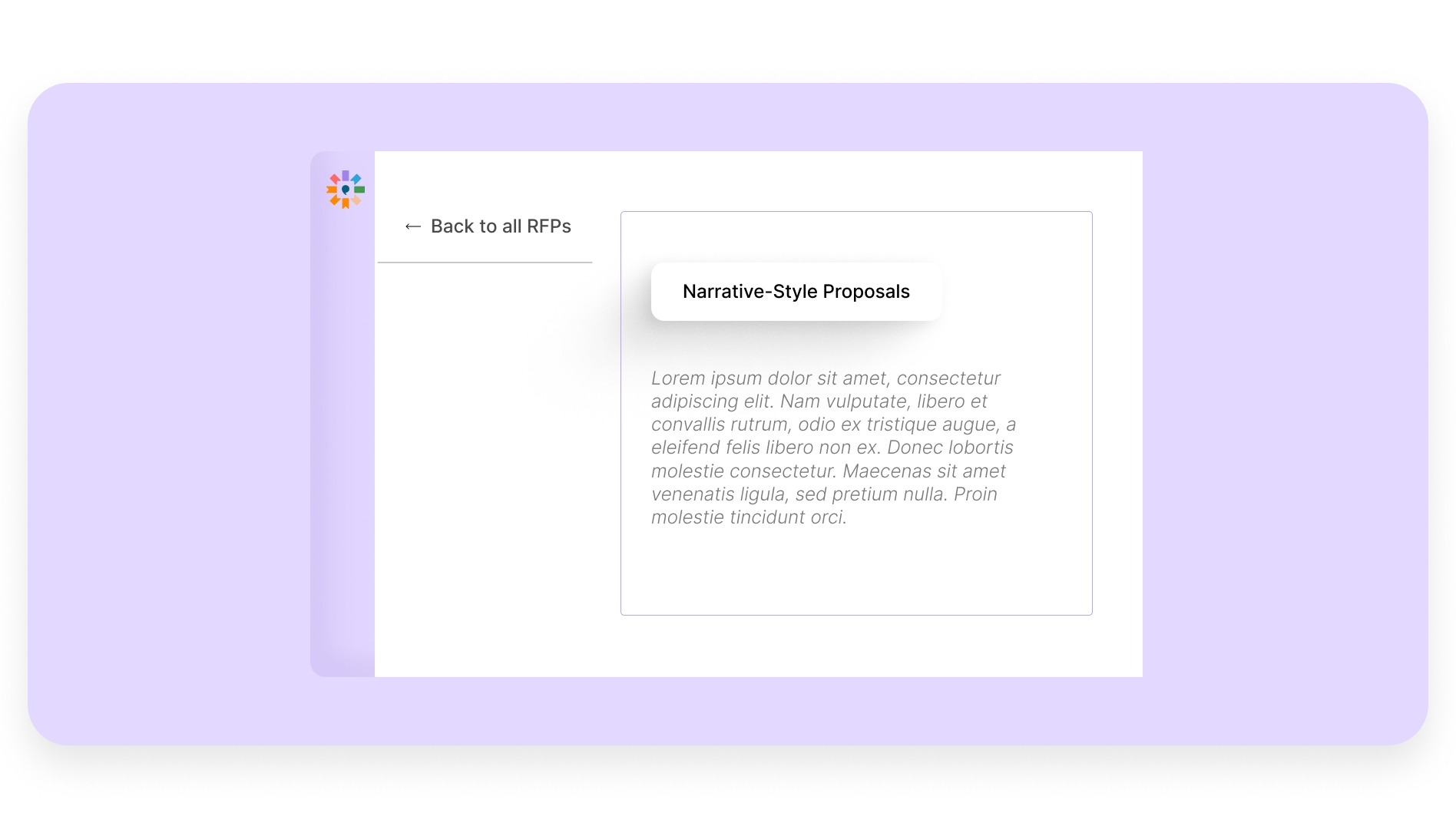
Instead of standalone answers, your responses are structured into a cohesive proposal. This improves readability and helps the buyer clearly understand your solution, rather than piecing together information from disconnected sections.
6. Simple, easy-to-use interface
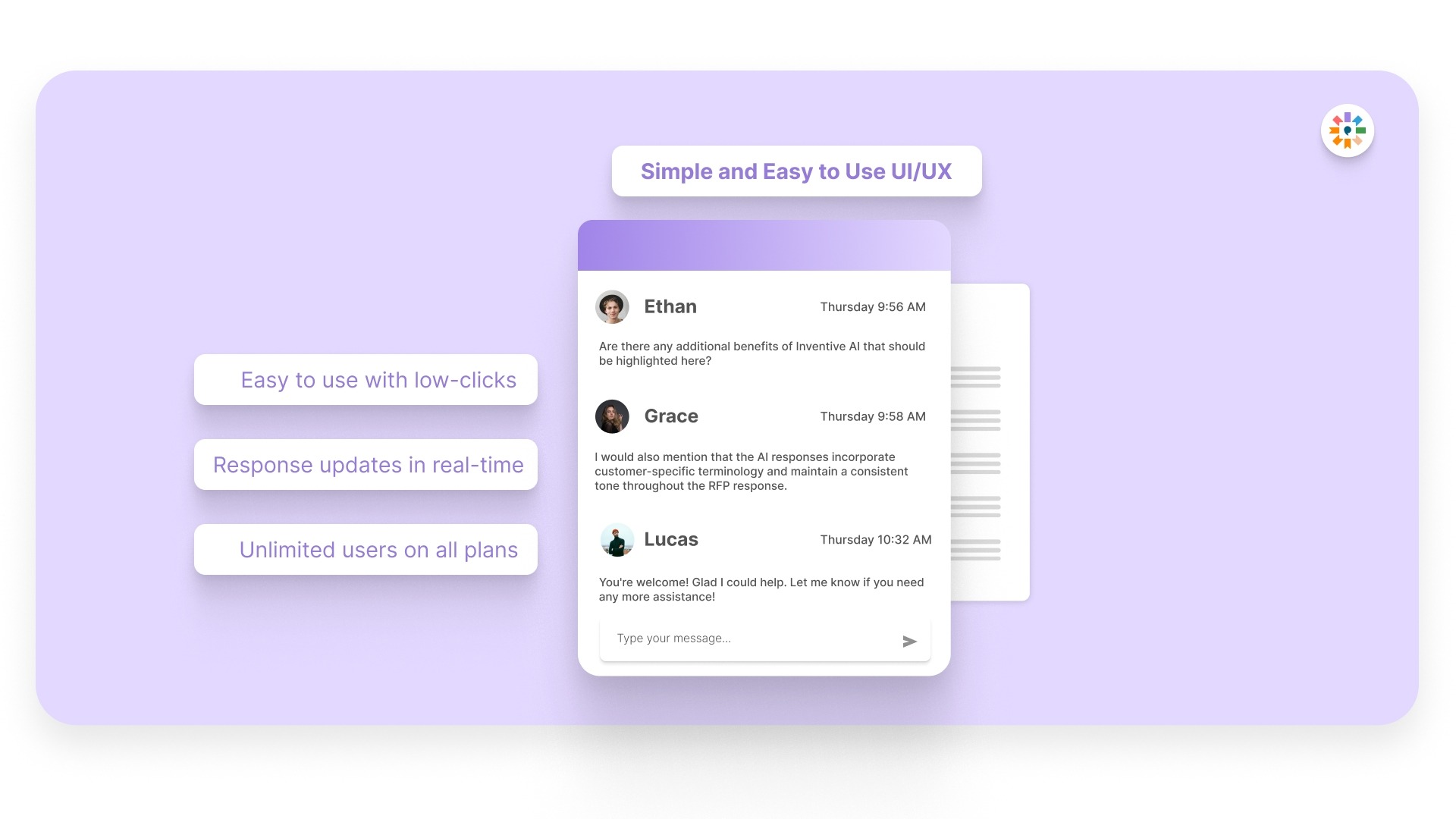
Adoption is critical for automation to work. Inventive AI is designed so that your team can start using it quickly without heavy training. Sales, proposal, and SME teams can contribute without friction, which keeps the process moving.
With 95% accuracy, 0% hallucination, and significantly faster turnaround, Inventive AI helps you submit responses that are both reliable and competitive.
Frequently Asked Questions (FAQs)
1. What should you automate first in your RFP process?
Start with high-volume, repeatable sections like company overview, product details, and security responses. This gives quick time savings and helps your team build trust in the system before expanding further.
2. How do you maintain control over responses after automation?
Set a clear review process with defined ownership. Automation creates the first draft, but your team reviews, edits, and approves each section before submission to ensure accuracy and alignment.
3. How long does it take to see results after implementing RFP automation?
Most teams start seeing time savings within the first few responses. Within a few weeks, you will notice faster turnaround, fewer errors, and better coordination across teams.
4. How do you handle questions that require new or custom responses?
Automation flags gaps where existing content is not available. Your SMEs can add inputs, which then get stored in the system for future use, improving your library over time.
5. How do you measure the success of RFP automation?
Track metrics like response time, number of RFPs handled, error rates, and win rates. These indicators show how well your process is improving beyond just speed.