Best AI for Proposal Writing in 2026: 10 Platforms Built for Winning Business Proposals
Compare the 10 best AI tools for proposal writing in 2026; features, real G2 pros and cons, pricing, and ratings to help you pick the right platform.
Proposal teams face more RFPs, RFIs, DDQs, and security questionnaires with less time and fewer people. The hard part isn't writing faster. It's staying accurate while you do.
Most AI writing tools just generate text. AI proposal software goes further: it retrieves approved answers from your connected systems, drafts each response with citations, flags outdated or conflicting information, and checks the full proposal for compliance before it ships.
This guide compares 10 dedicated platforms on what actually wins deals, response quality, knowledge retrieval, accuracy, collaboration, and governance.
AI for Proposal Writing vs. Proposal Automation: What's the Difference?
The term covers two very different things, and the difference decides which tool you need.
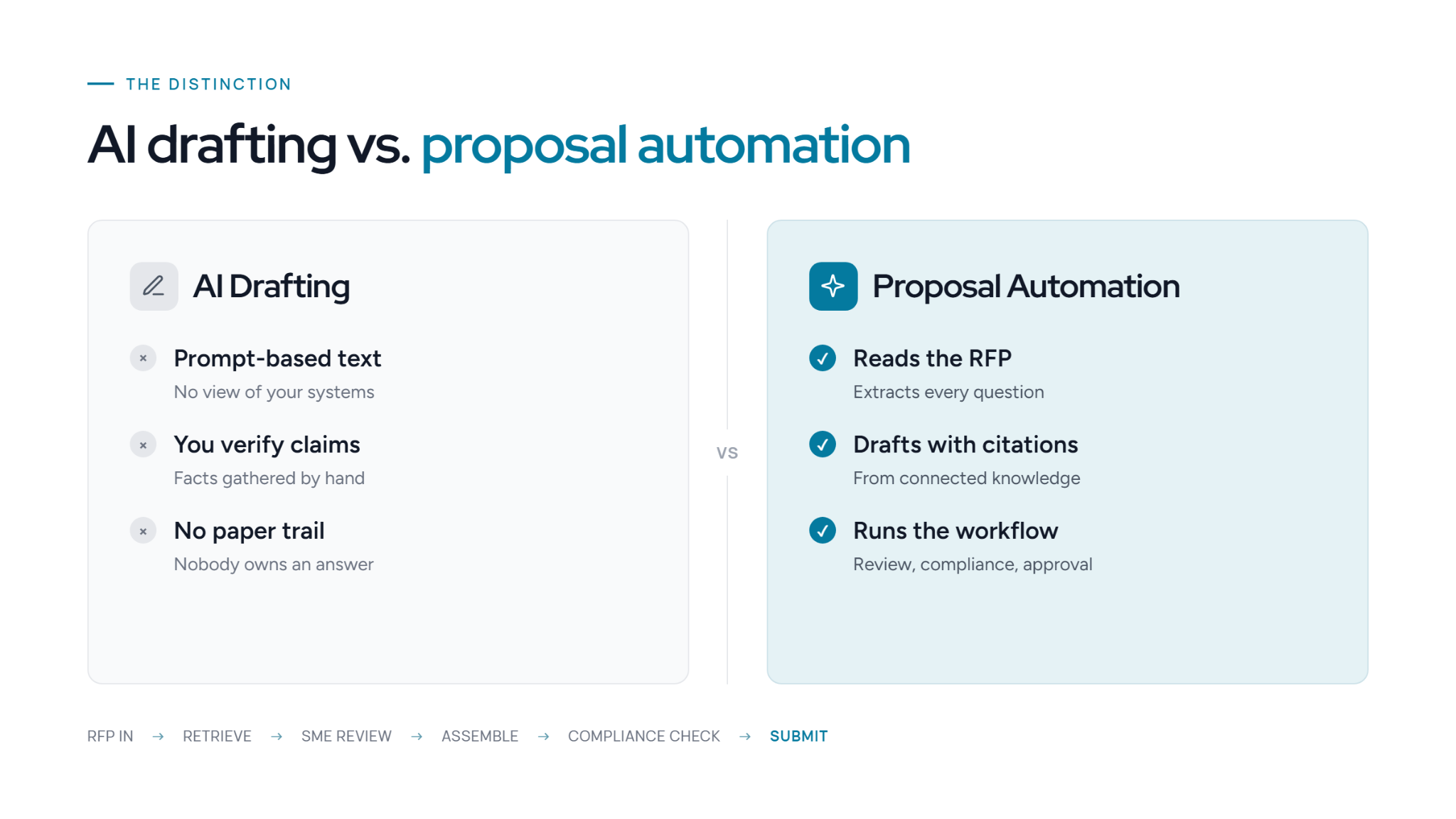
Drafting vs. Proposal Automation
AI drafting generates text from a prompt. It doesn't know your company, so you still gather the facts, check every claim, and build the document yourself.
Proposal automation is purpose-built software that runs the response workflow. It reads the RFP and extracts the questions, retrieves answers from your connected knowledge, and drafts each response with source citations and a confidence score turning a blank page into a draft ready for review and approval.
RFP in → AI retrieves approved content → SMEs review what's flagged → AI assembles the proposal → compliance check → submission.
Why Generic AI Isn't Enough for Enterprise Proposals
A general model can't see your systems, so it guesses:
- Hallucinated claims. It states a certification, integration, or metric you can't back up.
- Outdated answers. It pulls last quarter's information instead of your current details.
- Inconsistent messaging. Your positioning drifts from one section to the next across a long document.
- No paper trail. Nothing records who wrote or approved each answer.
Buyers audit these details. A generic tool might claim a SOC 2 Type II certification, name an integration you dropped, or cite an uptime figure that breaks your SLA. On DDQs and security questionnaires, one unsupported answer scores you down or gets you disqualified.
It also skips the workflow. Generic AI can't:
- Route a question to the security SME
- Flag two sources that disagree
- Trace an answer back to an approved source
That missing governance layer is the real bottleneck.
The 8 Proposal Bottlenecks AI Should Solve
Writing the first draft is rarely the slow part. Here is where teams lose the most time, and what modern AI proposal software is built to handle.
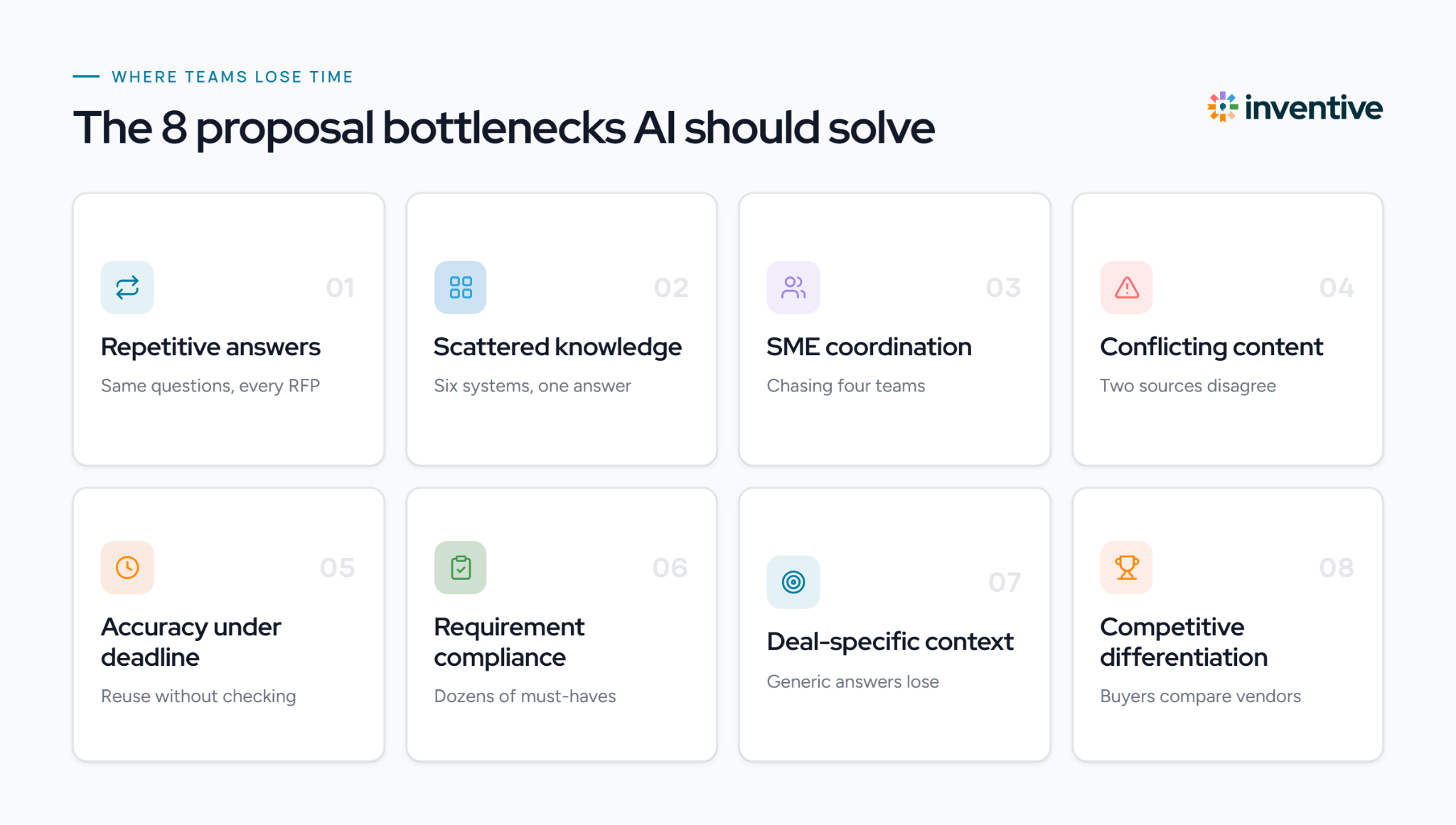
1. Repetitive answers. The same security, pricing, and company questions appear in every RFP. AI retrieves and reuses approved answers instead of writing them again.
2. Scattered knowledge. Answers live across Salesforce, Confluence, SharePoint, and past proposals. AI retrieves them from connected systems in one place.
3. SME coordination. A single RFP often needs input from security, legal, product, and finance. AI assigns each question to the right owner and tracks progress.
4. Conflicting or outdated content. Two documents can hold different answers to the same question. Conflict detection flags the mismatch and surfaces the most current, trusted source.
5. Accuracy under deadline. Teams reuse old answers without confirming what has changed. AI grounds each answer in a verified source and adds a confidence score.
6. Requirement compliance. Long RFPs contain dozens of mandatory items that are easy to miss. AI checks the full response against every requirement before submission.
7. Deal-specific context. A generic answer ignores the buyer's priorities. Contextual abilities tailor each response using customer needs, deal notes, and CRM data.
8. Competitive differentiation. Buyers compare vendors directly. Competitive intelligence positions your response against named competitors and highlights where you win.
The 10 Best AI Tools for Proposal Writing in 2026
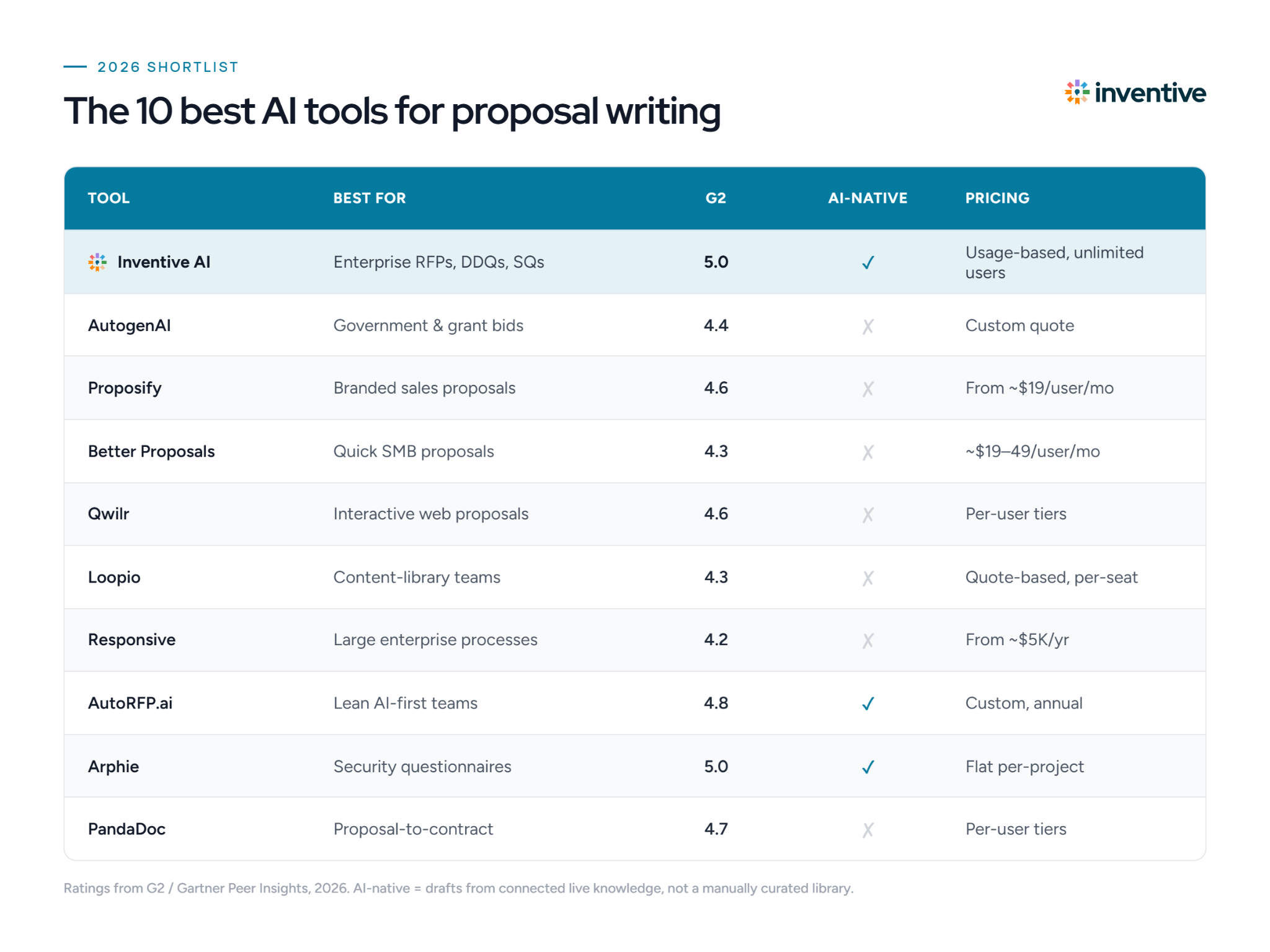
The best AI tools for proposal writing in 2026 are Inventive AI, AutogenAI, Proposify, Better Proposals, Qwilr, Loopio, Responsive, AutoRFP.ai, Arphie, and PandaDoc, compared below on features, real G2 pros and cons, and pricing.
| Tool | Best for | Key AI features | Connected knowledge + live sync | Pricing | Gartner/G2 Rating |
|---|---|---|---|---|---|
| Inventive AI | Enterprise RFPs, DDQs, SQs | AI first drafts, knowledge retrieval, conflict detection, compliance + competitive checks | Yes, live sync | Usage-based, unlimited users | 5.0/5 |
| AutogenAI | Government & grant bids | AI first drafts, requirement extraction, compliance check | Own bid library | Custom quote | 4.4/5 |
| Proposify | Branded sales proposals | AI drafting, templates, engagement analytics | Content library | From ~$19/user/mo | 4.6/5 |
| Better Proposals | Quick SMB proposals | AI drafting, 250+ templates, e-sign | Templates | ~$19–$49/user/mo | 4.3/5 |
| Qwilr | Interactive web proposals | AI drafting, interactive blocks, view analytics | Content blocks | Per-user tiers | 4.6/5 |
| Loopio | Content-library teams | AI drafting, auto-answer, collaboration workflow | Manual library | Quote-based, per-seat | 4.3/5 |
| Responsive | Large enterprise processes | AI drafting, auto-answer, TRACE compliance | Manual library | From ~$5K/yr | 4.2/5 |
| AutoRFP.ai | Lean AI-first teams | AI first drafts, auto-answer, Trust Scores | Connected + past answers | Custom, annual | 4.8/5 |
| Arphie | Security questionnaires | AI first drafts, citations + confidence, review workflow | Yes, live connectors | Flat per-project, unlimited | 5.0/5 |
| PandaDoc | Proposal-to-contract | AI drafting, CPQ quoting, templates | Content library | Per-user tiers | 4.7/5 |
1. Inventive AI
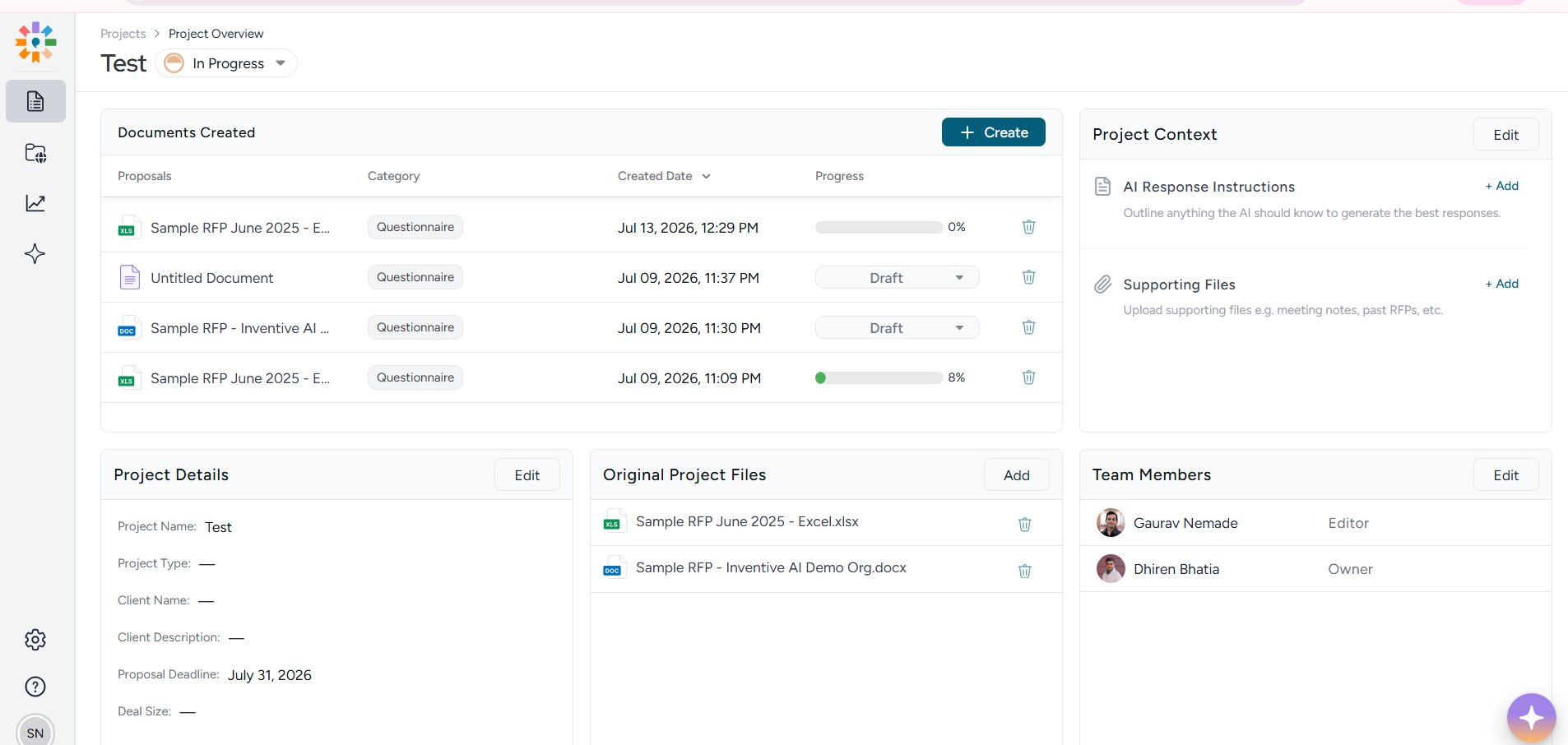
Best for: enterprise teams writing RFP, DDQ, and security-questionnaire proposals
Inventive AI uses autonomous agents for proposal writing. They read the proposal or RFP, retrieve answers from your connected knowledge, and write each response with citations, while humans approve the final draft.
What Inventive AI does
- Connected Knowledge Hub. Pulls proposal content from SharePoint, Salesforce, and Confluence and syncs on every change, so you write from live company knowledge instead of a stale answer library.
- Source-grounded proposal drafting. Writes each answer with citations and a confidence score, and flags "information unavailable" rather than inventing a claim, the difference between a fast draft and a risky one.
- Content Governance Agent. Catches conflicting or outdated content before it lands in your proposal.
- Context Engine + Strategic Agents. Tailors the proposal to the deal, then reviews the full document for compliance, contradictions, and competitive positioning.
What reviewers like about Inventive AI (G2)
Fast, high-quality proposal drafts that need little editing, quick setup, and unlimited-user pricing.
What to watch for Inventive AI (G2)
No mobile app yet and no Jira integration, and analytics/reporting is still limited, a recurring ask from reviewers who want deeper dashboards.
Inventive AI Pricing
Usage-based pricing on a single plan that includes all features and unlimited users; pricing is custom (no per-seat fees)
Customer Reviews
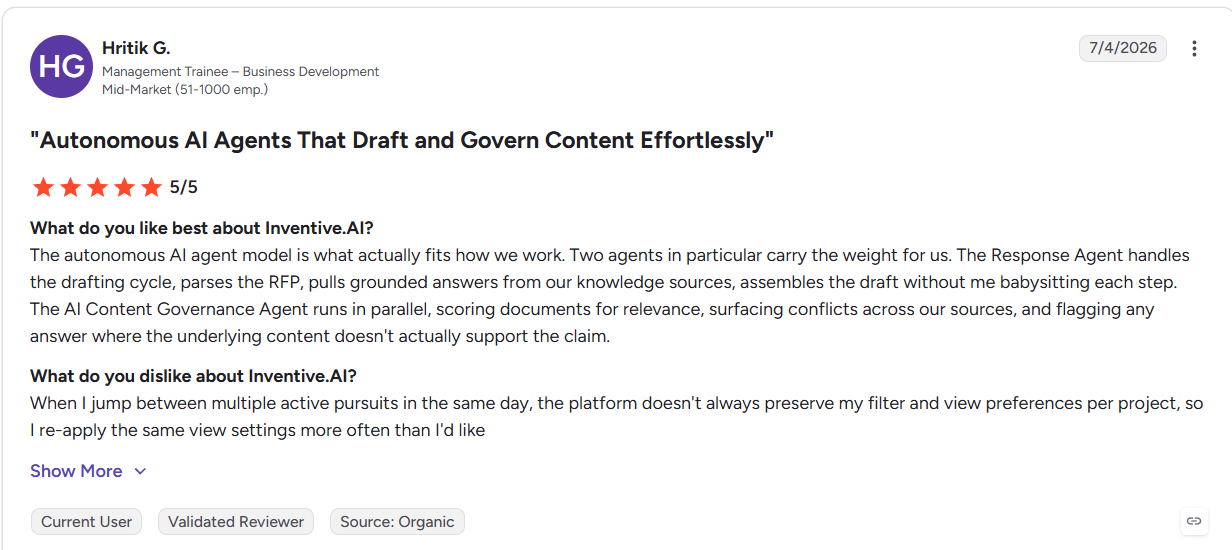
According to G2, Hritik G. (Business Development) rated it 5/5: the AI agents draft from grounded knowledge and flag unsupported claims, though the platform doesn't always remember his per-project view settings.
2. AutogenAI
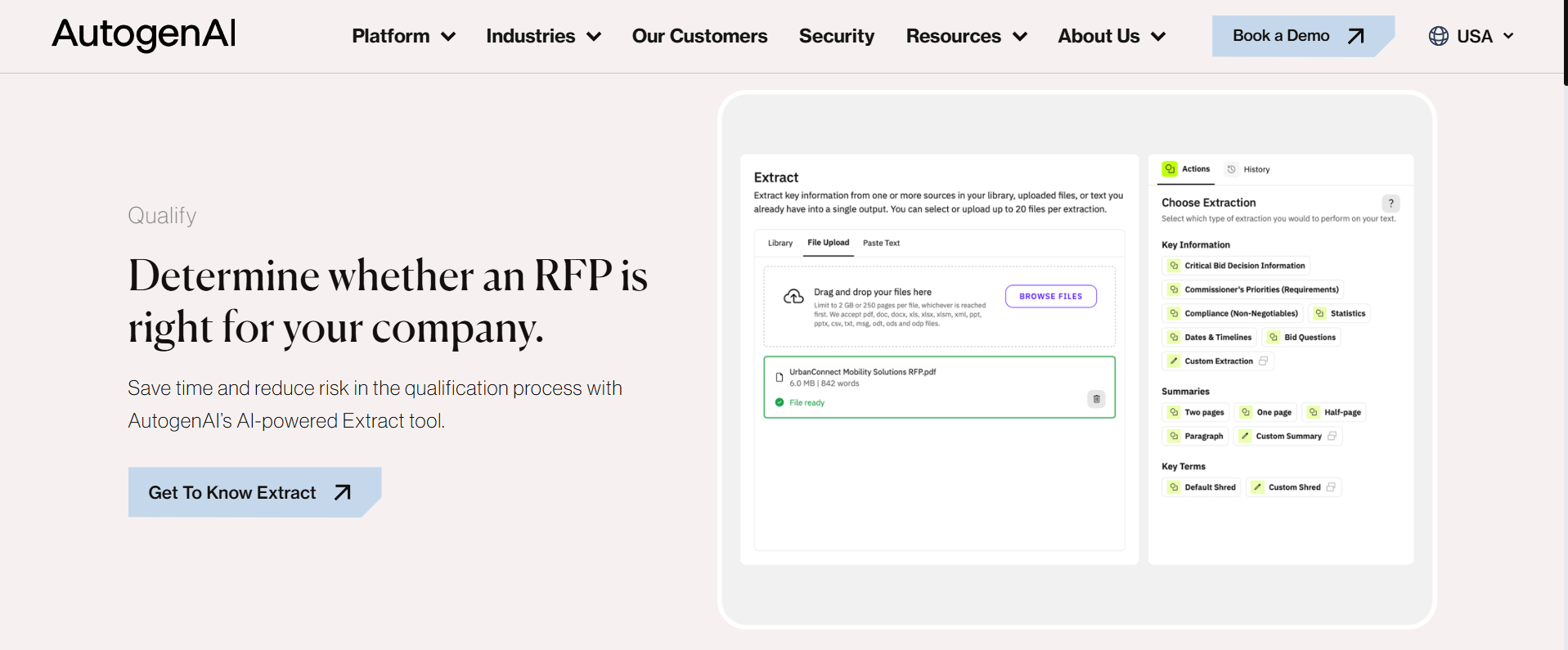
Best for: teams writing government bids, tenders, and grant proposals
AutogenAI is built for writing long-form, compliance-heavy proposals, taking bid teams from requirements to a compliant first draft in a few clicks.
What AutogenAI does
- Gamma Review. Extracts every requirement from the RFP and checks the proposal against it, tracing each response back to source evidence — essential for scored public-sector bids.
- Knowledge base drafting. Write proposal content from your own past bids and documents so drafts start from proven language.
- Custom language engine. Matches your organization's voice so long proposals read consistently.
What reviewers like about AutogenAI (G2)
Strong at surfacing and reusing content from past bids, and at refining and summarizing long, complex documents.
What to watch for AutogenAI (G2)
No automated conflict or outdated-content detection and no competitive-intelligence analysis. Reviewers also flag steep setup, a feature-heavy interface, generic drafts without editing, and reloading source docs each run.
AutogenAI Pricing
No public pricing; AutogenAI quotes custom rates based on your user count and selected modules.
Customer Reviews
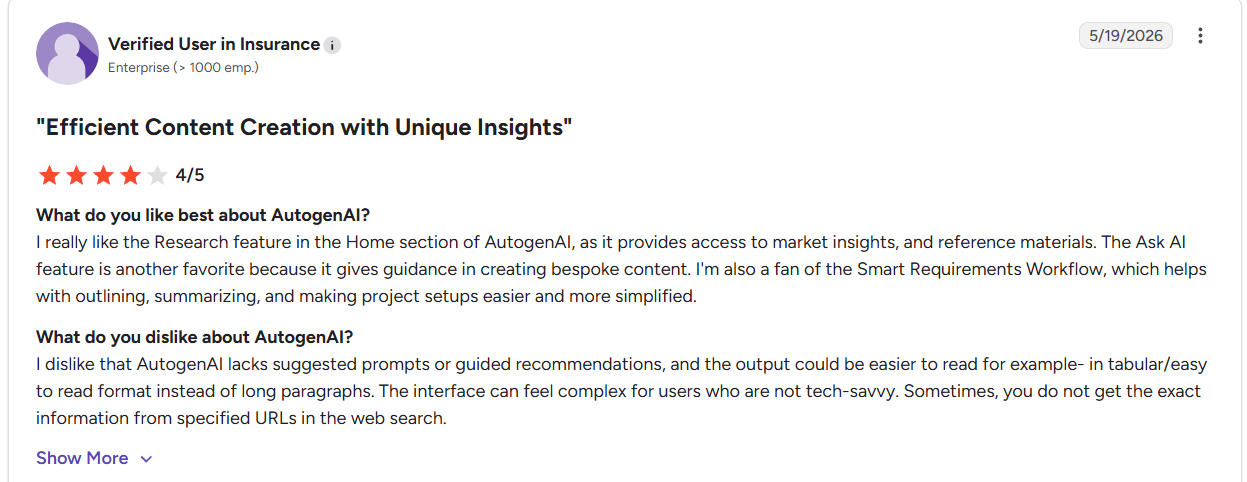
According to G2, a Verified User in Insurance gave 4/5, liking the Research and Ask AI features but finding the interface complex and the output too long-winded.
3. Proposify
Best for: sales teams writing branded, trackable client proposals
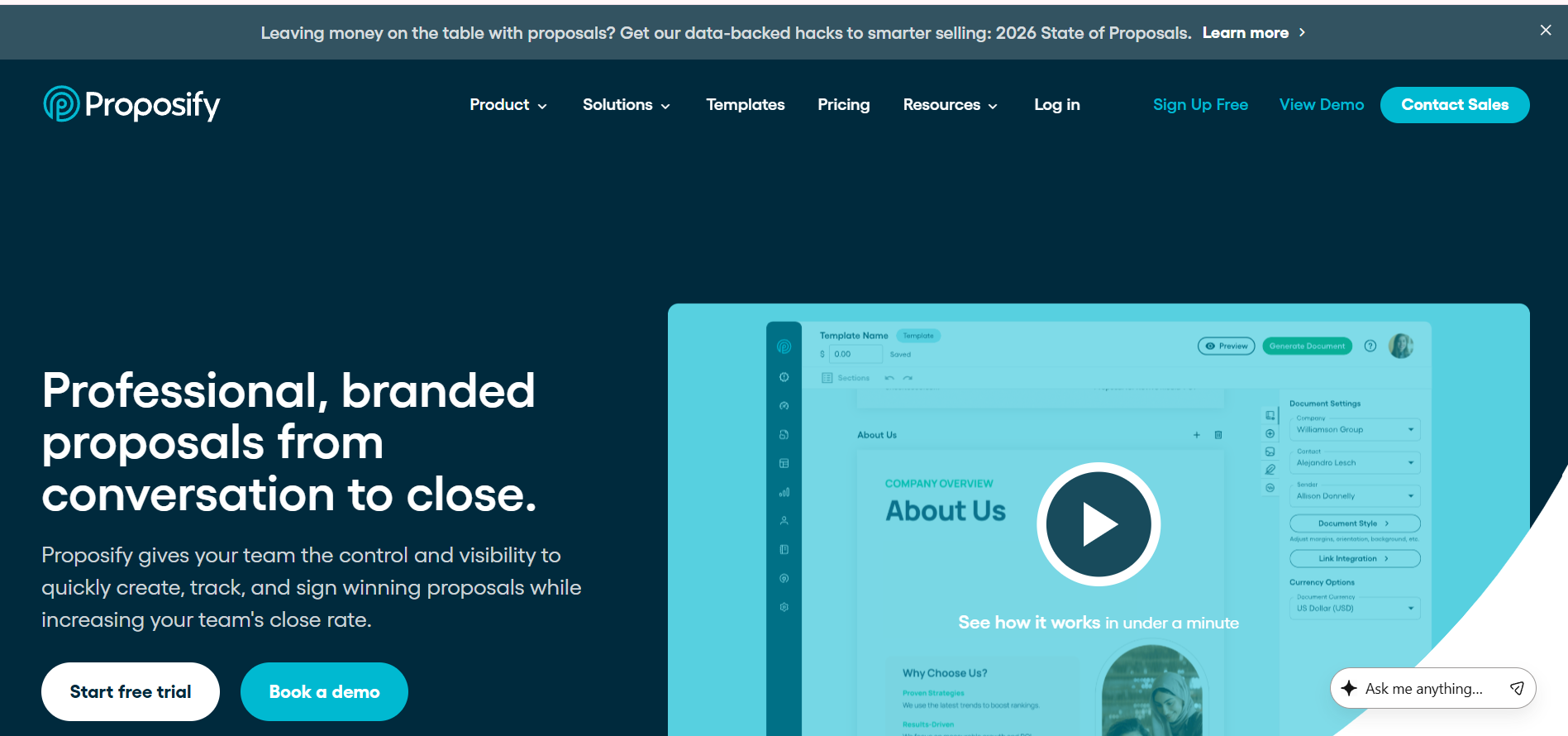
Proposify focuses on writing polished sales proposals, quotes, and contracts, and tracking how clients engage with them.
What Proposify does
- Templates and content library. Gives reps pre-approved, branded sections to assemble a proposal quickly instead of writing from scratch.
- Engagement analytics. Shows when a client opens the proposal and which sections they read, so reps time follow-up.
- E-signature and pricing tables. Moves the proposal from draft to signed without leaving the tool.
What reviewers like about Proposify (G2)
Easy to build professional proposals, strong e-signing, and useful open/view tracking.
What to watch for Proposify (G2)
Design customization feels limited for complex layouts, large proposals load slowly, and pricing feels restrictive for low-volume teams.
Proposify Pricing
Three per-user plans: Basic at $19/user/mo and Team at $41/user/mo (billed annually), plus a custom Business plan starting around $3,900/year; 14-day free trial.
Customer Reviews
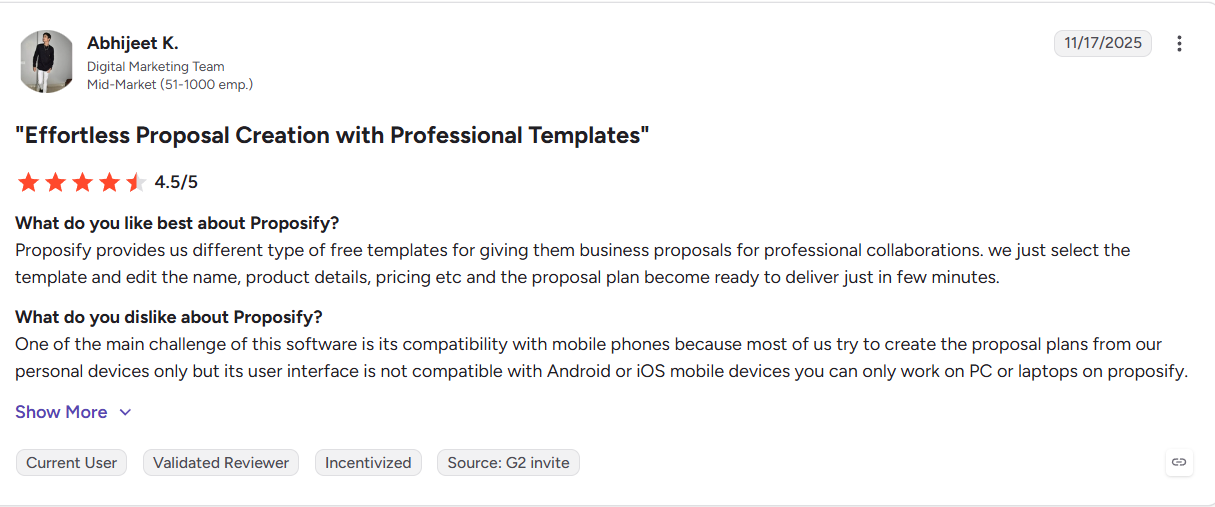
According to G2, Abhijeet K. (Digital Marketing) rated it 4.5/5 for building proposals from templates in minutes, but noted it only works on desktop, not mobile.
4. Better Proposals
Best for: small businesses and agencies writing quick sales proposals
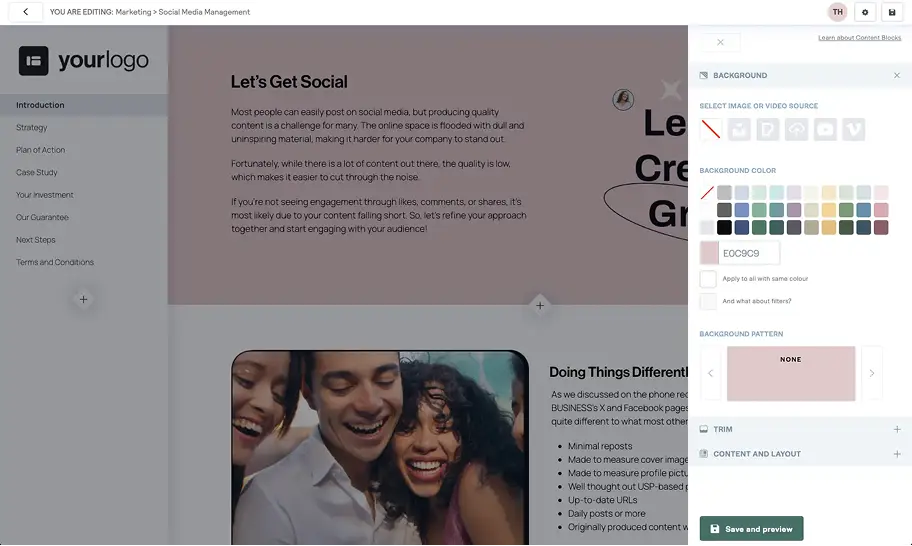
Better Proposals helps smaller teams write clean, web-based proposals fast, with 250+ templates to start from.
What Better Proposals does
- Template-driven writing. Professionally designed templates let a freelancer or agency produce a polished proposal in minutes.
- Web proposals with media. Adds video, images, e-signatures, and payments so the proposal doubles as a closing tool.
- Open notifications and tracking. Alerts you the moment a client opens the proposal.
What reviewers like about Better Proposals (G2)
Strong design quality and well-rated assembly and approval workflows (9.4).
What to watch for Better Proposals (G2)
Some report a clunky, glitchy interface, occasional signature issues, and lower customization than rivals.
Better Proposals Pricing
Three per-user plans (Starter, Premium, Enterprise) ranging roughly $19–$49 per user per month, with a 14-day free trial.
Customer Reviews
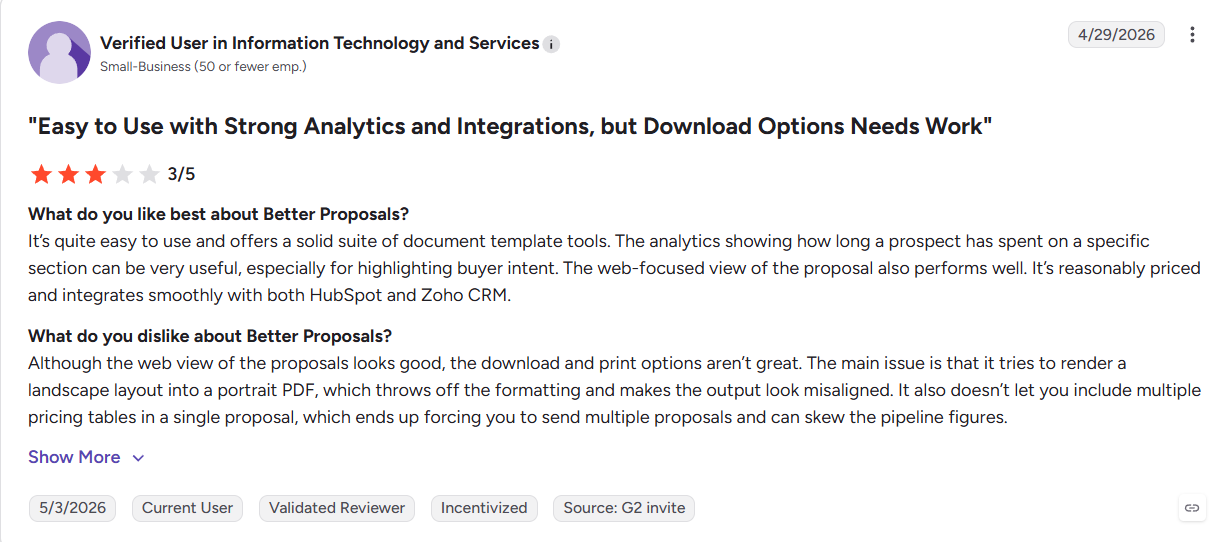
According to G2, a Verified User in IT & Services gave 3/5, praising the ease of use and analytics but criticizing broken PDF exports and no multiple pricing tables.
5. Qwilr
Best for: teams writing interactive, visually polished web proposals
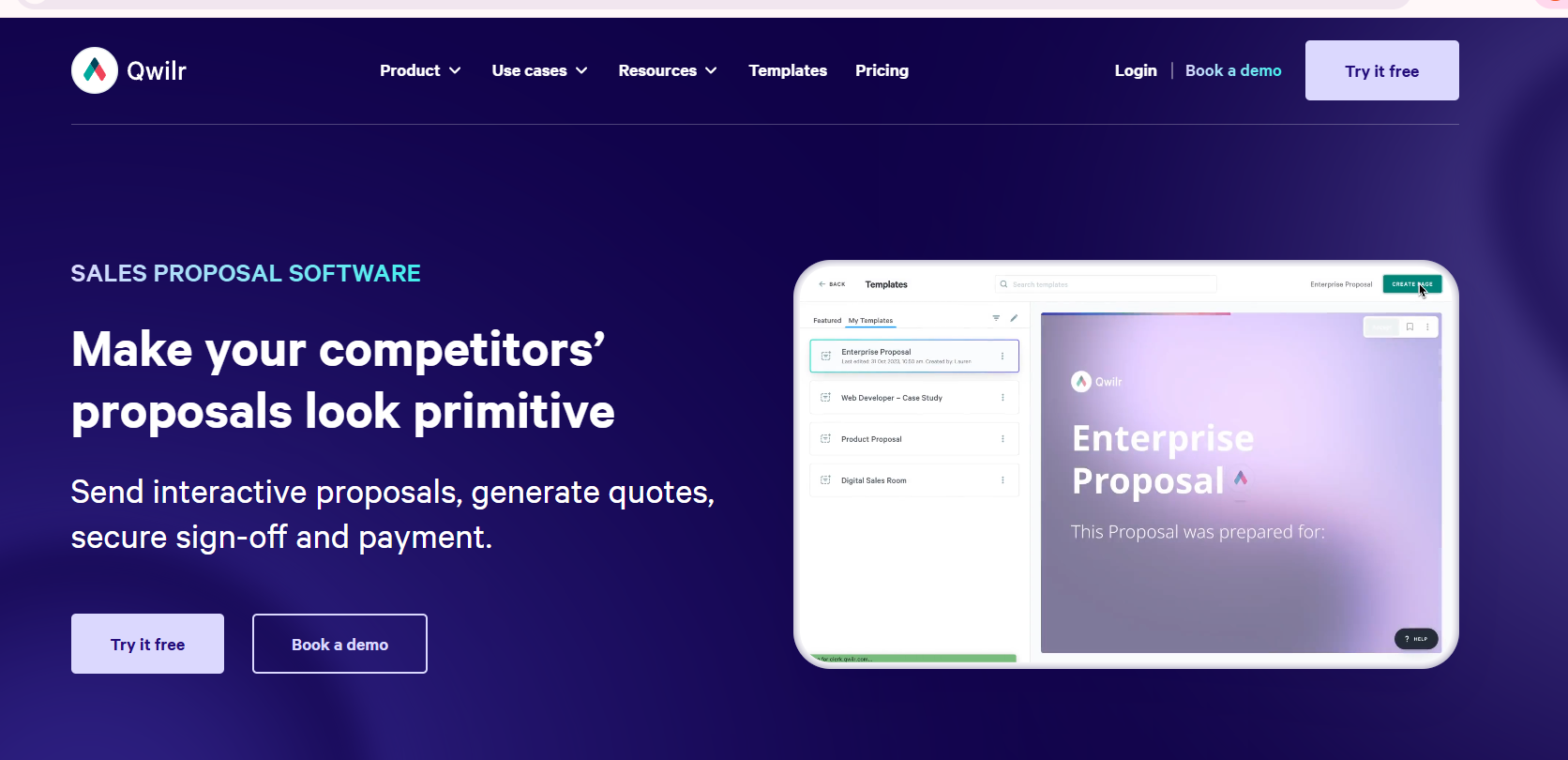
Qwilr turns proposal writing into building interactive web pages rather than static documents.
What Qwilr does
- Interactive web proposals. Writes proposals as responsive pages with embedded video and live, interactive pricing.
- View analytics. Tracks which sections prospects read and for how long.
- E-signature and payments. Lets clients accept and pay inside the proposal.
What reviewers like about Qwilr (G2)
Fast to build modern, professional proposals without design software, plus clear engagement analytics.
What to watch for Qwilr (G2)
Limited formatting control; some feel they're "fighting the editor" and integration friction with HubSpot and Pipedrive.
Qwilr Pricing
Three per-user plans billed annually: Starter at $35, Growth at $55, and Scale at $75 per user per month, each with a seat minimum.
Customer Reviews
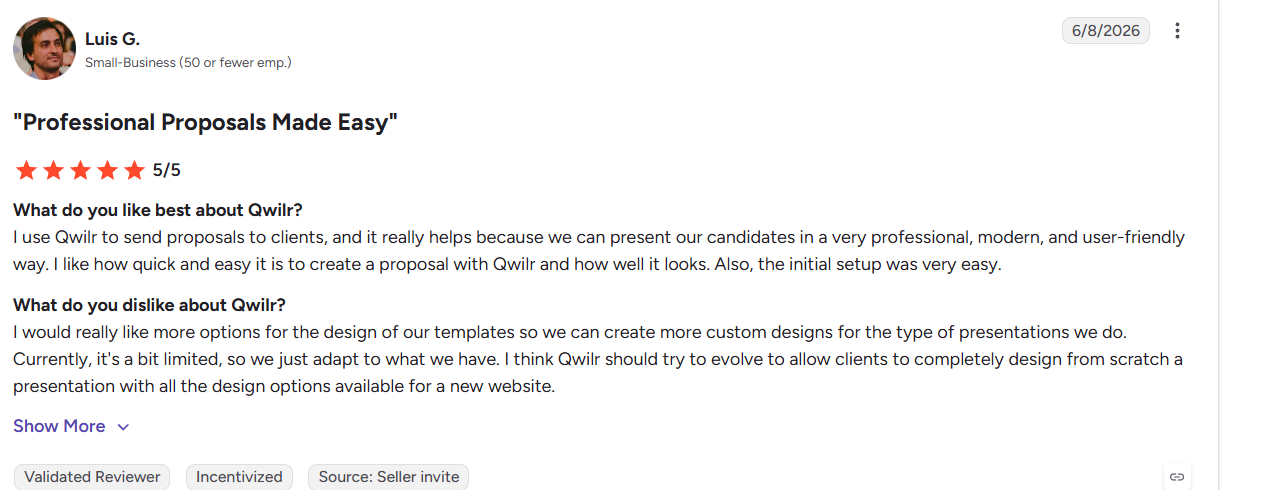
According to G2, Luis G. rated it 5/5 for quick, modern-looking proposals, but wants more template design flexibility.
6. Loopio
Best for: large teams writing proposals from a curated content library
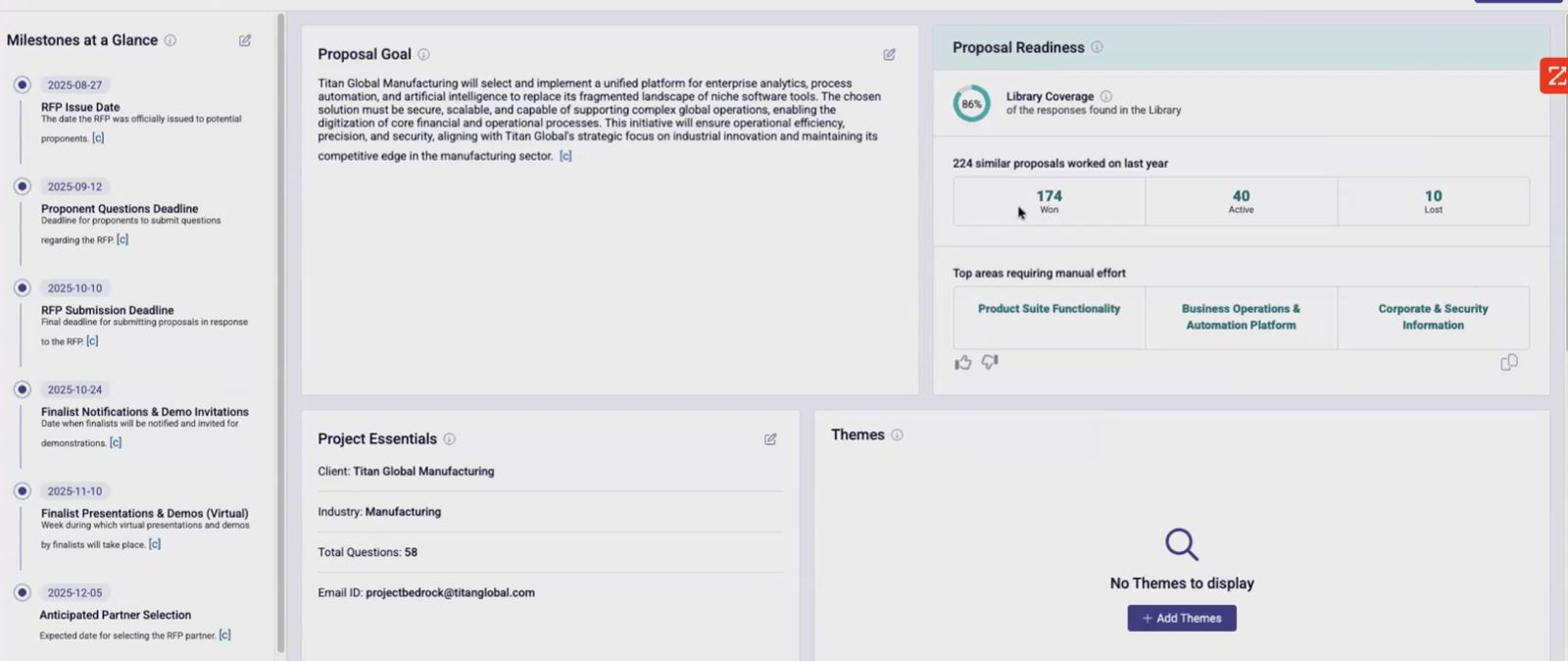
Loopio supports proposal writing through a central content library and structured workflows, with AI drafting layered on top.
What Loopio does
- Centralized content library. Stores approved proposal answers so teams can search and reuse them when writing the next response.
- Workflow automation. Moves each proposal from intake to submission and assigns sections to the right owners.
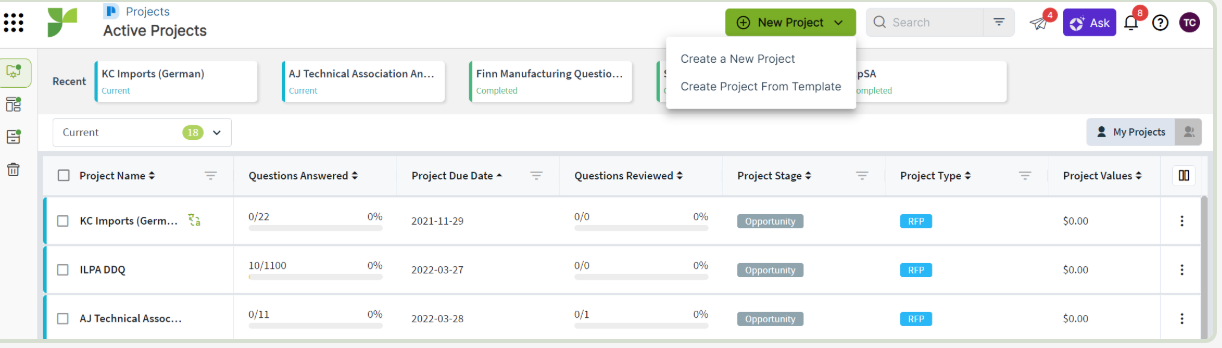
- "Magic" AI drafting. Suggests proposal answers from the library to speed up the first draft, depending on how current the library is.
What reviewers like about Loopio (G2)
A searchable proposal library and highly rated support (9.7/10).
What to watch for Loopio (G2)
No automated conflict detection or live sync, the library is maintained manually, and because AI is layered on top rather than built in, response quality tracks how current that library is. Exports also need manual formatting fixes.
Loopio Pricing
Quote-based only; the entry Foundations plan starts around $20,000/year and scales by user type and tier, typically with a one-time implementation fee (~$3,000).
Also Read: Loopio vs Inventive AI: Better RFP Software?
Customer Reviews
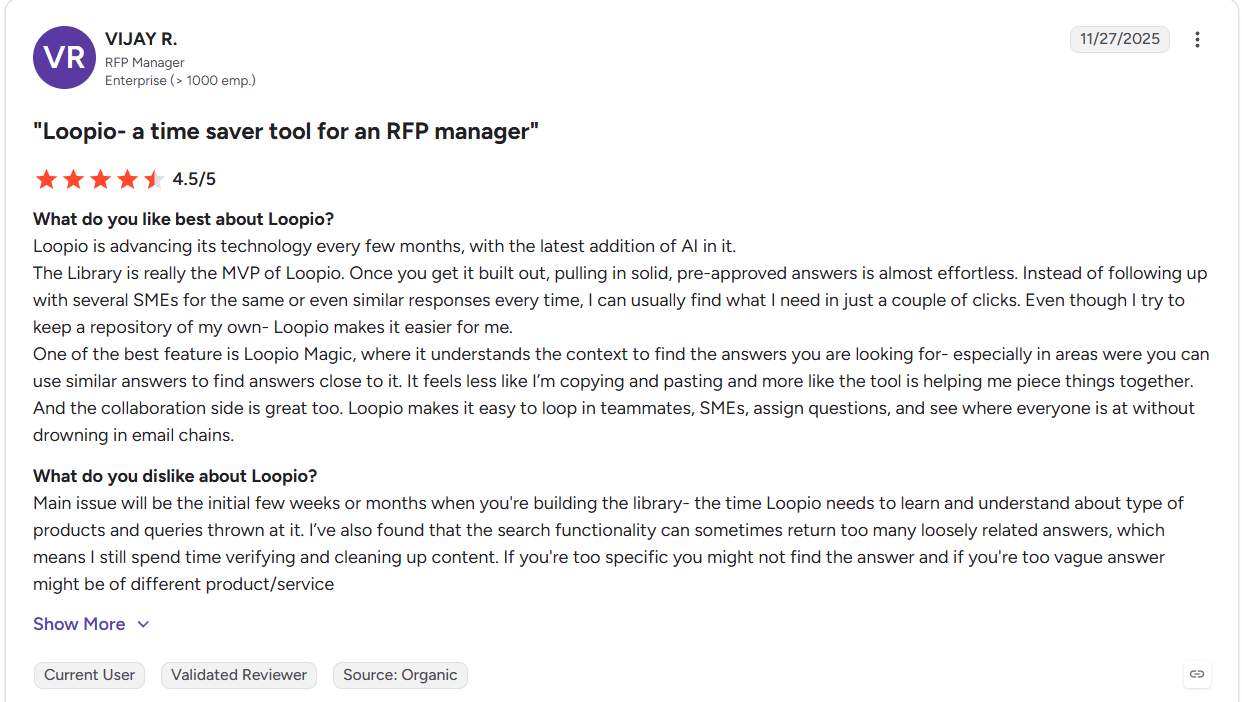
According to G2, Vijay R. (RFP Manager) gave 4.5/5, calling the Library the "MVP," though search returns too many loosely related answers and the ramp-up takes weeks.
7. Responsive (formerly RFPIO)
Best for: large enterprises writing high volumes of RFP and questionnaire responses
Responsive manages proposal writing at enterprise scale through structured workflows, a content library, and AI-assisted drafting.
What Responsive does
- Content library + drafting. Reuses approved answers to produce reliable first drafts for structured RFPs and questionnaires.
- Workflow across teams. Assigns questions to SMEs and coordinates large, distributed proposal teams.
- Deep integrations. Connects to Salesforce, Slack, Teams, and SharePoint to pull content into proposals.
What reviewers like about Responsive (G2)
Strong workflow automation, broad integrations, and dependable first drafts for structured content.
What to watch for Responsive (G2)
Like other library-first tools, no automated conflict detection or live sync, and AI is bolted onto the platform rather than native. Reviewers also cite UI inconsistency between old and new interfaces, slow bug fixes, and per-seat licensing for every reviewer.
Responsive Pricing
Custom, quote-only pricing that historically starts near $5,000/year for a small team, with per-user scaling and some features sold as add-ons.
Customer Reviews
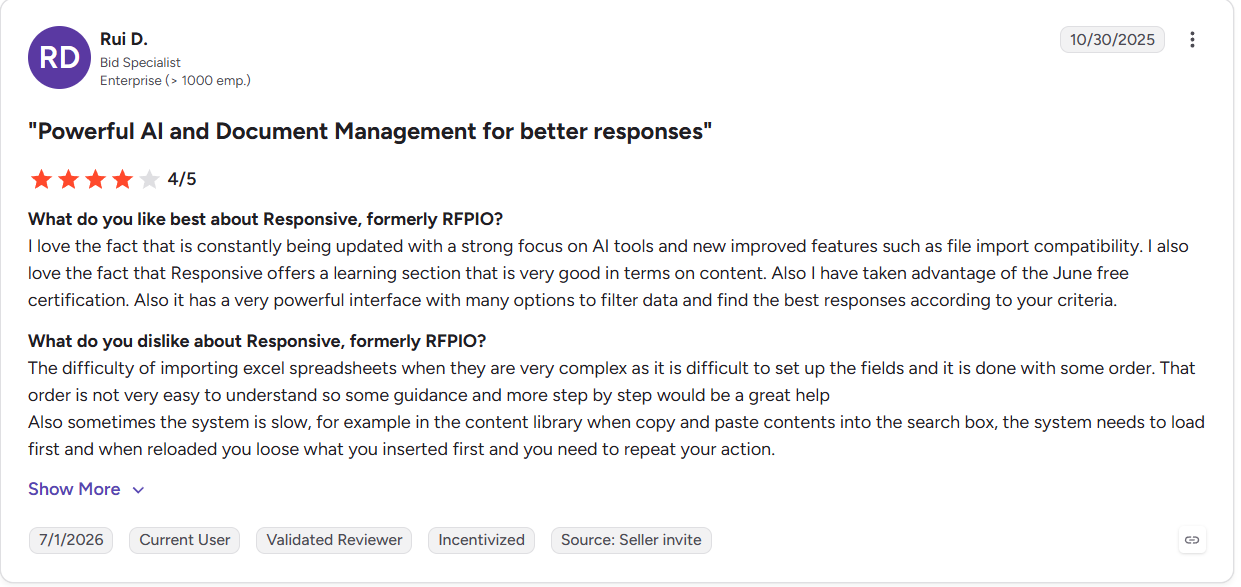
According to G2, Rui D. (Bid Specialist) rated it 4/5 for strong filtering and updates, but flagged clunky Excel imports and a slow content library.
Also Read: Responsive vs Inventive AI: A Head-to-Head Comparison
8. AutoRFP.ai
Best for: lean teams writing RFP and security responses AI-first
AutoRFP.ai writes first-draft proposal responses in seconds from your past winning answers, aimed at teams that want speed without heavy library upkeep.
What AutoRFP does
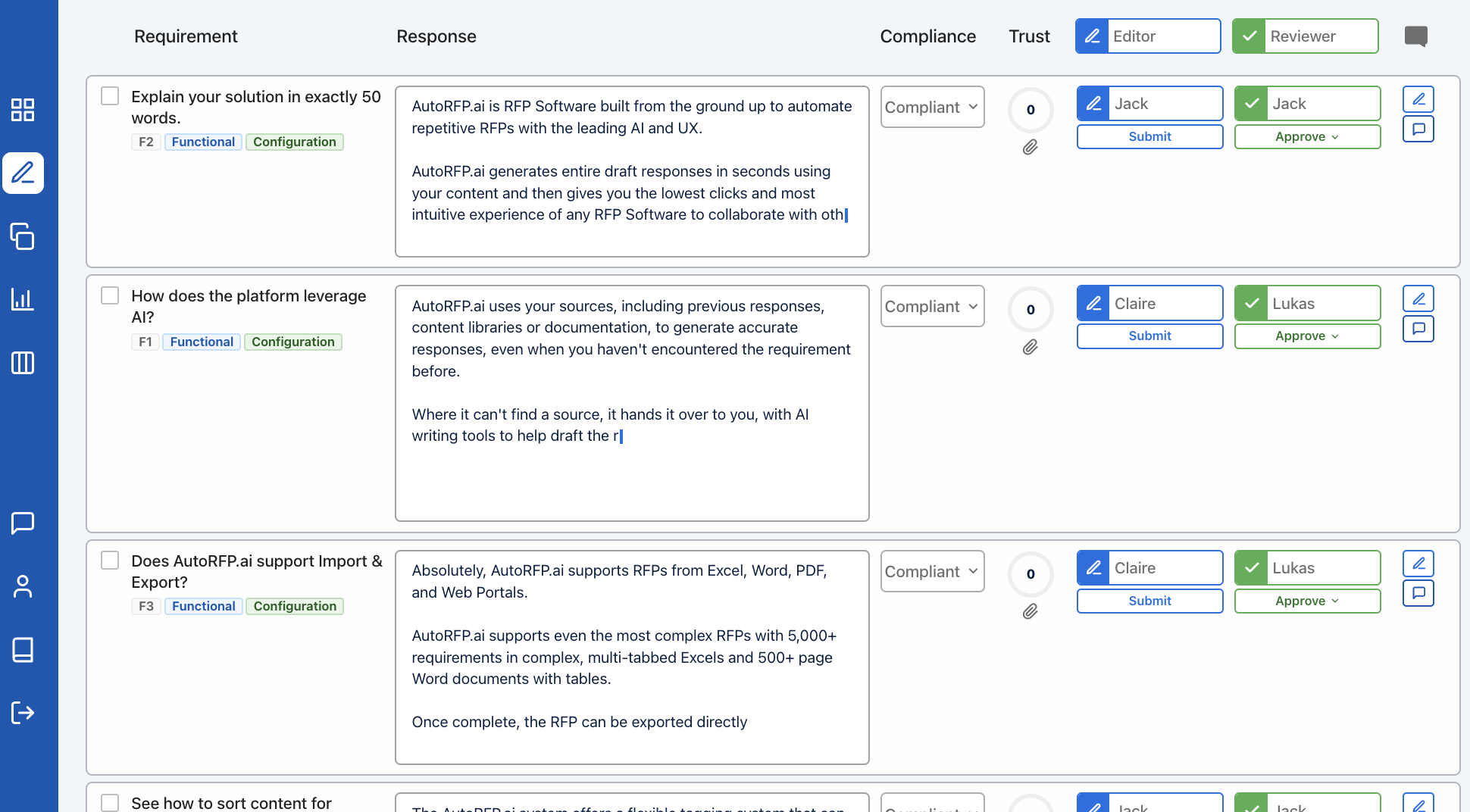
- AI response engine. Generates draft answers for hundreds of requirements at once, trained on your approved responses.
- Portal and format support. Writes across Excel, Word, PDF, and vendor portals via a browser extension.
- Trust Scores. Rates each generated answer so reviewers know what to verify.
What reviewers like about AutoRFP (G2)
Big time savings on RFPs and security questionnaires, accurate library-based drafting, and responsive support.
What to watch for AutoRFP (G2)
No automated conflict or outdated-content detection and no competitive-intelligence analysis. Reviewers also find it less intuitive with a real learning curve, web-only access, limited template flexibility, and no source docs beyond past responses.
AutoRFP Pricing
Transparent, no-add-on pricing; the Scale plan runs about $899/month, with annual contracts available.
Customer Reviews
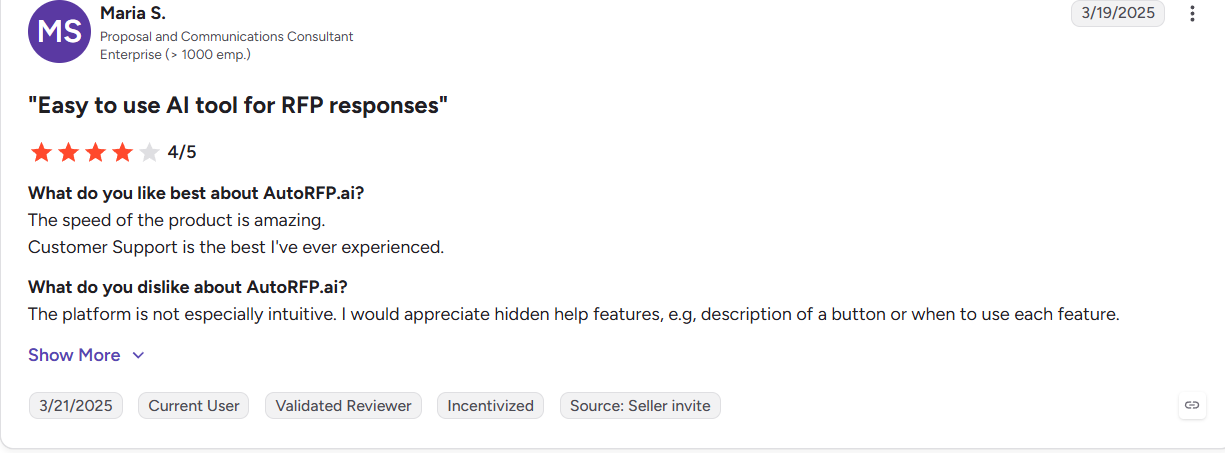
According to G2, Maria S. (Proposal Consultant) gave 4/5, loving the speed and support but finding the platform "not especially intuitive."
Also Read: Top AutoRFP Alternatives & Competitors For 2026
9. Arphie

Best for: teams writing security questionnaires, DDQs, and RFP responses
Arphie is an AI-native platform for writing questionnaire and RFP responses, built for sales, solutions, security, and IR teams.
What Arphie does
- Cited first drafts. Writes each answer with source citations and confidence signals, and uses explicit "I don't know" flags to limit hallucination.
- Live connectors. Syncs from Google Drive, SharePoint, Notion, Confluence, Seismic, and Highspot so proposals draw on current content automatically.
- Review workflow. Routes answers through review and approval before submission.
What reviewers like about Arphie (G2)
Real time savings on questionnaires, trustworthy cited answers, and auto-syncing document connectors.
What to watch for Arphie (G2)
No competitive-intelligence analysis, plus no mobile access, limited export options, and a less mature Salesforce integration as a newer product.
Arphie Pricing
Flat per-project pricing that includes unlimited users; exact rates are quoted per deal.
Customer Reviews
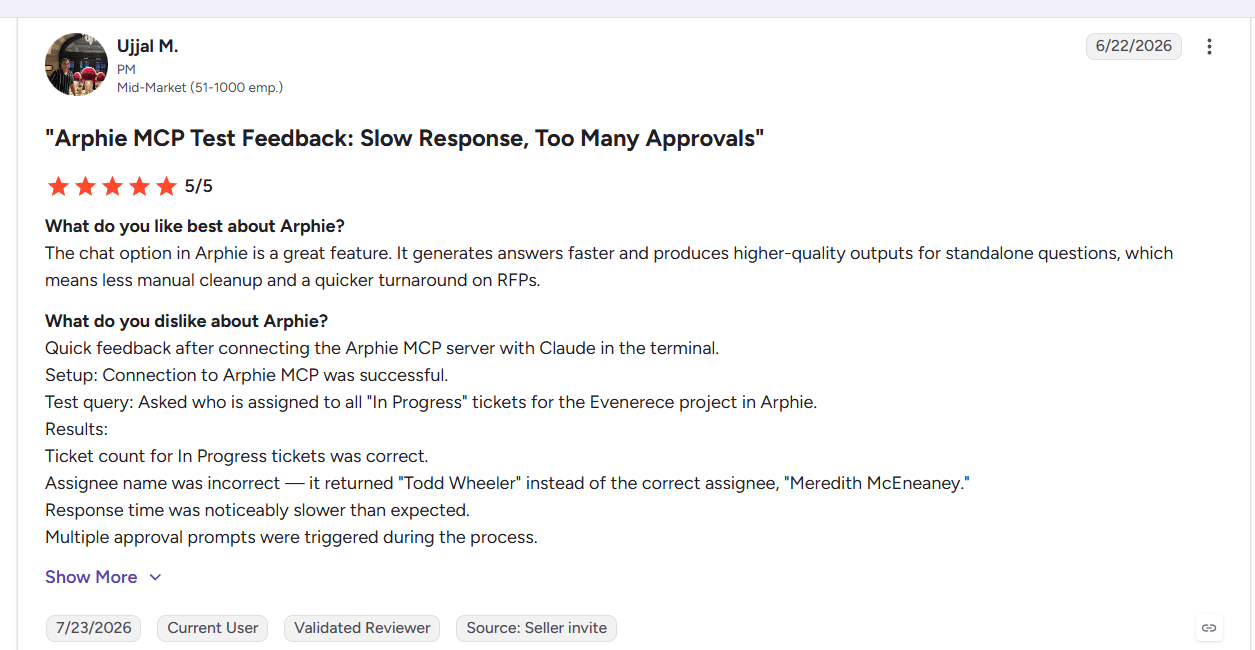
According to G2, Ujjal M. (PM) rated it 5/5 for faster, higher-quality answers, but noted slow response times and too many approval prompts.
Also Read: Loopio vs Arphie (2026): Content Library vs AI-Agent Drafting
10. PandaDoc
Best for: sales teams writing proposals that flow straight to a signed contract
PandaDoc covers writing proposals, quotes, and contracts, then getting them signed, one tool from draft to signature.
What PandaDoc does
- Templates and content library. 1,000+ templates and reusable blocks speed up writing proposals and quotes.
- Built-in CPQ. Auto-calculates pricing inside the proposal to remove quoting errors.
- E-signature on every plan. Legally binding signing with a full audit trail closes the loop.
What reviewers like about PandaDoc (G2)
Easy, intuitive proposal creation, time-saving templates, and real-time tracking.
What to watch for PandaDoc (G2)
Formatting can be fiddly, recurring signature-flow complaints, Zapier automations that break on template changes, and paid phone support.
PandaDoc Pricing
Per-user plans from about $19/user/mo (Starter, billed annually) up to ~$49/user/mo (Business), plus a custom Enterprise tier; e-signature is included on every plan.
Customer Reviews
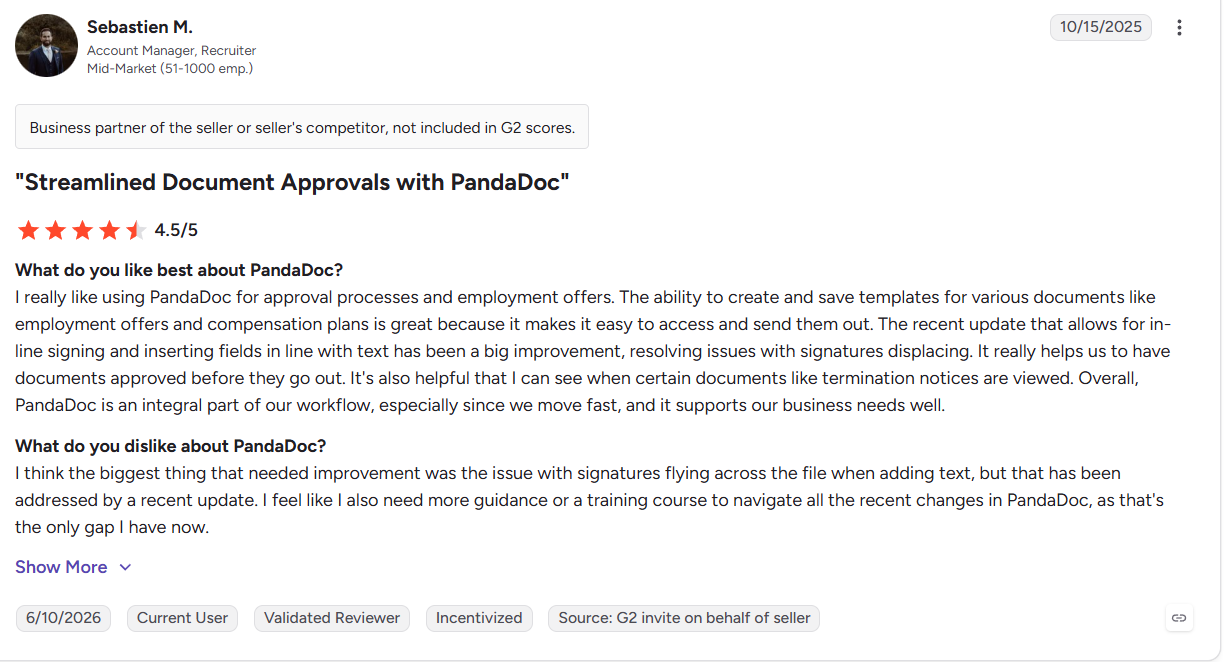
According to G2, Sebastien M. (Account Manager) gave 4.5/5 for approvals, templates, and in-line signing, wanting only better training on recent changes.
Legacy vs. AI-Native Proposal Writing Platforms
Proposal software splits into two camps. The difference shows up in where your team spends its time.
Legacy platforms (like Loopio and Responsive) are built around a content library. A dedicated owner curates approved answers, and AI is layered on top to search and suggest them. This works, but the library only stays accurate if someone maintains it, and response quality tracks how current it is.
AI-native platforms (like Inventive AI, Arphie, and AutoRFP.ai) are built around the AI itself. They connect to your existing systems, retrieve answers from live knowledge, and draft directly, no separate library to build or clean.
| Legacy platforms | AI-native platforms | |
|---|---|---|
| Knowledge | Curated content library | Connected systems, live sync |
| Upkeep | Manual review by a content owner | Auto-detects conflicts and updates |
| AI role | Layered on to search the library | Runs intake, retrieval, and drafting |
| Accuracy depends on | How well the library is maintained | How current the connected sources are |
| Best fit | Teams with a mature library already | Teams that want less manual upkeep |
Also Read: 15 Best RFP Software in 2026: Ranked, Reviewed & Compared
See how Inventive AI writes sourced, deal-ready proposals from your existing knowledge, no Q&A library to maintain.
Book a demoWrite Proposals Faster Without Sacrificing Accuracy
The best AI for proposal writing isn't the tool that generates the most text. It's the one that produces accurate, client-specific proposals from your company's real knowledge while supporting collaboration, governance, and a submission-ready workflow.
Match the tool to the work. Sales teams writing branded, trackable proposals are well served by Proposify, Qwilr, Better Proposals, or PandaDoc. Teams responding to RFPs, DDQs, and security questionnaires need more: live knowledge retrieval, conflict detection, and compliance checks where Inventive AI, Arphie, and AutoRFP.ai lead.
If accuracy and volume both matter, prioritize a platform that drafts and verifies, not one that only writes fast.
See how Insider cut RFP response time 90% and lifted win rate from 30% to 50% with Inventive AI.
More Reads
- Inventive AI vs Arphie: Which AI RFP Platform Is Better in 2026?
- Arphie vs Responsive (2026): AI-Native Agents or Enterprise Content Library?
- AutoRFP vs Arphie (2026): Which AI Response Platform Fits Your Team?
Frequently Asked Questions
Is there a free AI proposal writing tool?
Yes. General tools like ChatGPT, Claude, and QuillBot have free tiers that draft a basic proposal from a prompt. They don't connect to your company knowledge or verify claims, so they suit simple one-off proposals, not RFPs or security questionnaires that need sourced, accurate answers.
What AI proposal automation tools help agencies reduce repetitive work?
Agencies rewrite similar proposals constantly. For branded sales proposals, Proposify and Better Proposals reuse templates and approved sections. For RFP- and questionnaire-heavy work, AutoRFP.ai and Inventive AI go further, retrieving and auto-answering repeated questions from past responses so teams stop rewriting the same content.
Which tools improve proposal speed and quality?
The tools that improve both retrieve from live company knowledge and verify answers before submission like Inventive AI, AutoRFP.ai, and Arphie. Template tools like Proposify and Qwilr speed up sales proposals but rely on you to check accuracy, since they don't ground answers in connected data.
Is it safe to use AI with confidential proposal content?
It depends on the vendor. Look for SOC 2 Type II compliance and a clear policy that your data is never used to train public models. Enterprise proposal platforms like Inventive AI and Arphie are built for this; free consumer tools usually are not.
How much does AI proposal software cost?
It varies widely. Sales-proposal tools start around $19 per user per month. Enterprise RFP platforms use custom or usage-based pricing, some charge per seat, while others (like Inventive AI) offer unlimited users, which matters when many SMEs and reviewers need access.

.avif)