Proposal Checklist Template to Avoid Bid Rejection

Proposals are often rejected for preventable reasons: missing forms, unanswered requirements, inconsistent answers, or formatting errors. Reviewers compare submissions quickly, so small mistakes can eliminate an otherwise qualified vendor.
A proposal checklist template helps you verify completeness before submission. Instead of rereading the entire document repeatedly, you confirm that each requirement, attachment, and commercial detail appears where evaluators expect it.
Use the checklist below as a final review step before submitting any RFP response or proposal.
Proposal Checklist Template That Improves Win Rates: Free Download
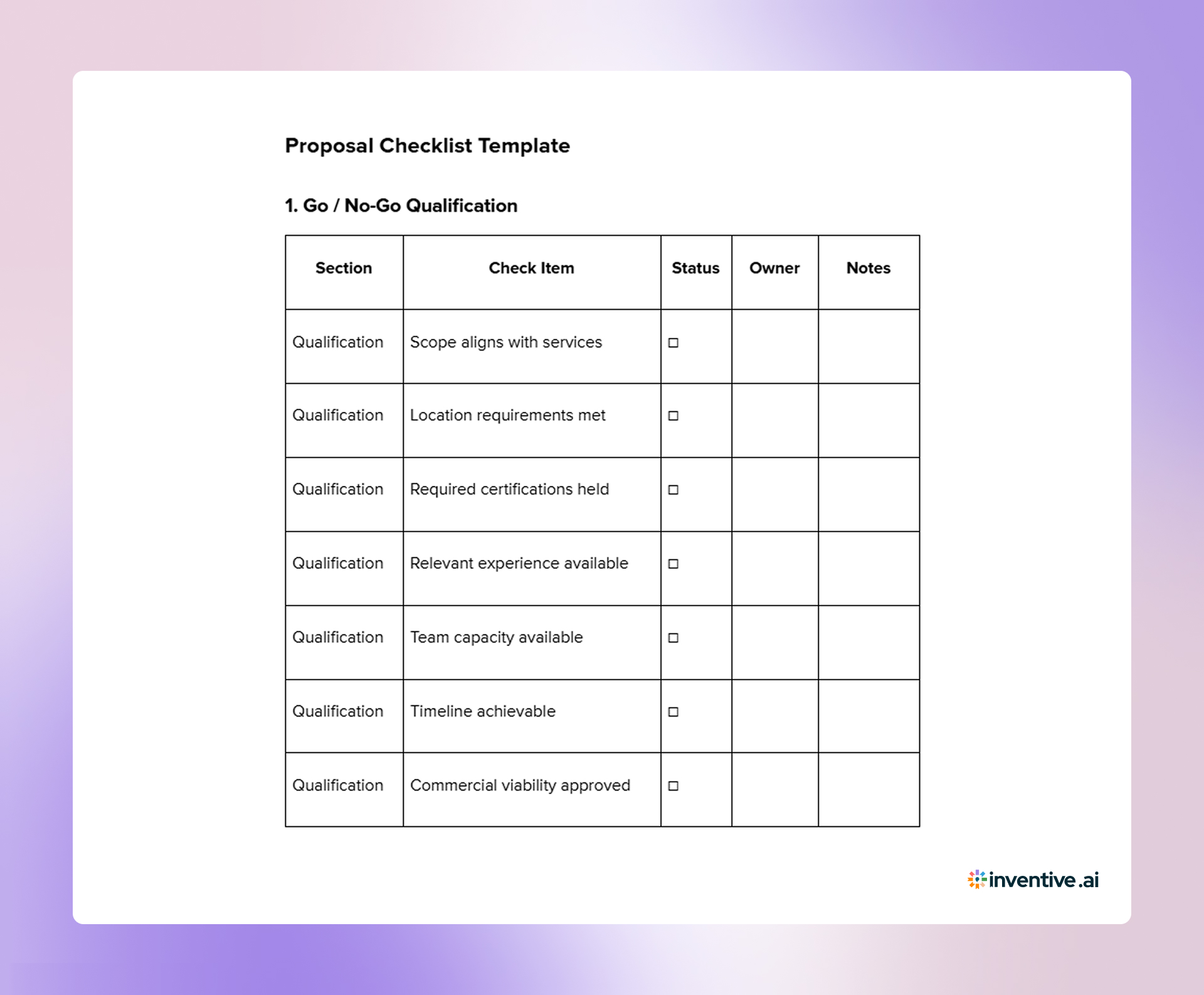

Before you submit, run a final verification against the requirements instead of rereading the full document. The proposal checklist template below lets you confirm compliance, completeness, and consistency quickly across all sections.
1. Go / No-Go Qualification
| Section | Check Item | Status | Owner | Notes |
|---|---|---|---|---|
| Qualification | Scope aligns with services | ☐ | ||
| Qualification | Location requirements met | ☐ | ||
| Qualification | Required certifications held | ☐ | ||
| Qualification | Relevant experience available | ☐ | ||
| Qualification | Team capacity available | ☐ | ||
| Qualification | Timeline achievable | ☐ | ||
| Qualification | Commercial viability approved | ☐ |
2. Compliance & Submission Requirements
| Section | Check Item | Status | Owner | Notes |
|---|---|---|---|---|
| Compliance | Correct submission format used | ☐ | ||
| Compliance | File naming conventions followed | ☐ | ||
| Compliance | Page limits respected | ☐ | ||
| Compliance | Required forms completed | ☐ | ||
| Compliance | Addenda acknowledged | ☐ | ||
| Compliance | Signatures included | ☐ | ||
| Compliance | Correct contact/portal used | ☐ | ||
| Compliance | Deadline and time zone verified | ☐ |
3. Requirement Coverage Verification
| Section | Check Item | Status | Owner | Notes |
|---|---|---|---|---|
| Coverage | All mandatory questions answered | ☐ | ||
| Coverage | Requirements mapped to responses | ☐ | ||
| Coverage | No placeholders remain | ☐ | ||
| Coverage | Tables completed | ☐ | ||
| Coverage | Attachments referenced correctly | ☐ | ||
| Coverage | Evidence provided where required | ☐ |
4. Content Quality Review
| Section | Check Item | Status | Owner | Notes |
|---|---|---|---|---|
| Content | Executive summary tailored | ☐ | ||
| Content | Terminology matches RFP wording | ☐ | ||
| Content | No generic statements | ☐ | ||
| Content | No conflicting information | ☐ | ||
| Content | Clear structure and headings | ☐ | ||
| Content | Consistent messaging | ☐ |
5. Proof & Credibility Check
| Section | Check Item | Status | Owner | Notes |
|---|---|---|---|---|
| Proof | Relevant case studies included | ☐ | ||
| Proof | Results quantified | ☐ | ||
| Proof | Assigned personnel identified | ☐ | ||
| Proof | Experience comparable | ☐ | ||
| Proof | References prepared | ☐ |
6. Pricing & Commercial Review
| Section | Check Item | Status | Owner | Notes |
|---|---|---|---|---|
| Pricing | Pricing format matches instructions | ☐ | ||
| Pricing | Totals consistent across sections | ☐ | ||
| Pricing | Assumptions stated | ☐ | ||
| Pricing | Optional items separated | ☐ | ||
| Pricing | Currency and taxes clarified | ☐ |
7. Final Editorial Review
| Section | Check Item | Status | Owner | Notes |
|---|---|---|---|---|
| Editorial | Spelling and grammar checked | ☐ | ||
| Editorial | Formatting consistent | ☐ | ||
| Editorial | Page numbers correct | ☐ | ||
| Editorial | Table of contents accurate | ☐ | ||
| Editorial | Links functional | ☐ | ||
| Editorial | Visuals readable | ☐ |
8. Final Submission Confirmation
| Section | Check Item | Status | Owner | Notes |
|---|---|---|---|---|
| Submission | Correct files attached | ☐ | ||
| Submission | Files open successfully | ☐ | ||
| Submission | Final version confirmed | ☐ | ||
| Submission | Sent to correct recipient/portal | ☐ | ||
| Submission | Submission confirmation saved | ☐ |
Having the checklist alone is not enough; your team must apply it consistently using a defined review process.
How to Use This Proposal Checklist Template? Effective Tips to Follow
Use the proposal checklist template after the draft is complete and before submission. It serves as a final verification step to confirm compliance, coverage, and consistency.
Follow this review process:
- Independent review: Assign a reviewer who did not write the proposal
- Compliance verification: Check submission instructions, forms, and formatting rules first
- Requirement mapping: Confirm every requirement is addressed and mapped to a response
- Owner assignment: Assign a responsible reviewer for each checklist item
- Status tracking: Mark items complete only after verification, not assumption
- Evidence notes: Record page numbers, sections, or file locations supporting each check
- Issue logging: Capture corrections required before submission in the notes column
- Commercial validation: Review pricing, totals, and assumptions for consistency
- Editorial review: Check spelling, formatting, and readability
- File confirmation: Ensure files open correctly and the correct version is attached
- Final sign-off: Project manager confirms all items are complete before submission
As proposal volume increases, maintaining this level of review discipline manually becomes harder across multiple concurrent submissions.
Scale Your Proposal Reviews with Inventive AI
As proposal volume increases, manual review becomes difficult to manage. Multiple reviewers edit different versions, checklist items get missed, and teams spend hours confirming consistency instead of improving the response.
Inventive AI automates the verification and drafting steps, so your team can focus on solution quality rather than document coordination.
Here’s how Inventive AI strengthens proposal review and drafting:
Context Engine That Reads the Full Solicitation
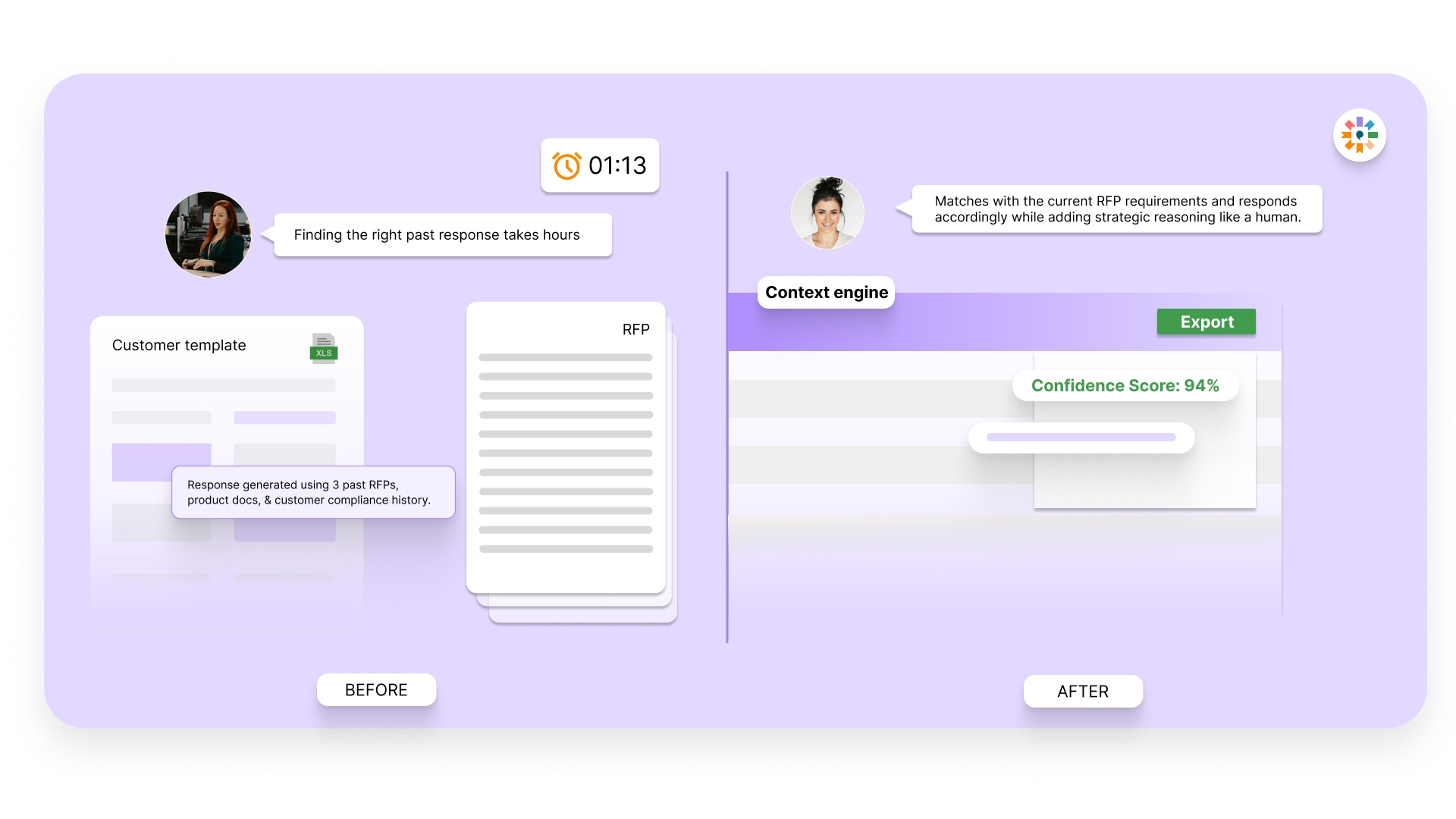
Many AI tools rely on surface-level prompts or basic document retrieval, which leads to partial or generic answers. Inventive AI applies multi-layer reasoning across the entire solicitation, including instructions, evaluation criteria, forms, and attachments. Drafts are structured around what evaluators score.
Real-Time Conflict Detection Across Documents
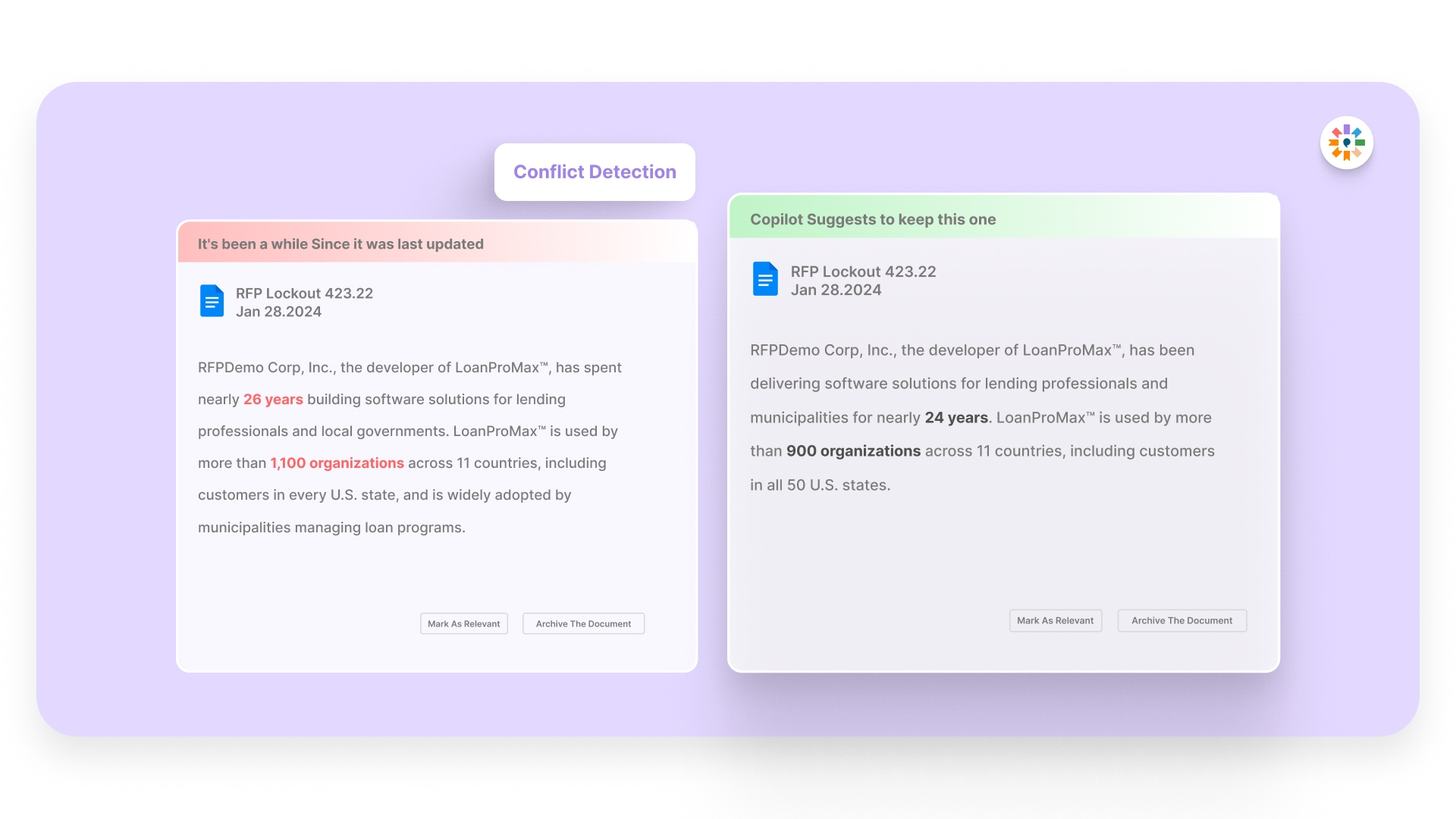
Capability statements, pricing tables, staffing plans, and certifications must match across RFQs, RFPs, and supporting documents. Inventive flags inconsistent claims such as mismatched headcount, delivery timelines, license numbers, or certification status. This prevents credibility gaps that often lead to rejection during compliance review.
Automatic Outdated Content Identification
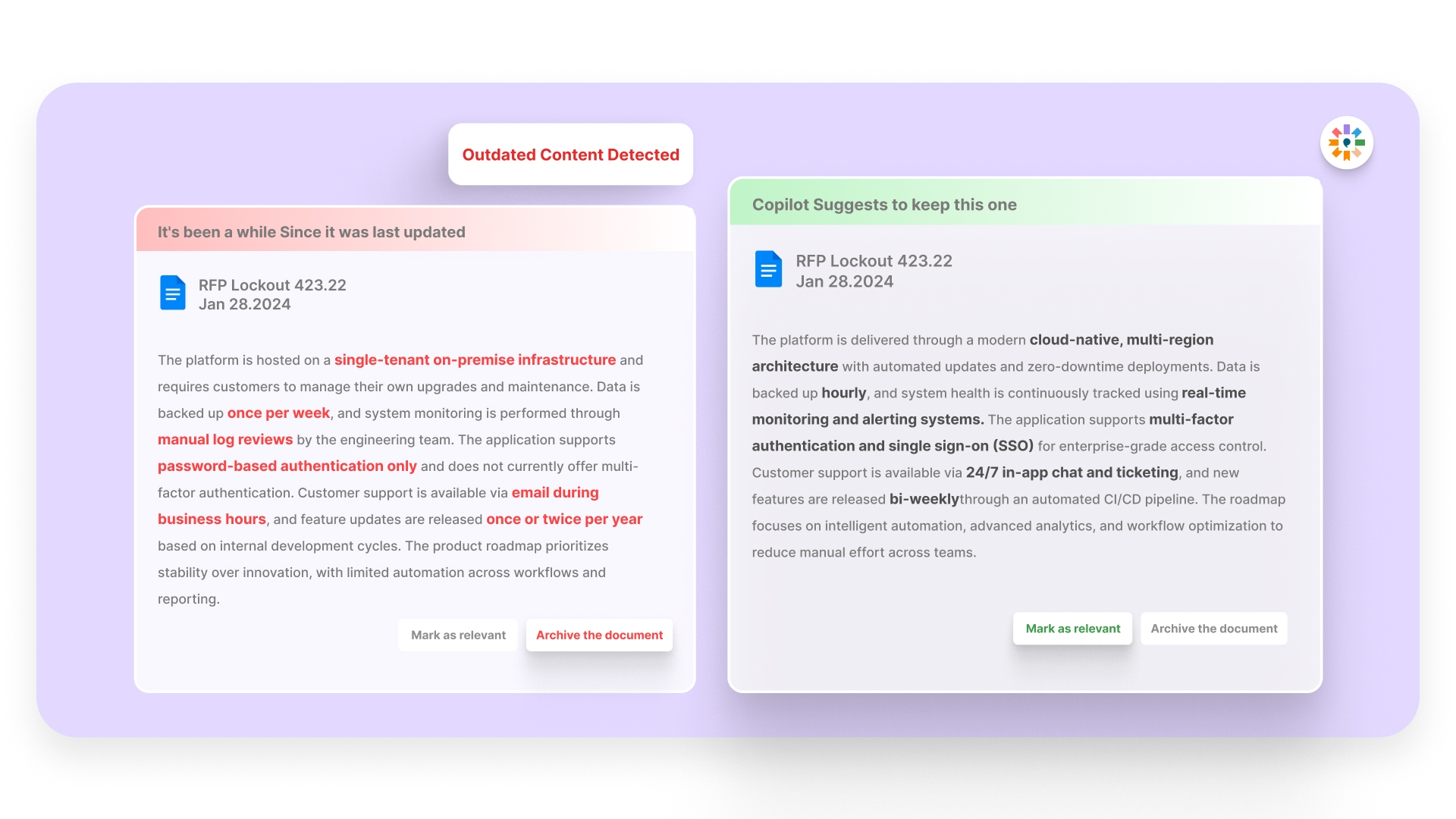
Insurance certificates, bonding limits, resumes, and compliance statements change over time. Inventive detects outdated or non-compliant content inside drafts prior to submission. This lowers the risk of sending expired documentation or inaccurate operational data that could disqualify a bid.
2X More Accurate, Score-Aligned Responses
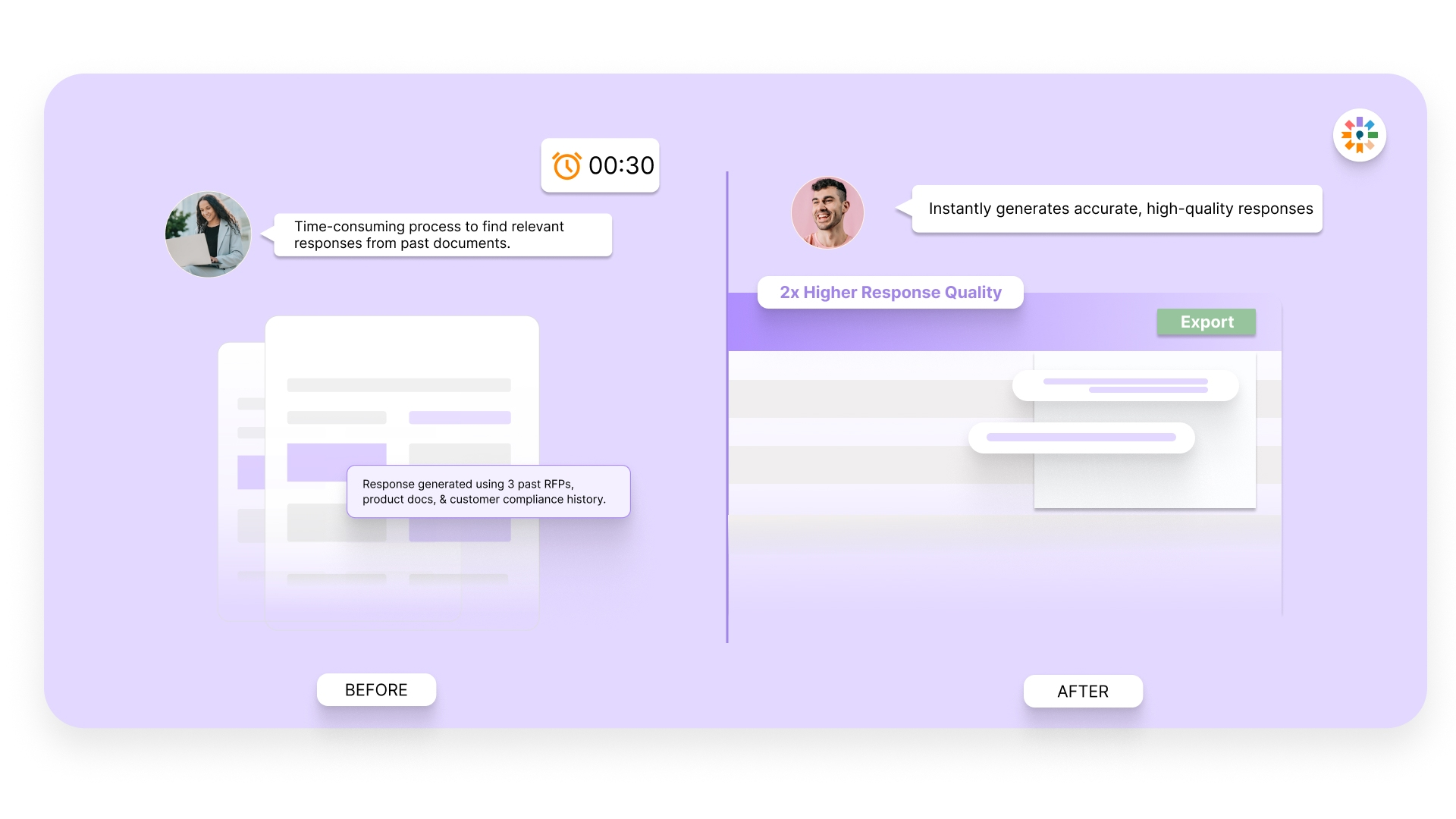
Qualification questions test relevance, capacity, and proof within strict formatting limits. Inventive’s multi-agent AI interprets the intent behind each requirement and drafts complete, clearly structured responses designed for scoring matrices. Teams spend less time correcting vague or incomplete answers and more time refining positioning.
Simple UI/UX
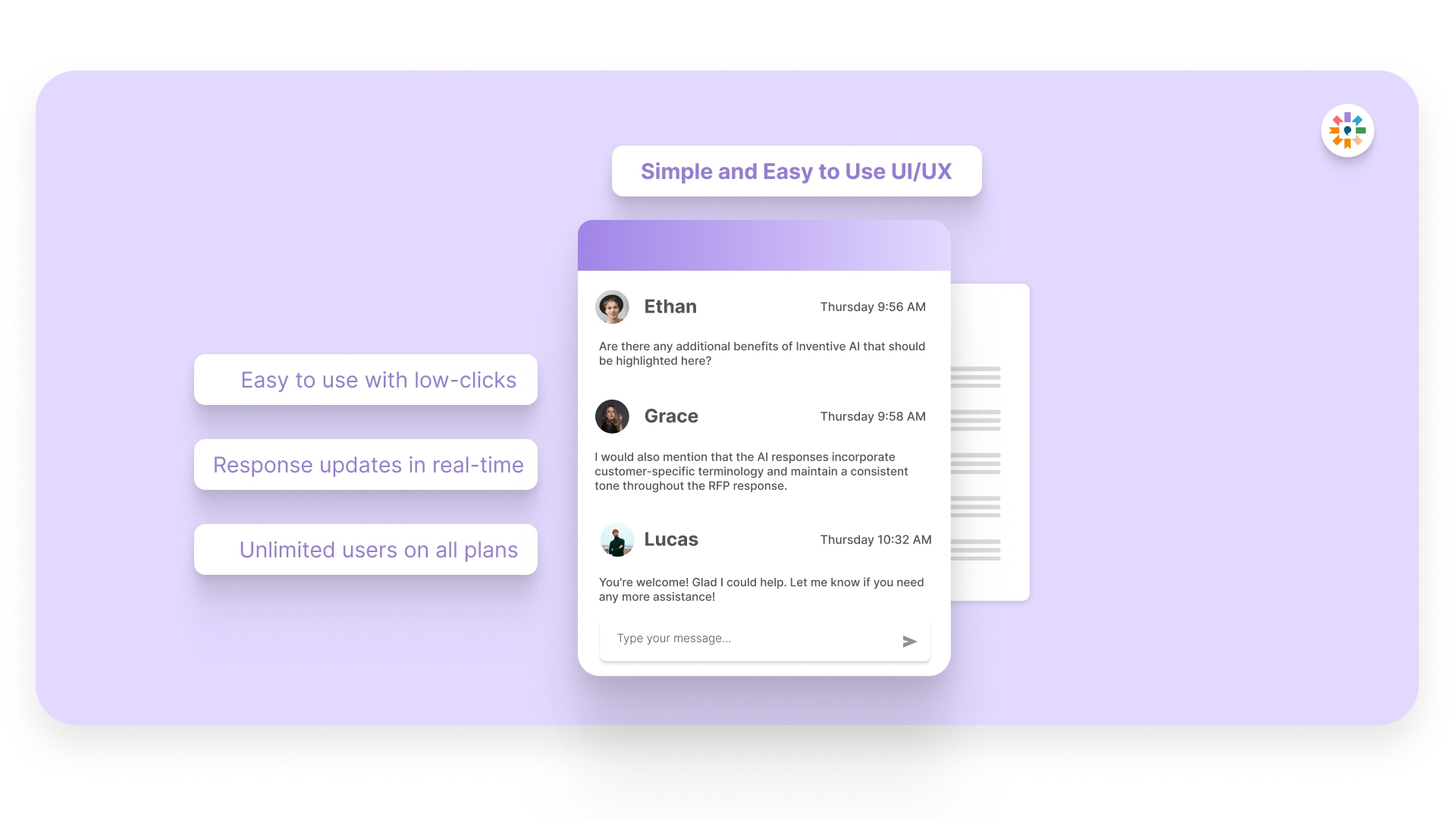
Instead of searching through disconnected folders, teams work inside a shared knowledge hub containing approved responses, reference documents, and prior submissions. Content remains consistent across RFQs, RFPs, and questionnaires. The interface is straightforward, enabling proposal, legal, and finance teams to collaborate without version confusion or workflow disruption.
Teams using Inventive AI typically see up to 90% faster response preparation and higher win rates by submitting complete, consistent proposals.
FAQs
1. Should every reviewer complete the entire checklist?
No. Assign sections based on role. Legal verifies terms, finance reviews pricing, and the project lead confirms scope coverage. One final reviewer confirms all items are marked complete.
2. When should the checklist be used during the proposal timeline?
Use it after the draft is ready but before approvals. Running it too early leads to repeated checking; too late leaves no time to fix issues.
3. How do I handle checklist items that do not apply to a specific RFP?
Mark them as “Not Applicable” and record the reason in the notes column. This avoids confusion during final approval.
4. Should subcontractors or partners participate in the checklist review?
Yes. Any party contributing scope, pricing, or credentials should verify their sections before submission to prevent inaccurate claims.
5. What evidence should be recorded in the notes column?
Include page numbers, section titles, attachment names, or file locations so reviewers can confirm the item without re-reading the entire proposal.



%20That%20Gets%20Shortlisted.png)