8 Tools That Keep Your CRM Updated Automatically (2026)
Compare 8 tools that update your CRM automatically. See which write deal fields from calls and which only log emails, with pricing and G2 ratings.
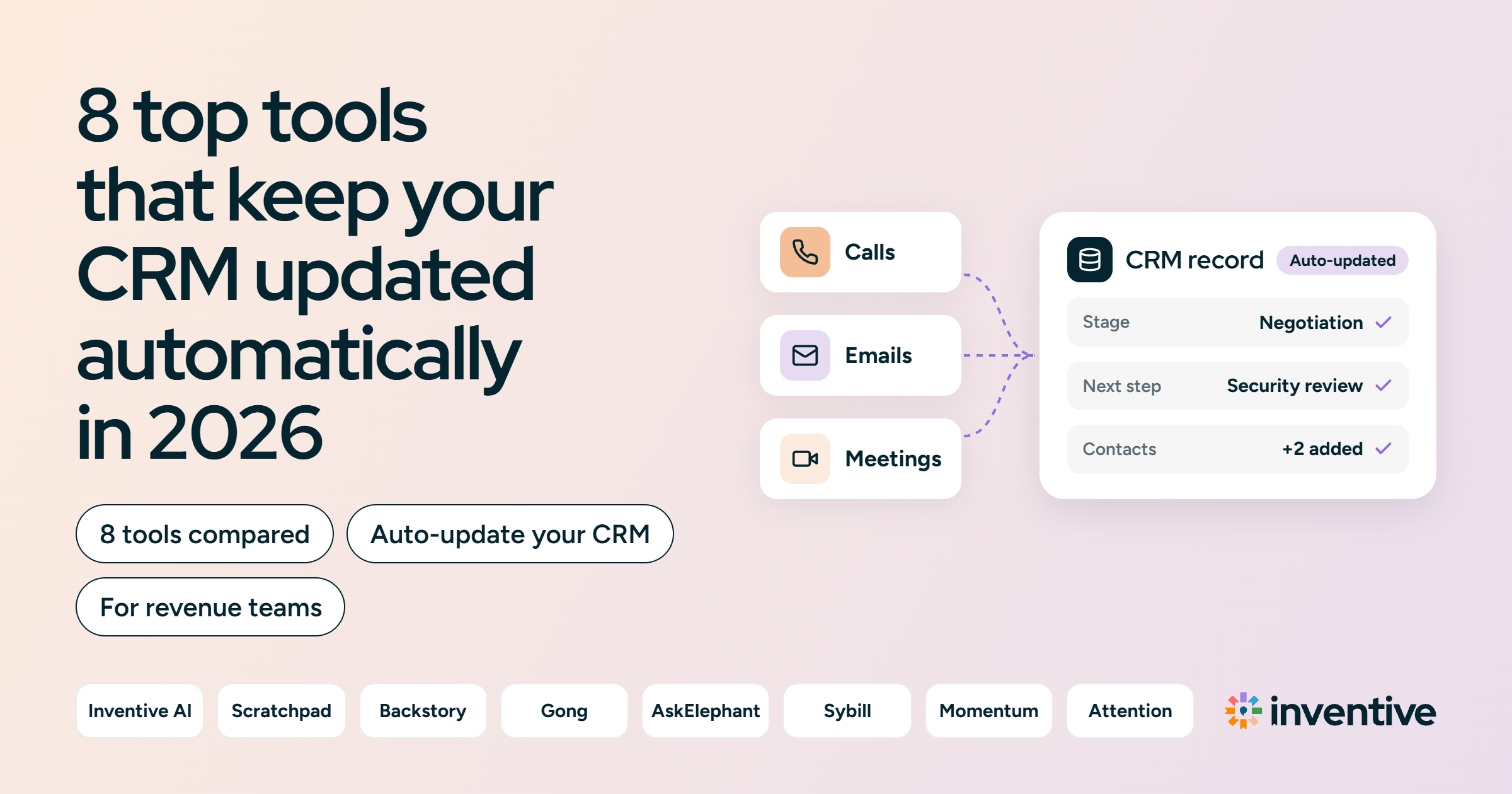
Tools that update CRMs automatically fall into three operational categories: activity capture engines, conversation field extractors, and autonomous AI agents. Inventive AI, Scratchpad, Gong, AskElephant, Sybill, Momentum, and Attention write deal fields, such as stage and next steps, from sales calls and emails. Backstory (formerly People.ai) logs emails, meetings, and contacts to the right records.
Without these tools, reps update the CRM after calls when they find time, so records fall behind and pipeline reviews run on old data.
This guide compares 8 tools on what each writes to the CRM, which CRMs it supports, price, G2 rating, and limits. It also covers what to check before buying and how to set up automatic updates.
TL;DR: 8 tools that update your CRM automatically at a glance
Tools that update CRM automatically capture customer interactions such as calls, emails, and meetings, extract key details, and update deal fields and activity logs directly in your CRM, eliminating manual data entry.
- Inventive AI: Best for AI agents that update Next Step, Description, and Stage after each meeting and save deal documents to the CRM record in Salesforce and HubSpot.
- Scratchpad: Best for Salesforce teams that want AI-drafted field updates from calls and emails, plus fast bulk editing.
- Backstory (formerly People.ai): Best for enterprise teams that want every email, meeting, and new contact captured in Salesforce without rep effort.
- Gong: Best for teams already on Gong that want AI to fill chosen CRM fields from calls and emails.
- AskElephant (now part of Fullcast): Best for HubSpot and Salesforce teams that want structured fields written from call content.
- Sybill: Best for teams that want call summaries and up to 10 CRM fields filled automatically after each meeting.
- Salesforce Momentum: Best for Salesforce and Slack teams that want call-based field updates delivered where reps work.
- Attention: Best for Salesforce and HubSpot teams that want stage, next step, and qualification fields filled in after every call.
Why does manual CRM data entry fail revenue teams?
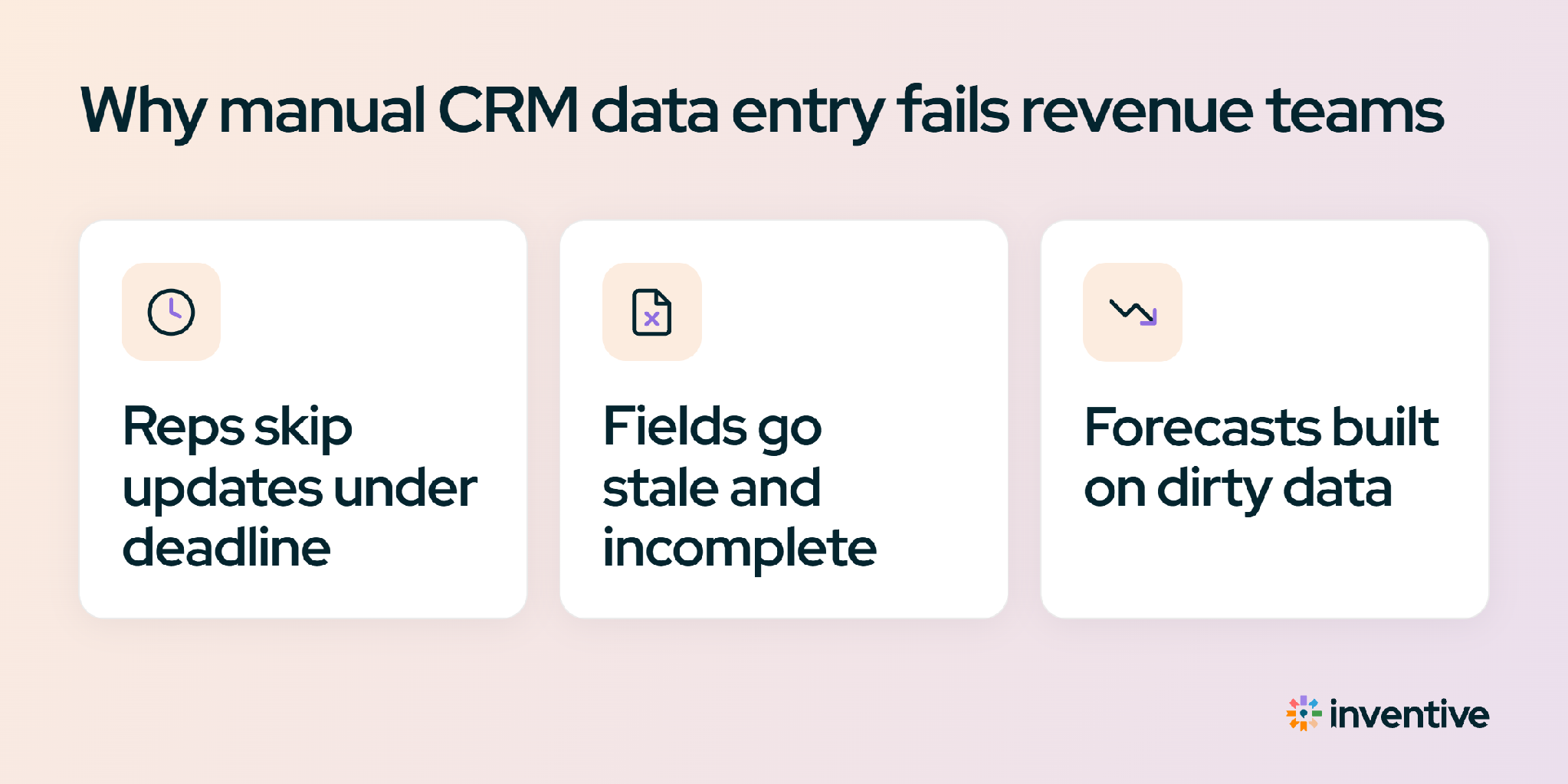
Manual CRM data entry fails because reps spend their time on calls, not on admin. Deal stages and next steps get updated late or not at all, so the pipeline no longer matches what’s actually happening. Tools that update CRM automatically keep those records current.
Two numbers show the size of the problem. Bain & Company’s Technology Report 2025 estimates that sellers spend only about 25% of their time selling, and that AI could double that by handling the work around selling.
Data quality is also a problem. In a separate Bain survey of more than 1,200 commercial executives, more than half said they haven’t built adequate data foundations, citing incomplete or low-quality data. As a result, RevOps teams spend pipeline reviews correcting records instead of reviewing deals.
3 types of tools that update CRM automatically
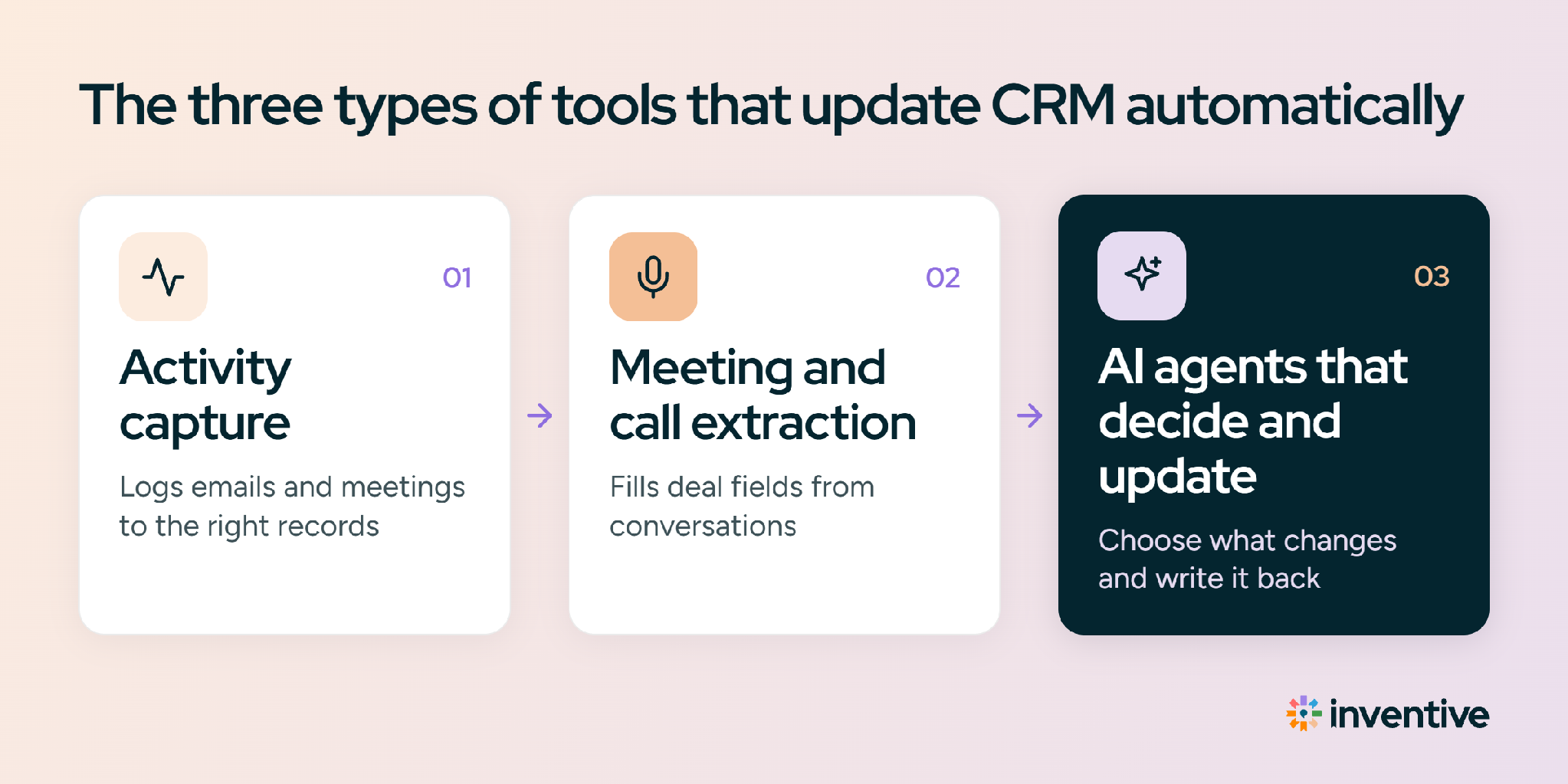
Not every tool that "updates the CRM" updates the same things. There are three levels, and each one keeps a different part of the CRM current.
- Activity capture: The simplest automated CRM data entry tools log emails, meetings, and new contacts to the right records. The deal history stays complete, but stages and next steps still depend on reps. Example: Backstory (formerly People.ai).
- Field updates from conversations: Reads calls and emails and writes values into chosen deal fields, such as next steps or qualification criteria. Examples: Scratchpad, Gong, Sybill, Attention.
- AI agents: Update deal fields, then act on what changed, such as saving documents to the record or closing completed tasks, with approval rules for each kind of action. Example: Inventive AI.
8 Tools that update your CRM automatically: feature and integration matrix
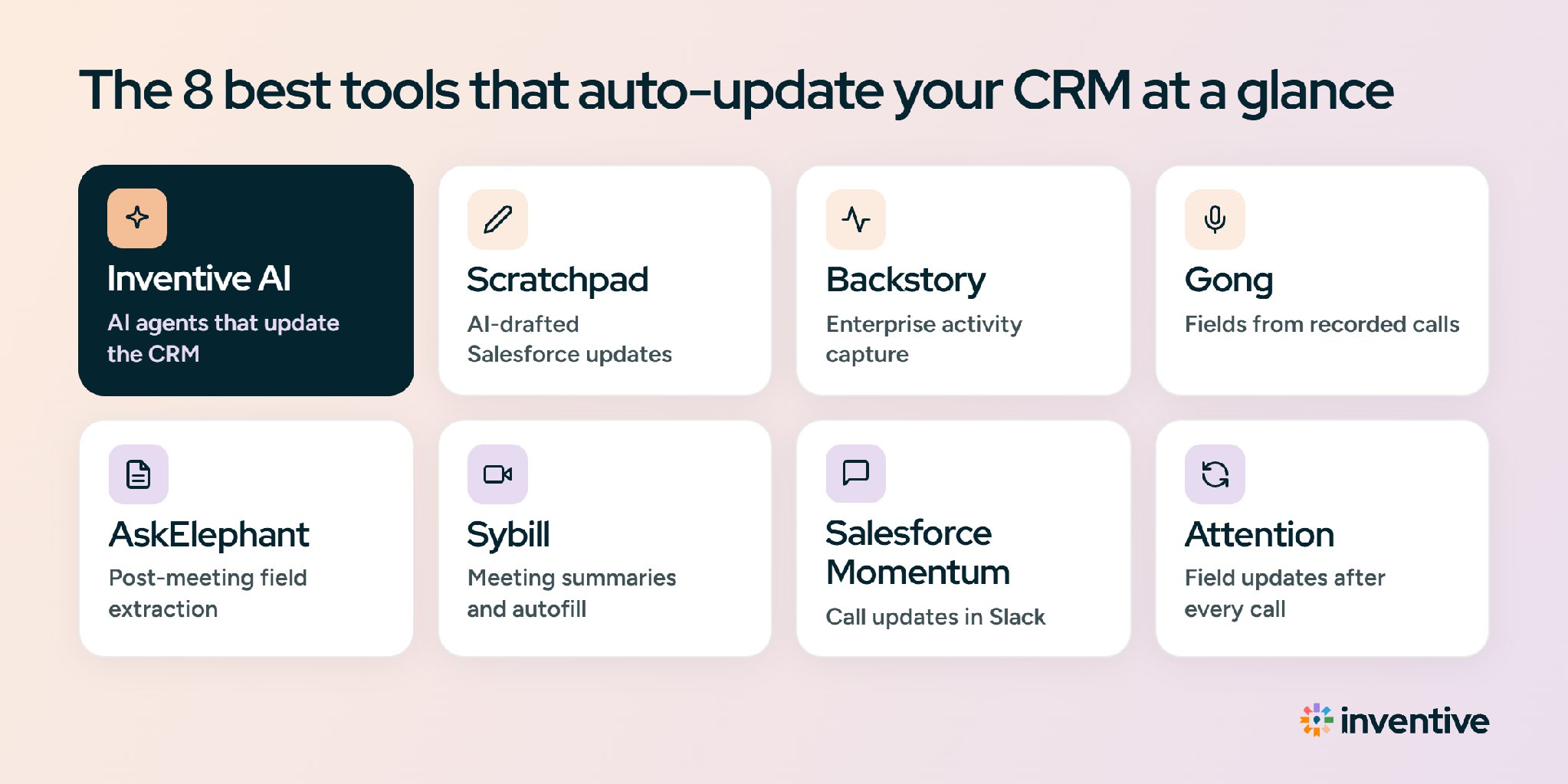
The table compares all 8 tools on the CRMs they support, the fields they update, and anything else they write back to the record.
Inventive AI: AI agents that keep the CRM updated
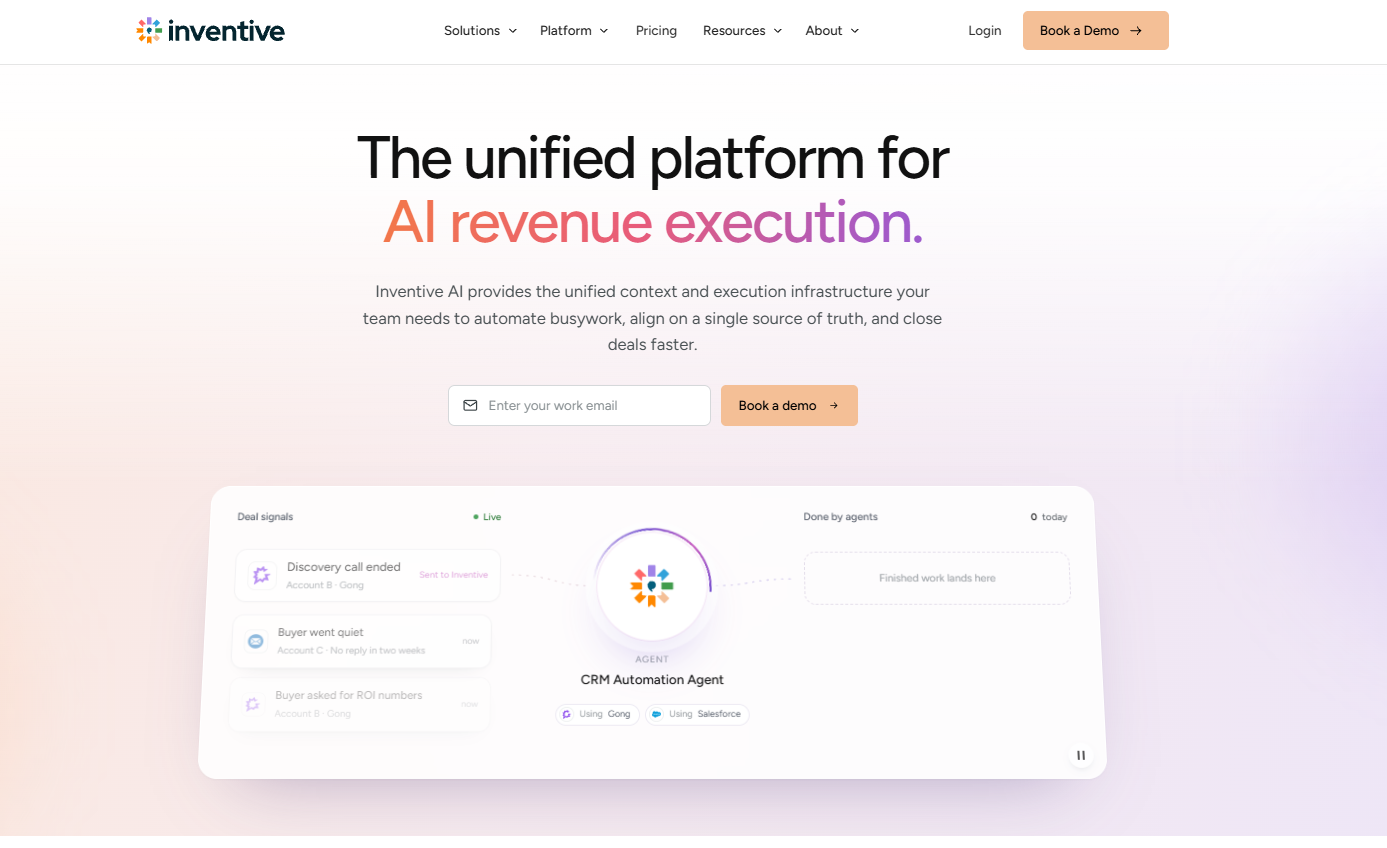
Inventive AI’s revenue execution platform uses AI agents to keep Salesforce or HubSpot accurate without manual data entry. After each meeting, its CRM Automation Agent uses meeting, email, and calendar data to propose updates to Next Step, Description, and Stage. It applies them on rep approval, or automatically if the team allows it. Every capability below is live today.
Works with: Salesforce and HubSpot.
How Inventive AI decides what to update
- Context: It draws on the CRM, email, calendar, Slack or Teams, and call recordings together, not a single call.
- Write-back: Along with field updates, it saves deal documents to the record and closes completed tasks.
- Unmatched meetings: It creates a “review” deal when a meeting doesn’t match an existing HubSpot deal.
- Approvals: Teams set approval rules per type of action, and everything waiting for sign-off sits in one queue.
- Reasoning: Each update shows what the agent did and why.
How Inventive AI updates the CRM
- Field and stage updates: After each meeting, the CRM Automation Agent proposes updates to Next Step, Description, and Stage. It applies them on approval, or silently if the team has set routine updates to "just do it."
- Stage change suggestions: Suggests moving a deal to a new stage based on CRM and meeting data.
- Deal and account matching: Matches each meeting to the right HubSpot deal and account, and creates a "review" deal if nothing matches.
- Asset write-back: Every document created for a deal is saved to the CRM record automatically.
- Edits from the deal view: Reps can change a CRM field inside Inventive AI's deal view, and the agent writes the change through, following the team's approval settings.
- Tasks that close themselves: The Task Execution Agent detects from email and the CRM when a task is done, such as a follow-up email being sent, and closes it with the reason.
Limitations of Inventive AI
- Two CRMs: It supports Salesforce and HubSpot only.
- Call recorder support: Fathom is connected today. Gong, Zoom, and Fireflies are on the integration list.
Pricing: Custom quote.
G2 rating: 4.9/5 (about 100 reviews).
What users say: Most current G2 reviews come from teams using Inventive AI's RFP response product. Reviews of the CRM agents are still building up, so the best test is a demo on the team's own recent meetings.
Scratchpad: AI-drafted Salesforce updates and bulk editing
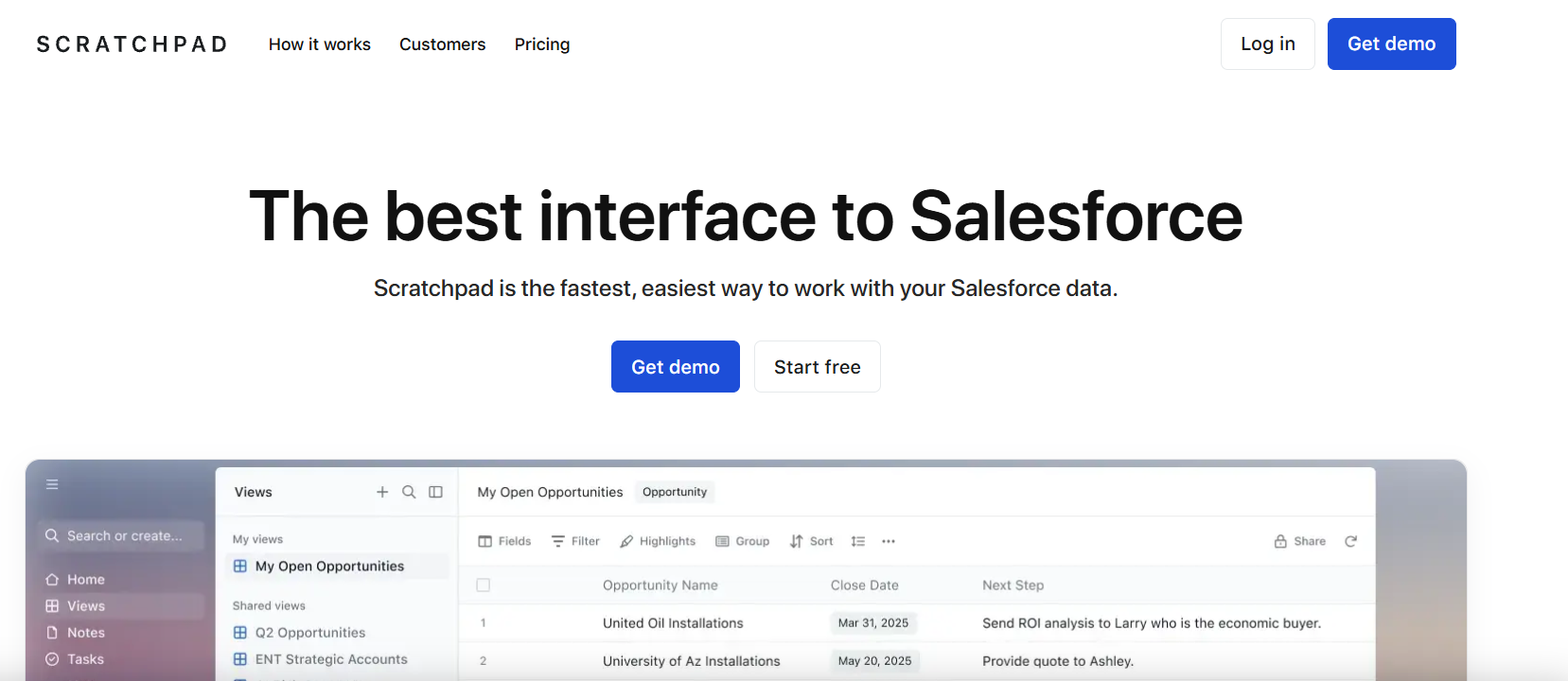
Scratchpad is useful to update CRM after meetings for Salesforce teams that want AI to draft field updates from calls and emails, with reps reviewing or auto-accepting each change.
Scratchpad started as a fast workspace for editing Salesforce and now adds an AI notetaker. After each call, AI prompts set up by the team draft updates for fields like next steps, close dates, MEDDIC criteria (a sales qualification framework), and custom fields.
Works with: Salesforce.
How Scratchpad updates the CRM
- AI field updates: Drafts Salesforce updates from calls, emails, and notes; each field can be set to manual review or automatic update.
- AI backfill: Fills missing or outdated fields across past opportunities by reviewing earlier calls.
- Bulk editing: Grid and pipeline views for updating many records at once.
Limitations of Scratchpad
- Salesforce only: It doesn't support HubSpot.
- Prompt setup: RevOps needs to write and tune a prompt for each field.
Pricing: One paid plan at $16/user/month, billed annually ($20 monthly).
G2 rating: 4.8/5 (about 1,490 reviews).
What users say: Reps praise the clean interface and speed. Some reviewers mention cost after outgrowing free features.
Backstory (formerly People.ai): best for enterprise activity capture and contact creation
Backstory automates CRM data entry by capturing every email, meeting, and buyer contact into Salesforce without seller effort.
People.ai rebranded as Backstory in April 2026. Its core is activity capture: it connects to company email and calendars, identifies everyone involved, and logs each activity against the right account and opportunity.
Works with: Salesforce.
How Backstory updates the CRM
- Automatic contact creation: Adds new buying committee members to Salesforce as they show up in emails and meetings.
- Activity mapping: Matches emails and meetings to the right accounts and opportunities.
- Slack updates: Lets reps update CRM fields from Slack.
Limitations of Backstory
- Logs activity, not deal fields: It records what happened but doesn't rewrite stages or next steps from conversation content.
- Duplicate contacts: Some reviewers report duplicate or unneeded contact records that need cleanup.
Pricing: Custom quote.
G2 rating: 4.5/5 (about 630 reviews).
What users say: Valued by enterprise RevOps teams for complete activity data. Setup and matching rules need dedicated admin time.
Gong: best for filling CRM fields from Gong-recorded calls
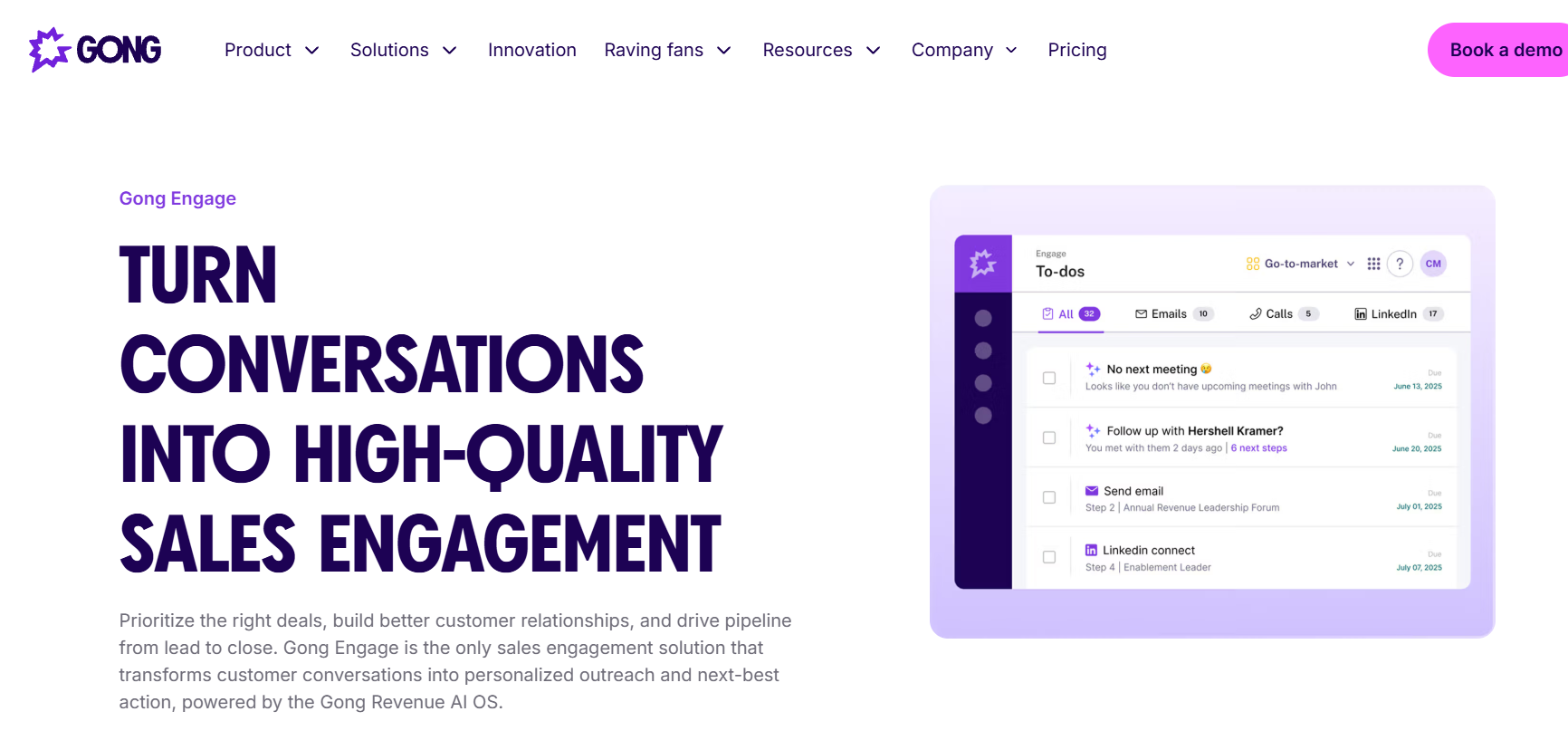
Gong automatically updates CRM fields for teams that already use its platform for call recording and revenue intelligence.
Gong's AI Data Extractor is an agent that reads calls and emails in Gong, answers questions an admin defines (such as "Which competitors were mentioned?"), and writes the answers to mapped CRM fields. It recalculates the answers whenever a new relevant conversation happens.
Works with: Salesforce, HubSpot, and Microsoft Dynamics.
How Gong updates the CRM
- AI Data Extractor: Fills existing CRM fields from call and email content automatically.
- Runs in the background: Reps don't need to do anything for fields to update.
- Up to 20 extractors: Each workspace can publish up to 20 field extractors.
Limitations of Gong
- Admin-only setup: Extractors are configured by business admins, and deal-level extractors must map to a CRM field already imported into Gong.
- Updates existing records only: It doesn't create new CRM fields or records.
- Platform fee: Pricing adds a platform fee on top of per-user licenses.
Pricing: Custom quote. Per-user licenses plus a platform fee.
G2 rating: 4.7/5 (about 6,700 reviews).
What users say: Valued for call insights. Cost and add-on pricing are common complaints.
AskElephant (Fullcast): post-meeting structured field extraction
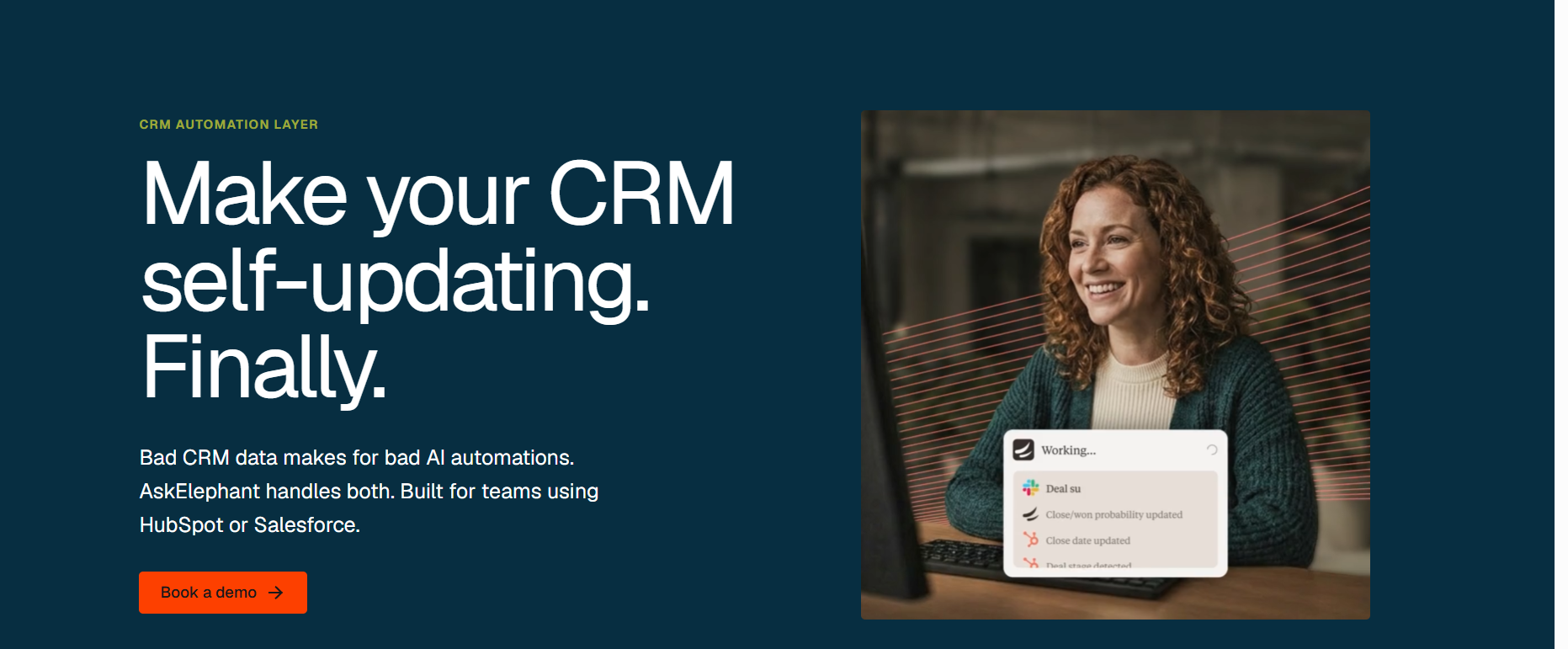
AskElephant updates CRM after meetings for HubSpot and Salesforce teams that want structured fields written from call content after every meeting.
Fullcast acquired AskElephant's technology and customer assets in September 2026. AskElephant records calls, pulls out details like budget, timeline, competitors, and next steps, and writes them to mapped CRM properties.
Works with: Salesforce and HubSpot.
How AskElephant updates the CRM
- Field extraction from calls: Writes deal, contact, and company properties from what was said.
- Custom field mapping: Routes each extracted value to a chosen CRM property.
- Task creation: Creates follow-up tasks from commitments made on calls.
Limitations of AskElephant
- Platform consolidation: Packaging, roadmap, and standalone availability are shifting following its acquisition by Fullcast
- Smaller review base: Fewer public reviews than larger vendors.
Pricing: AskElephant lists plans from $99/month; enterprise pricing by quote.
G2 rating: 4.9/5 (about 25 reviews).
What users say: Reviewers praise automations triggered by meetings and responsive support.
Sybill: AI meeting summaries and CRM autofill
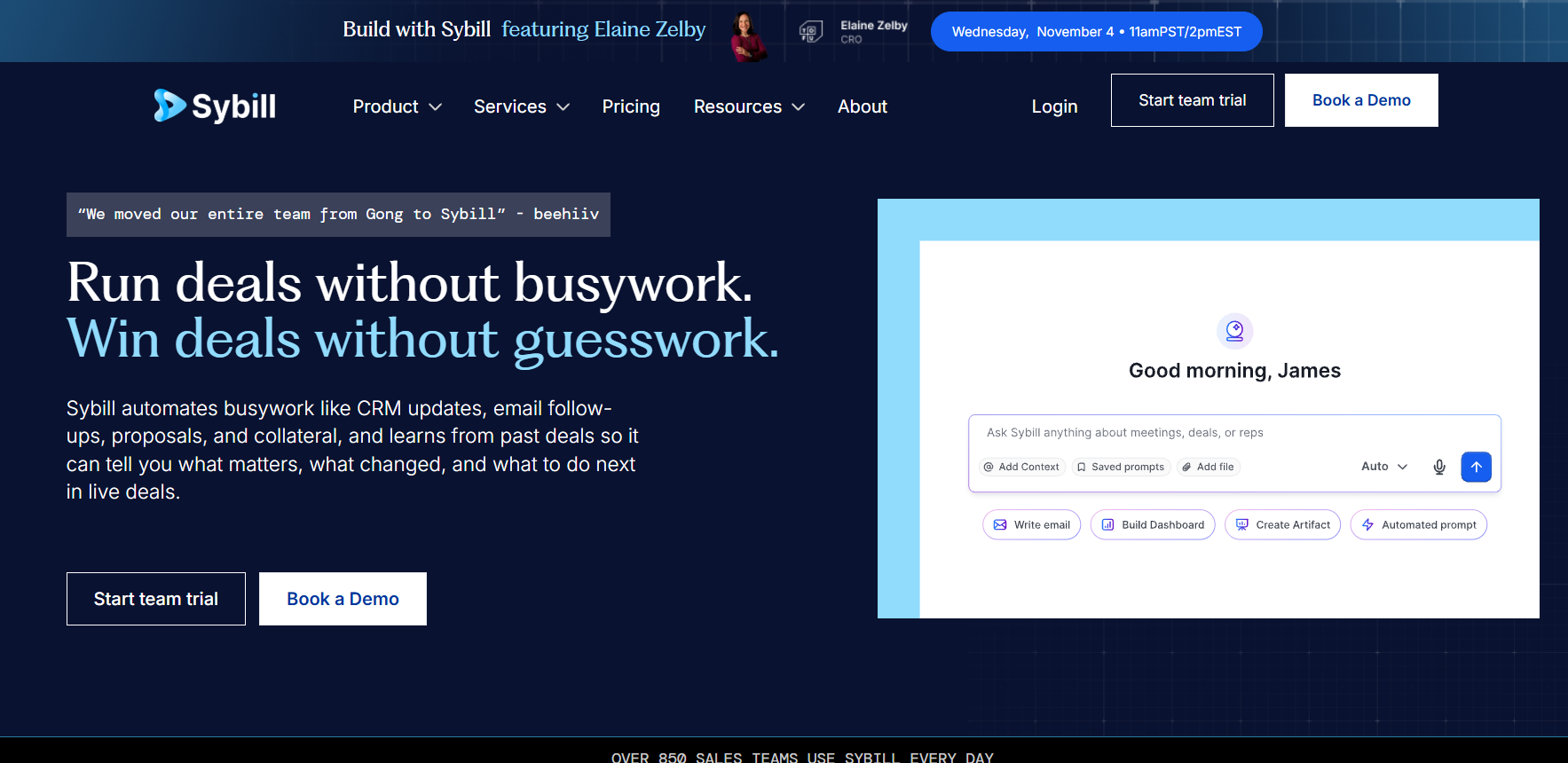
Sybill updates CRM automatically for teams that want call summaries and a set number of CRM fields filled automatically after each meeting.
Sybill records meetings, writes summaries, and uses CRM Autofill to write call details into Salesforce or HubSpot fields, including qualification frameworks like MEDDPICC.
Works with: Salesforce and HubSpot.
How Sybill updates the CRM
- CRM Autofill: Writes call details into chosen Salesforce or HubSpot fields.
- Summaries in the CRM: Pushes meeting summaries to the deal record.
- Framework support: Fills MEDDPICC, BANT, or custom fields.
Limitations of Sybill
- Field cap: The Business plan autofills up to 10 fields; unlimited fields require Enterprise.
- Plan-gated: CRM Autofill isn't included in the Pro plan.
Pricing: Pro $30/user/month; Business (with CRM Autofill) $90/user/month, billed annually. Enterprise by quote.
G2 rating: 4.8/5 (about 140 reviews).
What users say: Customers highlight accurate summaries. Autofill requires the higher plan.
Salesforce Momentum: call-based Salesforce updates delivered in Slack
Momentum updates CRM automatically for Salesforce teams that work in Slack and want call details written to Salesforce fields soon after each call.
Momentum captures calls, extracts field values, writes them to Salesforce, and posts summaries and deal signals in Slack. It also offers a tool that fills Salesforce fields from past calls.
Works with: Salesforce and Slack.
How Momentum updates the CRM
- Post-call field updates: Writes next steps and custom fields to Salesforce after calls.
- Slack delivery: Summaries and updates appear in Slack channels.
- Backfill from past calls: Populates fields using historical meetings.
Limitations of Momentum
- Salesforce and Slack required: Momentum says it doesn't support HubSpot.
- Add-on costs: Its own call recorder is a separate paid add-on.
Pricing: From $69/user/month; Enterprise by quote.
G2 rating: 4.7/5 (about 100 reviews).
What users say: Reviewers report higher Salesforce field completion. Pricing can feel steep for small teams.
Attention: automatic field updates after every sales call
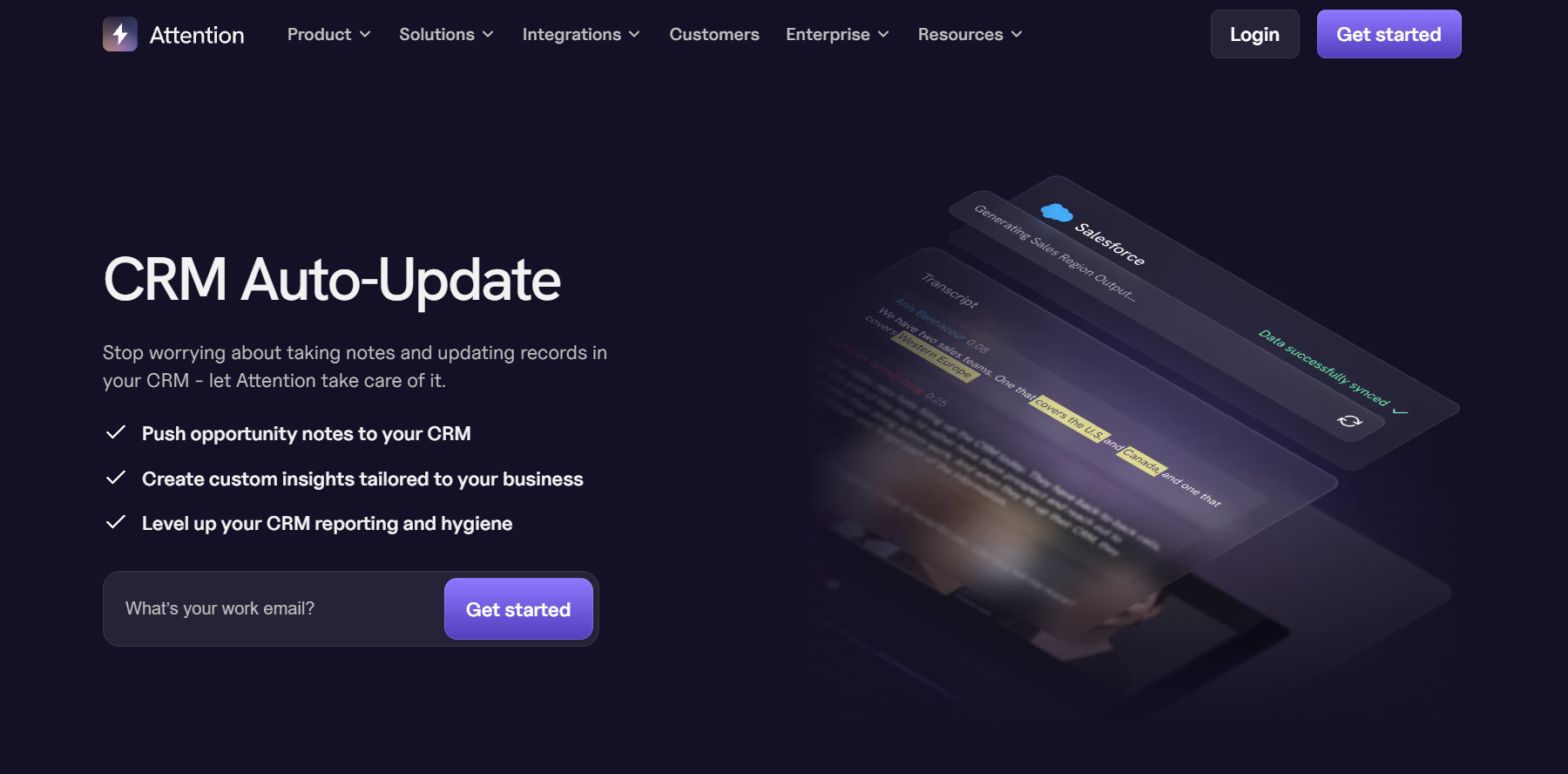
Attention is an automated CRM data entry tool for Salesforce and HubSpot teams that want deal fields filled in after every call, without rep input.
Attention records calls on Zoom, Google Meet, and Microsoft Teams, reads the transcript, and writes the results to mapped CRM fields. Teams set custom prompts for each field, and Attention keeps those fields current as new calls and emails come in.
Works with: Salesforce and HubSpot.
How Attention updates the CRM
- CRM Auto-Update agent: Updates stage, next step, MEDDPICC criteria, competitor, decision timeline, and custom fields after each call.
- Custom field prompts: RevOps defines what the AI should extract for each field.
- Rolling updates: Fields are refreshed as new calls and emails add context, instead of being written once.
Limitations of Attention
- Needs RevOps setup: The field prompts must be configured and maintained.
- Seat minimum: G2 lists entry pricing at a 5-seat minimum, so it suits teams rather than individual reps.
- No published pricing: Teams need a sales conversation to get a quote.
Pricing: Custom quote. G2 lists a 5-seat minimum.
G2 rating: 4.6/5 (about 67 reviews).
What users say: Reps say they no longer update Salesforce by hand after calls. Some reviewers note it takes setup time to tune the field prompts.
What to check before choosing tools that update CRM automatically
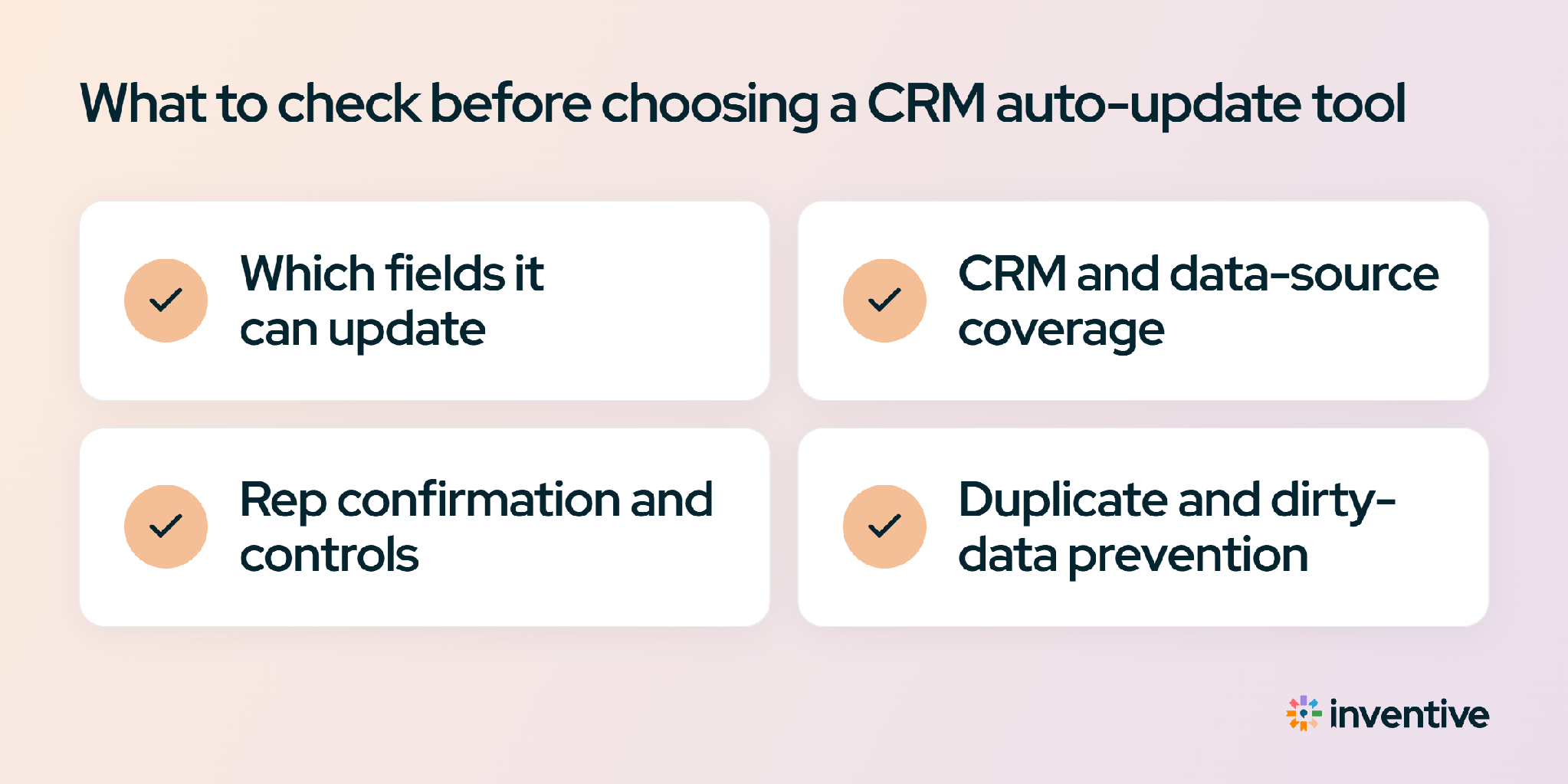
Before buying tools that update CRM automatically, check one thing first: does the tool only log that an email or meeting happened, or does it update the deal fields themselves? Activity logging keeps a history. Field updates keep the deal record accurate.
Ask these questions in every demo, and compare the answers with the red flags:
The quickest test is to run each shortlisted tool on last week's meetings and compare its CRM updates with what actually happened on the calls.
How to set up automated CRM updates without breaking data hygiene
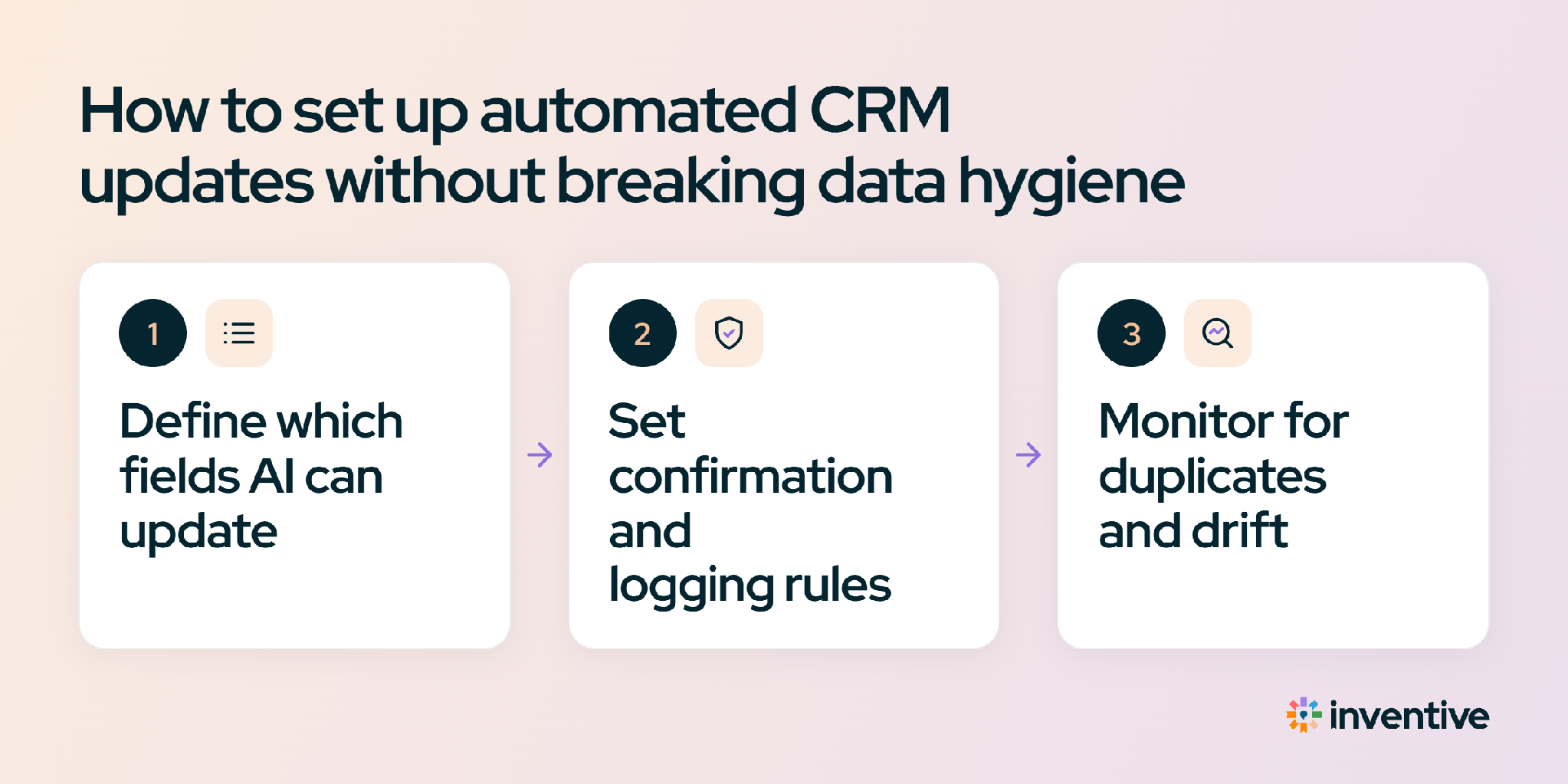
Auto-update CRM tools stay clean when teams decide exactly which fields the tool can change and start with approvals before letting updates run on their own.
- Choose the fields: List the CRM fields the tool may update, such as Next Step, Description, and Stage, and leave everything else read-only.
- Connect the sources: Link the CRM, email, calendar, and call recorder so the tool sees the full conversation. Inventive AI's integrations page lists current connectors.
- Start with approvals: For the first two weeks, send updates to an approval queue so reps and managers can check accuracy.
- Switch routine updates to automatic: Once accuracy is confirmed, let routine updates apply on their own and keep approval on sensitive fields.
Teams rolling out auto-update CRM tools for pipeline acceleration usually start with next steps and stages, because those fields drive pipeline reviews.
Which tool fits each team's CRM automation needs?
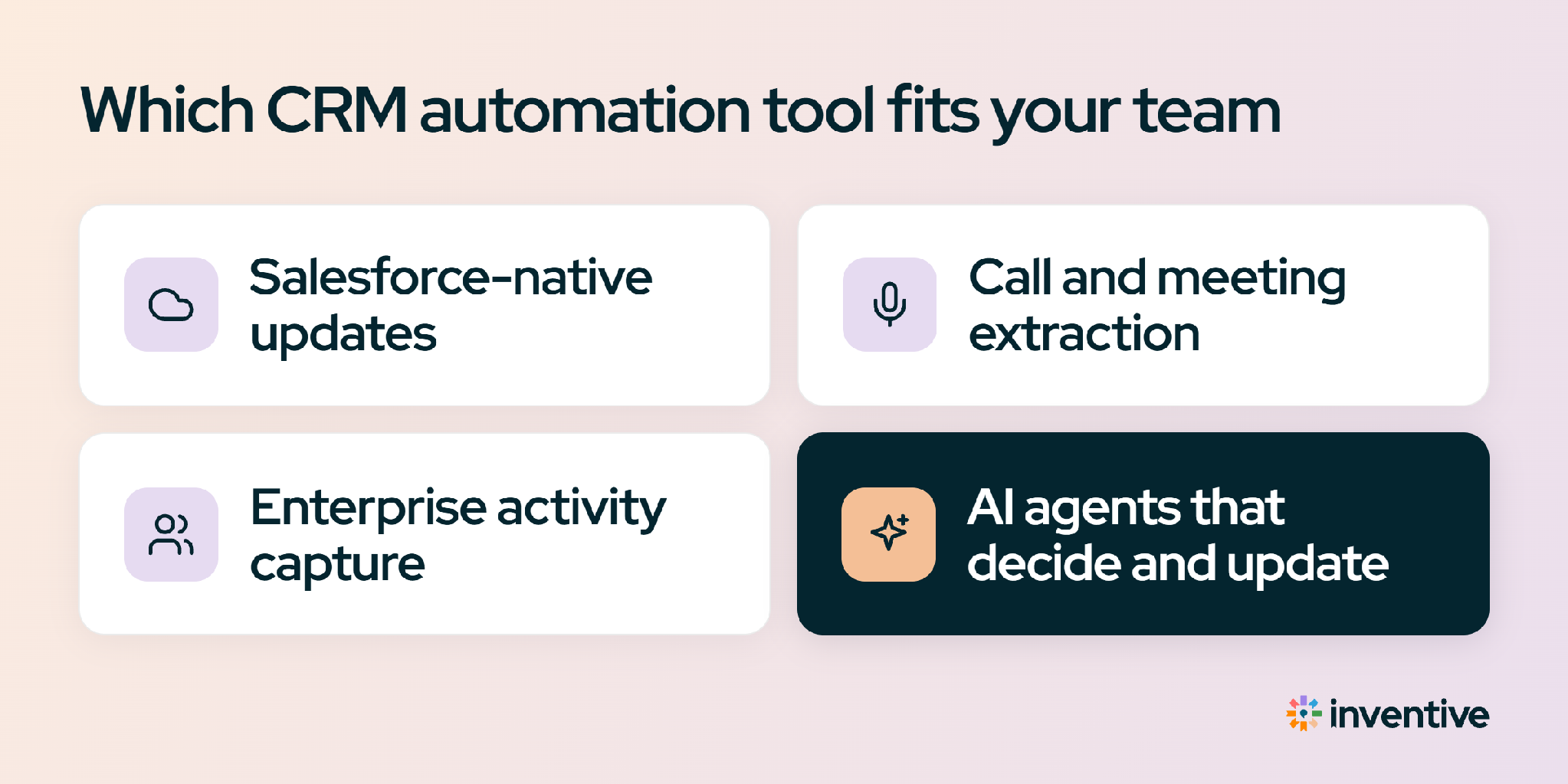
Choosing among tools that update CRM automatically comes down to how much of the CRM the team wants updated: activity history, specific fields from calls, or deal fields plus documents and tasks.