How to Use AI in Sales: A Practical Guide for AEs, Managers, and RevOps
Learn how to use AI in sales for research, calls, CRM, follow-up, forecasting, and content, with practical steps for AEs, managers, and RevOps.
Sales teams can use AI to research accounts, prepare for calls, summarize meetings, update CRM records, draft follow-ups, create sales assets, and identify deals that need attention.
The right use depends on the role. AEs can reduce post-call admin. Managers can monitor deal risk across the pipeline. RevOps can improve CRM data and govern how AI is used across the team.
This guide explains how to use AI in B2B sales by role, which tasks to automate first, and how to introduce AI without losing control of customer-facing work.
TL;DR
- Start with internal work: recaps, CRM updates, research, and follow-ups.
- Connect AI to real sales context: CRM records, calls, email, calendars, and approved content.
- Keep humans involved in buyer-facing work: AI can prepare the output; the rep owns the final decision and sends.
What can AI do in sales?
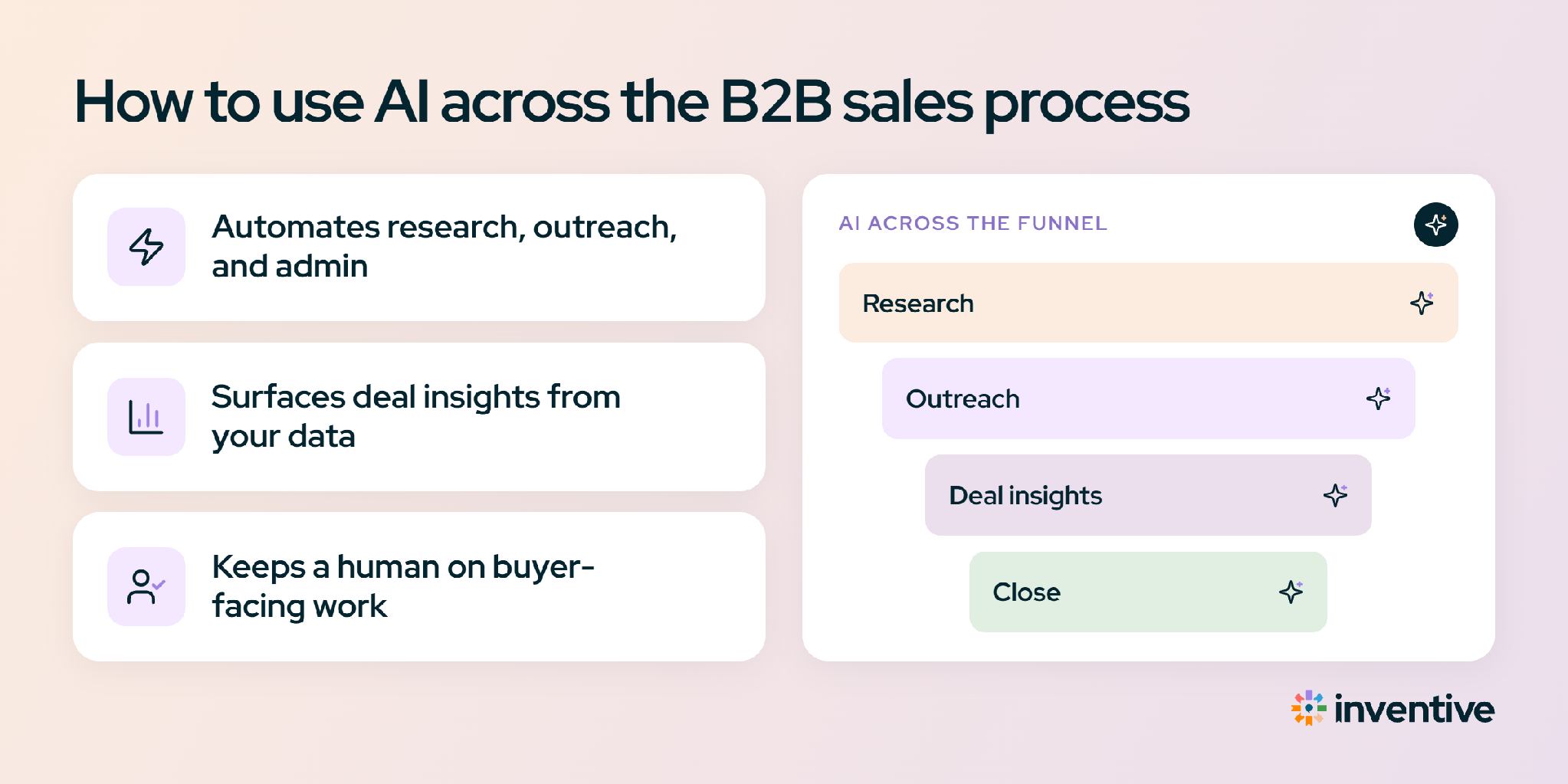
AI in sales comes down to four core jobs: understand, predict, generate, and act.
- Understand the deal: Pull context from the CRM, calls, emails, and other deal activity.
- Predict what happens next: Identify buying signals, risks, and changes that could affect the deal.
- Generate the work: Create call recaps, follow-up emails, one-pagers, and other sales content.
- Act on the information: Update CRM fields, create tasks, or route work for approval.
All four depend on one thing: shared deal context. AI is more useful when it can connect information across the same opportunity instead of working from one tool or data source at a time.
The potential is significant. McKinsey estimates that about one-fifth of sales-team functions could be automated. Gartner expects 60% of B2B seller work to be executed through conversational generative AI interfaces by 2028.
The biggest gains today come from repetitive work such as research, drafting, meeting follow-up, and data entry. Human judgment still matters for decisions, relationships, and buyer-facing communication. That is why the best starting point differs by role. Here’s where each role can put AI to work first:
How to use AI in sales as an account executive
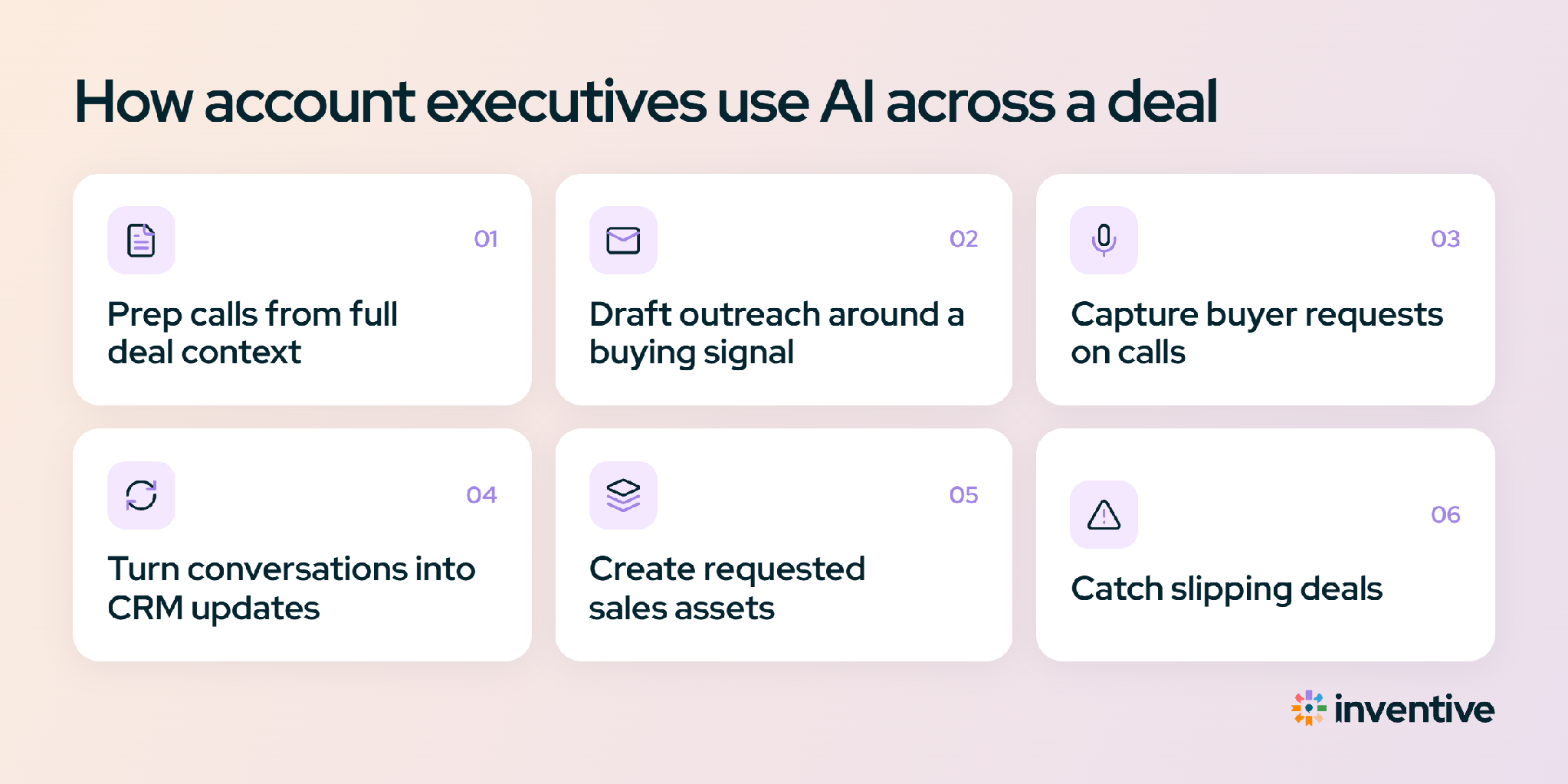
An account executive uses AI to reduce the administrative work around selling, including research, note-taking, CRM updates, and follow-up drafts, so more time goes to live conversations.
Start with call recaps and CRM updates because they are repetitive, internal, and feed every other system downstream.
1. Prepare for calls from the full deal context
AI can pull recent account activity, previous meetings, open questions, commitments, and CRM updates into a pre-call brief.
2. Know what the deal is waiting on
AI can check each deal for internal blockers, such as a pricing approval still pending, a redline sitting with legal, or a security review nobody has picked up, so the AE can clear them before the next call.
3. Capture buyer requests during calls
AI can turn the call transcript into a structured summary of buyer questions, commitments, risks, and next steps, so the AE can focus on the discussion instead of taking notes.
4. Turn conversations into CRM updates
AI can propose changes to fields such as Next Step, Stage, and Description based on what happened during the call.
5. Create the sales asset the buyer requested
AI can use deal context and approved company content to create a first draft of a one-pager, ROI case study, or presentation.
6. Catch deals that are starting to slip
AI can monitor activity and commitments and flag opportunities that have gone quiet or missed an expected action.
Here is the before and after. Before AI, an AE finishes a 45-minute discovery call and spends 30 minutes writing the recap, updating six CRM fields, and drafting the follow-up, often after hours. With AI, the recap and CRM updates arrive as a draft to approve in two minutes, and the follow-up already references the documents the buyer asked for. That 30 minutes goes back to the next conversation.
How to use AI as a sales manager
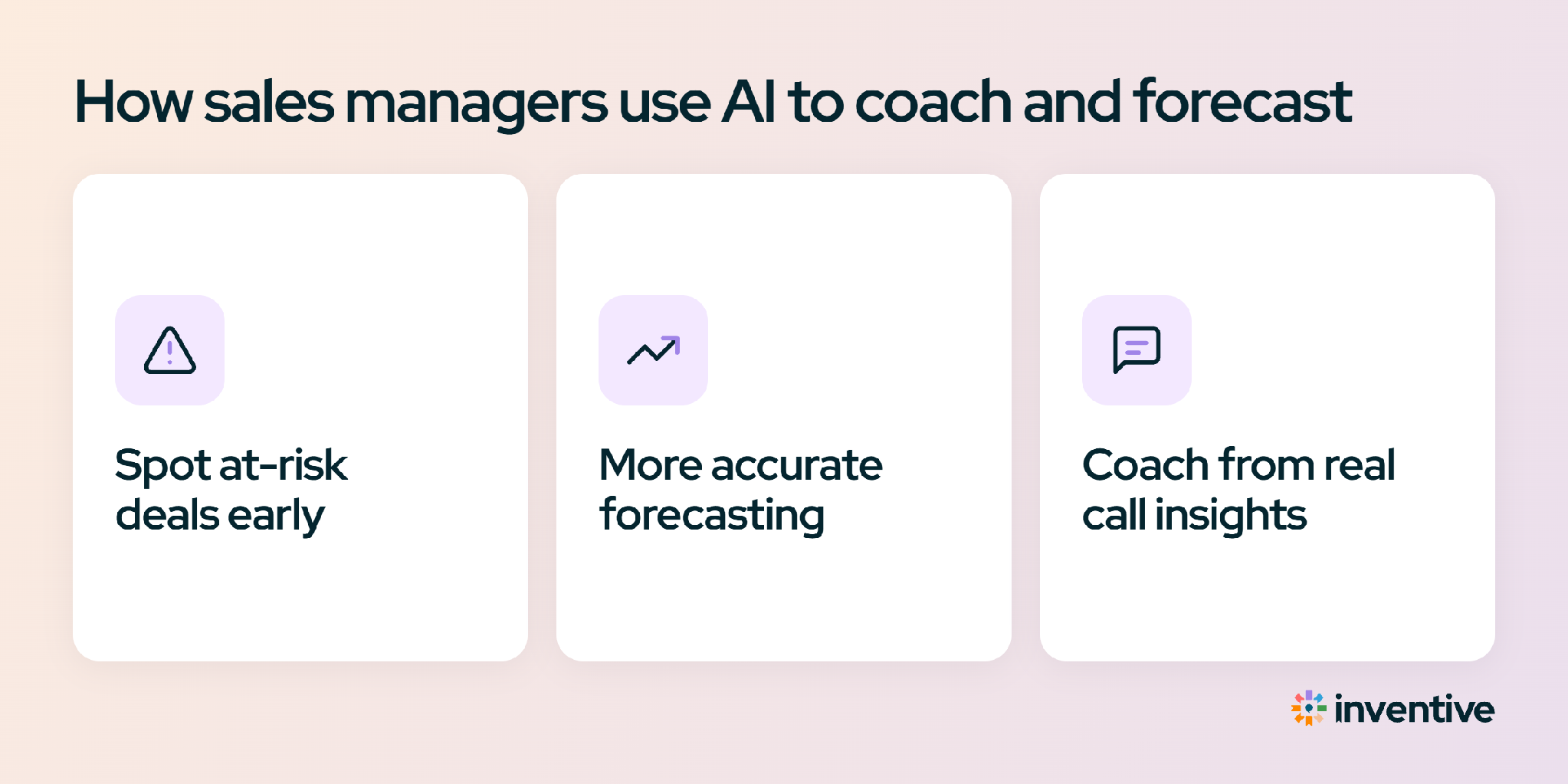
Sales managers cannot manually inspect every deal, call, and forecast every week. AI can narrow the pipeline to the opportunities that need attention.
- Surface deals that are drifting from the close date. Have AI compare each deal’s expected close date with recent activity, open tasks, and buyer engagement. It can flag opportunities where the evidence no longer supports the forecast and explain what changed.
- Prepare for deal reviews. AI can summarize a deal’s history, recent activity, open actions, and risks before a one-on-one. Managers spend the review discussing the deal instead of rebuilding its history.
- Find patterns across sales calls. AI can analyze calls across the team to identify recurring objections, stalled conversations, and talk tracks linked to stronger outcomes. Managers can use those patterns to coach the team instead of relying on individual calls.
- Challenge the forecast with deal evidence. AI can compare a rep’s forecast with signals from the deal. For example, a deal marked for this quarter may still have no economic buyer involved, unresolved legal work, or no recent buyer activity.
- Catch stalled deals early. AI can flag opportunities where meetings stop, key contacts go quiet, or committed next steps remain incomplete. Managers can intervene while there is still time to change the outcome.
The manager’s biggest gain is knowing which deals need intervention before they put the quarter at risk.
For example, a manager with 60 open deals cannot review every opportunity in depth before a Monday pipeline meeting. AI can surface the eight that need attention and explain why, such as an absent economic buyer, stalled legal review, or a missed next step. The manager starts with those deals instead of working through the entire pipeline.
How do sales managers use AI for forecasting?
AI can compare a rep’s forecast with the evidence in the deal, including recent activity, stakeholder engagement, open tasks, and stalled approvals. It can flag where the forecast and deal signals do not match and explain the risks behind the gap.
The manager still owns the forecast. AI surfaces the evidence; the manager uses that evidence, along with their knowledge of the buyer and deal, to make the final call.
How to use AI in sales as a RevOps leader
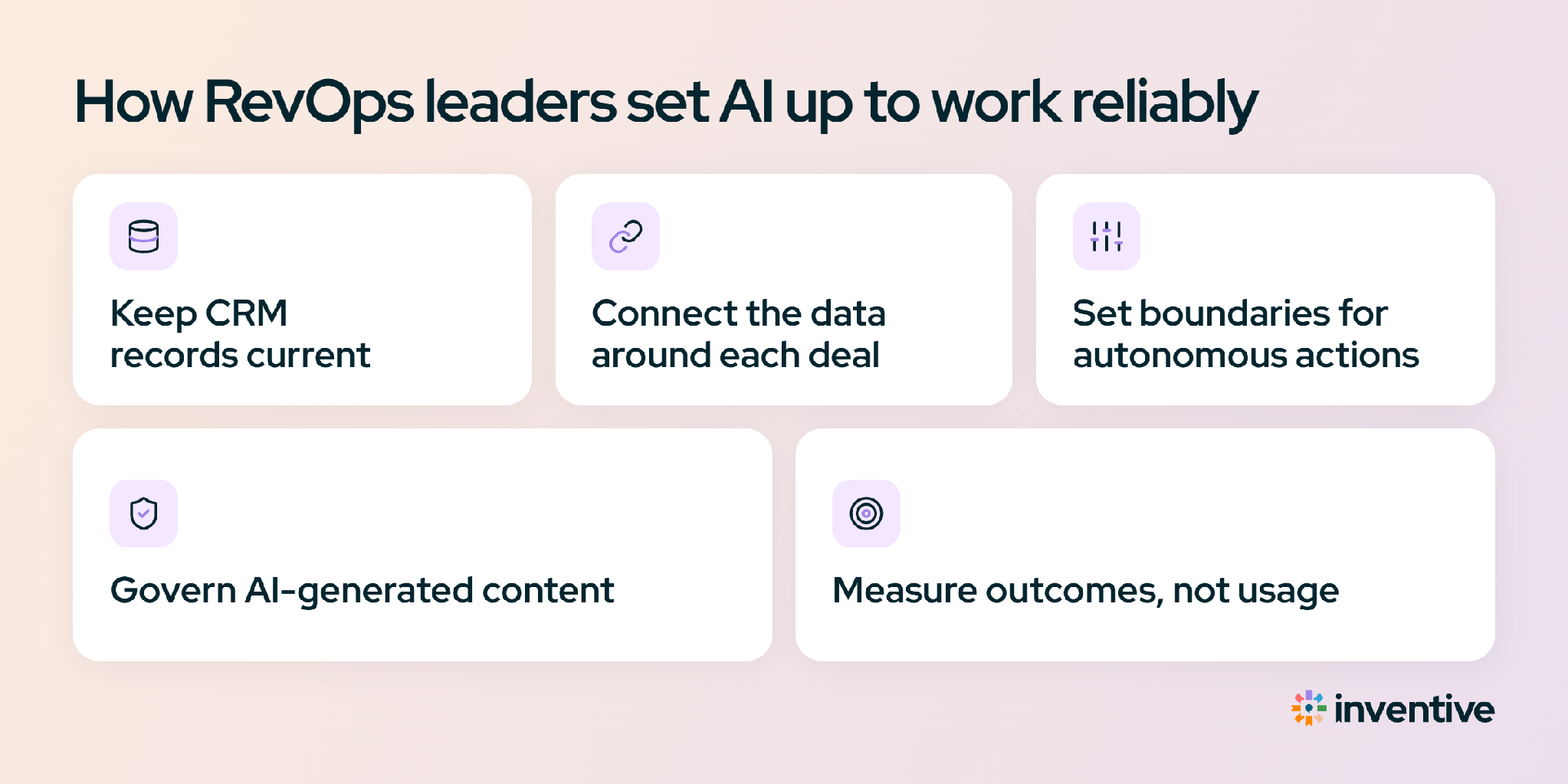
RevOps teams give AI the data, systems, and controls it needs to work reliably across the sales process. Their job is not just to deploy AI. It is to decide what data AI can use, what work it can perform, and where people must approve the output.
1. Keep CRM records current
AI can extract deal updates from calls, emails, and other sales activity and map them to CRM fields. That can include next steps, contact changes, deal stage, close-date changes, and other fields your team relies on. RevOps defines which fields AI can update and how those changes are logged.
2. Connect the information around each deal
A CRM record rarely contains the full deal story. Relevant context can sit across calls, emails, calendars, sales content, and other systems. Connecting these sources gives AI a fuller view of the opportunity instead of relying on one incomplete record.
3. Set boundaries for autonomous actions
Not every AI action should work the same way. RevOps can allow AI to complete low-risk internal tasks, such as updating a CRM field or creating a task, while requiring approval for higher-risk actions, such as sending buyer-facing messages or changing important deal information.
4. Govern AI-generated sales content
AI-generated content should use approved company information, not whatever source happens to be available. RevOps can define approved sources, control access, and keep generated content traceable to the information behind it. This is especially important when AI-generated content contains pricing, product claims, security information, or other sensitive details.
5. Measure whether AI improves the sales process
Track more than AI usage. Measure the outcomes that matter to the revenue team: time returned to selling, CRM data quality, follow-up speed, deal progression, forecast accuracy, pipeline movement, and revenue impact. These metrics show whether AI is improving the workflow or simply adding another tool.
For example, a rep may finish a customer call with a new decision-maker, a revised close date, and two follow-up actions. If those updates stay in the call transcript, the CRM quickly becomes outdated. AI can extract the changes, update the relevant fields, and create the follow-up tasks. RevOps controls which updates happen automatically and which require review, keeping the CRM closer to the current state of the deal.
How to avoid common mistakes with AI agents in sales
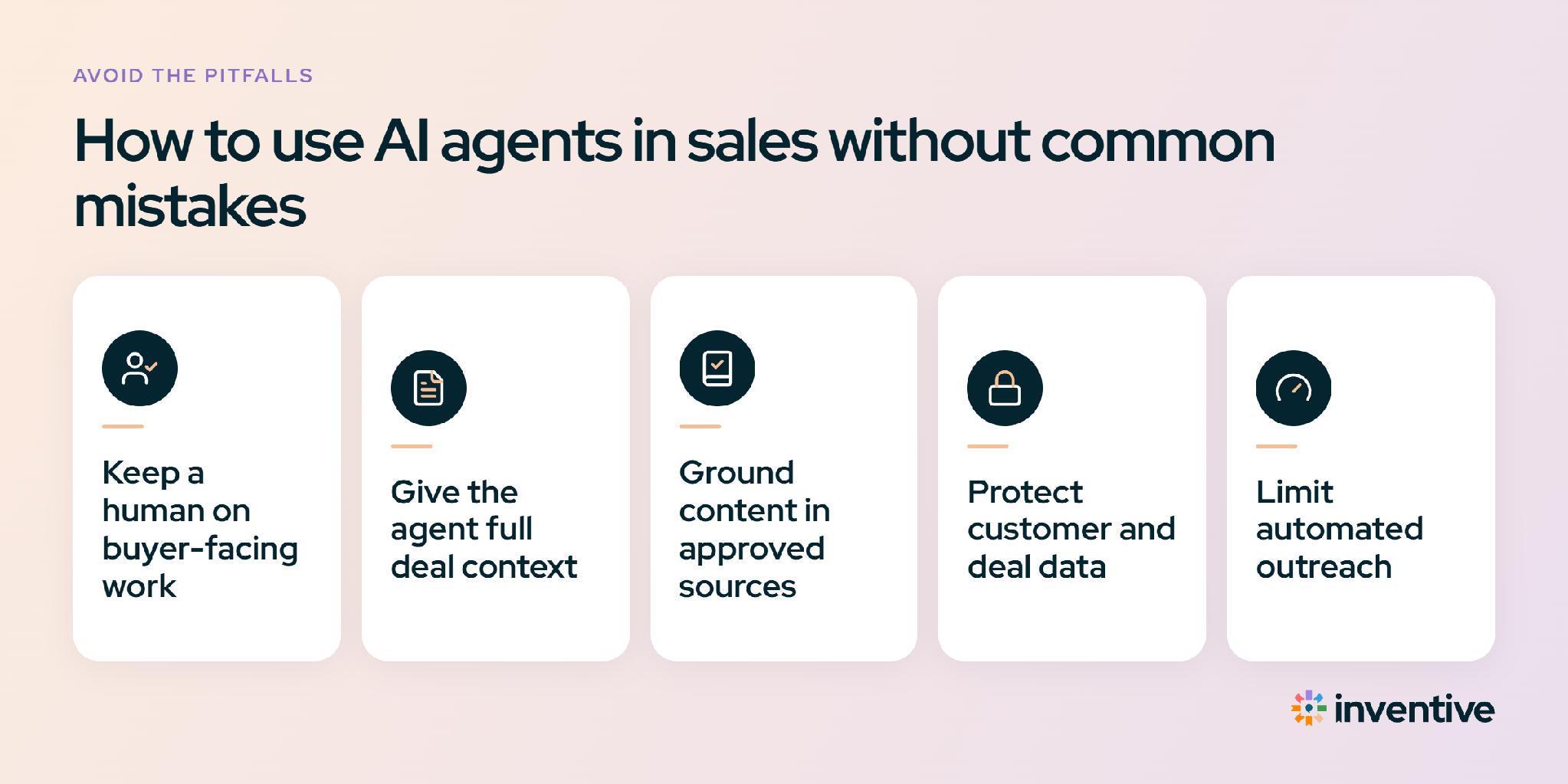
AI agents can handle repeatable sales work across research, follow-ups, CRM updates, and sales content. But autonomy needs boundaries. Agents need the right context, approved sources, and clear rules for when they can act and when a person must approve the work.
1. Keep a human on buyer-facing work
An AI agent can draft an email, one-pager, or proposal, but a rep should review it before it reaches the buyer. Check the claims, numbers, tone, and deal-specific details. Internal tasks can usually be automated more freely than external communication.
2. Give the agent the full deal context
An agent working from one CRM field cannot see the full deal. Connect it to relevant CRM data, call transcripts, emails, buyer requests, and approved sales content. This gives the agent enough context to produce useful work without forcing the rep to rebuild the deal history in every prompt.
3. Ground sales content in approved sources
AI can generate plausible but incorrect information about pricing, features, integrations, or policies. Buyer-facing claims should come from approved company sources that the rep can verify. If the required information is missing, the agent should flag the gap instead of filling it with a guess.
4. Protect customer and deal data
Before connecting customer information to an AI agent, check how the provider stores and uses that data. Look for controls covering data retention, model training, access, and security. Enterprise sales teams should also confirm that the system meets their organization's data requirements.
5. Make every agent action traceable
When an agent completes a task, the team should be able to see what it did, what it considered and rejected, and why. Generated content should cite the sources behind each claim. If a rep cannot trace an output back to its source, they cannot defend it in front of a buyer.
Put AI agents to work across the entire deal with Inventive AI
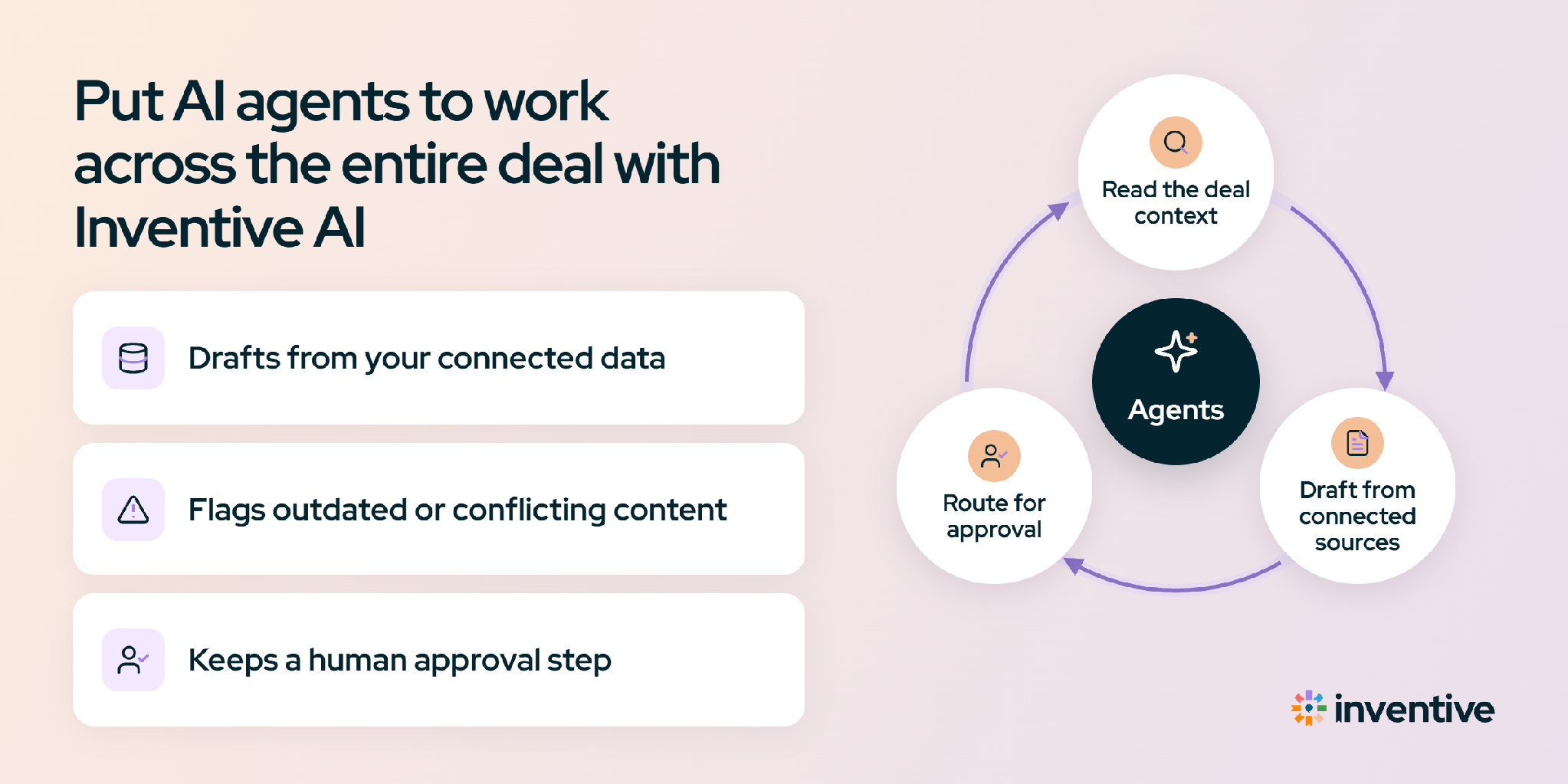
Inventive AI is an AI revenue execution platform that catches deals slipping before the rep or manager notices, then clears the blocker or tells the owner exactly what to do. It connects a team’s CRM, email, calendar, Slack, and call data, and puts AI agents to work across the deal for all three roles. Instead of a separate tool per task, the AE, the manager, and RevOps work from the same connected view.
- For the AE: Preps each call with deal history and a suggested agenda, turns the recap into proposed CRM updates and tasks, drafts the follow-up, and starts building the asset the buyer asked for.
- For the manager: Shows what each deal is waiting on, such as a pending pricing approval or a redline in legal, and compares the called close date with where the deal is likely to land.
- For RevOps: Sets which actions run automatically, which notify the owner, and which need approval; controls access by role; and keeps every generated asset cited to its sources.
- Shared workflow: Routine internal updates can run on their own, while customer-facing emails and messages wait in an approvals queue for a person to approve, edit, or reassign.
The same platform also handles RFPs, DDQs, and security questionnaires, one of the late-stage blockers that stall deals, using the same governed Knowledge Hub.