12 Best Deal Management Software Tools for Revenue Teams (2026)
Compare the 12 best deal management software tools for sales teams in 2026. Evaluate pipeline tracking, CRM auto-updates, blocker detection, and pricing.
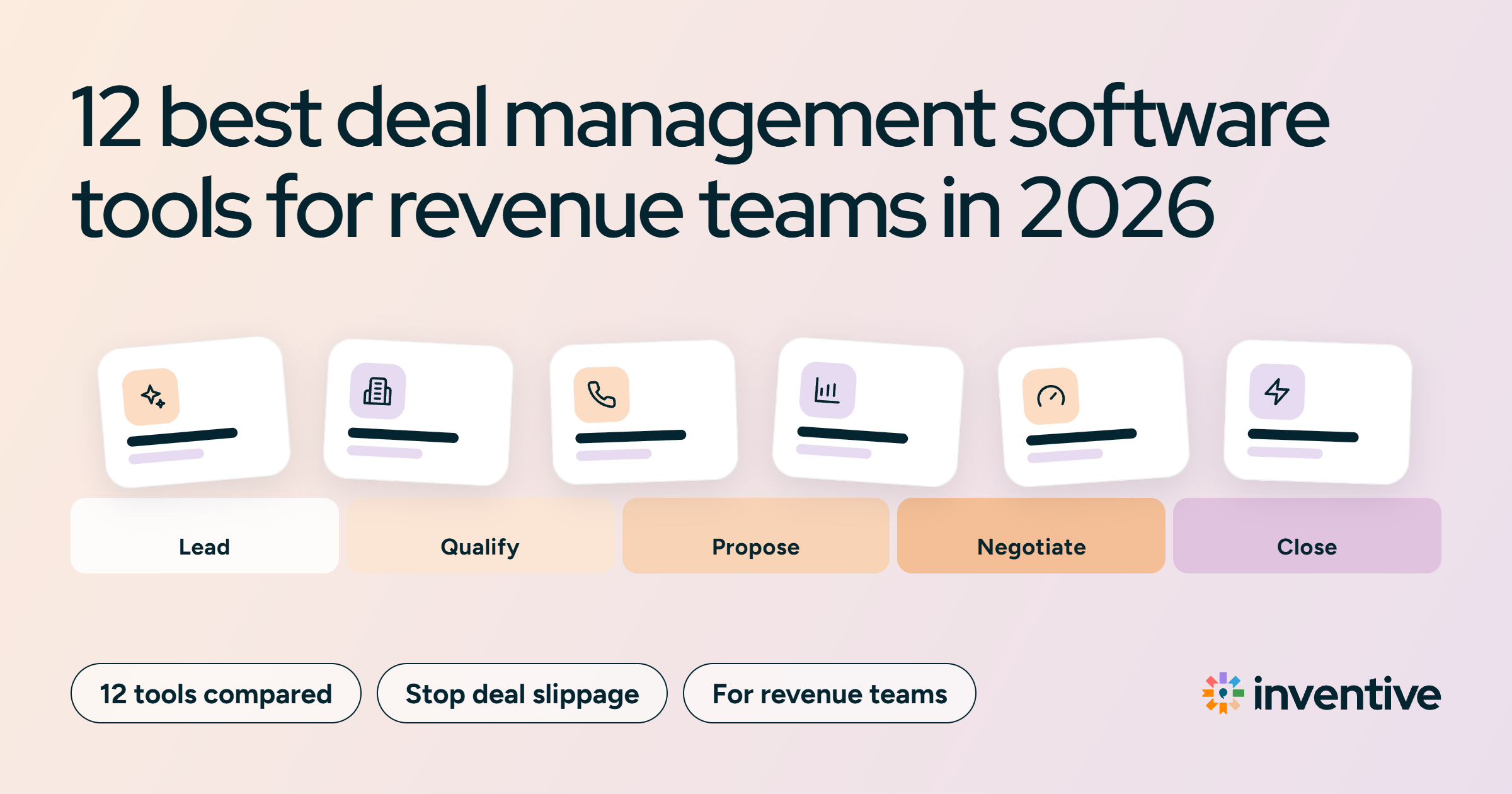
The best deal management software in 2026 is Inventive AI for catching deals that are about to slip, Salesforce Sales Cloud and HubSpot Sales Hub for tracking every deal in one CRM, and Gong and Salesloft for spotting deal risk early.
Deal management software keeps every open deal moving by showing what each deal needs next and warning the team before a deal stalls or goes quiet. Most deals don't die in one big moment. They slip through small gaps: a missed follow-up, a stuck approval, a close date nobody updated.
This guide compares 12 deal management software tools on how well they stop deals from slipping or going stale, plus price, G2 rating, and limits. It also covers what to ask vendors and how to roll out a new tool.
TL;DR: 12 deal management software tools at a glance
- Inventive AI: Best for catching deals about to slip, with AI agents that flag internal blockers, compare close dates, and keep Salesforce and HubSpot current.
- Salesforce Sales Cloud: Best for enterprises that want pipeline inspection and deal change tracking inside a highly customizable CRM.
- HubSpot Sales Hub: Best for growing teams that want simple deal tracking with tasks and automated reminders.
- Gong: Best for spotting deal risk from what buyers say, or stop saying, on calls and emails.
- Salesloft (with Clari Forecast): Best for deal inspection and forecasting that show which deals are at risk this quarter.
- Pipedrive: Best for small teams that want clear alerts when a deal sits idle too long.
- Outreach: Best for deal health scores that flag stalling accounts.
- Revenue Grid: Best for Salesforce teams that want activity logged automatically so deal records stay current.
- Freshsales: Best for budget-friendly AI deal scoring that shows which deals need attention.
- Monday CRM: Best for teams that want custom alerts and deal-to-delivery handoffs in one workspace.
- Close: Best for fast-moving sales teams that need every lead and deal followed up on time.
- Zoho CRM: Best for cost-conscious teams that want AI alerts on unusual pipeline changes.
Why do sales teams need deal management software?
Sales teams need deal management software because a CRM on its own records deals but doesn't watch them. It shows what stage a deal is in, but not whether the deal has stalled, what it is waiting on, or which follow-up was missed.
Deals slip through the cracks in four common ways.
Deals stall on internal work
Many deals slow down inside the seller's own company. A pricing approval waits in finance, a contract redline sits with legal, or a security review has no owner. The buyer is ready, but the deal isn't moving, and the CRM stage doesn't show why.
Deals go quiet without anyone noticing
A buyer stops replying, a meeting gets pushed, and no one follows up for two weeks. In a large pipeline, quiet deals are easy to miss until the close date has already passed.
CRM data falls behind
CRM updates usually happen after calls, whenever reps have time. As a result, next steps and deal stages fall out of date, and RevOps teams, who manage sales systems and data, end up reviewing pipeline built on unreliable records.
The issue is widespread. In Validity’s State of CRM Data Management in 2025 report, a survey of 602 CRM users, 76% said less than half of their organization’s CRM data is accurate and complete.
Deal close dates drift
Close dates in the CRM often reflect a rep’s estimate rather than where the deal actually stands. When an internal approval stalls or a buyer sign-off is still pending, the real close date moves later, but the CRM date stays the same. The forecast then counts deals that won’t close this quarter.
This gap shows up in how leaders view their numbers. A Gartner survey found that only 45% of sales leaders and sellers have high confidence in their organization’s forecast accuracy.
Read more: Best Revenue Operations Software: AI Tools for RevOps Teams
12 Deal management software options compared
Deal management software stops deals from slipping in three ways. Systems of record, such as Salesforce and HubSpot, track every deal and send reminders. Intelligence tools, such as Gong and Salesloft, analyze activity to warn about risk. AI-native execution platforms, such as Inventive AI, find what is blocking each deal and do the follow-up work. The table compares all 12 tools.
1. Inventive AI: best AI-native platform for reducing deal slippage
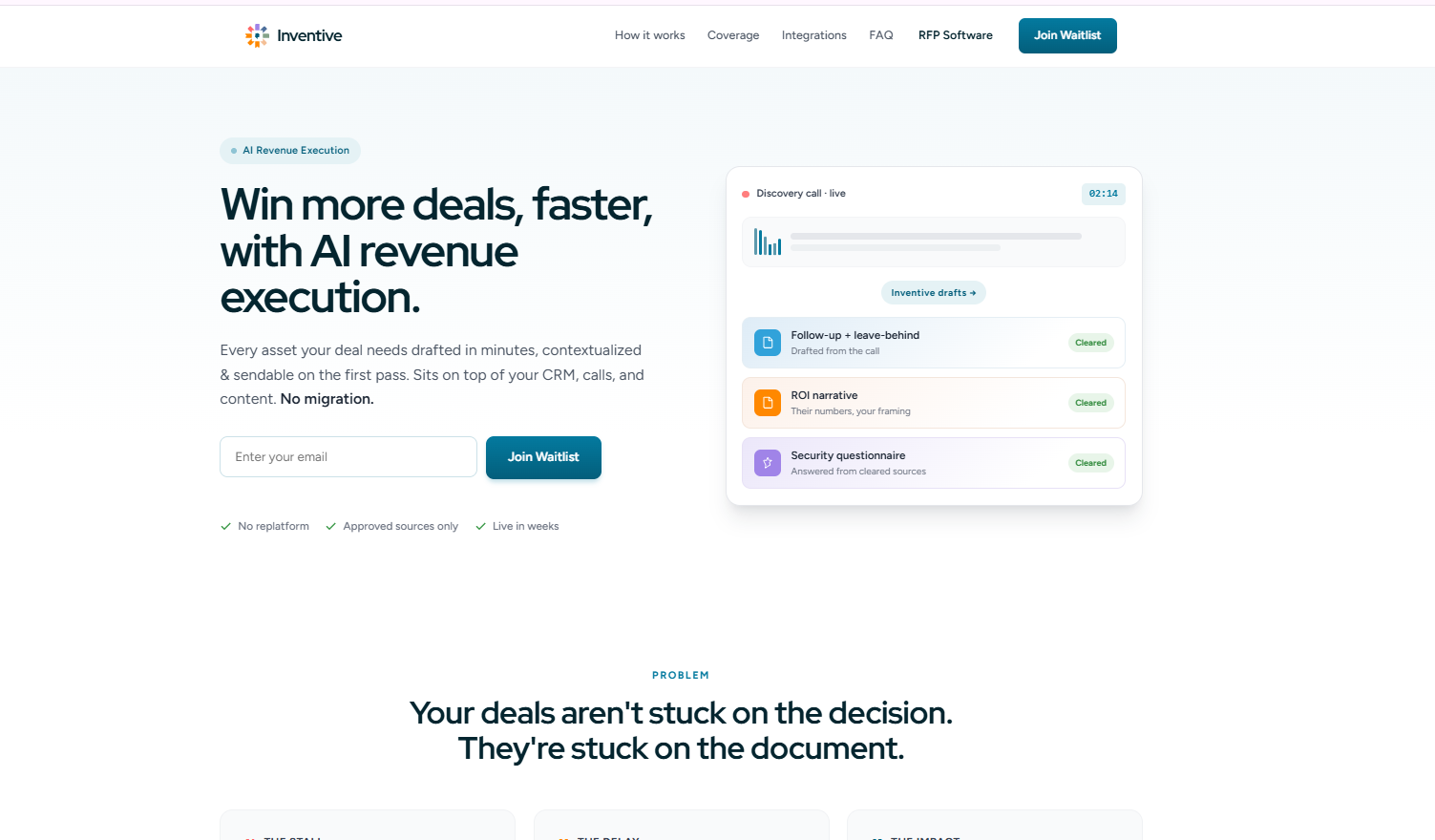
Inventive AI’s revenue execution platform is built for revenue teams that want AI agents to catch deals before they slip. The platform works on top of Salesforce or HubSpot rather than replacing it: its agents flag what each deal is waiting on, compare the rep’s close date with a likely one, and keep the CRM up to date, while reps approve the work. Every capability below is live today.
What the AI agents do:
- Deal Slippage Agent: Watches each deal across the CRM, email, calendar, calls, and Slack. It shows what the deal is waiting on inside the company, such as a pricing approval, a redline with legal, or a security review nobody picked up, and drafts the follow-up email for the rep to send.
- CRM Automation Agent: After each meeting, it updates Next Step, Description, and Stage in Salesforce or HubSpot, on approval or automatically for routine changes, so deal records don't go stale.
- Call Prep & Recap Agent: After a call recorded in Fathom, it lists what the buyer asked for and what the rep promised, then turns those into follow-up tasks.
- Task Execution Agent: Puts every open deal task in one list ranked by urgency, starts the tasks it can, and closes tasks it sees the rep already did.
Best features:
- Internal blockers per deal: Pending approvals and stuck reviews show up before the close date passes.
- Close date check: Each deal shows the rep's date next to a likely date, with the reasoning behind the gap (for example, called December 19, likely January 6).
- Today's priorities: The home screen lists the most urgent actions across all deals for the day.
- Approval controls: For each type of task, teams choose "do it quietly," "do it and tell me," or "ask first." Emails to customers ask first by default.
- A record of what the AI did: Each task shows what the agent did, what it considered, and why.
Limitations:
- Quiet-deal alerts are still coming: Alerts for deals that go silent are in progress. Today, the agents flag internal blockers and close-date drift.
- Forecasts are per deal: A team-level forecast view isn't available yet.
- Call recorder support: Fathom is connected today. Gong, Zoom, and Fireflies are on the integration list, so teams using those should confirm timing.
Pricing: Custom quote.
G2 rating: 4.9/5 (about 100 reviews).
2. Salesforce Sales Cloud: best for complex enterprise pipeline tracking
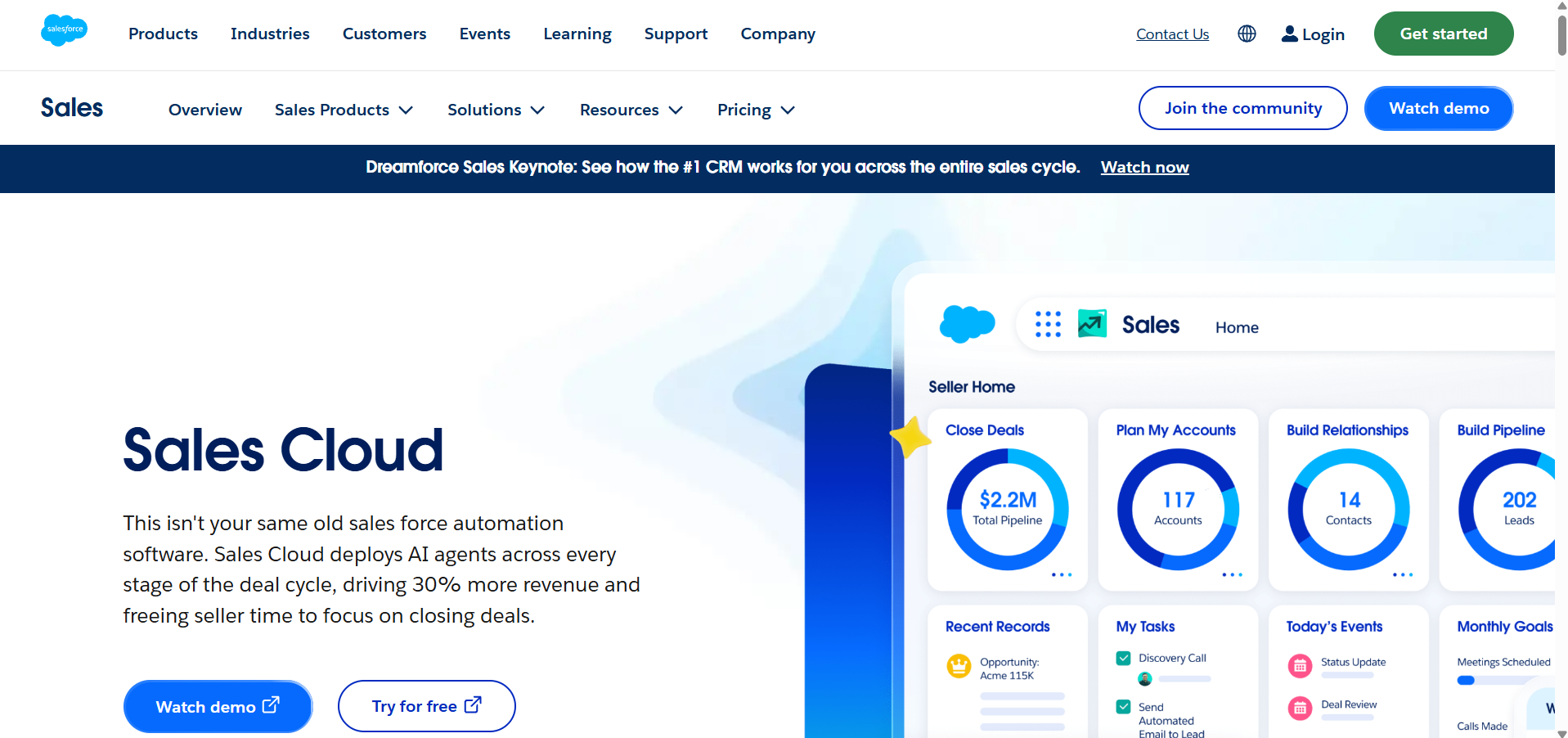
Salesforce Sales Cloud is the best fit for large enterprises that need to track many deals across regions, teams, and complex approval rules in one CRM.
Sales Cloud is the system of record for many enterprise sales teams. Its pipeline inspection view shows which deals changed this week, such as pushed close dates, stage moves, and amount changes, so managers can spot deals drifting before forecast calls. In September 2026, Salesforce replaced its Enterprise and Unlimited editions with Core, Advanced, and Max editions for new buyers.
Best features:
- Pipeline inspection: Highlights deals with pushed close dates and recent changes.
- Custom stages and rules: Teams can set required fields and approval steps for each stage.
- Tasks and reminders: Reps and managers can assign follow-ups on every opportunity.
Limitations:
- Needs administrators: Most enterprise setups need dedicated Salesforce admins.
- Relies on rep data entry: Deal records are only as current as what reps log, unless teams add automation.
- Cost rises fast: Advanced pipeline and AI features sit in higher editions.
Pricing: Starter Suite $25/user/month and Pro Suite $100/user/month. Core starts at $195/user/month, billed annually.
G2 rating: 4.4/5 (about 25,000 reviews).
What users say: Praised for flexibility and depth. Reviewers often mention complex setup and a steep learning curve.
3. HubSpot Sales Hub: best for simple deal tracking in growing teams
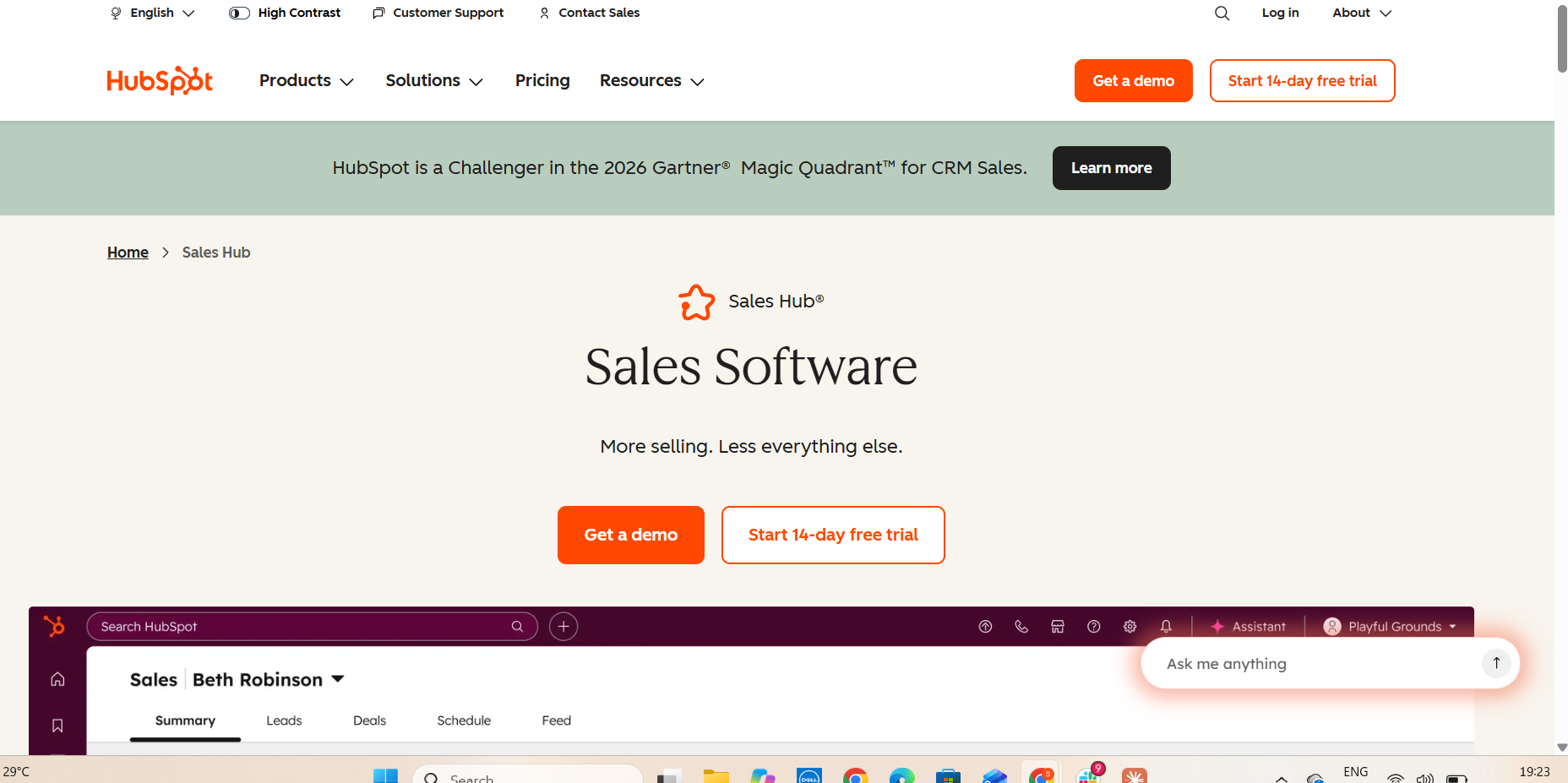
HubSpot Sales Hub is the best sales pipeline management software for growing teams that want easy deal tracking with automatic reminders.
Sales Hub puts every deal on a visual board and logs emails, calls, and meetings automatically. Teams can set workflows that create a task or alert the owner when a deal sits in one stage too long.
Best features:
- Visual pipeline: Drag-and-drop deal boards with custom stages.
- Automatic activity logging: Emails, calls, and meetings attach to the deal.
- Workflow alerts: Reminders and tasks when a deal needs attention (Professional and up).
Limitations:
- Automation costs more: Workflows start on Professional, which costs far more than Starter and adds an onboarding fee.
- Less suited to very complex deals: Large buying committees and custom approval flows can need extra setup.
Pricing: Starter $20/seat/month. Professional $90/seat/month and Enterprise $150/seat/month, billed annually, plus onboarding fees.
G2 rating: 4.4/5 (about 13,800 reviews).
What users say: Highly rated for ease of use. Some reviewers find pricing tiers limiting as teams grow.
4. Gong: best for spotting deal risk from calls and emails
Gong is the best for teams that want early warning when buyer engagement drops.
Gong records and analyzes sales calls and emails, then flags deal risk, such as a buyer going quiet, a long gap since the last meeting, or a decision-maker missing from the conversation. Managers use these warnings in pipeline reviews.
Best features:
- Deal warnings: Flags low engagement, ghosting, and missing stakeholders.
- Deal boards: Shows activity and risk across the pipeline in one view.
- CRM updates from calls: Gong's AI Data Extractor fills in CRM fields from conversations.
Limitations:
- Shows risk, doesn't clear it: Reps still act on the warnings themselves.
- Doesn't see internal blockers: Warnings come from buyer activity, not from approvals or reviews stuck inside the company.
- Platform fee: Pricing adds a platform fee on top of per-user licenses.
Pricing: Custom quote. Per-user licenses plus a platform fee.
G2 rating: 4.7/5 (about 6,700 reviews).
What users say: Valued for deal visibility and call insights. Cost and add-on pricing are common complaints.
5. Salesloft (with Clari Forecast): best for deal inspection and forecasting
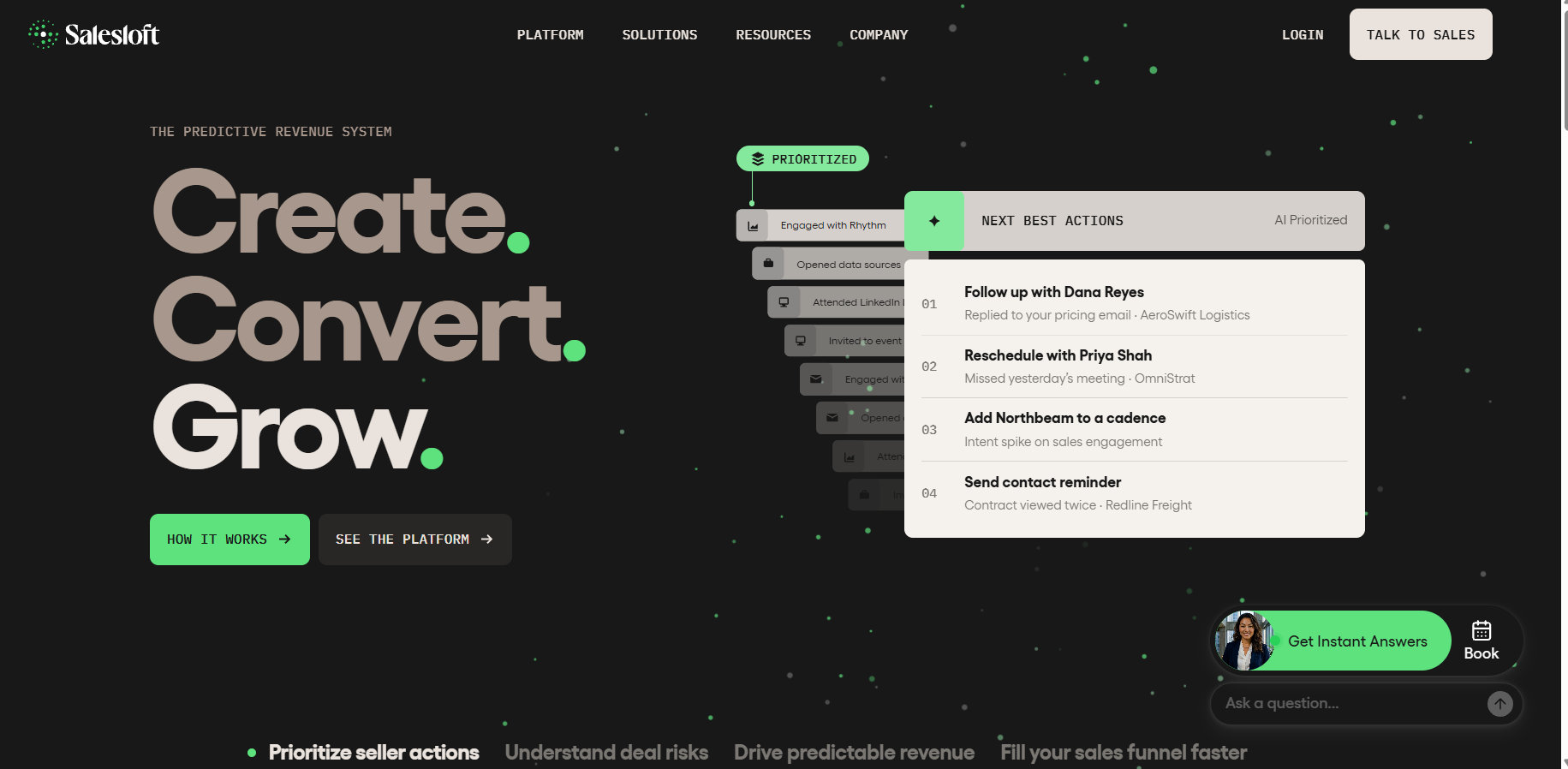
Salesloft is the best choice for enterprise teams that want to see which deals are at risk of missing the quarter.
Clari and Salesloft merged in December 2025, and in September 2026 the combined company began operating under the Salesloft name. Clari Forecast kept its name and now sits inside the Salesloft platform, where it shows which deals are on track and which are drifting.
Best features:
- Clari Forecast: Predictive forecasting that shows how much of the pipeline is likely to close.
- Deal inspection: Views that surface at-risk deals for weekly reviews.
- Activity capture: Logs rep activity to the CRM automatically.
Limitations:
- Still combining products: The company has described full unification as a multi-year effort.
- Doesn't see internal blockers: Risk signals come from activity and pipeline data.
Pricing: Custom quote.
G2 rating: 4.5/5 (about 4,300 reviews).
What users say: Strong for forecasting and pipeline reviews. Some reviewers mention missing features.
6. Pipedrive: best for idle deal alerts in small teams
Pipedrive is the best sales pipeline management software for small teams that want a clear warning when a deal sits untouched.
Pipedrive is built around one rule: every deal should have a next activity. It reminds reps to schedule the next step and marks deals as "rotting" when they stay in a stage longer than the team allows.
Best features:
- Rotting deal alerts: Highlights deals with no progress past a set number of days.
- Next activity reminders: Prompts reps to schedule a next step on every deal.
- Visual pipeline: Drag-and-drop boards that show stuck deals at a glance.
Limitations:
- Basic for enterprise deals: Lacks deep forecasting and complex approval flows.
- Doesn't explain why: It shows that a deal is idle, not what it is waiting on.
Pricing: Lite $14, Growth $39, Premium $59, and Ultimate $79 per seat per month, billed annually.
G2 rating: 4.3/5 (about 3,000 reviews).
What users say: Reps like how simple it is. Reviewers mention missing features for complex sales.
7. Outreach: best for deal health scores that flag stalling accounts
Outreach is a good deal tracking software for large sales teams that want each deal scored for health and risk.
Outreach combines sales activity with pipeline analytics, so managers can see which deals are stalling and which have no recent buyer engagement.
Best features:
- Deal health scores: Rates each deal based on activity and engagement.
- Buyer email sentiment: Flags positive or negative replies.
- Mutual action plans: Shared plans that keep rep and buyer on the same timeline.
Limitations:
- Complex setup: Admin configuration takes time.
- Learning curve: Some reps find the interface hard to learn.
Pricing: Custom quote.
G2 rating: 4.3/5 (about 3,500 reviews).
What users say: Strong pipeline visibility for sales operations. Rollout takes time.
8. Revenue Grid: best for keeping Salesforce deal records current
Revenue Grid is the best fit for Salesforce teams that want rep activity logged automatically so deal records stay accurate.
Revenue Grid syncs email and calendar activity into Salesforce as native records, so reps don't have to log it by hand. It also sends signals when deals change or need attention.
Best features:
- Automatic activity capture: Emails and meetings land in Salesforce without manual logging.
- Pipeline views: Shows deal changes and gaps for managers.
- Signals: Nudges that suggest the next step on a deal.
Limitations:
- Salesforce only: Built around Salesforce.
- Needs admin setup: Field mapping takes careful work at the start.
Pricing: Starts at $30/seat/month for activity capture. Higher plans cost more.
G2 rating: 4.6/5 (about 570 reviews).
What users say: Praised for reliable email-to-Salesforce sync. Setup needs careful mapping by a Salesforce admin.
9. Freshsales: best for budget-friendly AI deal scoring
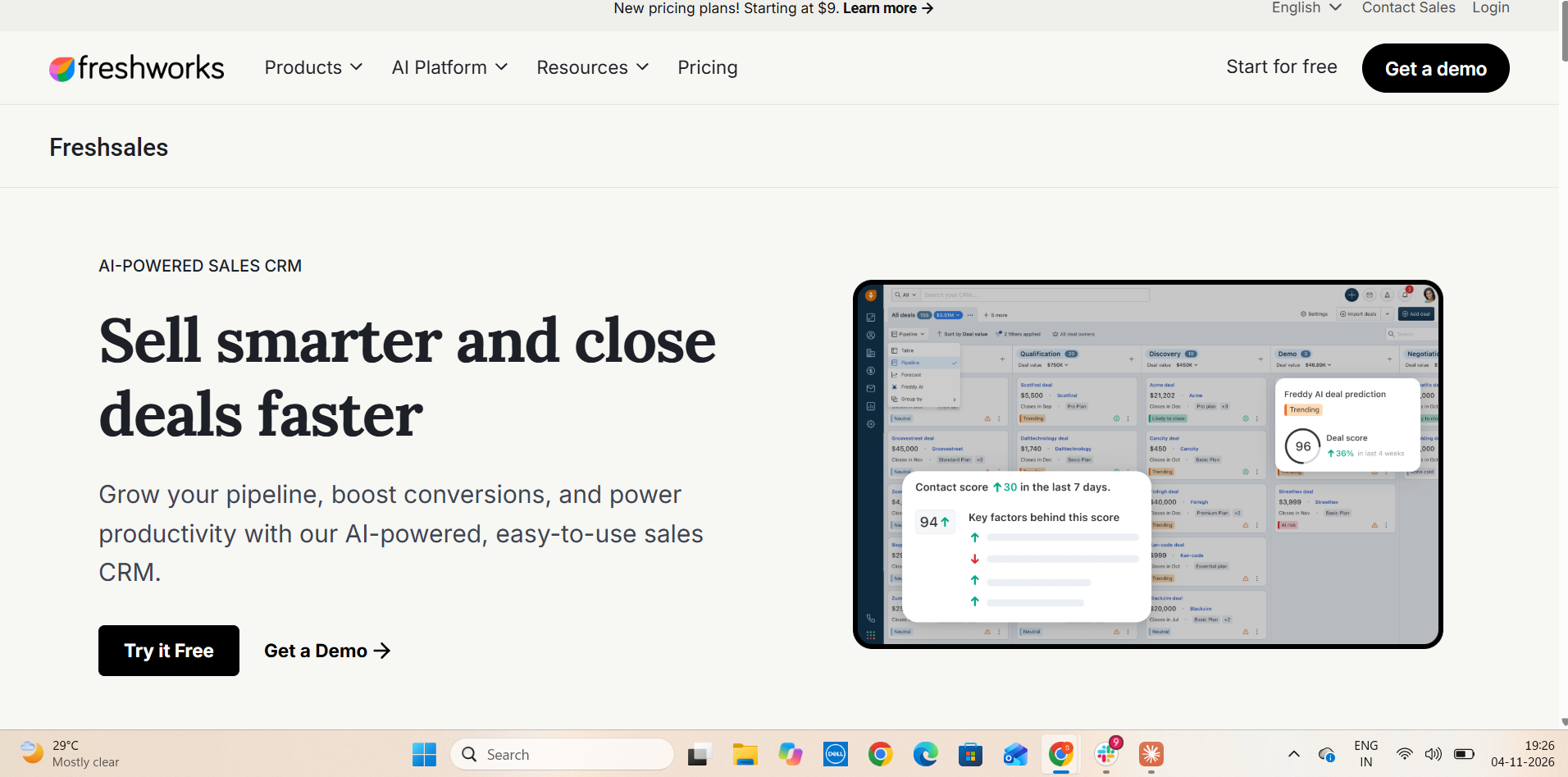
Freshsales is the best sales pipeline management software for budget-conscious teams that want AI to show which deals need attention.
Freshsales, from Freshworks, scores deals with its Freddy AI assistant and suggests next steps, so reps can focus on deals that are cooling off.
Best features:
- Freddy AI deal insights: Scores deals and flags those less likely to close.
- Automatic activity logging: Built-in phone and email log to the deal.
- Multiple pipelines: Separate boards for different products or teams.
Limitations:
- Key features need higher plans: AI scoring starts on Pro, and forecasting needs Enterprise.
- Reporting learning curve: Custom reports take time to set up.
Pricing: Growth $9, Pro $39, and Enterprise $59 per user per month, billed annually.
G2 rating: 4.5/5 (about 1,200 reviews).
What users say: Praised for quick setup and good value. Reviewers mention limits on lower plans.
10. Monday CRM: best for custom deal alerts and handoffs
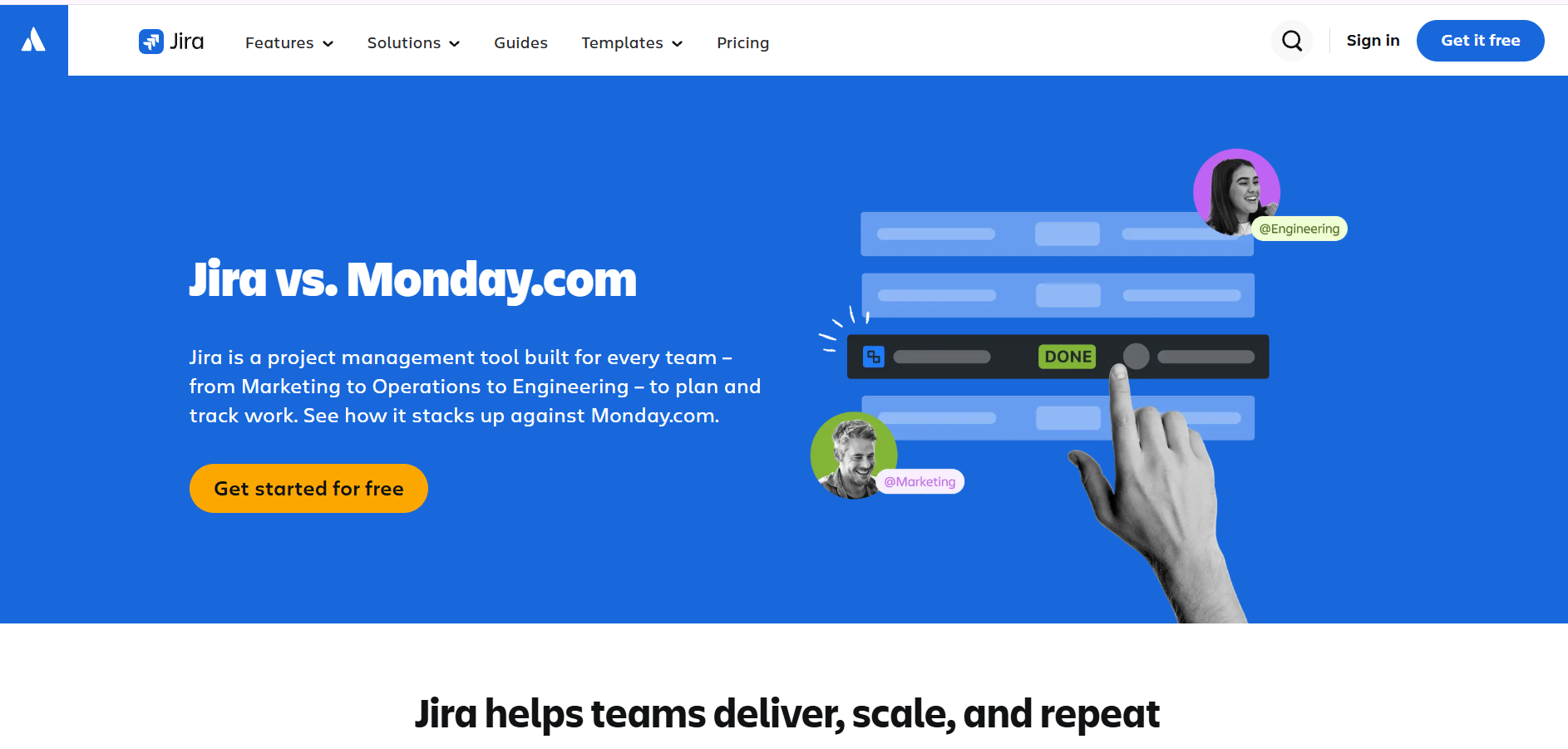
Monday CRM is the best option for teams that want to build their own deal alerts and hand closed deals to onboarding in the same workspace.
Monday CRM is built on monday.com's work management platform. Teams set no-code rules, such as "notify the owner if a deal sits in this stage for 10 days," so stale deals surface automatically.
Best features:
- No-code automations: Rules that alert owners and move deals.
- Custom boards: Pipelines teams can shape without code.
- Handoffs: Closed deals pass to onboarding or delivery in the same tool.
Limitations:
- Light on deal intelligence: Forecasting and risk analysis are less advanced than in dedicated sales tools.
- 3-seat minimum: Every paid plan bills for at least three seats.
Pricing: Basic $12, Standard $17, and Pro $28 per seat per month, billed annually, with a 3-seat minimum.
G2 rating: 4.6/5 (about 1,300 reviews).
What users say: Easy to use across teams. Reviewers mention a learning curve and missing advanced sales features.
11. Close CRM: best for making sure every deal gets followed up on
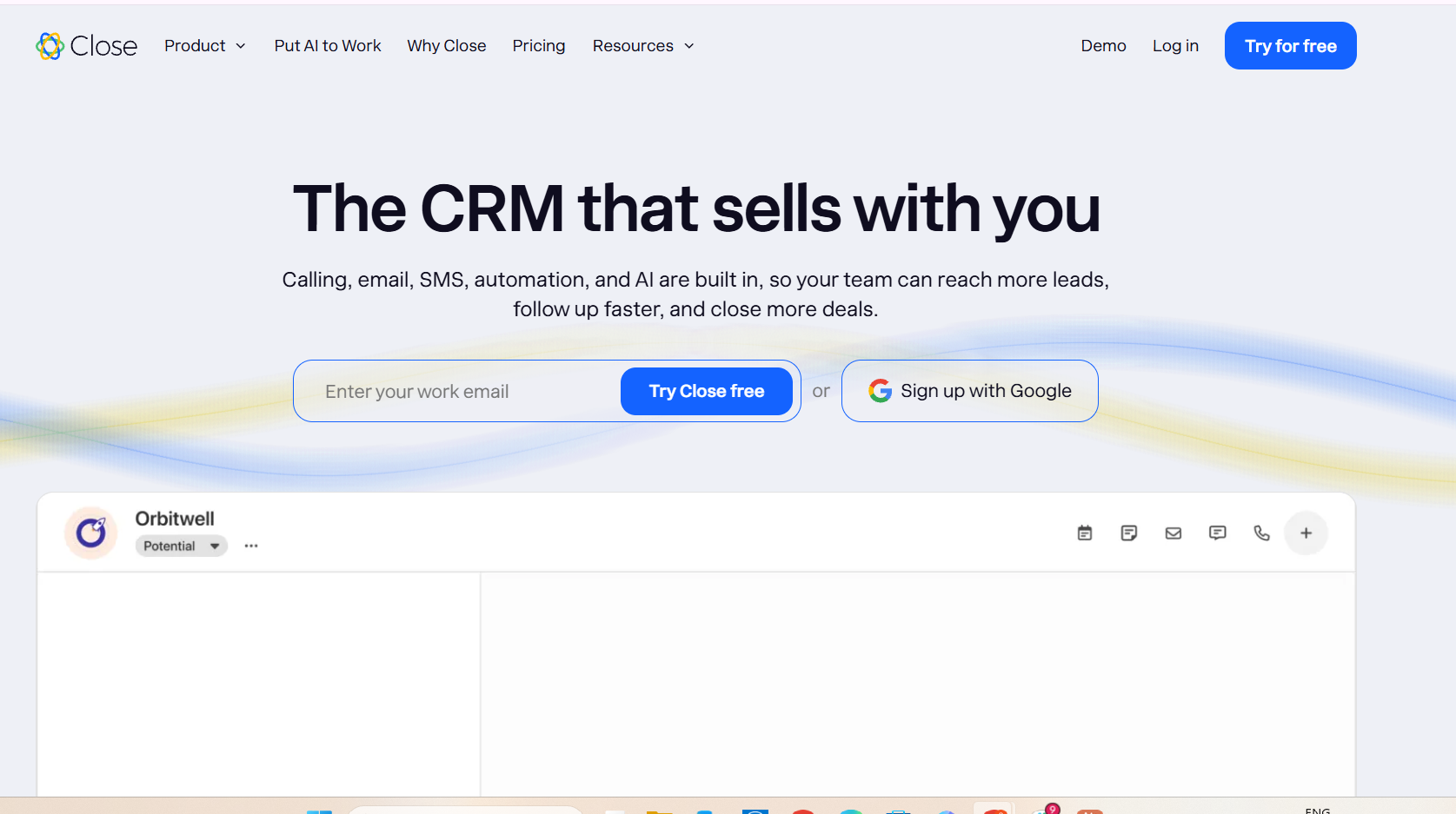
Close is deal tracking software for fast-moving sales teams that need every lead and deal followed up on time.
Close logs every call, text, and email to the deal automatically. Saved filters show leads and deals with no recent contact, and workflows send the next follow-up on schedule.
Best features:
- No-contact filters: Lists of leads and deals nobody has touched recently.
- Follow-up workflows: Automated next touches so deals don't go cold.
- Automatic logging: Calls, SMS, and email attach to each deal.
Limitations:
- Not built for enterprise complexity: Lacks deep custom objects and complex approval flows.
- Best for short sales cycles: Less suited to long deals with many stakeholders.
Pricing: Solo $9 (one user), Essentials $35, Growth $99, and Scale $139 per user per month, billed annually.
G2 rating: 4.7/5 (about 2,000 reviews).
What users say: Reps praise how easy it is to stay on top of follow-ups. Less suited to long enterprise deals.
12. Zoho CRM: best for AI pipeline alerts on a budget
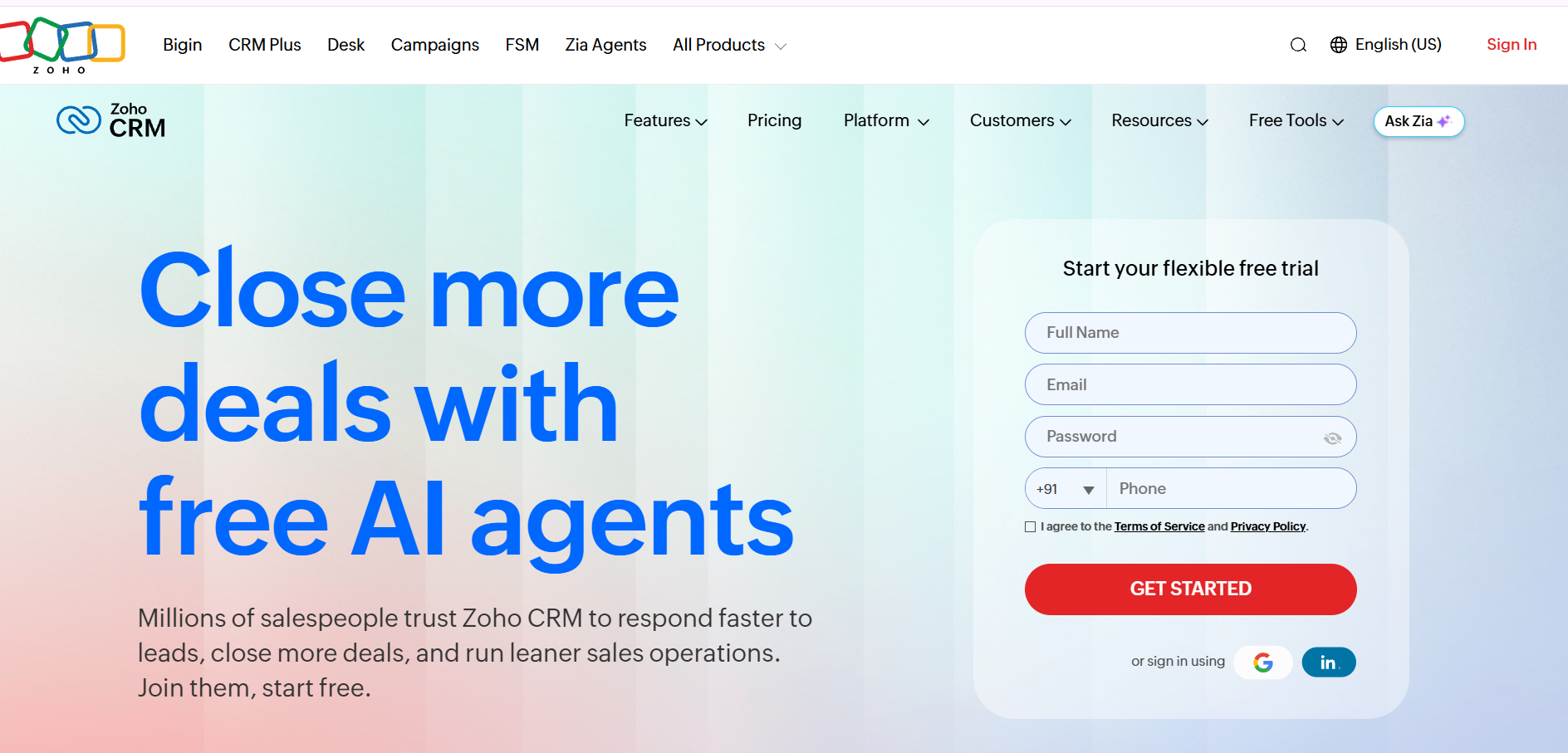
Zoho CRM is a good fit for cost-conscious teams that want AI alerts when pipeline activity looks unusual.
Zoho CRM offers custom deal stages, workflow reminders, and the Zia AI assistant, which flags unusual drops in pipeline activity and predicts which deals are likely to close.
Best features:
- Zia anomaly alerts: Flags unusual changes in deal activity.
- Workflow reminders: Tasks and alerts when deals need a next step.
- Deal predictions: Zia scores deals by likelihood to close.
Limitations:
- Full AI needs higher plans: The full Zia assistant starts on Enterprise.
- Setup effort: Some integrations need Zoho's own scripting language.
Pricing: Standard $14, Professional $23, Enterprise $40, and Ultimate $52 per user per month, billed annually.
G2 rating: 4.1/5 (about 2,800 reviews).
What users say: A broad feature set for the price. Reviewers mention a dated interface and setup effort.
What to look for when evaluating deal tracking software
Revenue leaders evaluating deal tracking software should first check one thing: will the tool warn the team before a deal slips, or only report it after the close date passes? The answer shows how many deals the tool can actually save.
Ask these five questions in every demo:
- Does it show what each deal is waiting on? Look for internal blockers, such as a pending pricing approval or a contract redline with legal, not just a missed close date.
- Does it alert the team when a deal goes quiet? Check how the tool defines an idle deal and who gets notified.
- Does it keep the CRM current without rep typing? Check whether next steps and stages update after each meeting, and whether managers control what needs approval.
- Does it track the follow-ups reps promised? Promises made on calls should become tasks with owners and dates.
- Does it compare the rep's close date with a likely close date? A good tool explains why the dates differ.
The quickest test is to run each shortlisted tool on last quarter's slipped deals and see which ones it would have caught. Teams that want to close deals faster usually find the biggest gains in questions 1 and 3.
How to set up sales pipeline management software so no deal slips
The software can only flag a slipping deal if it sees every deal’s activity and knows what “stalled” means for the team. Setup comes down to four steps: connect the data, set the rules, decide what the tool can do on its own, and test before full rollout.
- Connect every source of deal activity: Link the CRM (Salesforce or HubSpot), email, calendar, and call recorder. If a source is missing, the tool can’t see a quiet buyer or a missed meeting.
- Define when a deal counts as stalled: For each stage, set the number of days without buyer activity that counts as idle (for example, 7 days in negotiation, 14 in discovery), and name who gets the alert: the rep, the manager, or both.
- Decide what runs automatically: Let routine updates, such as next steps and stage changes, apply without review. Keep rep approval on anything a customer will see, such as follow-up emails.
- Test on 10 to 20 live deals first: Check the alerts and CRM updates daily for two weeks. Fix any false alarms, then roll out to the full pipeline.
Once the basics are running, teams focused on pipeline acceleration can add a weekly deal health summary for managers.
Which deal management software fits each type of sales team?
The best deal management software depends on where deals slip for the team: in tracking, in spotting risk, or in the follow-up work itself.
- One CRM to track every deal: Salesforce Sales Cloud for complex enterprise needs, HubSpot Sales Hub for growing teams.
- Simple idle-deal alerts: Pipedrive, Monday CRM, or Close.
- AI deal scoring on a budget: Freshsales or Zoho CRM.
- Deal risk from calls and forecasts: Gong or Salesloft (with Clari Forecast).
- Deal health scores: Outreach.
- Accurate Salesforce records: Revenue Grid.
- Internal blockers, close-date drift, and CRM updates done for reps: Inventive AI.
Many teams combine tools: a CRM as the system of record, plus an AI-native platform that improves deal velocity by catching slipping deals early.