Upland Qvidian Pricing in 2026: Costs, Tiers, and How to Budget
Learn about Qvidian pricing, per-seat costs, implementation fees, hidden expenses, and alternatives to budget for the full cost.
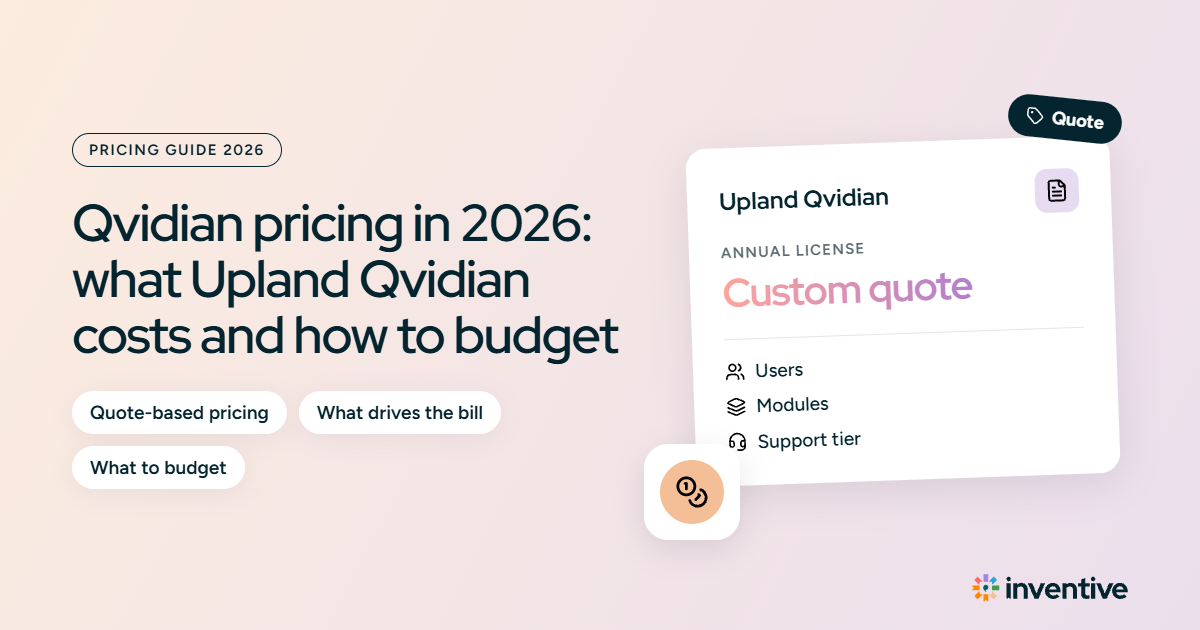
Qvidian, now sold as Upland Qvidian, does not publish its pricing. Cost is quote-only: a subscription priced per user, on an annual contract, with a separate implementation fee and additional cost for AI on top. There is no public number to compare, so the only way to size it is to request a quote and work through the cost drivers yourself.
This guide breaks down the pricing model, what moves the number up or down, the costs that never appear on the quote, whether to renew or switch if you already use it, and how Qvidian compares to platforms that publish their prices.
What does Qvidian cost?
The only publicly available third-party figure is for Upland Software as a whole. Vendr reports Upland contracts ranging from about $22,800 to $199,500 per year, with a median of around $75,100 across 30-plus purchases. This covers Upland’s broader portfolio, not Qvidian specifically, so it should not be treated as a Qvidian price.
Based on our independent research with customers, licensing starts at $1,000 per user annually, with a 25-user minimum ($25,000/year). Support and Qvidian AI Assist can add approximately $25,000 or more annually.
How Upland Qvidian pricing works
Qvidian uses a per-seat pricing model. You license a set number of named users, and the subscription grows as you add proposal writers, reviewers, and subject-matter experts.
Qvidian also charges a one-time implementation fee for work such as content migration, library configuration, and integrations.
That means two costs form the starting point of your Qvidian budget:
- Subscription: recurring cost based on the number of licensed users
- Implementation: one-time cost added in year one
If you're evaluating better RFP tools, read our guide on the best Qvidian Alternatives.
What Factors Affect Qvidian Pricing?
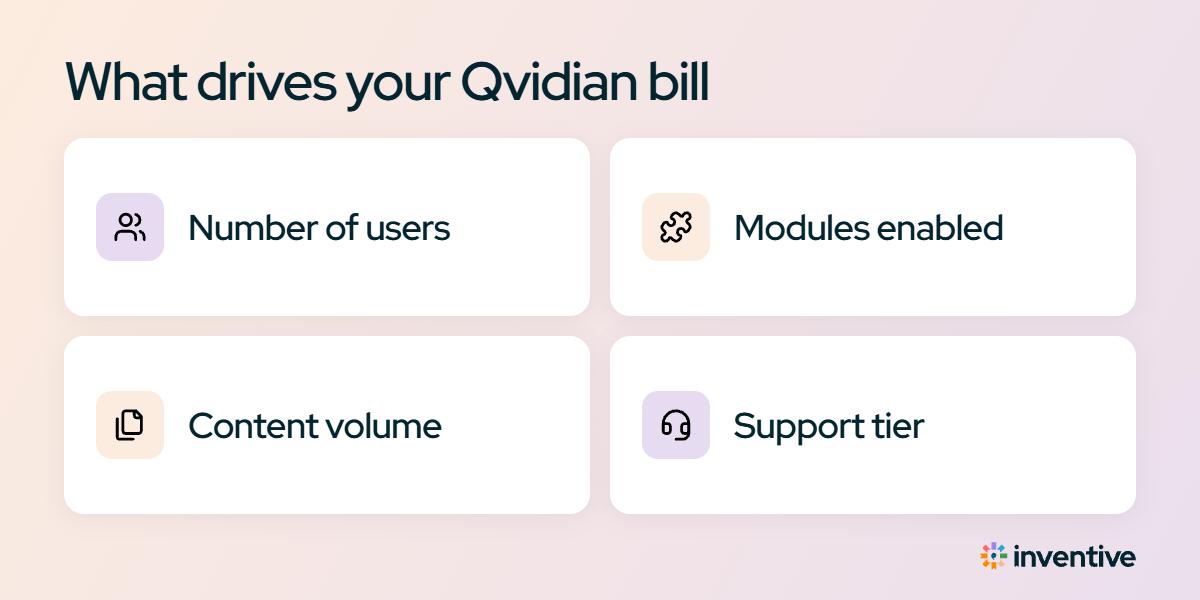
Because Qvidian pricing is negotiated, the final quote depends on more than the number of seats. These are the main cost drivers to ask about:
The cost of unused seats
Qvidian’s price depends on seats, implementation, and modules, so you cannot pin it down without a sales call. Inventive AI is one plan starting at $830 a month, billed annually, with unlimited users, all features, and setup included.
How to estimate Qvidian's cost and ROI
Since Qvidian is quote-only, ask sales for two numbers first: the per-seat rate and the implementation fee.
You can then estimate your first-year cost with:
Year-one cost = (number of seats × annual per-seat rate) + implementation fee
To estimate payback:
Payback in months = year-one cost ÷ monthly staff time saved
For example, if a 20-person team saves 15 hours per person each month at a $50 loaded hourly rate, the time savings are worth $15,000 per month.
Use your actual quote and internal labor costs for a meaningful estimate. Include implementation in the year-one calculation because it is an upfront cost.
For a broader comparison of pricing models, see our guide to RFP Software Pricing.
Qvidian's total cost of ownership: licensing, implementation, and ongoing costs
The subscription is only one part of what you spend. Your total cost also includes the work required to implement and maintain the platform.
1. License
The recurring per-seat subscription is the highest predictable cost. It increases as you add users and may increase again at renewal.
2. Implementation
Implementation is a one-time year-one cost for activities such as migrating existing responses, configuring the content library, and connecting integrations.
3. Content upkeep
A reusable content library requires ongoing ownership. Someone needs to review content, update outdated responses, and keep the library useful. That staff time is a recurring labor cost that does not appear on the Upland invoice.
4. Training and ramp time
Teams also need time to learn the platform and incorporate it into their workflows. If your team takes weeks to become productive, that ramp time is part of the practical cost of adoption.
5. Contract and renewal costs
Annual or multi-year commitments can limit your ability to reduce seats if your team shrinks. Renewal increases can also raise the subscription in later years, so do not assume today's quote will remain flat throughout the contract.
What Qvidian can cost over three years
Looking only at year one can understate the cost of a multi-year Qvidian contract. Model the subscription, implementation, upkeep, and potential renewal increases across the full term.
Ask for the implementation fee and renewal terms in writing. If possible, negotiate a cap on annual increases so you can forecast years two and three more accurately.
How to get a Qvidian quote and pressure-test it
Because the number is negotiated, the questions you ask shape what you pay. Get these in writing before you sign:
- The per-seat rate, the minimum seat count, and how mid-term seat additions are priced.
- The one-time implementation fee and exactly what it covers, including content migration and integrations.
- The contract length, any auto-renewal clause, and a cap on the renewal increase.
- What is in the base subscription versus priced as a module or add-on.
- The support tier included, and the cost of a higher one if you need it.
- The full year-one cost (seats plus implementation) next to the ongoing annual cost, so you can see both.
Should you renew Qvidian or switch?
Most people searching Qvidian pricing already use it and are deciding whether to re-sign. Renewal is the moment to check whether the platform still fits, because once you commit to another annual term, you are locked in again. Weigh it honestly both ways.
Reasons to stay with Qvidian:
- Your library is deep, and your team's workflows are built around it.
- Your proposal volume and team size are stable, so per-seat cost is predictable.
- You have an owner for the content library and budget for the upkeep it needs.
Reasons to re-evaluate before you renew:
- Licensed seats sit unused, so you are paying for people who do not log in.
- The interface and search feel dated, and adoption across the team is low.
- You want generative, AI-native drafting rather than a library you maintain by hand.
- Renewal quotes keep rising, and you cannot get a cap in writing.
- Keeping the content library current is eating more staff time each year.
Switching has its own cost in migration time, so weigh that too, but a renewal signed on autopilot is exactly how teams end up paying for a tool they have outgrown.
Qvidian pricing vs alternatives
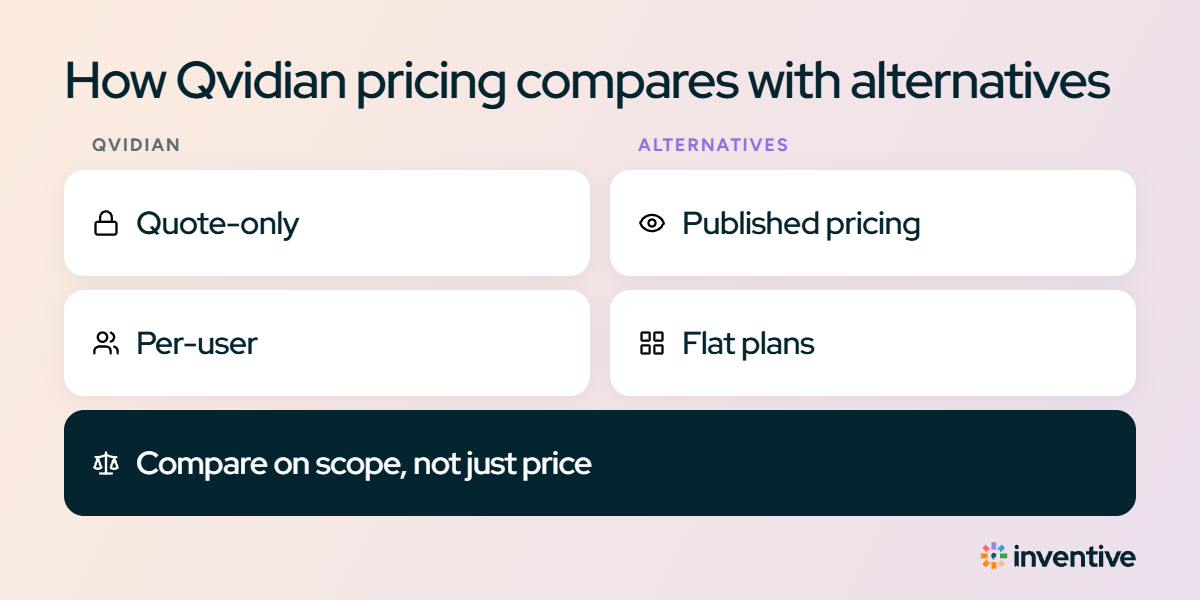
For decision-makers, price is only part of the ROI. A cheaper license can still cost more if you pay extra for implementation, support, AI, or add-ons. The real question is how much you spend overall and whether the platform saves enough time and effort to justify that cost.
Among these, the model is the real divide. Qvidian ties your bill to seats and adds a separate implementation fee, so cost grows with headcount and front-loads year one. Inventive AI charges by usage with unlimited users, so cost tracks the work you do, not the people you add. With the quote-only tools, you cannot line up real numbers without a sales cycle.
Is Qvidian worth the cost?
Qvidian holds a 4.6 out of 5 on Gartner Peer Insights across 8 ratings and a 4.3 out of 5 on G2 across 166 reviews, a larger and more mixed sample. Whether the cost is worth it depends less on the price and more on your team and how you work.
Best fit if you:
- Run an established enterprise proposal team with budget for implementation
- Have a deep content library and someone to own it
- Have stable team size and volume, so per-seat cost stays predictable
Look further if you:
- Want fast setup without a heavy, separately billed implementation
- Prefer modern, AI-native drafting over a maintained library
- Have a lean or changing team and do not want to pay per seat
- Want to see a price without sitting through a sales call
See the full Qvidian vs Inventive AI comparison side by side.
A modern alternative to Qvidian: Inventive AI
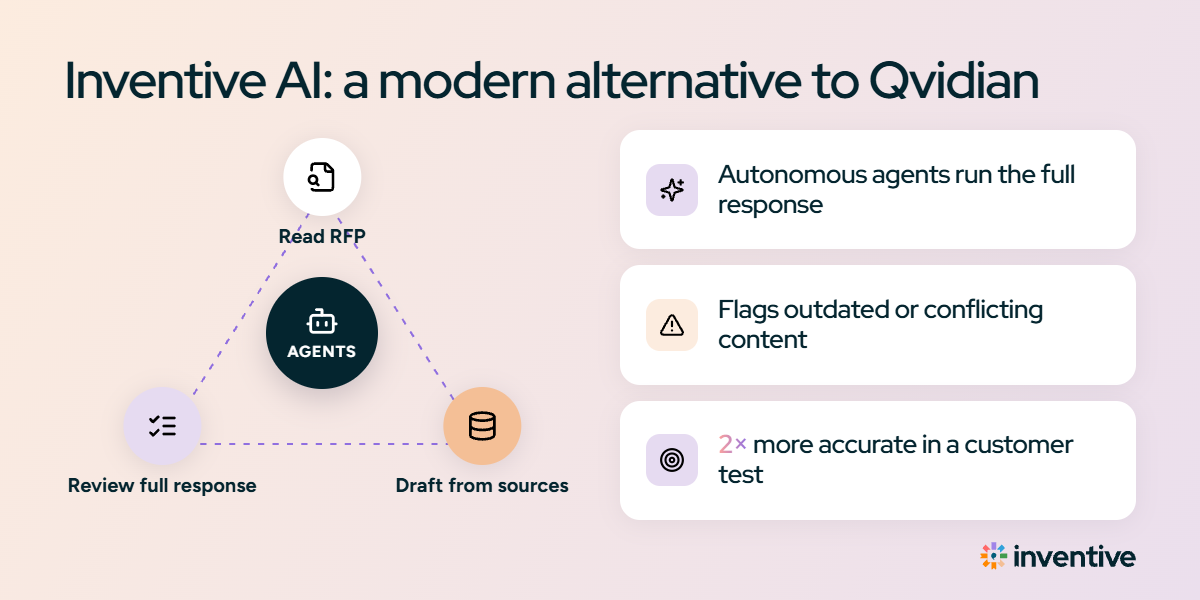
If Qvidian’s per-seat cost and library upkeep are what have you comparing, Inventive AI is the AI-native option built to remove both. It is one plan starting at $830 a month, billed annually, with unlimited users and setup included, so there is no per-seat math and no separate implementation fee. What that gets you:
- Drafts responses from your connected knowledge sources, such as Salesforce, SharePoint, Google Drive, Confluence, Notion, and Slack, so there is no separate library to migrate or maintain.
- Unlimited users, so adding reviewers and subject-matter experts never raises the bill.
- A Content Governance Agent that flags outdated or conflicting responses automatically, instead of manual library cleanup.
- A Response Confidence score and the source on each response, so reviewers can see what to trust.
- A Go/No-Go Agent that reviews deal fit and flags whether an opportunity is worth pursuing.
- Built-in competitive intelligence, so reps can position against named competitors as they draft.
- A modern interface with fast onboarding, so there is no multi-week implementation to clear first.