Best DDQ Software of 2026: 10 Tools Compared by Features, Pricing, and Real User Reviews
Discover the best DDQ software in 2026 reshaping vendor risk, compliance, and due diligence workflows with AI-powered precision.
DDQ automation has become an operational necessity for most B2B revenue teams. A single questionnaire pulls in security, legal, and sales for 2-3 working days of coordinated effort, and most teams are handling 10 to 30 of them every month.
The challenge, though, goes deeper than turnaround time. Most DDQ platforms are built on a static Q&A library that someone on your team must actively maintain. When certifications update, policies change, or product details shift, the library rarely keeps pace. The AI keeps pulling from outdated content without flagging it, and submitted responses look complete right up until a buyer pushes back.
Not all DDQ tools handle this the same way, which is why tool selection matters. The 10 platforms reviewed here differ significantly in how they manage knowledge, generate answers, and keep content current. Those differences determine both response quality and the compliance exposure your team takes on.
Key Takeaways
- Speed matters, and so does accuracy. The best tools cut a two-to-three day process to hours while generating responses accurate enough to submit without a full rewrite. A tool that delivers one without the other is solving half the problem.
- Architecture determines long-term accuracy. Library-first platforms retrieve from a maintained content store and are only as accurate as what is in it. AI-native platforms generate from live knowledge sources, so responses stay current as your product, policies, and compliance posture change.
- Evaluate integrations early. A tool that does not connect to where your knowledge lives (SharePoint, Google Drive, Notion, Salesforce) creates more manual work than it eliminates.
- A fast first draft and a submission-ready response are not the same thing. Conflict detection, knowledge freshness, and cross-section consistency determine whether your team is approving or rewriting. That gap is where platforms separate.
Key Features to Look for in AI DDQ Software
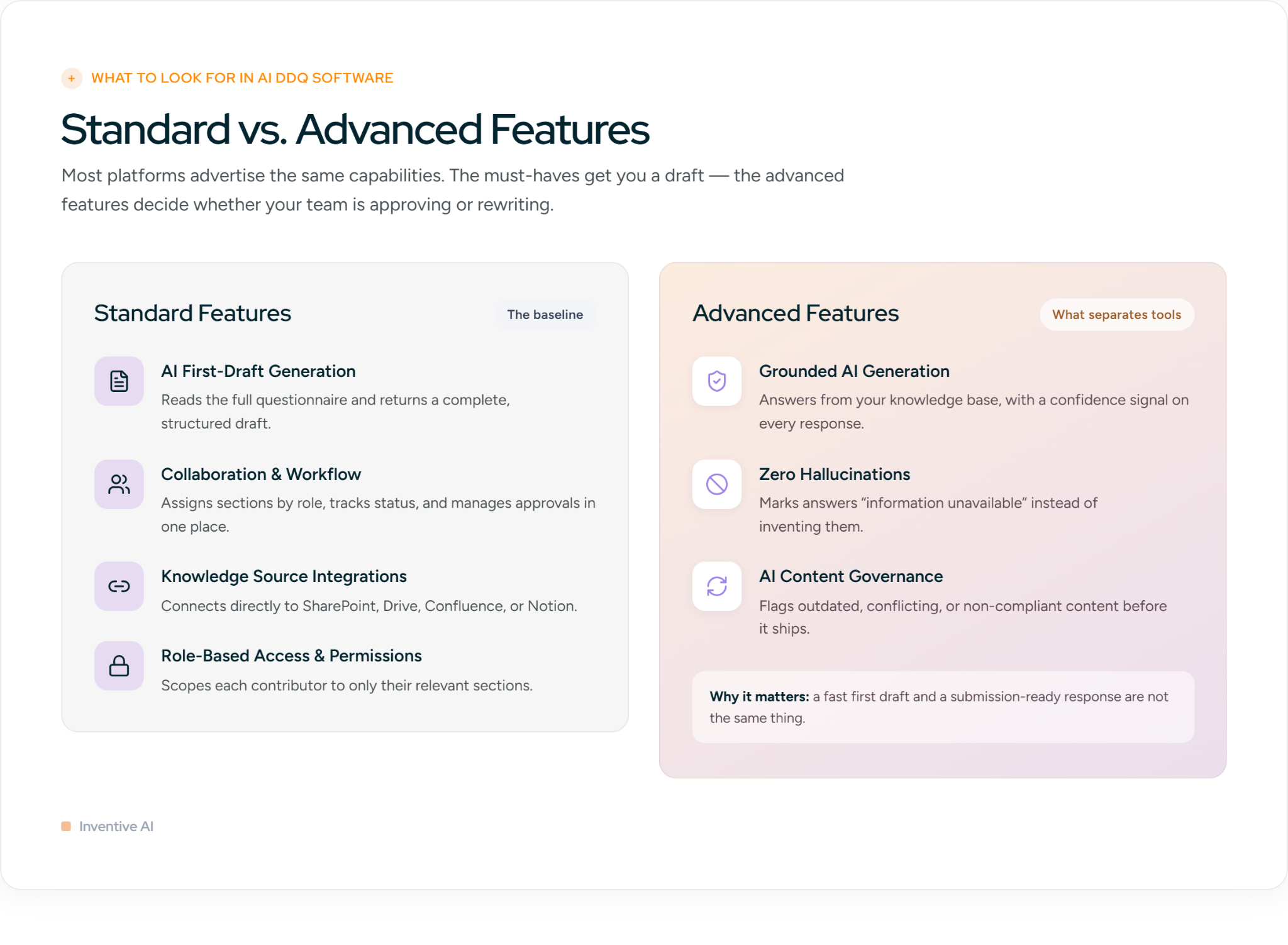
Most DDQ platforms advertise the same capabilities on paper. The meaningful differences appear when you look at how each platform handles accuracy, governance, and the situations that break down under deadline pressure.
Standard Features
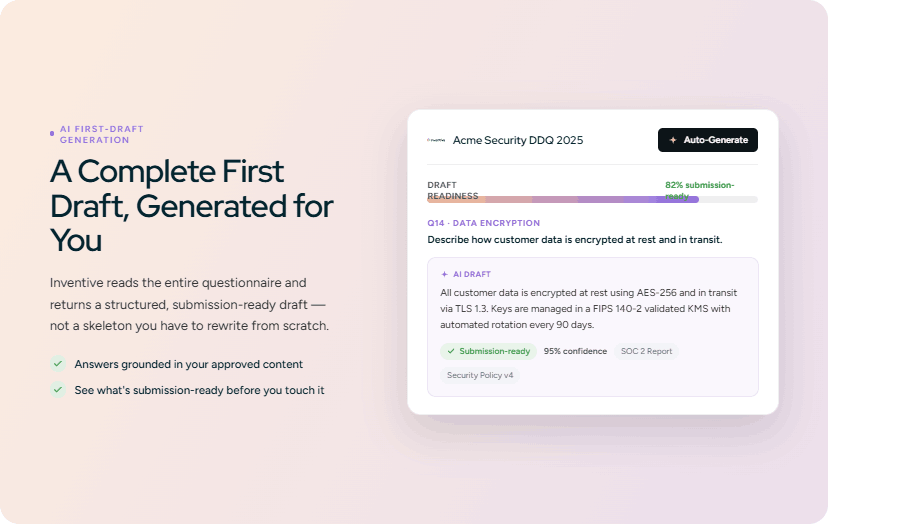
AI First-Draft Generation: The AI reads the full questionnaire and generates a complete, structured first draft automatically. This is the whole reason you're buying an AI tool, so treat it as non-negotiable and don't just check that it exists, check how much of the draft is actually submission-ready. For teams running 20+ questionnaires a month, the difference between "decent first draft" and "needs a full rewrite" is hours on every single one.
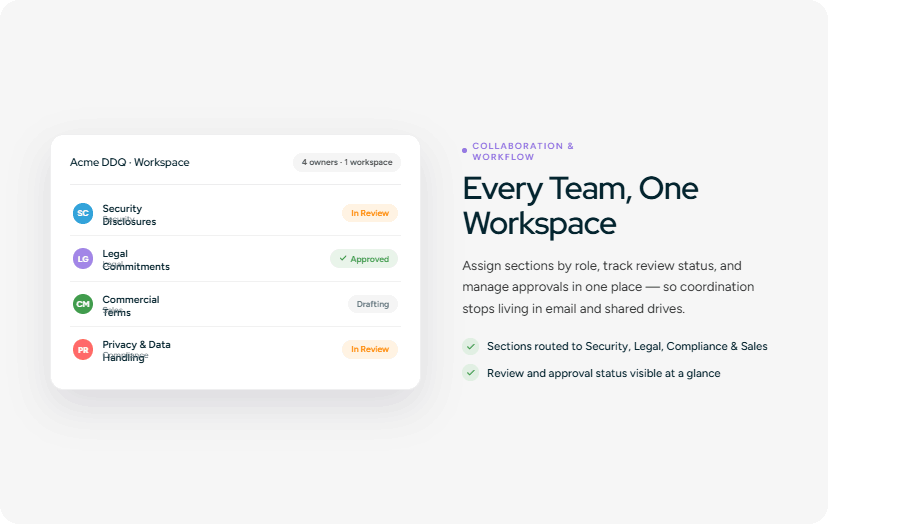
Team Collaboration and Workflow Management: Security, legal, compliance, and sales each own different DDQ sections. Make sure the platform assigns sections by role, tracks review status, and manages approvals in one workspace. If coordination still has to happen over email and shared drives, you haven't actually removed the bottleneck, you've just moved it.
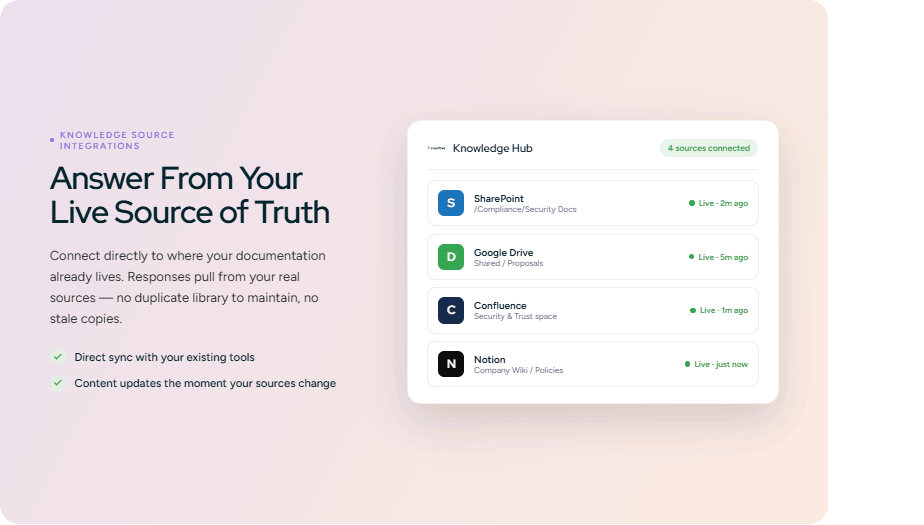
Knowledge Source Integrations: The platform should connect directly to where your compliance documentation already lives SharePoint, Google Drive, Confluence, or Notion. Without it, you're forced to build and maintain a separate content library, re-updating it every time a source document changes. Insist on direct integration so responses pull from your live source of truth, no duplicate library, no risk of answering from a stale copy.
Role-Based Access and Permissions: It is a permission model that restricts what each user can view or edit based on their role within an organization. A legal reviewer sees legal sections. A security analyst sees security sections. No overlap, by design. For DDQ workflows, this matters. DDQs consolidate sensitive content across security disclosures, legal commitments, and commercial terms. Role-based permissions keep each contributor scoped to only their relevant sections, reducing errors, preventing unauthorized edits, and maintaining a clean audit trail throughout the response process.
Advanced Features
- Grounded AI Generation: The AI generates responses directly from your own knowledge base, not from generic training data, and attaches a confidence signal to every answer. High-confidence responses move through review quickly. Low-confidence ones get flagged so reviewers know exactly where to focus, instead of re-reading every answer with equal scrutiny.This one isn't negotiable. Ungrounded AI produces answers that sound plausible but aren't accurate which is precisely what you can't afford in a compliance document.
- Zero Hallucinations: If the information is not in your knowledge base, the tool should not fill the gap with something that sounds right. It should mark the response as "information unavailable" and move on. This matters in DDQs specifically because a fabricated answer can misrepresent your security posture, conflict with your compliance certifications, or commit to something your legal team never approved.
- AI Content Governance: AI content governance ensures the content your AI pulls from is accurate and current. Most teams don't think about this until a buyer flags an outdated answer during diligence. Without it, your DDQ tool will confidently pull from whatever is in your knowledge base, whether it was updated last week or 12 months ago.This feature makes sure that all the time your responses are accurate and up to date.
10 Best DDQ Software Tools of 2026
Before we go tool by tool, this list is divided into two tiers. The first 5 are AI-native platforms built for all DDQ workflows at scale. The remaining 5 are a strong fit for a specific niche, from financial services data residency to LP investor questionnaires.
1. Inventive AI
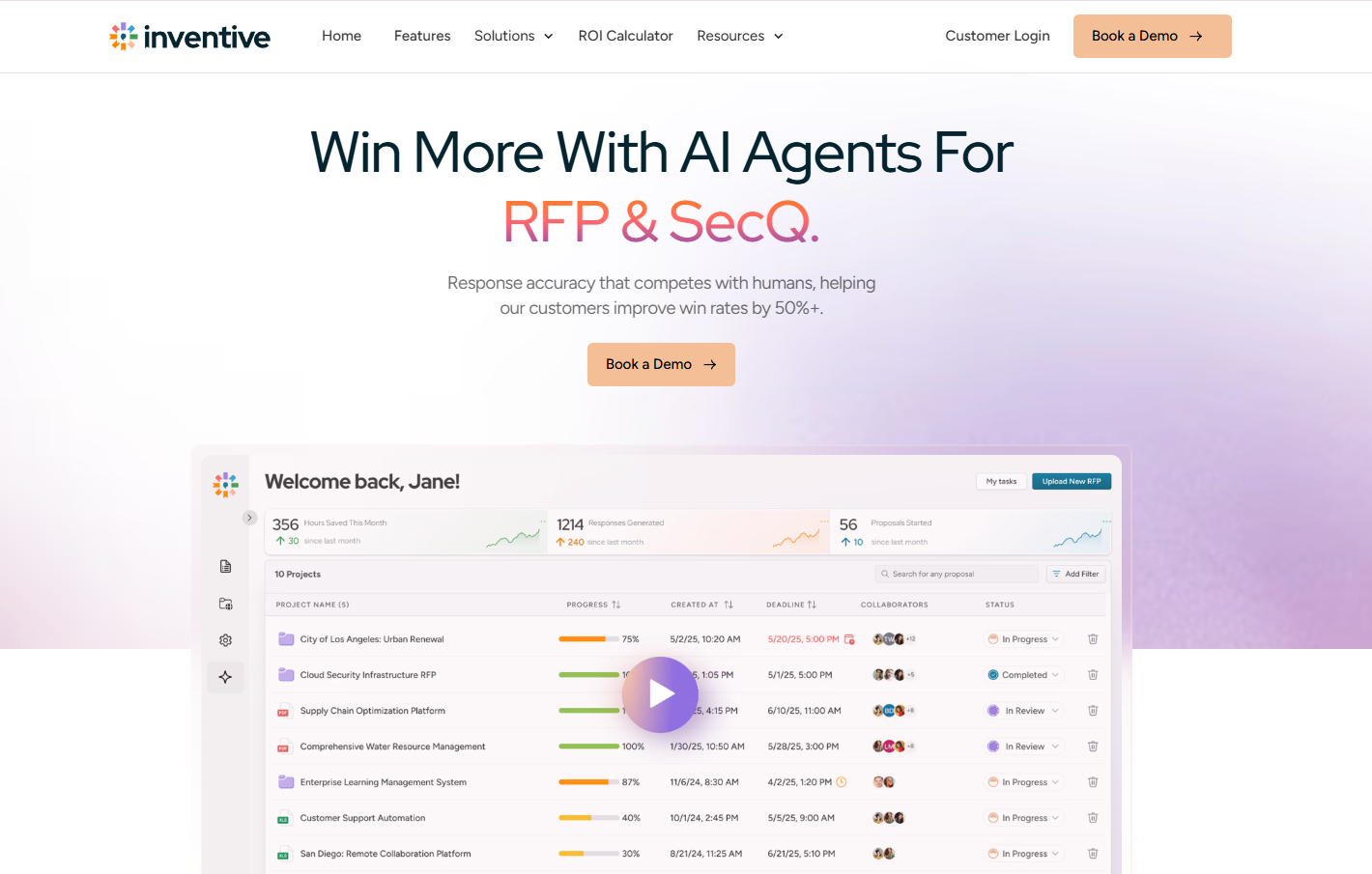
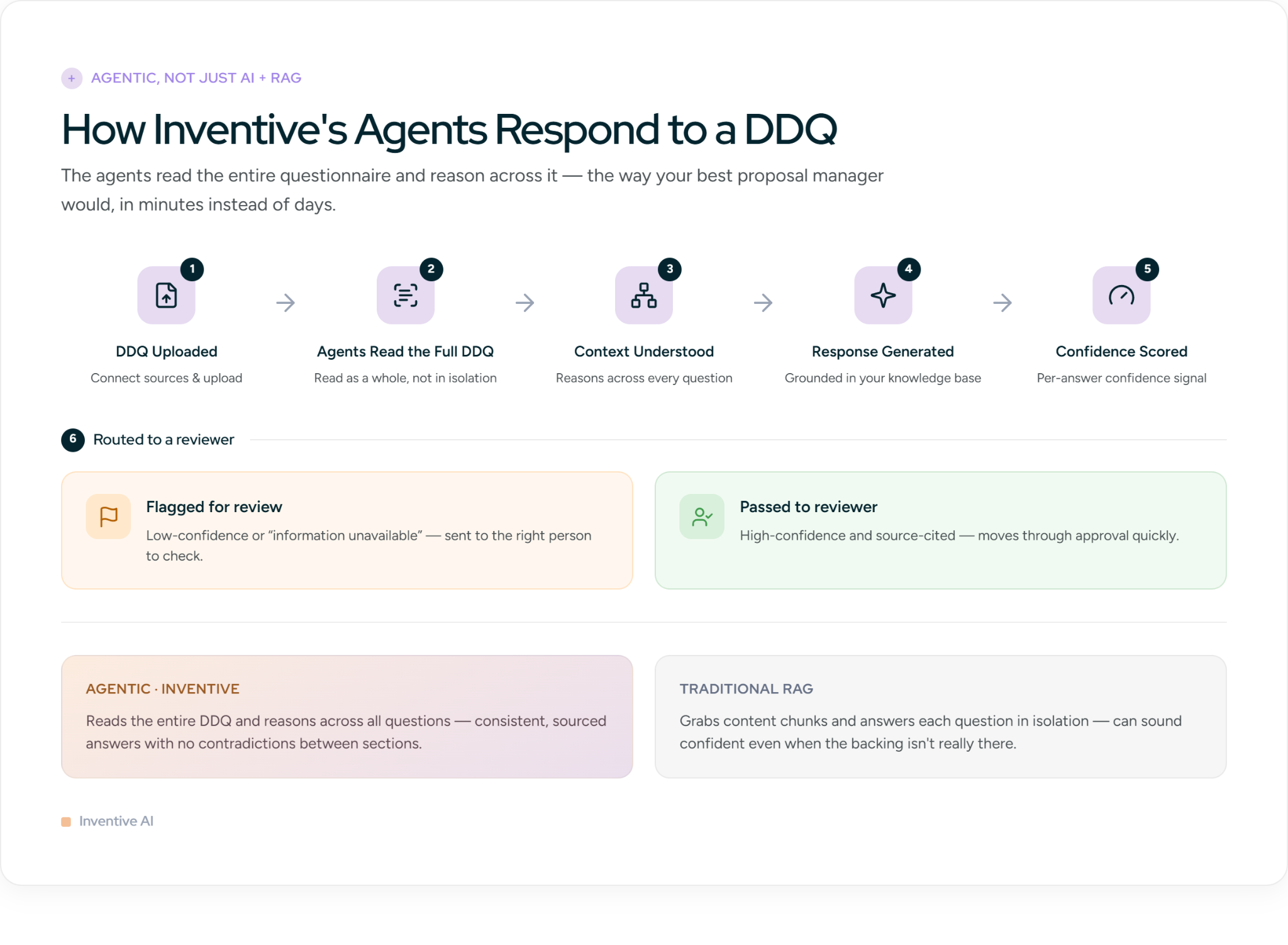
Inventive AI is an AI-agent platform built for teams responding to DDQs. Connect your knowledge sources (SharePoint, Google Drive, Notion, or Confluence or previous DDQs), upload the DDQ, and the agents hand you a contextualized first draft in minutes. Not a generic library pull. A draft grounded in your actual knowledge base and tailored to the buyer asking the questions.
It covers every must-have and advanced feature covered in this guide: first-draft generation, role-based collaboration, direct integrations, grounded AI, zero hallucination risk, conflict detection, and AI content governance. So instead of re-listing the checklist, here's what actually sets it apart.
It's genuinely agentic, not just AI plus RAG
Most DDQ tools today run on the same engine: retrieval-augmented generation. It grabs relevant content chunks and writes an answer from them. Fine in theory, but it answers each question in isolation. It doesn't read the questionnaire as a whole and will produce a confident answer even when the content to back it up isn't really there.
Inventive works differently. Its agents read the entire DDQ, understand the context behind each question, and reason across the whole thing, the way your best proposal manager would, just in minutes instead of days. Two things come out of that:
- Consistent, accurate answers across the full questionnaire. Because the agents read the entire DDQ together, every answer is written with the full context of what the buyer is evaluating. This means each response aligns with every other response in the document, so you never end up with two answers in different sections that say different things about the same topic.
- No hallucinations. When Inventive cannot find verified information in your knowledge base, it flags the question and marks it as "information unavailable" rather than generating something that sounds right. Reviewers only see answers that can be backed by a real source.
It's powerful, but people actually use it
Most DDQ tools don't fail because they aren't capable. They fail because they're a pain to use, so teams quietly drift back to spreadsheets and the expensive tool gathers dust. Agentic also scares people because it sounds complicated.
Inventive flips that. All that capability sits behind an interface that's genuinely simple, which is why teams get up and running fast instead of abandoning it after onboarding. A tool only saves you time if your team actually opens it.
Where It Stands Out
Response Quality: Because Inventive reasons through each question rather than keyword-matching, most responses need little to no editing before they go out. A RAD AI case study clocked 2x more accurate results than comparable tools, with up to 90% faster turnaround.
AI content governance: Most platforms leave it to reviewers to catch contradictions and outdated content. Inventive handles this automatically. Conflict detection flags inconsistencies across your knowledge sources before they reach a response, and AI content governance keeps your content accurate and current without your team having to manually maintain a content library on top of everything else.
Where It Falls Short
No tool is perfect, and we'd rather be straight with you. In-platform analytics are still light, so if you want detailed reporting on response performance or time saved per project, you'll be tracking that elsewhere for now. And there's no Jira integration yet a real gap if your team runs DDQ projects out of Jira.
Pricing
Usage-based: you pay per RFP or DDQ, not per seat, and every plan includes unlimited users. One plan, everything included, with no tiers, add-ons, or feature gating. Larger teams with complex workflows can get custom pricing.
Customer Review
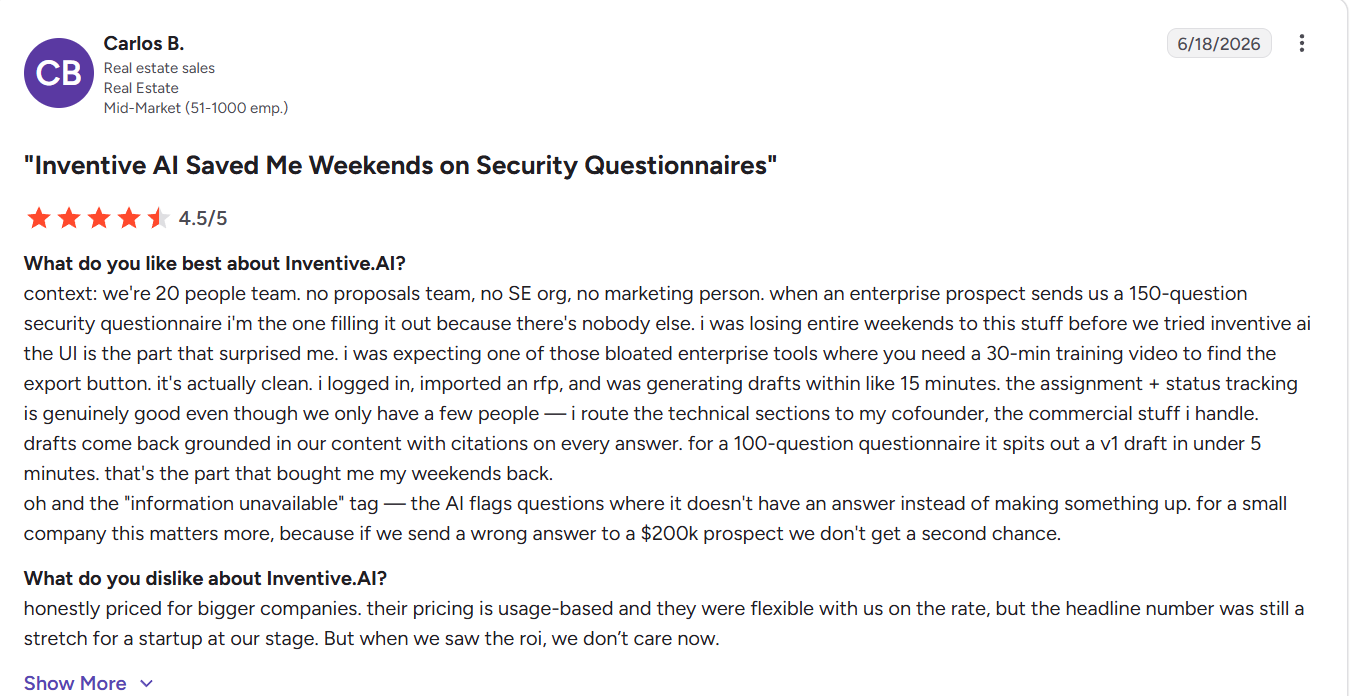
One real estate sales lead got a fully sourced first draft for a 150-question in under 5 minutes and credited the "information unavailable" flag for catching a wrong answer before it went out to a $200K prospect.
Source: G2 reviews
Who Inventive AI Is Best For
Teams replacing a legacy DDQ tool or a manual, spreadsheet-and-email process, who want buyer-contextualized, source-cited, conflict-checked responses without burning days coordinating across security, legal, and sales, and without buying a tool so complicated no one touches it.
2. Arphie
Arphie is an AI-native RFP and DDQ platform that shows reviewers the reasoning behind each generated answer, not just the answer itself. When the AI selects or constructs a response, it surfaces the logic and source context alongside the output. This makes it easier for compliance and legal reviewers to evaluate whether the answer is appropriate before approving it for submission.
Key Features of Arphie
Answer Library
Pre-approved responses for frequently asked DDQ questions are stored and retrievable across projects. For recurring compliance questions that appear across multiple questionnaires, the library reduces regeneration time and keeps answers consistent.
SME Review Routing
DDQ questions are assigned to subject matter experts based on topic, keeping security, legal, and compliance sections in the right hands without manual coordination overhead.
Workflow Management
Arphie supports multi-stage DDQ review workflows with assignment tracking and status visibility, so teams can see where each section stands without chasing reviewers over email.
Where It Stands Out
For teams responding to high-stakes compliance or regulatory DDQs, the reasoning path display adds a layer of oversight that most tools skip. Reviewers can see why an answer was generated, not just what was generated, which matters when every response carries legal or regulatory weight.
Where It Falls Short
Arphie does not detect conflicting answers across the questionnaire. On a long compliance DDQ, contradictions between sections go undetected until a reviewer catches them manually, which adds review time and introduces submission risk. With 20 G2 reviews, independent validation of the platform's performance at scale is also limited.
Pricing
Custom, project-based pricing. Contact sales.
Customer Reviews
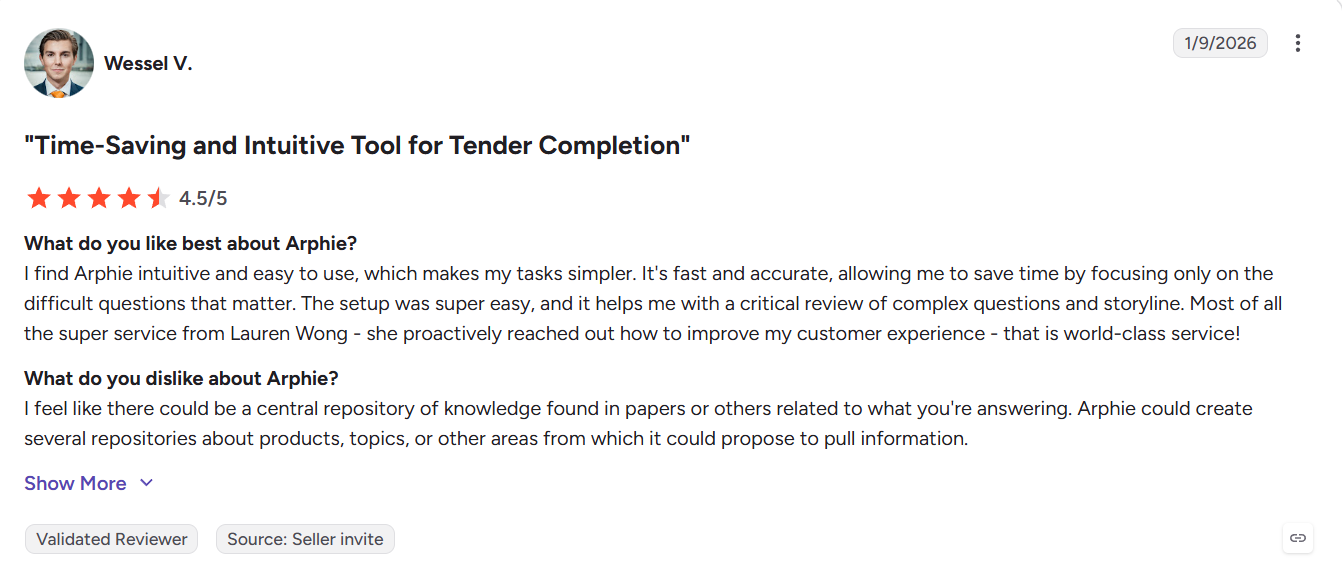
Users highlight how the platform lets teams focus only on difficult questions rather than reviewing every answer. The main request is a more structured central knowledge repository for pulling information across topics.
Source: G2 review
Also Read: Arphie Alternative: Top 9 Competitors for 2026
Who Arphie Is Best For
Enterprise compliance and investor relations teams that need AI-generated responses with full visibility into how each answer was produced.
3. Responsive (formerly RFPIO)
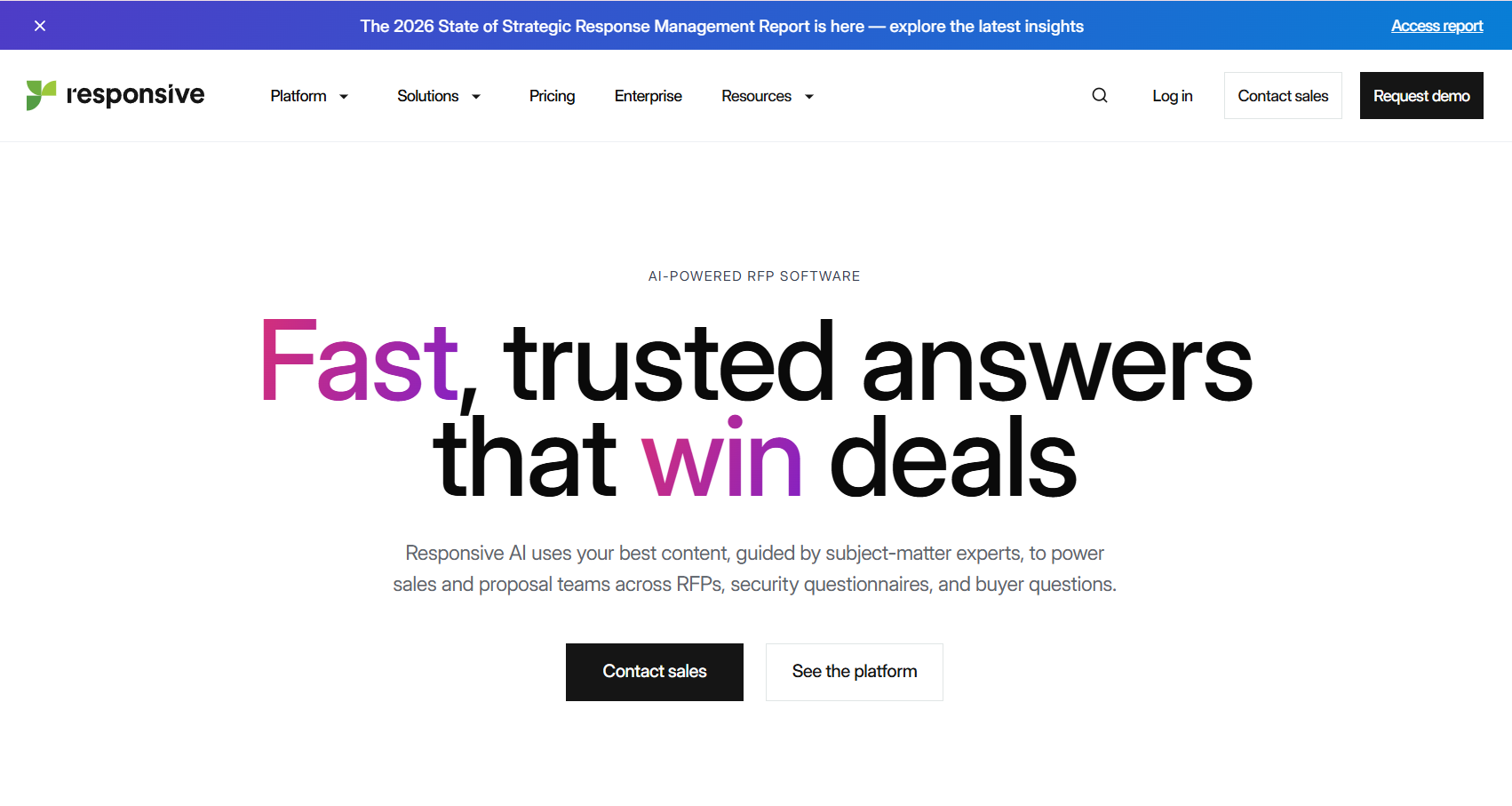
Responsive is a library-first response management platform with an AI layer built on top. It is designed for enterprise teams managing high volumes of RFPs and DDQs across complex, multi-stakeholder review workflows.
Key Features of Responsive
Centralized Content Library
All approved DDQ responses are stored in a shared library that team members can search and reuse across projects.
AI-Assisted Answer Suggestions
The AI surfaces library matches for each DDQ question, giving reviewers a starting point rather than a blank field. Response quality depends directly on how current the library is.
Multi-Stakeholder Workflow
Responsive supports DDQ review chains with role-based assignments, deadlines, and approval gates. For teams routing InfoSec, legal clauses to counsel, and commercial terms to sales, the workflow keeps parallel reviews organized and on track.
Where It Stands Out
Responsive works well for large teams that need a structured, centralized place to manage DDQ content across departments. The combination of a mature content library, workflow management, and broad integrations means teams spend less time coordinating over email and more time inside a single system.
Where It Falls Short
Response accuracy depends entirely on how well the library is maintained. There is no automated detection of outdated certifications, conflicting answers, or non-compliant content. If the library has decayed, the AI generates confidently wrong DDQ responses without flagging it and on compliance-heavy questionnaires, that is a submission risk the team has to manage manually.
Pricing
Plans start at $5,000 per year for up to 5 users. Enterprise pricing is available on request through the sales team.
Customer Reviews
Reviewers find the platform easy to navigate once filters are applied. The most flagged issue is AI responses in the content library frequently returning incorrect product answers.
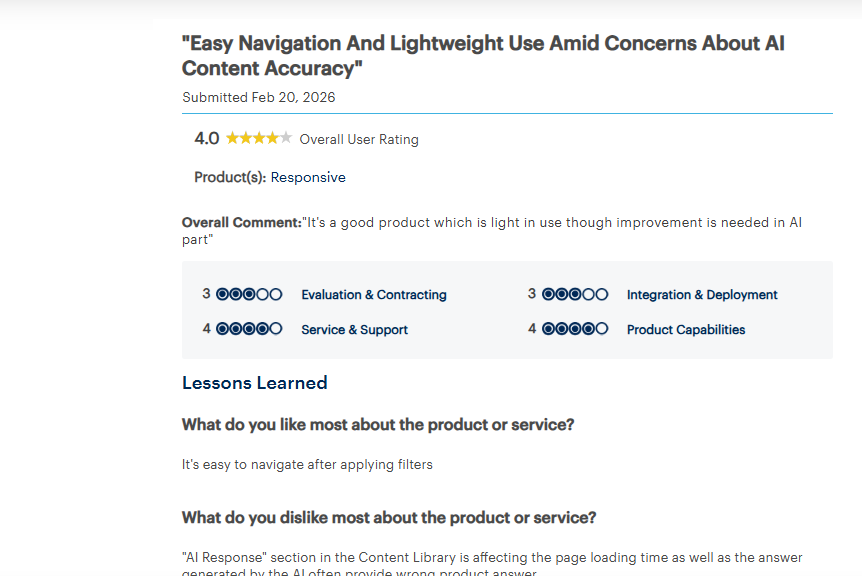
Source: Gartner review
Who Responsive Is Best For
Large enterprise bid and proposal teams managing high volumes of RFPs and DDQs with complex multi-stakeholder review requirements and existing Salesforce workflows.
Also Read: Top 10 Responsive (RFPIO) Competitors & Alternatives 2026
4. AutoRFP
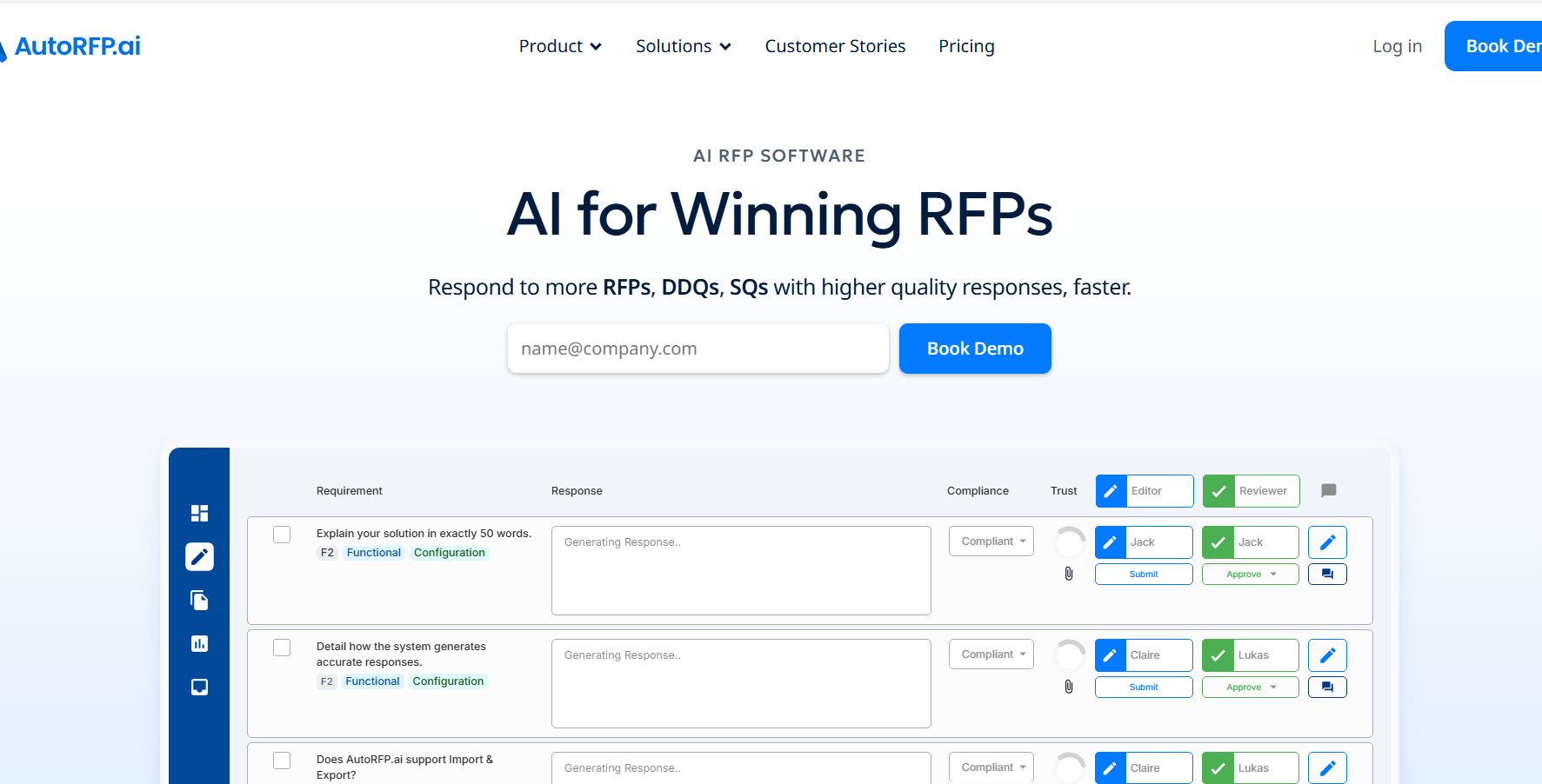
AutoRFP is an AI-native platform that generates RFP and DDQ responses from your uploaded documents and connected integrations. It positions itself as an all-in-one tool for growing teams: SSO, AI generation, and integrations are included at every pricing tier without add-on charges. Teams upload their knowledge base once, and the AI generates responses across DDQ formats.
Key Features of AutoRFP
AI Response Generation from Uploaded Documents
AutoRFP generates DDQ responses directly from your uploaded documents. Teams without a structured content library can get a working first draft from files they already have, without building a knowledge base before the tool becomes useful.
Answer Library
Approved responses are stored and searchable for reuse across future DDQs. When similar compliance appear across multiple questionnaires, the library surfaces past answers so teams are not regenerating the same response repeatedly.
Core Integrations
Covers common DDQ workflow integrations, including Slack, keeping response progress visible within tools teams already use.
SSO Included at All Tiers
Single sign-on is included at every pricing tier without an upgrade, which matters for security-conscious teams managing DDQ access controls across departments.
Where It Stands Out
AutoRFP's all-inclusive pricing is the clearest differentiator for budget-conscious DDQ teams. SSO, AI generation, and integrations are available from the entry tier, so teams are not locked out of features they need until they upgrade. The upload-and-generate workflow has a low setup barrier, making it practical for teams that need to start responding to DDQs quickly.
Also Read: AutoRFP vs Arphie vs Inventive AI: Which Is The Best RFP Software
Where It Falls Short
AutoRFP does not detect conflicting answers across a DDQ, so contradictions between sections reach the reviewer unchecked. Content accuracy depends entirely on what has been uploaded: if source documents are outdated, generated responses will reflect that without any automated flagging. For compliance-heavy DDQs where accuracy and consistency carry real risk, both gaps require manual oversight to compensate.
Pricing
Approximately $899 per month.
Customer Reviews
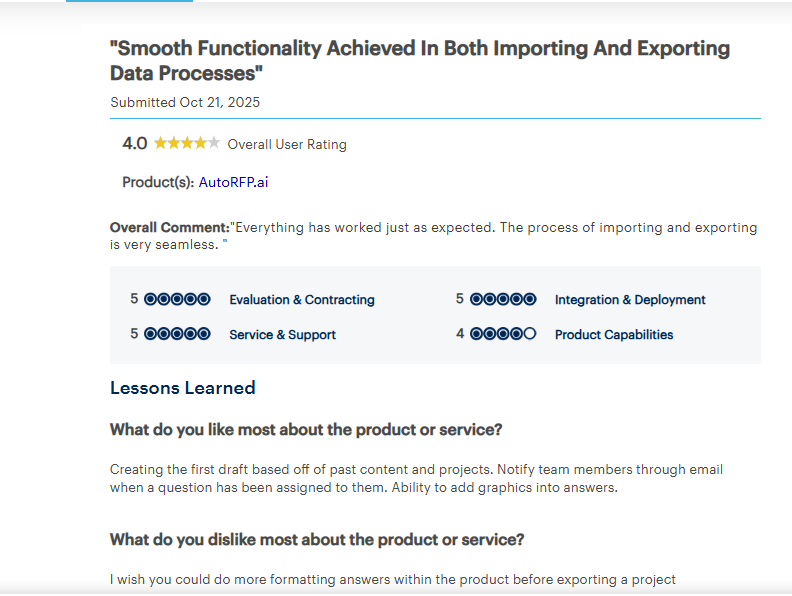
Reviewers cite seamless import/export and first-draft generation from past content as the standout strengths. The most common ask is more formatting control before exporting a completed project.
Source: Gartner review
Who AutoRFP Is Best For
SMB and mid-market teams that want capable AI-assisted DDQ and RFP response with predictable, all-inclusive pricing.
5. Conveyor
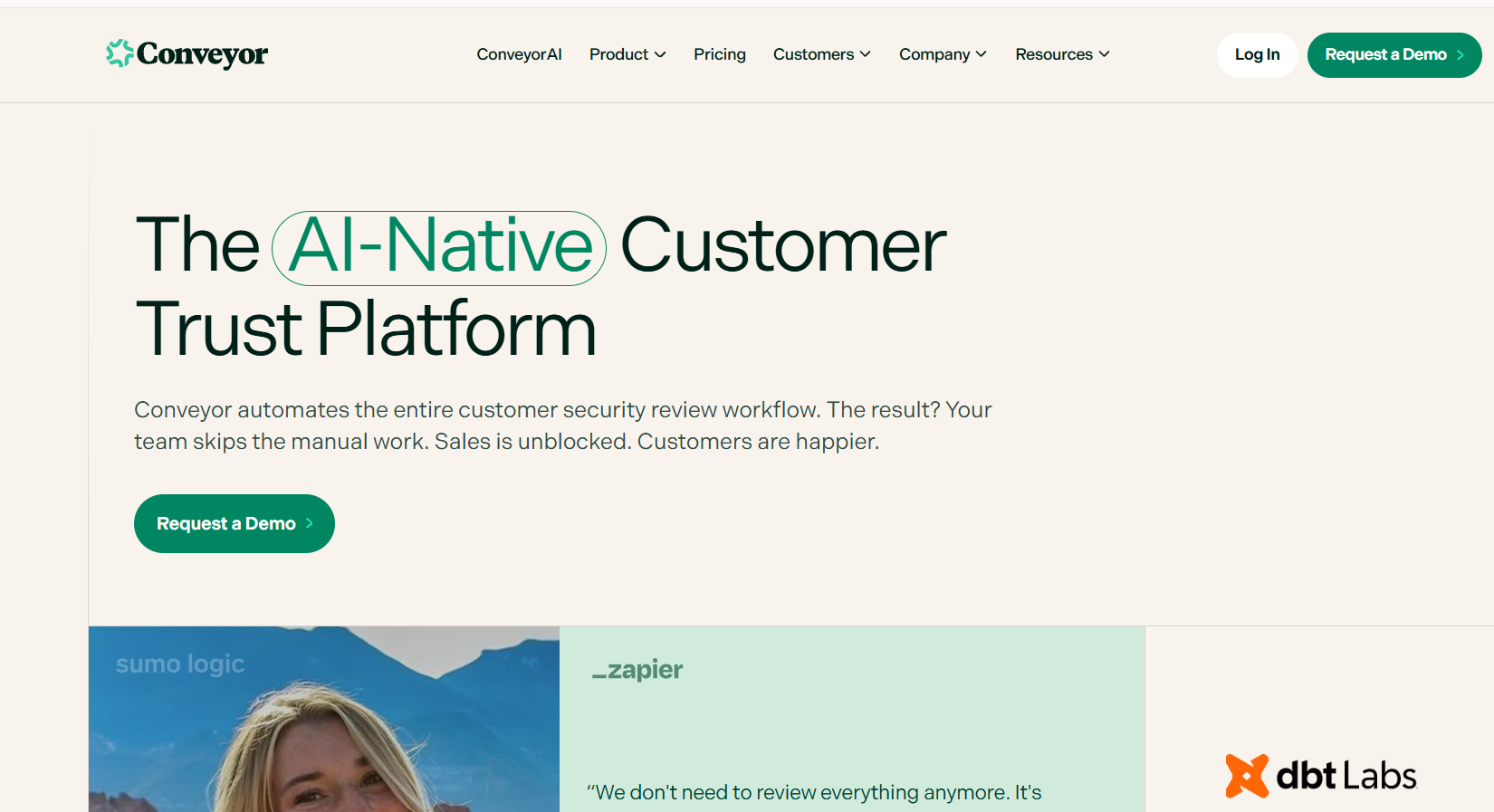
Conveyor is an AI-native DDQ platform combining a public Trust Center with AI-assisted DDQ response generation. The Trust Center publishes security and compliance information proactively so buyers self-serve answers before sending a formal questionnaire, reducing inbound DDQ volume. For questionnaires that still arrive, Conveyor generates responses from the same connected knowledge base.
Key Features of Conveyor
Trust Center
A public-facing page where security posture, certifications (SOC 2, ISO 27001), and compliance documentation are published and kept current. When buyers find answers without sending a DDQ, inbound questionnaire volume drops before it becomes manual work. For security teams fielding 20-plus DDQs a month, this deflection compounds over time.
Questionnaire Automation
Purpose-built for InfoSec and GRC workflows, with content organized around security domains, control frameworks, and certification categories. DDQ questions are mapped to relevant security content automatically.
GRC Tool Integrations
Connects with governance, risk, and compliance platforms, allowing teams to pull from existing compliance documentation into DDQ responses without duplicating content across systems.
Where It Stands Out
The AI responses and Trust Center draw from the same knowledge base, enforcing consistency between what is publicly accessible and what is submitted in a DDQ. A buyer who has reviewed the Trust Center and receives a contradicting DDQ response will notice. Conveyor's shared source removes that risk.
Where It Falls Short
Built exclusively for security and GRC questionnaires. Teams handling investor due diligence, procurement DDQs, or general vendor questionnaires will find the platform too narrow. Conflict detection across responses is not available.
Pricing
From $9,600 per year.
Customer Reviews
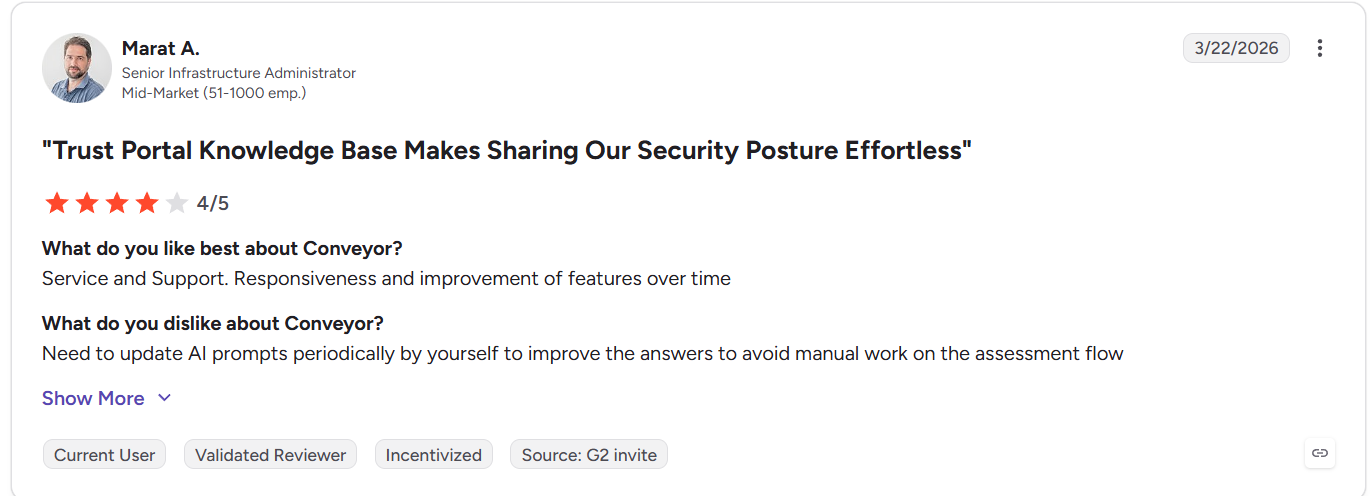
Users value the Trust Portal for making security posture sharing effortless and praise responsive support. The main criticism is that AI prompts need periodic manual updates to maintain answer quality.
Source: G2 Review
Who Conveyor Is Best For
InfoSec and GRC teams that want to reduce inbound security questionnaire volume while automating the responses that do come in.
Also Read: Top Conveyor Alternatives and Competitors 2026
5 Legacy and Use Case Specified DDQ Software
Not every DDQ tool is built for the same problem. The five below earn a spot on this list for specific use cases, but if your team responds to vendor DDQs at volume, the top 5 are the ones to evaluate first.
1.Qvidian
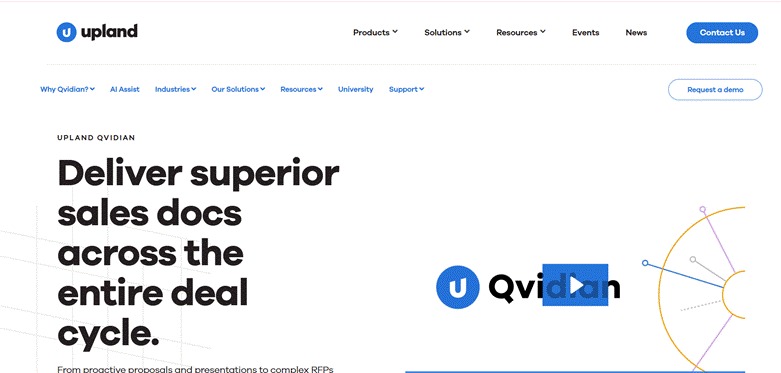
Qvidian is a legacy RFP and DDQ management platform owned by Upland Software, built for large enterprises that need structured governance over their response process. It provides a centralized content library, multi-gate approval chains, and a full audit trail for every review decision. AI was added on top of the library architecture rather than built into the core, so response quality depends entirely on how current the library is. There is no conflict detection, no automated content monitoring, and no flagging of outdated answers before submission.
Key Features of Qvidian
• Centralized answer library with searchable approved responses across active questionnaires.
• Sequential multi-gate approval workflow with defined approvers at each review stage.
• Compliance audit trail logging every edit and approval with timestamp and reviewer identity.
• Document assembly for formatted DDQ packages with consistent section ordering.
Pricing
$15,000 to $25,000+ per year.
Customer Reviews
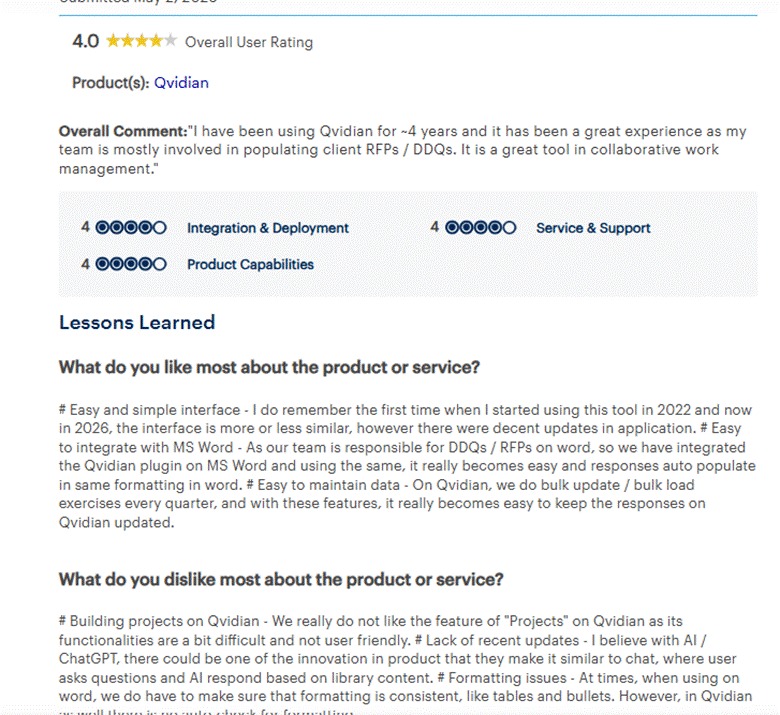
Long-term users cite strong collaborative workflow management and smooth MS Word integration for auto-populating DDQ responses. Common criticisms include a clunky project management interface and limited AI innovation relative to current-generation tools.
Source: Gartner review
Who Qvidian Is Best For
Large enterprises in regulated industries that need structured approval workflows and a defensible submission audit trail for DDQ and RFP responses.
Also Read: Top 8 Qvidian Alternatives and Competitors in 2026
2. Ombud
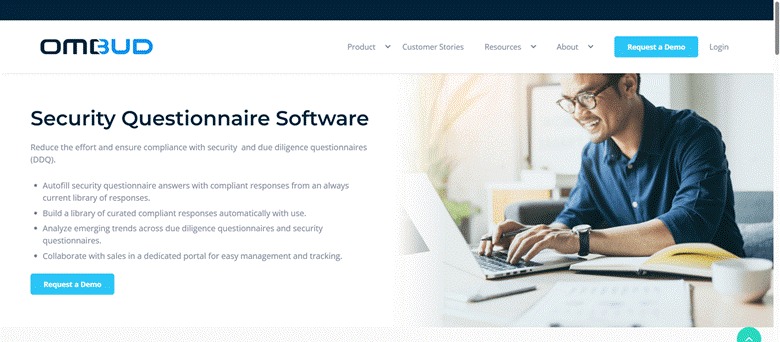
Ombud is a collaborative response management platform for enterprise revenue and solutions teams. The focus is on coordination: distributed teams co-author, version, and reuse DDQ content from a centralized workspace, with SME routing and real-time co-editing built in. There is no automated first-draft generation, writing falls on contributors. Teams whose primary bottleneck is version control and distributed authorship rather than AI-led generation will find it useful. Teams that need AI to produce the first draft will find the architecture limiting.
Key Features of Ombud
• Real-time co-authoring with change tracking across distributed contributors.
• Content library with full version history for compliance audits and buyer follow-ups.
• SME assignment routing by topic (security, legal, commercial) without manual coordination.
• Workflow and project management with deadline tracking and submission status visibility.
Pricing
Contact sales.
Customer Reviews
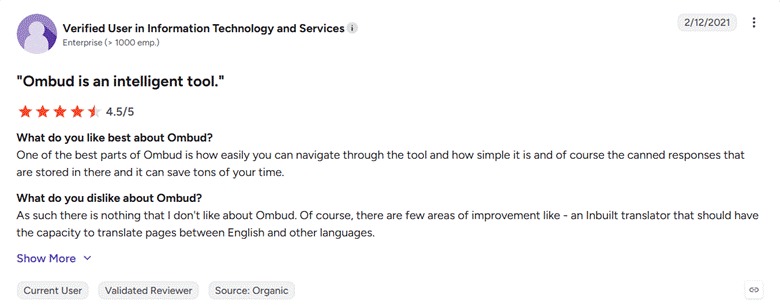
Reviewers highlight easy navigation, simple UI, and canned responses as significant time savers. The most noted gap is the absence of a built-in translation capability.
Source: G2 reviews
Who Ombud Is Best For
Mid-market to enterprise revenue and solutions teams where the primary DDQ challenge is distributed authorship and content versioning across departments, not AI-led generation.
3. 1Up
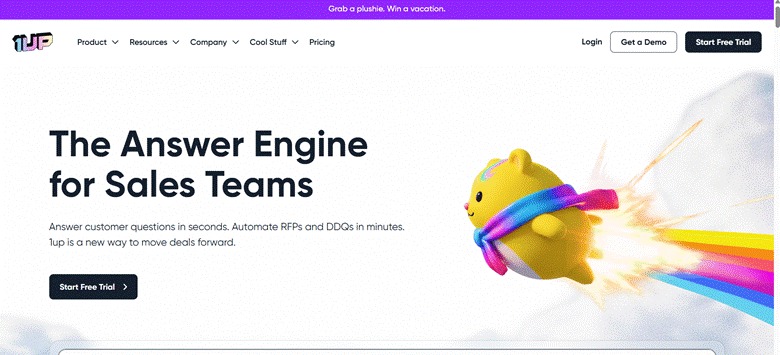
1Up is a lightweight AI-native platform for small teams responding to DDQs. It generates responses from ingested internal documents and returns completed questionnaires in the buyer's original format, Excel, Word, or CSV. A free tier makes it one of the most accessible entry points in the category. There is no conflict detection and limited depth for compliance-heavy questionnaires, but the low setup barrier makes it a practical starting point for teams new to DDQ automation.
Key Features of 1Up
• AI response generation from uploaded internal documents without a formal content library.
• Native format output — returns completed responses in the buyer's original Excel, Word, or CSV file.
• Basic assignment and review tools for small teams of two to five people.
• Free tier with no implementation process required.
Pricing
Free tier available. Paid plans from $300 per month.
Customer Reviews
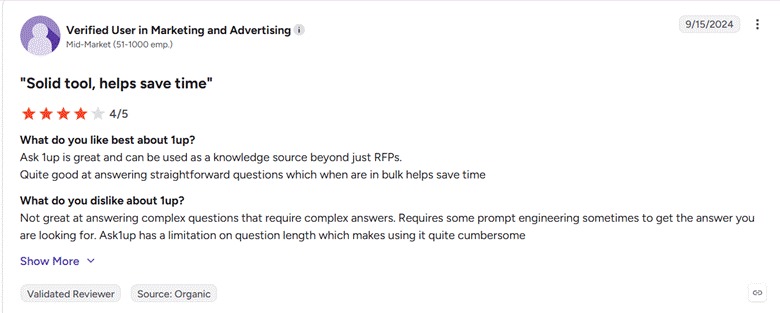
Reviewers find it effective for answering straightforward questions in bulk, with good time savings at scale. The platform struggles with complex questions requiring nuanced answers and has a question length limitation that some users find restrictive.
Source: G2 review
Who 1Up Is Best For
Small teams or those new to DDQ automation that need a low-cost, low-setup entry point into AI-assisted questionnaire response.
Also Read: Top 1up Alternatives and Competitors 2026
4. Ontra
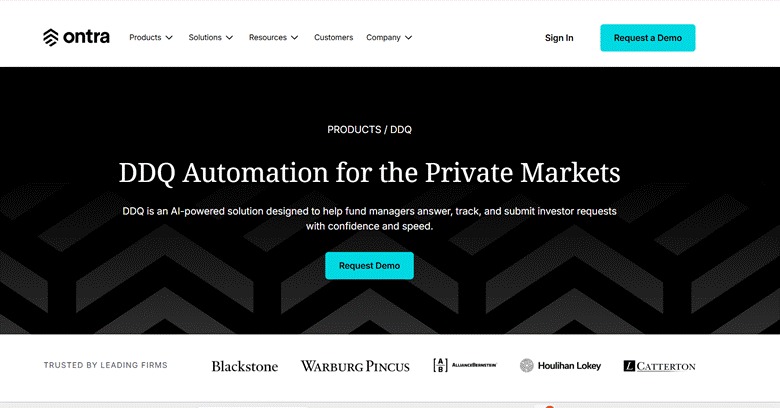
Ontra is an AI-native contract and intelligence platform with a dedicated DDQ product for private markets fund managers. Purpose-built for LP due diligence questionnaires in private equity, credit, and real estate, it uses precedent-driven AI aligned with ILPA frameworks and references prior submissions to maintain narrative consistency across LP cycles. The DDQ product launched in May 2026, so independent review data is limited. Outside of private markets LP questionnaires, it is not designed for general vendor DDQ workflows.
Key Features of Ontra
• LP DDQ workflow automation from intake to delivery within a private markets IR structure.
• ILPA framework alignment for institutional investor questionnaire templates.
• Precedent-driven generation referencing prior submissions for narrative consistency across LP cycles.
• IR team collaboration workflow for review and approval before submission.
Pricing
Custom pricing. Contact sales.
Customer Reviews
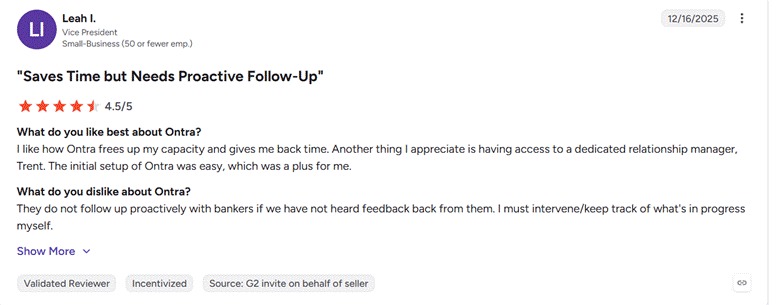
Users appreciate how the platform frees up capacity and returns time, with easy initial setup and dedicated support. The main friction point is limited proactive follow-up on in-progress work items.
Source: G2 review
Who Ontra Is Best For
Private equity, credit, and real estate fund managers whose IR teams handle LP due diligence questionnaires under ILPA frameworks.
5. RocketDocs
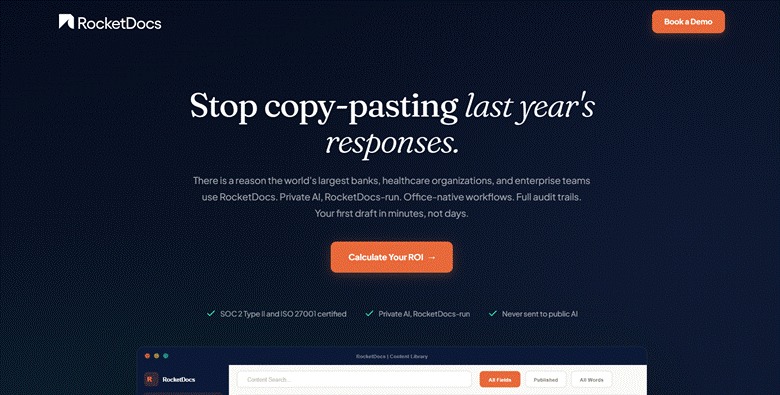
RocketDocs is a response management platform for regulated industries like banking, insurance, and financial services, where data residency and in-environment AI processing are compliance requirements. All AI runs inside the customer's environment with no data sent to third-party LLM providers. A Microsoft Word and Excel add-in (LaunchPad) lets teams generate and edit responses directly inside the files DDQs typically arrive in. Model capability is limited compared to platforms using current-generation external models, and there is no conflict detection or automated content governance.
Key Features of RocketDocs
• In-environment AI processing with no third-party data transfer.
• Microsoft Word and Excel add-in (LaunchPad) for editing DDQ responses directly in Office files.
• Centralized content library with searchable approved responses across the team.
• Data residency controls for compliance with financial services regulatory frameworks.
Pricing
Custom, tiered plans. Contact sales.
Customer Reviews
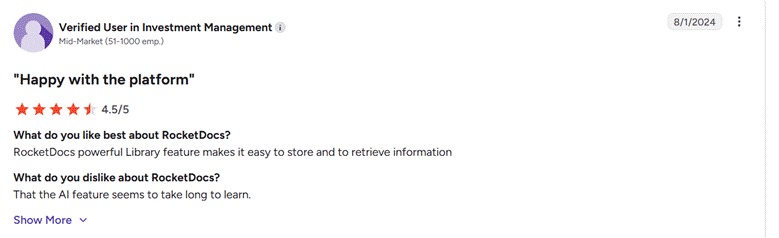
Users highlight the library feature as powerful for storing and retrieving information quickly. The most noted downside is that the AI feature has a steep learning curve.
Source: G2 review
Who RocketDocs Is Best For
Banking, insurance, and financial services teams in regulated environments where data residency and private AI processing are hard compliance requirements.
Also Read: Top 10 RocketDocs Alternatives and Competitors 2026
How to Evaluate the Right DDQ Software for Your Team
Choosing best DDQ software is not just a features decision. The wrong call costs you money, time, and the trust of a team that tried the tool, found it frustrating, and went back to spreadsheets. Here is how to evaluate properly before you commit.
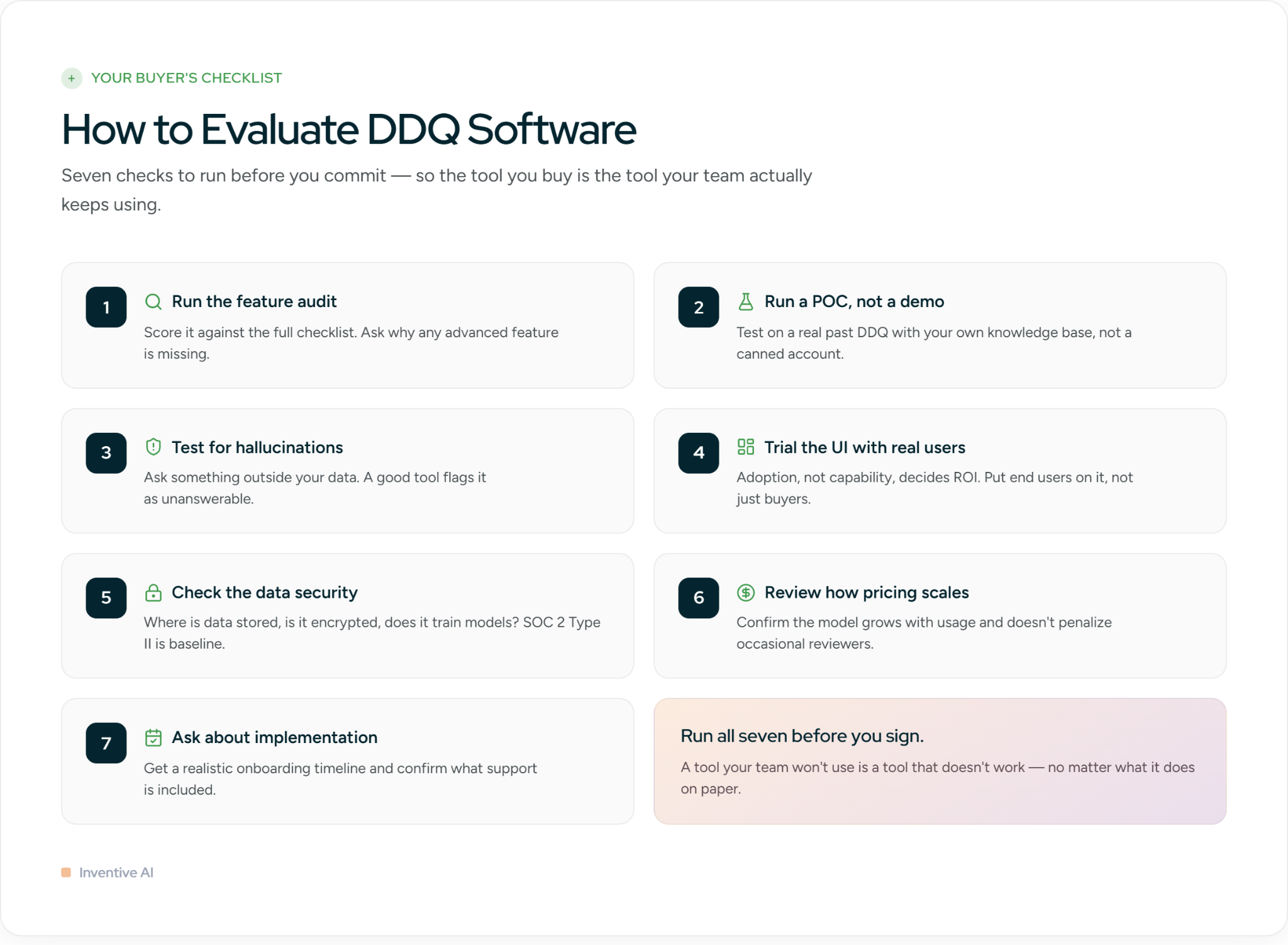
Run it against the feature checklist
Start with everything covered in this guide. Does the tool generate grounded first drafts? Does it have role-based permissions, direct knowledge source integrations, confidence scoring, hallucination prevention, and AI content governance? If a platform is missing the advanced features, understand why before moving forward. Some gaps are on the roadmap. Others are architectural limitations that will not change.
Run a proof of concept, not just a demo
A demo shows you what the tool can do under ideal conditions. A proof of concept shows you how it performs on your actual questionnaires, with your actual knowledge base. Ask the vendor to run a live POC using a real DDQ your team has responded to before. That gives you a direct benchmark: how close is the AI-generated draft to what your team would have written, and how much editing does it actually need?
Test for hallucinations deliberately
This one is simple but revealing. During the POC or demo, ask the AI a question it has no business answering, something completely outside your knowledge base, like what colors blue and red make. A well-built tool will flag the question as unanswerable or mark it as "information unavailable." If it generates a confident, coherent response anyway, that is a red flag. It means the tool prioritizes producing output over producing accurate output, which is exactly the wrong trade-off for a compliance document.
Evaluate the UI as seriously as the features
A tool your team does not use is a tool that does not work, regardless of what it can do on paper. Sit your actual end users down with the interface during the trial, not just the people buying it. Is the workflow intuitive? Can a new team member figure it out without a week of training? Adoption is the real productivity metric, and a complicated interface will quietly kill ROI after the contract is signed.
Ask where your data goes
DDQs contain sensitive security, legal, and commercial information, so how a vendor handles your data matters as much as what the product does. Ask directly: is our data used to train your models? Where is it stored and in which region? Is it encrypted at rest and in transit? Who within your organization can access it? Is data isolated per customer or shared across a multi-tenant infrastructure? What happens to our data if we cancel?
For enterprise teams and regulated industries, also ask about compliance certifications and data privacy. SOC 2 Type II is the baseline. Depending on your industry, you may also need GDPR, ISO 27001, or HIPAA alignment. If a vendor cannot produce documentation for these, treat it as a serious gap.
Check that pricing scales with you
Some platforms look affordable at low volume and become expensive fast as your DDQ count grows. Others charge per seat, which creates friction when you need to loop in legal or finance for a single review cycle.
Ask about implementation and support
A tool that takes three months to implement is not saving you time this quarter. Ask what a realistic onboarding timeline looks like, what support is included, and whether you get a dedicated contact or a ticketing queue. Before you take their word for it, check G2 or Gartner reviews filtered by post-sale support, that's where the real picture shows up. Ask for a reference call with a customer who went through onboarding in the last six months. On the demo, ask them to run a live workflow on your actual content, not a pre-loaded environment. How they handle that request tells you a lot.
Cut DDQ Response Time Without Compromising Accuracy
Response accuracy is the metric that matters most in DDQ automation. A tool that generates fast but inconsistent answers creates more risk than it eliminates. The platforms in this comparison differ fundamentally in how they approach this: some retrieve answers from libraries that require active maintenance, others generate answers from live knowledge sources with full source attribution. That architectural difference determines whether your submitted responses reflect your actual current posture or what was accurate 12 months ago.
For most teams responding to DDQs, the evaluation comes down to three things: how accurate the first draft is, how much editing it requires before submission, and whether the platform catches problems across the full questionnaire before anything leaves your hands.
If those are your criteria, prioritize platforms that generate from live sources, provide per-response citations, and detect conflicts across the full answer set. Those capabilities exist in a small number of tools in this comparison and separate platforms that reduce submission risk from those that simply reduce time to first draft.
More Reads
- Qvidian vs Responsive vs Inventive AI: The AI-First Shift
- Conveyor vs Responsive: In-Depth RFP Tools Breakdown
- 15 Best RFP Software Tools in 2026: Which to Use?
- Why AI-Native RFP Software is Replacing Legacy Tools Like Responsive and Loop
Frequently Asked Questions
Is DDQ software different from RFP software?
Most platforms handle both. The core workflow is identical: upload the questionnaire, generate responses from your knowledge base, review and submit. The difference is content: RFPs focus on capabilities and pricing, DDQs focus on security posture, compliance certifications, and operational risk. Check whether the platform supports the question types and formats your team receives most, not just whether it technically supports both document types.
Is DDQ automation worth it for teams handling fewer than 10 questionnaires a month?
It depends on stakes, not volume. A team handling five investor due diligence DDQs a month has more to gain from accuracy controls than one handling 30 low-complexity vendor questionnaires. If a single wrong compliance answer delays or loses a deal, automation pays for itself on one submission. Evaluate based on what a bad response costs, not how many questionnaires you receive.
How do I justify DDQ software investment to leadership?
Calculate the fully loaded time cost of your current process: people involved, hours per questionnaire, submissions per month. Then factor in the cost of a delayed or failed submission. Most teams undercount both. For organizations where senior technical or legal staff are pulled into each submission, the ROI case is straightforward within the first quarter.
Can DDQ software handle confidential or sensitive information securely?
It should, but verify rather than assume. Look for SOC 2 Type II certification, data residency controls, and role-based access permissions. In regulated industries, ask vendors specifically where content is processed and whether any data trains external models. Some platforms process entirely in-environment with no third-party LLM involvement.
What is the biggest mistake teams make when implementing DDQ software?
Migrating unreviewed content. Most teams connect existing knowledge sources without auditing what is in there first. Outdated certifications, deprecated policies, and stale product details come along, and the AI generates responses from that content without flagging it. Audit your source material before go-live, not after submitting three questionnaires with inaccurate compliance answers.
How do I keep AI-generated DDQ responses accurate over time?
On library-based platforms, someone needs to own content governance explicitly and review the library on a defined cadence. On AI-native platforms connected to live knowledge sources, accuracy follows your source documents automatically. Either way, designate a content owner before go-live. Platforms without one consistently drift toward inaccuracy within six months.
Do DDQ platforms integrate with CRM and sales tools?
Established platforms integrate with Salesforce, Slack, and Microsoft Teams. The value of CRM integration is tying DDQ activity to the deal record so sales has visibility without chasing the response team. Confirm which integrations are native versus custom connectors, and test the ones you actually use rather than a vendor's feature list.
How should I run a pilot before committing to a DDQ platform?
Take a real questionnaire from the past 12 months and run it through the platform. Measure how many questions the AI auto-filled accurately and how it handled gaps where your knowledge base had no strong match. Ask the vendor for a sandbox with your own content loaded, not a pre-populated demo account.

.avif)