Upland Qvidian Review 2026: Features, Ratings, and Whether to Renew
An independent Upland Qvidian review: how its content library and reporting work, where the dated interface and bolted-on AI fall short, real G2 and Gartner ratings, and the alternatives to weigh at renewal.
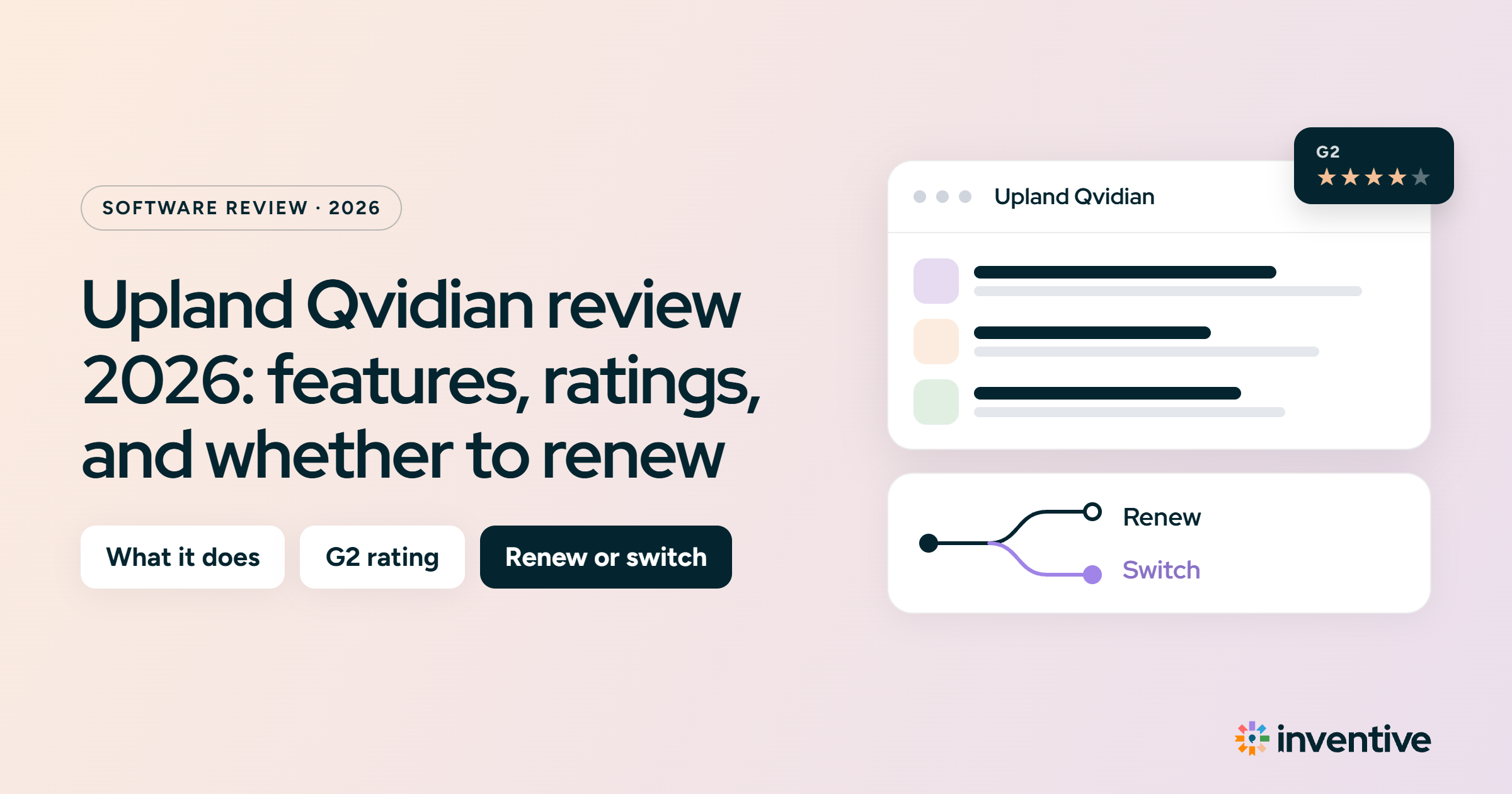
Qvidian is one of the oldest tools in proposal software, and most people who look it up already use it and are deciding whether to renew. This review is written for that call. Qvidian is a legacy, library-based platform: your team stores approved responses and reuses them, with a generative AI layer Upland added recently on top. The sections below cover what it does, how it rates, what real users say, and where it falls short, so you can judge the fit yourself.
We do not cover pricing in this blog. For details on pricing, visit our detailed Upland Qvidian pricing guide
Qvidian at a glance
- It is a library-first tool with AI added on top. The AI Assist helps with drafting, but it is newer, and keeping your content current is still a manual job, since it does not sync from your source systems on its own.
- Its core strength is a well-governed content library. Version control, permissions, and a clear structure keep a large, shared library organized and reliable, even with many contributors.
- Its reporting goes deeper than most newer tools. More than 70 reports and dashboards come ready to use, so you can show win rates and content performance to leadership without building anything.
- Users consistently praise the support team and the Microsoft Word add-in. You can draft in Word and have responses come back in your own formatting.
- Qvidian scores 4.3/5 on G2 and 4.6 on Gartner Peer Insights. Reviewers rate what it does highly, but mark it down for a dated interface and weak search.
- Plan for how it is priced. Qvidian charges per user by quote, with a separate setup fee, so the cost rises as your team grows.
What is Upland Qvidian? A legacy, library-based RFP tool
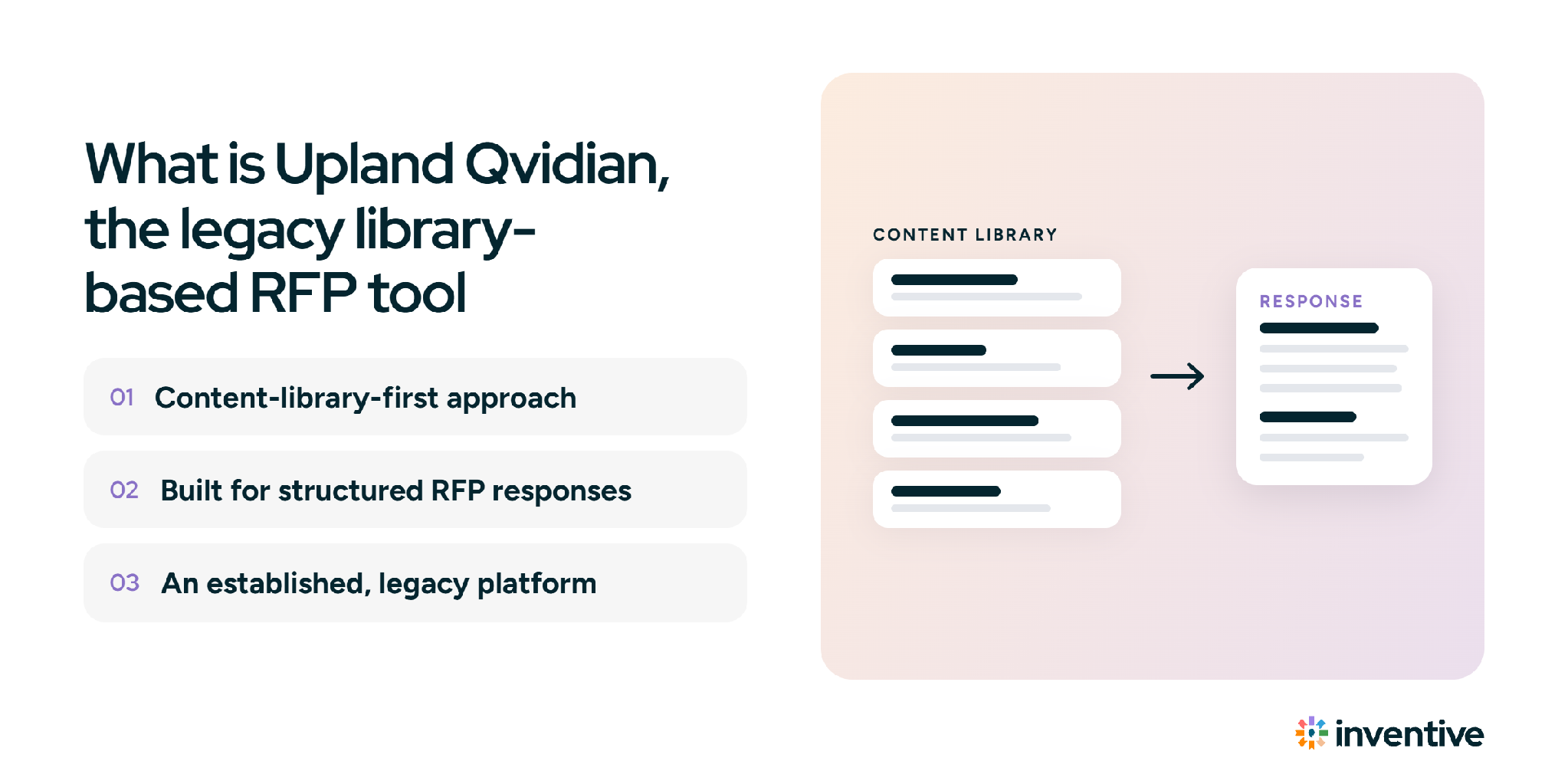
Qvidian is older than most tools it competes with, and it was built around a content library your team curates and reuses. Upland bought it in 2017 and still sells it as Upland Qvidian. In the last couple of years, Upland added a generative AI Assist on top of that library rather than rebuilding the core.
The company says Qvidian is used by 8 of the 10 largest US banks and 4 of the 5 largest asset managers, so it has a long enterprise track record. The trade-off is that newer buyers now compare a library-first design against tools built for AI from the start.
Upland Qvidian features: library, reporting, AI Assist, and workflow
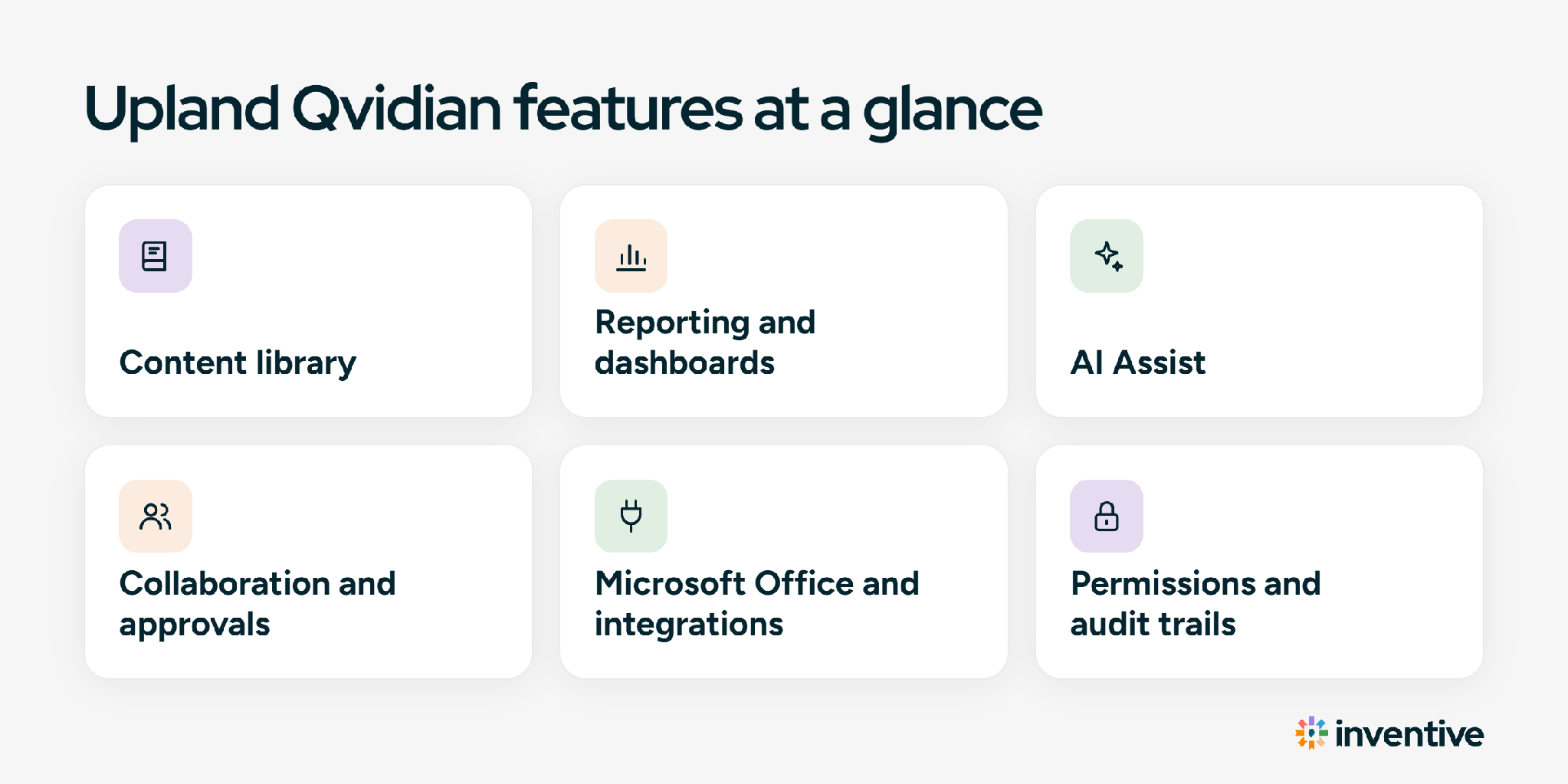
Qvidian covers a content library, reporting, AI drafting, workflow, and integrations. Here is what each one does.
The content library
Qvidian stores approved responses in a structure you define. You set expiration dates, track where each entry is used, assign review jobs, and control who can see and edit what. Version control keeps a history of past wording. What it does not do is keep that content current on its own: there is no live sync from your source systems, so a person has to review and update entries on a schedule.
Reporting and dashboards
Qvidian includes more than 70 ready-made reports, a drag-and-drop builder, and dashboards that track proposal outcomes and how content gets used. You can pull win rates and content metrics for leadership without building the reports yourself.
AI Assist
AI Assist is the newest layer. It drafts responses from the approved library, rewrites them for tone and length, applies your terminology, and reads an incoming RFP to help with a go or no-go decision.
Collaboration and approvals
You assign questions to named people, route approvals through set stages, and track status across the team, so a large bid with many contributors stays coordinated in one place.
Microsoft Office and integrations
Qvidian connects to Salesforce and Microsoft Teams, and offers Word, Excel, and PowerPoint add-ins. The Word add-in lets your team draft in Word and have responses populate in the document’s formatting.
Permissions and audit trails
Role-based permissions and audit logs control who can access what and record every change, which security and compliance teams need for sign-off. Exact certifications vary by contract, so confirm them with Upland during evaluation.
Qvidian ratings, pros, and cons
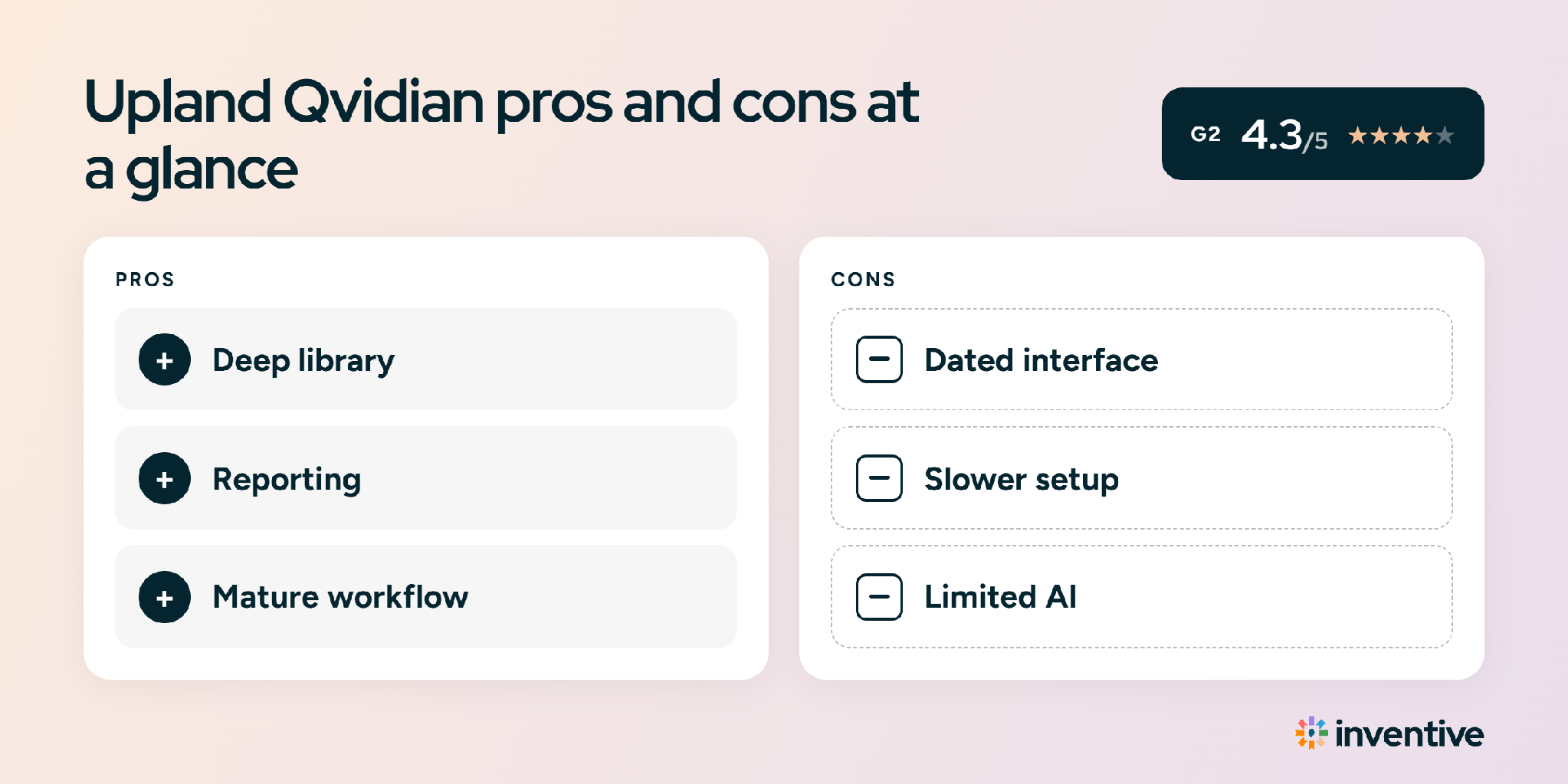
Qvidian has a long review history: 4.3/5 on G2 from 166 reviews, and 4.6/5 on Gartner Peer Insights from 8. The pros and cons below come from real review sentiment.
Qvidian user reviews: what customers say on G2
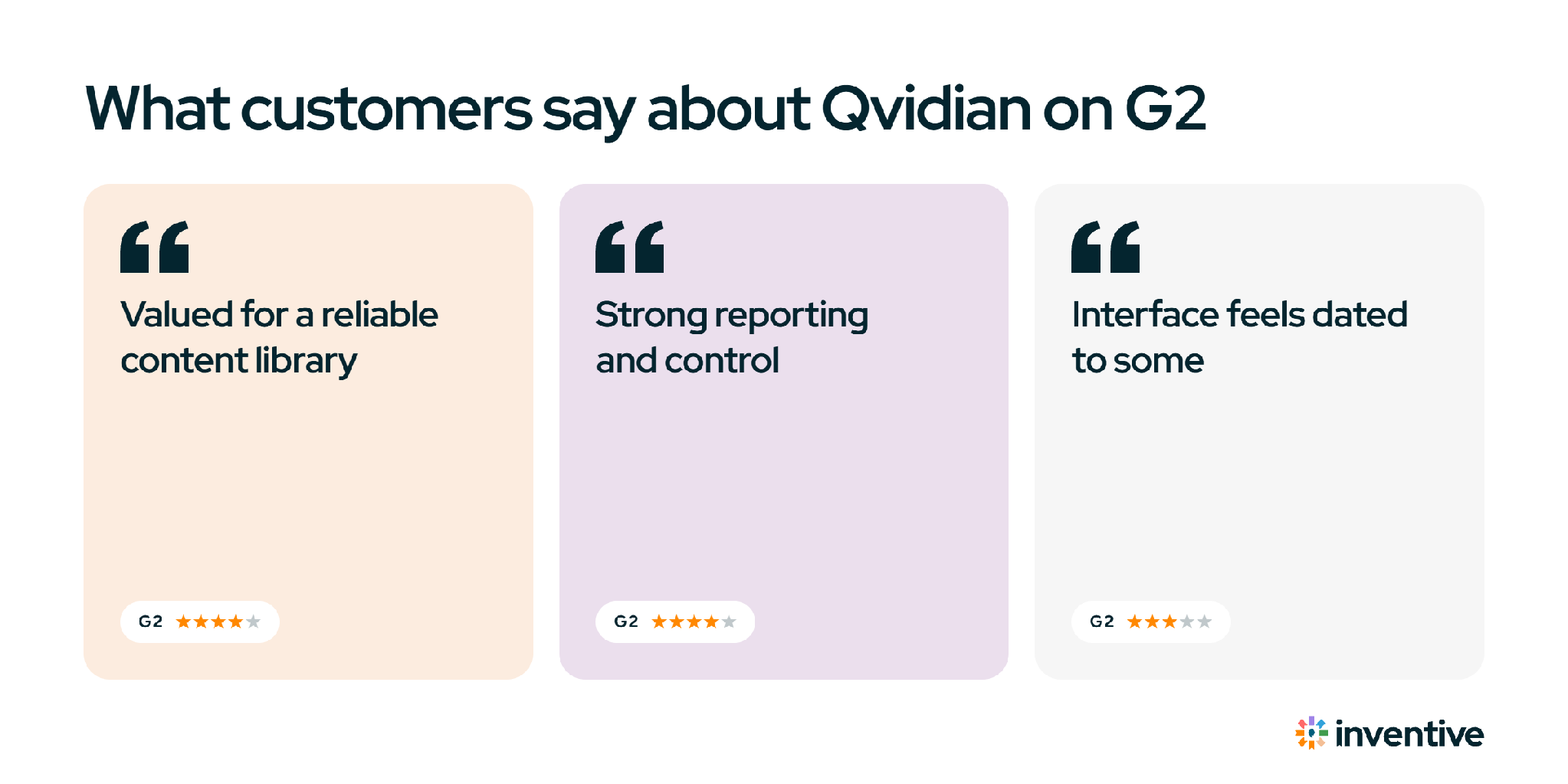
G2 reviewers like Qvidian’s library, version control, and support, and criticize its dated interface and search. Here are four reviews in their own words.
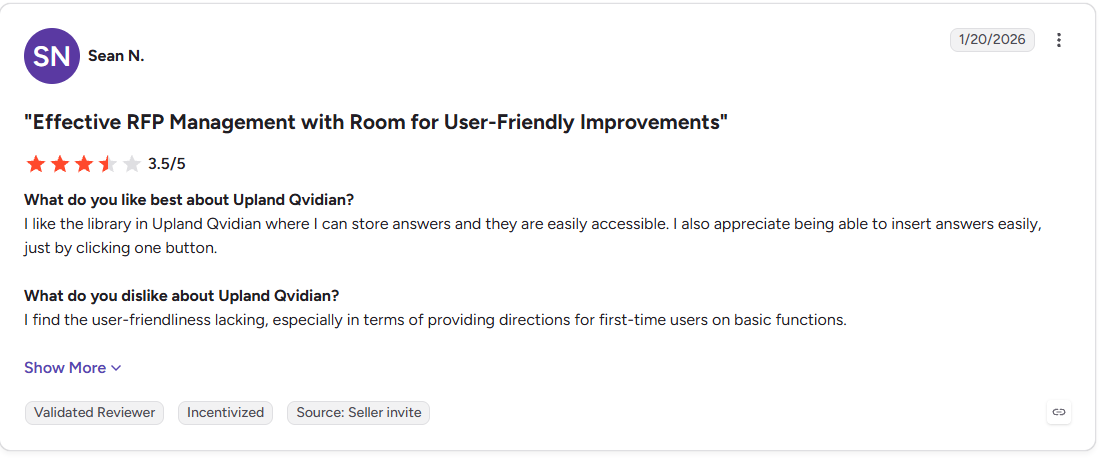
Sean N. (3.5/5) likes "the library in Upland Qvidian where I can store answers and they are easily accessible," but finds "user-friendliness lacking, especially in terms of providing directions for first-time users."
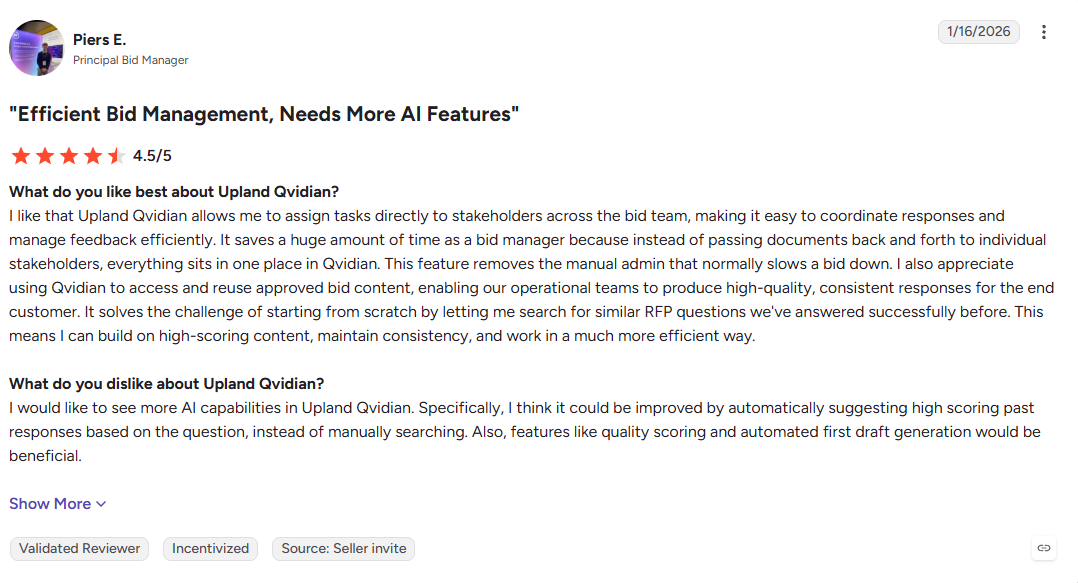
Piers E., a Principal Bid Manager (4.5/5), values being able to "assign tasks directly to stakeholders across the bid team," but says he "would like to see more AI capabilities in Upland Qvidian."
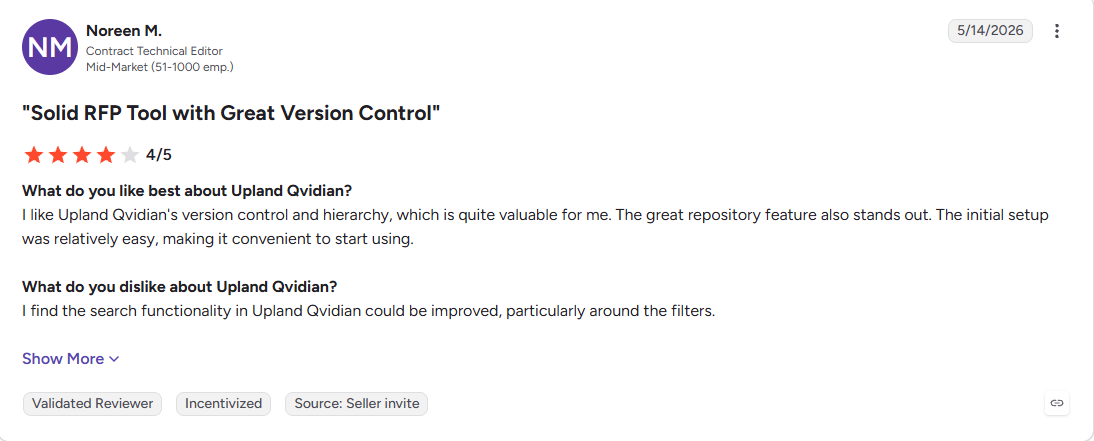
Noreen M., a Contract Technical Editor at a mid-market company (4.0/5), rates the "version control and hierarchy, which is quite valuable for me," and wishes "the search functionality could be improved, particularly around the filters."
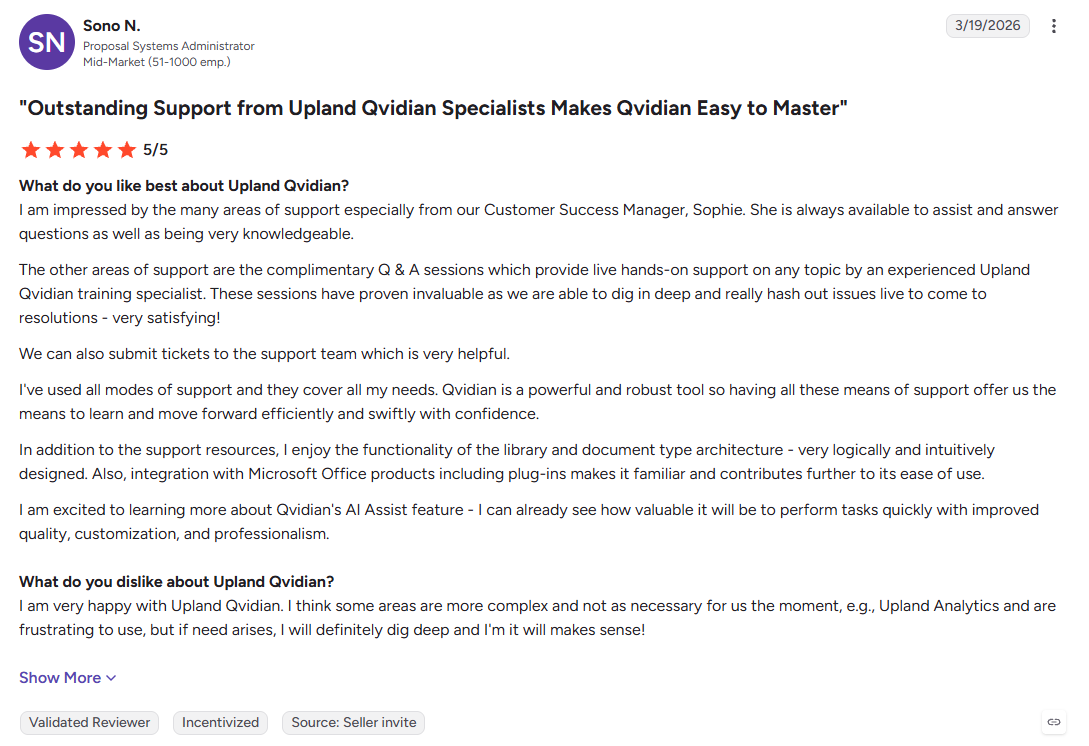
Sono N., a Proposal Systems Administrator at a mid-market company (5.0/5), credits a support team "always available to assist and answer questions as well as being very knowledgeable," and notes that some areas, such as Upland Analytics, feel "more complex and not as necessary" for her team today.
Read more: 15 Best RFP Software and Tools in 2026: Ranked and Reviewed.
Qvidian pricing at a glance
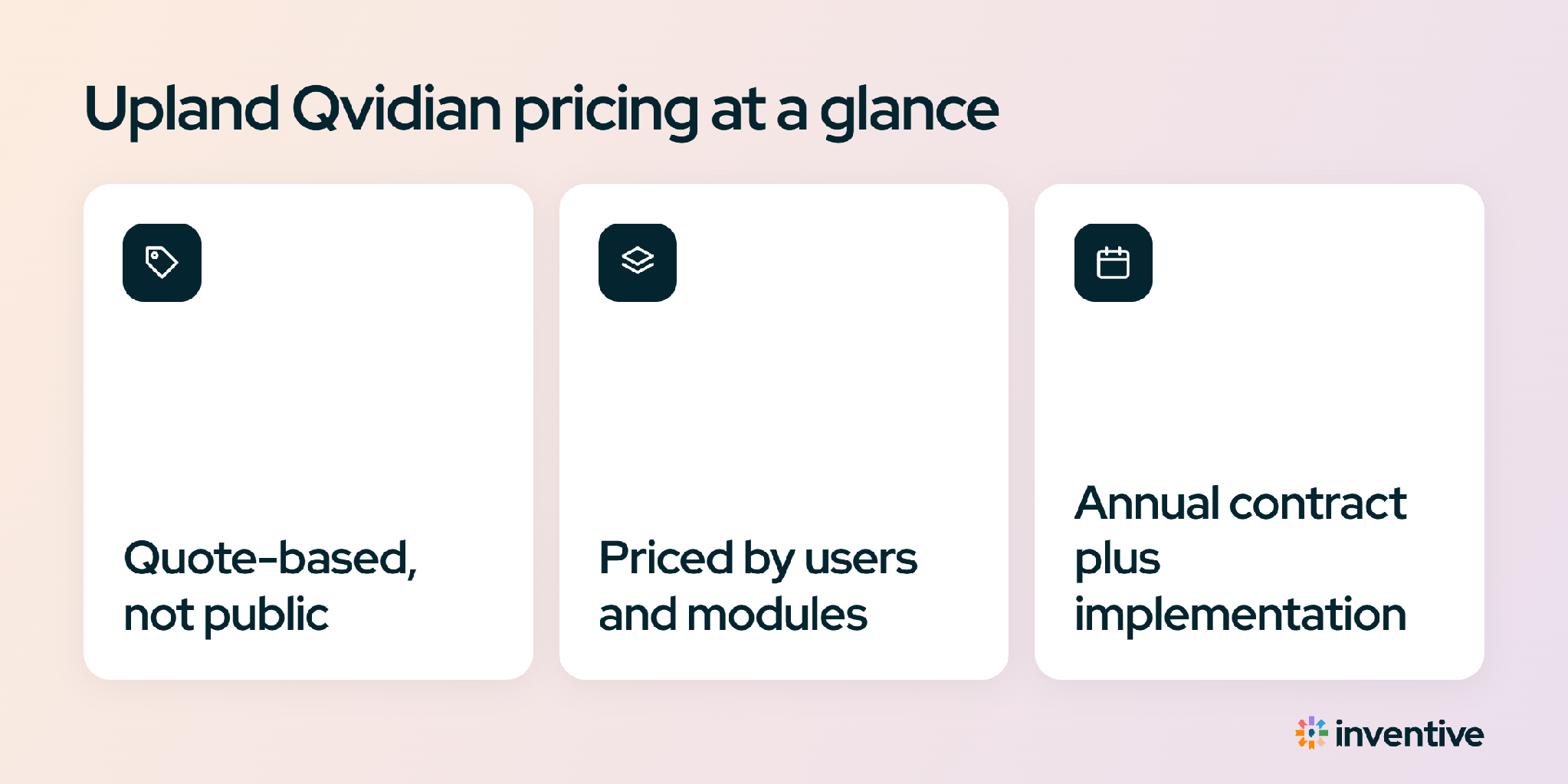
Qvidian keeps pricing off its site. Expect a per-named-user license on an annual or multi-year contract, plus a one-time implementation fee to migrate content and set up the library. Two things drive the number: how many seats you license, and the implementation that lands in year one. Check out detailed Qvidian pricing guide.
Who Qvidian is right for, and who should switch
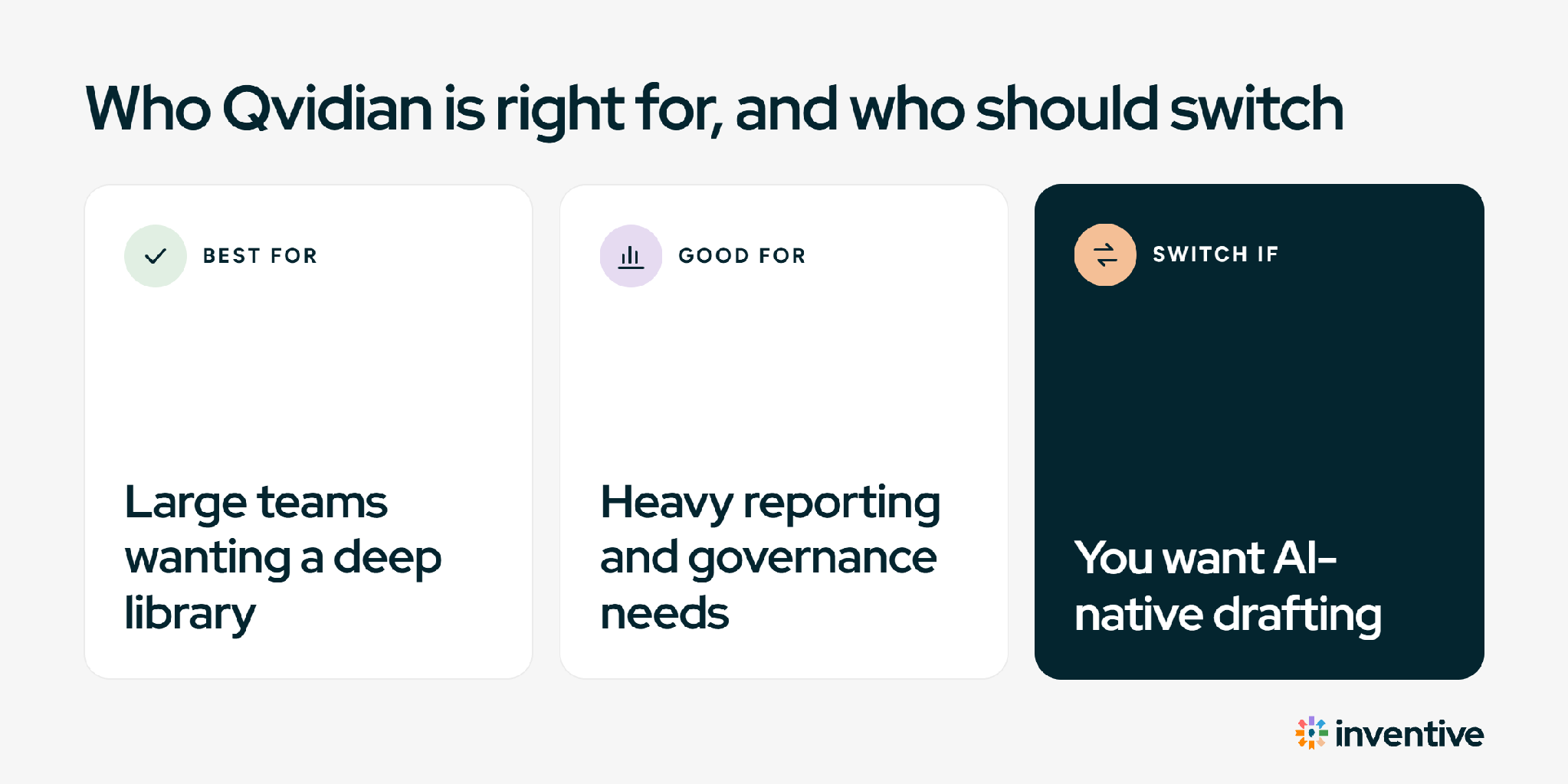
It comes down to one question: does the library and reporting outweigh the daily friction for your team? Use the two lists to place yourself.
Qvidian still fits if you:
- Run a large, established proposal team with a deep library and someone who owns it
- Rely on strict version control, permissions, and detailed reporting to answer to the business
- Work mostly in Microsoft Word and want responses to land in your house format
- Have the budget and time for a paid, multi-week implementation
Look at alternatives if you:
- Want first drafts you can trust, grounded in approved content with gaps flagged, not AI you check line by line
- Want your content kept current automatically, not through manual uploads and scheduled cleanup
- Need the team productive in days, not weeks of training on a heavy interface
- Would rather pay by usage than a seat count that climbs with headcount.
If you want to compare Qvidian with an AI-native alternative, read the full Qvidian vs Inventive AI comparison.
Qvidian alternatives worth comparing
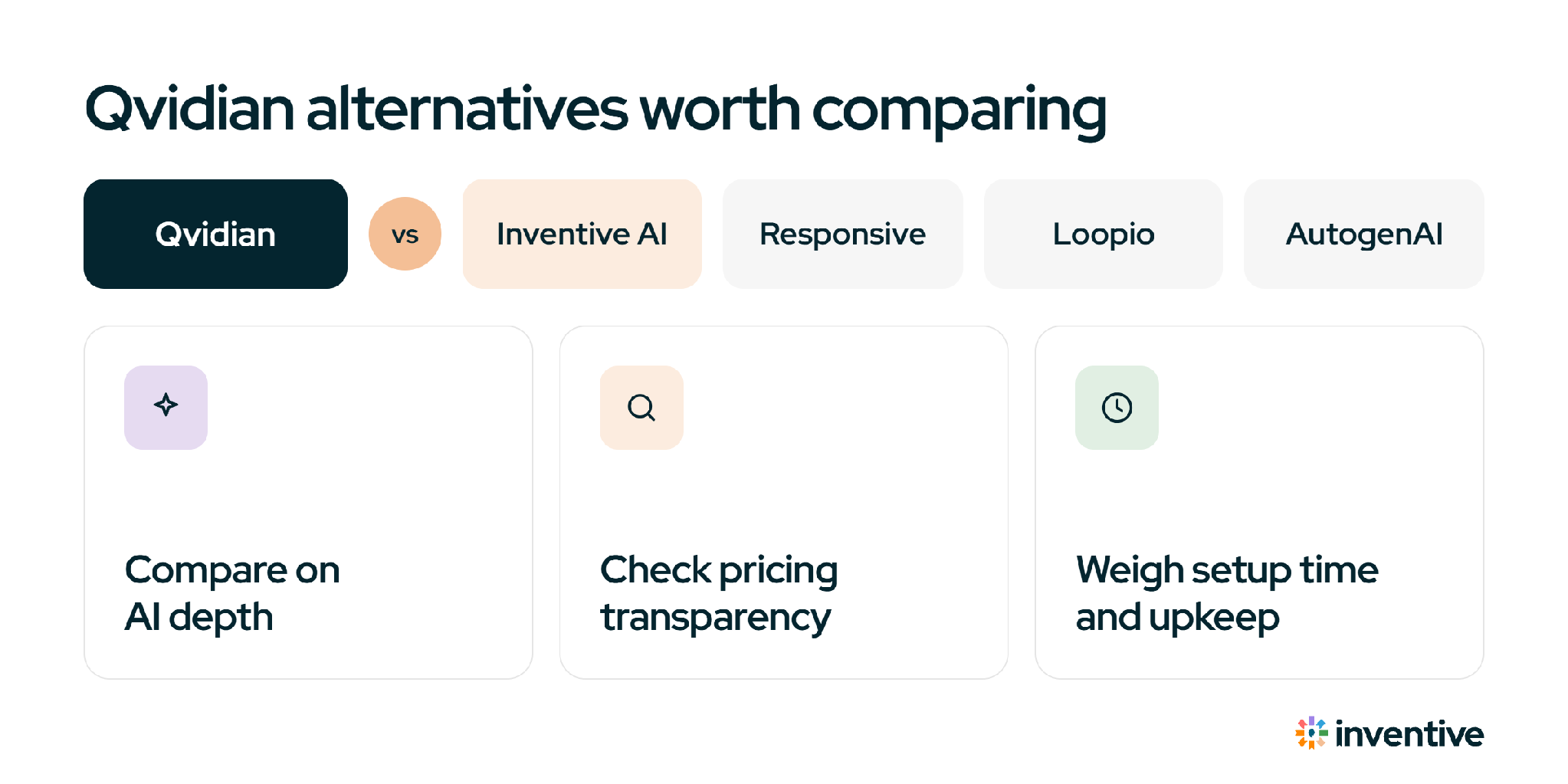
If the interface, setup, or per-seat cost have you comparing, run two or three tools against the same live RFP. These come up most often opposite Qvidian, and a fuller list is in our guide to Qvidian alternatives.
Inventive AI: an AI-native alternative to Qvidian
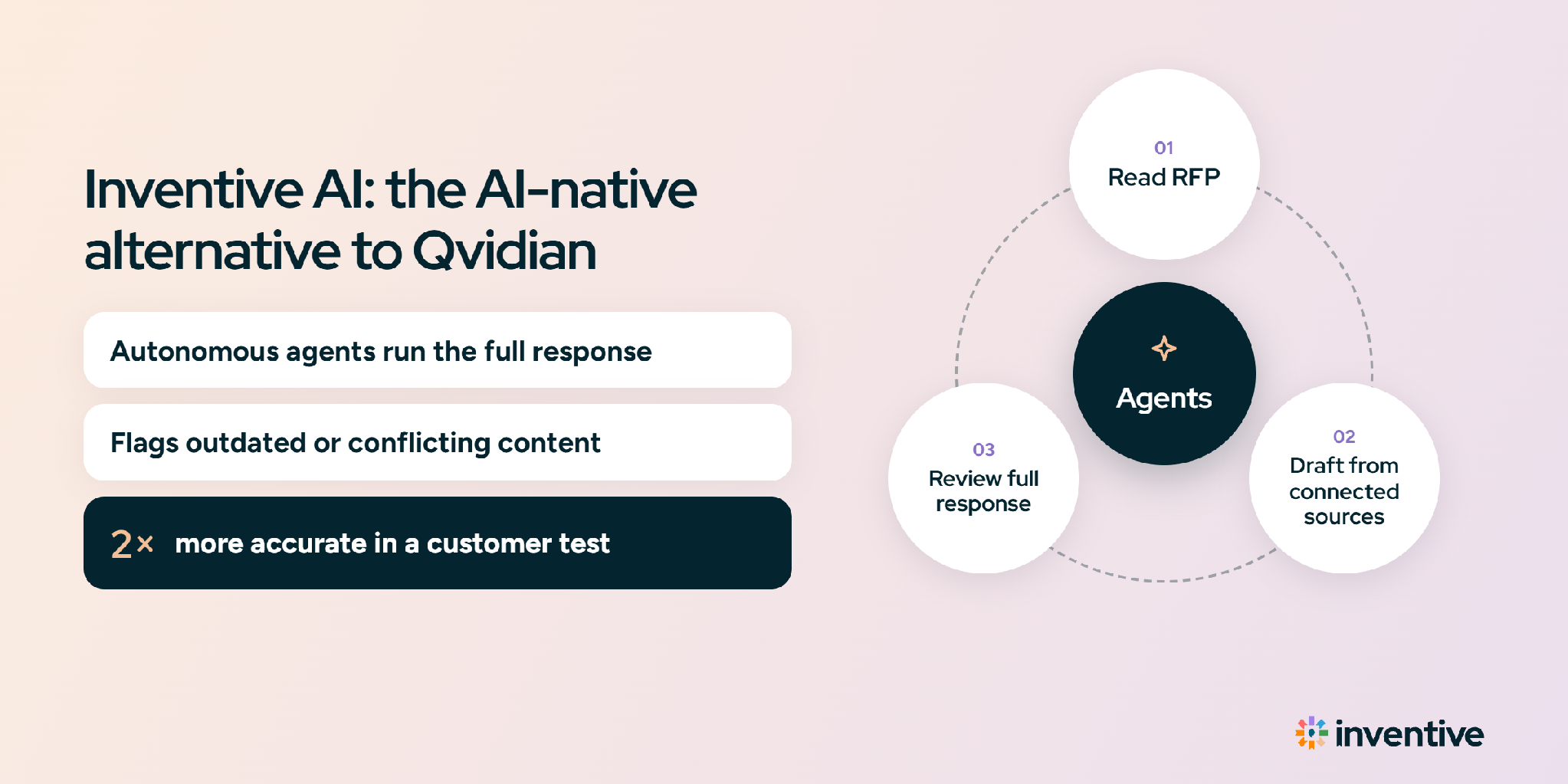
Qvidian leans on a library your team maintains, with AI added on top. Inventive AI starts from AI agents instead, and holds a 4.9 out of 5 on G2 across 80 reviews. Here is how it handles the parts Qvidian users flag most.
- Every response carries a source citation and a confidence score, and it flags anything it cannot ground instead of guessing.
- It keeps your knowledge current and catches conflicting or outdated answers on its own, so no one has to police the library by hand.
- It reads a full 200-page PDF or multi-tab Excel RFP, then returns Excel answers in the original file and a PDF proposal in your Word template.
- It connects to Salesforce, SharePoint, Google Drive, Confluence, Notion, and Slack, so your sources stay where they are.
- The whole team uses it without prompt-writing skills, in one workflow with assignments and approvals.
- It includes unlimited users and bills by usage, so cost follows the work, not the seat count.