15 Best RFP Software in 2026: Features, Prices and Reviews
Review 15 RFP software on AI accuracy, response quality, and ease of use. Find the right fit for your team before you shortlist.
.png)
RFP software helps companies respond to proposals faster and more accurately. Instead of searching old documents, copying answers from previous submissions, and chasing subject-matter experts, the software organizes your knowledge, generates AI-drafted responses, and manages the review process in one place.
The most common pain points are accuracy and coordination. Responses go out with outdated product information because no one caught the change in time. Reviews get delayed because RFPs arrive with tight deadlines and SMEs have full calendars.
The best RFP software today handle the full response process with AI, so your team focuses on reviewing and refining rather than writing from scratch.
This guide ranks 15 RFP software platforms on AI quality, automation depth, workflow design, and deployment speed so you can find the right fit for your team.
Key Takeaways
- Inventive AI: Best for proposal and sales teams that want a fully automated, AI-agentic RFP response system with end-to-end agents, zero hallucination controls, and responses that reflect the actual deal context.
- AutoRFP: Best for mid-to-large B2B SaaS teams that need fast AI-generated drafts, automatic Go/No-Go screening, and a library that builds itself over time.
- Tribble: Best for distributed teams that want quick setup, Slack-native collaboration, and AI drafting that gets smarter with every edit.
- 1up: Best for sales and pre-sales teams that need instant, trusted answers to questionnaires directly inside Slack, Salesforce, or a browser.
- AutogenAI: Best for bid writers and government tender teams that need AI built for long-form, compliance-heavy proposals, not just short Q&A responses.
- The remaining tools: Loopio, Responsive, Conveyor, Qvidian, HeyIris, QorusDocs, RocketDocs, Expedience, DeepRFP, and Arphie, serve teams with more specific needs: enterprise content libraries with deep SME workflows, security questionnaire automation, Microsoft-native environments, financial services compliance, or small-team budgets. Each earns its place depending on your stack, content maturity, and team size.
How We Ranked These 15 Best RFP Software
These 5 criteria reflect what proposal managers consistently say matters most to their day-to-day work.
The 15 Best RFP Software Tools in 2026: Ranked and Compared
Not all RFP tools are built the same, and the difference shows up when you're mid-deal. Here's a close look at each one so you can find the right fit without the guesswork.
1. Inventive AI
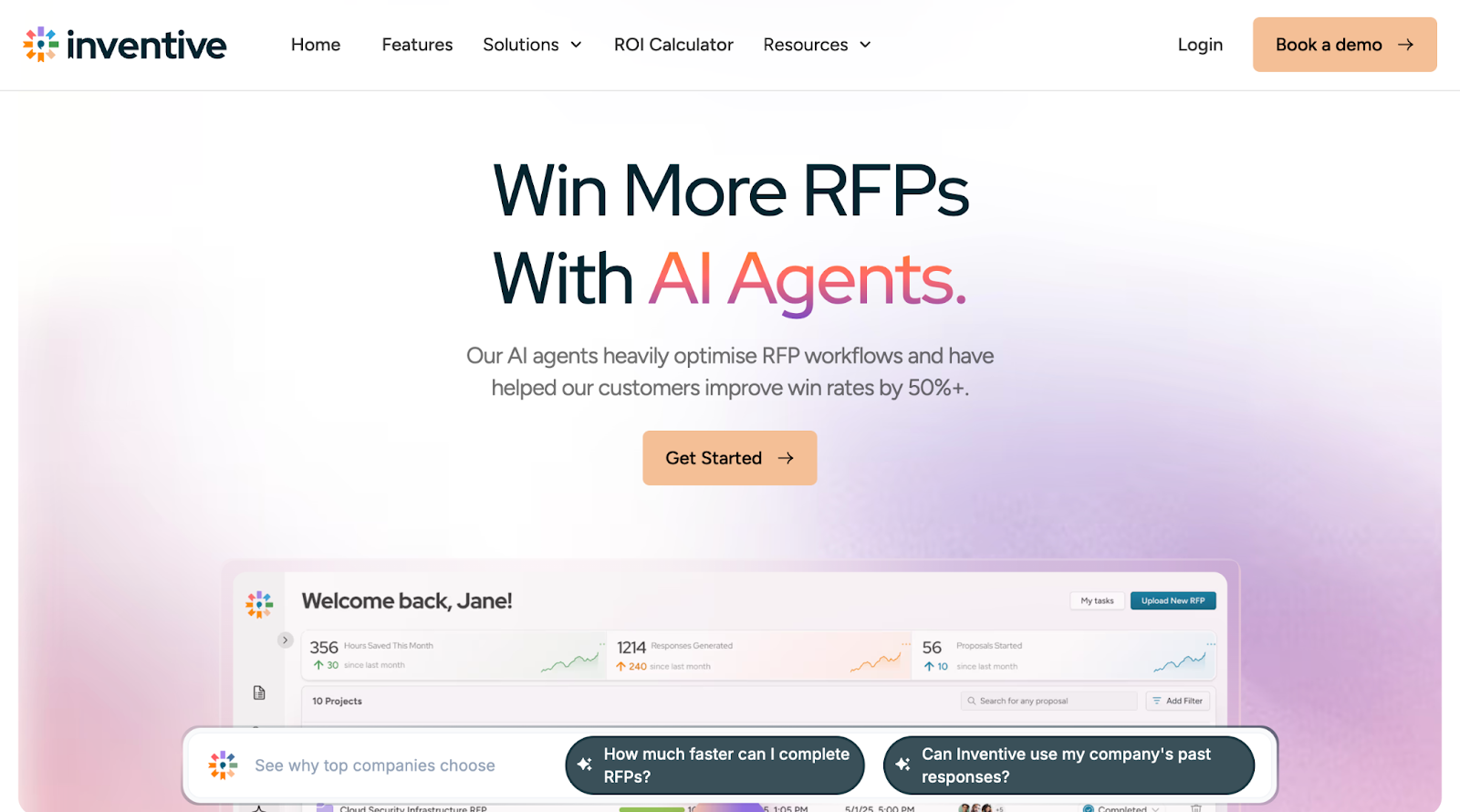
Inventive AI automates the RFP response workflow from document intake to a compliant first draft, without a pre-built answer library. It parses an incoming RFP in any format, identifies every question and requirement, maps them to sections, and sets up the project automatically, so the team reviews rather than assembles. The founding team comes from Google AI, Stanford, and UC Berkeley.
This is how it is scored among best RFP software:
Features and capabilities
- First-draft generation: drafts a full response in minutes using a 20-step pipeline across five models, filling Excel questionnaires row by row and writing long-form prose for narrative proposals. Adds an inline citation to every sentence, so reviewers can trace any answer back to its source document.
- Live integrations: connects to SharePoint, Google Drive, Confluence, Salesforce, Notion, Zendesk, and more, synced so answers draw from current content.
- Content governance: teams control which sources feed which sections, and every response logs the document version it used, with no Q&A library to maintain.
- AI agents: a context engine pulls from the RFP, notes, and connected sources before drafting, strategic agents show how a competitor might answer, and an analyzer agent checks every requirement is addressed and flags contradictions.
- Conflict detection: flags inline when two sources answer the same question differently, and leaves a field empty rather than fabricating an answer when sources fall short.
One customer, RAD AI, reports responses that are 2x more accurate than other RFP AI tools, crediting the live source connections.
Ease of use and setup
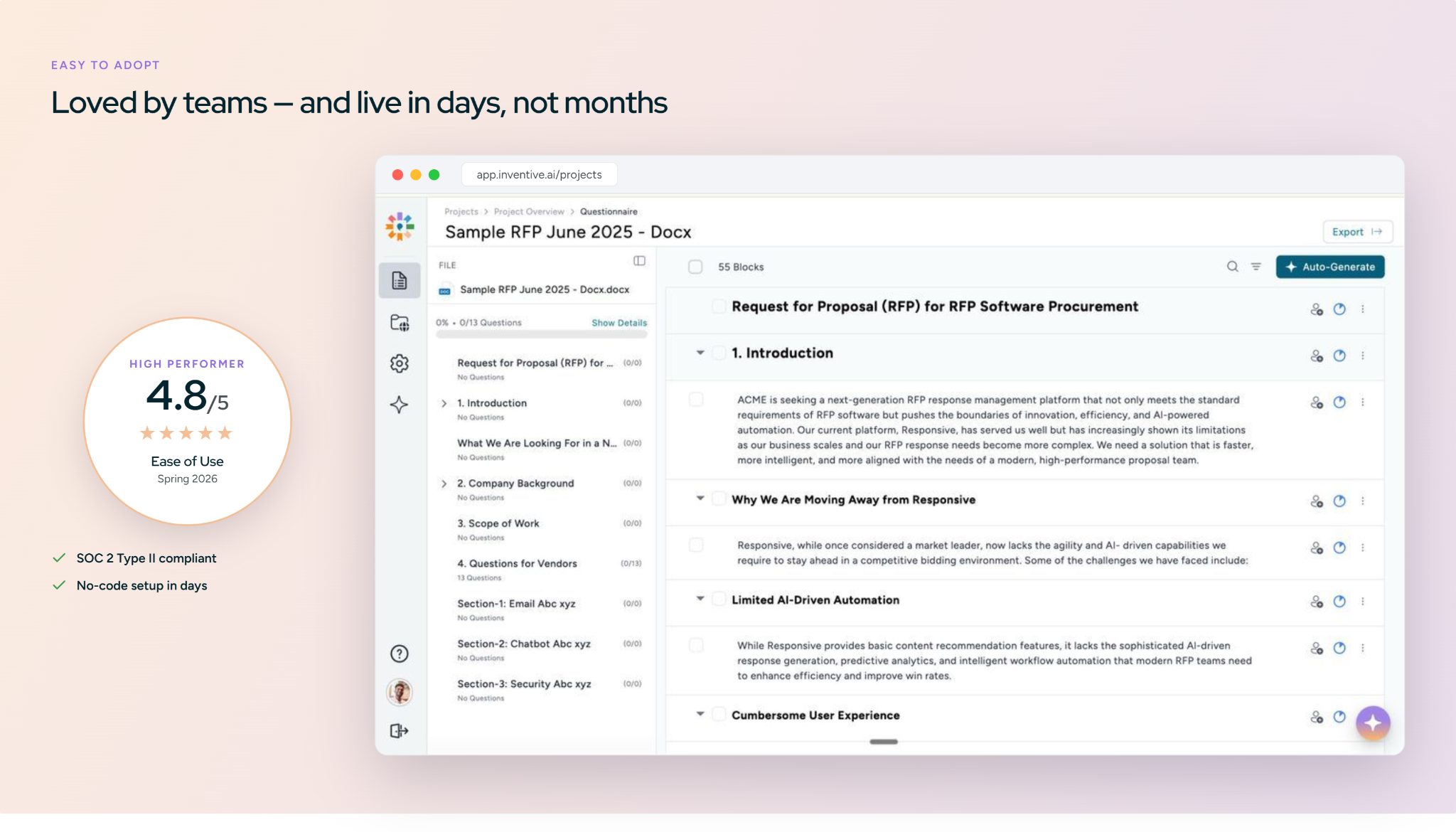
Inventive AI holds the #1 spot on G2 for easiest-to-use interface in the RFP category. Setup, question assignment, bulk review, and export follow standard proposal workflows, and most new users finish their first project within a day.
Where it falls short
The reporting and analytics dashboard is early-stage. Win-rate trends and content-gap detection across cycles are on the roadmap, not yet live. Teams that need deep dashboards now should weigh this.
Customer reviews
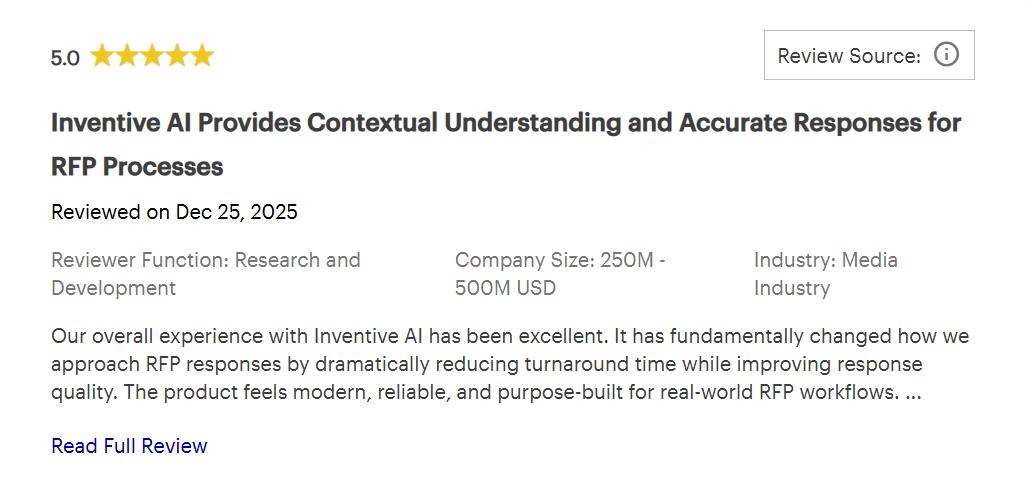
On Gartner, a verified reviewer in media said Inventive AI "fundamentally changed how we approach RFP responses by dramatically reducing turnaround time while improving response quality."
Pricing
Usage-based. You pay per RFP, with unlimited users and all features included. No seat licenses or tiers.
Security
SOC 2 Type 2 certified. Customer data is never used to train models.
Best for
Mid-market to enterprise and growth-stage B2B teams where proposal accuracy, deal context, and compliance affect win rates.
2. Loopio
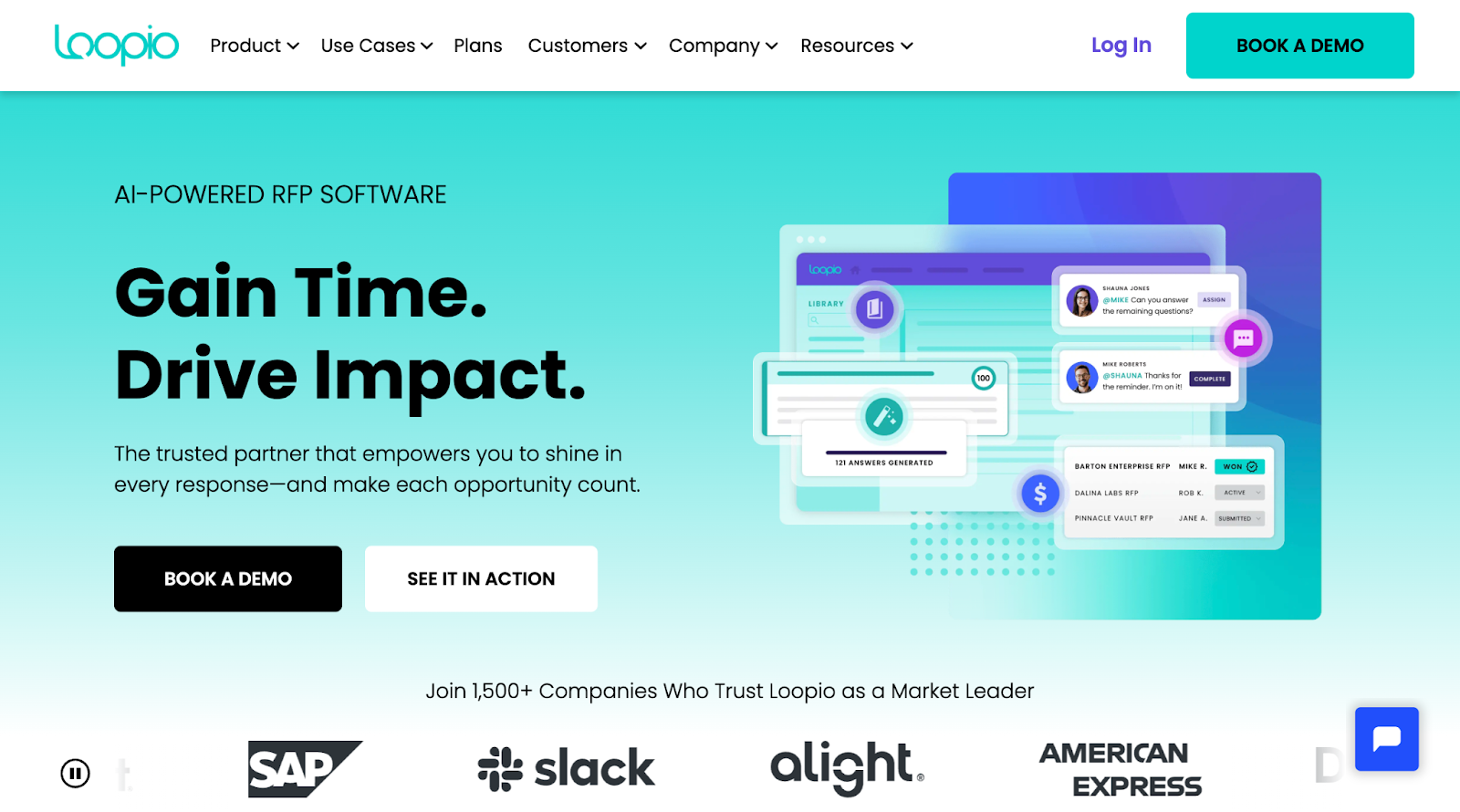
Loopio is a library-first RFP response platform. It organizes approved Q&A content into a three-tier taxonomy (Stacks, Categories, Subcategories) with freshness scoring and scheduled review cycles to help teams track content currency.
A Browser Extension lets users import RFPs from procurement portals (Ariba, Jaggaer, UpGuard) directly into Loopio, complete responses, and submit back to the portal without leaving the platform. Verified integrations include Salesforce, HubSpot, Microsoft 365, SharePoint, Teams, and Slack.
This is how Loopio scores against the 5 criteria that decide this ranking:
Where it shines
Content governance infrastructure, freshness scoring, review cycles, admin-approval workflows for library updates, and usage analytics. It supports teams with dedicated content managers running high-volume, recurring RFP programs.
Limitations
- Every new certification, product update, or policy change requires someone to update the Q&A library by hand. Skip that step, and the AI can't use it.
- No conflict detection. Contradictory entries in the library are not flagged by the system.
- Loopio isn't AI-native. The platform was built in 2014 as a library-based tool, and AI was bolted on around 2021, not built into the architecture from the start which restricts the AI capabilities in response generation.
- Loopio has no real content governance. Freshness scoring flags how old an entry is, not whether it's correct, and contradictory entries can both look "fresh" with nothing to catch the conflict.
Pricing
Contact for pricing.
Customer reviews
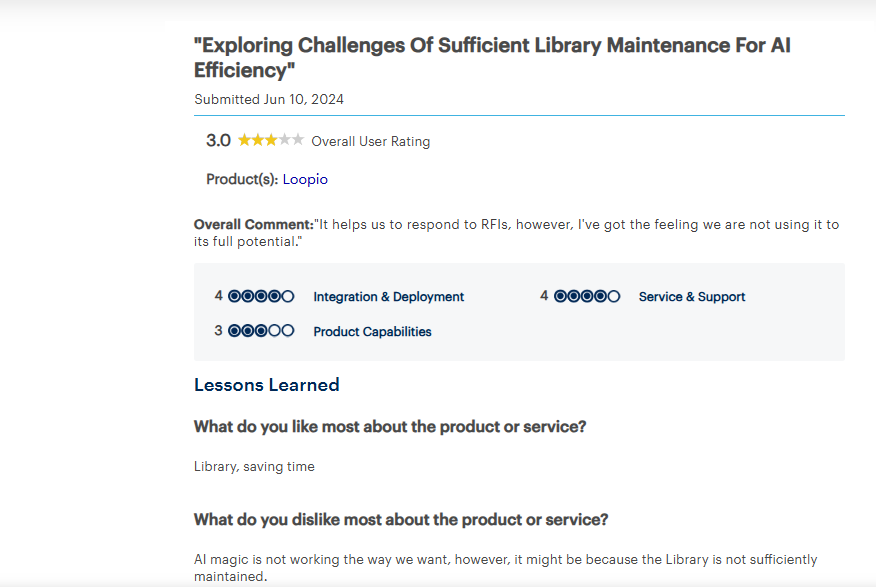
According to Gartner, a verified reviewer said Loopio helps with RFI responses and saves time through its library, but noted the AI "is not working the way we want," likely because the library isn't sufficiently maintained.
Best for
Enterprise proposal teams with dedicated content managers, mature library programs, and high volumes of recurring RFPs.
Also Read: Loopio vs Inventive AI: A Feature-by-Feature Comparison

3. Tribble
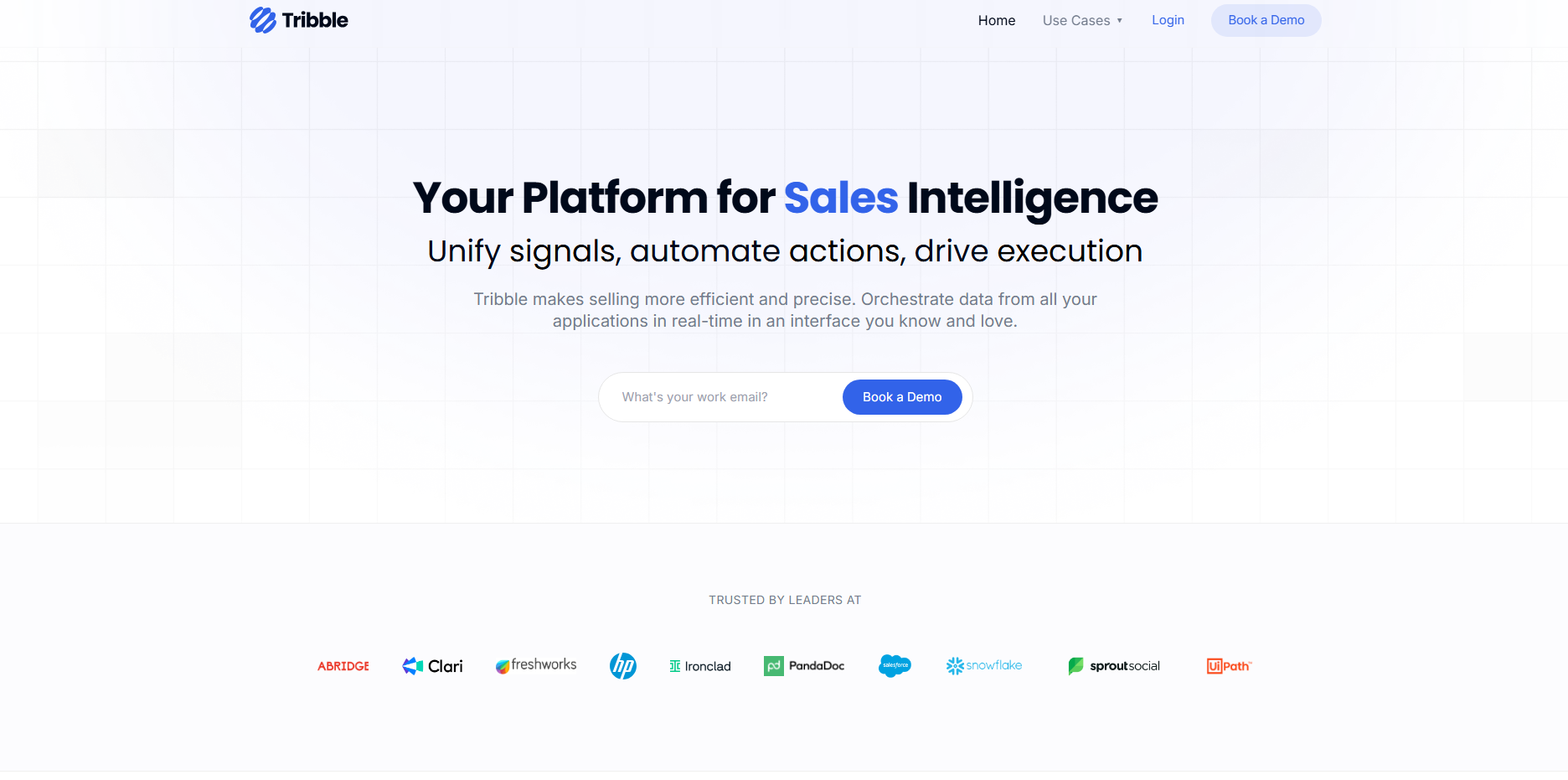
Tribble is an AI-native platform that builds a knowledge graph from connected content sources Google Drive, Slack, internal wikis and uses it to generate RFP responses. A Chrome extension allows contributors to answer questions directly within Slack or Google Docs without opening a separate application. The reviewer edits feedback into the knowledge graph and influences future response suggestions. Teams typically go live within 2–3 days of connecting their sources.
Here's how Tribble breaks down across the 5 criteria we scored every tool on:
Where it shines
The Chrome extension removes the biggest friction point in distributed RFP collaboration: getting SMEs to contribute on time. Instead of asking subject-matter experts to log into a separate platform, reviewers can answer questions, edit drafts, and approve responses directly within Slack or Google Docs.
Limitations
- Tribble is AI-native, but it still has no real content governance: no conflict detection between sources, and enterprise-grade approval chains and multi-gate review workflows aren't fully built out yet.
- Functionality differs depending on where you're working, the Chrome extension and Slack don't offer identical capabilities, and integration gaps exist with tools like Dynamics 365.
- No deal-specific context engine, so responses don't automatically adjust to the specific buyer.
Pricing
Credit-based pricing. Contact sales for a quote.
Customer reviews
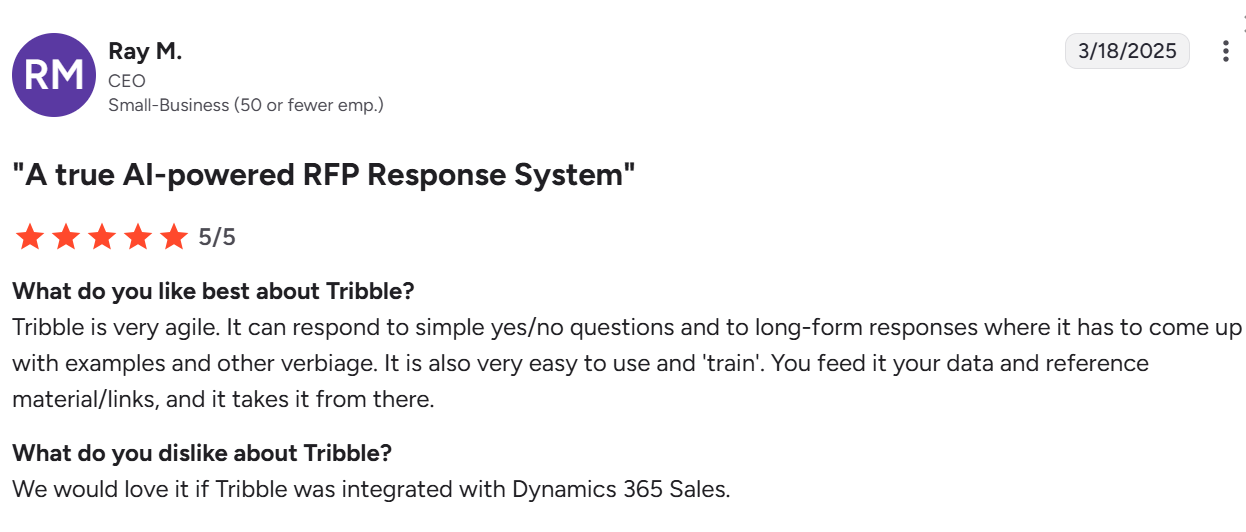
According to G2, Ray M. (CEO, Small-Business) said Tribble is very agile and handling both yes/no and long-form responses and easy to train, but wished it integrated with Dynamics 365 Sales.
Best for
Mid-market technology companies, distributed teams, and fast-moving organizations where speed of setup and SME collaboration matter more than governance depth.
Also Read: Tribble vs Responsive: Which RFP Tool Is Right for Your Team?
4. Responsive (formerly RFPIO)
Responsive is a library-first enterprise RFP platform. It manages Q&A content through a centralized library and routes responses across teams through configurable workflow steps. The platform includes a TRACE Score (Transparency, Relevance, Accuracy, Completeness, Ethics) that applies a quality validation check to AI-generated responses.
This is how Responsive scores against the 5 criteria that decide this ranking:
Where it shines
Responsive works well for enterprise teams that manage high volumes of RFPs across multiple departments. Its configurable workflow steps handle cross-functional review and approval across large organizations. The platform's analytics templates give proposal managers visibility into team activity, content usage, and response progress across active projects.
Limitations
- No deal-specific context engine. All responses use the same library-based retrieval regardless of buyer.
- Responsive isn't AI-native. It was built as a library-first response platform, and AI was layered on top of that existing architecture later, so it still runs on the same underlying content library rather than being designed around AI from the start.
- No real content governance. The TRACE Score checks an answer's tone and completeness, not whether it's still accurate or whether two library entries contradict each other.
- Named user licensing means every reviewer, legal, IT, product, adds a seat, pushing contract costs well past the base-tier estimate.
Pricing
Quote-based, named user licensing. Lite, Emerging, Growth, and Enterprise tiers. Contact sales.
Customer review
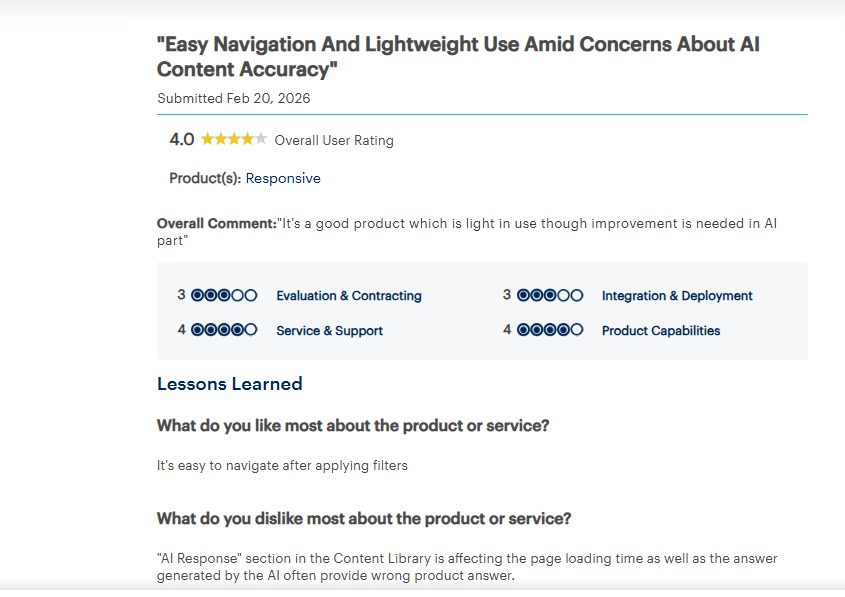
According to Gartner, a verified reviewer said Responsive is "light in use and easy to navigate after applying filters", but the AI Response section in the Content Library slows page loading and frequently generates wrong product answers.
Best for
Large enterprises with multilingual programs and complex tech ecosystems that need broad workflow integration across multiple business units.
Also Read: Responsive vs Inventive AI: A Head-to-Head Comparison for RFP Excellence
5.1up
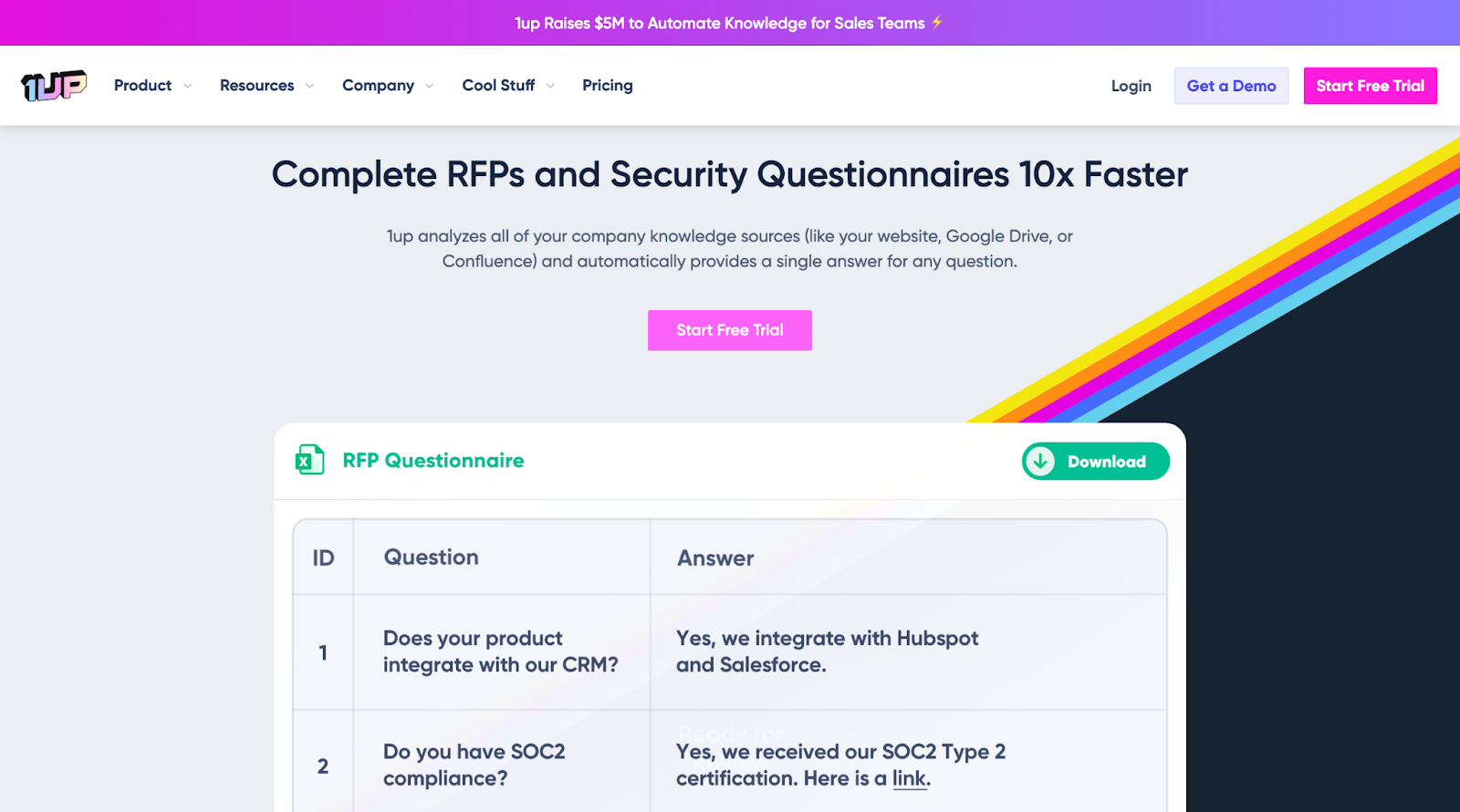
1up is an AI-native knowledge automation tool that generates answers to structured RFP questions by indexing content from websites, Google Drive, Confluence, and similar sources. Answers are delivered through Slack, Microsoft Teams, Google Chat, Salesforce, or a browser plugin. Reviewer approvals improve future answer accuracy without requiring manual library updates.
Here's how 1up breaks down across the 5 criteria we scored every tool on:
Where it shines
1up connects to existing content sources and delivers answers without teams needing to build or maintain a separate Q&A library. Because it works inside Slack, Teams, and Salesforce, sales reps and SEs get answers in the tools they already use during active deals, without switching platforms or waiting on a proposal manager to respond.
Limitations
- Not a full RFP project management platform. Approval workflows, multi-gate review cycles, and document assembly are outside its scope.
- No deal-specific context engine. No conflict detection.
- Works best as a point tool for pre-sales coverage or as a complement to a dedicated RFP platform, not as a standalone for teams with complex proposal operations.
Pricing
Free tier available. Starter at $300/month, Plus at $900/month, Enterprise custom.
Customer review
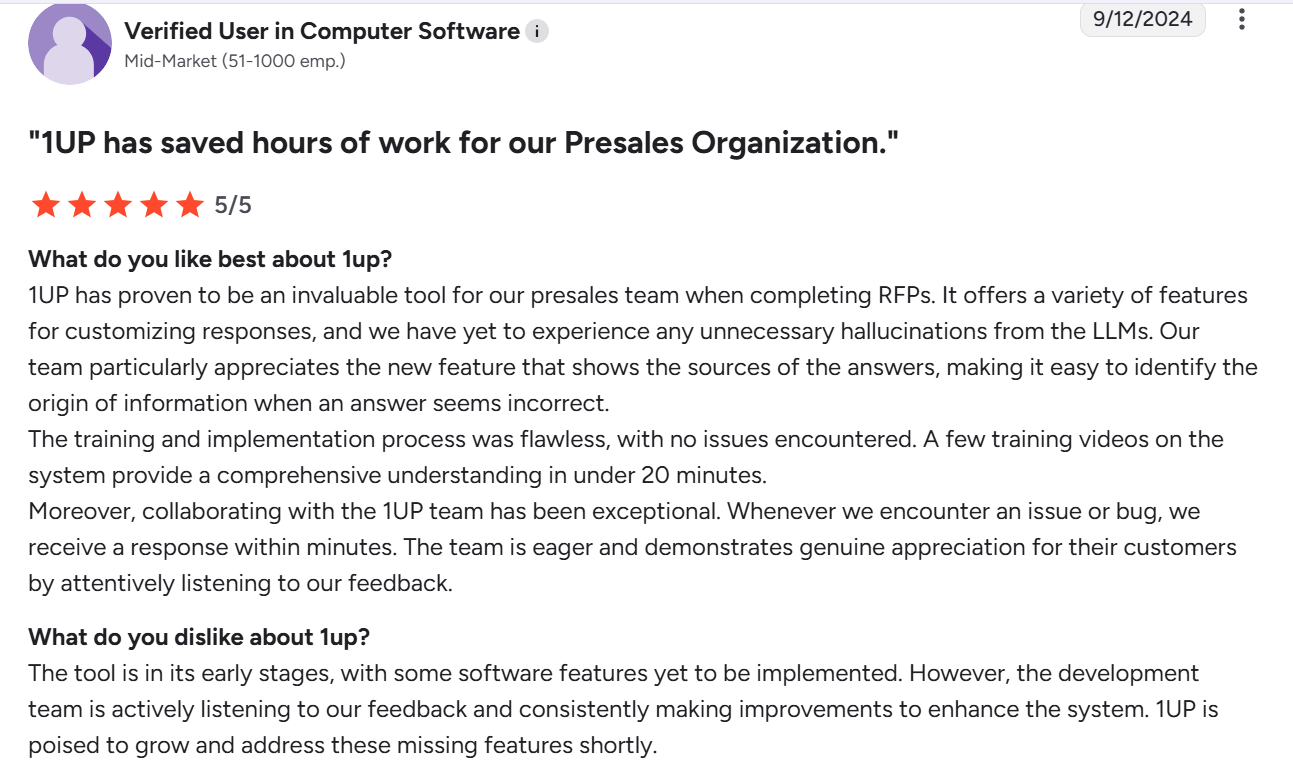
According to G2, a Verified User in Computer Software called 1UP invaluable for presales RFPs, praising its source-cited answers and zero hallucinations, and couldn't identify any real dislikes, calling the onboarding and support exceptional.
Best for
Sales, pre-sales, RevOps, and solutions teams answering repetitive questions across RFPs, questionnaires, and live sales conversations.
Also Read: Top 1up Alternatives and Competitors 2026
6. Conveyor
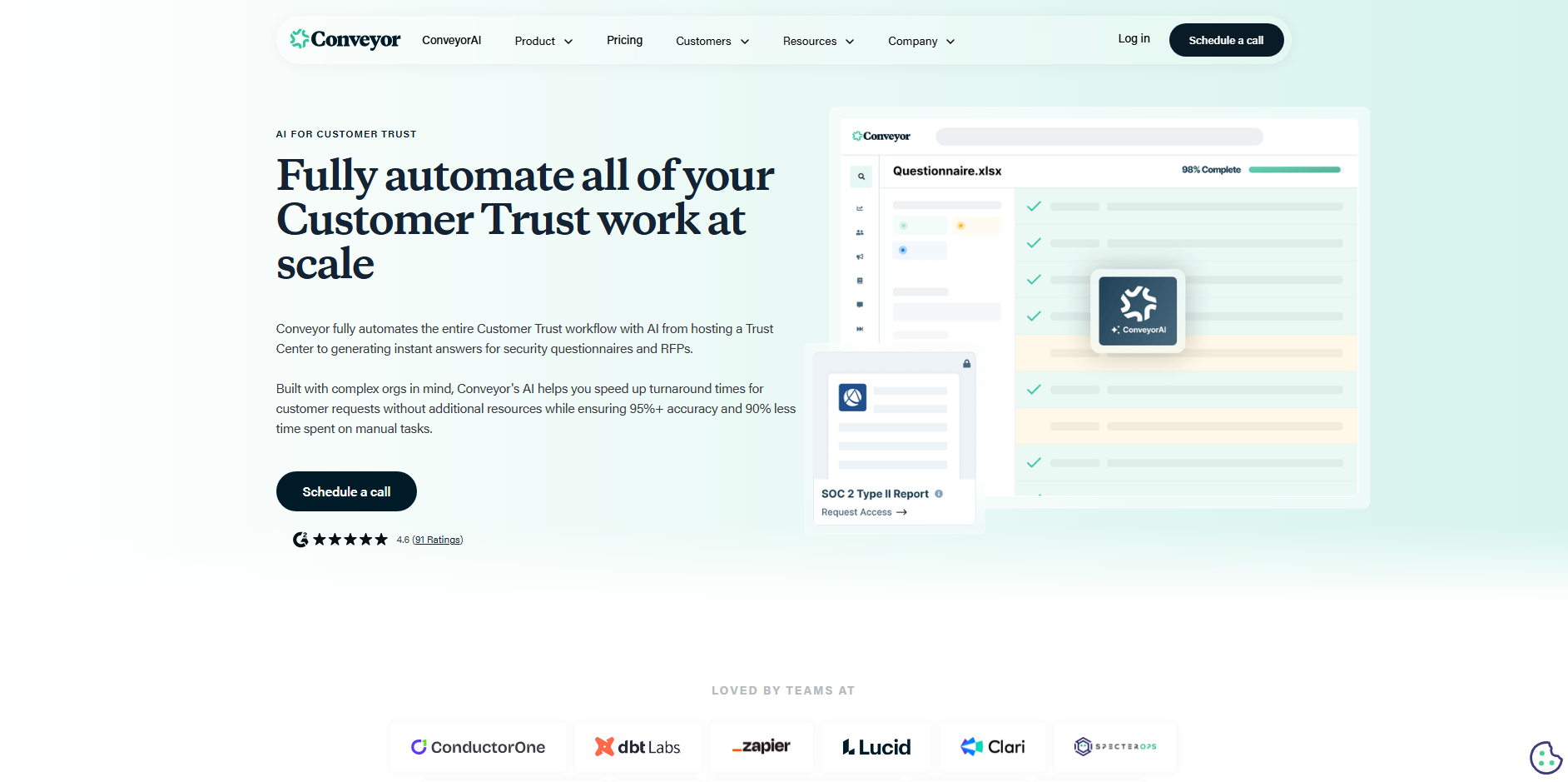
Conveyor is an AI-native platform built for security questionnaire automation and trust documentation management. The SmartForm Responder auto-fills security questionnaires by drawing from a knowledge model connected to live sources SharePoint, Google Drive, SOC 2 reports. The Trust Center is a customer-facing page where prospects can submit security questions and receive sourced answers from behind an NDA gate, deflecting repetitive pre-questionnaire documentation requests.
This is how Conveyor scores against the 5 criteria that decide this ranking:
Where it shines
Relevant for security and pre-sales teams where security questionnaires and trust documentation make up the majority of response work.
Limitations
- Not designed for narrative-heavy RFP responses. Marketing-oriented content, executive summaries, and commercial business cases are outside the platform's scope.
- Limited utility for general RFP workflows beyond security questionnaire use cases.
- Integration coverage is narrower than full-suite RFP platforms.
- No deal-specific context engine.
Pricing
Contact for pricing. Free plan available.
Customer review
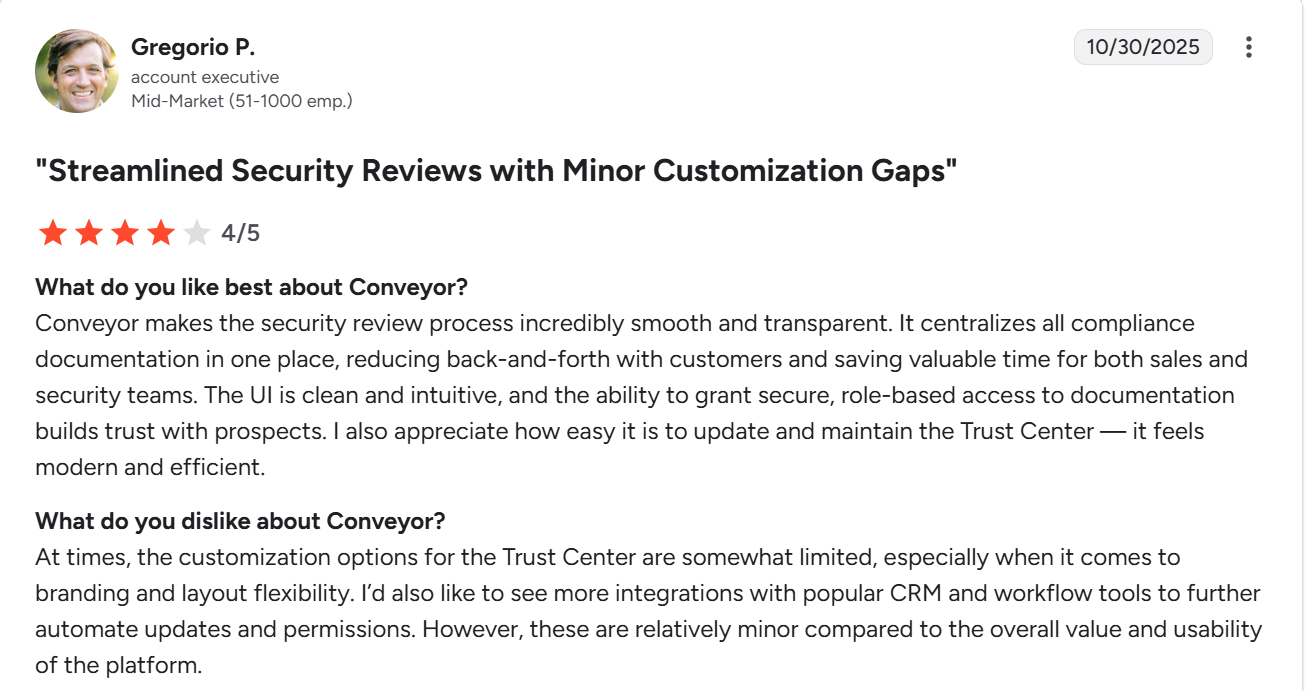
According to G2, Gregorio P. (Account Executive, Mid-Market) said Conveyor makes security reviews incredibly smooth and transparent with centralized compliance docs, but found Trust Center branding/layout customization too limited.
Best for
Security, trust, and sales engineering teams handling security questionnaires, DDQs, and trust documentation at volume.
Read more: Top Conveyor Alternatives and Competitors 2026
7. Qvidian (Upland)
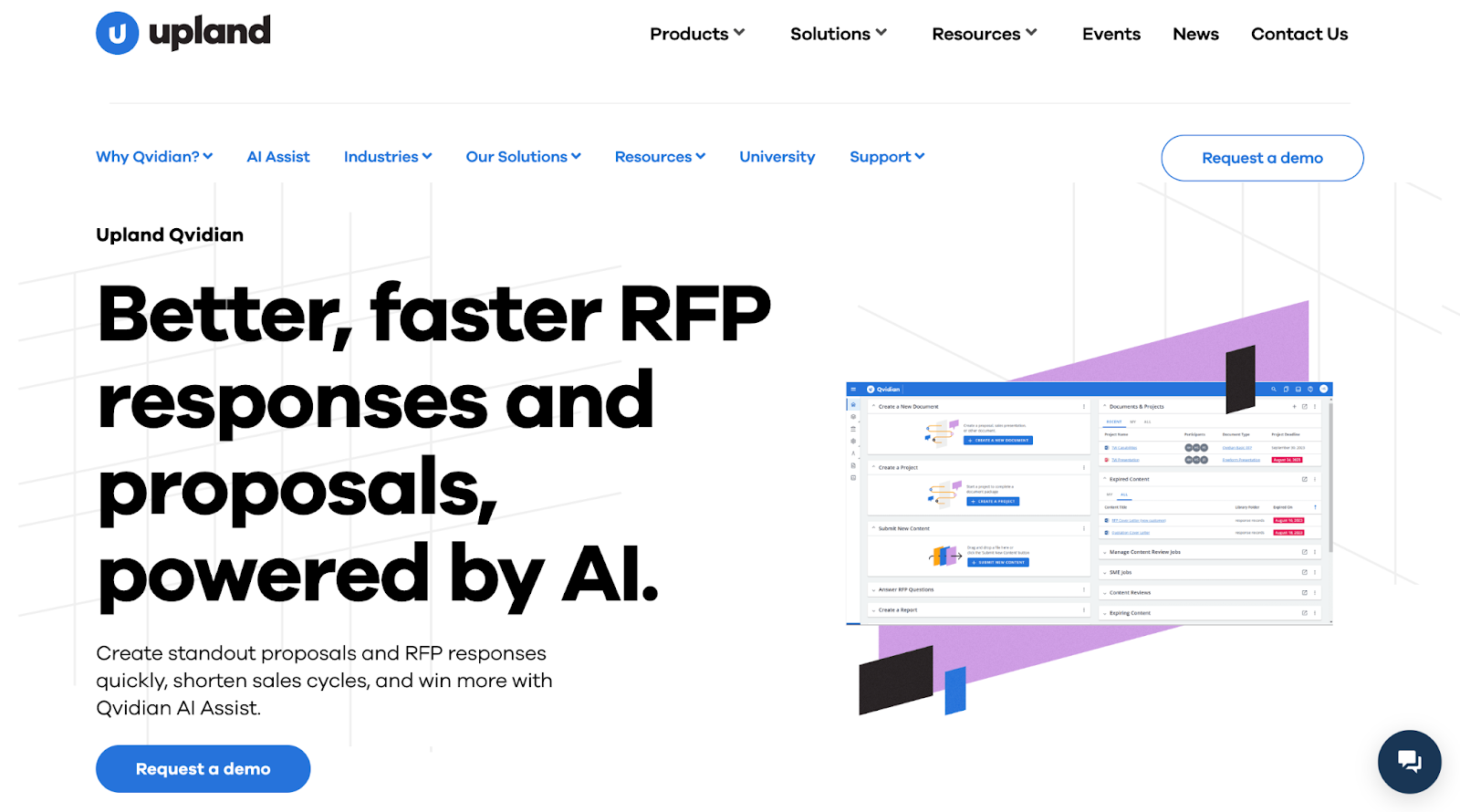
Qvidian is a legacy library-first RFP platform, part of the Upland Software portfolio. It manages proposal content through a structured Q&A library and template system. Verified integrations include Salesforce, Microsoft 365, Word, Excel, and PowerPoint.
Here's how Qvidian breaks down across the 5 criteria we scored every tool on:
Where it shines
Qvidian offers more reporting depth than most platforms in this category. Proposal managers get visibility into content usage, team productivity, and workflow bottlenecks through built-in dashboards and a custom report builder.
Limitations
- AI generation quality is rated lower than AI-native platforms by G2 reviewers, particularly for complex or nuanced questions.
- Setup typically takes 2–6 weeks.
- Qvidian isn't AI-native. It was built decades ago as a library-first proposal platform, and AI was added on top of that existing architecture later.
- No real content governance. There's no conflict detection, and G2 reviewers say uploading and updating content is "difficult and time-consuming," so stale entries tend to stick around.
Pricing
Quote-based. Not publicly listed. Contact sales.
Customer review
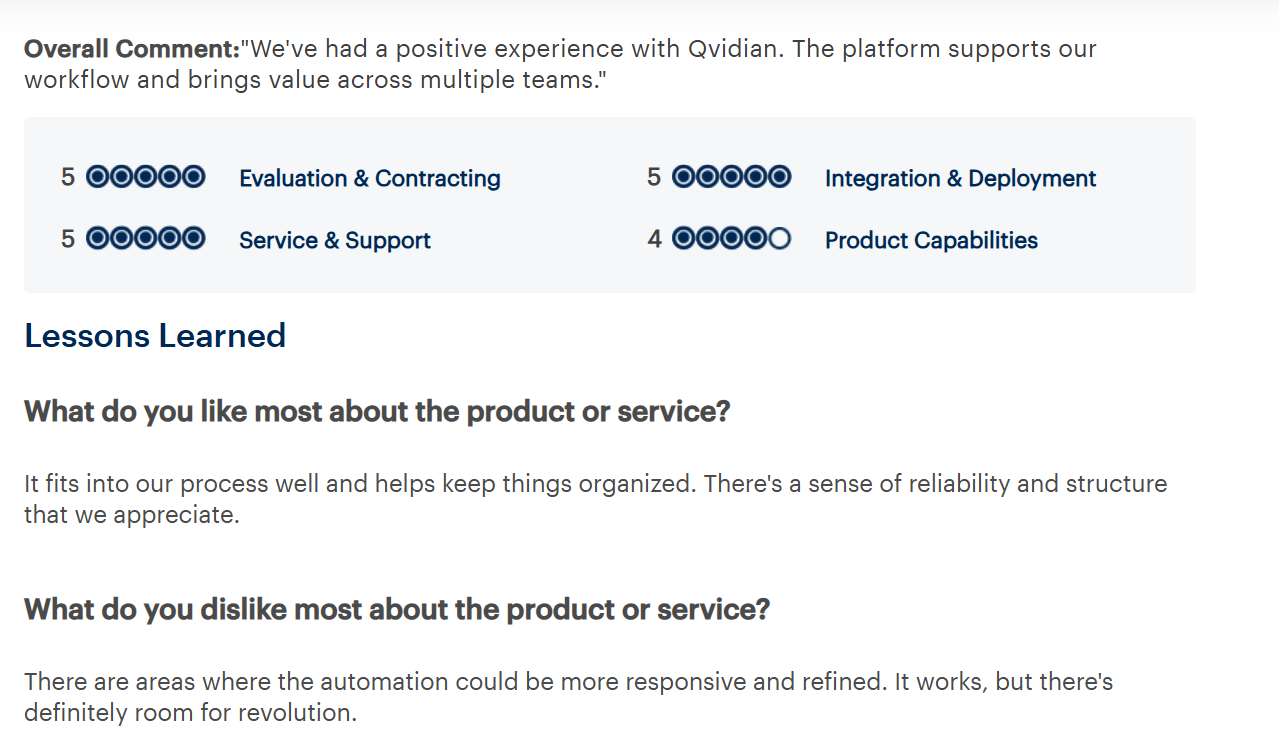
According to Gartner, a verified reviewer said Qvidian "fits into our process well and helps keep things organized”, but noted the automation "could be more responsive and refined."
Best for
Large enterprises with structured content programs where proposal analytics and governance take priority over AI generation quality.
Read more: Top 8 Qvidian Alternatives and Competitors in 2026
8. AutogenAI
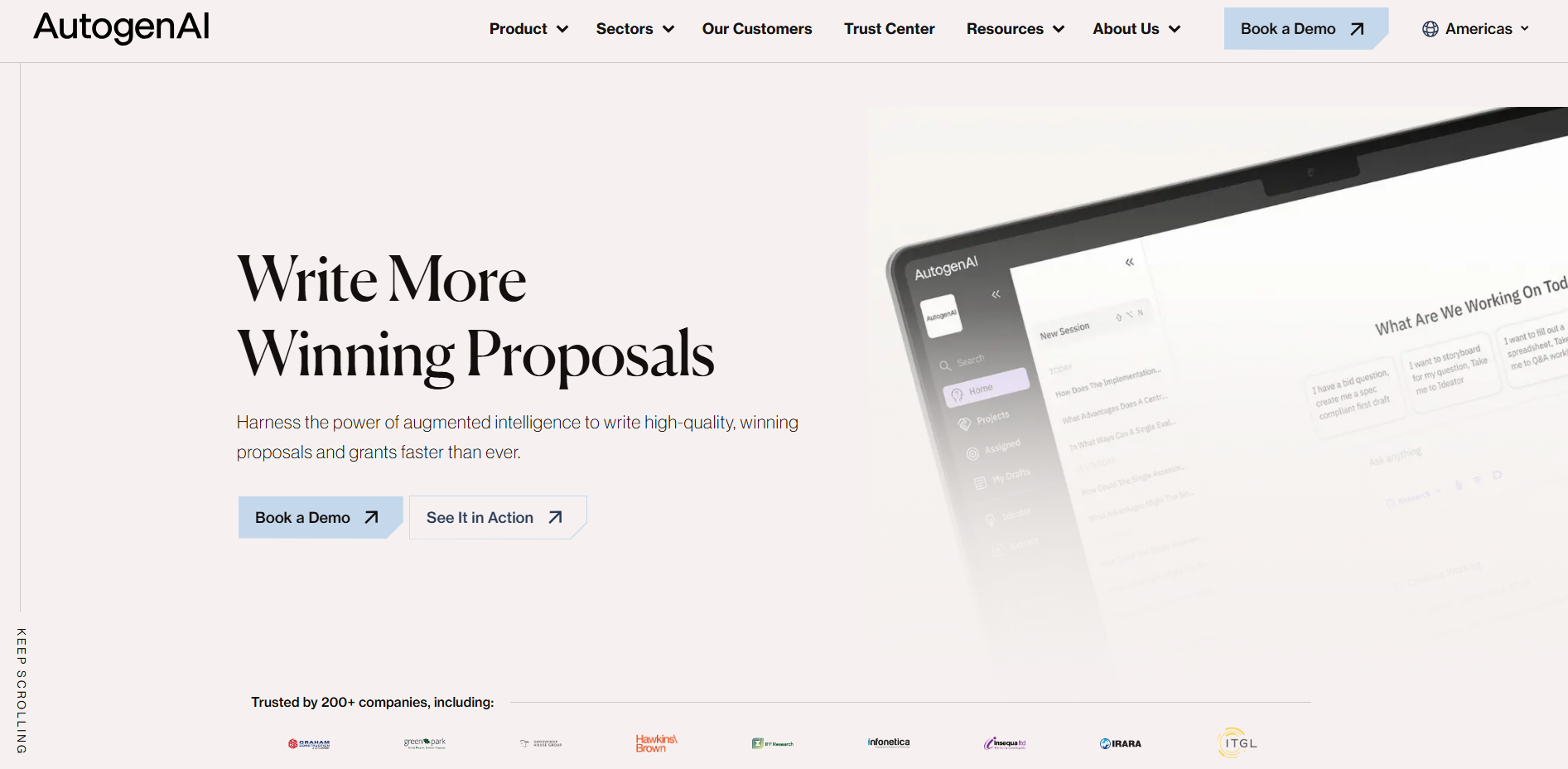
AutogenAI is an AI-native platform that generates proposal content using AI models trained on the organization's past proposals and source documents. It is designed for original narrative generation, government tenders, grant applications, and professional services bids, rather than retrieval from a static Q&A library. Teams typically use it to build first drafts of complex, multi-section bids.
This is how AutogenAI scores against the 5 criteria that decide this ranking:
Limitations
- No citation grounding. Generated content is not linked to specific source documents, which carries higher hallucination risk relative to source-backed platforms.
- Requires thorough human review, particularly for regulated or compliance-sensitive submissions.
- Not suited for structured Q&A-format RFPs where precise source traceability matters.
- Integration coverage is limited compared to enterprise RFP platforms.
Pricing
Custom. Contact for a demo.
Customer review
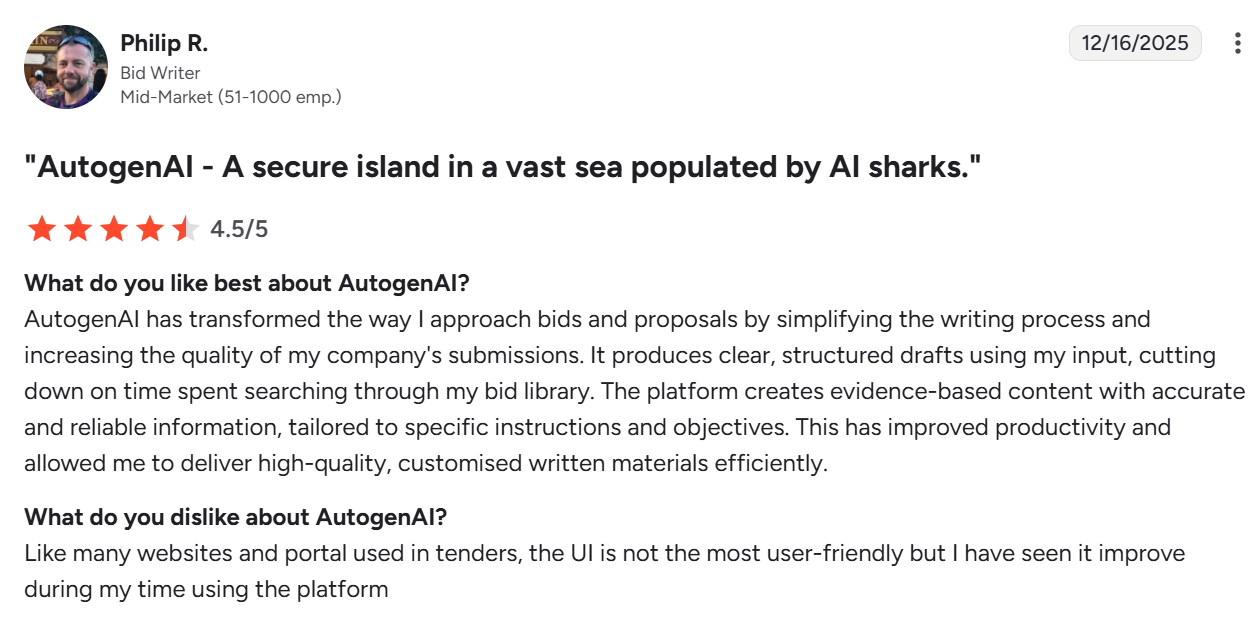
According to G2, Philip R. (Bid Writer, Mid-Market) said AutogenAI "transformed the way I approach bids" by producing clear, evidence-based drafts, but flagged the UI as not the most user-friendly, though improving.
Best for
Government contracting teams, bid and tender writers, and professional services firms where original narrative drafting matters more than Q&A content reuse.
9. HeyIris (Iris AI)
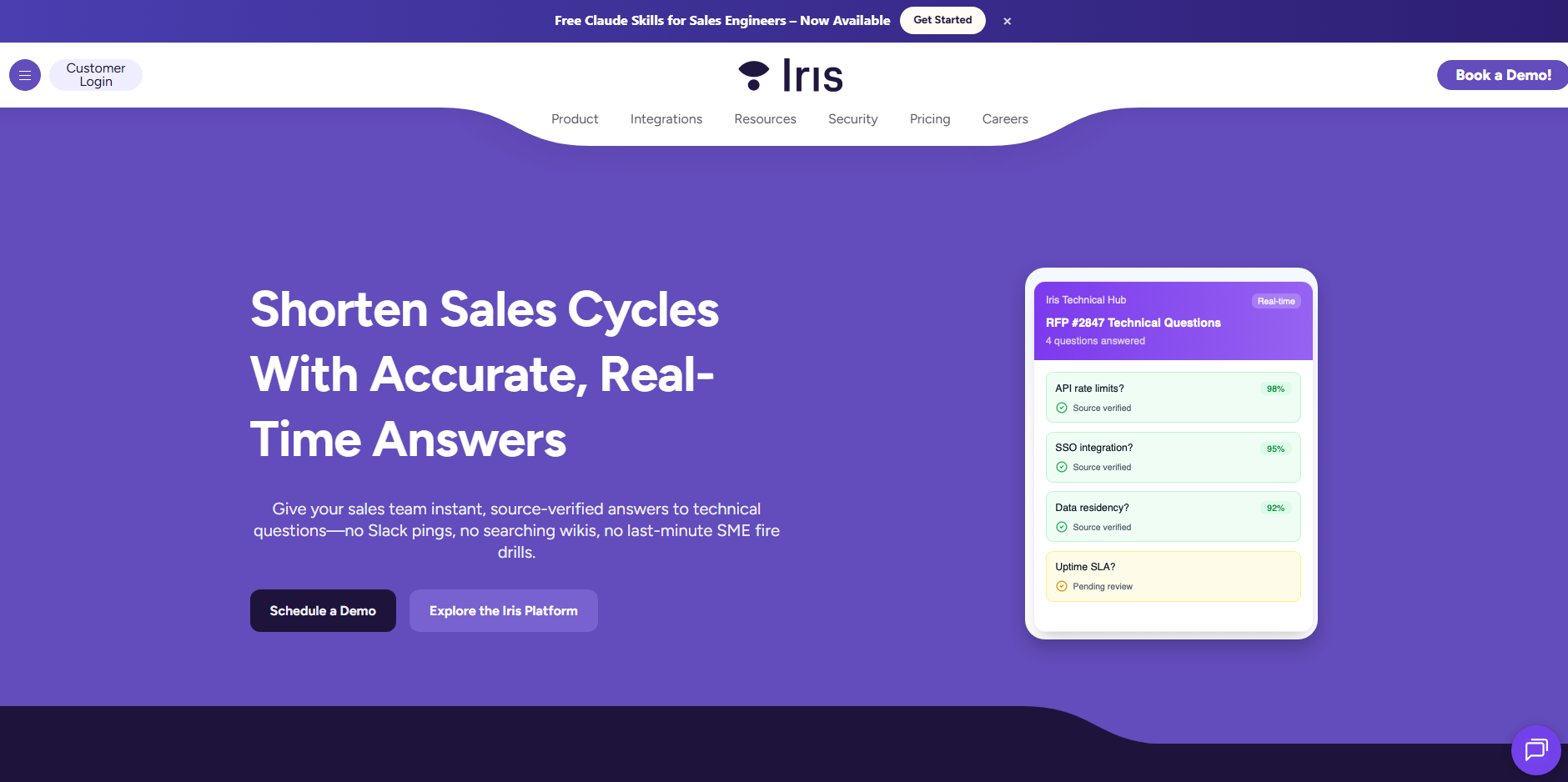
HeyIris is an AI-native response workspace that handles RFPs, RFQs, DDQs, and security questionnaires within one environment. Teams manage intake, AI-assisted drafting, review, and submission without switching between tools. A style control feature lets teams set different tone and response structure standards by questionnaire type. Here's how HeyIris breaks down across the 5 criteria we scored every tool on:
Where it shines
The AI-assisted drafting layer generates first-pass responses across all questionnaire types, reducing the time contributors spend writing from scratch. Teams can assign sections to specific reviewers, track approval status, and manage deadlines within the same workspace, without coordinating over email or spreadsheets.
Limitations
- No documented content governance. There's nothing in place to catch stale, duplicate, or conflicting answers, so that burden falls back on manual review as the library grows.
- Output quality still depends on how well-maintained your content library is, and reviewers say it struggles with nuanced writing, tone control, and visual or graphical elements.
- G2 review volume is limited, and the strong rating reflects a small early-adopter sample rather than broad enterprise validation.
Pricing
Custom, user-based pricing. Contact sales.
Customer review
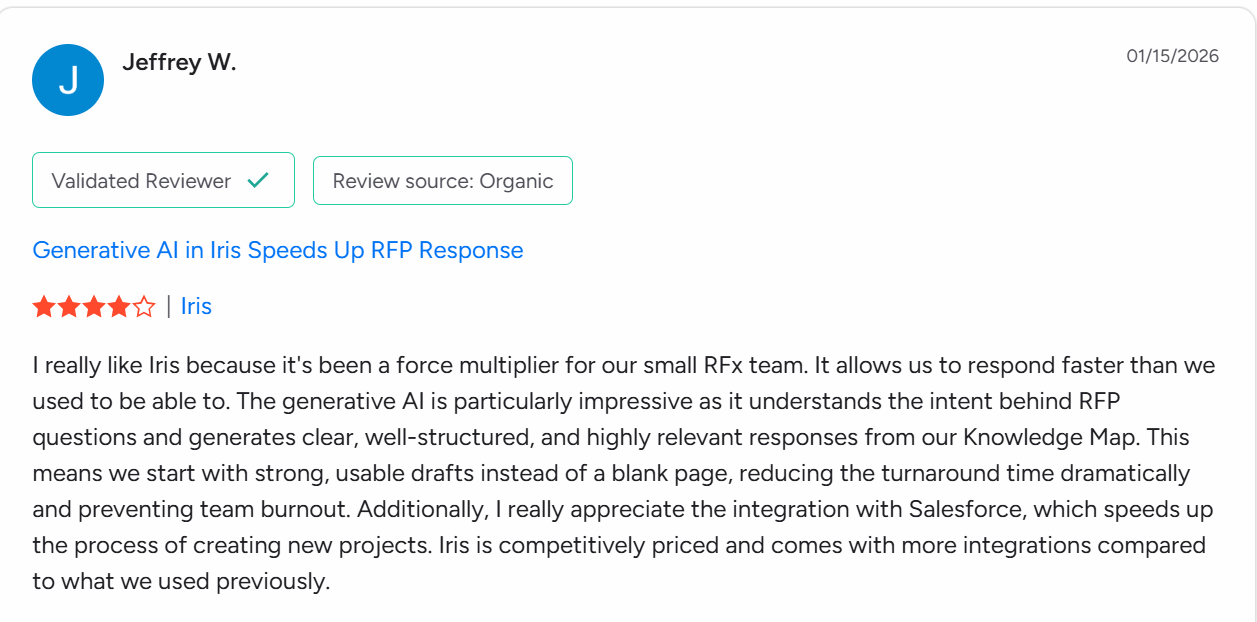
According to G2, Jeffrey W. (Validated Reviewer) said HeyIris has been "a force multiplier" for his small RFx team, generating strong first drafts from intent-aware AI and reducing team burnout.
Best for
B2B SaaS teams that need a single platform for multiple inbound questionnaire types with AI-assisted drafting and workflow management.
10. AutoRFP AI
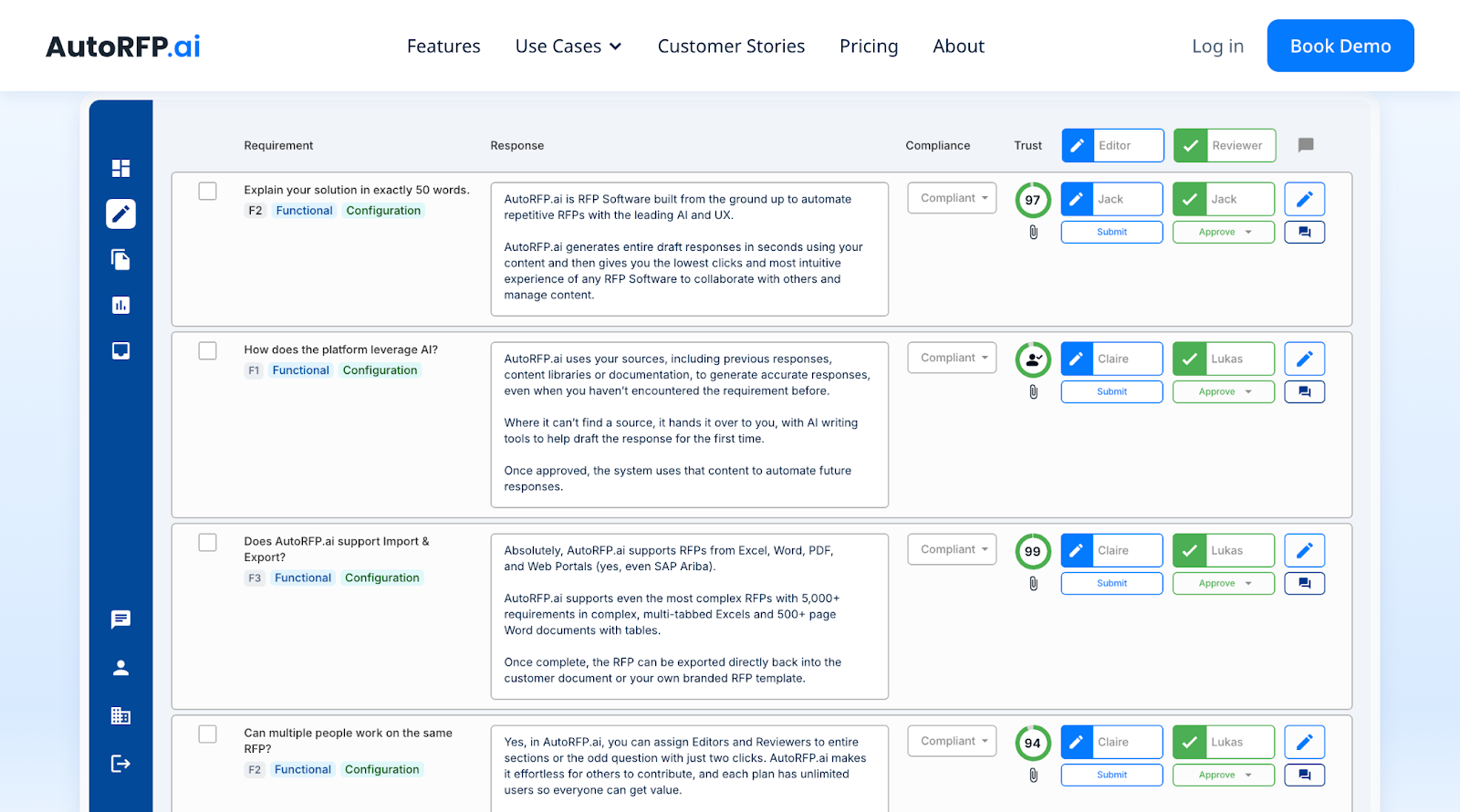
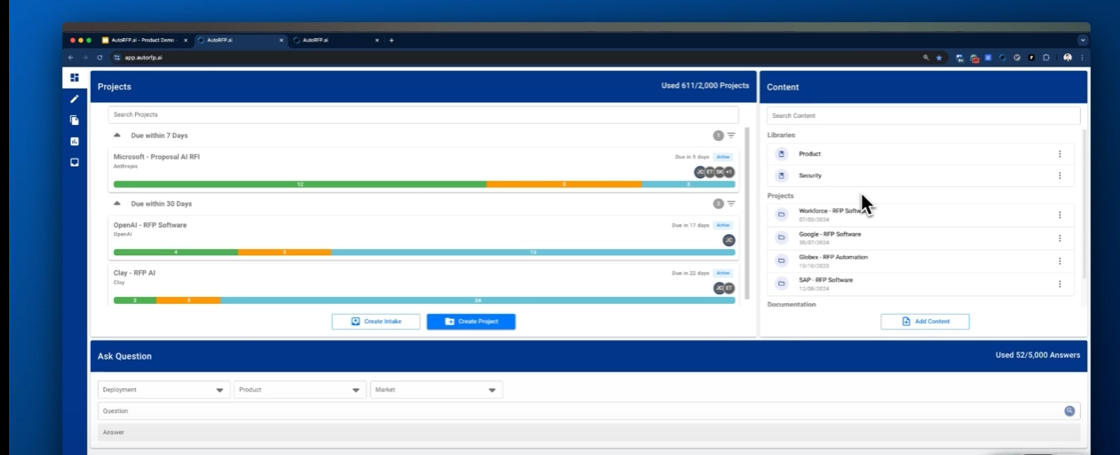
AutoRFP AI is an AI-native RFP response platform built on Azure AI. It uses semantic search to match incoming questions to relevant content from a connected knowledge base and generates first draft responses for structured RFPs. The platform supports a standard intake, draft, review, and approval workflow. Teams typically reach a review-ready first draft within hours for standard structured RFPs.
A Go/No-Go screening tool lets teams evaluate an incoming RFP against predefined qualification criteria, covering legal, compliance, integration, deployment, and timeline requirements, before committing time to a response. As responses are approved, the platform automatically tags and stores them for future reuse.
Here's how AutoRFP breaks down across the 5 criteria we scored every tool on:
Where it shines
Fast first drafts for high-volume, structured RFP workflows. The Go/No-Go screening and ROI reporting (automation rates, edit percentages, cost savings) are useful for teams running regular RFP programs.
Limitations
- Designed for repeatable, structured RFP types. Teams in government contracting, defense, or custom professional services, where each response requires largely original content, will see limited reuse benefit.
- Integration coverage is narrow. Slack is the only connector verified across customer reviews; CRM and project management connectivity should be confirmed before purchasing.
- No real content governance. AutoRFP has no conflict detection across sources, so contradictory information in your content can make it into a draft unflagged.
- The interface draws consistent complaints. G2 reviewers call it "janky" and unintuitive, citing confusing navigation when reorganizing a questionnaire and trouble picking up a project where they left off.
Pricing
Start at $499/month (12 projects/year, unlimited users), Scale at $899/month (24 projects/year), Accelerate at $1,299/month (50 projects). Enterprise is custom.
Customer reviews
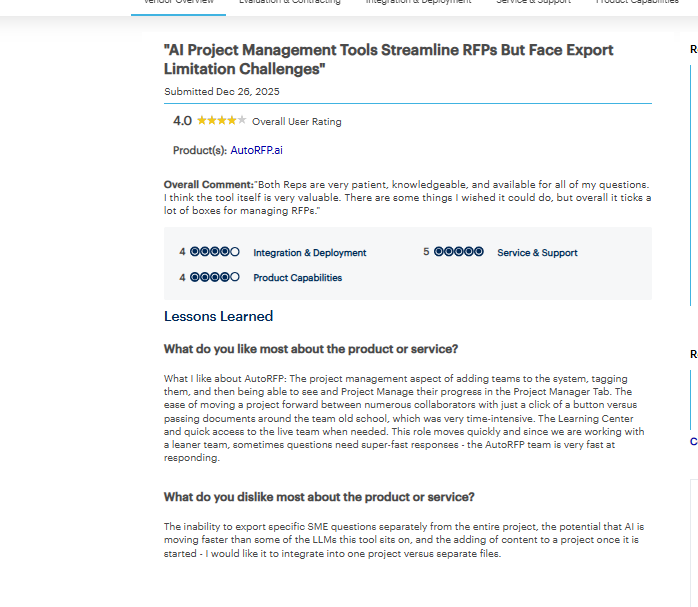
According to Gartner, a verified reviewer said AutoRFP's project management features, team tagging, progress tracking, and one-click collaboration, make it "very valuable" for managing RFPs; however, they flagged the inability to export specific SME questions separately and difficulty adding content to an already-started project.
Best for
Mid-to-large B2B SaaS, financial services, and regulated industries handling frequent, structured RFPs at volume.
Also read: Top AutoRFP AI Alternatives & Competitors For 2026
11. QorusDocs
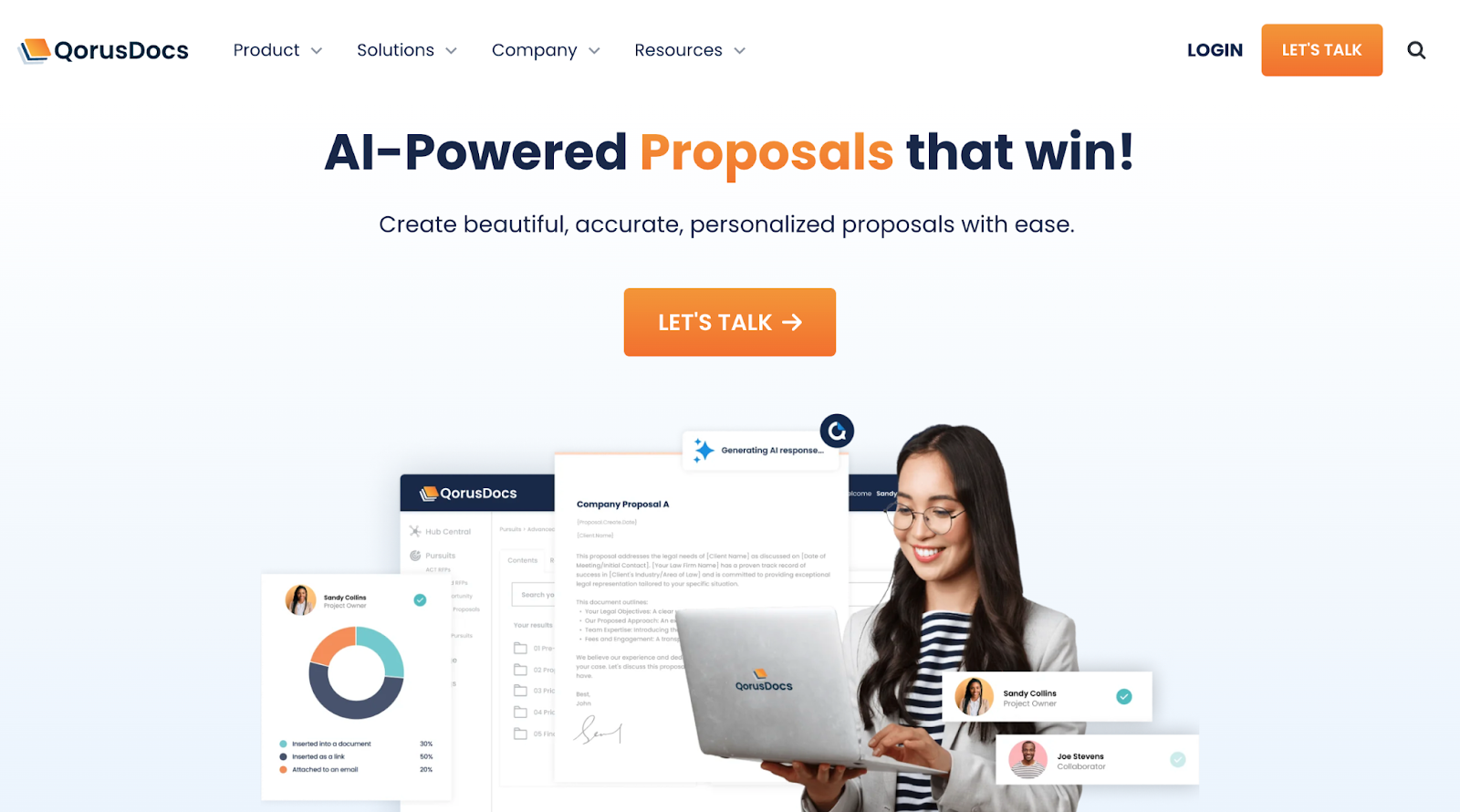
QorusDocs is a content management tool that operates within Microsoft Office Word, PowerPoint, Excel, and Outlook. Teams access approved content, insert sections into documents, and manage proposals without leaving their existing Microsoft environment. CRM integrations with Salesforce and HubSpot support opportunity-linked document management.
This is how QorusDocs scores against the 5 criteria that decide this ranking:
Where it shines
Professional services firms typically run proposal cycles where multiple contributors such as senior partners, legal, and delivery teams, revise the same document. QorusDocs keeps approved content locked and accessible directly within Word, so contributors can insert the right sections without overwriting existing content or pulling outdated versions.
Limitations
- AI generation capabilities are limited compared to AI-native platforms. Teams with complex technical or compliance questions will encounter quality ceilings quickly.
- Designed for Microsoft-centric environments; teams using Google Workspace or other ecosystems will find limited compatibility.
- No deal-specific context engine. No conflict detection.
- Response quality depends on the human-maintained content library, like other library-assisted tools.
Pricing
Custom. Contact sales.
Customer review
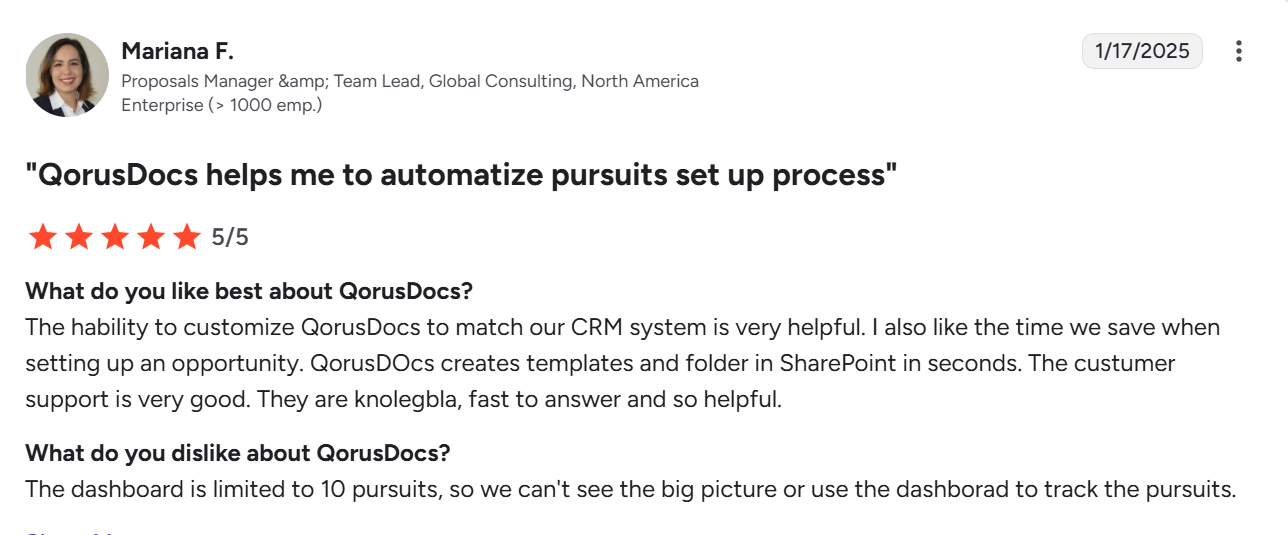
According to G2, Mariana F. (Proposals Manager & Team Lead, Enterprise) said QorusDocs saves meaningful time with instant SharePoint folder creation and CRM matching, but the dashboard is limited to 10 pursuits, making full pipeline visibility impossible.
Best for
Professional services firms, legal teams, and AEC companies are deeply invested in the Microsoft ecosystem where workflow continuity is a higher priority than AI generation quality.
Read more: Top QorusDocs Competitors & Alternatives for Modern RFP Teams
12. RocketDocs
RocketDocs is a legacy library-first platform formerly PMAPS, designed for financial services RFP and DDQ workflows. Its Private AI model keeps customer data within a controlled environment, addressing the data residency requirements of investment management and banking teams. The platform supports document assembly for structured DDQ workflows where consistent formatting is a requirement.
Here's how RocketDocs breaks down across the 5 criteria we scored every tool on:
Where it shines
RocketDocs maintains a version history and audit trail within its controlled environment. For financial services teams subject to regulatory review, this means teams can track which response version was submitted, by whom, and when, without relying on email threads or separate version tracking systems.
Limitations
- Response quality depends on library completeness. Standard library-first maintenance overhead applies.
- AI generation capabilities are limited relative to modern AI-native platforms.
- Narrowly focused on financial services DDQ workflows; less flexible for general enterprise RFP use cases.
Pricing
Essential, Pro, and Enterprise tiers. Contact sales.
Customer review
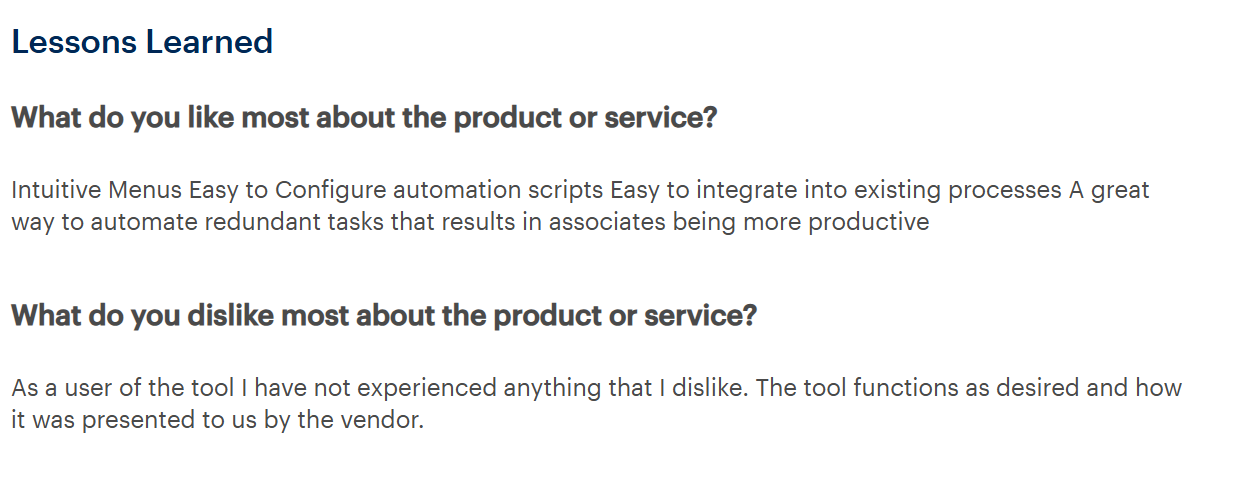
According to Gartner, a verified reviewer highlighted intuitive menus, easy automation scripts, and seamless process integration, and noted no dislikes: "the tool functions as desired and how it was presented to us by the vendor."
Best for
Financial services, asset management, and banking teams where data residency control and DDQ compliance are primary requirements.
13. Expedience Software
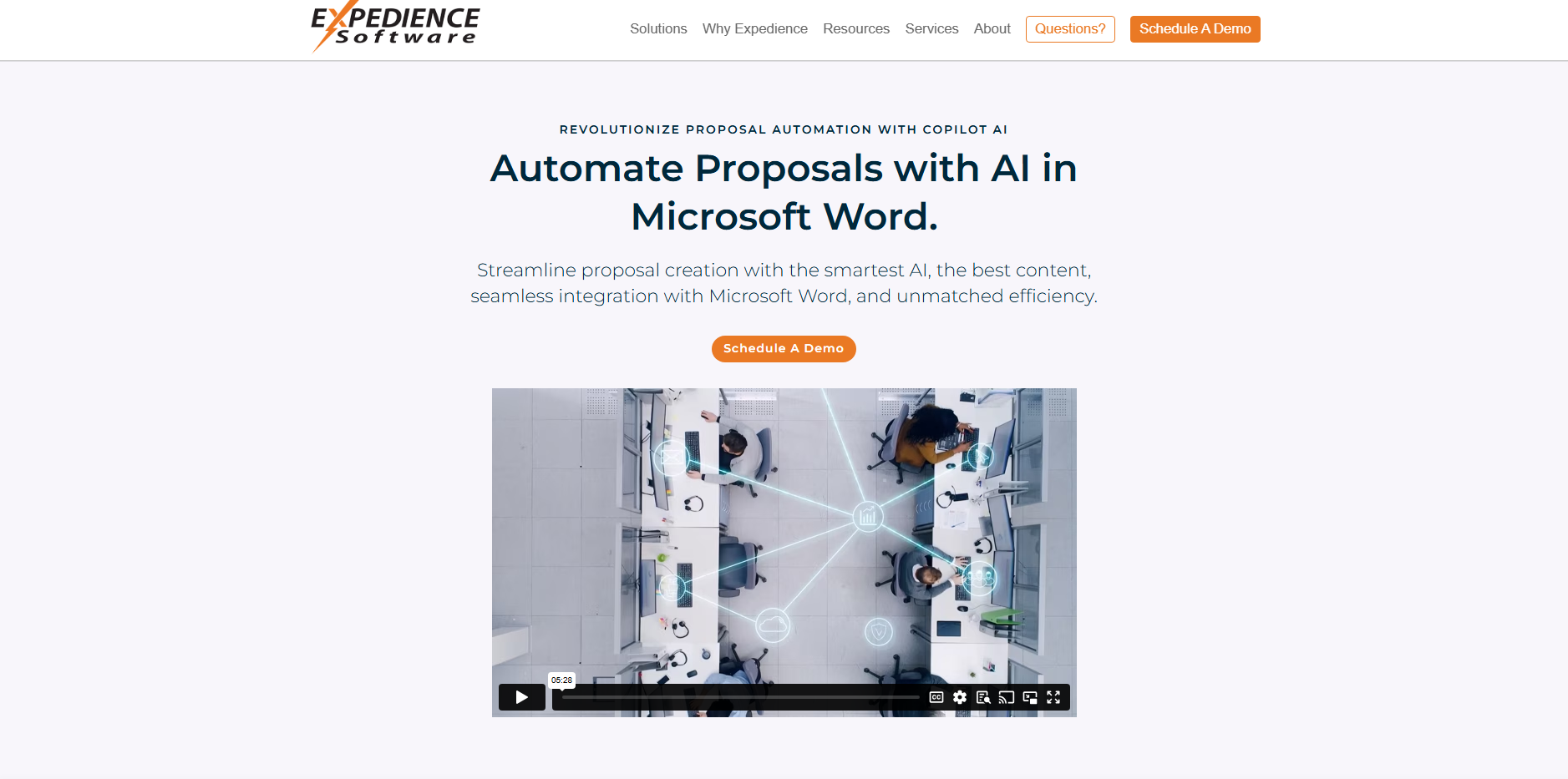
Expedience is a Word add-in that provides content library access within Microsoft Word. Teams browse and insert approved content sections, build proposals using structured templates, and work offline when required. The platform has no AI generation capability.
This is how Expedience scores against the 5 criteria that decide this ranking:
Limitations
- No AI generation layer. Response quality depends entirely on the maintained content library and templates.
- Limited to Microsoft Word; no web app, Slack integration, or procurement portal connectivity.
- Offline-first architecture limits real-time collaboration across distributed teams.
Pricing
Custom, role-based pricing. Contact for quote.
Customer review
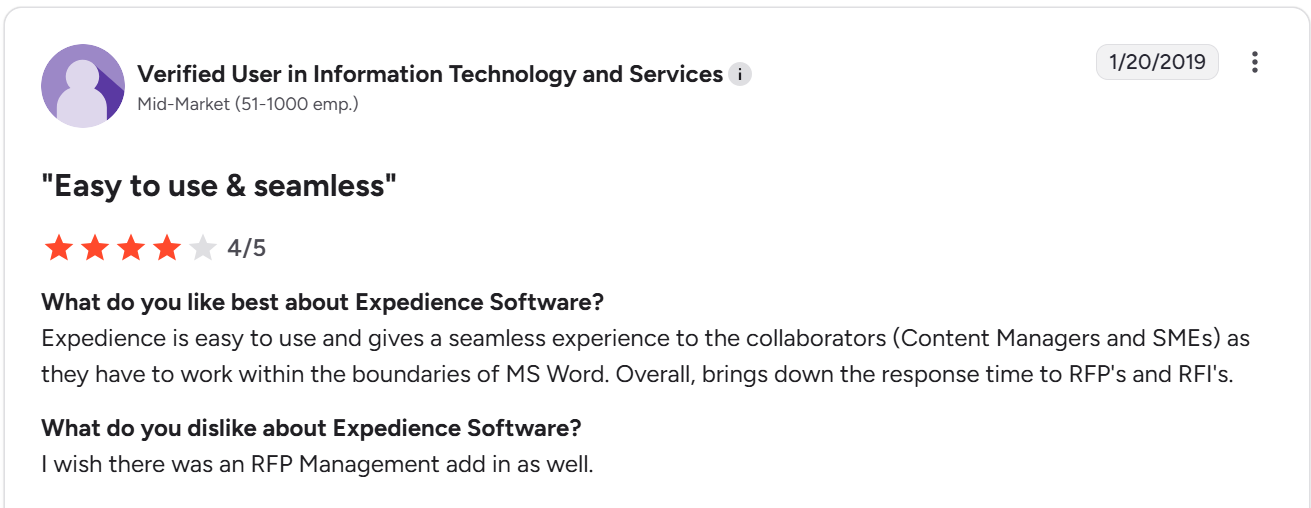
According to G2, a Verified User in IT & Services (Mid-Market) said Expedience gives a seamless MS Word experience for SMEs and content managers that reduces RFP response time, but wished there was an RFP Management add-in as well.
Best for
Legal, compliance, and financial services firms in regulated or air-gapped environments where Microsoft Word is the document standard and AI generation is not a requirement.
14. DeepRFP
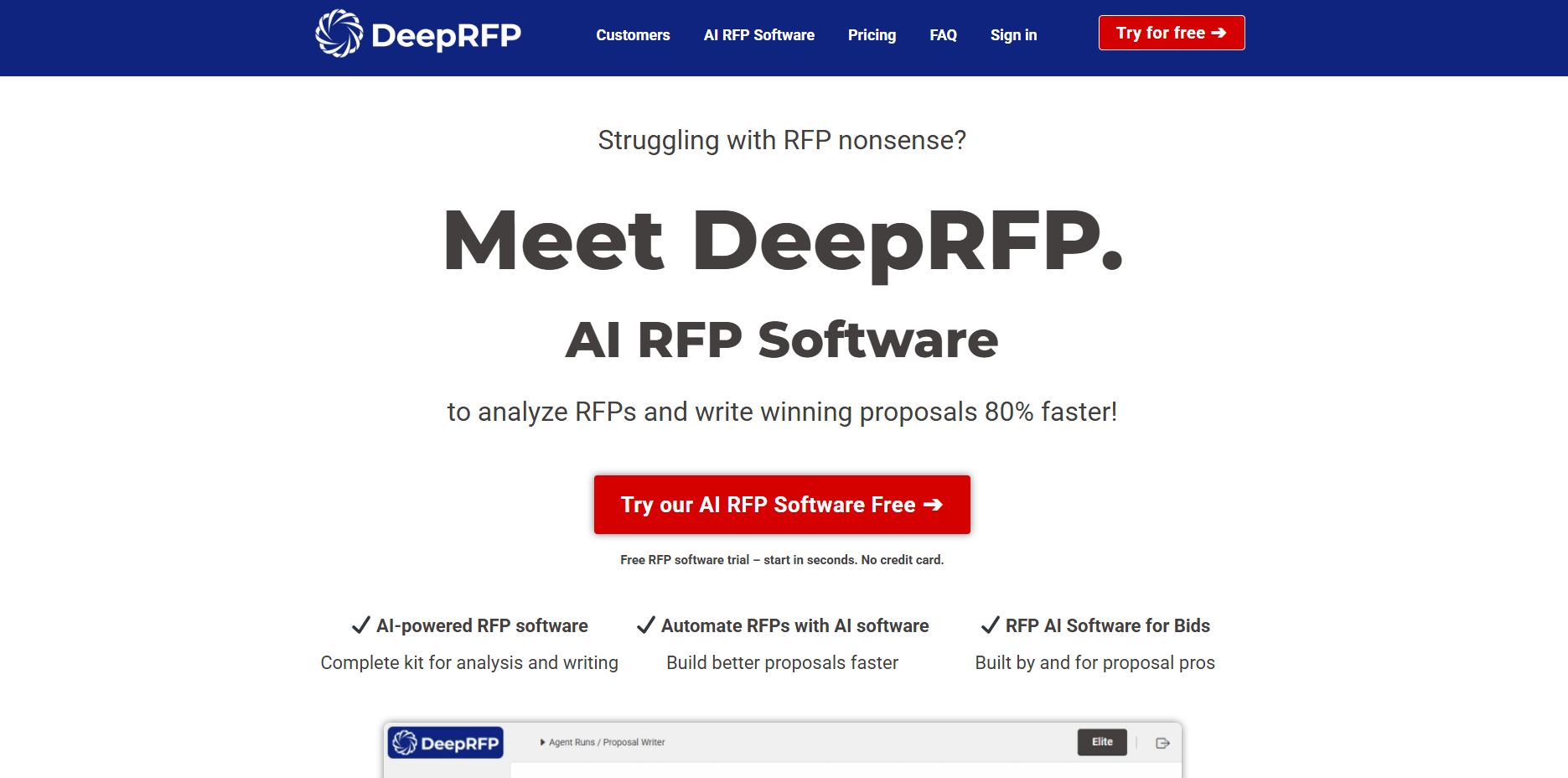
DeepRFP is a self-serve AI-native RFP tool for small teams and independent consultants. It supports AI drafting, compliance matrix generation, and document analysis. Here's how DeepRFP breaks down across the 5 criteria we scored every tool on:
Where it shines
For independent consultants managing proposals across multiple clients, per-user pricing keeps costs predictable and proportional to actual workload. There is no minimum seat count, no annual commitment at entry level, and no implementation project to complete before producing a first draft.
Limitations
- No enterprise governance controls. Approval workflows, audit trails, and admin access management are not core features.
- No deep integrations with CRM, project management, or enterprise content systems.
- Not designed to scale beyond small teams; larger operations will likely need to migrate to a different platform.
Pricing
Pro at $75/user/month, Elite at $125/user/month. 7-day free trial.
Customer review
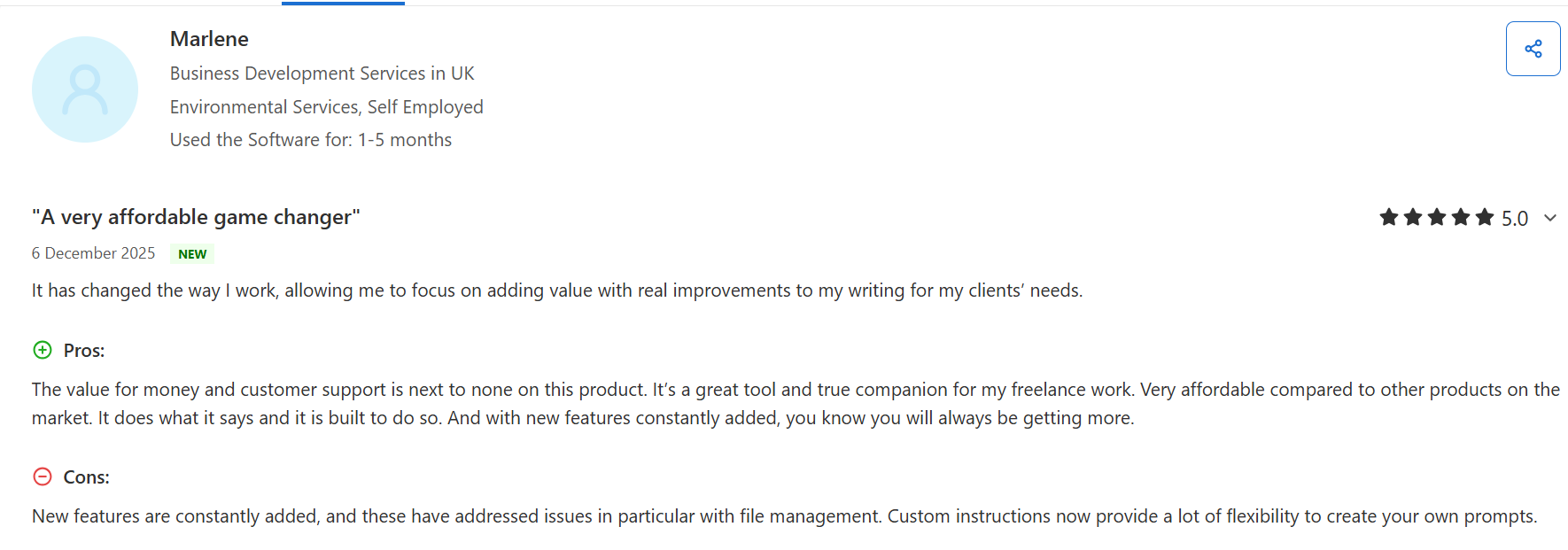
According to Capterra, Marlene (Business Development, Environmental Services, UK) said DeepRFP "changed the way I work" with unmatched value for money and customer support, and couldn't find real cons, noting recent improvements have already addressed previous gaps.
Best for
Small teams, independent proposal consultants, and lean bid teams who need practical AI drafting without long-term contracts.
15. Arphie
Arphie is an AI-native platform for responding to RFPs by connecting to live source documents, Google Workspace, SharePoint and generates first-draft responses with source citations. Each answer includes a confidence signal, and the platform returns an explicit flag when source material is insufficient rather than generating an unverified response.
This is how Arphie scores against the 5 criteria that decide this ranking:
Where it shines
Because Arphie pulls from live connected sources, the knowledge base stays current as underlying documents change. Teams spend time reviewing and editing responses rather than building or maintaining a Q&A library.
Limitations
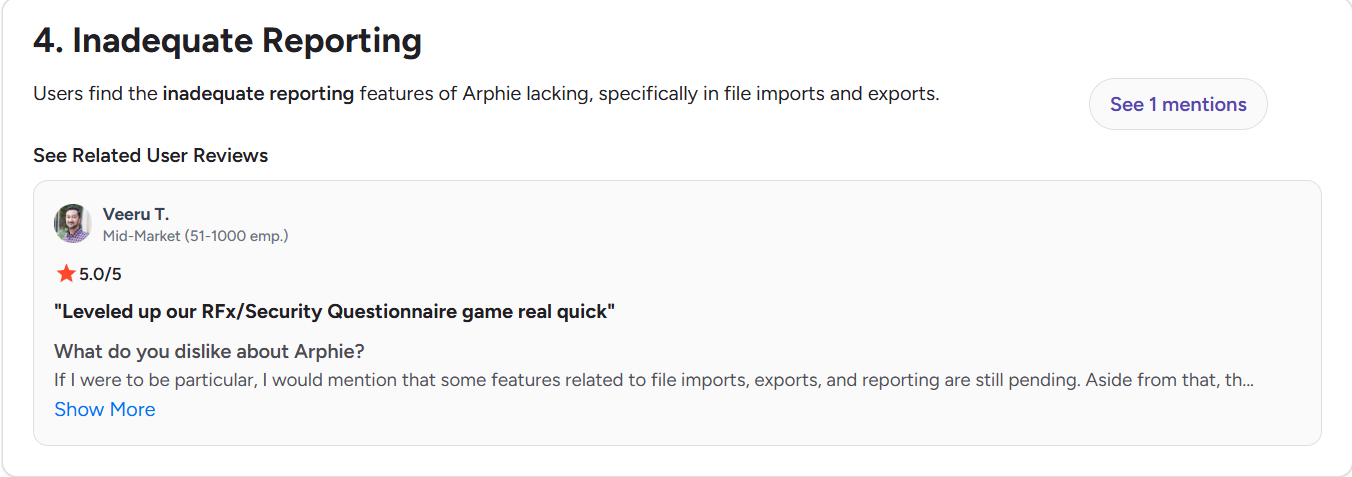
- Import and export format support is limited. Excel is the primary supported format; Word and PDF options are still developing according to G2 reviewers.
- Reporting and analytics features are early-stage.
- Salesforce integration is available but still maturing.
- Portal-based questionnaire support is limited; a Chrome extension is available as a workaround.
Pricing
Contact for pricing. Project-based model with unlimited users.
Customer reviews
According to G2, Veeru T. (Mid-Market) said Arphie "leveled up our RFx/Security Questionnaire game real quick", though noted that features around file imports, exports, and reporting are still pending.
Best for
Sales engineering, pre-sales, and solutions teams at B2B SaaS companies handling regular RFP and security questionnaire volume.
Not every business needs enterprise-grade RFP software. If you're a startup or growing team, you'll likely prioritize affordability, ease of use, and fast implementation. Explore our guide to the best RFP software for small businesses and startups.
How to Pick the Right RFP Software for Your Team
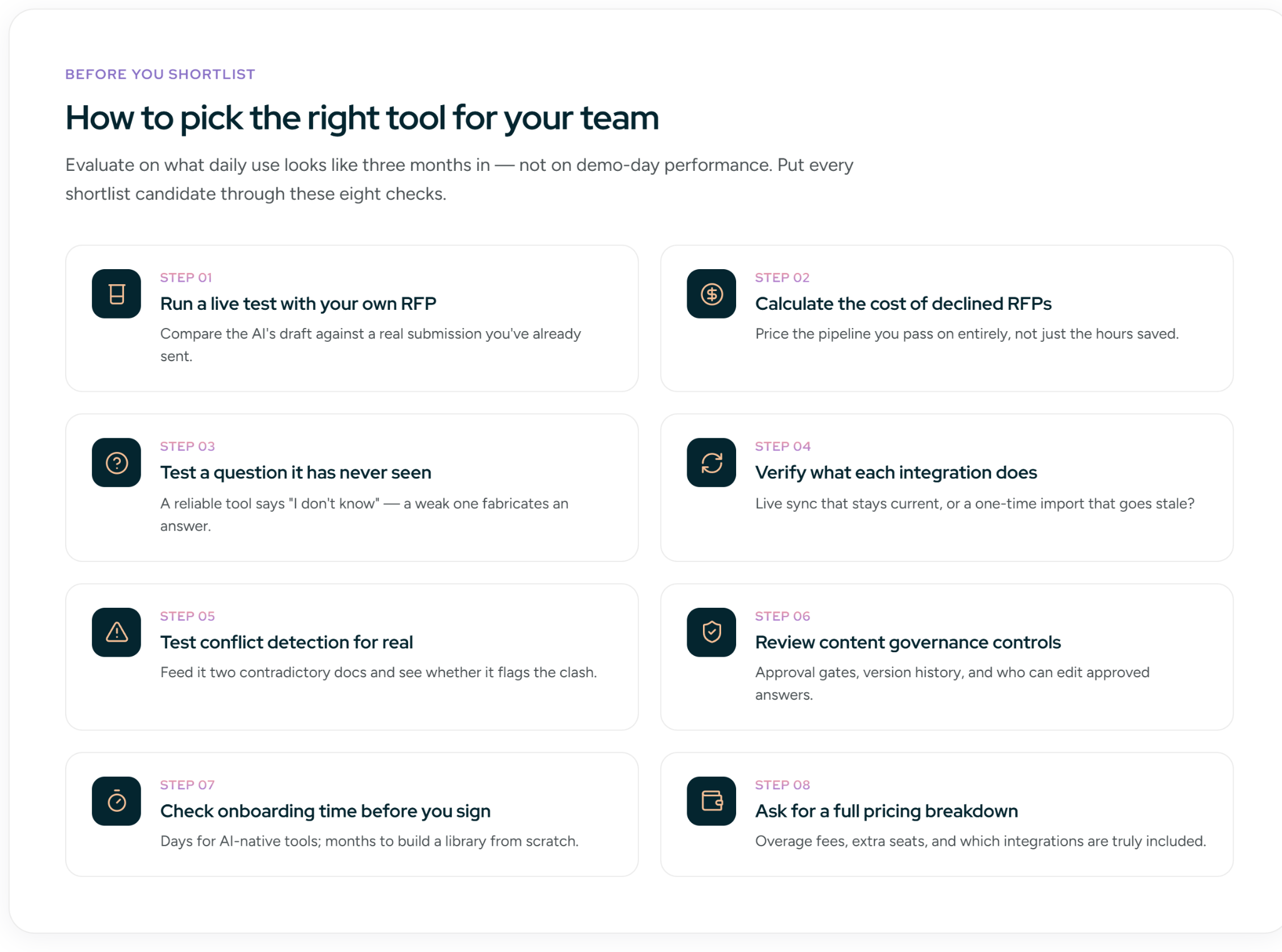
Most RFP software buying decisions go wrong for the same reason: teams evaluate on demo performance, not on what day-to-day use looks like three months after onboarding. These tips cover what vendors rarely tell you upfront.
Run a Live Test With Your Own RFP Before You Commit
Ask to run a live test using a recent RFP before the sales cycle ends, ideally one you have already submitted, so you can compare the AI's output against what your team actually wrote. Focus specifically on:
- Questions that required SME input or were hard to answer quickly
- Sections where your team had to rewrite or significantly edit previous AI drafts
- Any compliance or security questions with strict language requirements
The gap between the AI's draft and your actual submission tells you exactly how much editing work remains after the platform does its part.
Calculate the Revenue Cost of RFPs You Currently Decline
Most ROI conversations with vendors focus on hours saved. A sharper measure is the revenue sitting in RFPs your team passes on entirely.
If your team declined three RFPs last month at $60,000 each, that is $180,000 in pipeline you could not pursue, not because the opportunities were weak, but because there was no bandwidth to respond. Winning back even one of those per month covers the platform cost within a quarter.
Ask vendors: "Do you have a customer who increased their RFP response volume after onboarding?" Push for a specific before-and-after number, not a general claim about efficiency.
Test the Platform on a Question It Has Never Seen Before
Before your evaluation ends, ask the AI something your company has genuinely never answered, something completely outside your content library. Example: "What is the psychological effect of the color blue on purchasing decisions?"
- A well-built platform says it does not know and flags it for human review
- A poorly built one generates a confident-sounding answer with nothing behind it
Every RFP has questions your team has not seen before. If the platform fabricates answers when it does not know, those answers end up in live submissions, you must check for AI accuracy by doing so.
Verify What Each Integration Actually Does
When a vendor says they integrate with Salesforce or Google Drive, ask one follow-up question: does the platform automatically pull in updates when those documents change, or does it only import content once at setup?
If the answer is a one-time import, move on. Stale content in a live RFP is not an integration, it is a manual maintenance burden you are paying a platform to create.
Test Conflict Detection With a Real Scenario
Pull two internal documents with contradictory information, for example, a product sheet with last year's pricing and a sales deck with the current figure. Feed both into the platform and ask a pricing question.
- Good behavior: The platform flags the contradiction and routes it to a human to resolve
- Red flag: It picks one answer and moves on without surfacing the conflict
That second scenario means a wrong figure ends up in a submitted RFP with no one catching it.
Review Content Governance Controls
If your team needs legal or compliance sign-off on RFP answers, ask how the platform handles that. Before signing, confirm you can:
- Require approval before a new answer goes live
- Access version history showing who changed what and when
- Restrict editing rights on approved content
Without these controls, an outdated commitment on security or product capability in a submitted RFP becomes your legal team's problem.
Check Onboarding Time Before You Sign
Before committing, read G2 and Gartner reviews specifically for comments on implementation time, real users report how long it took from contract signing to completing their first live RFP, and that number varies significantly:
- AI-agentic platforms connected to your existing documents typically go live within days or minutes.
- Library-first platforms that require building a content library from scratch can take two to three months.
If you have active RFPs that cannot wait, that timeline difference matters more than any feature comparison.
Ask for a Full Pricing Breakdown
RFP software pricing can get complicated fast. Some platforms charge per user, others cap monthly RFP volume, and some charge extra for integrations you assumed were included. Before signing, get clear answers on:
- What happens if you go over your usage limit
- What adding one more user costs
- Whether all the integrations you need are in the current plan
These are the questions vendors rarely volunteer upfront, and the ones most likely to surface as surprise charges at renewal.
The best software depends on your team's workflow, RFP volume, and company size. If you're evaluating solutions for a larger organization, explore our guide to enterprise RFP software.
Write Your First Accurate RFP Response with Inventive AI
Most RFP tools automate the process. Few automate it accurately. The gap shows up when two internal documents give conflicting answers to the same question, and the platform picks one without flagging it.
The platforms in this guide are ranked on exactly that: how well they handle response quality and conflict detection at scale, not just how fast they generate a first draft.
If you're evaluating tools, test that scenario before you sign. Bring a real RFP to a 20-minute call with Inventive AI and see how full automation with built-in conflict detection changes what your team actually reviews.
FAQs
Q1. Will RFP AI generate hallucinated answers that go into live submissions?
It depends on the platform. Source-grounded tools pull answers from your connected documents and flag gaps instead of filling them, so reviewers see exactly where human input is needed. Generative platforms without source grounding are the risk: they produce confident-sounding answers with nothing behind them. Before buying, test this directly. Ask the AI a question your content library has never addressed. A reliable platform returns an empty field. An unreliable one makes something up.
Q2. Does RFP software make sense if we only respond to 10–15 RFPs per year?
Yes. But the value shifts from volume to quality. Low-volume teams often spend disproportionate time on each RFP because there's no repeatable process. An AI-native platform with fast onboarding (days, not months) and per-project pricing means you can be productive from the first submission without a long implementation. If your average deal size is $100K+, one better-quality response that wins is enough to justify the cost.
Q4. What's the difference between RFP software and proposal tools like PandaDoc or Proposify?
RFP software is built for inbound procurement, structured questionnaires sent by a buyer with a deadline. Proposal software is built for outbound sales, branded documents your team sends to prospects. The workflows run in opposite directions. RFP tools handle intake, AI drafting, compliance review, and SME coordination. Proposal tools handle design, e-signatures, and deal tracking. Some teams need both, but they solve different problems and shouldn't be evaluated as substitutes.
Q5. What happens to our company data when we connect internal documents to an AI RFP platform?
This varies by vendor and is worth confirming before you sign. Ask three questions: Is our data used to train shared AI models? Where is it stored, and under which data residency rules? What happens to our data if we cancel? Vendors with SOC 2 Type 2 certification have been independently audited on data handling. For financial services or healthcare teams with stricter requirements, ask specifically about private AI deployment options where your data never leaves a controlled environment.
Q6. How do we handle RFP questions we don't have an answer for yet?
Flag them immediately, don't let them sit until the deadline. Use your platform's SME assignment feature to route those specific questions with context: what's being asked, which section it's in, and when the final review is due. If the information genuinely isn't available before submission, respond with "in progress" language and a committed timeline. Never let the AI fill a knowledge gap with an unverified answer, especially in security or compliance sections.

.avif)