AutoRFP.ai Review 2026: Features, Pros and Cons, and Ratings
A detailed AutoRFP.ai review: a deep look at its features, real pros and cons, G2 and Gartner Peer Insights ratings, user reviews, pricing at a glance, and alternatives.
AutoRFP.ai is an AI RFP software for drafting RFP, DDQ, and security questionnaire responses, built for small and growing bid teams. It drafts each response from your own content, scores how confident it is, and runs review and approval in one place. This review covers what each feature does, the real pros and cons from user reviews, how it is rated, what it costs at a glance, and the alternatives worth testing beside it.
We do not cover pricing in this blog. For details on pricing, visit our detailed AutoRFP pricing guide
AutoRFP.ai at a glance
• It drafts a response to every question from your approved content, uploaded documents, and connected tools, and puts a Trust Score on each one so reviewers check only what looks uncertain.
• It charges per project, not per seat, so unlimited users cost nothing extra, and the bill tracks volume rather than headcount.
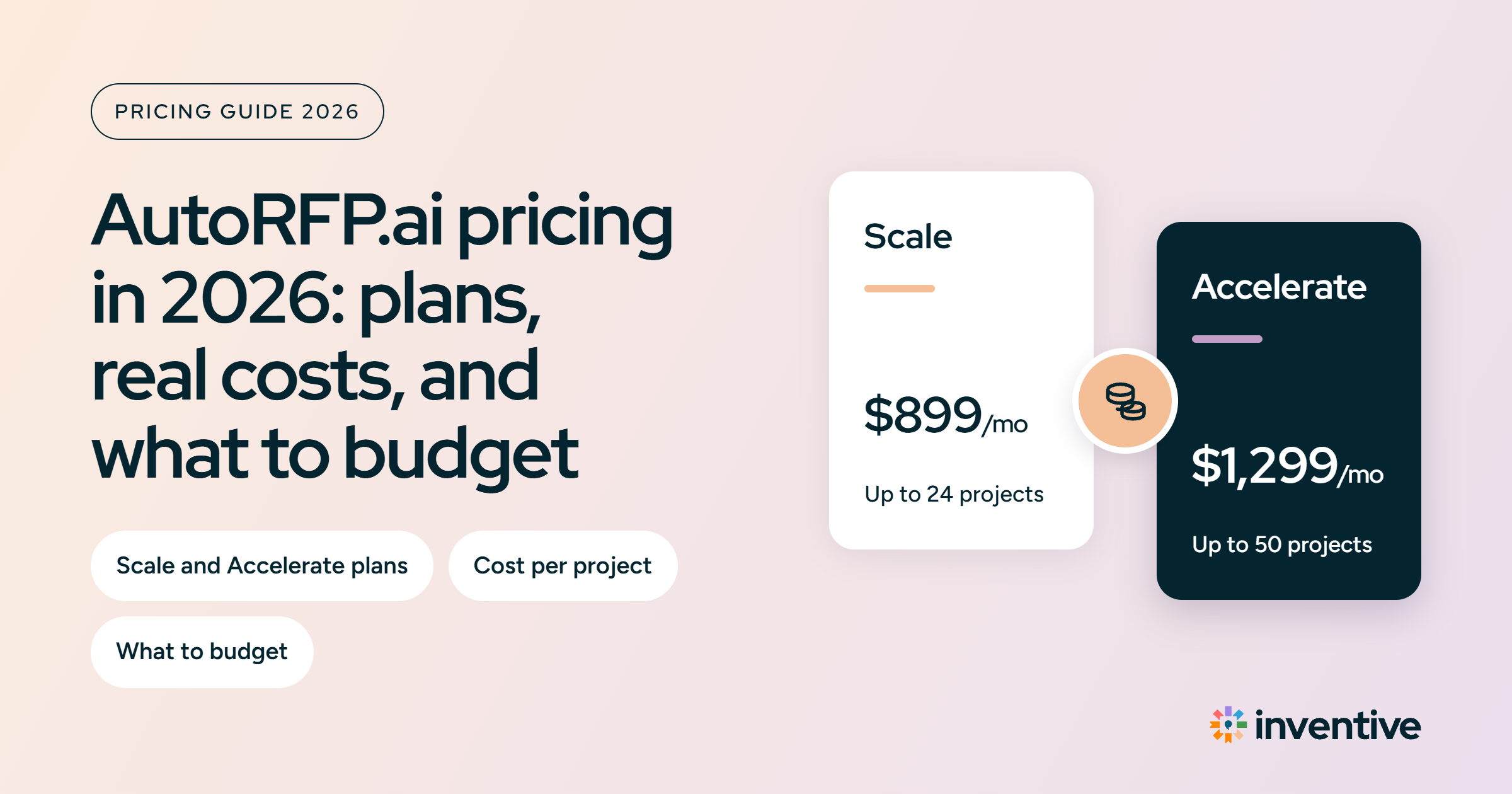
• Pricing is public and starts at $899 a month on the Scale plan (24 projects a year), billed yearly, with implementation, training, and support included on every tier.
• It rates 4.8 out of 5 on both Gartner Peer Insights (21 ratings) and G2 (61 reviews), where users praise drafting that turns a messy spreadsheet of questions into accurate first responses.
• The main limitations: the interface takes learning, and the content library needs an owner to stay accurate.
What AutoRFP.ai does and how it drafts responses
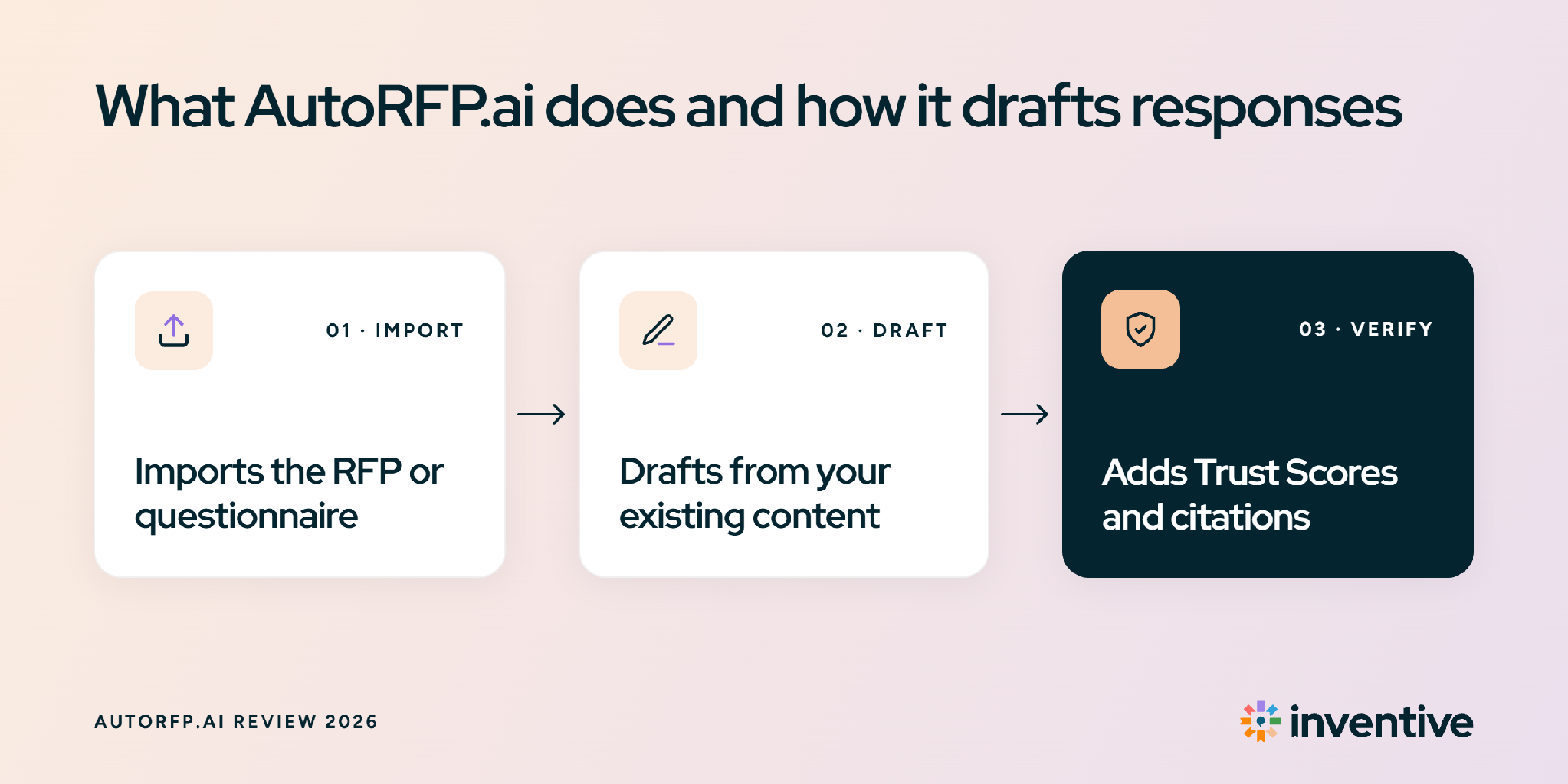
AutoRFP.ai reads an incoming RFP or questionnaire, drafts a response to each question, and marks how confident it is so reviewers know what to check. Your team then assigns questions, edits, and approves in one workspace, and exports in the format the buyer asked for. The tool is built for response work, so the whole job from import to export sits in one place.
The drafting is the part that matters most. Gartner predicts that by 2026, sales teams using generative AI for proposal and bid responses will spend about 16 hours per RFP, down 40% from 27 hours, without losing win rate. AutoRFP.ai is built to close that gap, so the real test is how good the first draft is and how much editing it needs.
AutoRFP.ai features and how they help
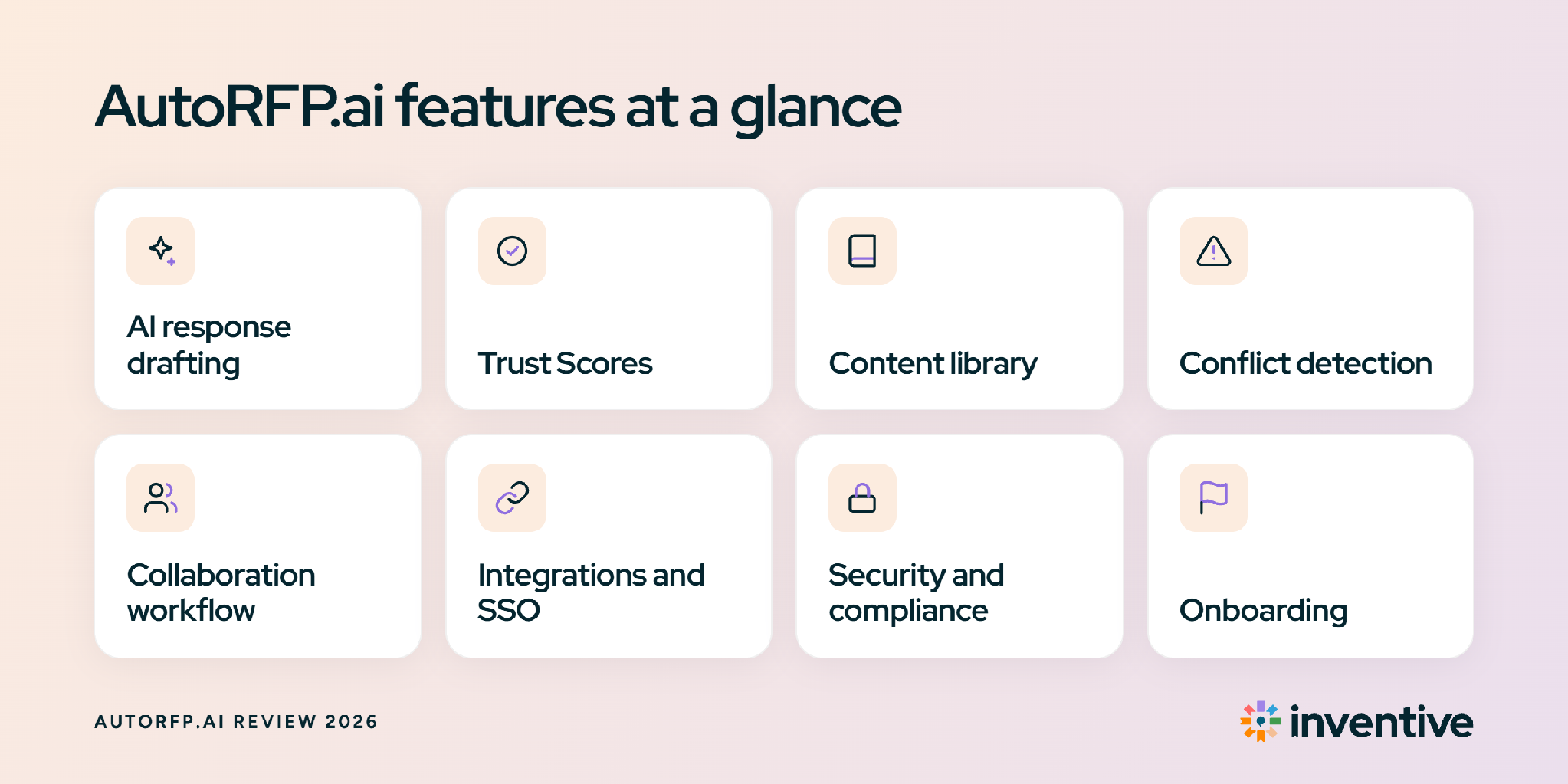
AutoRFP.ai handles drafting, scoring, library, collaboration, integrations, and security. Here is what each does and where it matters.
AI response drafting
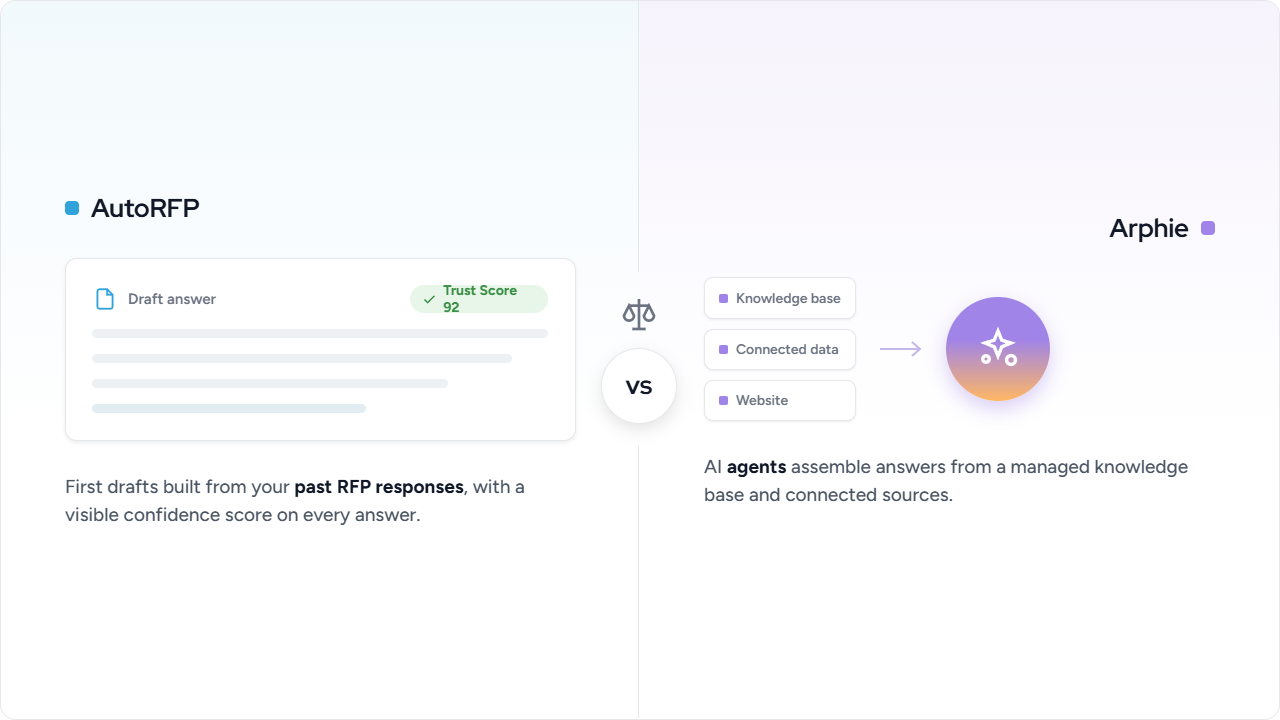
AutoRFP.ai splits an incoming RFP into questions and drafts a response to each. It draws on more than your past answers: your managed library, documents you upload (Word, Excel, PDF, CSV), a web page you add by URL, and connected tools like SharePoint, Confluence, and Google Drive. Every draft shows its source, so you can see where an answer came from. The work shifts from writing to checking, and reviewers describe it as turning a messy spreadsheet of questions into accurate first responses in one pass.
Read our guide on How to Use AI for RFP Responses to Win More Deals
Trust Scores
Each response carries a confidence score tied to the content it came from. Reviewers go straight to the low-confidence answers and leave the rest, instead of re-reading every line. On a long questionnaire, that is the difference between a quick check and a full manual review, and it tells a manager how much of a draft is safe to send.
Content library and reuse
Approved responses sit in a central library and are reused across RFPs, DDQs, and questionnaires, so repeat questions are not rewritten. Reviewers call out fast search across a large library as a strength. The catch is upkeep: the library only stays accurate if someone keeps entries current and retires the ones that no longer apply.
Conflict and duplicate detection
AutoRFP.ai flags responses that duplicate or clash with existing library content, but it does not detect when an answer has simply gone out of date, so keeping entries current is still a manual job. This matters most when your product, pricing, or policy details change often, where stale answers are the real accuracy risk.
Collaboration and review workflow
You can assign questions to owners, approvers, and subject-matter experts, and keep comments and sign-off in one workspace instead of email. On a big bid with many contributors, that structure is the point, and reviewers name it as a reason the work stays on track to a deadline.
Integrations and single sign-on
AutoRFP.ai offers 18 or more integrations, including Google Workspace and Microsoft, with single sign-on through both. Some reviewers want deeper Microsoft support and more output formats, such as PowerPoint proposals, so confirm your specific integrations and export needs during a trial.
Security and compliance
AutoRFP.ai is ISO 27001:2022 and SOC 2 compliant, the two certifications most enterprise security reviews ask for. If your team answers security questionnaires too, having these in place shortens your own due diligence answers.
If security questionnaires are part of your sales process, see How to Handle Security Questionnaires Without Slowing Deals.
Onboarding and support
Implementation, online training, and unlimited support come with every plan, not as a separate services tier. Reviewers describe support and technical account management as responsive. They also note a real learning curve at the start, and training is what shortens it.
Read more: 15 Best RFP Software and Tools in 2026: Ranked and Reviewed
AutoRFP.ai ratings, pros, and cons
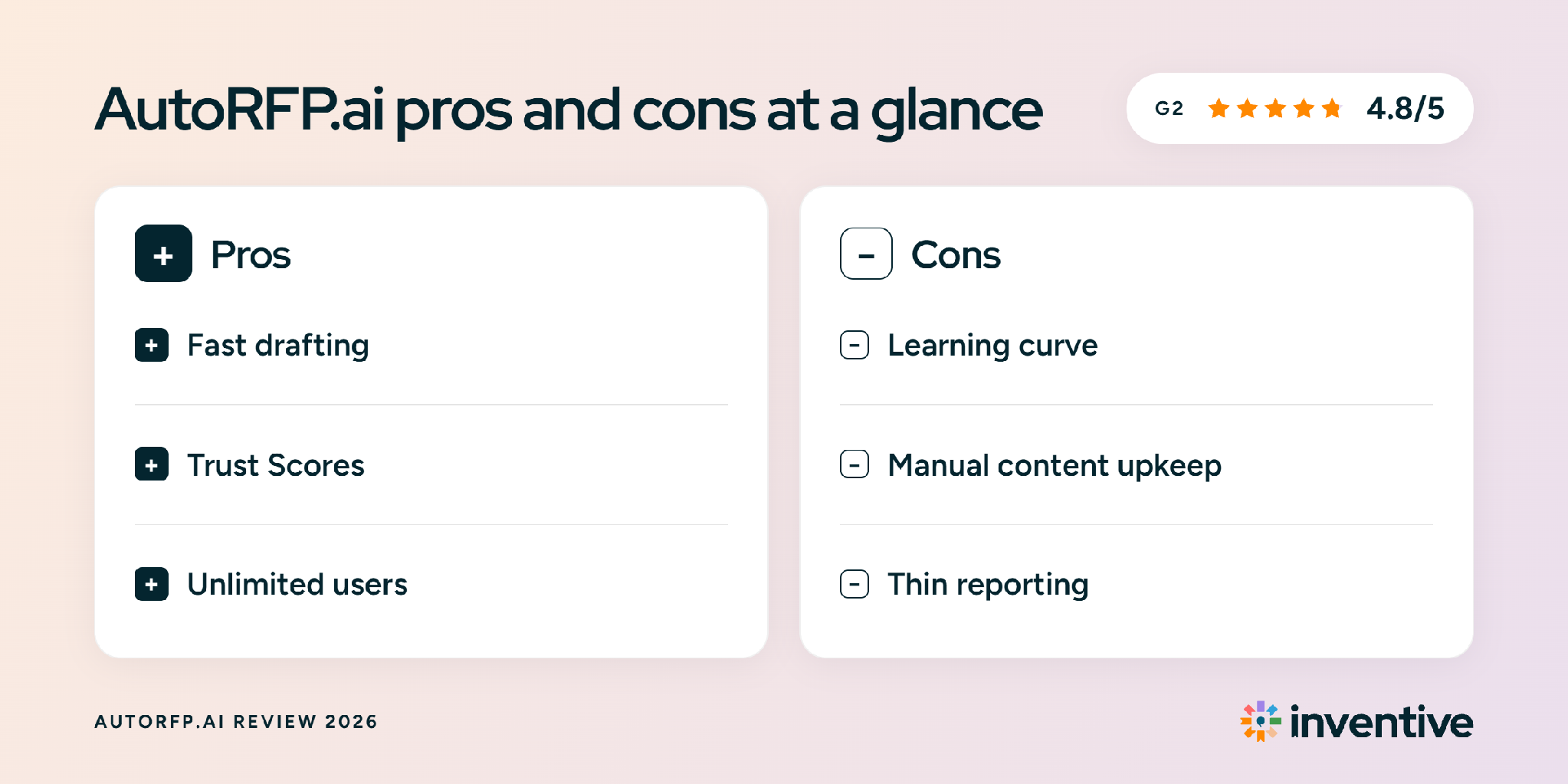
AutoRFP.ai rates 4.8/5 on both Gartner Peer Insights (21 ratings) and G2 (61 reviews, the larger sample). The pros and cons below, drawn from real G2 review sentiment, tell you more than the average score does. Weigh them against how your team works.
What AutoRFP.ai users say on G2 and Gartner
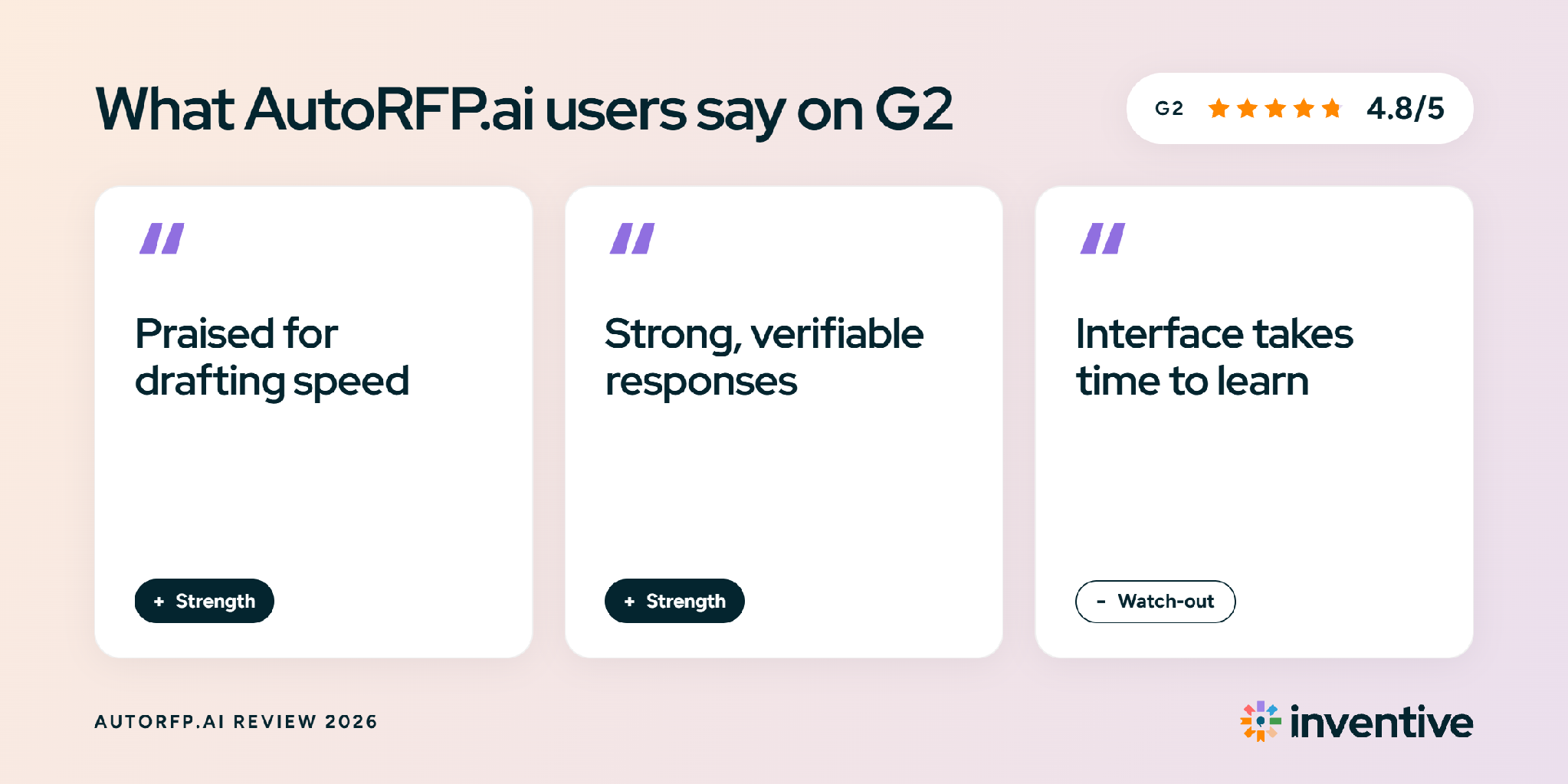
A few reviews on G2 show the pattern behind the score: strong time savings and search, with notes on ramp-up and library upkeep. Reviewer names and roles are shown as published on G2 and Gartner.
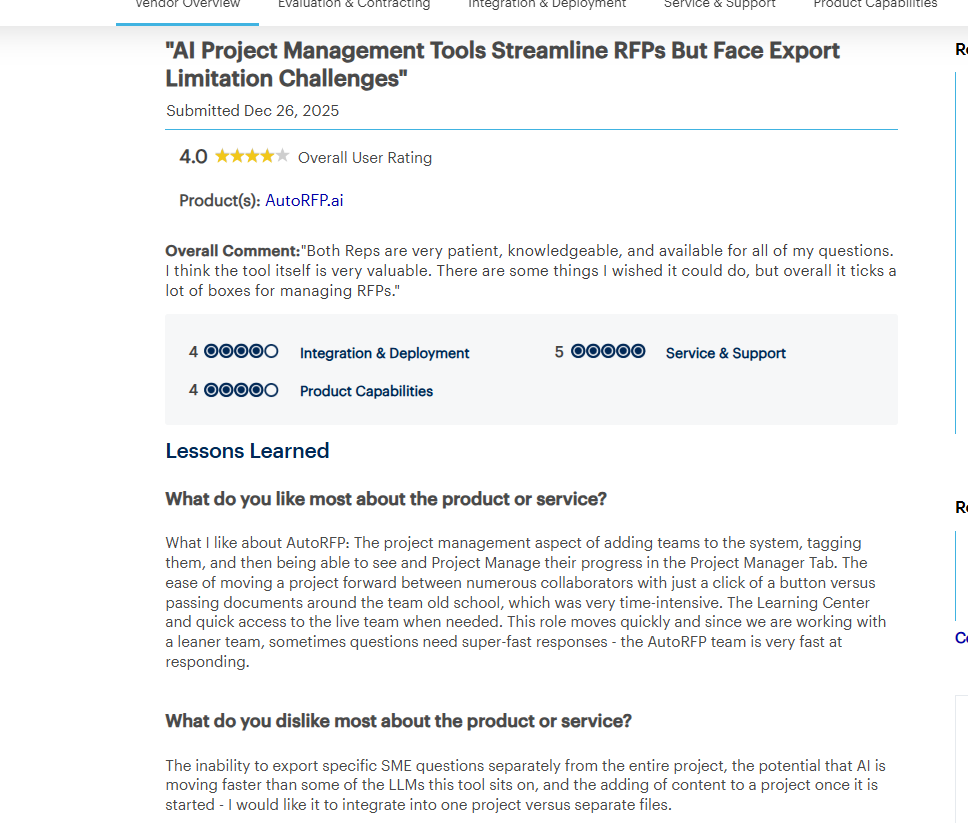
An anonymous Gartner Peer Insights reviewer (4.0/5, December 2025) -
Found the tool very valuable and said it ticks a lot of boxes for managing RFPs, particularly the ability to track and project-manage each team’s progress, but wanted a way to export specific SME questions separately from the full project and wished that content added mid-project was pulled into one project instead of separate files.
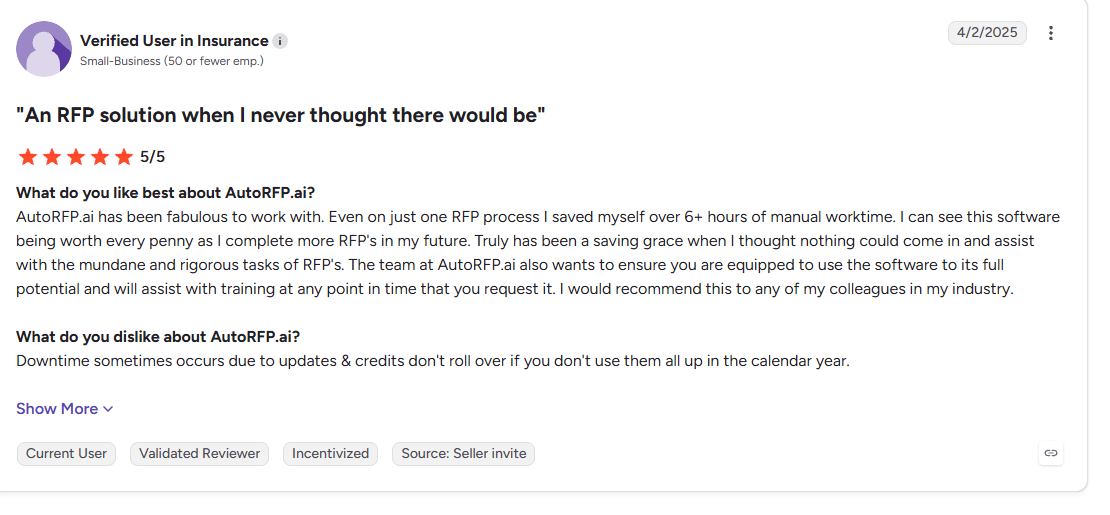
A verified user in insurance at a small business (5/5, April 2025) saved over six hours on a single RFP and expects it to be worth every penny as their volume grows, though they noted that unused credits do not roll over within the calendar year.
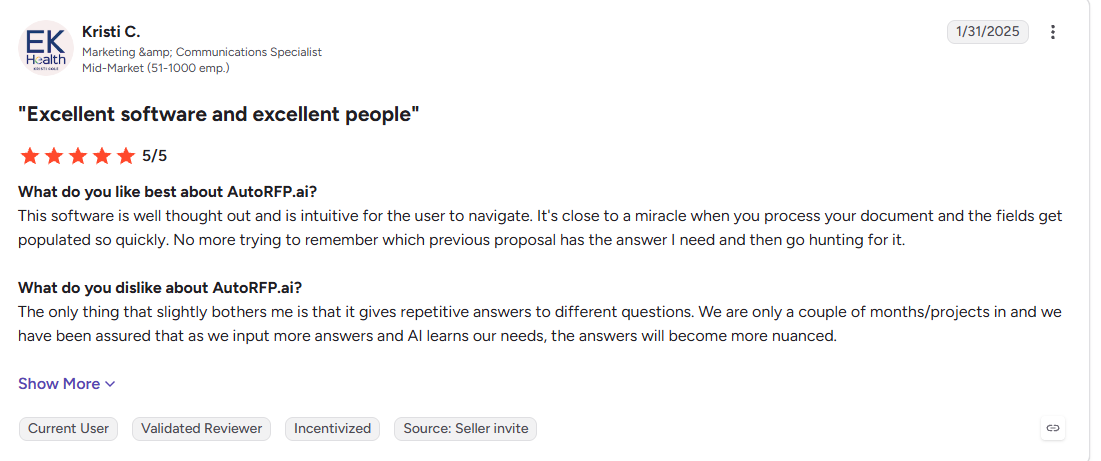
Kristi C., a Marketing and Communications Specialist at a mid-market company (5/5, January 2025), said the fields populate so quickly when you process a document that she no longer hunts through old proposals for the right answer, but felt it gives repetitive answers across different questions, something she expects to improve as the AI learns her team’s needs.
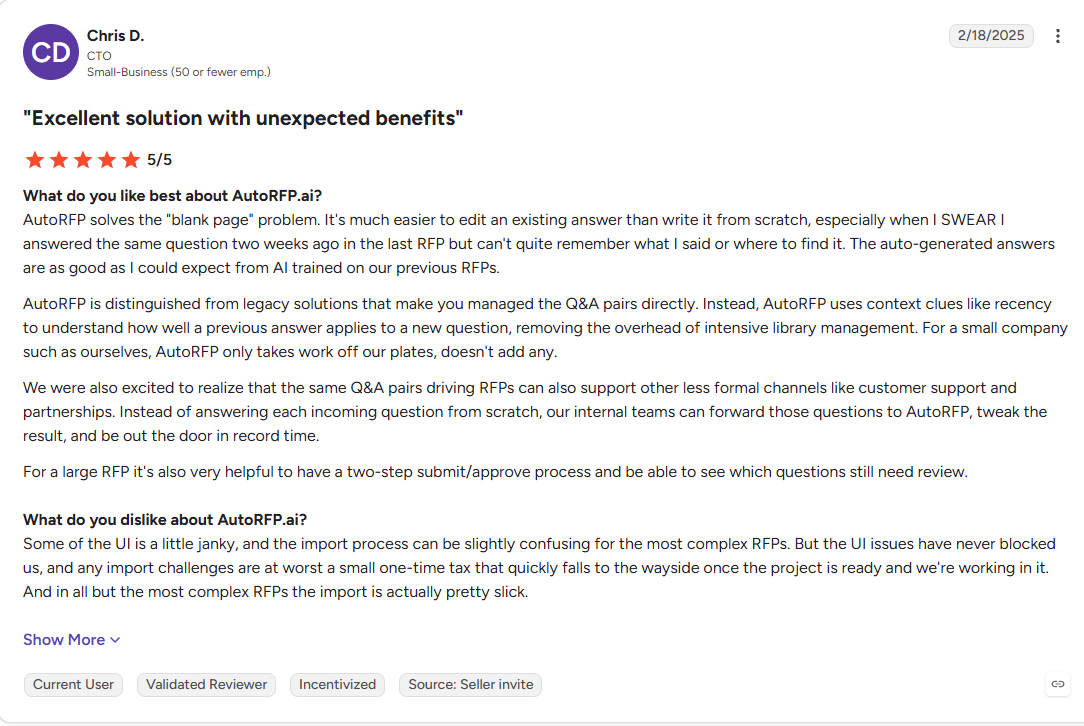
Chris D., a CTO at a small business (5/5, February 2025), said AutoRFP solves the blank-page problem and removes the overhead of heavy library management by using context clues like recency, and while he found parts of the interface a little rough, those issues never blocked his team’s work.
AutoRFP.ai pricing at a glance
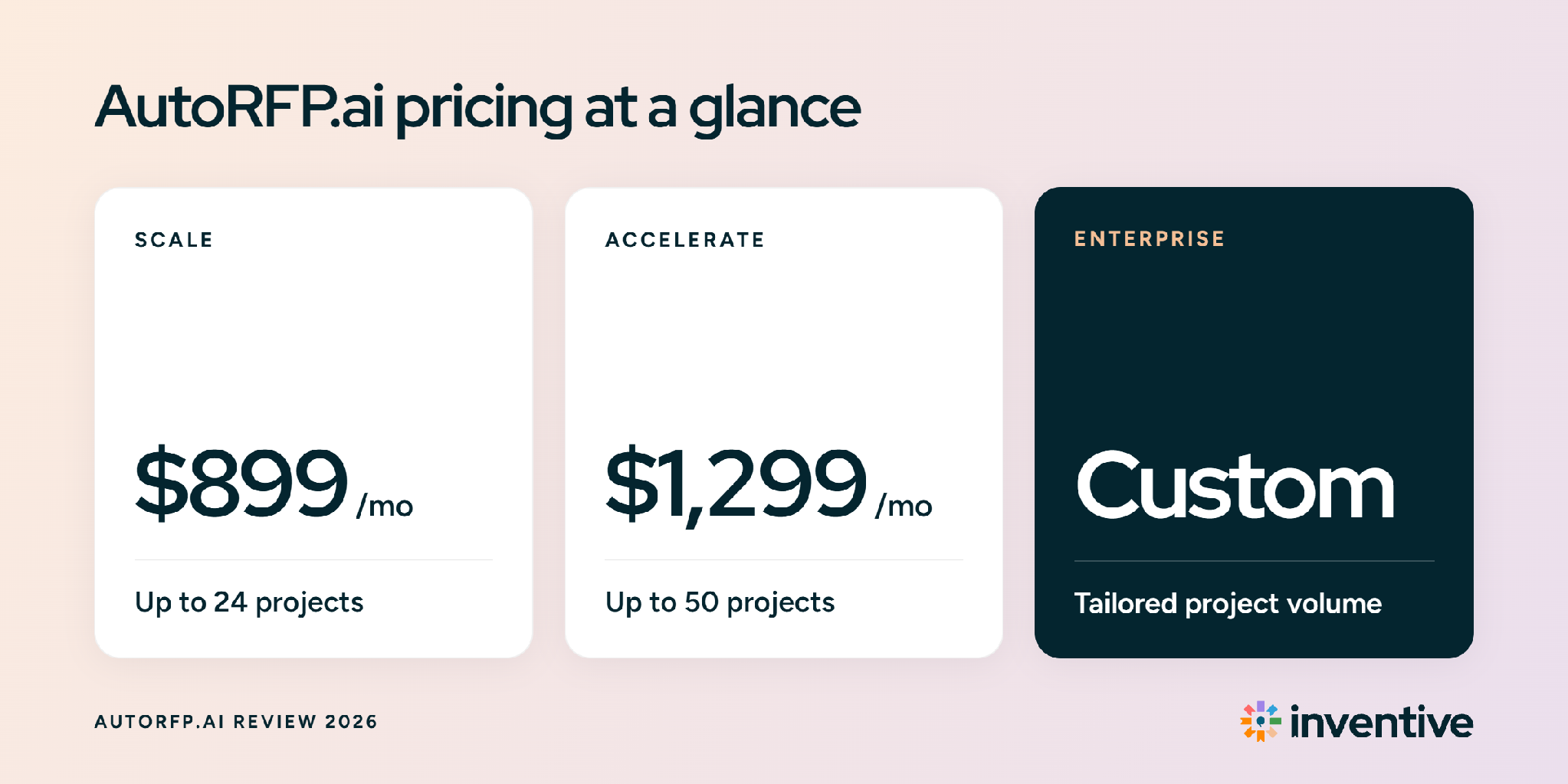
AutoRFP.ai charges per project, where a project is one RFP, DDQ, tender, or security questionnaire. Scale is $899 a month for 24 projects a year, and Accelerate is $1,299 a month for 50, both billed yearly, with a custom Enterprise tier above that. Every plan includes unlimited users and the full feature set, so the only reason to move up is project volume. For detailed pricing, check out AutoRFP pricing guide.
Who AutoRFP.ai is the right fit for (and who should look elsewhere)
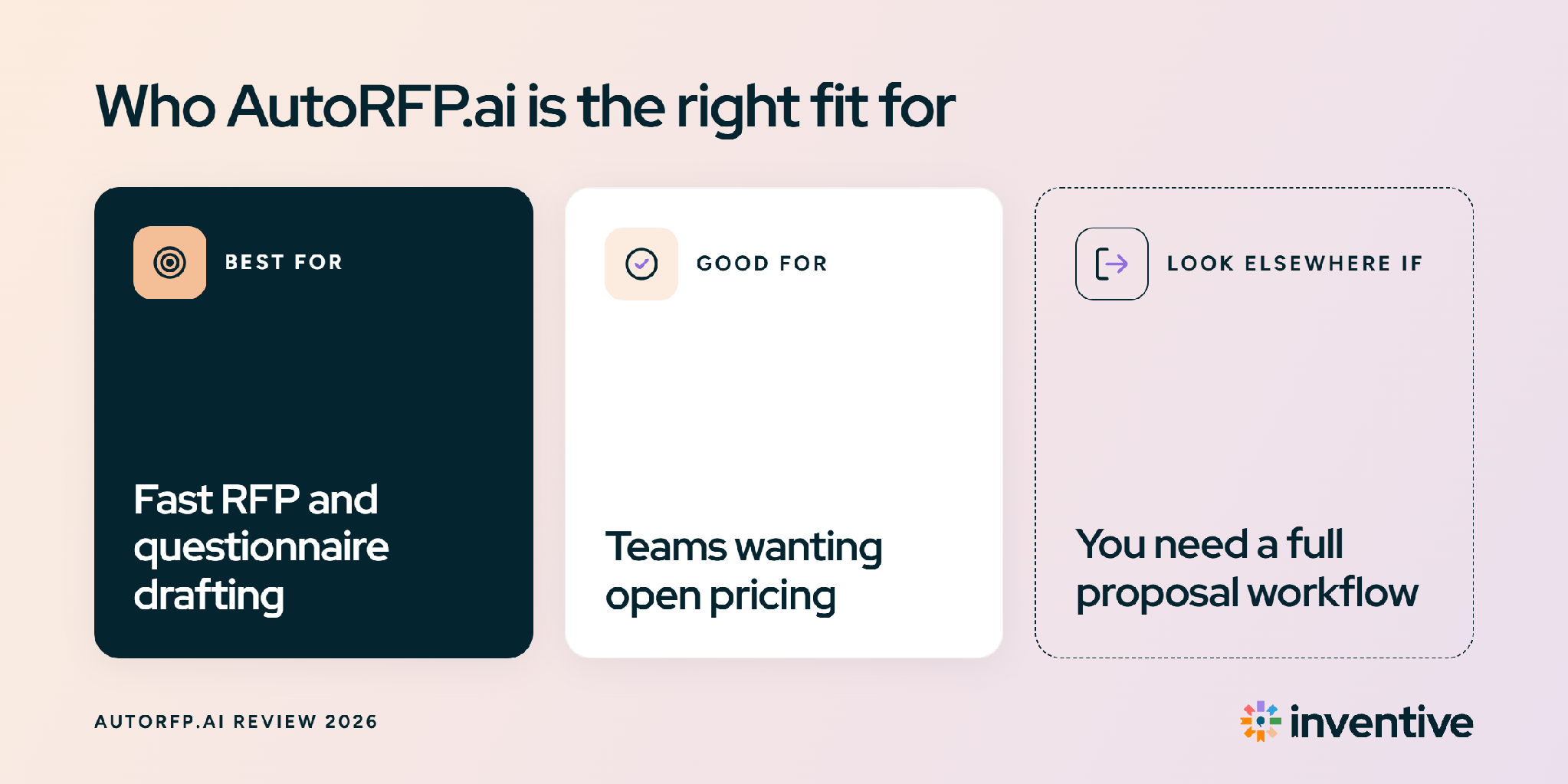
AutoRFP.ai is best for teams with steady, repeatable RFP volume and someone to keep the content library current. It is a weaker fit if your volume swings, you need tight formatting control, or you want to be productive in days. Test it on your own live RFPs first, because Gartner found that 56% of companies regret their biggest technology purchase, usually from signing before checking the fit.
Best fit if you:
- Run a small or mid-sized proposal or sales team with steady volume
- Want confidence scores and fast cross-team review
- Are fine with a web-only tool and will invest in the ramp-up
Look further if you:
- Want responses that are accurate from the first draft, grounded in approved content, with missing information flagged rather than guessed
- Need control over templates and formatting, including branded PowerPoint and full written proposals, not just answers filled back into the questionnaire
- Want a tool the whole team can learn in days, with no prompt-writing or AI expertise required
- Expect your RFP volume to change through the year, or prefer to pay for what you use instead of a fixed block of projects
If you want to compare a better alternative to AutoRFP, read the full AutoRFP.ai vs Inventive AI comparison.
AutoRFP.ai alternatives worth testing
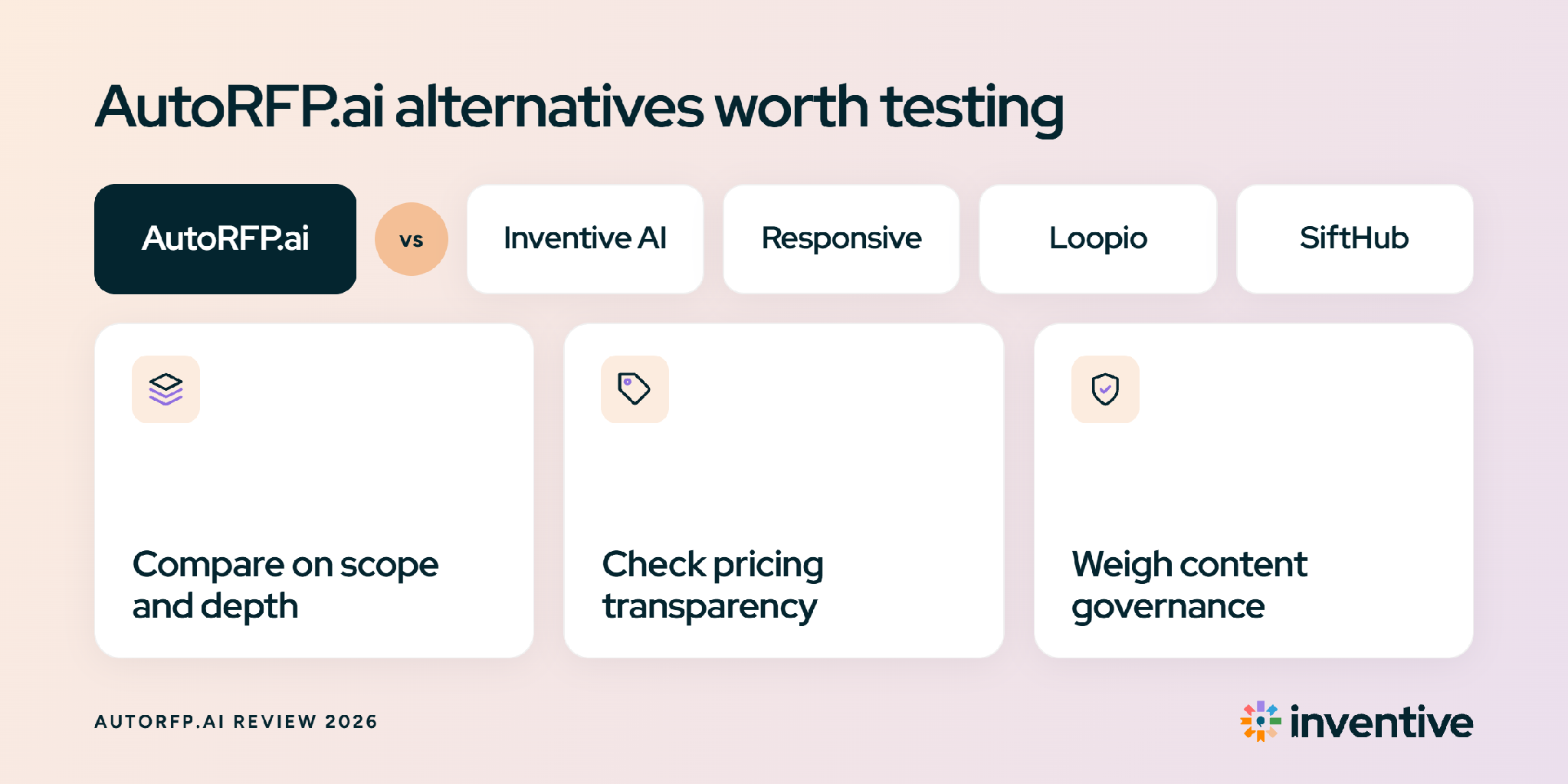
No single tool wins for every team, so shortlist two or three and run them on the same live RFP. These are the alternatives most often weighed against AutoRFP.ai, and a fuller list sits in our guide to AutoRFP.ai alternatives.
Inventive AI: an AI-native alternative to AutoRFP.ai
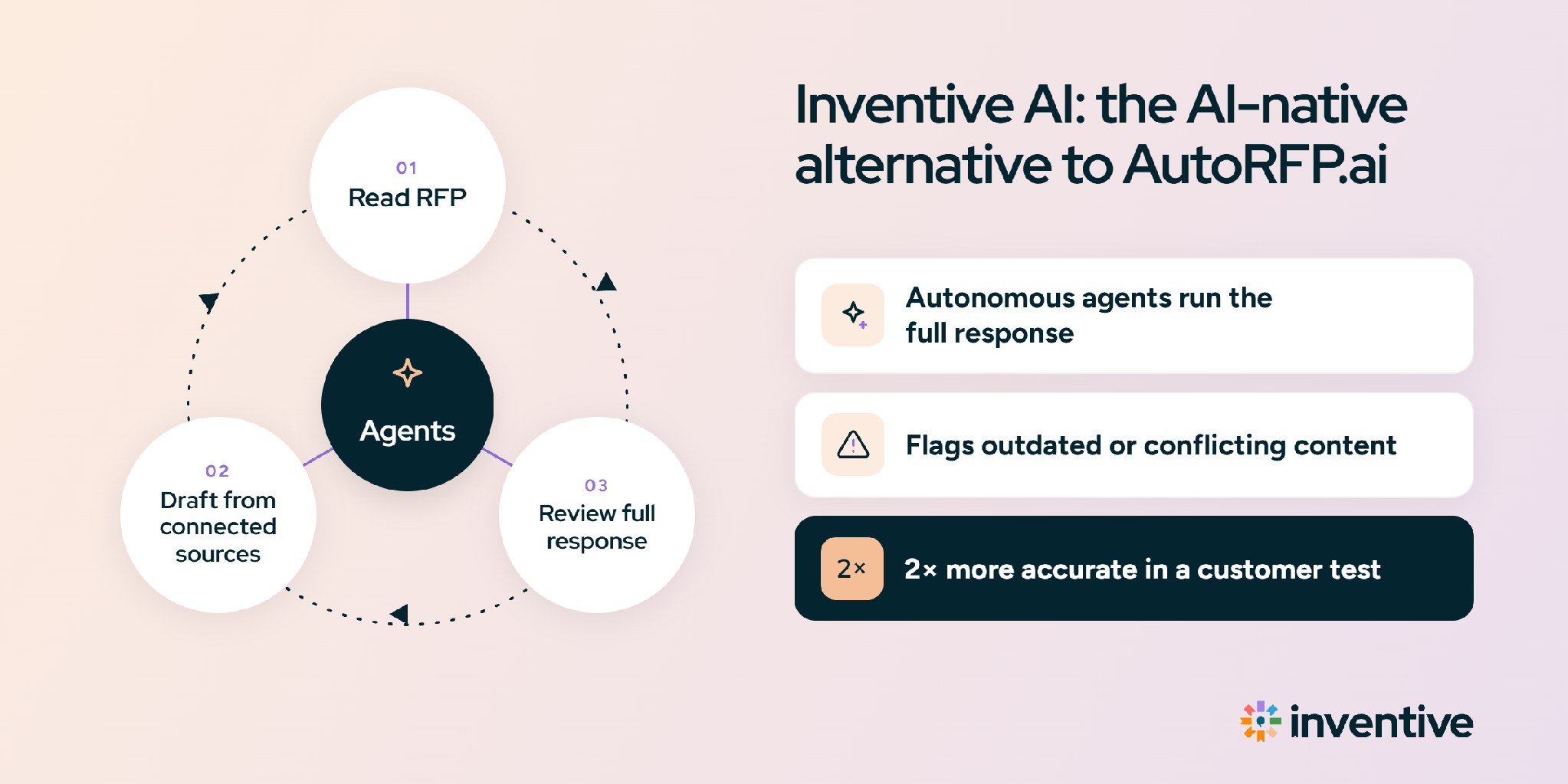
Inventive AI holds a 4.9 out of 5 on G2 across 80 reviews and is built around AI agents, not a library your team maintains by hand. If AutoRFP.ai's interface or library upkeep is what has you comparing, here is what it does.
- Drafts from your approved company knowledge, with a source citation and a confidence score on every answer, and flags anything it cannot find instead of guessing.
- Keeps that knowledge current and catches conflicting or outdated answers, so your team does not send a buyer a stale response.
- Handles long, messy RFPs end to end: upload a 200-page PDF or a multi-tab Excel questionnaire, and it reads the whole thing, drafts each answer, returns Excel answers in the original file, and exports a PDF proposal into your Word template.
- Connects your knowledge sources, such as Salesforce, SharePoint, Google Drive, Confluence, Notion, and Slack, so there is no separate library to migrate or maintain.
- Works for the whole team without prompt-writing skill, and brings proposal managers, experts, and reviewers into one workflow with assignments and approvals.
- Includes unlimited users and charges by usage, with unused RFPs rolling over, so cost tracks the work you do, not the seats you add.
To compare features side by side with AutoRFP.ai, explore Inventive AI's AI RFP software.