AutoRFP vs Responsive (2026): Features, Reviews, Limitations, and Alternatives
AutoRFP vs Responsive compared on AI, pricing, onboarding, and G2 and Gartner ratings, plus who each fits and the AI-native alternative both leave room for. See the verdict.
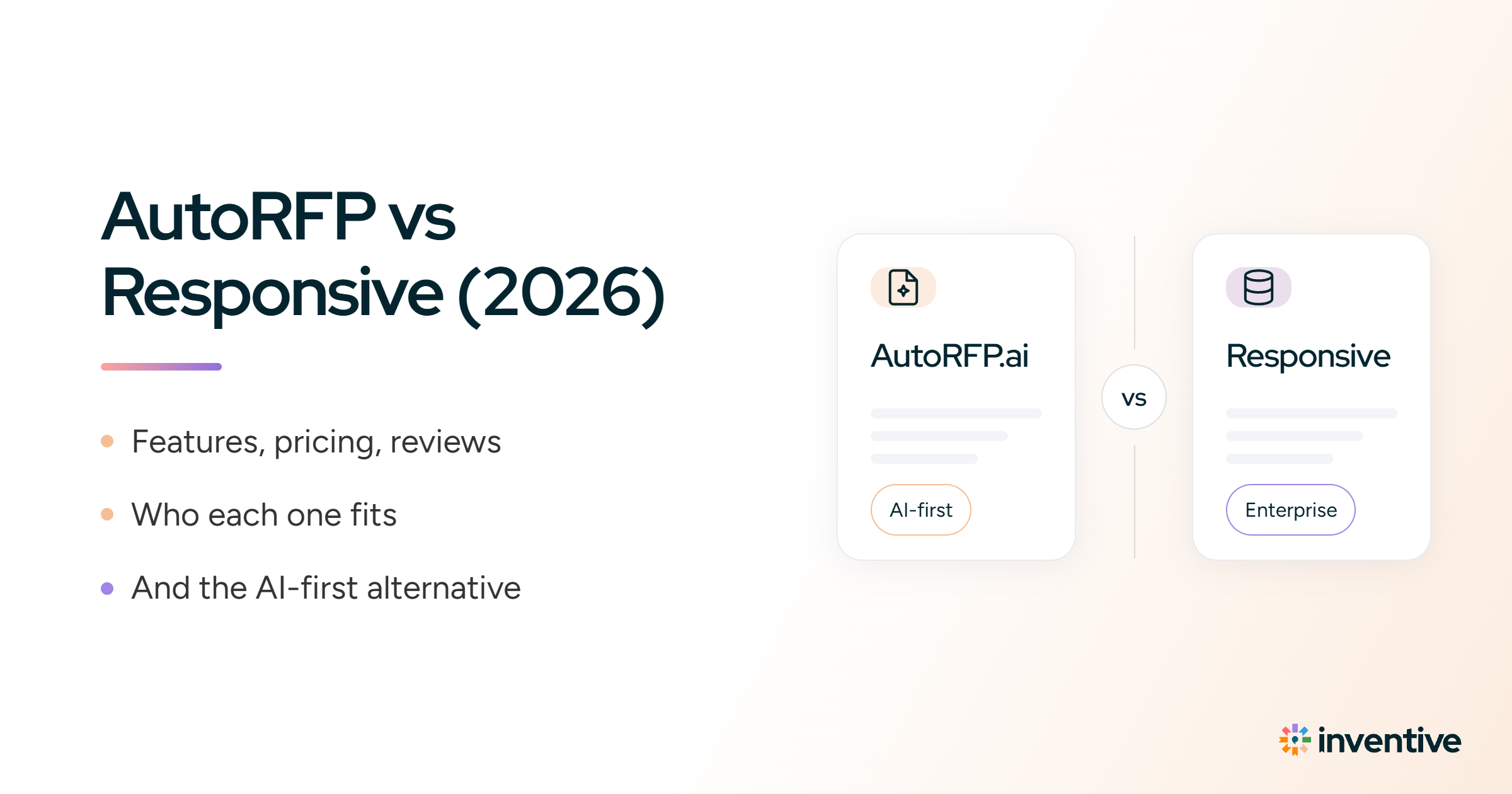
If you are shortlisting RFP software, AutoRFP.ai and Responsive are two names that come up fast. Both automate RFP, security questionnaire, and DDQ responses, both are well reviewed, and both take a different route to the same job.
So the real question is not only which of the two is better, but whether you want a lighter AI-first tool, a response platform with AI added, or an AI-native approach that runs the response end-to-end for you.
Last reviewed: October 2026. This comparison is based on vendor-published materials, verified G2 and Gartner Peer Insights reviews, and independent third-party analyses. Pricing can change, so confirm current figures with each vendor.
TL;DR
- Choose AutoRFP.ai for transparent published pricing, fast AI drafting, unlimited users, and a light setup, if your annual volume fits its per-plan project caps.
- Choose Responsive for enterprise scale, a deep content library, broad integrations, and program-wide reporting, if you can absorb a steeper learning curve and a per-user bill.
- On G2, AutoRFP.ai holds 4.8/5 (about 60 reviews) and Responsive 4.5/5 (1,311 reviews). On Gartner Peer Insights, AutoRFP.ai is 4.8/5 (21 reviews) and Responsive 4.3/5 (55 reviews).
- Both still run on a content library your team maintains and drives step by step. If that upkeep, the project caps, or per-seat pricing is your blocker, an AI-first platform like Inventive AI runs intake, drafting, validation, and governance with autonomous agents and unlimited users.
AutoRFP vs Responsive at a glance
Note: Public pricing figures reflect reported rates and may not match current pricing. Confirm directly with each vendor.
How AutoRFP.ai works
AutoRFP.ai provides response management software for RFPs, RFIs, DDQs, and security questionnaires. It uses AI to draft answers from a company's content library with cited sources and confidence scores, auto-saving approved entries for future use. All plans feature unlimited user seats across teams of any size.
How Responsive (formerly RFPIO) works
Responsive, formerly RFPIO, is a response management platform for RFPs, security questionnaires, government bids, and DDQs. It markets itself as AI-first, but the AI sits on top of a content library that owners maintain. Teams use it to organize approved content, route work through reviewer and approval workflows, and connect to a broad set of CRM and document systems.
Inventive AI: the AI-first alternative
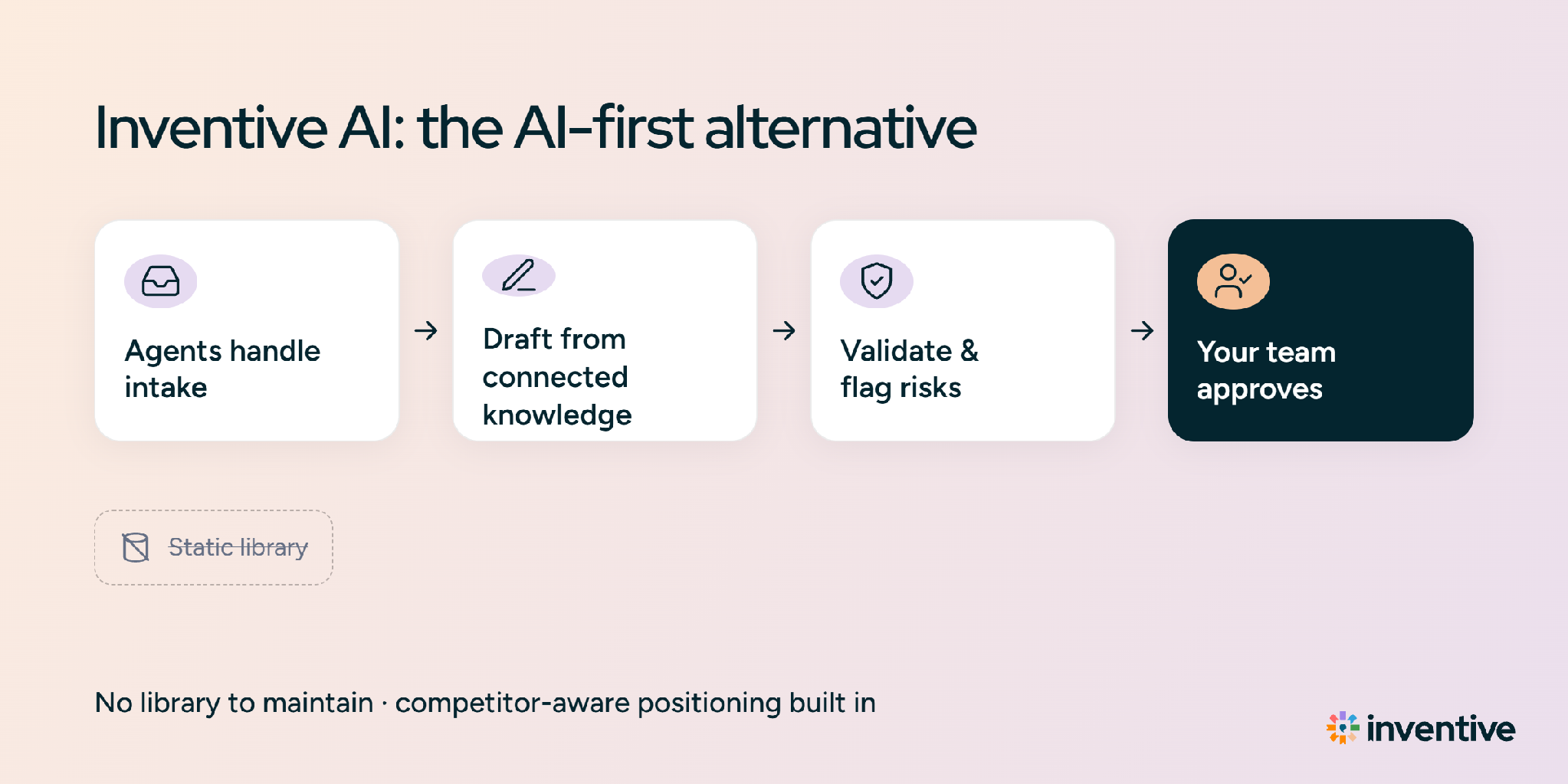
Inventive AI is built the other way around. Instead of a library your team maintains, it is AI RFP response software where agents handle intake, draft from your connected knowledge, validate the full response, and flag conflicts, while people stay in the loop for approvals. Users are unlimited, and teams go live in days. As sales cycles compress, drafting speed directly influences revenue turnaround; Gartner predicts that AI-driven sales enablement will deliver 40% faster sales stage velocity than traditional methods by 2029.
AutoRFP vs Responsive: features, limitations and reviews
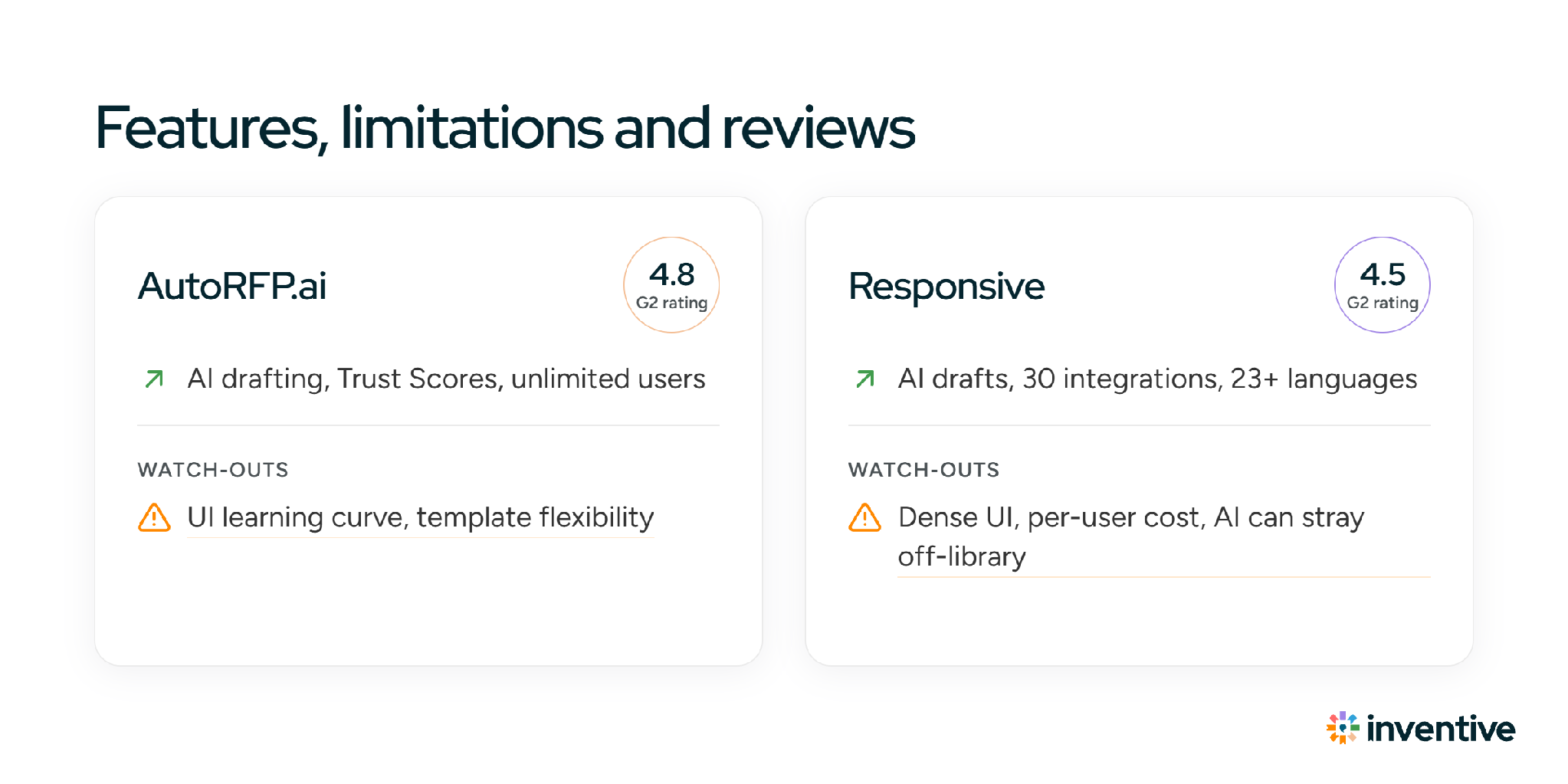
AutoRFP.ai focuses on AI-assisted drafting using semantic search and browser-based portal auto-filling, whereas Responsive provides broader project tracking, custom review workflows, and extensive enterprise tool integrations.
AutoRFP.ai best features
- AI Response Engine drafts answers from your existing content faster
- Cited sources with a Trust Score on each draft, for quick verification
- Unlimited users on every plan, with no per-seat cost
- Multi-format import and export across Excel, Word, PDF, and web portals
- SOC 2 and ISO 27001 compliance included on all plans
- Integrations across Salesforce, Slack, Teams, SharePoint, Confluence, Notion, Drive, OneDrive, and Box
AutoRFP.ai limitations
- The interface takes getting used to, and reviewers often lose track of where they left off in a project.
- Getting started is slower without training, because the early learning curve is steep.
- There is no automated content governance, so outdated or conflicting responses have to be caught by a person.
- Free-text and complex source documents are handled poorly and usually need manual cleanup.
- Templates are rigid, which makes adapting formats across different RFPs harder.
- Reporting is limited, with little visibility into the edits contributors make.
AutoRFP.ai pricing
- Scale: $899 per month, billed annually, for up to 24 projects per year
- Accelerate: $1,299 per month, billed annually, for up to 50 projects per year
- Enterprise: custom pricing for higher volume
- Every plan includes unlimited users, SSO, integrations, and compliance, with no paid add-ons
AutoRFP.ai ratings and reviews
- G2: 4.8/5 (about 60 reviews)
- Gartner Peer Insights: 4.8/5 (21 reviews)
What are real users saying about AutoRFP.ai?
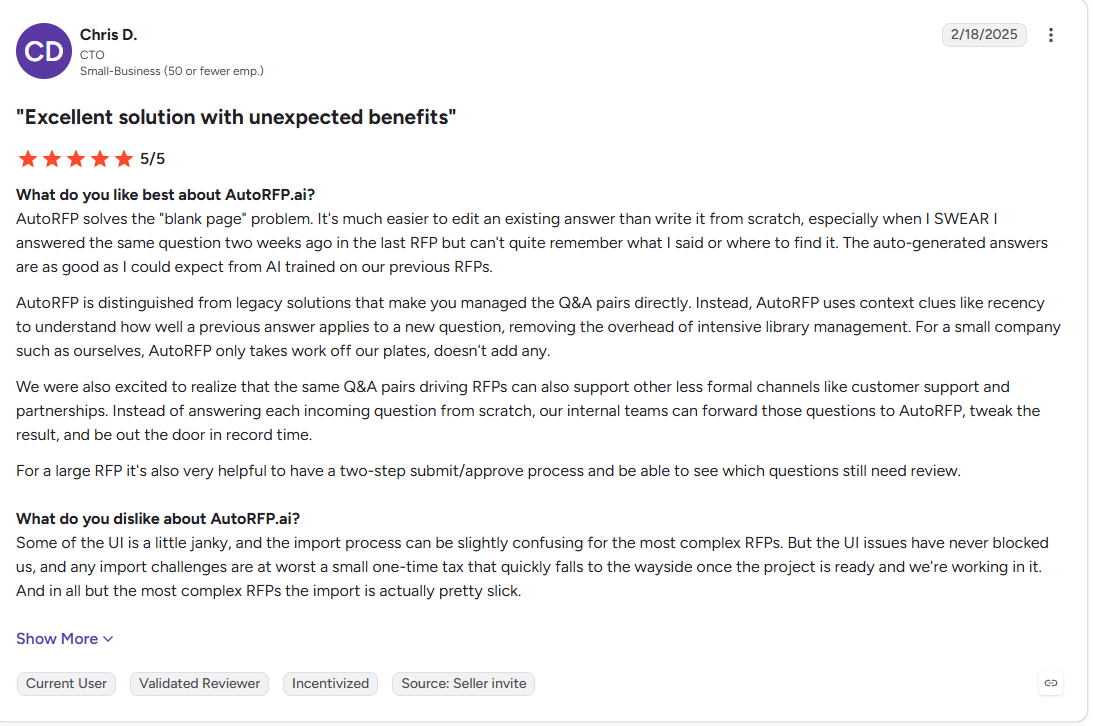
A G2 reviewer says:
“AutoRFP solves the blank-page problem by editing past answers instead of writing from scratch, and its context-based matching (using recency) removes heavy library management, so it only takes work off a small team's plate. The same Q&A also feeds support and partnership questions. The only gripe: the UI is a bit janky and importing the most complex RFPs can be confusing, though it is a minor one-time cost.”
— Chris D., CTO, Small-Business, 5/5 on G2
Also Read: AutoRFP vs Inventive AI: Better RFP Software?
Responsive best features
- AI Assistant and agents generate source-cited first drafts across RFPs and questionnaires
- TRACE Score validates individual responses for quality and confidence
- Auto-answering for security questionnaires and vendor assessments
- Broad integration ecosystem, reported at close to 30 native integrations plus 75+ open APIs
- Multi-language support, reported at 23+ languages, with version linking for global teams
- Mature content library and reviewer and approval workflows for governance at scale
Responsive limitations
- Markets itself as AI-first, but the AI sits on an established content-library architecture, not a system built around live, connected knowledge
- No cross-library conflict detection; TRACE Score validates answers one at a time but does not catch contradictions across the library
- No competitive intelligence agents built into the core workflow
- Responses draw from a shared library, with limited deal-specific personalization by default
- UI complexity and a learning curve slow down even experienced users, with key actions often buried in menus
- Per-user pricing is harder to forecast than AutoRFP.ai's as teams scale, which is part of why some buyers start comparing Responsive alternatives early
Responsive pricing
- Pricing starts at $10,000 per year for the Emerging Edition, per its pricing page
- Growth and Enterprise editions are custom-priced based on users, features, and deployment needs
- Three-part model: a platform fee, user licenses, and add-ons or services, so costs vary by scale
Responsive ratings and reviews
- G2: 4.5/5 (1,311 reviews)
- Gartner Peer Insights: 4.3/5 (55 reviews)
What are real users saying about Responsive?
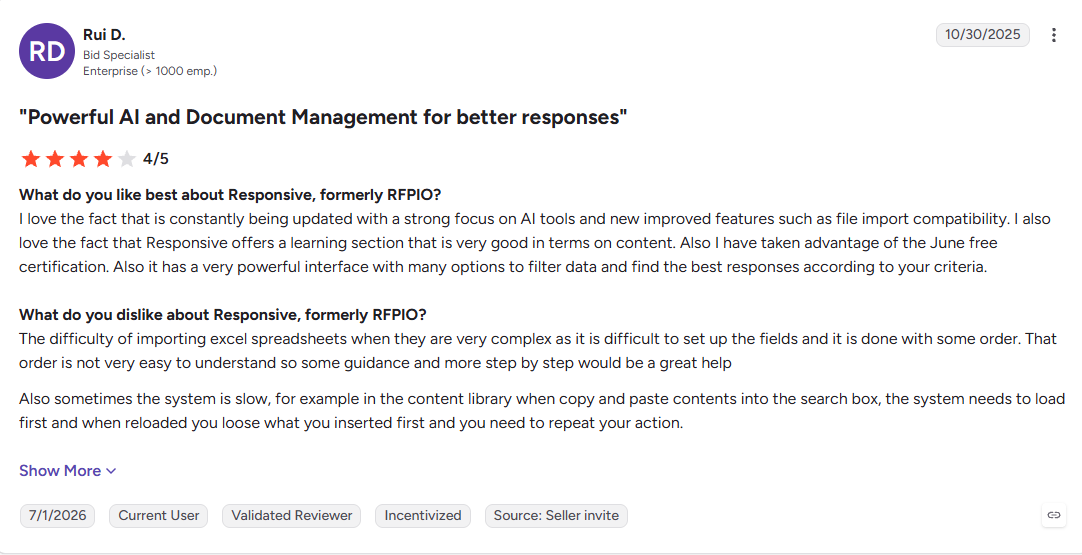
A G2 reviewer says:
They value the constant AI updates, new features like file-import compatibility, the learning/certification content, and a powerful interface for filtering to the best responses. The downsides: importing complex Excel files is hard because field setup is unclear, and the content library can lag, pasting into search can trigger a reload that wipes your entry and forces a redo.
— Rui D., Bid Specialist, Enterprise, 4/5 on G2
Also Read: Responsive vs Inventive AI: A Head-to-Head Comparison for RFP Excellence
Responsive vs AutoRFP: AI-native feature comparison
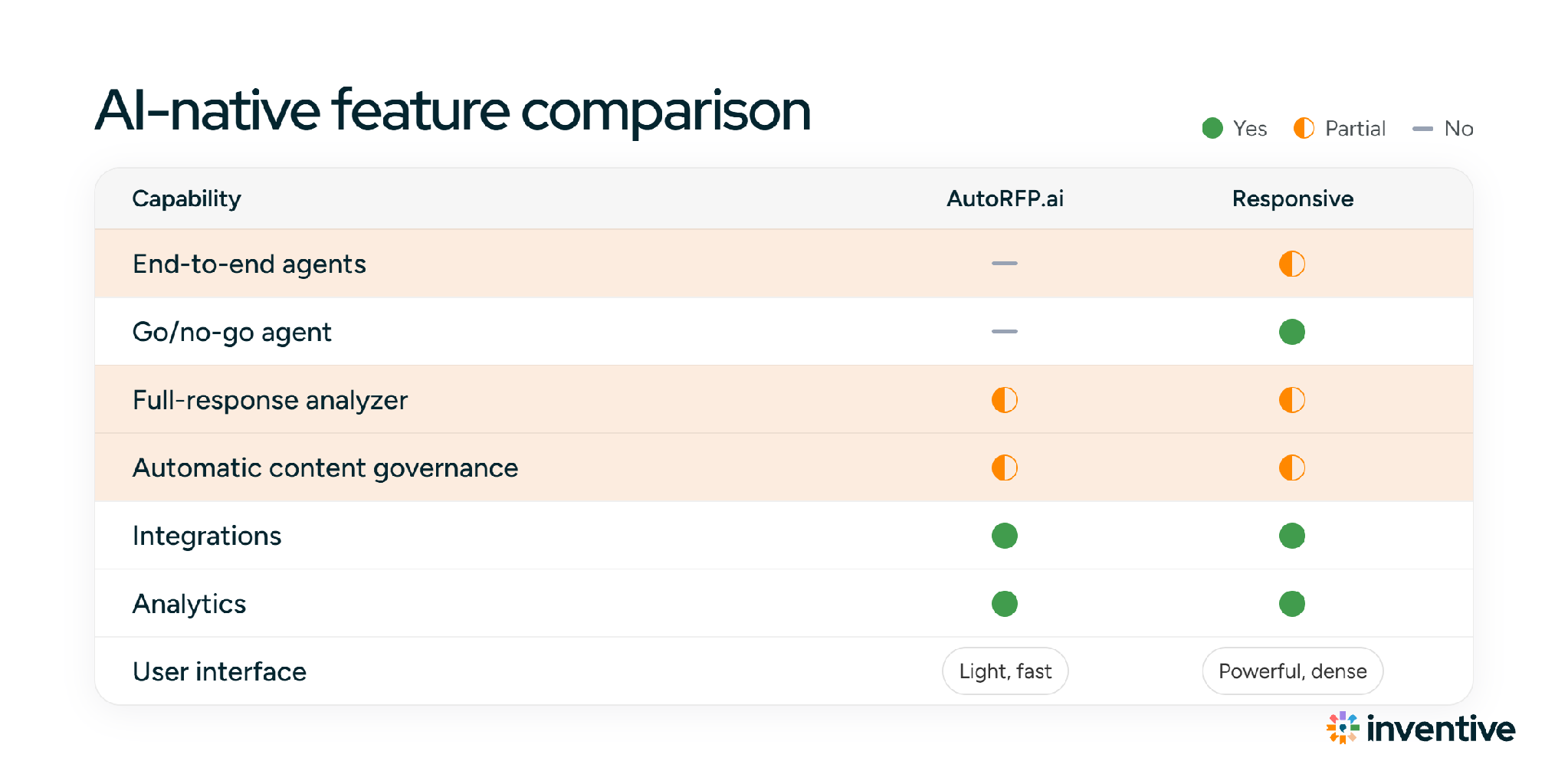
A side-by-side evaluation of how AutoRFP.ai and Responsive apply AI across key workflow areas, including automated answer drafting, repository maintenance, requirements parsing, and review governance.
AI agents for end-to-end automation
AutoRFP.ai: No end-to-end agent. Its AI Response Engine drafts from your content, and a person runs intake, review, and submission. It speeds drafting rather than running the whole response.
Responsive: Partial. Its AI Assistant and agents generate full first drafts across RFPs, DDQs, and security questionnaires, mapping incoming questions to content, while your team still drives intake and review.
Go/no-go agent
AutoRFP.ai: Not a named feature we could verify. Qualification is handled by your team outside the tool.
Responsive: Included. Bid and no-bid fit scoring evaluates an incoming opportunity against your criteria so teams can decide whether to pursue or pass before investing time.
Automatic response analyzer
AutoRFP.ai: Review runs at the answer level through Trust Scores and cited sources, rather than one pass across the full document.
Responsive: Partial, through TRACE Score. It validates individual responses for quality and confidence, which helps reviewers prioritize, but it checks answers one at a time rather than across the whole response.
Automatic content governance
AutoRFP.ai: Partial. The library self-updates from approved responses and runs source checks, including conflict handling, so there is less manual upkeep.
Responsive: Partial. Metadata tagging and TRACE-driven validation support governance at scale, and content can be linked across versions, but it still relies on people to keep the library current and consistent.
Integrations
AutoRFP.ai: Connects to Salesforce, Slack, Teams, SharePoint, Confluence, Notion, Drive, OneDrive, and Box, plus sourcing platforms such as Ariba, Workday, and Jaggaer, with the connector roadmap still expanding.
Responsive: A broader enterprise layer, with around 30 native integrations and 75+ open APIs, aligning deeply with enterprise CRM, sales enablement, and procurement systems.
Analytics
AutoRFP.ai: Project and content analytics aimed at keeping a focused team's content current and projects on track.
Responsive: Advanced reporting and dashboards built for scale, tracking performance across large teams and many concurrent projects, which suits program-level oversight.
User interface
AutoRFP.ai: Light and fast, though some reviewers report navigation friction, such as finding where they left off in a project.
Responsive: Powerful but denser. Many users find it capable, while others describe the interface as cluttered and say common tasks take extra clicks, with a steeper learning curve.
Two capabilities neither platform fully delivers, agent-driven end-to-end automation and full-document governance with cross-library conflict detection, are the gaps buyers weigh when they look at AI-native tools.
Why AI-first RFP software is the future, and where AutoRFP and Responsive fit
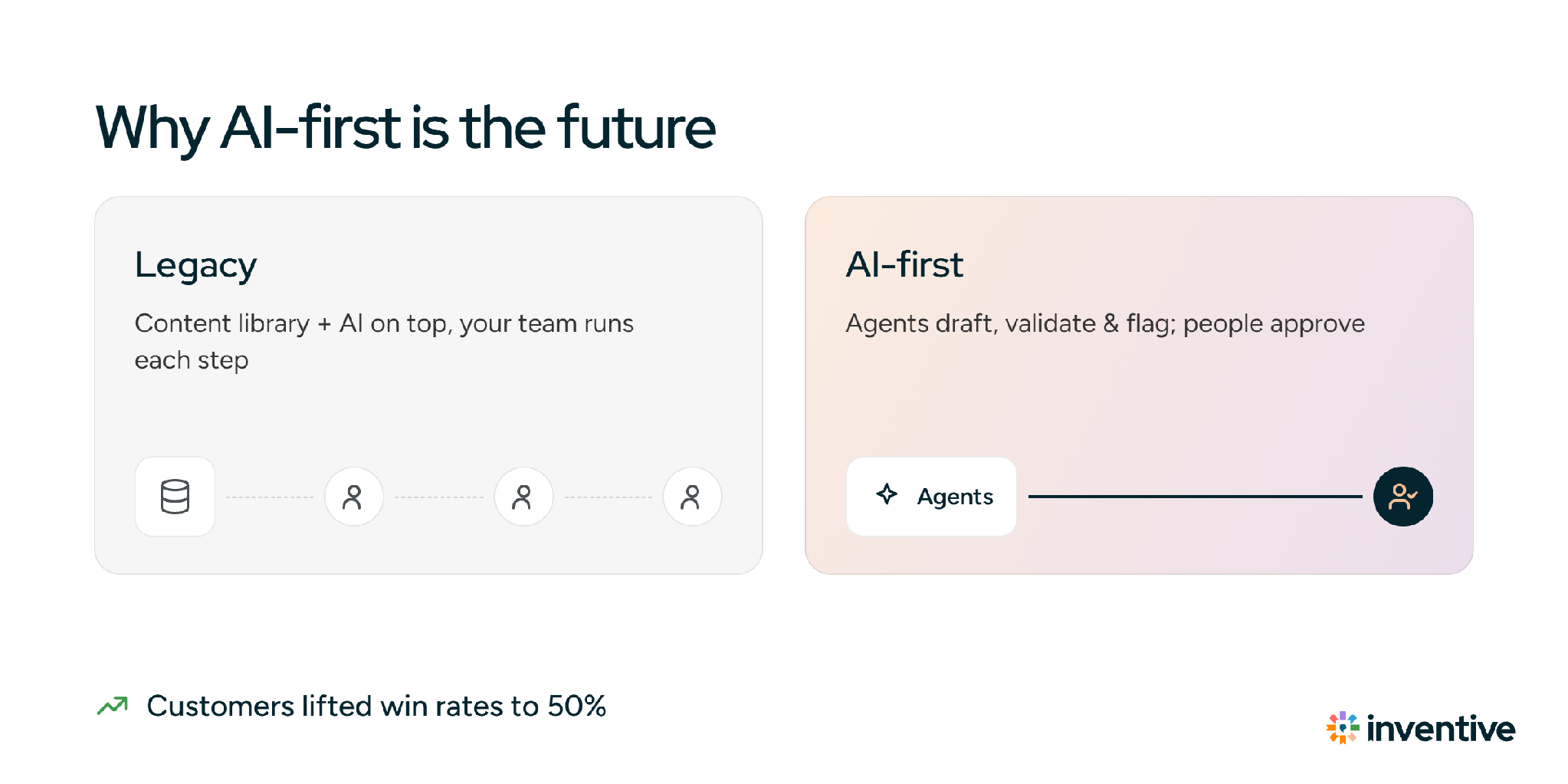
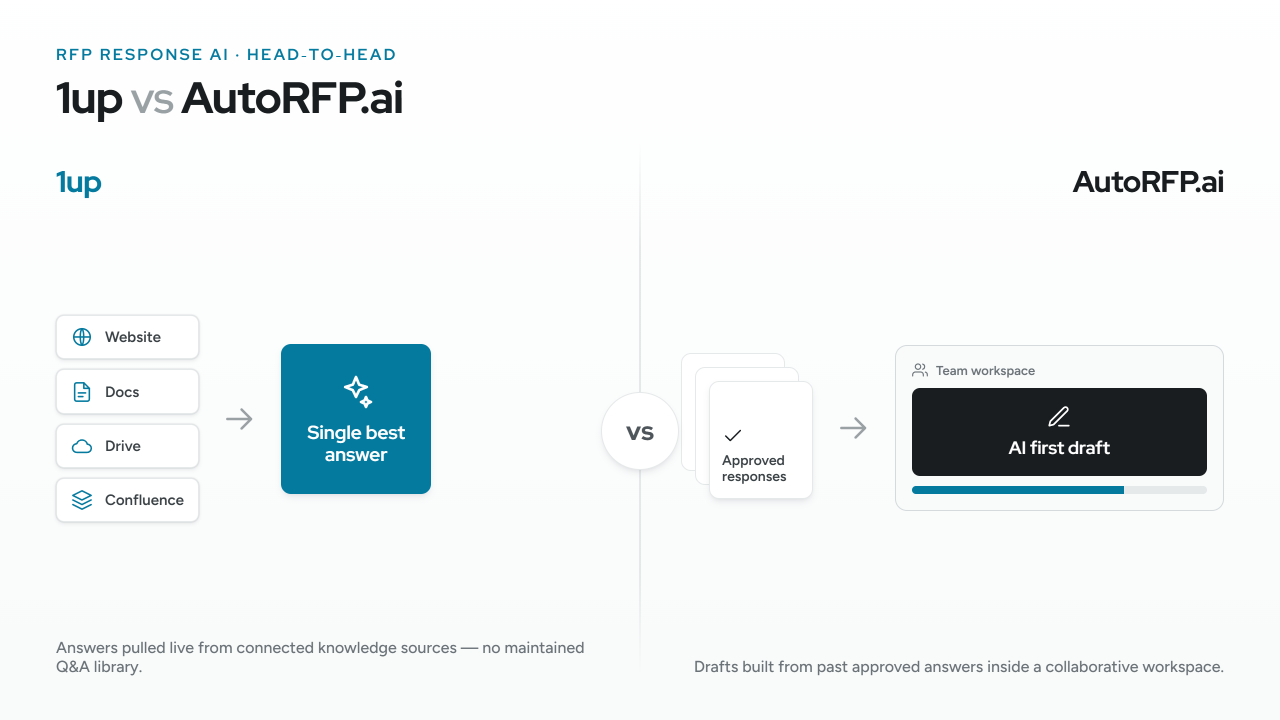
RFP platforms differ fundamentally by architecture: Responsive relies on a manually updated Q&A database, AutoRFP.ai pulls answers directly from connected raw files and past responses, and Inventive AI uses autonomous agents to generate full drafts. This shifts the team's role from managing static content libraries to simply reviewing completed work.