Copilot Skills for RFPs: How to Get Accurate RFP Answers from Microsoft 365 Copilot
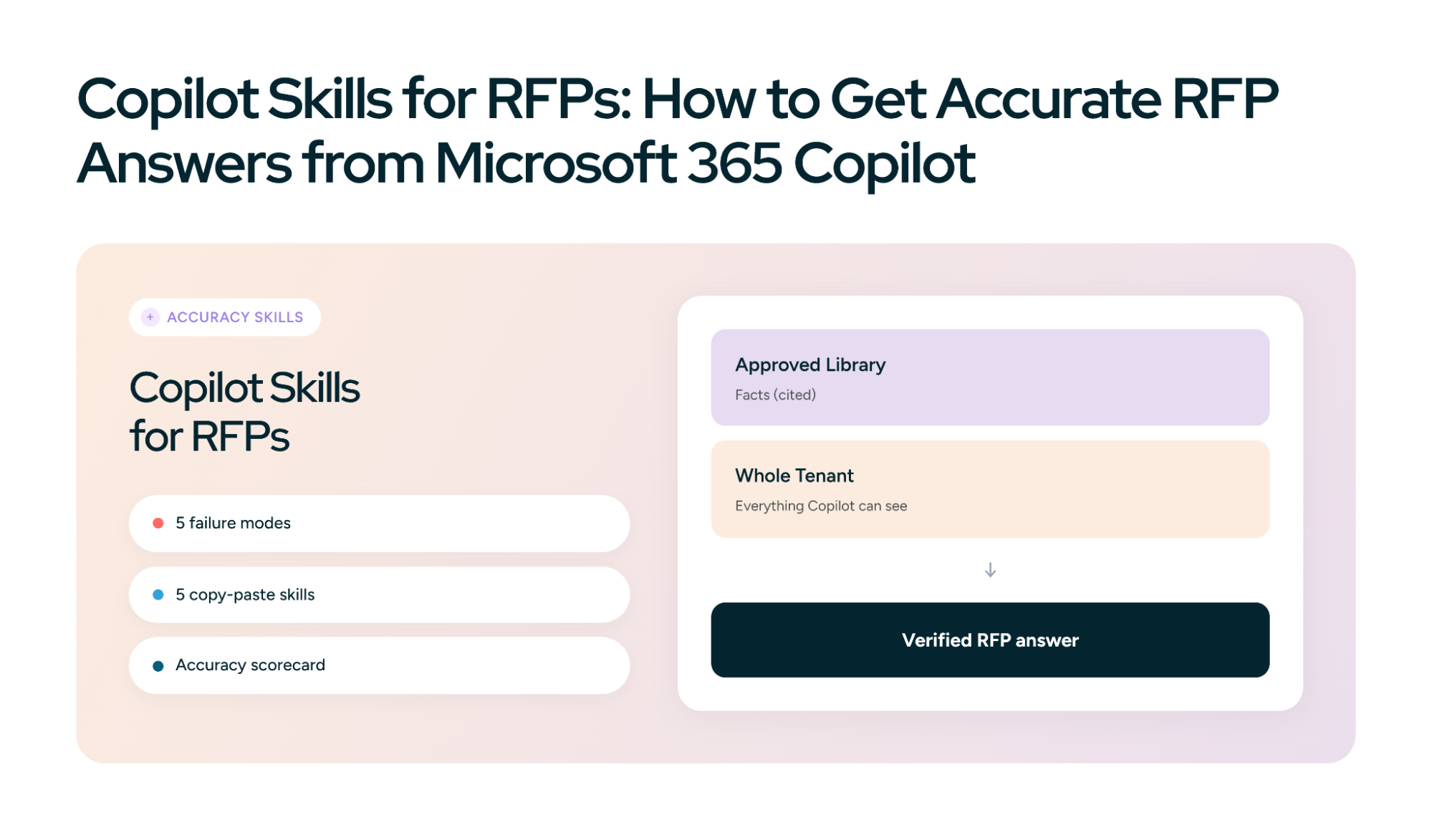
Microsoft 365 Copilot can find your SharePoint content, read the buyer's RFP, and draft an answer in Word in under a minute. Speed was never the hard part. The hard part is knowing whether the answer is right.
That's not a Copilot-specific worry. When Stanford researchers tested purpose-built legal research tools that ground answers in a document database, the same technique Copilot uses on your tenant, they found the tools still produced incorrect information on 17% to 33% of queries. Grounding reduces errors. It doesn't remove them. In an RFP, one wrong certification or invented customer reference can cost a deal or end up in a contract.
This guide is about closing that gap with Copilot skills: the reusable SKILL.md instructions Microsoft rolled out across Copilot Cowork, Excel, PowerPoint, and SharePoint in 2026. Instead of a general RFP workflow, it gives you five skills that each target one specific way RFP answers go wrong, plus a way to measure whether they're working.
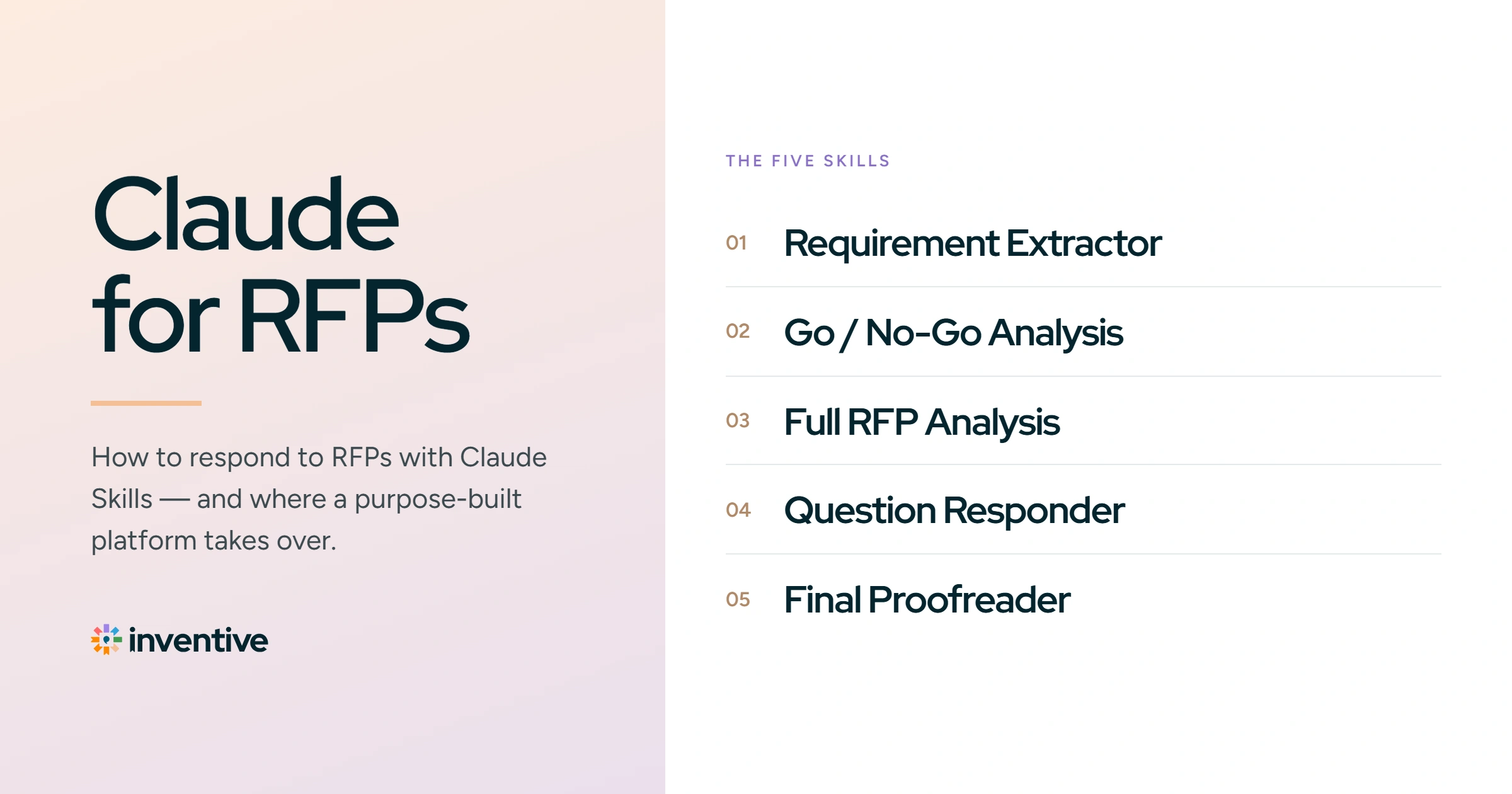
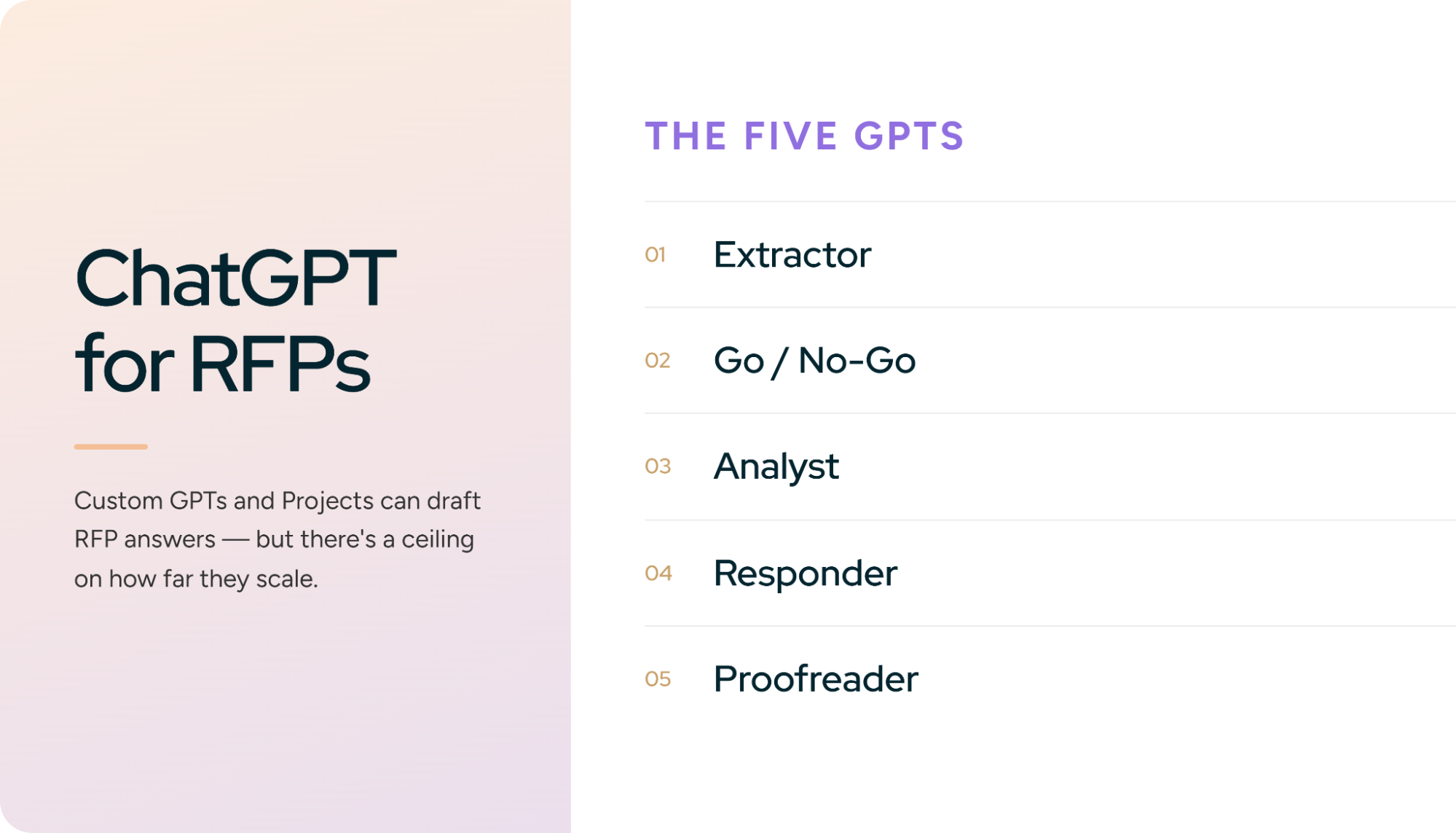
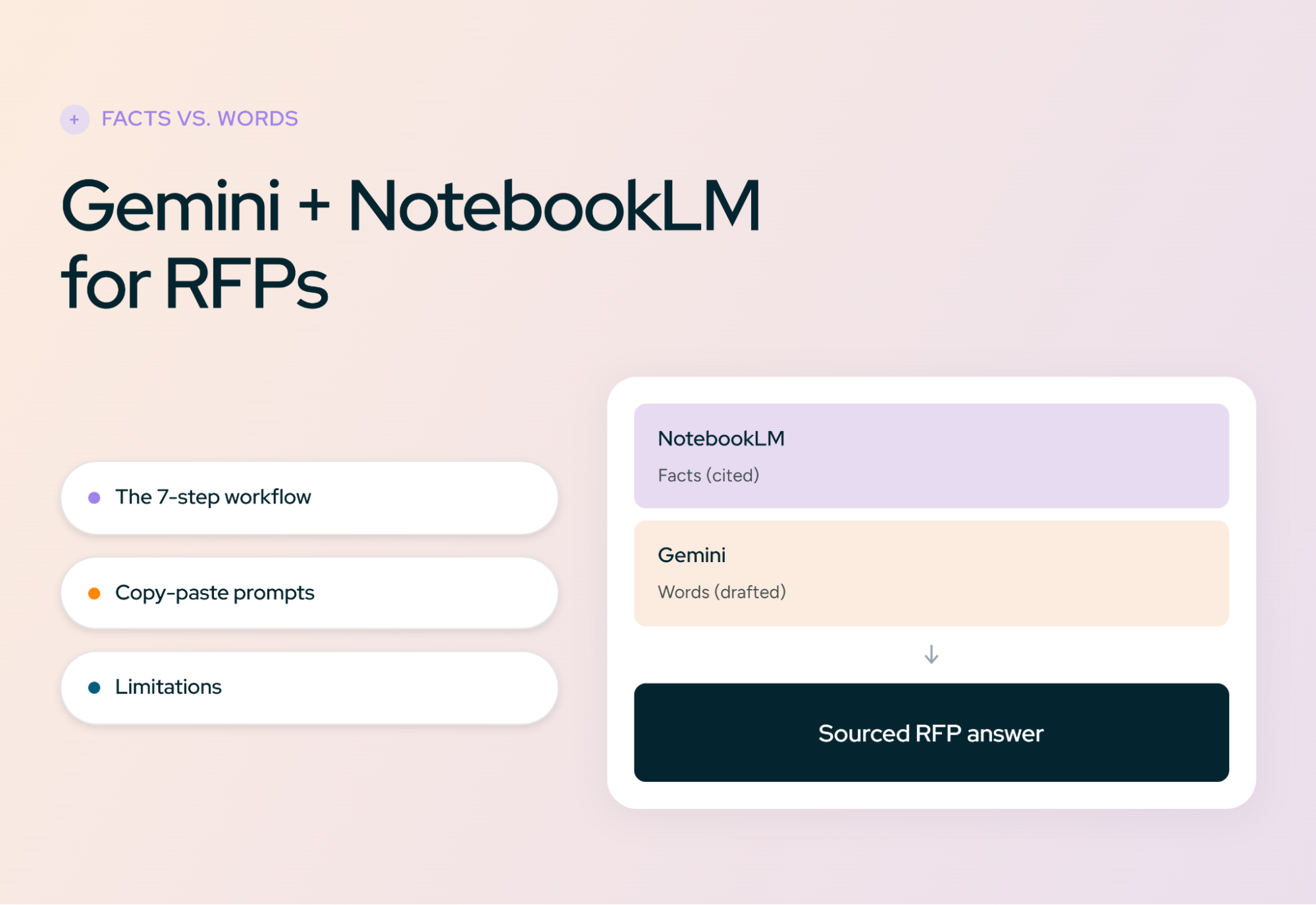
If you want the end-to-end drafting workflow first, start with our guides to Claude for RFPs, ChatGPT for RFPs, or Gemini and NotebookLM for RFPs. A disclosure: we build AI RFP response software at Inventive AI, where answer accuracy is the core of what we do. We'll be upfront about where Copilot works well and where it doesn't.
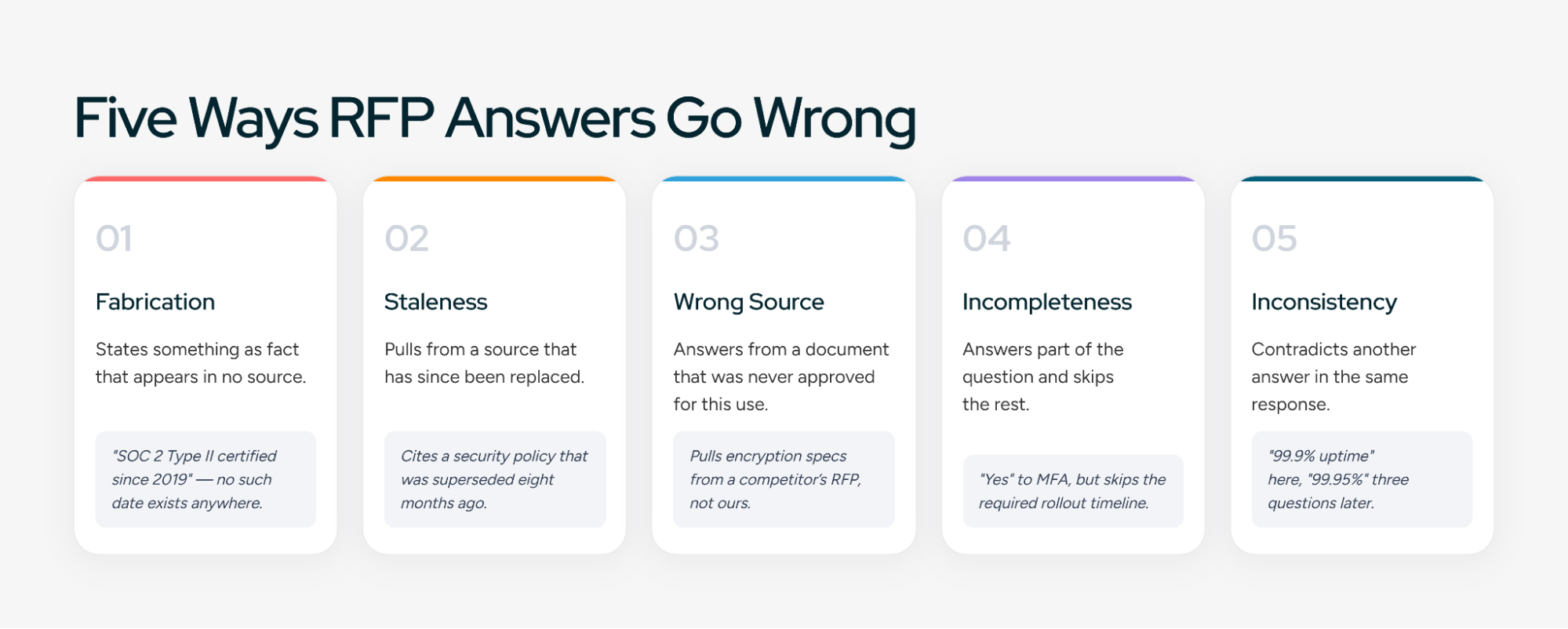
The five ways Copilot gets RFP answers wrong
You can't fix accuracy in general. You fix specific failure modes. In RFP work on Microsoft 365, almost every wrong answer falls into one of five types.
One cause is unique to Copilot and worth understanding. Microsoft 365 Copilot only surfaces organizational data the user has at least view permission to. That's the right design for security. But it means two people asking the same RFP question can get different answers, because they can see different files.
In practice this cuts both ways. A sales rep who can't see the security team's current policy gets an answer built from an old slide deck. An SE with broad access gets an answer that pulls from a draft that was never approved. Neither knows it happened.
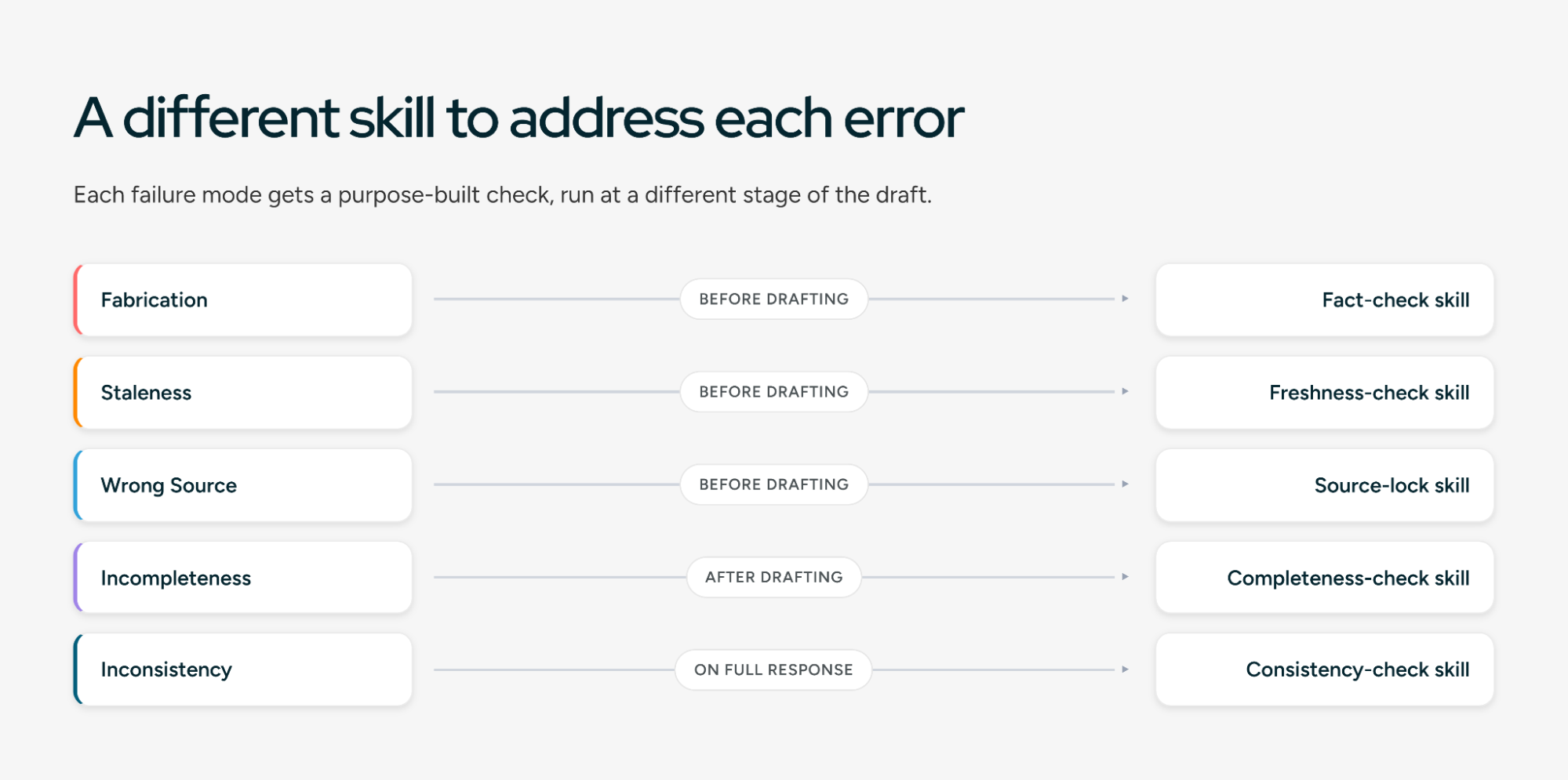
The five skills in this guide map one-to-one to these error types. But skills only work on top of clean sources, so start there.
What are Copilot skills, and what do they do?
A Copilot skill is a set of reusable instructions that Copilot applies whenever a task matches. You write the method once, and Copilot follows it every time instead of relying on whoever wrote the prompt that day. For accuracy work, that consistency is the point: a verification step that depends on someone remembering to ask for it will get skipped on deadline day.
In Copilot Cowork, a custom skill is a folder in your OneDrive at /Documents/Cowork/skills/<skill-name>/ containing a SKILL.md file: a short header with a name and description, then the instructions. According to Microsoft's Cowork documentation, you can create skills from the Customize page, by asking Cowork in chat, or by adding the file to OneDrive yourself. Each user can create up to 50 custom skills, each up to 1 MB, and Cowork picks them up at the start of each session.
If that format sounds familiar, it is. It's the same SKILL.md structure Claude uses, which we walked through in our Claude for RFPs guide. Skills you write for one can often be adapted for the other.
Skills are spreading across Microsoft 365, but unevenly:
Microsoft ships new Copilot features monthly, so check your own tenant before you build.
Skill or agent? A skill is personal and lightweight: a file in your OneDrive, no admin needed. An agent built in Copilot Studio is a separate assistant someone publishes through an approval flow, with its own knowledge sources and permissions. Start with skills to prove what works. Promote the ones your whole team needs into a Copilot Studio agent once they're stable.
One caution from Microsoft itself: it doesn't validate custom skills. A skill is only as accurate as its instructions, so test each one against known answers before you trust it. The measurement section below shows how.
How to build your knowledge hub in Copilot
Copilot retrieves from everything you can access. Most accuracy problems start there, so the first job is to give it a smaller, cleaner place to look.
Build one approved RFP library in SharePoint
Create a dedicated SharePoint site or library for approved RFP content only. Give a small group edit rights and everyone else read access, so content can't drift in through casual uploads. Then add a few metadata columns to every document:
These columns matter because the skills below read them. A skill can't tell an approved answer from a draft unless something in the file says so.
Move retired content out, not just down
Marking a document "Retired" helps a skill that checks the column. It doesn't stop Copilot's general search from finding the file. Move retired content to a separate archive location that RFP users don't have access to, so it falls out of their Copilot results entirely. Ask your Microsoft 365 admin whether your tenant has other controls for keeping archive sites out of Copilot.
Scope Copilot to the library
Microsoft has been adding the ability to scope Copilot Chat responses to specific content sources you select. When it's available in your tenant, point RFP work at the approved library instead of everything. Until then, the Source Scoper skill below does the same job through instructions, and a Copilot Studio agent can be limited to the library as its knowledge source.
Check what your RFP team can see
Because Copilot respects each user's permissions, run a quick test before going live. Have a sales rep, an SE, and a proposal manager each ask Copilot the same five RFP questions. If the answers differ, find out why. Usually it's a permission gap on the approved library or an old file someone can still see. Fix it before the first live bid, not after.
Five Copilot skills for RFP accuracy
Each skill below targets one of the five error types. Save each as its own SKILL.md in /Documents/Cowork/skills/<skill-name>/. The description line matters most, because it's how Copilot decides when a skill applies, so keep it specific.
Skill 1: Source Scoper
This skill fixes the problem at the start: what Copilot is allowed to read. It's the single highest-impact skill in the set.
Rule 5 is the accuracy check you can see. Before any words get written, the reviewer knows exactly which documents the answer will rest on.
Skill 2: Claim Ledger
Citations at the end of a paragraph hide problems. One real source can be attached to a paragraph that contains three claims, only two of which it supports. This skill breaks every answer into individual claims and checks each one.
The strict definition in rule 4 is deliberate. A source that says "we encrypt data at rest" doesn't support "we use AES-256 encryption at rest." Without that rule, models count it as a match.
Skill 3: Coverage Mapper
RFP questions often pack several requirements into one sentence. This skill makes sure each one gets an answer an evaluator can find.
Skill 4: Freshness Check
SharePoint versioning keeps your history, but it doesn't stop an outdated document from being retrieved. This skill checks the age and status of every source behind an answer.
The stricter limit in rule 4 reflects where stale answers do the most damage. A slightly dated company overview is harmless. A slightly dated encryption answer is not.
Skill 5: Consistency Audit
Run this once on the full assembled response. It catches the errors no single-answer check can see.
Running them together
In Cowork, the sequence looks like this: run Source Scoper, draft the answer, then run Claim Ledger, Coverage Mapper, and Freshness Check on each draft. Run Consistency Audit once the full response is assembled. A human reviews every flag before anything is submitted.
How to measure whether your skills are working
"The answers seem better" is not a measurement. Without numbers, you can't tell whether a skill change helped, and you can't make the case to leadership. Two lightweight practices cover most teams.
Before launch: an answer key
Pick 25 real questions from past RFPs where you know the correct, approved answer. Include the hard ones: multi-part questions, security questions, and at least five questions your library deliberately can't answer.
Run all 25 through your skills and score each answer:
- Correct: matches the approved answer, fully sourced
- Correct but incomplete: right facts, a part missing
- Wrong: any fabrication, stale fact, or wrong-source fact
- Correct refusal: the library couldn't answer, and the skill said so
The five unanswerable questions are the most important test. A setup that answers all 25 confidently is a setup that guesses. Rerun the key whenever you change a skill, restructure the library, or Microsoft updates the model behind Copilot.
During live bids: the accuracy scorecard
After each submitted RFP, have a reviewer sample 20 answers and tag any errors by type:
Track two numbers per bid:
- Clean-answer rate: the share of sampled answers with no errors of any kind.
- Critical errors caught: how many critical errors the skills flagged before a human reviewer found them, versus after.
The second number tells you whether the skills are doing their job. If reviewers keep catching fabrications the Claim Ledger missed, tighten that skill. If most errors are staleness, the fix is in the library, not the skills.
Set your own thresholds, but one rule is worth adopting from day one: zero critical errors in anything submitted. That's a review standard, not a model standard. Skills reduce the load. They don't replace the final human check.
Security and data handling for bid material
Microsoft 365 Copilot is often the easiest AI tool to get approved for RFP work, because it runs inside a tenant your security team already governs.
- No training on your data. Microsoft states that prompts, responses, and data accessed through Microsoft Graph aren't used to train foundation models, under its enterprise data protection terms.
- Your existing controls apply. Copilot works within your identity model, sensitivity labels, and permissions. Encrypted content isn't returned to a user without at least view rights.
- Prompts are auditable. Under enterprise data protection, prompts and responses are logged, retained, and available for audit and eDiscovery, which helps when a buyer asks how an answer was produced.
Three things to check before you start:
- Which models your tenant uses. Microsoft now offers models from OpenAI and Anthropic inside Copilot, covered by the same data protection commitments. Confirm with your admin which are enabled, and whether any buyer contract restricts sub-processors.
- Who can see the skills. Custom skills in OneDrive are personal, but they may reference library URLs and internal rules. Treat them as internal documents.
- Web grounding. If Copilot can search the web in your tenant, confirm whether RFP users should have it on. Web results are useful for buyer research and risky for answers about your own company. The Source Scoper skill tells Copilot to ignore web results when drafting, but an instruction isn't a hard block.
This summarizes Microsoft's published commitments as of this writing, not legal advice. Your organization's contract and admin settings are what actually apply.
Why Copilot skills have limitations
The five skills will catch a large share of errors. They can't make Copilot a system of record for RFP answers, and it's worth being clear about why.
Skills are instructions, not enforcement. A SKILL.md tells Copilot to use only approved documents. It doesn't technically prevent Copilot from retrieving others. Most of the time the instruction holds. On a long, complex request, it may not, and nothing alerts you when that happens.
The model is checking its own work. Claim Ledger and Coverage Mapper ask the same system that drafted the answer to verify it. That catches a lot, but a model can repeat the same misreading of a source in both passes. Human sampling stays essential.
Metadata depends on people. Status, Owner, and Review by columns only work if someone keeps them current. When a busy quarter hits, review dates lapse quietly and the Freshness Check flags everything, which trains people to ignore it.
Corrections don't flow back. When an SME fixes a wrong answer during a bid, that fix lives in one Word document. Unless someone updates the library, the next bid starts from the same wrong source. Accuracy doesn't compound.
There's no answer-level audit trail. Copilot logs prompts, but nothing records that the security lead approved answer 47 on a given date. When a buyer or auditor asks who signed off, you're searching email.
Questionnaires and portals stay manual. Skills can check answers in Excel, but getting hundreds of verified answers into a buyer's locked workbook or a procurement portal is still hands-on work.
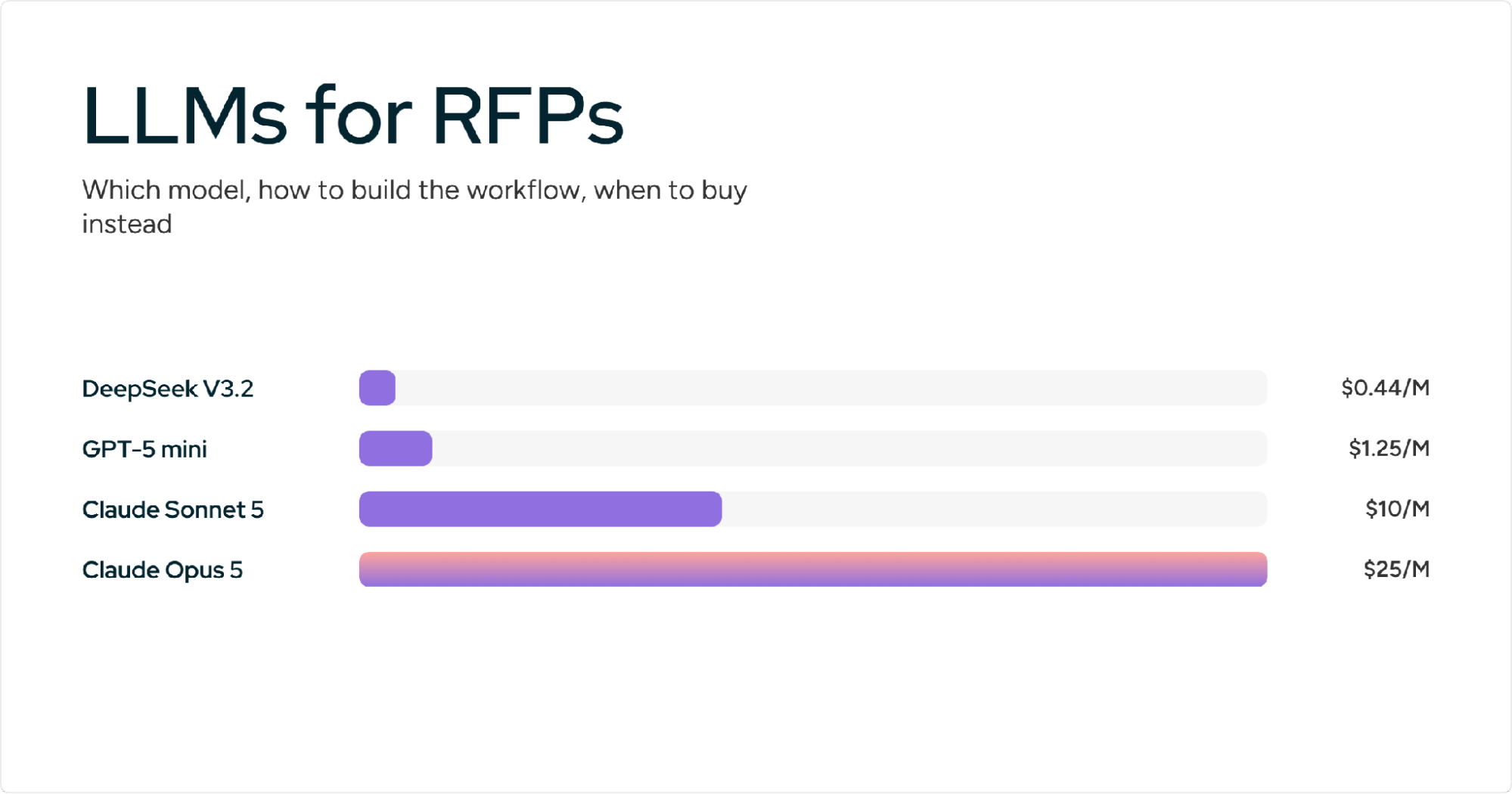
These limits are why accuracy at scale tends to become a governance problem rather than a prompting one, a theme we cover in more depth in our LLMs for RFPs guide.
How Copilot compares on accuracy specifically
Our other guides compare these tools on workflow. This table looks only at the factors that drive answer accuracy.
The pattern is worth noticing. Copilot's main risk is the opposite of the others'. ChatGPT and Claude know too little about your company and fill gaps. Copilot can see too much and pulls in the wrong thing. That's why the Source Scoper skill and a clean library matter more on Copilot than anywhere else.
For the full workflow comparisons, see Claude for RFPs and ChatGPT for RFPs.
When Copilot skills are enough, and when they aren't
Use your accuracy scorecard to decide, not instinct.
Copilot skills are probably enough if your clean-answer rate is holding steady, critical errors are rare and caught before submission, one or two people own the library, and your RFP volume is modest.
It's time to look further if:
- Critical errors keep reaching final review despite the skills
- The Freshness Check flags so much that people have stopped reading it
- SME corrections keep getting lost, so the same wrong answers return
- Buyers or auditors ask who approved specific answers
- Security questionnaires and portal submissions are eating your week
At that point the problem has moved from what Copilot says to how your content is governed.
How Inventive AI approaches RFP accuracy
Inventive AI builds the accuracy controls in this guide into the platform, so they're enforced rather than requested in a skill file.
Inventive is SOC 2 Type II compliant and never uses customer data to train public models (security details). If your team wants to keep working inside Microsoft tools, ask us about Inventive's MCP server, which connects the Knowledge Hub and Inventive's agents to MCP-compatible clients.
On accuracy specifically, RAD AI measured Inventive's answers as 2x more accurate than other RFP AI tools it tested, and Insider cut response time by 90% while lifting its win rate from 30% to 50%. Reviewers rate Inventive 5.0 on G2 and Capterra. See more in our customer stories.
Copilot has limitations
If your team is maintaining skill files, auditing claims by hand, and chasing SMEs for approvals, the accuracy work has become a second job.
.avif)