Medical Device Security Risk Assessments: How Manufacturers Respond and Clear Hospital Security Questions
A practical guide for MedTech manufacturers on how to answer hospital security risk assessments (SRAs), complete MDS2 forms, and clear security questions fast.

A medical device security risk assessment (SRA) is the pre-procurement cybersecurity audit hospitals use to confirm that connected medical equipment will not compromise patient data, disrupt clinical care, or expose hospital networks to cyberattacks.
Yet for MedTech sales engineers and proposal teams, this assessment is where revenue stalls. Even after clinical leads approve a device and procurement agrees on price, deals routinely freeze for four to eight weeks while teams scramble through 200-row security spreadsheets, chase busy software developers for technical details, and assemble proof files like MDS2 forms and medical device SBOMs.
This guide breaks down the five-step evaluation process hospital IT follows, the core documentation needed to pass, and how commercial teams can answer security questions quickly to keep purchase orders moving.
What is a medical device security risk assessment?
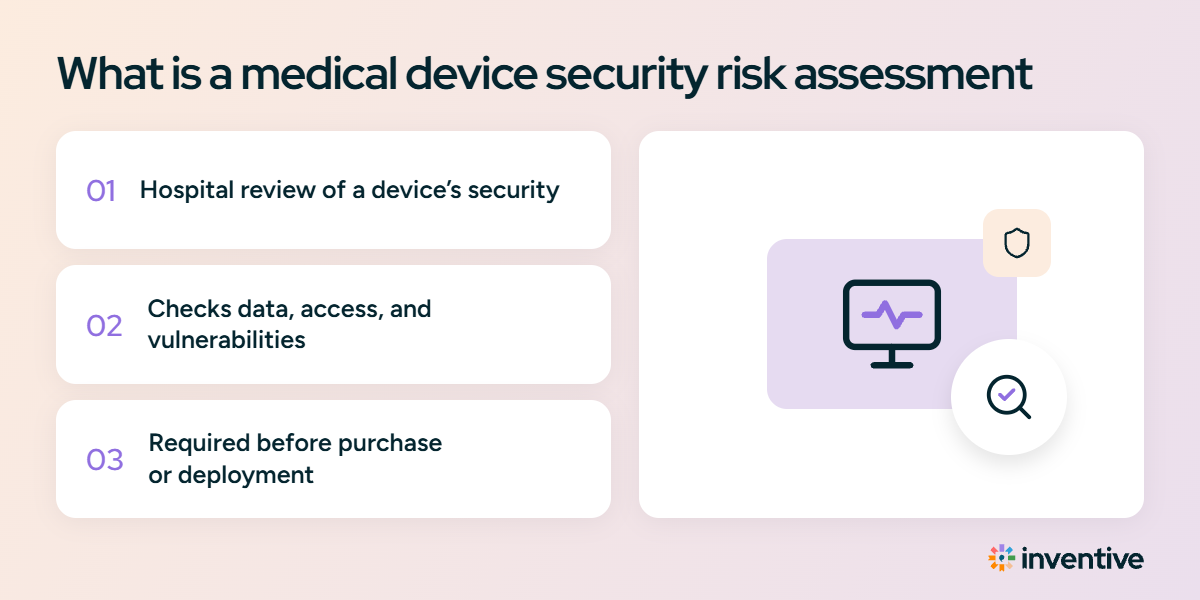
A medical device security risk assessment (SRA) is a formal technical review that a hospital IT, biomedical engineering, and security teams run this evaluation before approving a medical device or connecting it to their clinical network. The review confirms that the equipment protects patient records, receives regular software patches, and prevents cyberattacks or system outages.
This check forms the technical core of a hospital's healthcare third party risk management program. While a standard healthcare vendor risk assessment evaluates company-wide policies, contracts, and employee training, a device SRA directly audits the physical hardware, firmware, software code, and network ports before the machine ever enters a patient room.
How the SRA process works: 5 steps from intake to sign-off
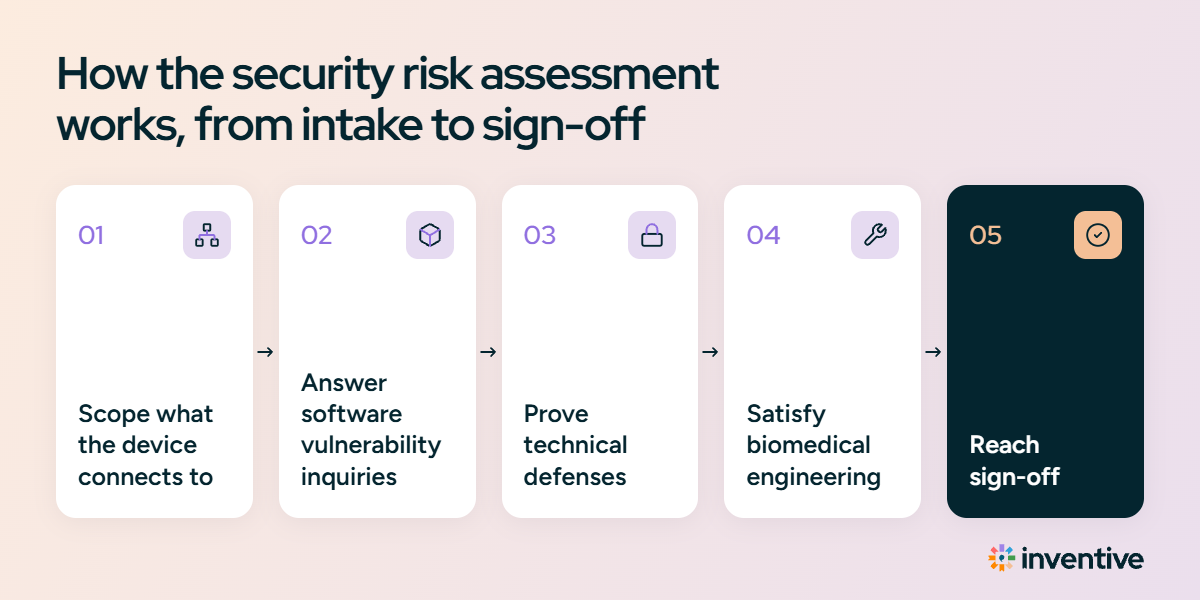
Hospital security teams follow a repeatable evaluation path to decide whether your device is safe to place near patients and connect to their infrastructure.
Step 1: Scoping what your device connects to (intake & classification)
Hospital IT teams first determine how deeply your machine connects to their infrastructure and patients:
- Network connections: Does the machine connect using Wi-Fi, Ethernet cables, or Bluetooth? A mechanical hospital bed bypasses this review, but a networked ultrasound system, infusion pump, or patient monitor triggers an exhaustive audit.
- Cloud and remote access: Does the unit send telemetry off-site or allow vendor technicians to dial in remotely for maintenance? Under FDA Section 524B, any device running software that connects to the internet is a regulated "cyber device" and legally requires security documentation.
- Patient data handling (PHI): Does the device display, store, or transmit patient names, medical record numbers, or scans? Handling protected health information activates strict privacy reviews under HIPAA and requires a signed Business Associate Agreement (BAA).
Step 2: Answering software vulnerability inquiries (SBOM & patch plans)
Reviewers look inside the software powering your device to verify that hackers cannot exploit unpatched components:
- The software ingredients list (SBOM): You supply a validated medical device SBOM detailing every open-source dependency, firmware library, and operating system active on the device.
- Automated vulnerability scanning: Hospital security teams match your component list against vulnerability feeds like CISA’s Known Exploited Vulnerabilities (KEV) catalog. Running an abandoned software library or an unpatched operating system raises an immediate flag.
- Patch cadence: Reviewers inspect your update schedule to confirm your engineers release routine software fixes and emergency patches when critical security bugs are found.
Step 3: Proving Your Technical Defenses (encryption, passwords & pentests)
Hospital IT teams review your security disclosure forms to inspect your built-in safeguards:
- Logins and access: Does the system require unique user accounts and multi-factor authentication (MFA) instead of shared, hardcoded passwords?
- Data encryption: Is patient information encrypted while stored on the hard drive ("at rest") and while traveling across the hospital network ("in transit")?
- Penetration test reports: Hospitals do not rely on self-reported questionnaires alone. They require an executive summary from an independent cybersecurity firm proving that outside ethical hackers tried to break into the hardware, firmware, and cloud connections within the past 12 months.
- Closed network ports: Reviewers check that unused communication ports are permanently disabled so unauthorized network traffic cannot enter the machine unmonitored.
Step 4: Satisfying biomedical engineering requirements (VLANs & maintenance)
Hospital biomedical engineers review how the device operates on the clinical floor alongside other networked equipment:
- Network segmentation (VLANs): Engineers confirm whether the device can run inside its own restricted network zone. This ensures that even if a nearby computer gets infected by malware, the infection cannot reach your medical device.
- Downtime-free updates: Reviewers check whether software updates can be installed without interrupting clinical workflows or shutting down equipment during patient care.
Step 5: The sign-off (clearing the review vs. deal freeze)
Hospital security evaluates your documentation against global safety frameworks to decide whether the purchase can proceed:
- Approved: The device passes every encryption, vulnerability, and access check. Security signs off, and procurement issues the final purchase order.
- Conditional pass: The device lacks a minor feature (such as native disk encryption on older hardware), but the hospital proceeds after placing extra firewall barriers around the device on the network.
- Deal freeze: The manufacturer sends outdated forms, omits an SBOM, or leaves questions blank, leaving the deal stuck in review for months.
The 4 core files you need to answer hospital security risk assessment questions
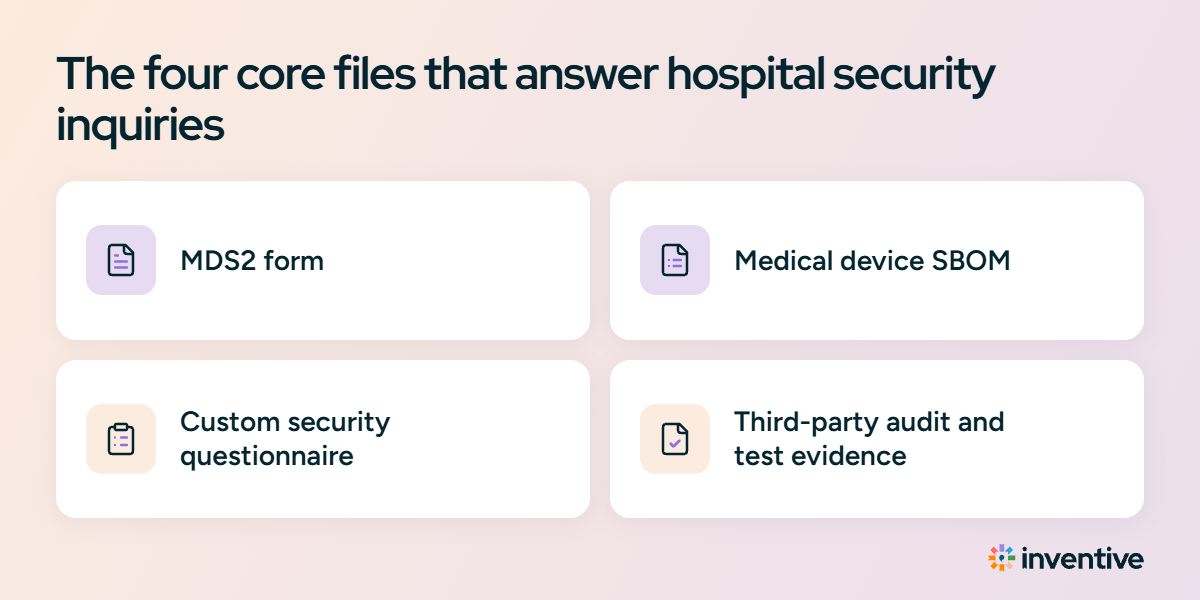
Most hospital security reviews focus on four core evidence files. Keeping these files organized and current prevents weeks of back-and-forth emails:
1. The MDS2 form (the security spec sheet)
- What it is: The Manufacturer Disclosure Statement for Medical Device Security, published by NEMA and HIMSS. It is a standardized, multi-page form detailing your device's built-in security features.
- What it covers: Discloses whether the device supports unique passwords, encrypts local storage, runs antivirus software, or permits remote maintenance.
- Key takeaway: An MDS2 is a disclosure sheet, not a safety certificate. It does not prove a device is immune to hacks; it merely reports what features exist so hospital engineers can plan compensating network controls.
2. The medical device SBOM (the software ingredients list)
- What it is: A medical device SBOM (Software Bill of Materials) is a comprehensive, machine-readable inventory of every software module, operating system, and open-source library running inside the machine. Just as a food label lists ingredients to warn people with allergies, a medical device SBOM lists digital code so hospital security can pinpoint known vulnerabilities.
- Format rule: Always provide your medical device SBOM as an automated data file (using standard formats like SPDX or CycloneDX), never as a static PDF. Hospital security teams run these files through automated scanners to verify safety in minutes.
3. The custom security questionnaire (the hospital's audit sheet)
- What it is: A proprietary spreadsheet sent by the hospital's InfoSec or procurement team containing 50 to 300+ detailed security questions.
- What it covers:
- Access: Does your team enforce multi-factor authentication (MFA) and auto-logout rules?
- Encryption: Are encryption keys managed securely for data stored at rest and in transit?
- Incident Response: What is your formal notification timeline if a security breach occurs?
- Subcontractors: Do your cloud hosting providers sign HIPAA Business Associate Agreements (BAAs)
For a broader look at what healthcare buyers typically ask vendors to provide, see this healthcare security questionnaire template.
4. Third-party audit proof and test evidence
Hospital reviewers do not rely on questionnaire answers alone; they require independent validation:
- Penetration test summaries: An executive summary from an accredited third-party cybersecurity firm proving that ethical hackers tested your APIs, firmware, and network protocols.
- Continuous vulnerability scan reports: Proof that your team regularly runs automated code scans to catch software bugs before firmware updates deploy.
- Audit certifications (SOC 2 Type II / ISO 27001): Independent verification that your internal data controls and cloud environments meet recognized operational security standards.
- ISO 14971 safety risk summaries: Documentation confirming that cyber risks have been reviewed by clinical and regulatory safety leads to eliminate patient harm.
Core Security Documents at a Glance
Also read: Best Security Questionnaire Automation Software in 2026: 8 Tools Compared
The regulatory standards behind the questions you receive
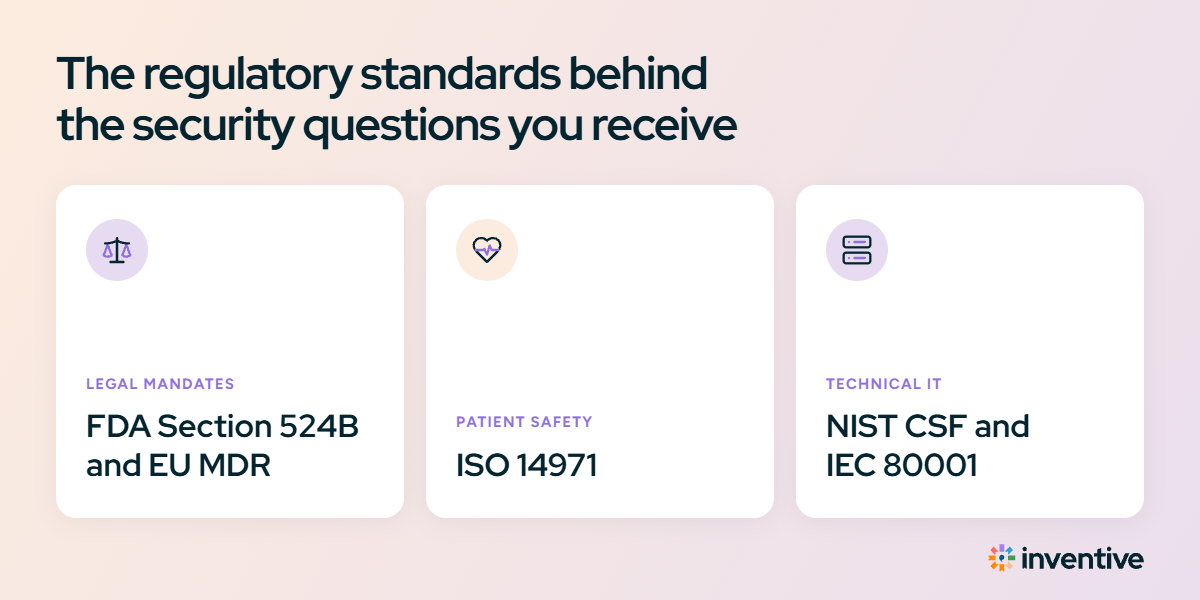
Hospital security teams do not invent their questionnaires from scratch. They base their audits on global regulations and safety frameworks that link software security directly to patient safety.
1. The legal mandates (FDA Section 524B & EU MDR)
Cybersecurity documentation is a legal requirement to sell connected medical devices:
FDA Section 524B (United States):
A federal law that grants the U.S. Food and Drug Administration (FDA) statutory authority to require cybersecurity safeguards and ongoing lifecycle support for any connected medical device sold in the United States.
Section 524B of the Federal Food, Drug, and Cosmetic Act (FD&C Act), enacted under the federal PATCH Act and enforced through the FDA's guidance, Cybersecurity in Medical Devices: Quality System Considerations and Content of Premarket Submissions.
What Qualifies as a "cyber device"?
Under Section 524B, your product is legally classified as a cyber device if it meets three simple criteria:
- It contains software (including firmware or embedded code).
- It can connect to the internet (directly or indirectly via Wi-Fi, cellular, Ethernet, Bluetooth, or cloud portals).
- It contains technology that could be vulnerable to cyber threats.
EU MDR (European Union): Europe’s Medical Device Regulation requires manufacturers to prove their software remains protected against cyber threats throughout its entire operating life. Devices cannot carry a valid CE mark without this documentation.
HIPAA security rule (United States): Requires healthcare organizations to protect electronic Protected Health Information (ePHI). If a device creates, stores, or transmits patient records, hospital compliance teams will mandate encryption at rest and in transit, audit logging, role-based access, and a signed Business Associate Agreement (BAA).
2. The patient safety standard (ISO 14971)
- In standard commercial IT, a cyber breach compromises stored data. In MedTech, a compromised infusion pump, surgical robot, or monitor directly impacts patient health.
- ISO 14971 is the global benchmark for medical device risk management. Hospital IT teams use it to verify that a software bug or network failure will not cause physical injury or misdiagnosis to a patient.
3. The technical IT standards (NIST CSF & IEC 80001)
- NIST cybersecurity framework: The basic checklist hospitals use to verify that your company can identify, protect against, and respond to cyberattacks.
- IEC 80001: The global standard for placing medical devices onto hospital IT networks safely without crashing clinical operations.
Why responding to hospital security questions stalls medical device deals
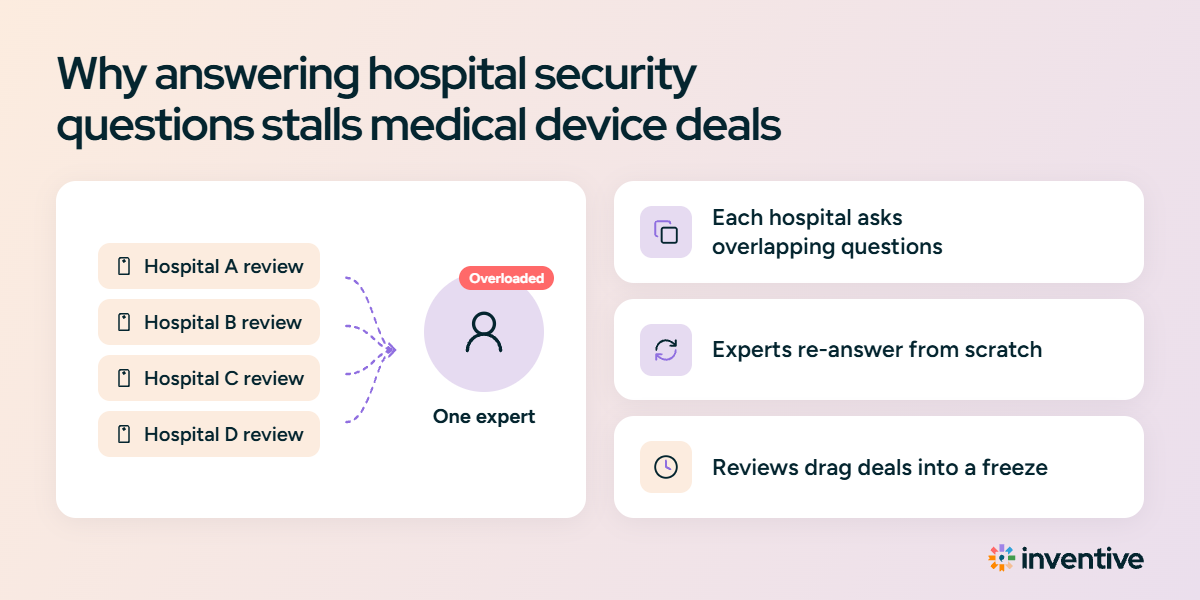
Delays in hospital reviews are rarely caused by critical software flaws. They are almost always caused by proposal workflow bottlenecks:
- Every hospital uses a different spreadsheet: Hospital A asks, "Do you support multi-factor authentication?" Hospital B asks, "Describe secondary user authentication workflows." Both ask for the exact same technical fact, but proposal teams write new answers from scratch each time.
- Engineering SMEs get overwhelmed: Sales reps cannot answer deep technical questions about encryption ciphers or open network ports. Questionnaires sit waiting in an engineer's queue for weeks while deals lose momentum.
- Inconsistent answers across sales teams: When multiple team members answer questionnaires without a central source of truth, answers drift. Submitting conflicting statements to the same hospital system invites audit flags and extra review rounds.
- Submitting outdated files: Supplying an expired ISO certificate, an older MDS2 revision, or an unreadable PDF SBOM prompts hospital reviewers to return the submission for corrections.
If you're preparing for these reviews, this guide to how to handle security questionnaires covers the broader response process and common questionnaire types.
How top commercial teams cut security response times from weeks to days
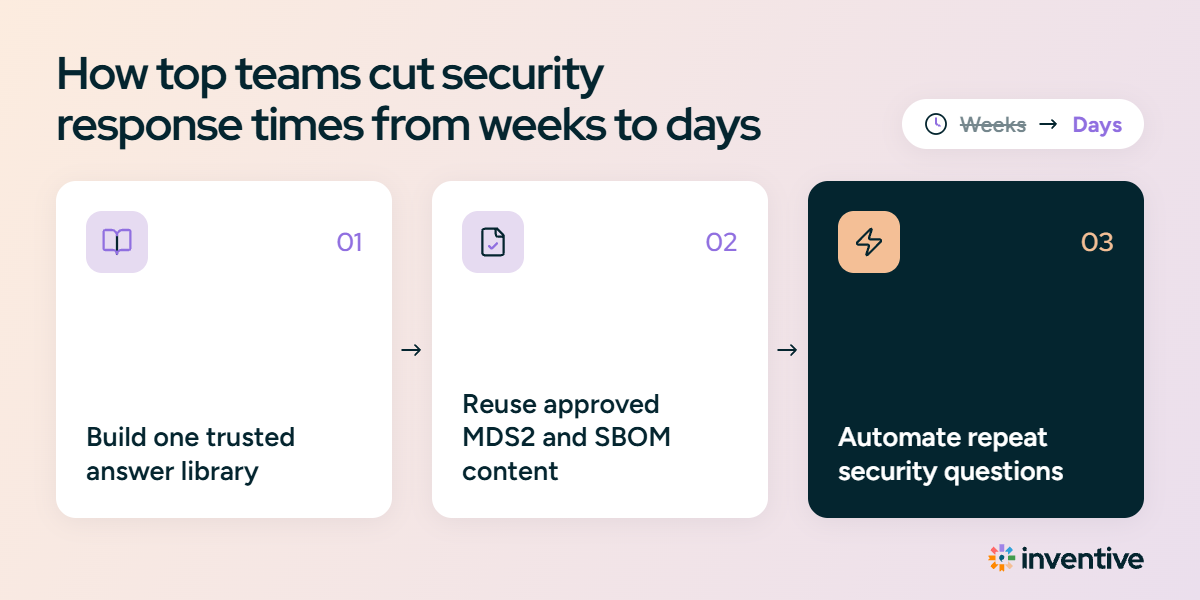
Leading medical device commercial teams treat security documentation as a standardized sales asset rather than an emergency fire drill:
- Maintain one verified source of truth: Store approved security answers in a single location with assigned technical owners, eliminating the need to draft responses from memory.
- Automate SBOM exports: Generate your SBOM in machine-readable formats (SPDX or CycloneDX) directly from your software build pipeline so it updates automatically with every release.
- Map evidence to standard frameworks: Tag your audit reports, penetration test summaries, and policies directly to NIST, ISO 14971, and EU MDR requirements.
- Automate repetitive questionnaires: Use purpose-built software to ingest hospital spreadsheets, match questions against approved compliance files, and generate accurate, cited drafts automatically.
Security questionnaire automation software solves this. Tools in this category draft a response to each question from your approved company knowledge, flag any question they cannot support instead of guessing, and keep a person in the loop to review and approve every response.
Automate medical device security questionnaires with Inventive AI
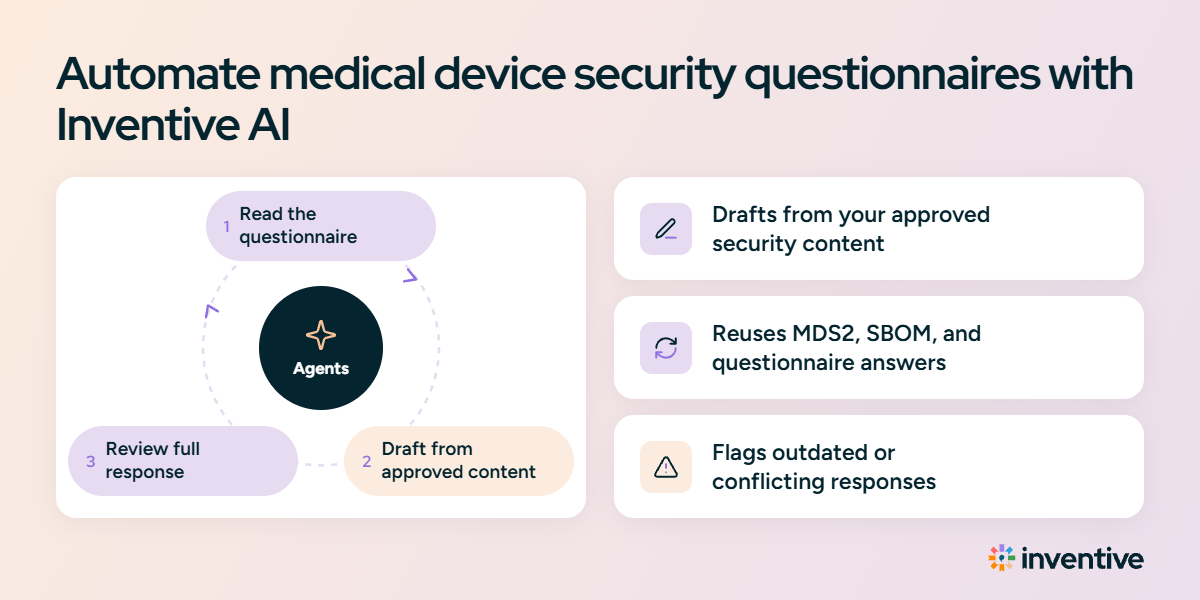
Inventive AI removes the manual spreadsheet drag that delays medical device sales. It is a security questionnaire automation software that helps MedTech teams automatically draft accurate, audit-ready responses directly from their approved knowledge hub. Instead of chasing busy engineers or updating static Q&A banks, AI agents complete complex hospital spreadsheets in minutes, cite every source with confidence scores, and flag outdated compliance data before submission.
- Drafts from approved technical files: Automatically respond to complex questionnaires using your verified MDS2 forms, SBOMs, 510(k) clearances, and SOC 2 reports.
- 100% cited answers: Every drafted response links directly to the exact page and paragraph in your technical documentation, complete with a confidence score.
- Automated content governance: The platform monitors your connected cloud folders, flagging expired certificates or superseded trial data before responses leave your team.
- Export back to buyer formats: Returns completed responses straight into multi-tab hospital spreadsheets or procurement portals without manual copy-pasting.