RFI Log Template for Construction Projects (Free Download)
.png)
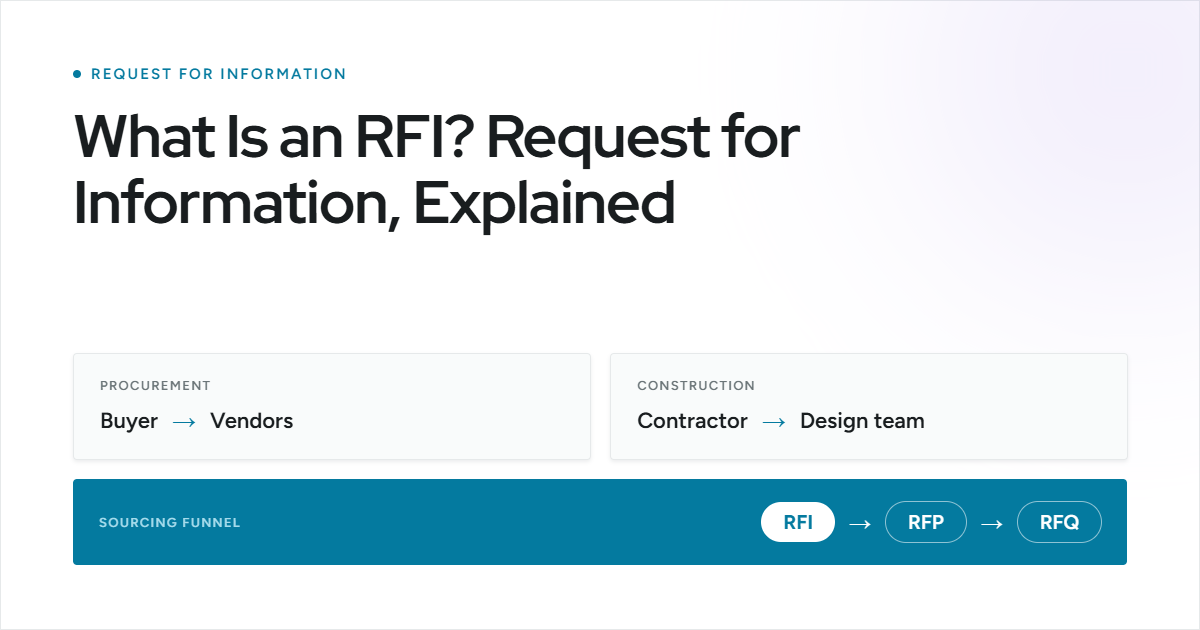
Requests for Information (RFIs) are a core part of construction and capital project execution. Contractors, architects, engineers, project managers, and project owners rely on RFIs to clarify drawings, resolve scope gaps, and formally document technical decisions during active work.
An RFI log provides a standardized tracking system to record each request, assign responsibility, monitor deadlines, and document final determinations. Whether you are responding to RFIs in the field or overseeing them at the project level, a structured format prevents clarifications from getting buried in email threads and ensures accountability across teams.
In construction projects, delayed or undocumented RFIs can trigger schedule slippage, cost exposure, and contractual disputes that escalate quickly. To help you maintain visibility and control, we’ve created a free RFI log template you can download and customize for your project.
RFI Log Template to Strengthen Construction Project Oversight
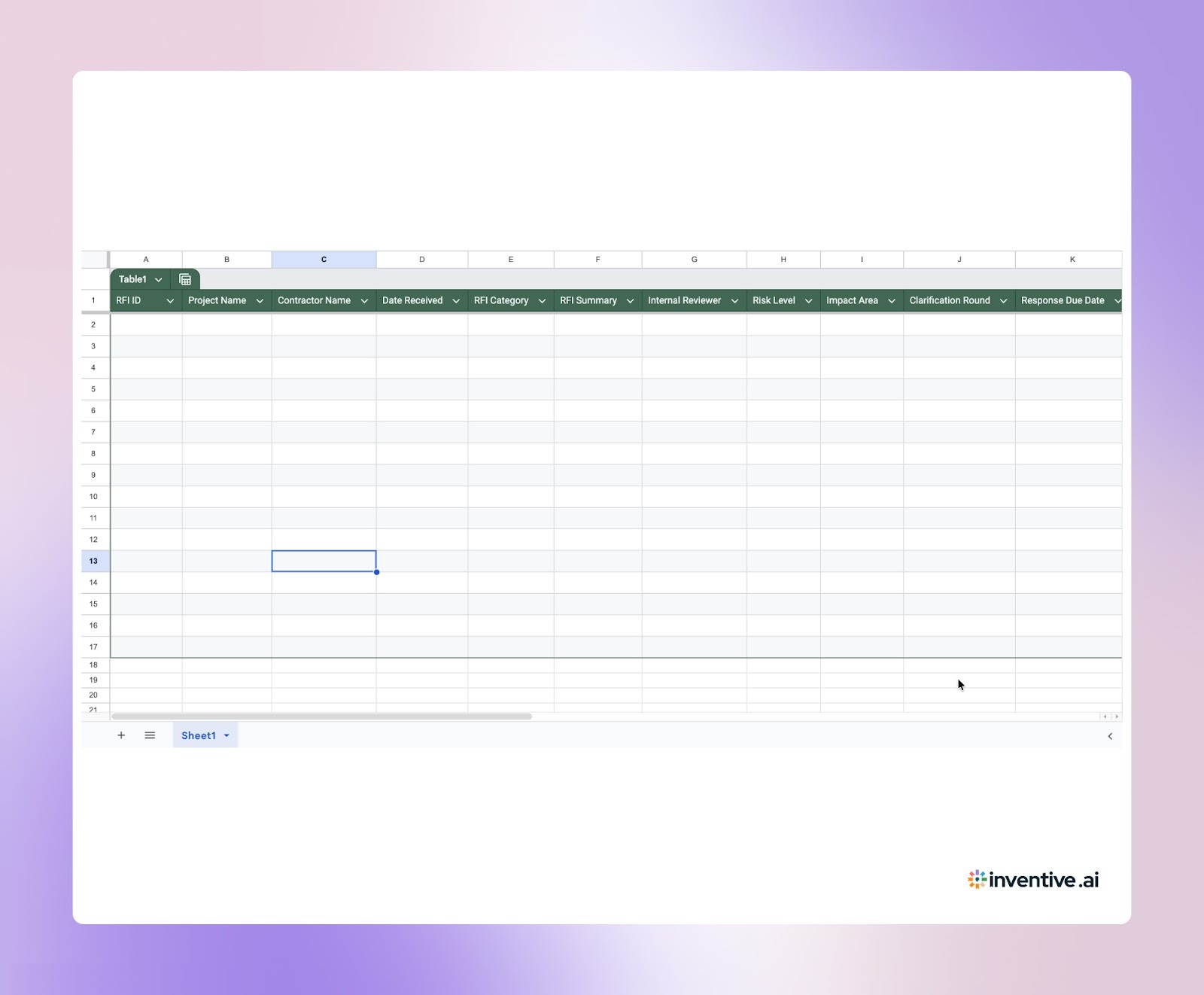
On construction projects, project owners and developers need their own RFI log to maintain independent visibility over scope changes, cost exposure, and contractual decisions.
Below are the key fields to include in an owner-level RFI register:
- RFI ID: Unique tracking number
- Project Name: Associated construction project
- Contractor Name: Party submitting the RFI
- Date Received: When the clarification was submitted
- RFI Category: Design / Structural / MEP / Commercial / Contractual
- RFI Summary: Brief description of the issue raised
- Internal Reviewer: Assigned engineer, PM, or legal reviewer
- Risk Level: Low / Medium / High
- Impact Area: Cost / Schedule / Scope
- Clarification Round: Initial / Follow-up
- Response Issued Date: When official clarification was provided
- Final Determination: Approved / Modified / Rejected
- Change Order Reference: Linked variation or amendment, if applicable
- Budget Impact Notes: Financial implications
- Supporting Documents: Drawings, specifications, contract clauses
- Status: Open / Under Review / Closed
This structure ensures every clarification is traceable, defensible, and tied to scope or budget implications throughout the project lifecycle.
RFI Log Template Practices That Reduce Rework and Cost Escalation
An RFI log is most effective when it becomes part of the project’s daily management routine rather than a static spreadsheet. Teams should treat it as a live control document tied directly to schedule and cost monitoring.
A structured workflow typically includes:
- Log Every RFI Immediately: Record the request as soon as it is formally submitted to avoid undocumented clarifications.
- Assign Clear Ownership: Every RFI should have a named responsible party, not just a company or department.
- Set A Defined Response Deadline: Due dates prevent RFIs from remaining open indefinitely.
- Review During Coordination Meetings: Active and overdue RFIs should be reviewed in weekly progress meetings.
- Link To Change Orders When Applicable: If an RFI results in a scope or cost adjustment, cross-reference it for documentation continuity.
When used consistently, the RFI log becomes a control mechanism rather than just a record-keeping tool.
Related: Top 10 Best RFI Software and Tools for 2026: Features, Pricing & more
RFI Log or RFI Register: Selecting the Right Tracking System for Construction Oversight
The terms “RFI log” and “RFI register” are often used interchangeably, but they serve slightly different purposes depending on the project environment and reporting requirements.
An RFI log is primarily a tracking tool. It focuses on monitoring the status of each request, assigning responsibility, and ensuring responses are delivered on time. Project managers and site teams use the log daily to maintain visibility across active RFIs and prevent delays.
An RFI register, on the other hand, functions as a more formal record. It typically includes complete documentation history, references to contract clauses, attachments, and approved responses. Registers are often used for audit, compliance, or contractual review purposes.
In practice:
- Use an RFI log for operational tracking and deadline management.
- Use an RFI register when formal documentation, compliance reporting, or dispute resolution requires a comprehensive record.
On many construction projects, the RFI log serves as the working tracker, while the RFI register becomes the finalized record maintained for contractual and legal reference.
Inventive AI: Stronger, More Reliable RFI Response Execution
An RFI log tracks questions and answers, but it does not validate accuracy, detect contradictions, or ensure alignment with prior submissions. On construction and capital projects, RFI responses often flow into proposals, change orders, and formal bid clarifications. When answers are reused from spreadsheets without oversight, inconsistencies and outdated commitments enter downstream submissions.
Inventive AI strengthens RFI execution by improving the quality, accuracy, and reliability of every response before it leaves your team.
Key Capabilities of Inventive AI:
Context-Aware Response Generation

Inventive AI analyzes full project context when generating or refining an RFI response, including scope documents, prior clarifications, related RFP answers, and approved knowledge sources. Instead of inserting isolated library text, the system produces responses aligned with actual commitments already made, improving technical precision and delivering up to 95% accuracy.
Conflict Detection
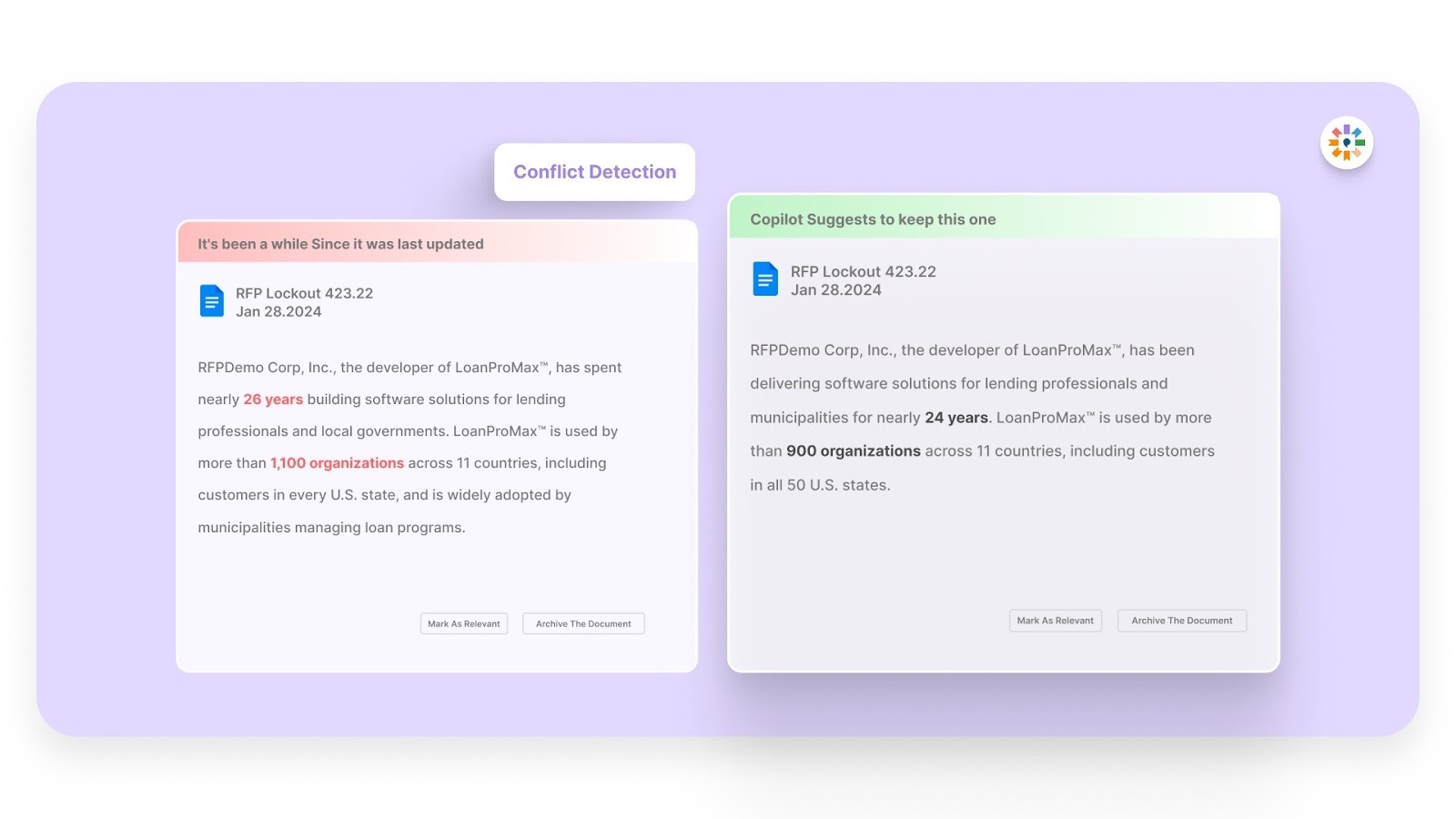
Inventive AI checks new RFI responses against existing RFIs, proposals, and supporting documents to identify contradictory statements before submission. If a clarification introduces a commitment that conflicts with prior content, it is flagged immediately, preventing inconsistent positioning from reaching evaluators.
Outdated Content Detection
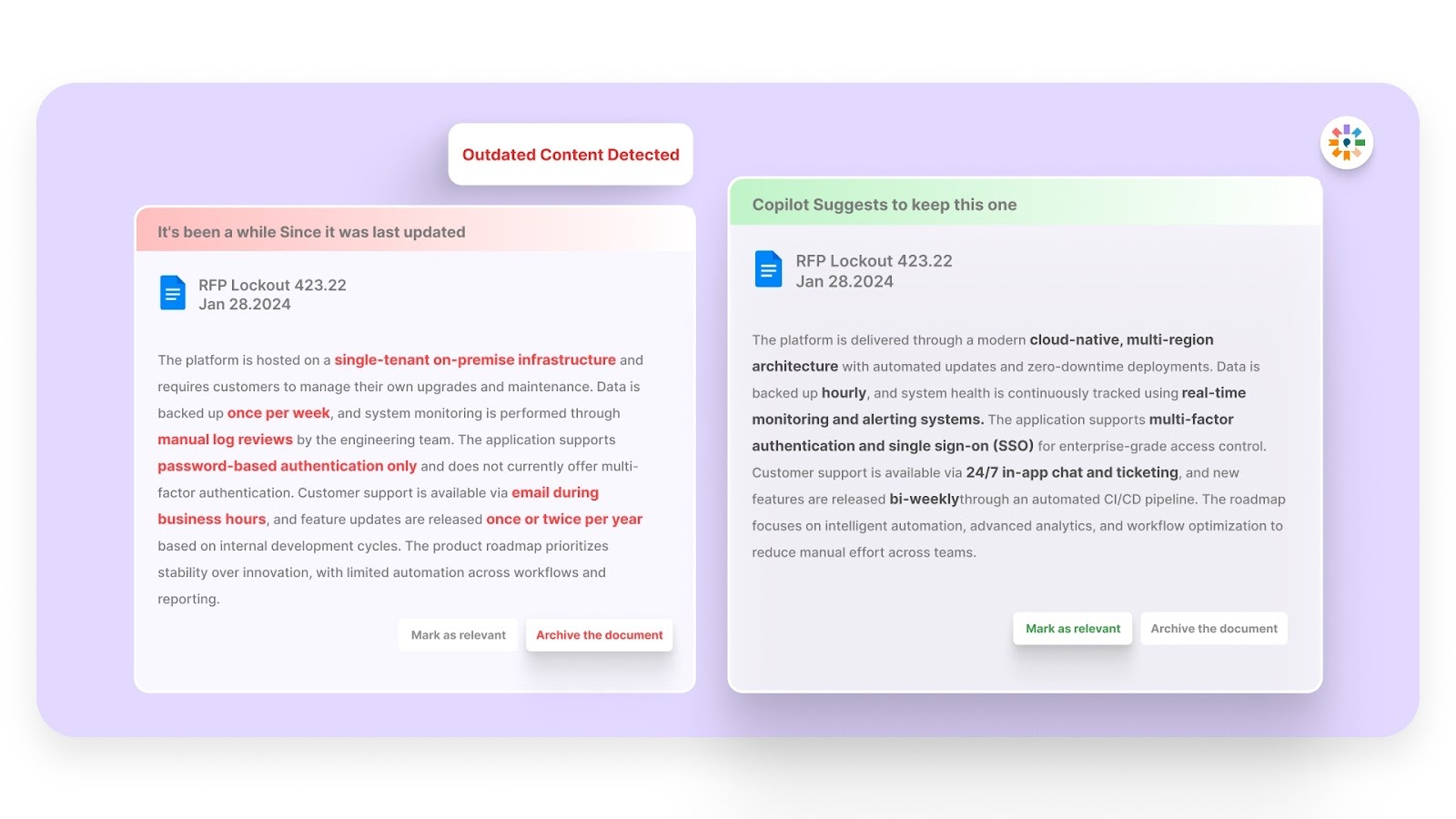
Inventive AI scans response content for expired certifications, superseded specifications, and legacy references before reuse. By filtering stale material during drafting, teams avoid sending outdated technical information that weakens credibility or creates downstream compliance exposure.
2x Better Response Quality

Inventive AI uses a multi-agent system to interpret the intent behind each RFI question and generate structured, complete answers instead of surface-level text. Because responses are context-validated and internally checked, teams report up to 90% faster response cycles and up to 50% higher win rates compared to manual workflows.
Narrative-Style Submission Capability
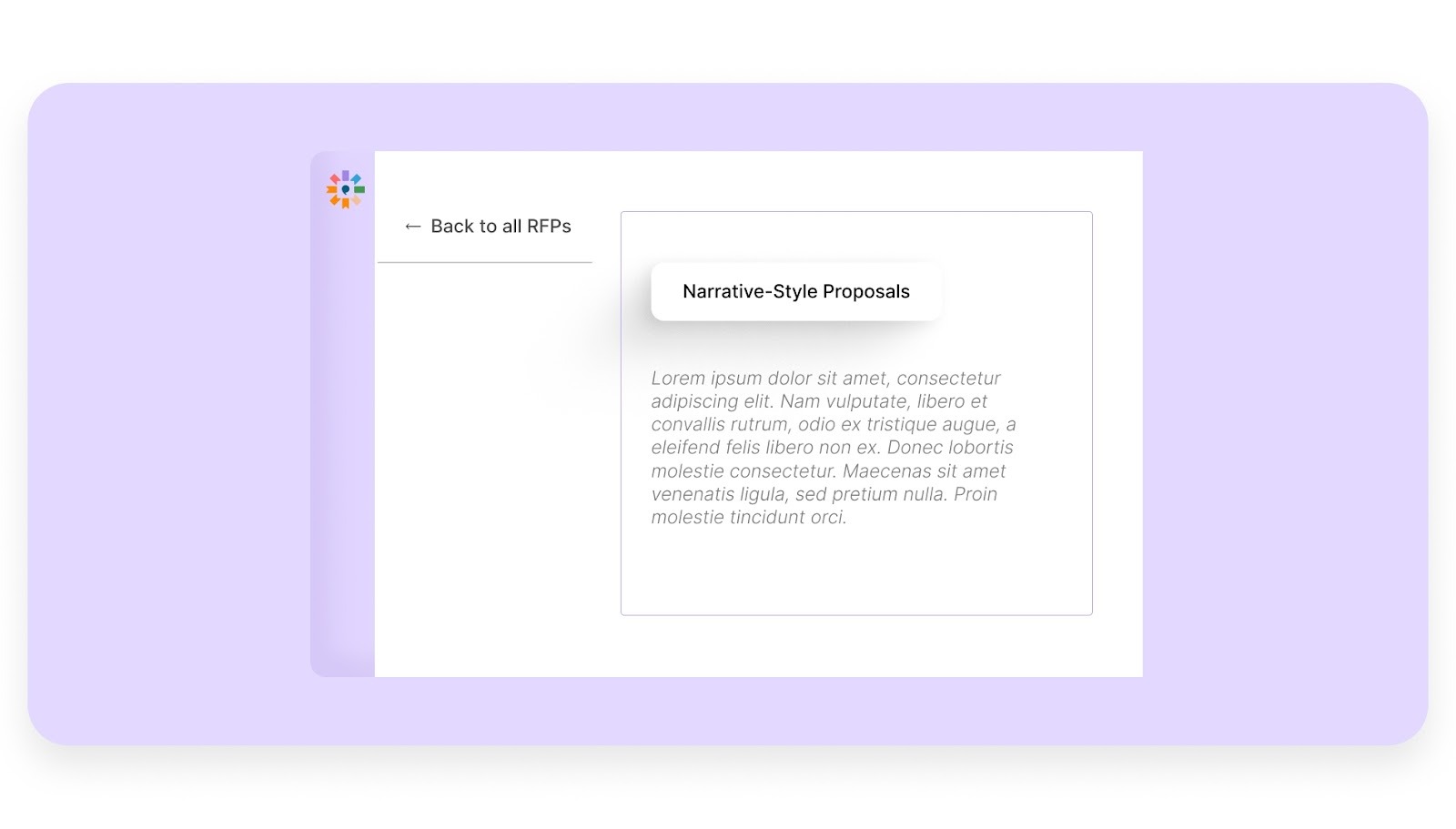
When RFIs evolve into formal clarifications, executive summaries, or structured narrative responses, Inventive AI supports long-form drafting in addition to spreadsheet-based Q&A workflows. The same context engine governs both formats, ensuring consistency between early clarifications and final proposal documents.
Simple And Easy To Use UI/UX
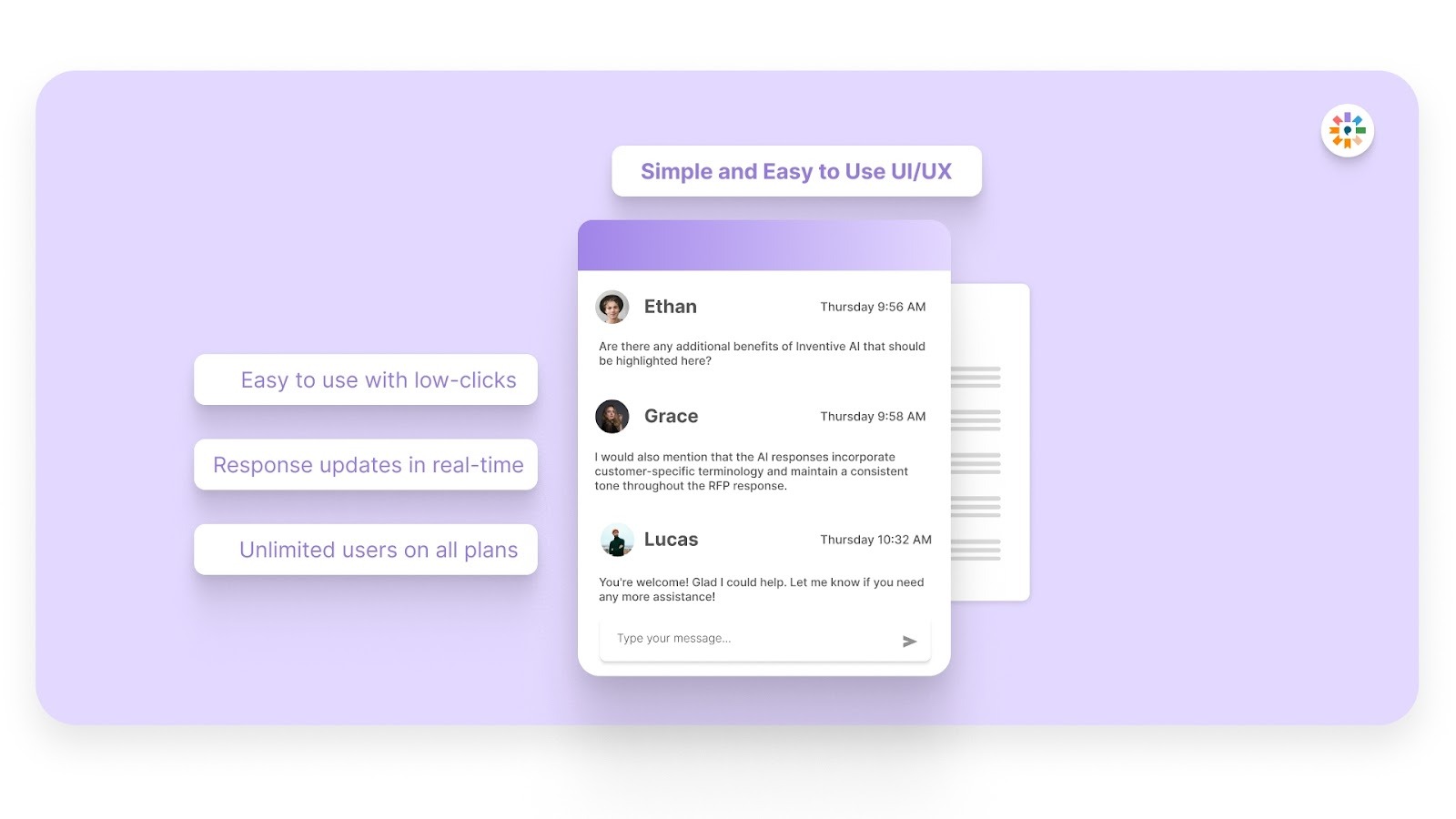
Inventive AI is structured for rapid adoption across proposal, sales, and technical teams. Users can generate, review, and refine responses within a centralized interface without complex configuration or workflow overhead, supporting full team adoption and consistent usage across projects.
FAQs About RFI Log
1. Who Is Responsible For Maintaining The RFI Log?
Responsibility typically falls to the project manager or document control team. On larger projects, a dedicated project coordinator may manage updates to ensure accuracy and timeliness.
2. How Do You Handle Overdue RFIs?
Overdue RFIs should be escalated according to the project communication plan. Many teams use conditional formatting or automated reminders to flag delays before they impact the schedule.
3. Should RFIs Be Linked To Change Orders?
Yes. If an RFI results in scope clarification, cost adjustments, or schedule extensions, it should be cross-referenced with related change orders for documentation continuity.
4. How Long Should RFI Records Be Retained?
RFI records should be retained for the full duration of the project and for a minimum of 7–10 years after project completion, depending on contractual terms, state statute of limitations, and whether the project involves public funding.
5. Can RFI Logs Be Integrated With Project Management Software?
Yes. Many teams integrate RFI tracking with project management systems to sync status updates, documentation, and reporting across stakeholders.




%2010%20Free%20Response%20Templates%20By%20Industry%20%26%20Service.jpg)