What Is DDQ Software? How It Works and What to Look For
DDQ software helps teams answer due diligence questionnaires with AI drafts, source citations, and review workflows. See how it works and what to look for.
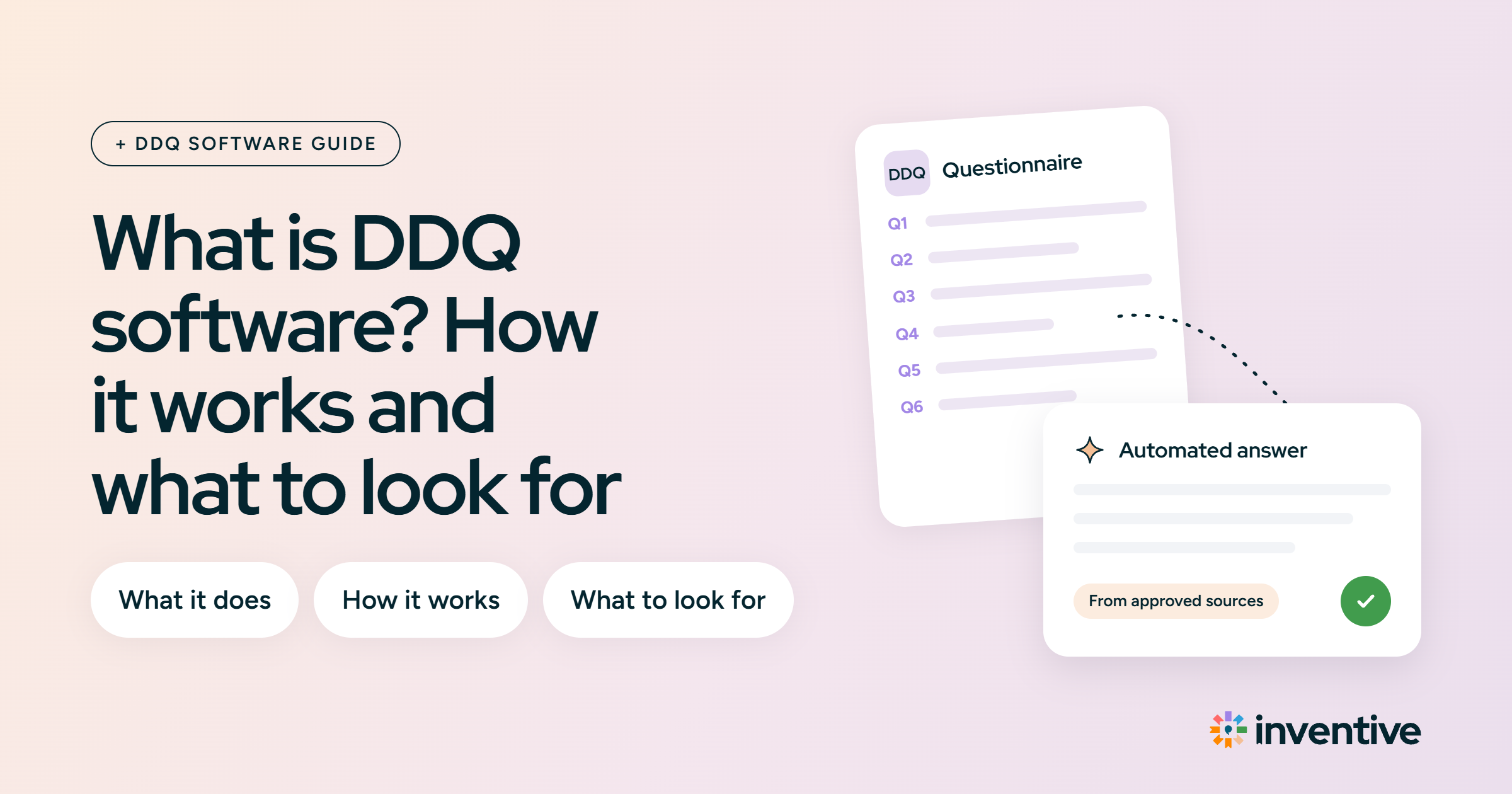
DDQ software is a platform that helps teams complete due diligence questionnaires (DDQs). It drafts responses from approved company content, routes questions to subject matter experts (SMEs), and tracks review until the questionnaire is ready to submit. Teams stop searching old spreadsheets, shared drives, and email threads for each answer.
The hard part of a DDQ is rarely writing. It’s finding the current, approved version of each answer and getting the right person to confirm it before the deadline.
This guide covers what DDQ software does, how it works step by step, how it differs from RFP software, and what to ask vendors before buying.
First, what is a DDQ?
A due diligence questionnaire (DDQ) is a structured set of questions a buyer, investor, or partner sends to vet your company before they commit. It digs into how you run, protect, and govern the business, not what you sell. A strong DDQ clears the gate, and a weak one stalls the deal.
Most DDQs cover a predictable set of areas:
- Company and ownership: legal structure, locations, and key people.
- Financials: stability, audits, and insurance.
- Security and privacy: data protection, access controls, and certifications like a SOC 2 Type II report.
- Compliance and risk: regulatory status, policies, and open legal matters.
- Operations: business continuity and disaster recovery.
- ESG: environmental, social, and governance practices.
For sample questions by category, see these DDQ templates and examples.
What is DDQ software?
DDQ software is a platform for managing and responding to due diligence questionnaires (DDQs). It helps response teams find relevant information, draft responses, assign questions to subject matter experts (SMEs), review responses, and submit completed questionnaires. It is also called due diligence questionnaire software or DDQ automation software.
Most of the effort in a DDQ goes into verification. A security response from six months ago may no longer match current controls, and a response written for one investor may not apply to another fund or entity. Teams end up checking past DDQs, policies, and SMEs question by question.
DDQ software puts this work in one workflow. It reuses approved responses, pulls supporting information from connected sources, flags questions that need SME input, and records who reviewed and approved each response. AI-native platforms also check drafts against their sources to catch outdated or conflicting information.
DDQs arrive as Excel or Word files, PDFs, standardized questionnaires such as SIG Lite, or buyer portals. DDQ software imports these formats and exports completed responses back into the buyer’s original file, so teams don’t rebuild the questionnaire by hand.
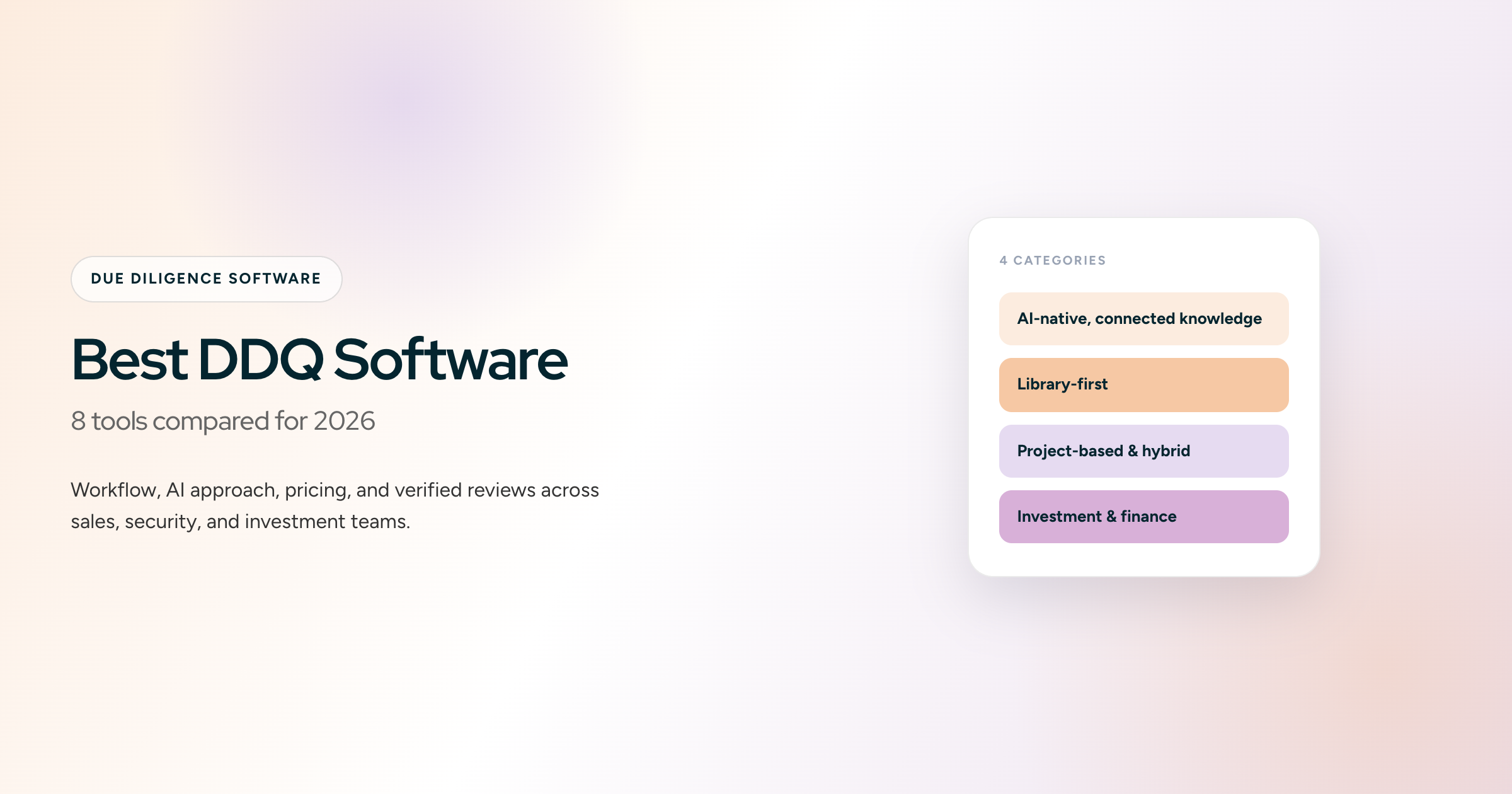
Types of DDQ software: from library-first to AI-native platforms
DDQ software falls into three types: library-first tools, specialized DDQ tools, and AI-native platforms. They differ in how much of the first draft a reviewer can trust before editing.
Legacy, library-first tools
These are built around a content library you maintain. They store your approved answers and past responses, then suggest the closest match when a new question comes in. AI is usually a later add-on, not the foundation. They work well when your team keeps the library clean and current. The catch is that the output is only as good as the library, so an outdated answer can resurface without anyone noticing. Loopio and Responsive sit here.
Specialized DDQ tools
These are purpose-built for one type of questionnaire. Security-focused tools like Conveyor pair a trust center with questionnaire automation for infosec teams. Fund-focused tools like Ontra and Dasseti handle investor and ESG due diligence for asset managers. They go deep in their lane and struggle outside it: a security tool is a poor fit for a 300-row commercial RFP, and a fund tool is a poor fit for a SaaS security questionnaire.
AI-native platforms
These platforms are built on AI from the start. They read the full questionnaire, draft a response for each question from an approved knowledge hub, cite the source, and flag questions they can’t support. Reviewers check drafts instead of writing from a blank cell. One platform usually covers RFPs, RFIs, DDQs, and security questionnaires.
How does DDQ software work?
DDQ software works in five stages: scoping, import, drafting, review, and submission. Library-first tools mainly help with storage and routing. AI-native tools also handle reading, drafting, and checking.
For a hands-on walkthrough, see how to automate due diligence questionnaires.
1. Scope the DDQ and run a go/no-go check
Before anyone writes a response, the team checks whether the DDQ is worth the effort and who needs to be involved. AI-native platforms read the full questionnaire and summarize the deadline, required documents, question count by topic, and questions the company may not be able to support. This Go/No-Go step stops teams from spending a week on a DDQ they should decline or escalate.
2. Import and structure the questionnaire
The software imports Excel, Word, PDF, and supported portal questionnaires. Capable platforms handle merged cells, multi-tab spreadsheets, multiple questions per row, and embedded tables. They also identify each question’s response type: Yes/No, number, date, table, narrative, or document request. This prevents a long paragraph from landing where the buyer expects a single value.
3. Draft responses from approved sources
The software searches approved responses, past DDQs, policies, audit reports, and connected knowledge sources. AI-native platforms interpret what each question asks and draft a response that combines several sources when no single past response fits. Every draft cites its source. When wording has already been approved by legal or compliance, the platform reuses that response verbatim instead of rewriting it. Questions without enough supporting information are flagged rather than guessed.
4. Review, check contradictions, and route to SMEs
Security, finance, legal, and compliance each own different sections. The software assigns questions to the right SME, sends reminders, and shows what is still open. AI-native platforms also review the full draft for:
- responses that contradict each other within the same DDQ
- claims that conflict with past submissions or with newer source documents
- responses tied to the wrong fund, product, entity, or jurisdiction
- parts of a question left unanswered
- questions marked N/A or answered with an exception that still need sign-off
5. Approve, export, and update the library
Once sensitive responses pass their approval steps, the software exports the completed DDQ into the buyer’s original Excel, Word, or PDF format, or fills it in the buyer portal. Approved edits go back into the knowledge base, so the next DDQ starts from the latest version. Managers can track completion, blocked questions, and deadlines across all open DDQs in one view.
What problems does DDQ software solve?
DDQ software addresses six problems that cost response teams time and accuracy.
- Approvals take up most of the deadline: a DDQ may allow a week or two, but legal, security, and finance reviews use most of that time. When drafting takes hours, the remaining days go to review.
- Weak drafts get rewritten manually: if half the drafted responses are wrong, someone edits every line, which takes as long as writing from scratch. Drafts built from approved content need a check, not a rewrite.
- Responses go stale between cycles: many DDQs return every year, and last year’s response may cite a policy or SOC 2 report that has since changed. DDQ software flags outdated content before it’s reused.
- A wrong response creates written liability: overstating SOC 2 scope or data residency puts an inaccurate claim in front of a buyer or investor. The average data breach now costs $4.99 million, so reviewers read security responses closely.
- SME review stalls the DDQ: security and legal experts review questionnaires on top of their main work. DDQ software sends each expert only their questions and follows up, so one section doesn’t hold up the rest.
- Personal copies create inconsistent responses: when five team members each keep their own file, one question gets five different responses across five deals. A shared, approved knowledge base keeps them consistent.
DDQ software vs. RFP software: what’s the difference?
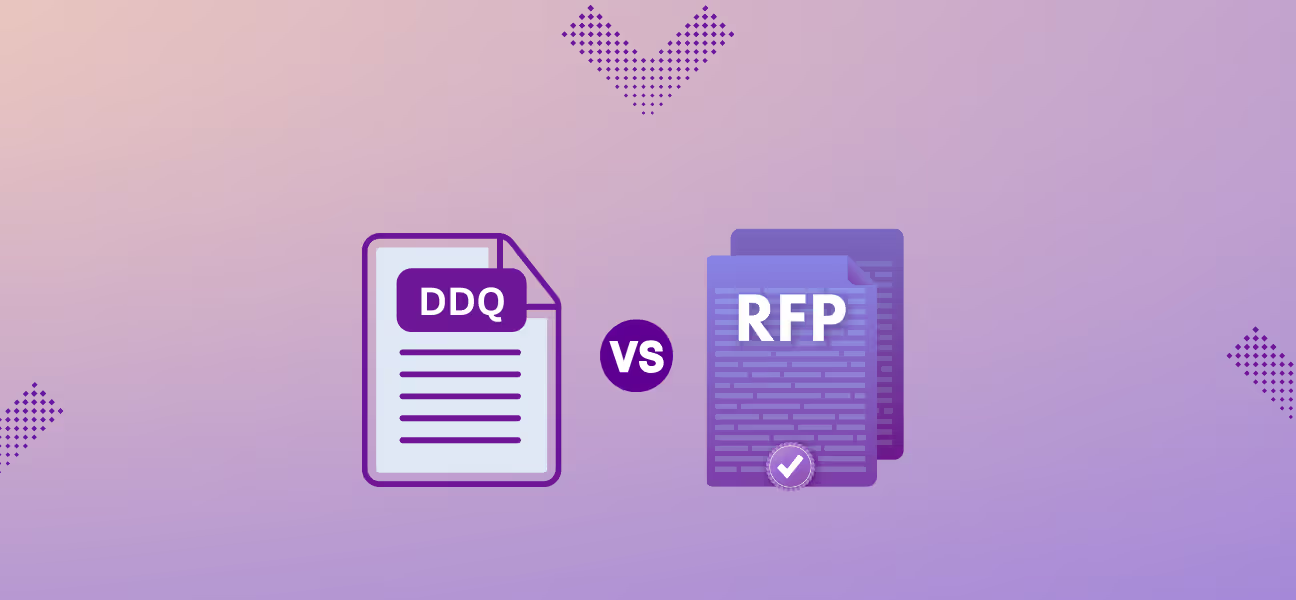
DDQ software helps teams prove a company is low-risk, and RFP software helps teams prove a product is the right fit. The workflows are similar: find content, involve SMEs, review, and submit. What differs is the content and who reviews it.
For a full breakdown, see DDQ vs RFP: key differences explained
If you respond to both, one platform that covers RFPs, RFIs, DDQs, and security questionnaires saves you from keeping the same answers current in two systems.
Can ChatGPT or Claude answer a DDQ?
A general AI assistant like ChatGPT or Claude can draft an answer, but it is not built to respond to a DDQ. It does not pull from your approved content, and it does not tell you when it is guessing. Here is the difference.
Questions to ask DDQ software vendors before buying
These six questions separate a tool a team keeps using from one it abandons after the first DDQ.
- Can it read the buyer’s format and write back into it? Test it with a multi-tab Excel file, a long PDF, and a buyer portal. Teams abandon tools whose exports need manual cleanup.
- Does every response cite its source? Reviewers should be able to check any response in one click.
- Can it reuse approved wording verbatim? Legal and compliance language shouldn’t be rephrased by AI.
- Does it answer from the right fund, product, or entity? A firm with several funds or products needs responses drawn from the correct one.
- Does it catch contradictions and stale content? Ask for a demo on a 200-plus question DDQ with a deliberately outdated source.
- Is it SOC 2 Type II certified, and is customer data used for training? Get both answers in writing.
Which DDQ automation software do teams shortlist?
Most teams compare five tools. The right one depends on whether the team handles mixed questionnaires or finance-specific investor DDQs.
For a fuller breakdown of each tool, see Best DDQ software
How Inventive AI helps teams complete DDQs faster
Inventive AI is DDQ automation software for teams that can’t afford an inaccurate response. It drafts each response from approved company content, cites the source, and shows a confidence score, so reviewers check instead of rewrite. Pre-approved legal and compliance wording is reused verbatim. When the knowledge hub can’t support a response, Inventive AI flags it instead of guessing.
It reads 200-page PDFs and multi-tab Excel files and writes responses back into the original file. The AI Content Manager flags outdated and conflicting content before it reaches a buyer. Collaboration & Workflow lets teams assign questions to SMEs, track approvals, and keep every DDQ moving without email threads. Pricing starts at $830/month, billed annually, with unlimited users.
Key takeaway
DDQ software turns a due diligence questionnaire from a search-and-chase exercise into a review task. Library-first tools store and route responses. AI-native platforms also scope the DDQ, draft cited responses, catch contradictions, and write back into the buyer’s format. The best fit depends on the questionnaire types a team handles and how much review time it needs to save.