How to Find RFP Automation Software: 5 Factors to Evaluate RFP Response Tools
How to find RFP automation software, the 5 factors to evaluate RFP response tools, and 8 platforms compared on AI accuracy, integrations, and pricing.
To find RFP automation software, define your response volume and document formats, build a shortlist from G2 and Gartner category pages and peer communities, then evaluate each tool on five factors: where answers come from, knowledge governance, lifecycle coverage, integrations and security, and time to value. Confirm every claim with a live test on your own RFP.
Key Takeaways
- Most RFP tool purchases fail on the same point: the demo looked good, and the platform needed a content library nobody had time to maintain. Evaluate for month three, not for the demo.
- The five factors that separate tools in 2026 are response accuracy, content governance, lifecycle coverage, integrations and security posture, and time to value with a pricing model that matches how your team works.
- Inventive AI: Best for proposal, presales, and revenue teams that want AI agents to run the full response, from intake to a cited, compliance-checked draft, using knowledge that already lives in SharePoint, Google Drive, Salesforce, and Confluence.
- Loopio and Responsive: Best for enterprises with a dedicated content manager and a mature Q&A library program.
- Qvidian and RocketDocs: Best for regulated, reporting-heavy or Microsoft-native environments where governance and audit trails outrank AI drafting quality.
- AutogenAI, Arphie, and DeepRFP: Best for narrower fits, respectively long-form government bids, presales security questionnaire volume, and small teams that want published per-user pricing.
What is RFP automation software?
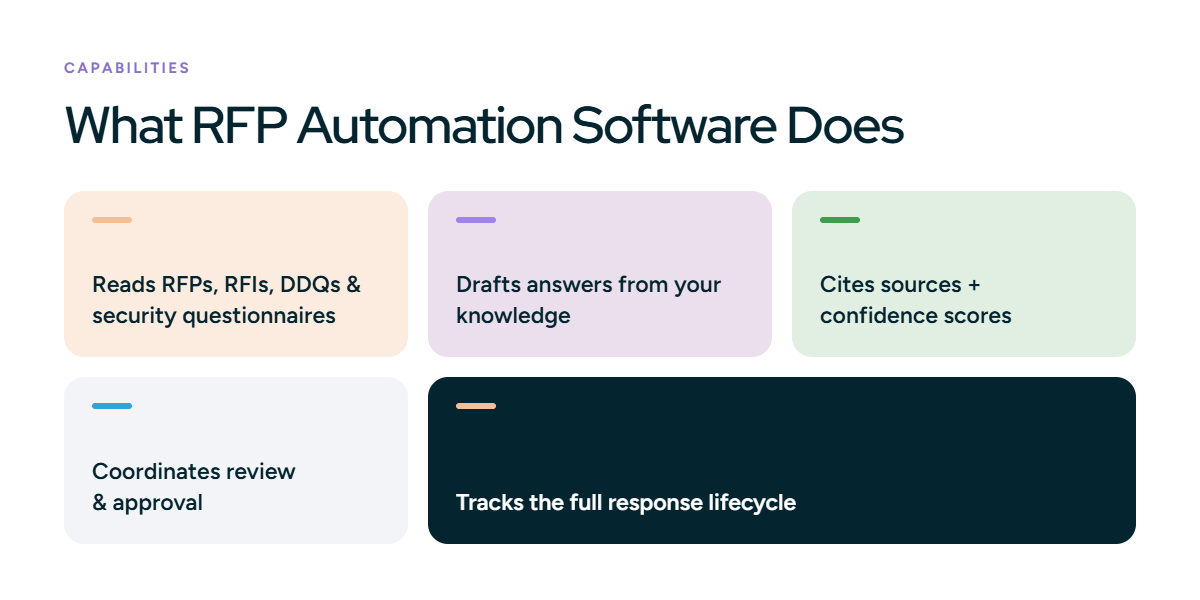
RFP automation software reads an incoming request for proposal, RFI, DDQ, or security questionnaire, identifies every question, drafts answers from your company's approved knowledge, and routes the draft through review and approval before submission. It turns a document full of buyer questions into a reviewable first draft.
Early tools only stored past answers so you could search them. Your team looked up similar questions, copied the closest answer, and edited by hand. Today the software reads the document, matches each question to your knowledge, and drafts the first response for review.
The real difference between platforms is where that knowledge lives. Library-first platforms draft from a separate answer library your team maintains, so drafts are only as current as that library. AI-native platforms connect to your source documents, such as product specs, security policies, and past proposals, draft from them, show where each answer came from, and flag anything they cannot support. Less time goes into maintaining content, more into reviewing drafts.
How to find RFP automation software: building your vendor shortlist
Before you score anything, you need a list worth scoring. Four steps get you there without a vendor steering the process.
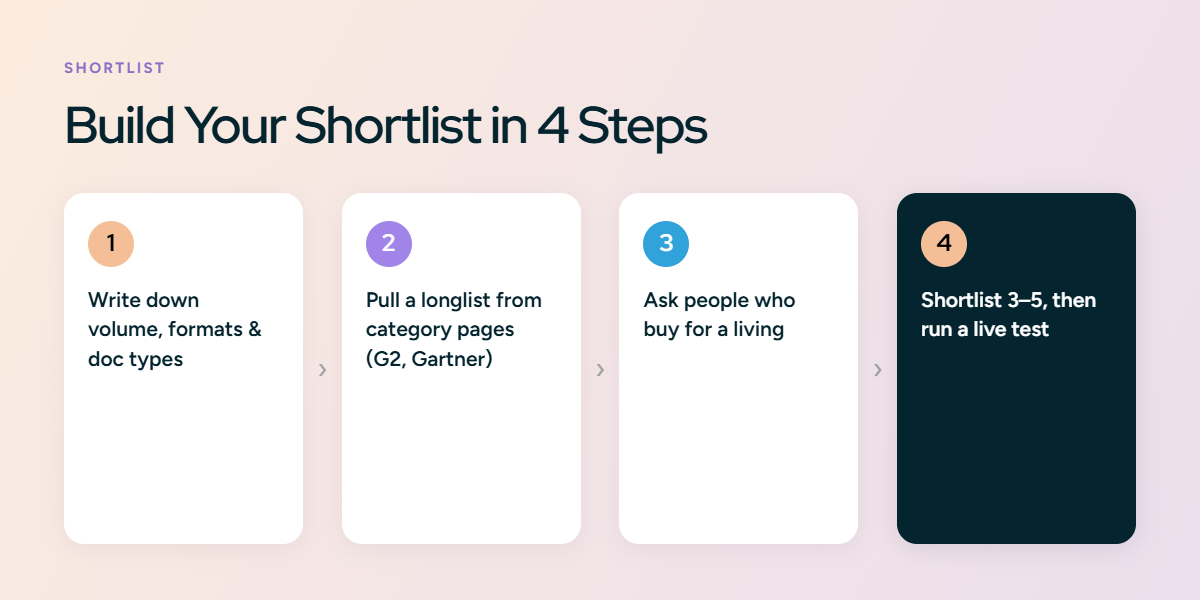
1. Write down your volume, formats, and document types.
Count the RFPs, RFIs, DDQs, and security questionnaires your team answered last year. Note the formats you receive: Excel grids with character limits, Word documents with narrative sections, PDF solicitations, and buyer procurement portals like SAP Ariba or Coupa, where you often enter each answer directly into the portal's fields instead of uploading a finished document. A tool that handles Excel well but Word poorly does not fit a team whose bids arrive as 40-page Word documents. Your list of formats is your first filter.
2. Pull the longlist from independent category pages.
G2's RFP Software category and Gartner Peer Insights' RFP Response Management Applications market have enough review volume to be useful. Sort by rating, then read the three-star reviews. Top reviews tend to echo the sales pitch, while the middle reviews tell you what implementation was actually like and how long the content took to become useful.
3. Check peer communities for honest feedback
Threads on r/salesengineers, r/sales, r/procurement, and r/govcon compare tools like Inventive AI, Loopio, Responsive, Arphie, and DeepRFP on the questions vendors avoid: how long the library took to become useful, whether autofill beats keyword search, and what the renewal quote looked like. In one thread, a sales engineer reported that a custom GPT built on old RFPs answered 20% to 30% of questions correctly in his own test, while a purpose-built platform reached 70% to 80%. These are individual anecdotes, but the questions behind them belong on your scorecard.
4. Shortlist three to five RFP automation software, then run a live test.
Have every finalist draft one of your recently submitted RFPs, ideally the hardest one. You already know what the winning answers looked like, so the gap between the AI draft and your submission tells you how much work the tool actually removes.
With the shortlist in hand, the five factors below are how you rank it.
5 Factors to Evaluate RFP Response Tools
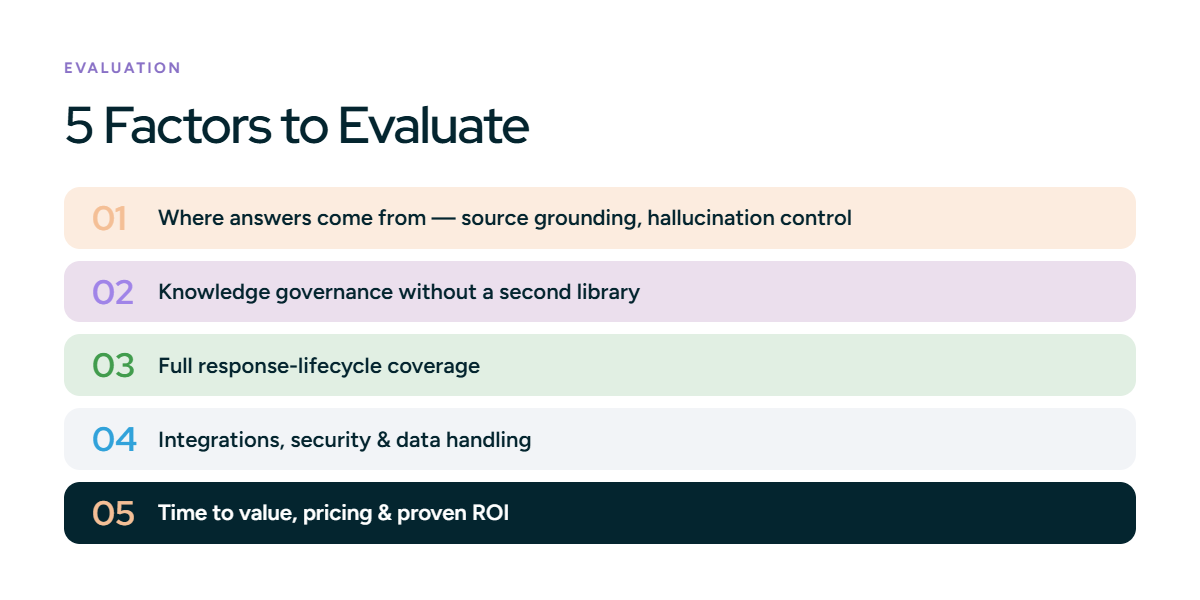
1. Where the answers come from
Why it matters: Every RFP tool now says it uses AI. The question that matters is what the AI is allowed to draw on. A platform grounded in your verified content produces answers a reviewer can trace to a document. A platform that pads gaps with fluent general-model text produces confident sentences that may be wrong, and wrong sentences in an RFP can create contractual exposure.
What to test. Ask for a live demo on your own documents, never on the vendor's sample set. Check three things on every generated answer: a visible citation to a source document, a confidence signal, and behavior when the source material does not contain the answer. Then ask a question your company has never addressed. The right response is an explicit "information unavailable" flag routed to a human.
Red flag. You ask a question you know your content cannot answer, and the tool gives you a confident answer anyway. That means it is making things up. A tool that invents answers in a demo will do the same in a real submission, where a wrong answer can cost you the deal.
2. No second library to maintain
Why it matters: The failure mode proposal teams describe most often on Reddit and in G2 reviews is the library nobody maintained. A Q&A repository is a second copy of your knowledge, and every product update, certification renewal, or pricing change now has to be entered twice. When the content manager changes roles, the library drifts, the AI drafts from stale entries, and reviewers stop trusting the output.
What to test. Ask whether the platform connects directly to SharePoint, Google Drive, Confluence, Salesforce, and Notion, and whether a change in the source document flows through automatically or requires a re-import. Then run the conflict test: feed the tool a product sheet with last year's pricing and a sales deck with the current figure, and ask a pricing question. Good governance flags the contradiction and asks a human to resolve it.
Red flag. A tool that tracks how recently an answer was updated but not whether it is correct. A recent answer can still be wrong, and two answers that contradict each other can both be recent. If governance is just a reminder to review content, your team is still doing the work by hand.
3. Coverage of the full response lifecycle
Why it matters: Drafting is one step. A response actually moves through intake, go/no-go, question extraction, assignment, SME review, legal and InfoSec approval, formatting, and export back into the buyer's template or portal. A tool that automates drafting alone hands the coordination problem to your inbox.
What to test. Upload a real solicitation in each format you receive and watch the extraction. Does it find every question in a merged Excel grid, a nested Word table, and a PDF with sections L and M? Assign a question to a subject-matter expert and check what they see. Export the finished response and compare formatting to the original. Ask how DDQs and security questionnaires are handled, since many teams answer more of those than formal RFPs.
Red flag. A demo that goes straight to drafting and skips the rest. If the vendor cannot show intake, assignment, approval, and export as one connected flow, the tool only handles drafting. Your team will still manage everything else by hand.
4. Integrations, security, and data handling
Why it matters. RFP responses touch your most sensitive material: architecture diagrams, penetration test summaries, customer lists, pricing. The platform is also going to read from your CRM and knowledge systems. Both directions need scrutiny, and your InfoSec team will ask the same questions your buyers ask you.
What to test. Request the SOC 2 Type II report, not the badge. Confirm in writing that customer data is never used to train shared models. Verify SSO, role-based access, and whether sensitive sources such as pricing can be restricted to specific sections. For every integration on the vendor's logo wall, ask one follow-up: does it sync live, or import once? A Salesforce integration that launches a project from an opportunity and pulls deal context is a different product from one that pastes a link.
Red flag. You ask if an integration updates automatically, and it turns out it only pulls data one time. Or you ask for proof of security, and the vendor sends a marketing PDF instead of a real audit report like a SOC 2 Type II. In both cases, the tool does less than it claims.
5. Time to Value, pricing model, and proven roi
Why it matters. Implementation is where the real cost hides. Library-first platforms can take two to three months of content building before the first useful draft. Platforms that connect to existing documents typically produce a first draft within days of setup. Pricing models compound the difference: named-seat licensing means every legal, IT, and product reviewer adds a seat, and volume caps mean a busy quarter triggers overage fees.
What to test. Ask for a specific onboarding timeline and a reference customer onboarded in the last 90 days, then call that customer. Get the full pricing breakdown: cost of one more user, what happens above the usage limit, which integrations are included, and what the renewal looked like for a comparable customer. Then ask for outcome data with named customers. Hours saved is the minimum. Response volume increased, turnaround time cut, and win rate change are the numbers that justify the budget.
Red flag. The vendor gives you a price range instead of a real quote, an implementation "estimate" instead of a firm timeline, and ROI numbers with no named customer behind them. All three mean they will not commit to what you can actually expect.
8 RFP Automation Software Tools Compared (2026)
The table below summarizes the eight platforms that appear most often on shortlists for RFP response automation. Ratings and pricing signals are as of September 2026 and change frequently; confirm on each vendor's site before contracting.
Inventive AI and Arphie are AI-native: they draft from your live source documents with citations and confidence scores, so there is no separate library to maintain. Loopio, Responsive, and Qvidian are library-first suites built for large, governed content programs with a dedicated content manager. QorusDocs fits teams standardized on Microsoft 365, AutogenAI suits long-form government and professional-services bids, and DeepRFP is self-serve, per-user pricing for small teams and independent consultants.
Also read: 15 Best RFP Software in 2026: Features, Prices and Reviews
How We Compared These Tools
Each platform was assessed on the same five factors described above, weighted the way proposal managers consistently say they matter in day-to-day work.
Choosing the Right RFP Tool for Your Team
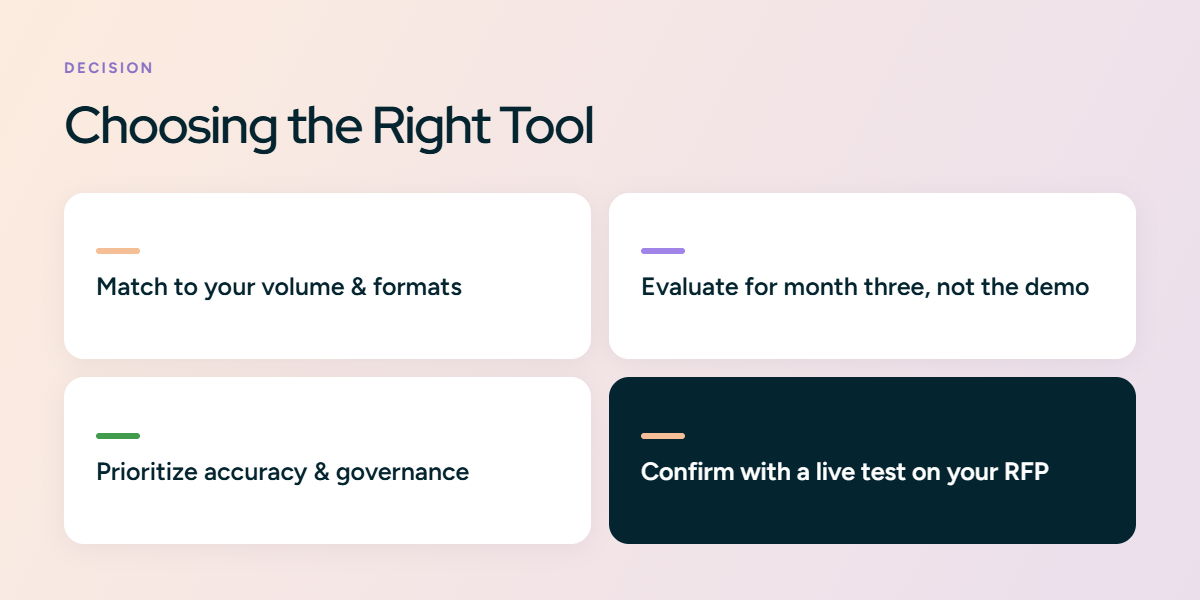
The right RFP tool proves itself after the demo, not during it. Use the five factors above to judge that: where answers come from and how hallucinations are controlled, whether knowledge stays current without a second library, whether the tool runs the full response lifecycle, how it handles integrations and security, and how fast it reaches value against its pricing. The clearest test is to run one of your own recently submitted RFPs through each finalist and measure the gap between the AI draft and what your team actually sent.
Every platform here fits a different kind of team, from library-first suites for large, governed content programs to AI-native tools that draft from live source documents. Match the tool to your volume, your formats, and how much maintenance your team can absorb.
Inventive AI is one of the AI-native options, built to draft responses from connected sources with citations and confidence signals. If it fits your criteria, bring a recent RFP to a live demo and compare the output to your own submission.