Tribble AI Pricing, Features, Reviews, and Ratings for 2026
In this guide, we examine Tribble AI’s pricing, features, strengths, and limitations, and compare its approach with established platforms like Inventive AI to help you evaluate its suitability for your RFP needs.
Tribble AI is an AI-native platform that uses software “agents” to help sales, pre-sales, and proposal teams respond to RFPs, RFIs, and security questionnaires by drawing on a company’s existing knowledge. If you are evaluating it, the questions that usually matter most are what it actually does, how its pricing works, how real users rate it, and where it fits best. This guide walks through Tribble AI’s pricing, features, ratings, strengths, and limitations, and points to a few alternatives worth comparing before you decide.
The broader context is a shift from AI that simply assists to AI that coordinates multi-step work. McKinsey’s research on the state of AI shows a majority of organizations now experimenting with AI agents in daily operations, and RFP workflows — repeated retrieval, structured answers, cross-team coordination — are a natural fit. Tribble AI is one of several tools bringing that agentic approach to RFPs.
Key takeaways
- Tribble AI is an AI-native, agentic platform for RFP, RFI, and security-questionnaire workflows, positioned within broader go-to-market (GTM) use cases.
- Core capabilities include a centralized knowledge layer (“Tribble Brain”), AI-drafted responses, SME routing through Slack, integrations with tools like CRMs and Gong, and access via Slack, Microsoft Teams, and API.
- Tribble uses a usage-based pricing model built on monthly credit packs rather than per-seat licenses — which means unlimited users, but costs that can be harder to forecast and are not publicly listed.
- Tribble holds roughly a 4.8/5 average on G2 across 140+ reviews and has earned High Performer recognition; reviewers praise fast setup and ease of use, and some flag first-pass accuracy on non-standard proposals.
- Tribble is one of several tools in this category; teams with high-volume or complex, compliance-heavy requirements often compare it with alternatives such as Inventive AI, Responsive, Loopio, and SiftHub.
What is Tribble AI?
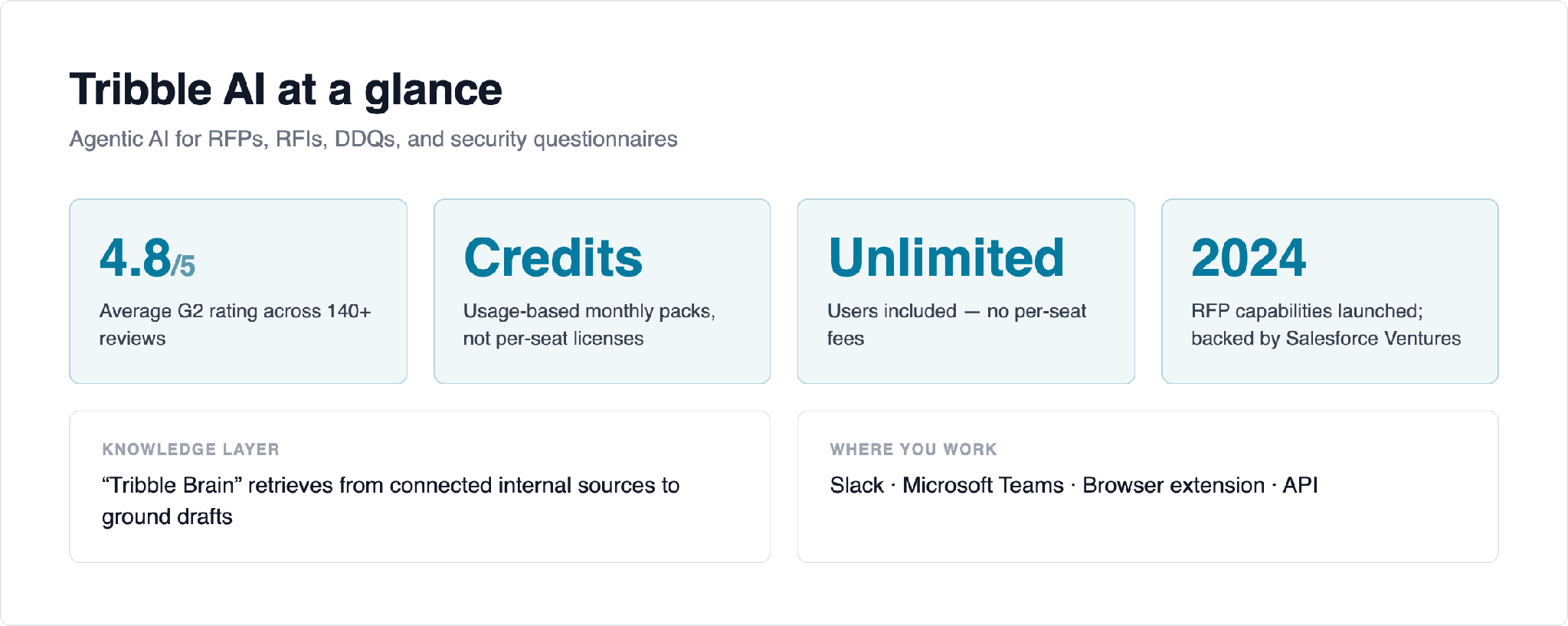
Tribble AI is an agentic AI platform aimed at revenue and proposal teams. Rather than acting only as a writing assistant, it uses AI agents that retrieve information and draft answers to the recurring, document-heavy questions that slow deals down: RFPs, RFIs, DDQs, and information-security questionnaires. The company launched its RFP-focused capabilities in 2024, is backed by Salesforce Ventures, and integrates with tools such as Gong, Slack, Box, and common CRMs.
At the center of the product is a knowledge layer the company calls the “Tribble Brain,” which pulls from connected internal sources and uses retrieval to ground draft responses in a team’s own content. Because Tribble also targets wider GTM and sales use cases, buyers often evaluate it both as an RFP tool and as a broader agent platform.
Tribble AI key features
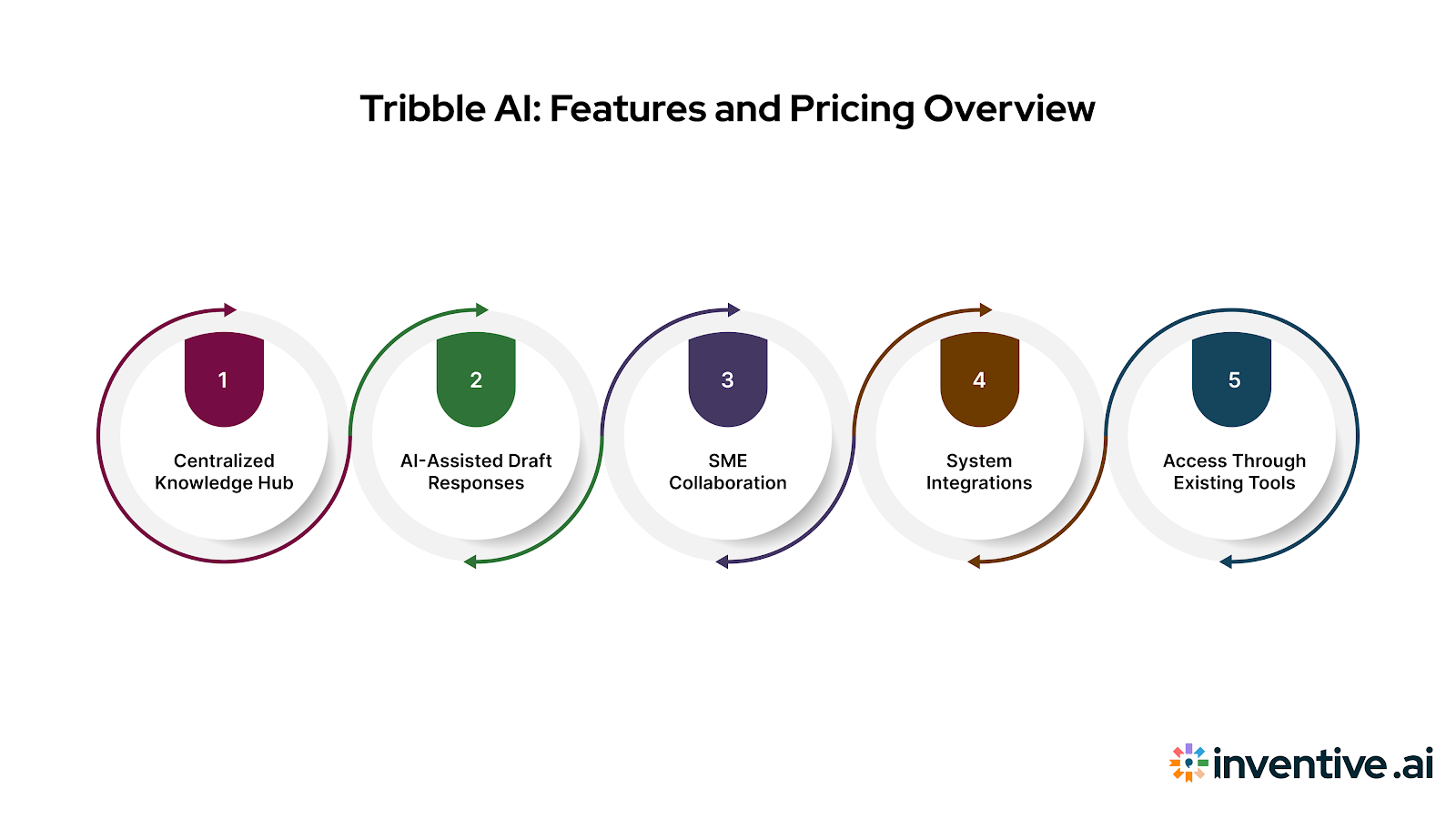
In the context of RFP and questionnaire work, Tribble AI’s main capabilities include:
- Centralized knowledge access (“Tribble Brain”). A knowledge layer that pulls information from connected internal sources and uses it when generating draft responses to RFPs and questionnaires.
- AI-assisted draft responses. The platform generates first-draft answers for RFPs, RFIs, and security questionnaires from available internal content, intended for user review and editing before submission.
- SME collaboration. When information is missing, questions can be routed to internal subject-matter experts — often through Slack — before responses are finalized.
- System integrations. Connections to existing tools such as CRM systems, Gong, Box, and document repositories let the platform reference internal data during a response.
- Access through existing tools. Users can work through Slack or Microsoft Teams, a browser extension, or APIs for teams embedding the functionality into internal systems.
For a broader view of what to look for across this category, Inventive’s 15 best RFP software guide compares tools on features, fit, and pricing.
Tribble AI pricing
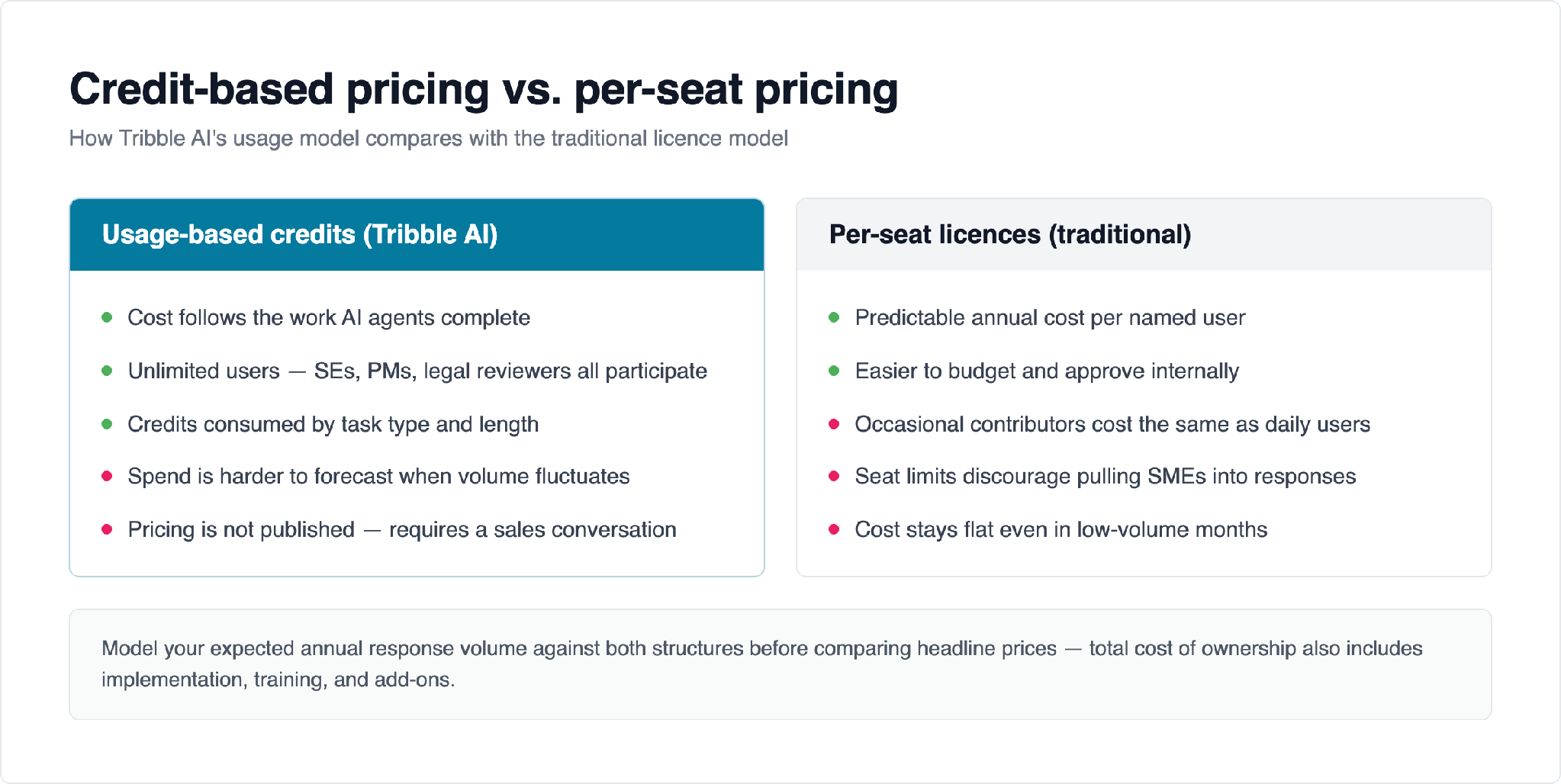
Tribble AI uses an agentic, usage-based pricing model built around monthly credit packs rather than per-user subscriptions. Credits are consumed based on the type and length of the work an agent completes, which ties cost directly to AI-executed tasks. A notable side effect of this model is that pricing is not tied to seats, so teams can add unlimited users — sales engineers, product managers, legal reviewers — without additional per-seat fees.
The trade-off is predictability. Because cost scales with consumption, teams with fluctuating RFP volume or highly variable response complexity may find spend harder to forecast. Tribble does not publish specific pricing publicly, so obtaining detailed numbers typically requires a conversation with their sales team. When comparing total cost of ownership across tools, it helps to model your expected volume and to weigh usage-based pricing against per-seat pricing; guides such as build vs. buy for RFP software can help frame that decision.
Tribble AI reviews and ratings

At the time of writing, Tribble carries an average rating of roughly 4.8 out of 5 on G2 across 140+ reviews, and it has earned G2 High Performer recognition in RFP and AI-assistant categories. As a relatively new platform, its review base is growing, so it is worth reading recent reviews from teams whose size and use case resemble your own.
Common themes in user feedback include:
- Praised: quick, low-friction setup and an intuitive interface; consolidation of Q&A content in one place; and efficiency gains on repetitive, standardized questions, particularly for security and InfoSec questionnaires.
- Raised as limitations: first-pass answers that sometimes need rephrasing or prompt adjustment; difficulty with open-ended, narrative-heavy or design-led proposals; functional differences across interfaces (for example, the Chrome extension versus Slack); and some integration gaps with certain enterprise tools as the platform matures.
Tribble AI strengths and limitations
Like most response-automation tools, Tribble AI is stronger in some scenarios than others.
Where Tribble AI tends to do well
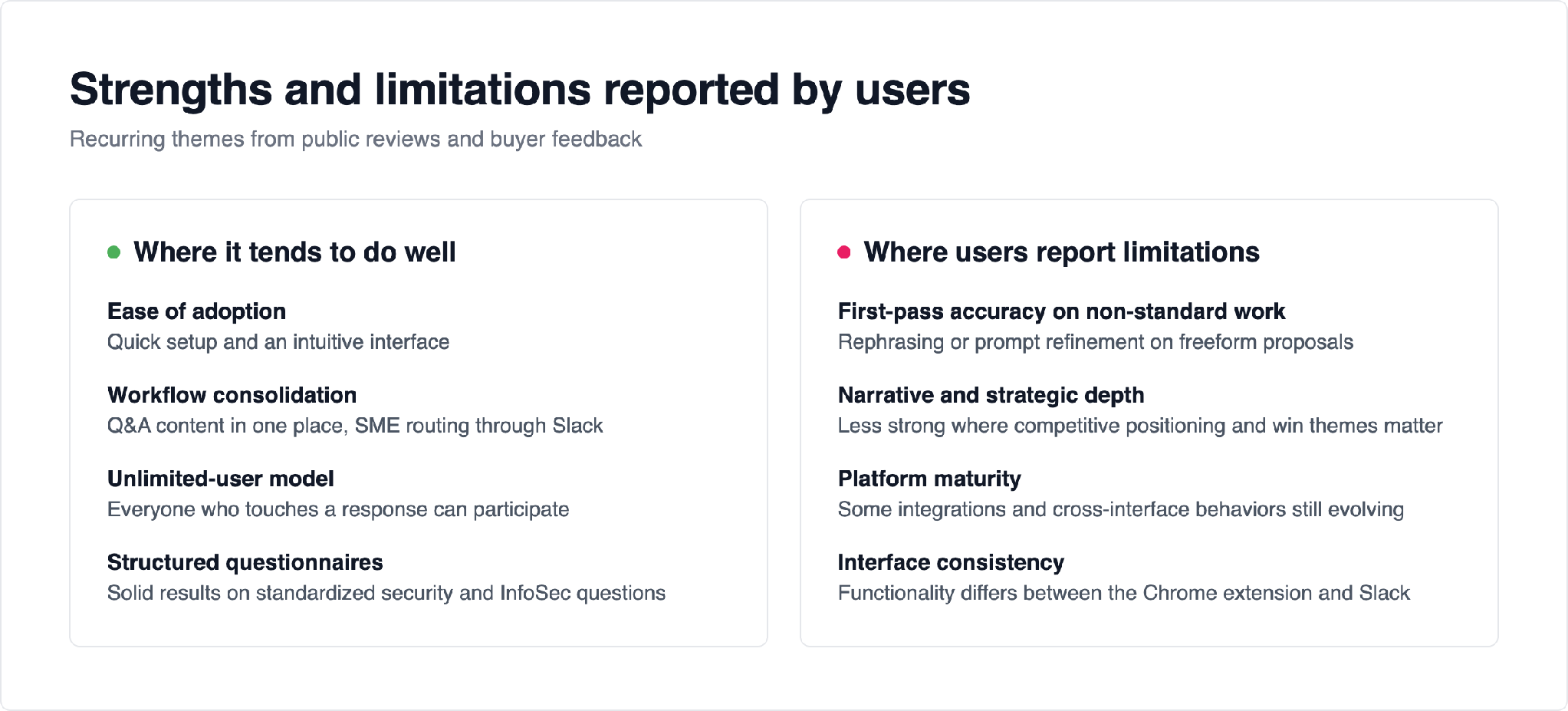
- Ease of adoption. Reviewers consistently cite quick setup and an intuitive interface, which lowers the barrier for teams getting started.
- Workflow consolidation. Centralizing Q&A content and routing gaps to SMEs through Slack keeps responses moving without leaving familiar tools.
- Unlimited-user model. Usage-based pricing lets everyone who touches a response participate without per-seat costs.
- Structured, repeatable questionnaires. Users report solid results on standardized security and InfoSec questions.
Where users report limitations
- First-pass accuracy on non-standard work. Reviews mention needing to rephrase questions or refine prompts, especially for creative or freeform proposals.
- Narrative and strategic depth. Feedback suggests it performs best on structured questions and less well when responses need competitive positioning or win themes.
- Platform maturity. As a newer, GTM-oriented platform, some integrations and cross-interface behaviors are still evolving, which can matter for teams migrating from established RFP systems.
Who Tribble AI is best for
Tribble AI is a reasonable fit for teams that treat RFPs as one part of a broader sales or GTM motion and want to experiment with agentic automation, especially where an unlimited-user model and Slack-native collaboration are appealing. Smaller or early-stage RFP programs handling structured, repeatable questionnaires tend to see the fastest payback.
Organizations with enterprise-scale complexity — very high volume, strict compliance and audit needs, heavy narrative proposals, or deep integration requirements — should pilot Tribble against tools built specifically for that scale. Inventive’s enterprise RFP software comparison is a useful reference for that segment.
Tribble AI alternatives to consider
If Tribble isn’t the right fit, several AI-native and established tools serve the same jobs. The options below are listed with comparable, one-line summaries; evaluate each against your own volume, integrations, and compliance needs. For a fuller list, see the dedicated Tribble alternatives guide.
- Inventive AI — an AI-native platform that runs the RFP, RFI, DDQ, and security-questionnaire workflow with agents and human approvals; customers report outcomes such as 90% faster responses at MaxVal and 422% ROI at AssetWorks. See the direct Tribble vs. Inventive AI comparison.
- Responsive (formerly RFPIO) — a widely adopted, established response-management platform with a large content library and broad integrations; see its pricing, features, and reviews.
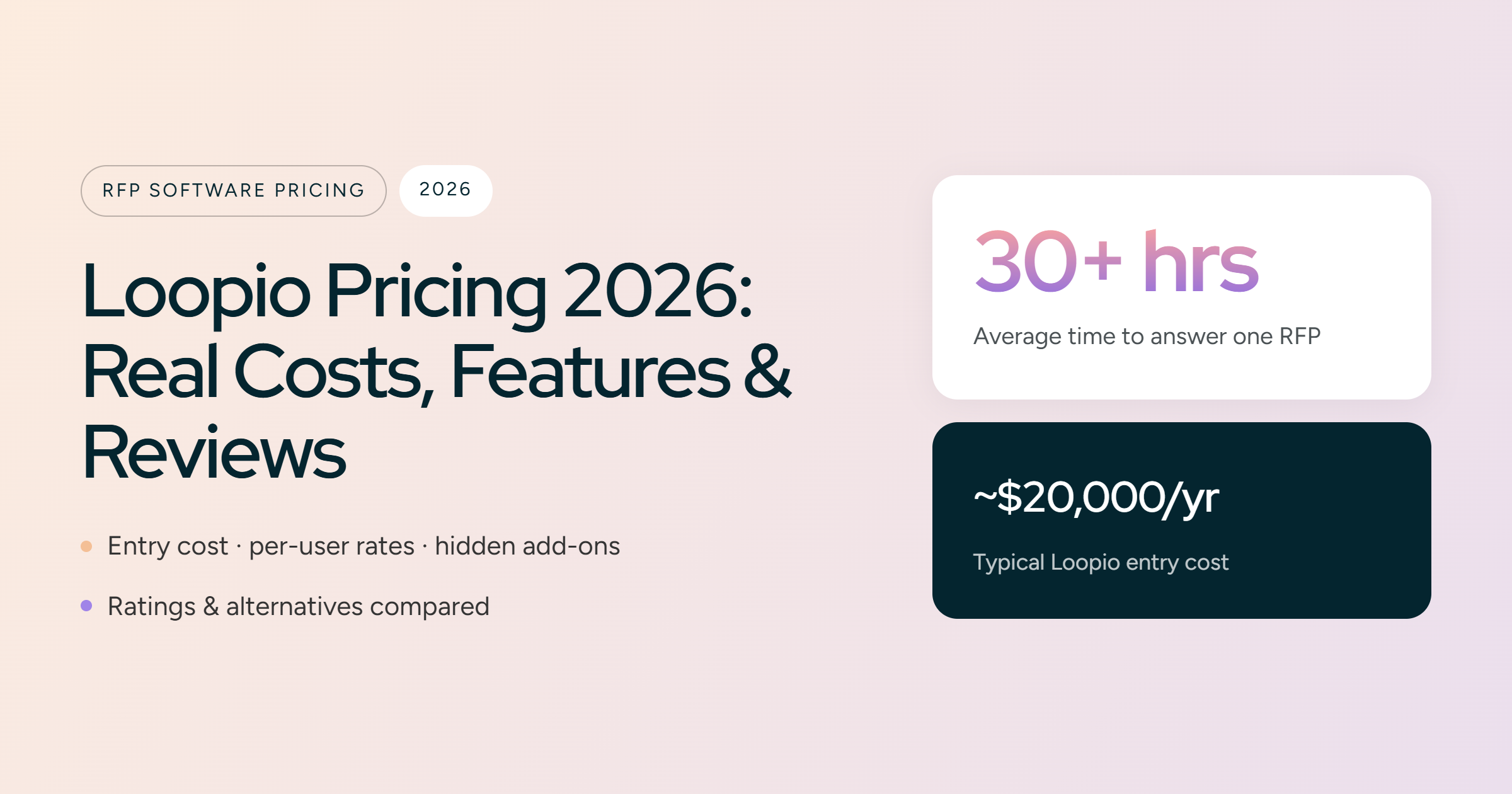
- Loopio — a popular RFP and questionnaire tool known for its content library and intake workflow; see its pricing, features, and reviews.
- SiftHub — an AI-first assistant for pre-sales and proposal teams with in-app answering across Slack, Teams, and the browser; see its pricing, features, and reviews.
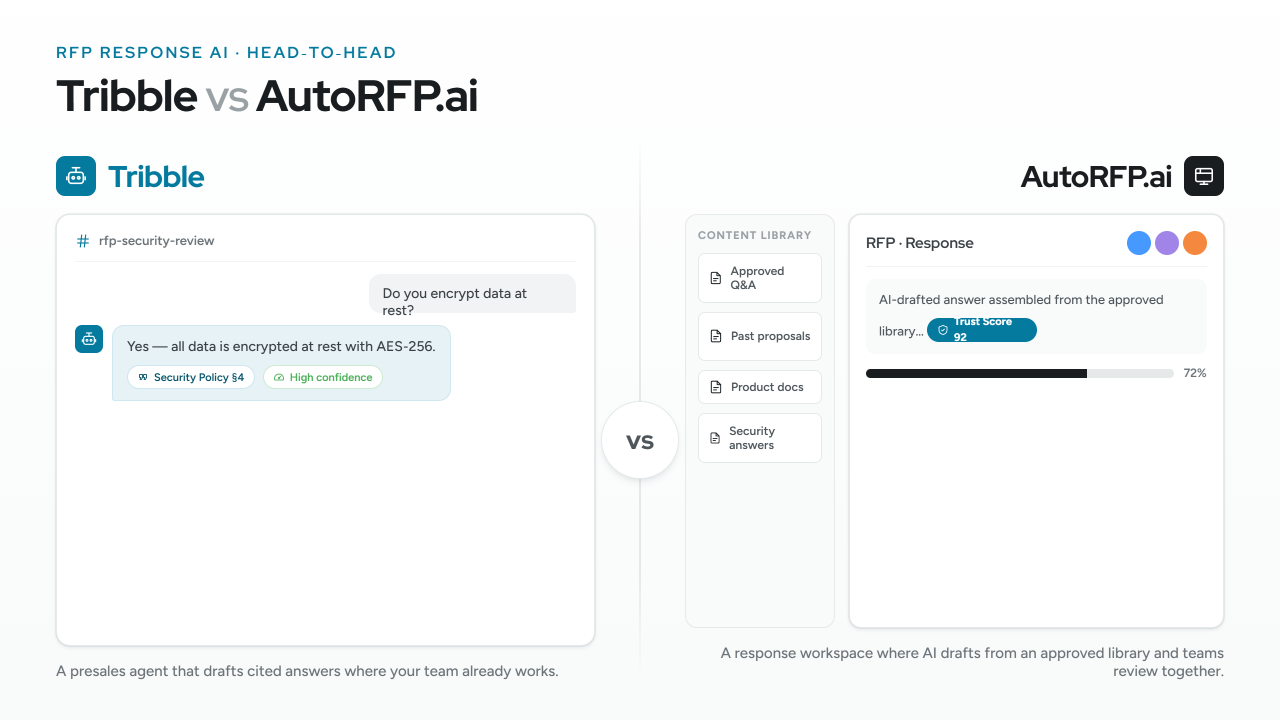
- AutoRFP — an AI-native RFP response tool focused on speed and autofill for questionnaire-heavy work.
A common head-to-head among buyers is Tribble versus Responsive; the Tribble vs. Responsive comparison breaks down how the agentic newcomer differs from an established platform.
How to choose RFP and response software
Rather than starting from a vendor, start from your requirements. A few criteria that reliably separate the right tool from the wrong one:
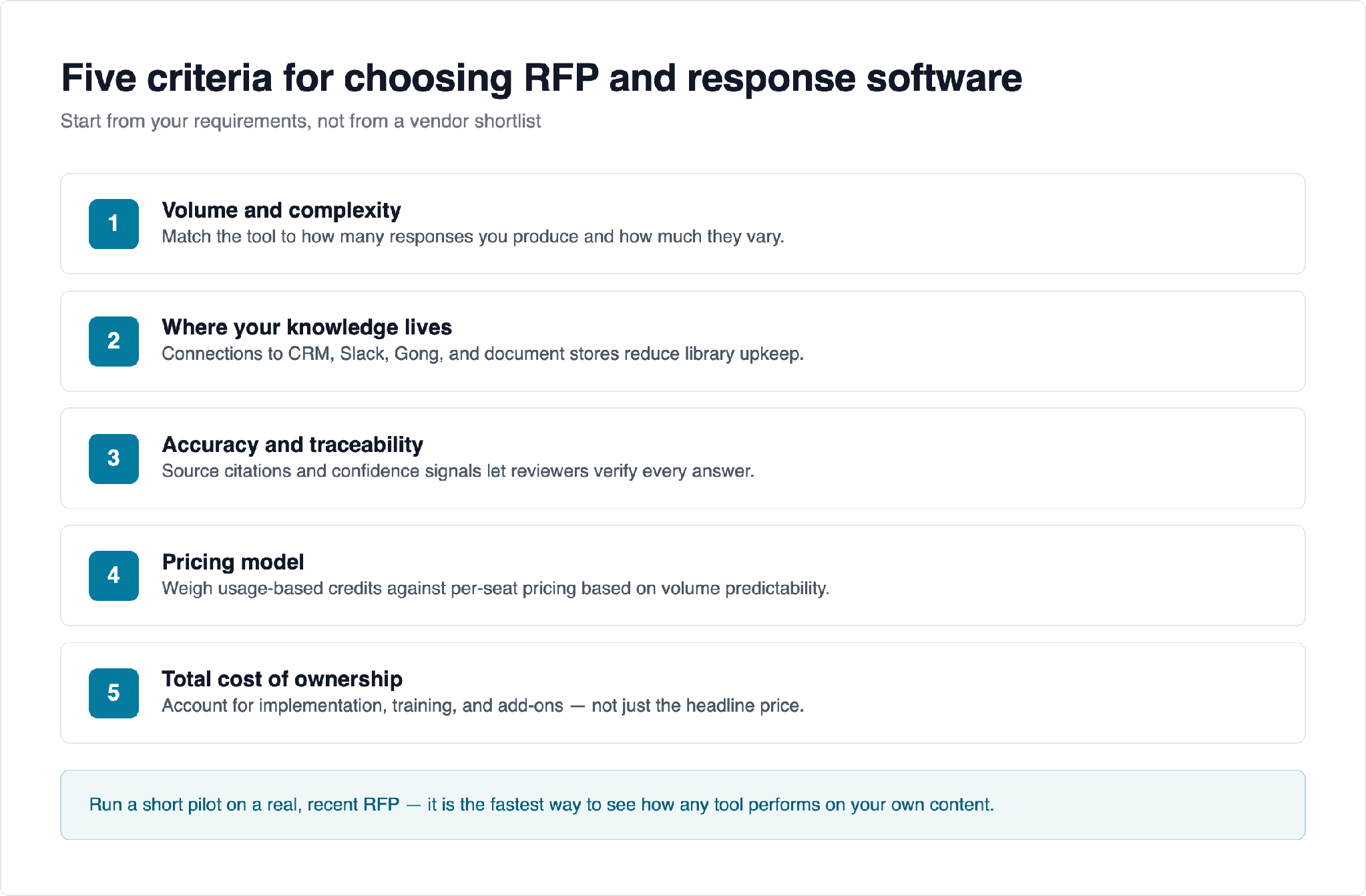
- Volume and complexity. Match the tool to how many responses you produce and how much they vary. High-volume, narrative-heavy work rewards deeper automation.
- Where your knowledge lives. Tools that connect to your existing systems (CRM, Slack, Gong, document stores) reduce the burden of maintaining a separate library.
- Accuracy and traceability. Look for source citations and confidence signals so reviewers can verify answers — essential for security and compliance content.
- Pricing model. Weigh usage-based (credit) pricing against per-seat pricing based on how predictable your volume is and how many people need access.
- Total cost of ownership. Account for implementation, training, and add-ons, not just the headline price.
Running a short pilot on a real, recent RFP is usually the fastest way to see how any tool — Tribble or an alternative — performs on your content.
Frequently asked questions
What is Tribble AI used for?
Tribble AI is an agentic AI platform that helps sales, pre-sales, and proposal teams respond to RFPs, RFIs, and security questionnaires, alongside broader go-to-market use cases. It centralizes company knowledge in its “Tribble Brain” layer and uses AI agents to draft answers from that content, which teams then review and edit before submitting.
How much does Tribble AI cost?
Tribble AI uses a usage-based pricing model built on monthly credit packs rather than per-user subscriptions, so teams can add unlimited users but pay based on the work AI agents complete. Specific pricing is not published publicly, so obtaining detailed numbers typically requires contacting Tribble’s sales team, and total cost depends on your response volume and complexity.
What is Tribble AI’s G2 rating?
At the time of writing, Tribble holds an average of roughly 4.8 out of 5 on G2 across 140+ reviews and has earned G2 High Performer recognition in RFP and AI-assistant categories. Because the platform is relatively new, its review base is still growing, so recent reviews from similar teams are the most useful signal.
Is Tribble AI good for enterprise RFP management?
Tribble works well for structured, repeatable questionnaires and teams adopting agentic workflows across sales and GTM. Enterprises with very high volume, strict compliance requirements, heavy narrative proposals, or deep legacy integrations should pilot it against tools purpose-built for that scale to confirm it meets their accuracy, governance, and integration needs.
What are the best Tribble AI alternatives?
Commonly evaluated alternatives include Inventive AI, Responsive, Loopio, SiftHub, and AutoRFP. Each suits a different profile — from AI-native automation to large, established content libraries — so shortlist two or three and compare them on the criteria that matter most to your team. The Tribble alternatives guide covers the full list.
Evaluating RFP and response tools? Inventive AI is an AI-native platform for RFPs, RFIs, DDQs, and security questionnaires — book a demo to see how it handles your content.

.avif)