What Is Security Questionnaire Software? How It Works and Who Uses It
Security questionnaire software helps vendors answer SIG, CAIQ, and HECVAT questionnaires from approved security documents. See how it works.
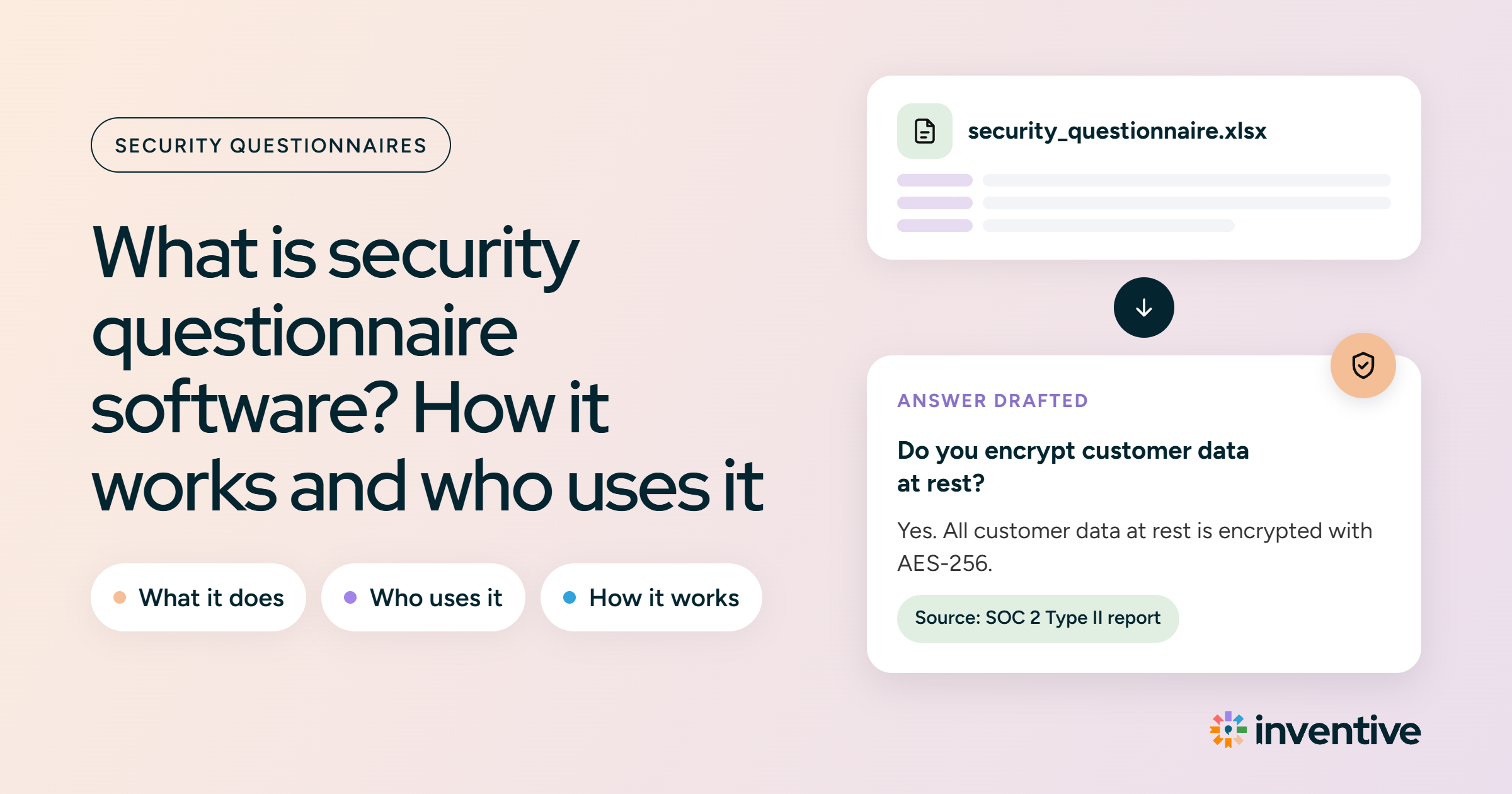
Security questionnaire software helps vendors respond to security questions from customers during a sale. It uses a company's official documents like SOC 2 reports and security policies to draft responses and sends them to the right team members for review before sending.
For security leads, a 300-question questionnaire starts as a pre-filled draft with source links instead of an empty form. This lets them focus on questions that need careful review rather than retyping standard security answers.
TL;DR: What is security questionnaire software?
- Security questionnaire software responds to incoming customer security forms using your official company documents.
- The software uploads forms, drafts responses with source links, highlights missing info, assigns to reviewers, and exports the final responses.
- Security questionnaire software is different from a trust center, which lets buyers view security documents on their own, and from a GRC tool, which tracks internal compliance for audits.
- General AI chatbots can draft a single response, but they lack document controls, expert routing, and records of submitted responses.
What is a security questionnaire?
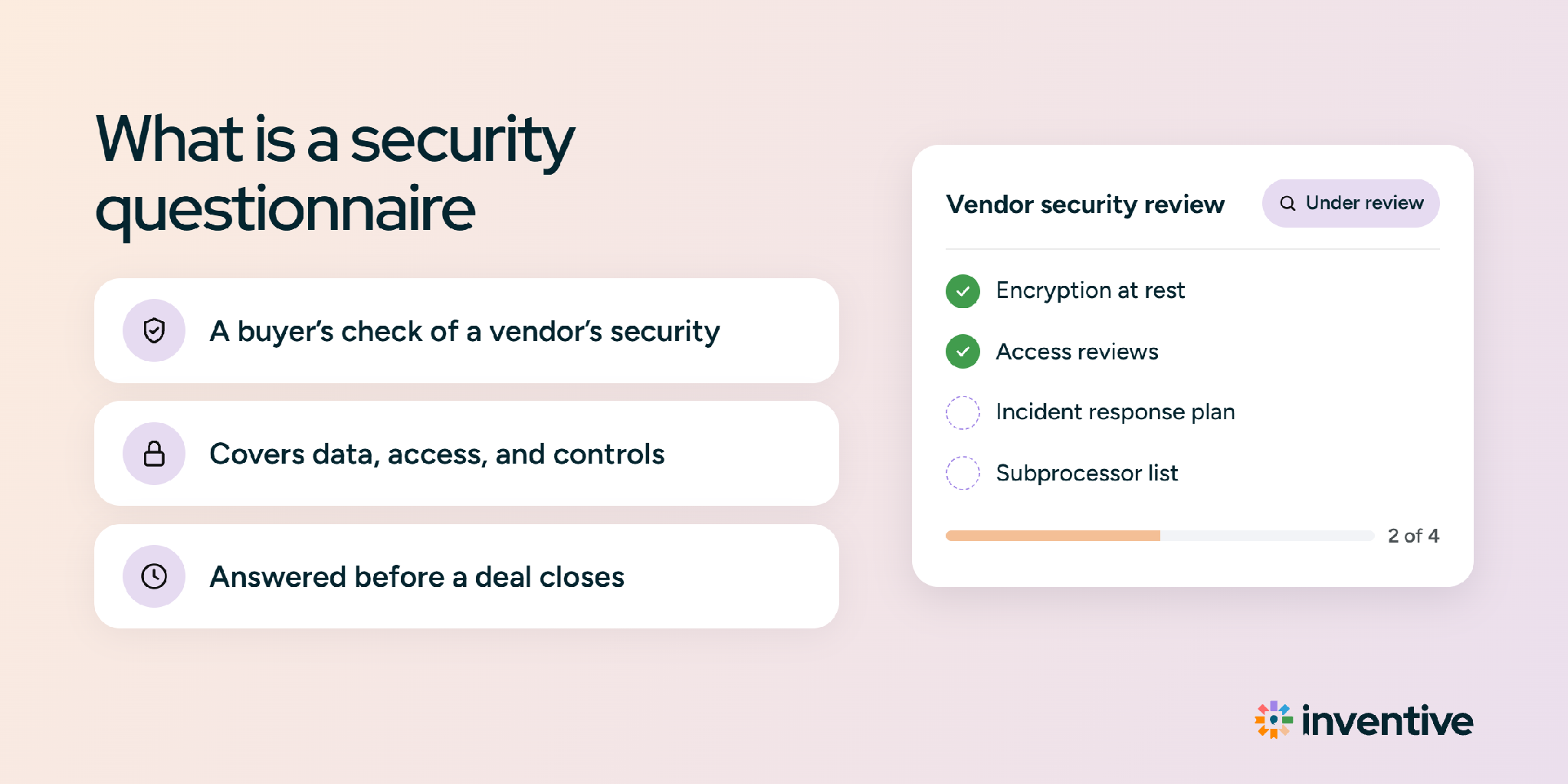
A security questionnaire is a list of questions a buyer sends to check how a vendor protects sensitive data before signing a contract. Questions cover data encryption, system access, incident plans, and compliance standards. Learn more in our full guide to security questionnaires.
Is security questionnaire software for vendors or buyers?
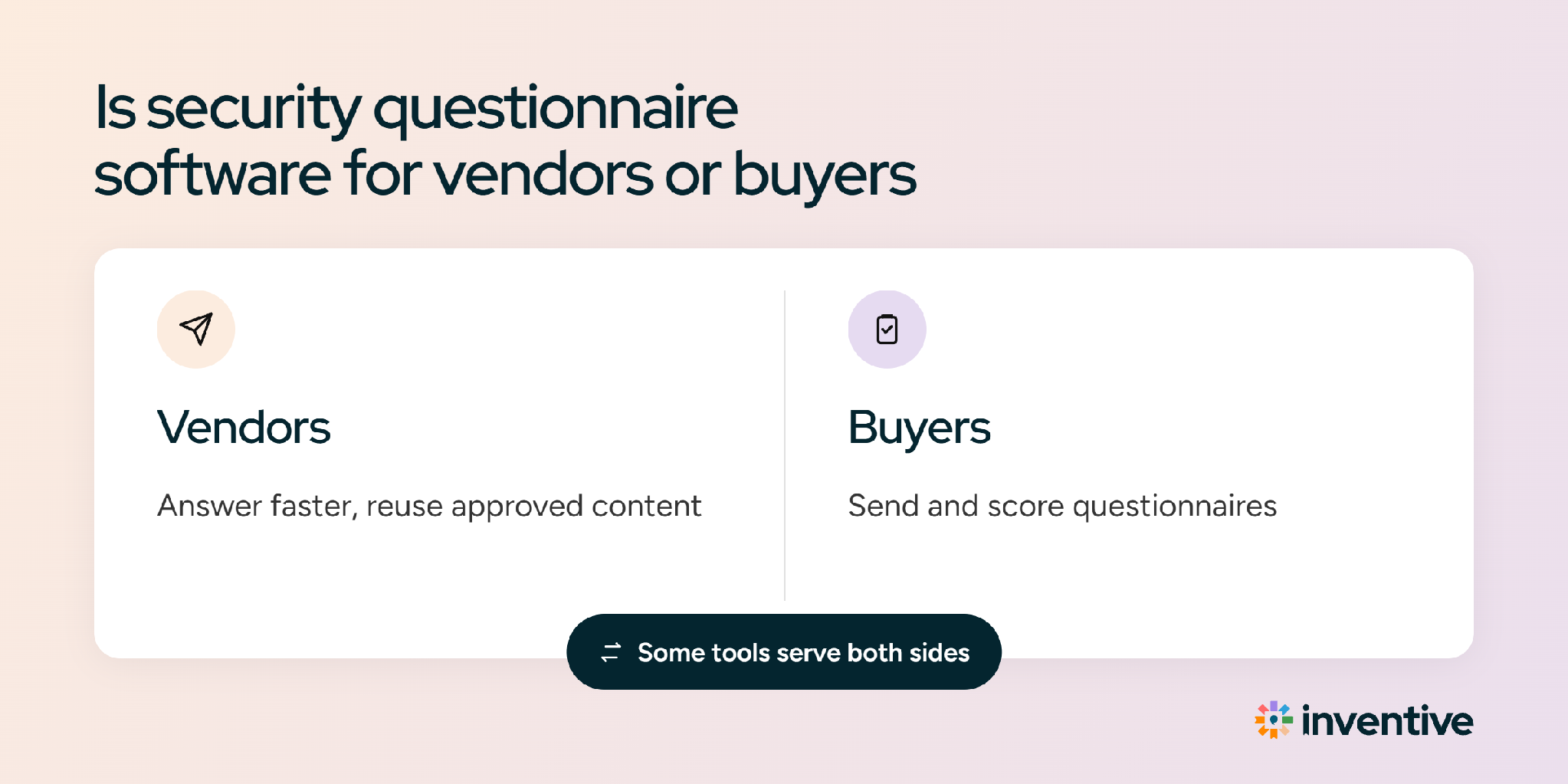
Security questionnaire software is designed for vendors who need to answer incoming security requests. Buyers use a different type of tool, called Third-Party Risk Management (TPRM) software, to send forms and score vendor responses.
Vendors often log directly into the buyer's portal to complete these forms, which is why portal features are essential. If you are on the buying side, read our guide to vendor assessment questionnaires.
Which security questionnaire formats does the software handle?
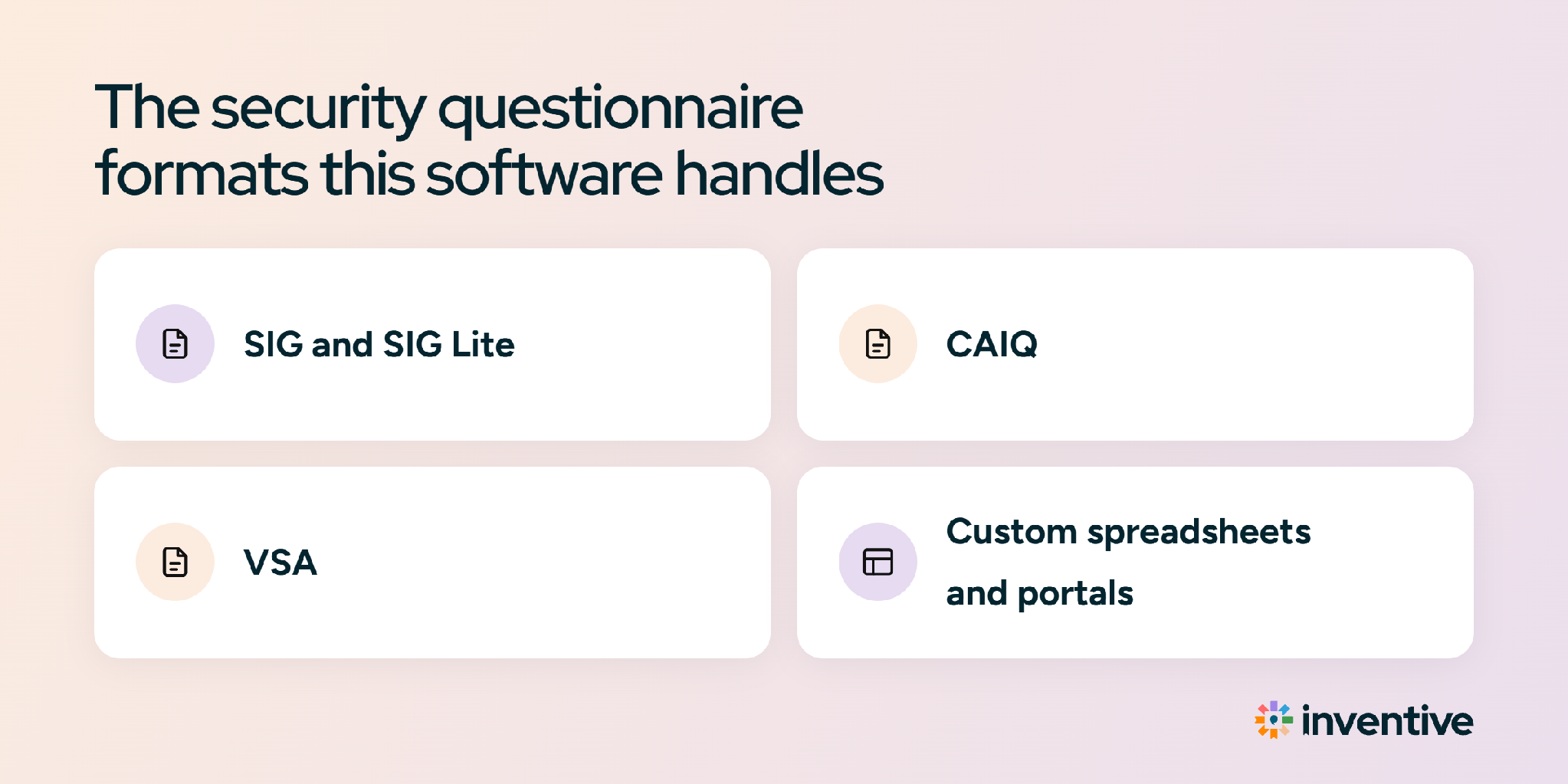
Most security questionnaire software handles standard industry forms, custom spreadsheets, and online buyer portals. Here are the most common formats:
Why are security questionnaires getting longer?
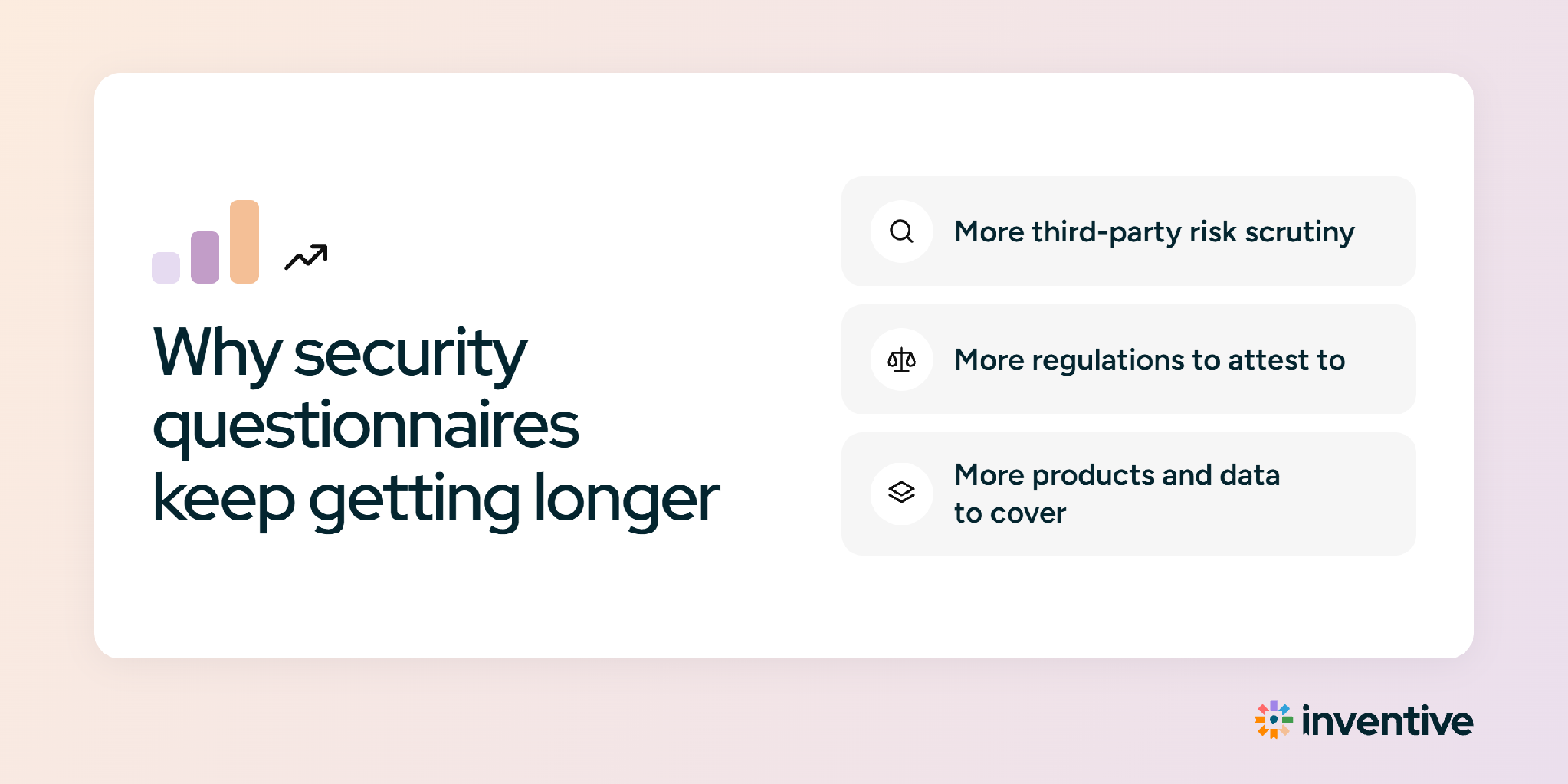
Security questionnaires are growing longer because software data breaches are rising, regulations are stricter, and buyers now ask extra questions about artificial intelligence.
- More third-party breaches: Verizon's 2026 Data Breach Investigations Report found third-party involvement in 48% of breaches, up from 30% the year before.
- More red flags spotted: In a Gartner survey of about 900 third-party relationship owners published in April 2025, 95% had seen a third-party red flag in the past 12 months.
- Regulation: The EU's Digital Operational Resilience Act (DORA), in force since January 17, 2025, requires financial entities to manage risk from their technology providers, so EU banks and insurers now ask vendors more about resilience and subcontracting.
- AI questions: Buyers now ask whether a vendor uses AI, which AI providers act as subprocessors, and whether customer data trains any model. Many vendors don't have approved responses for these yet.
Library-first vs AI-native security questionnaire software
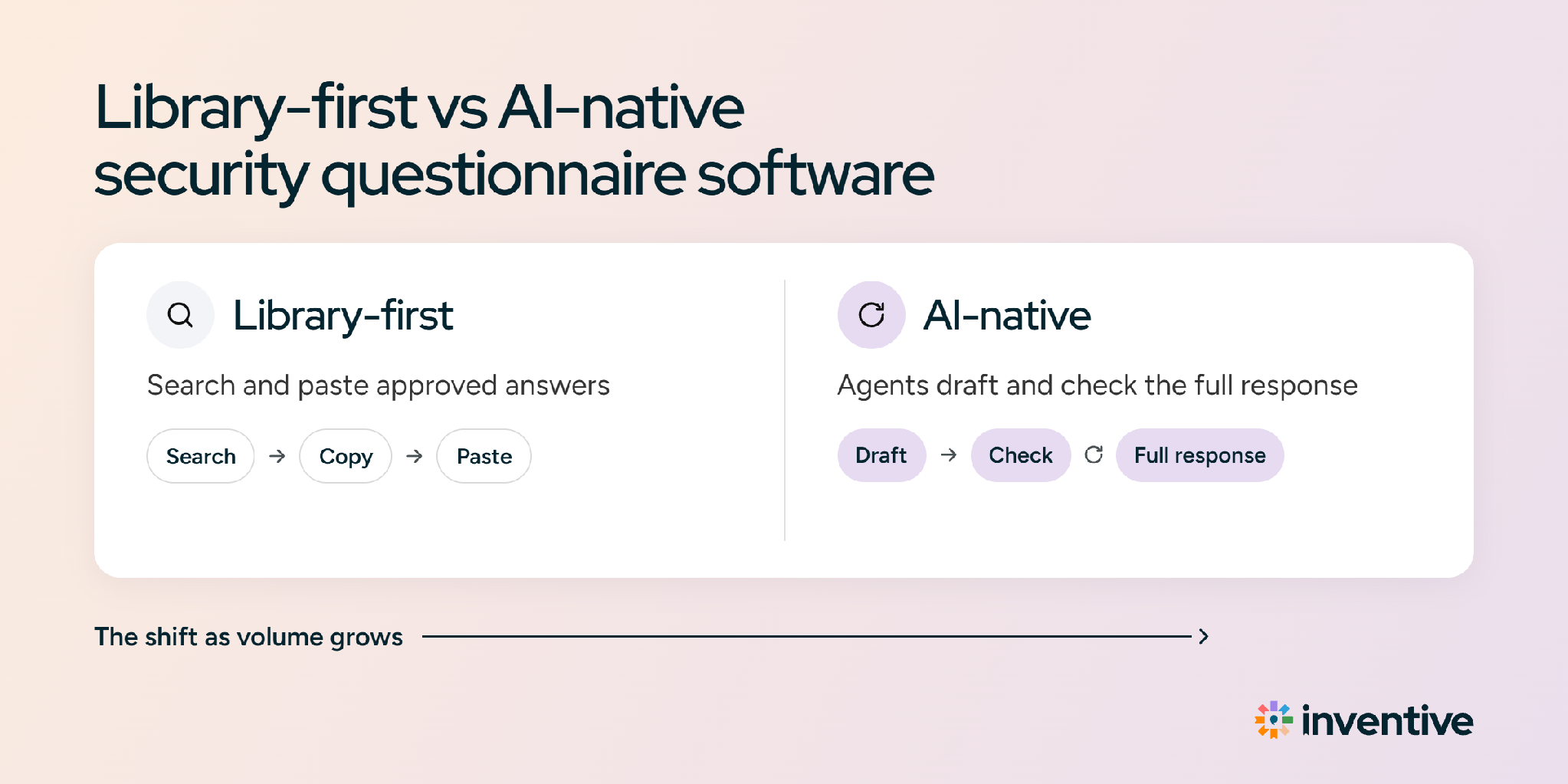
Library-first tools answer from saved question-and-response pairs, while AI-native tools generate responses from connected documents. The difference shows up most when a policy changes or a new question arrives:
How does security questionnaire software work?
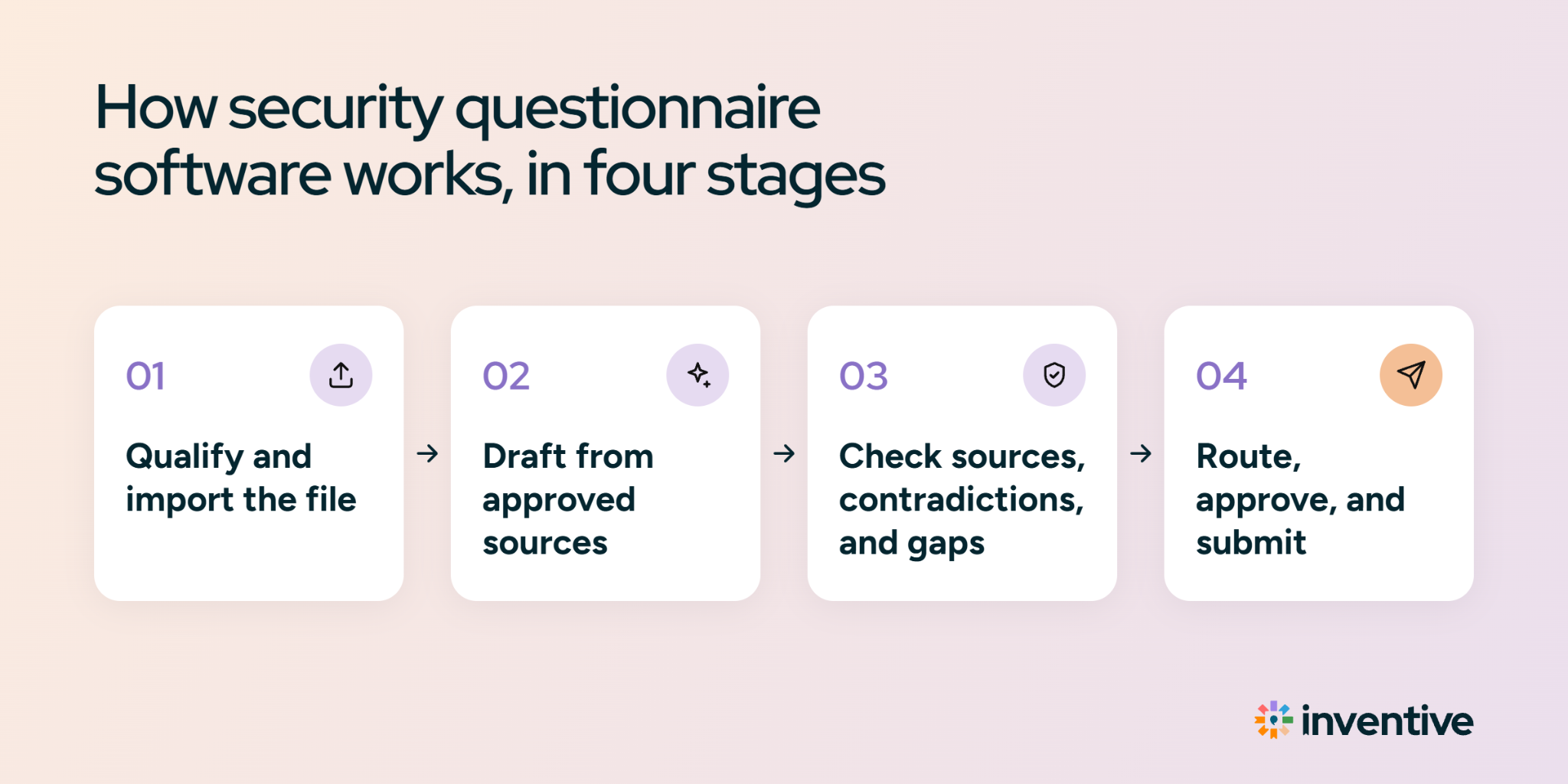
Security questionnaire software handles a questionnaire in four stages: it checks whether the questionnaire is worth answering, drafts responses from approved documents, reviews the full response for errors, and submits it in the buyer’s format. Each stage removes a different kind of manual work, and the review stage is where most of the risk gets caught.
Stage 1: Qualify the request and import the file
The work starts before a single response is drafted:
- Go/No-Go check: The software reads the questionnaire’s requirements and scores each one as fully met, partially met, not met, or unknown. A questionnaire that requires EU-only data hosting or a certification the company doesn’t hold shows up as a gap before anyone spends 20 hours drafting it.
- Import and structure: The software reads the buyer’s file whole, whether it’s a multi-tab Excel workbook, a Word document, a PDF, or a portal, and pulls out each question with its section, answer format, and required fields. Dropdowns, yes/no columns, comment fields, and attachment requests stay intact, so nothing needs rebuilding later.
Stage 2: Draft responses from approved sources
Each question gets a first draft built only from documents the company has approved, such as the SOC 2 report, security policies, and past submitted questionnaires:
- Cited drafts: AI-native tools generate each response from connected documents and link it to the source passage. Library-first tools match the question to a saved question-and-response pair instead.
- Verbatim responses: Legal-approved language, such as a breach notification commitment or a data processing clause, gets reused word for word instead of being paraphrased. A reworded legal clause can change what the company has committed to.
- Confidence scores: Each draft carries a score that shows how well the sources support it, so reviewers know which responses to check first.
Stage 3: Check sources, contradictions, and gaps
This stage catches the errors that cause buyers to come back with follow-up questions:
- Conflicting sources: When two documents disagree, for example a policy that says data is retained for 30 days and a contract template that says 90, the software flags the conflict instead of picking one at random.
- Outdated content: Responses that cite an expired SOC 2 audit period, a retired subprocessor, or a superseded policy version get flagged before they reach a reviewer.
- Missing information: Questions the sources can’t support are marked for a person rather than filled with a plausible guess.
- Full-response check: Before submission, the software reviews the whole questionnaire at once. It catches contradictions between sections (such as “no subprocessors” in question 12 and AWS listed in question 48), required questions left blank, missing attachments, and responses that break the buyer’s instructions, such as a yes/no column answered in sentences.
Stage 4: Route to experts, approve, and submit
The final stage gets the right people to sign off and puts the response in the buyer’s hands:
- SME routing: Flagged questions go to the named owner (security for encryption, legal for liability, engineering for architecture), and only those questions. Each expert sees what’s assigned to them, not the whole questionnaire.
- Approvals and audit trail: Security, compliance, and legal approve in the same workspace, and the software records who approved each response and when. Months later, when a buyer asks why a response said what it said, that record answers the question.
- Export or portal submission: Approved responses go back into the buyer’s original spreadsheet or document, or into each portal field. Character-limit alerts catch responses that a portal would silently cut off.
Which security questionnaire questions can software automate?
Software can draft almost every question, but how much review each one needs depends on how stable the answer is. Most questions fall into three groups:
6 signs a team needs security questionnaire software
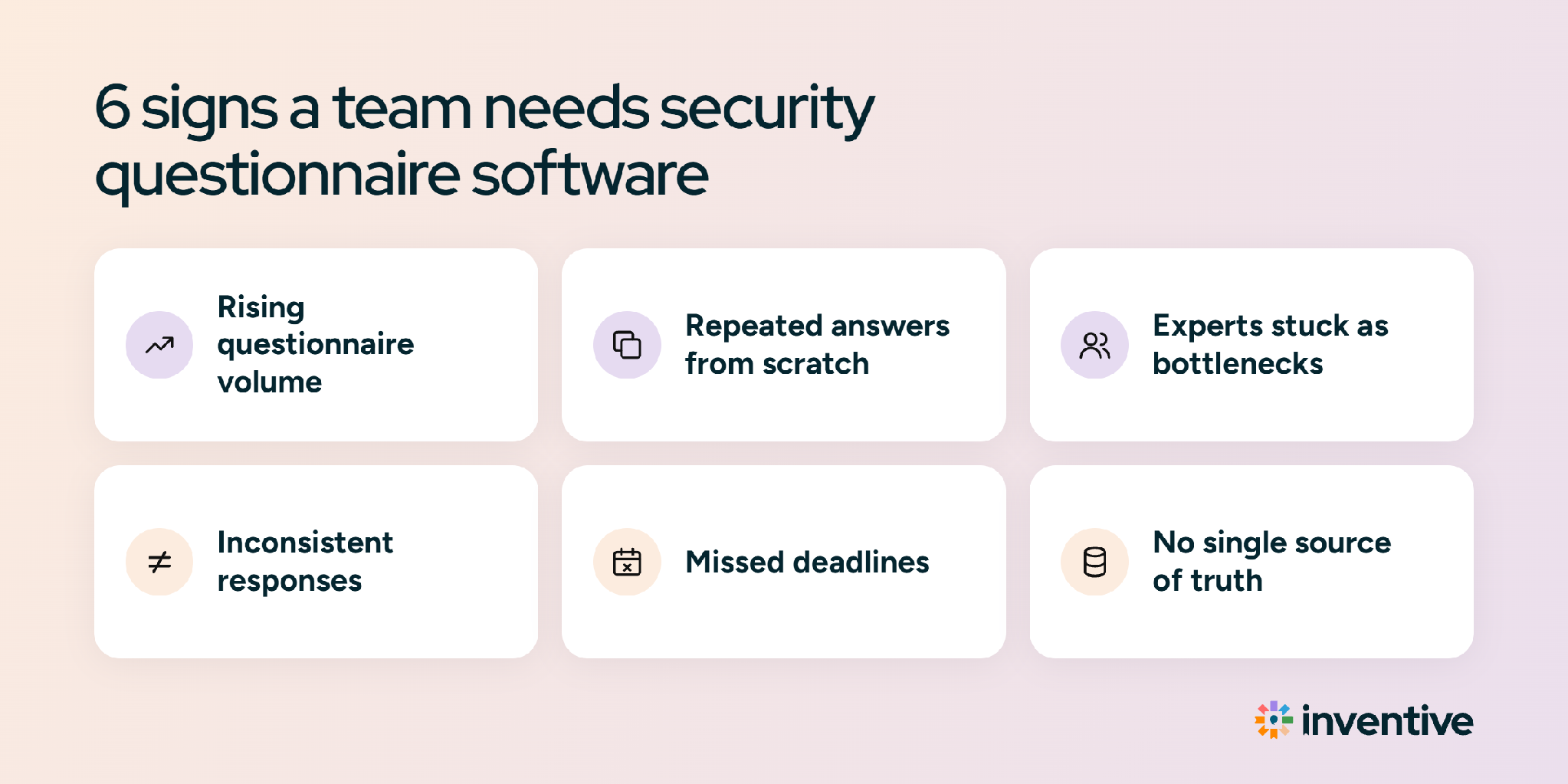
A team needs security questionnaire software when questionnaires start slowing deals, pulling the same experts in repeatedly, or going out with inconsistent responses. These six signs show the tipping point:
- Questionnaires arrive weekly: At that pace, copying responses from past files becomes someone's part-time job.
- One engineer responds to most questions: Every questionnaire waits on the same person, and their product work slips.
- Responses describe the same control differently: Five team members with five spreadsheets give buyers five versions of one encryption policy.
- Old certifications keep showing up: Responses still cite last year's SOC 2 report period or a retired subprocessor after the audit renewed.
- Portal questionnaires get retyped: Someone copies every response field by field into the buyer's portal.
- New hires can't answer alone: Anyone new to the team has to ask a senior colleague where each approved response lives.
The cost of getting a response wrong is high for buyers, which is why they read closely. IBM's 2026 Cost of a Data Breach Report put the global average cost of a breach at $4.99 million, based on 602 organizations.
Who owns the security questionnaire process inside a company?
The security or compliance team usually owns the process and the software, with four other groups contributing to each response:
How is security questionnaire software different from a trust center or GRC platform?
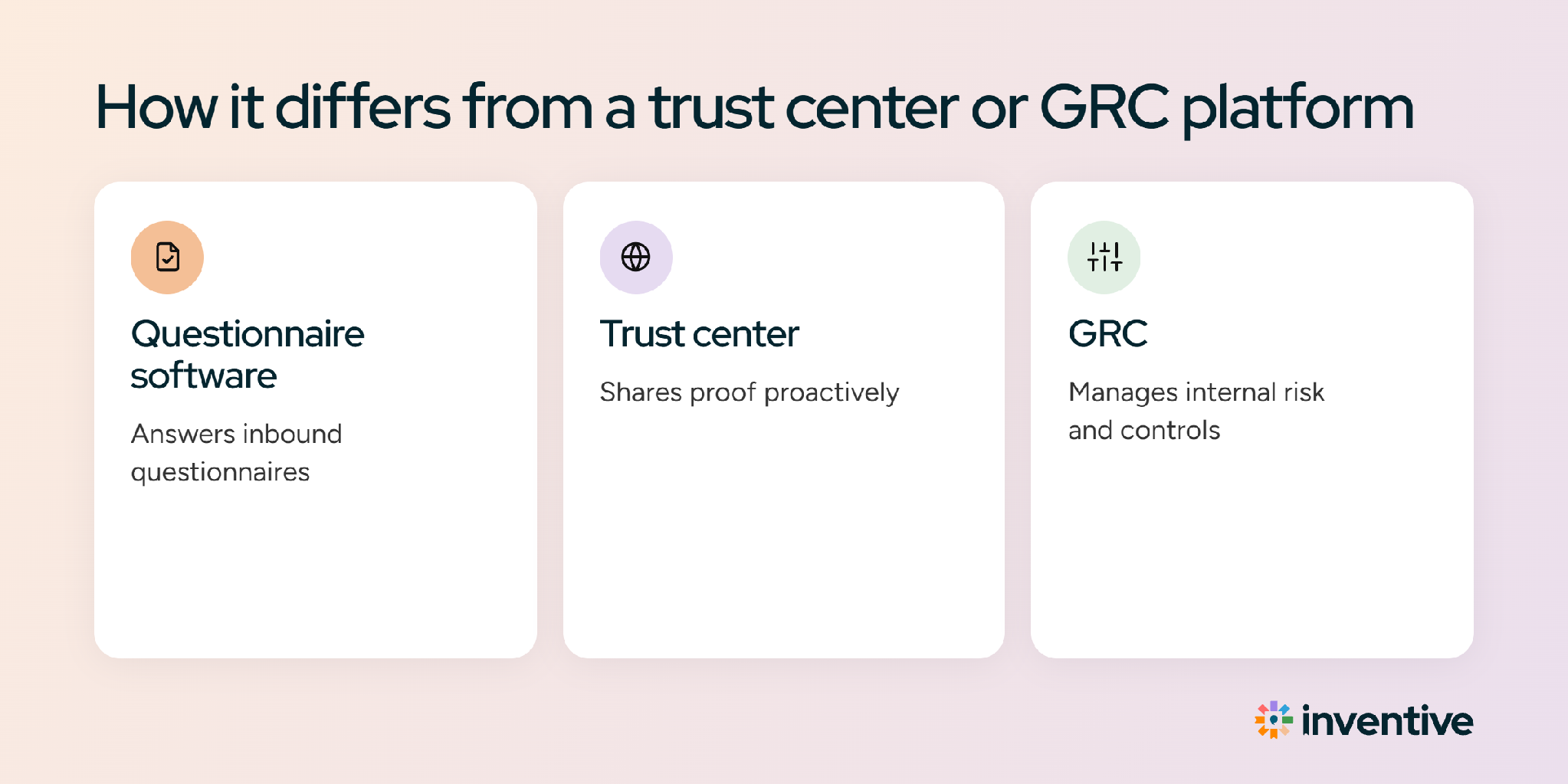
Security questionnaire software responds to the questionnaires buyers send. A trust center publishes security documents so buyers can self-serve, and a GRC platform monitors controls and collects audit evidence. Many vendors use more than one.
A trust center can reduce questionnaire volume, but enterprise buyers still send their own forms. The comparison of trust centers and security questionnaires covers when each one saves more time.
Which security questionnaire software do teams shortlist?
Most shortlists include a mix of response platforms, trust centers, and compliance tools, depending on whether the team wants to answer questionnaires faster or receive fewer of them. These six tools come up most often, listed alphabetically:
For features, limitations, pricing, and ratings on each tool, see the full breakdown of the best security questionnaire automation software.
How security questionnaires differ by industry
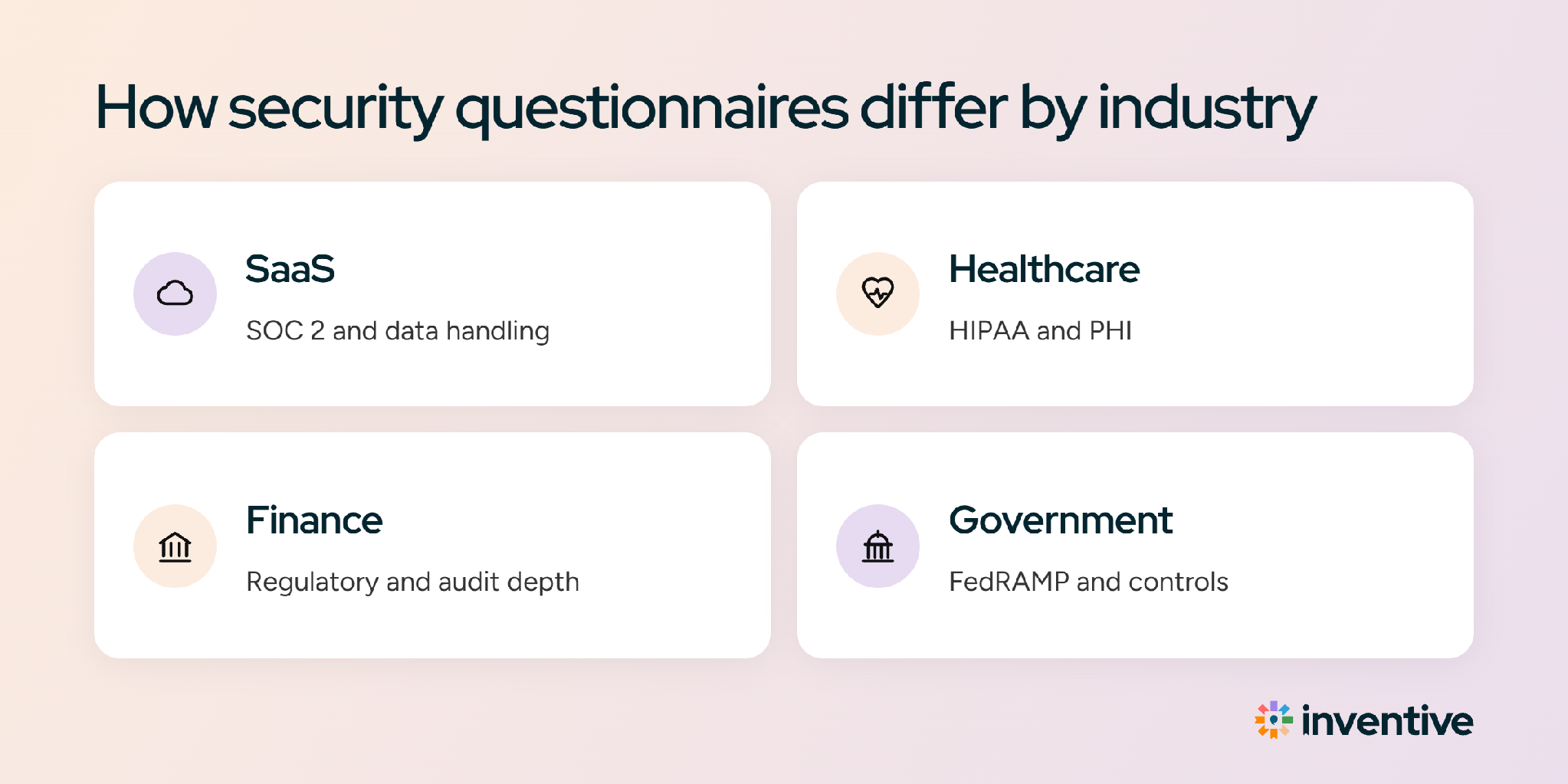
The core questions stay the same across industries, but each sector adds its own regulation, and the software has to draft from the right evidence for each one.
- Healthcare: Vendors that handle electronic protected health information must meet the HIPAA Security Rule, which requires administrative, physical, and technical safeguards and a business associate agreement. Questionnaires follow those three categories, as in this healthcare security questionnaire template.
- Financial services: EU banks and insurers under DORA ask about operational resilience, incident reporting, subcontracting, and exit plans. This fintech security questionnaire template shows the typical structure.
- Higher education: Colleges send the HECVAT. HECVAT 4 merged the Full, Lite, and On-Prem versions into one file, with guiding questions that decide which sections apply.
- Cloud and SaaS: Enterprise buyers lean on the SIG and CAIQ. A completed CAIQ can also be submitted to the Cloud Security Alliance's STAR Registry, so one set of responses serves many buyers.
Can ChatGPT or Claude answer a security questionnaire?
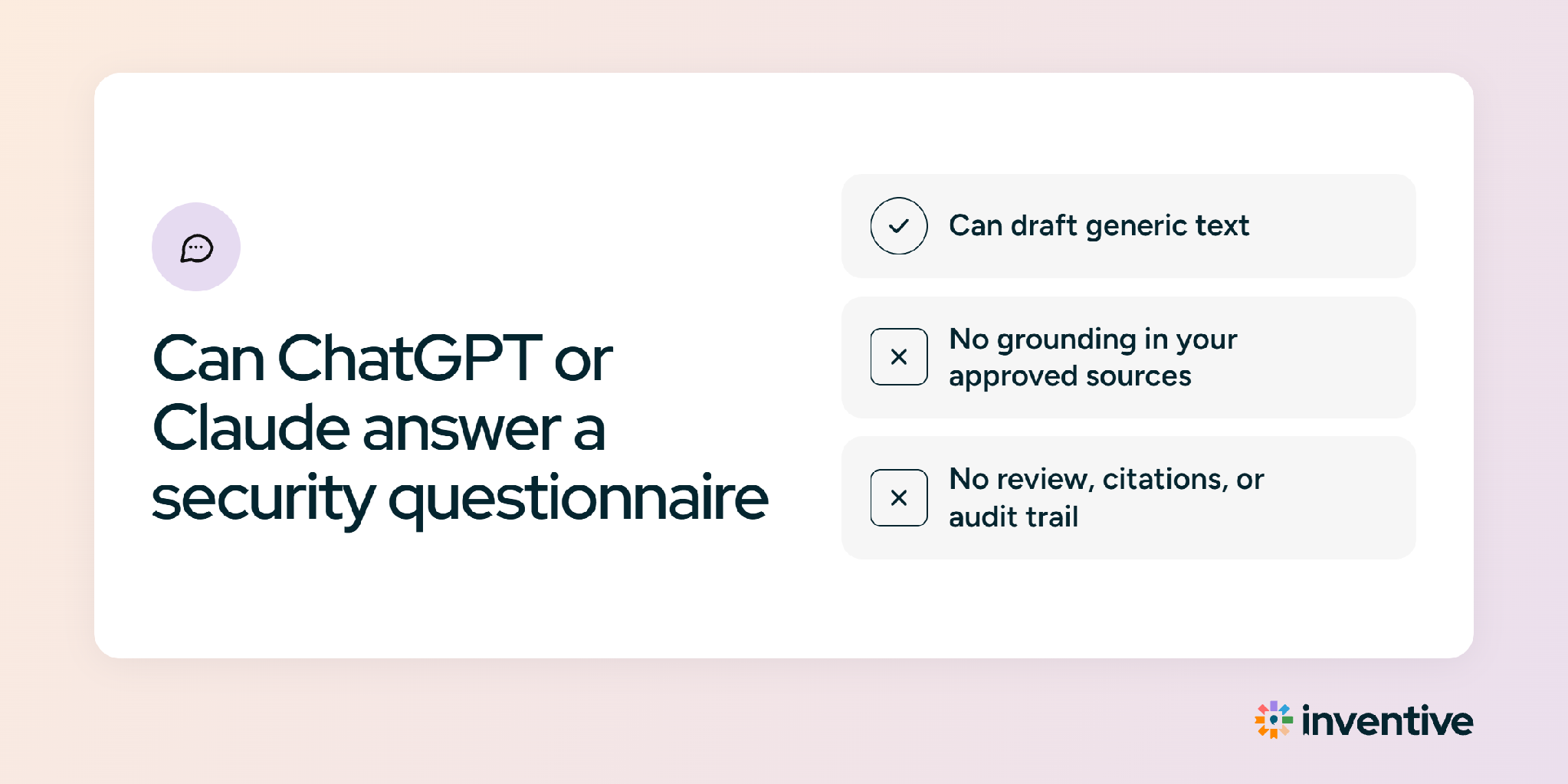
ChatGPT and Claude can draft individual responses to a vendor security questionnaire, especially when connected to company documents. For a team answering questionnaires every week, five gaps make general AI tools hard to rely on:
- Individual setups: Each person builds their own prompts and file connections, so two people answering the same question can get different responses.
- File limits: Long PDFs and multi-tab Excel questionnaires hit context and formatting limits, and responses have to be pasted back by hand.
- No approved-source control: Nothing restricts the model to the current SOC 2 report and approved policies, so it can write a confident guess when sources are thin.
- No SME workflow or audit trail: There's no built-in way to route questions to owners, record approvals, or show what was submitted and why.
- Prompting skill required: Good output depends on writing detailed prompts, which most reviewers don't have time to do on every questionnaire.
Buyer checklist: what to test during a trial
The fastest way to judge security questionnaire automation is to test it on a questionnaire the team has already answered. Each item below comes with a check to run during the trial:
- Cited responses: Open 10 random responses and confirm each one links to the source passage it came from.
- Gap flagging: Ask a question the documents can't answer and confirm the tool flags it instead of drafting a guess.
- Format round-trip: Import a multi-tab Excel questionnaire with dropdowns, export it, and confirm every cell and dropdown survived.
- Portal support: Complete one questionnaire inside a buyer's portal and count the fields that still needed manual entry.
- Approvals and audit trail: Confirm the tool shows who approved each response and when.
- Data commitments: Ask for the vendor's SOC 2 Type II report and a written commitment that customer data doesn't train AI models.
How Inventive AI responds to security questionnaires
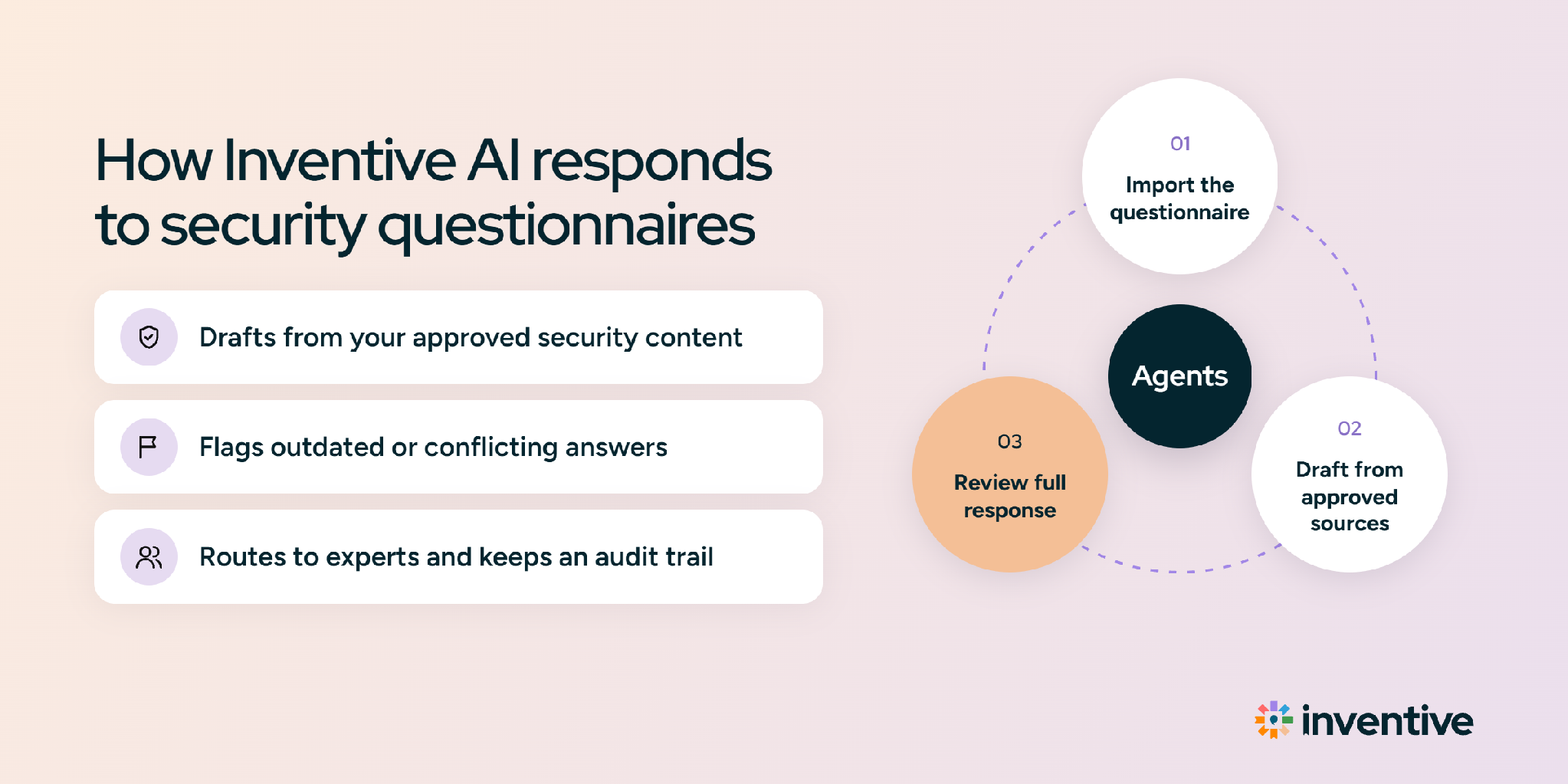
Inventive AI drafts security questionnaire responses from a company's approved documents in the Knowledge Hub, with a citation and confidence score on every response, and flags missing information instead of guessing. The AI Content Manager flags outdated and conflicting content, Collaboration & Workflow routes questions to SMEs and records approvals, and Portal Answers inserts approved responses into buyer portals. Inventive AI responds to incoming questionnaires and doesn't host a trust center, so teams that want a public security page can run one alongside it. Pricing starts at $830/month, billed annually, with unlimited users.
Security questionnaire software: the takeaway
Security questionnaire software turns writing responses from scratch into a quick review process. When evaluating software, test it on a completed questionnaire to see how accurate the draft responses are and how much manual editing is needed.